Unify your UI/UX design workflow with Pixso

Ideate, design, and handoff in one place. Enhance team collaboration with the AI-powered, all-in-one design tool.
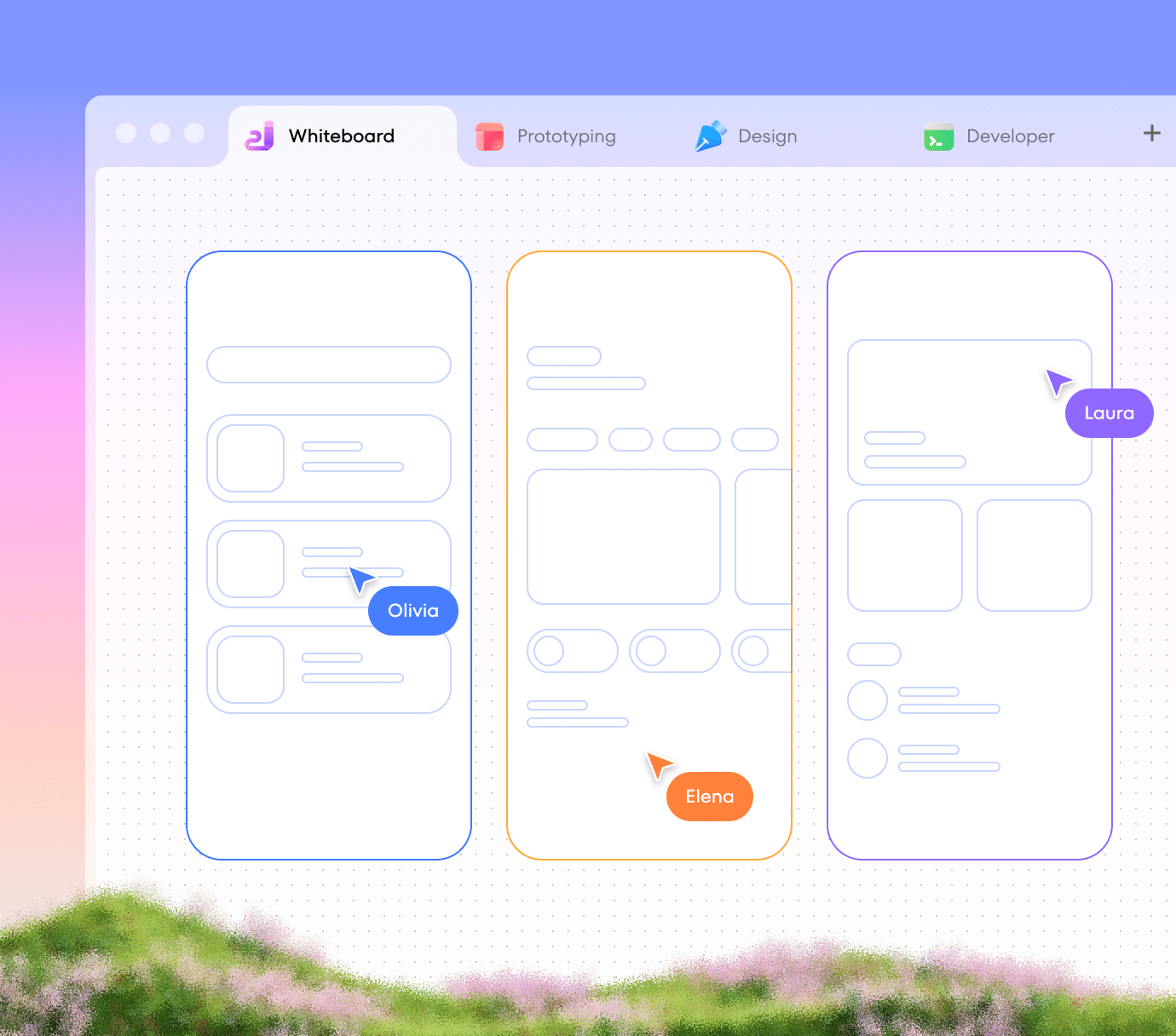
Whiteboard
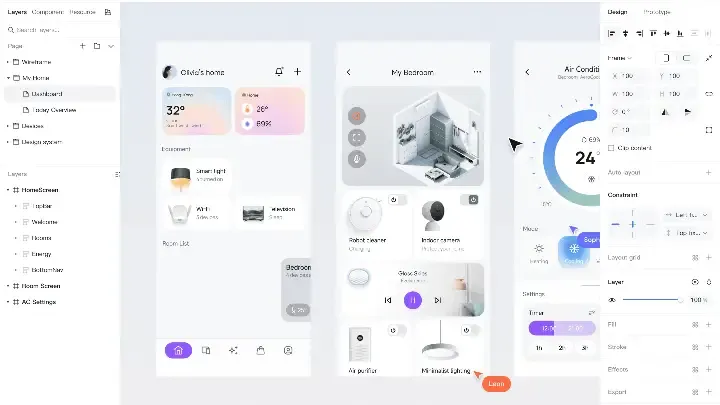
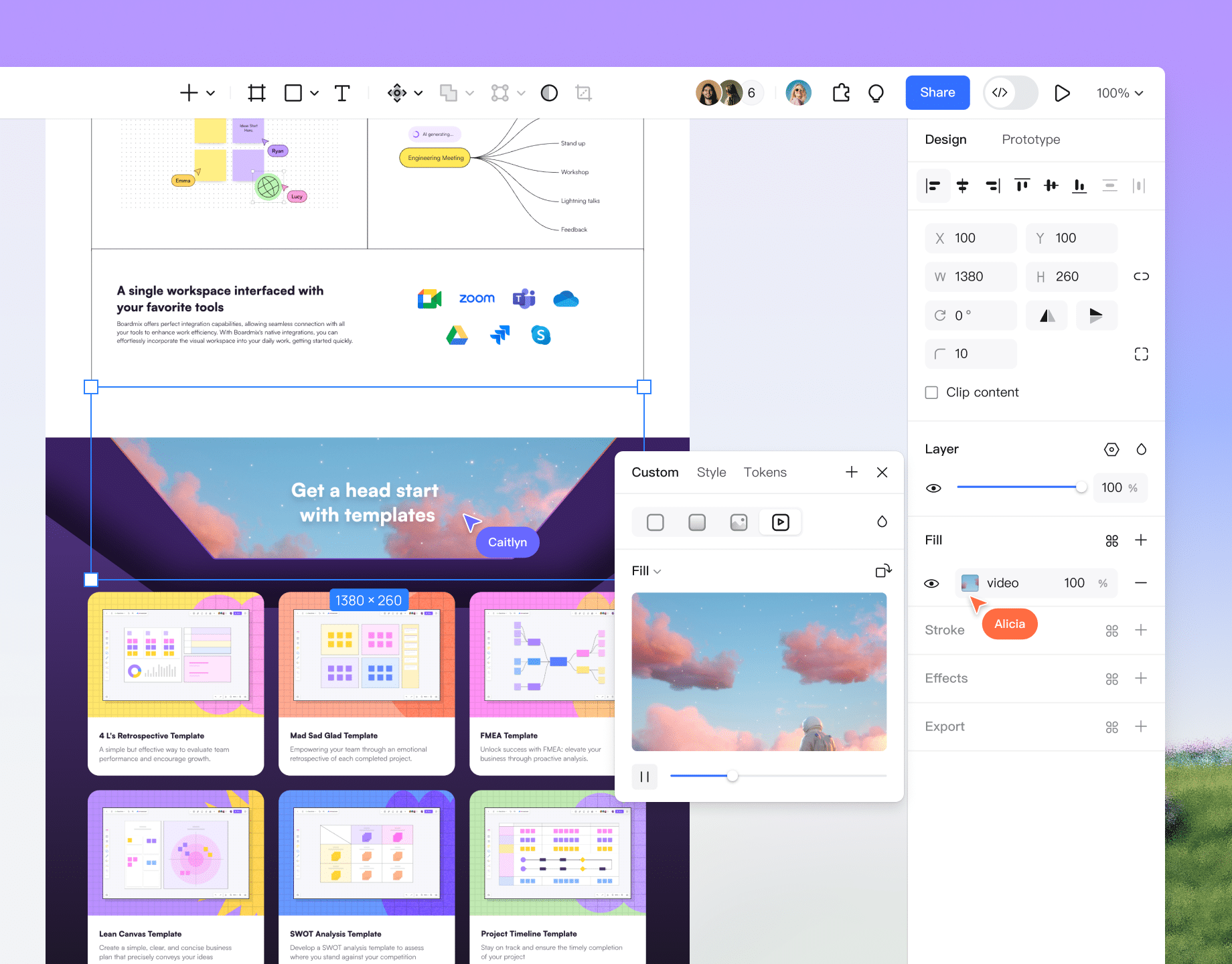
Design
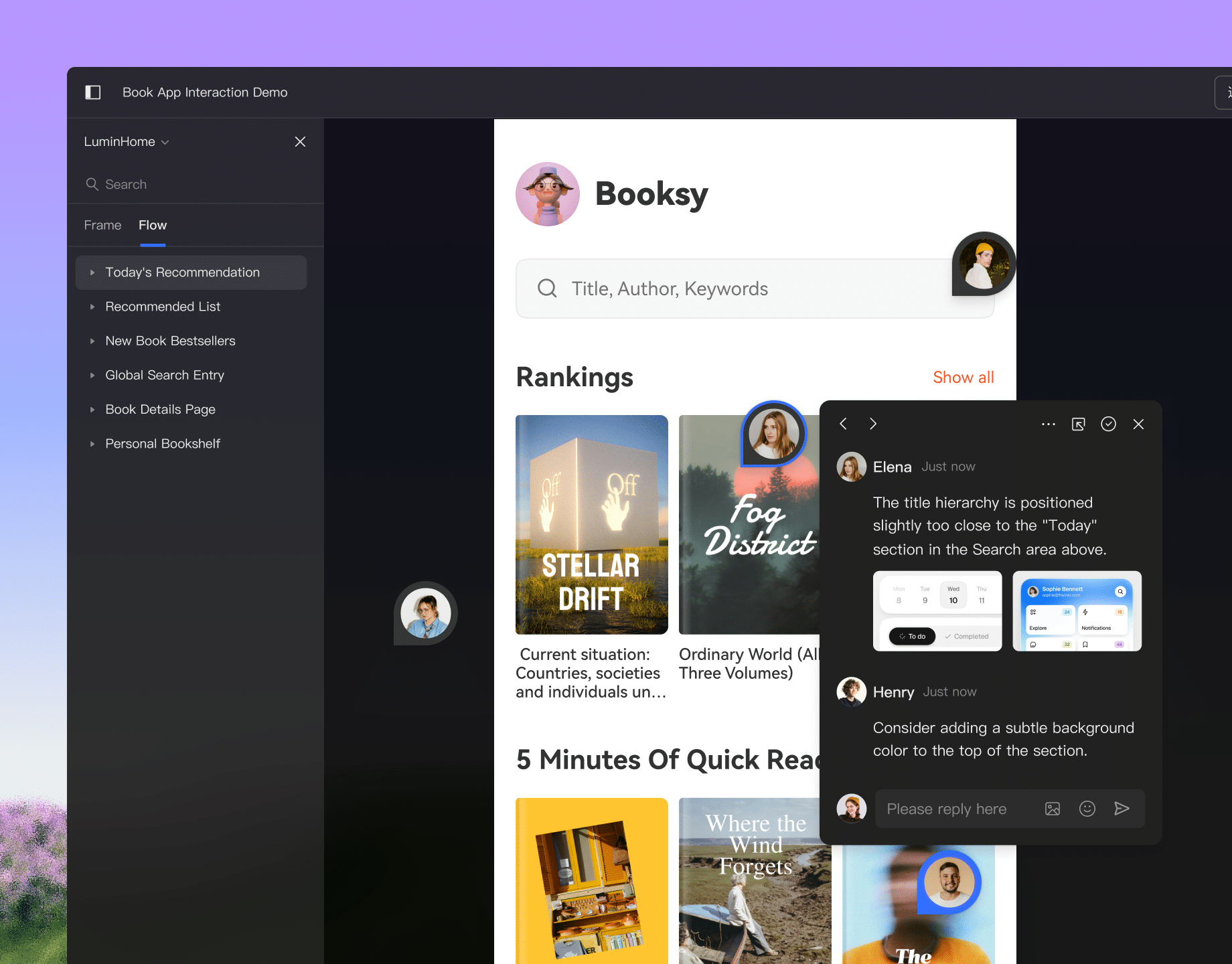
Interactive demo
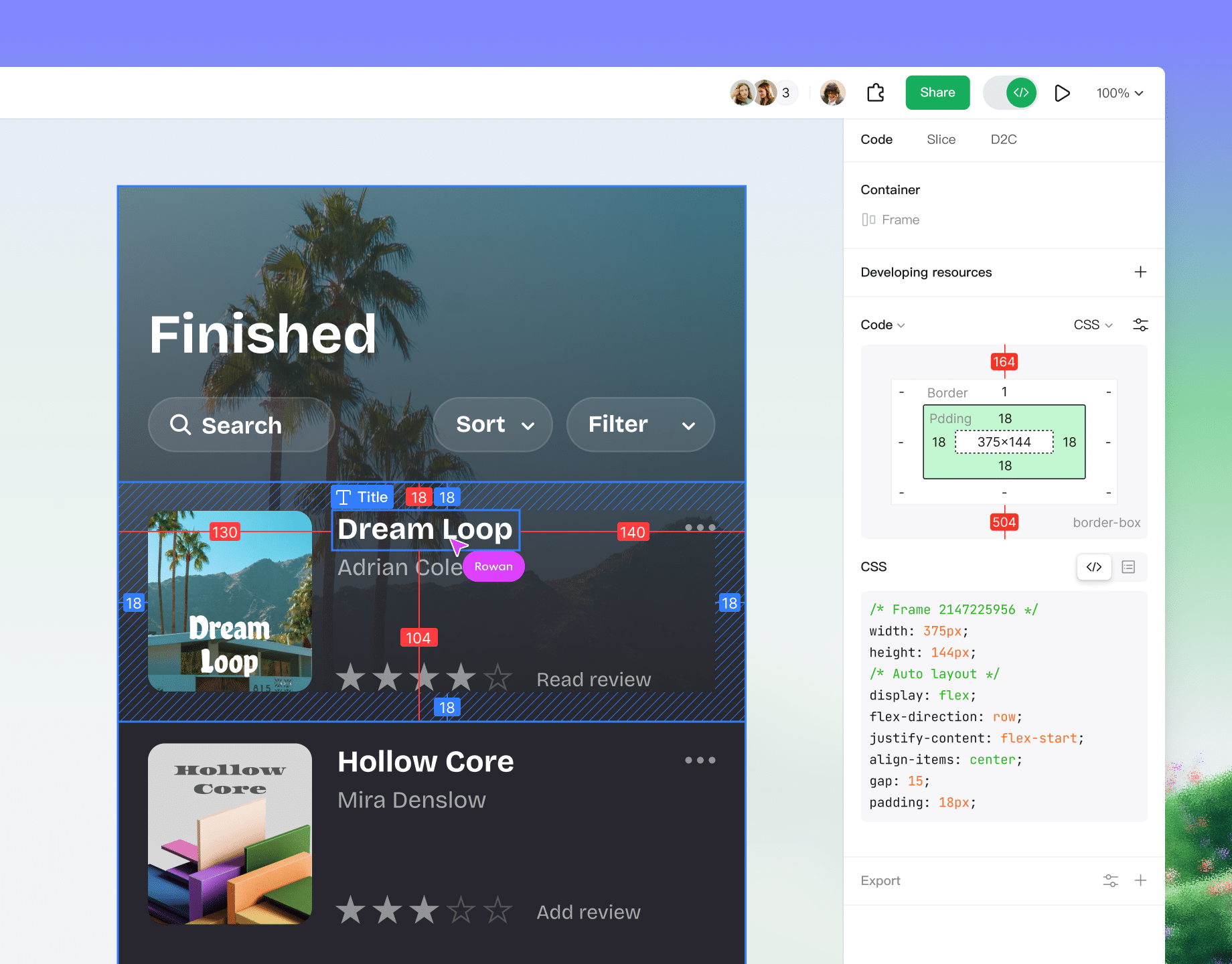
Dev view

Pixso is more than a design tool, it is a "product design collaboration platform" built for teams. By integrating the entire workflow of design, collaboration, and handoff into a single cloud-based tool, it significantly boosts the efficiency and productivity of product design teams.

avatar
Huang Haitao
BYD IT Team Member

Trusted by leading digital innovation enterprises worldwide

Designers: File version control issues, poor communication with developers, and frequent design iterations.
Product Managers: Frequent requirement changes, collaboration bottlenecks, and difficulty managing PRDs.
Developers: Complex version control, integration issues, and difficulty understanding design intent.
Managers: Complex project planning, task tracking, and challenges in team collaboration and reporting.
You need
a seamless & efficient collaboration tool
instead of

ideas lost in docs and chats, constant tool switching, tedious import/export, endless file transfers, and chaotic version control.

Pixso covers the entire
product design collaboration workflow

A collaborative co-creation space unifying product, design, and development in one tool.
Get started

Turn inspiration
into strategy

Explore Pixso whiteboard
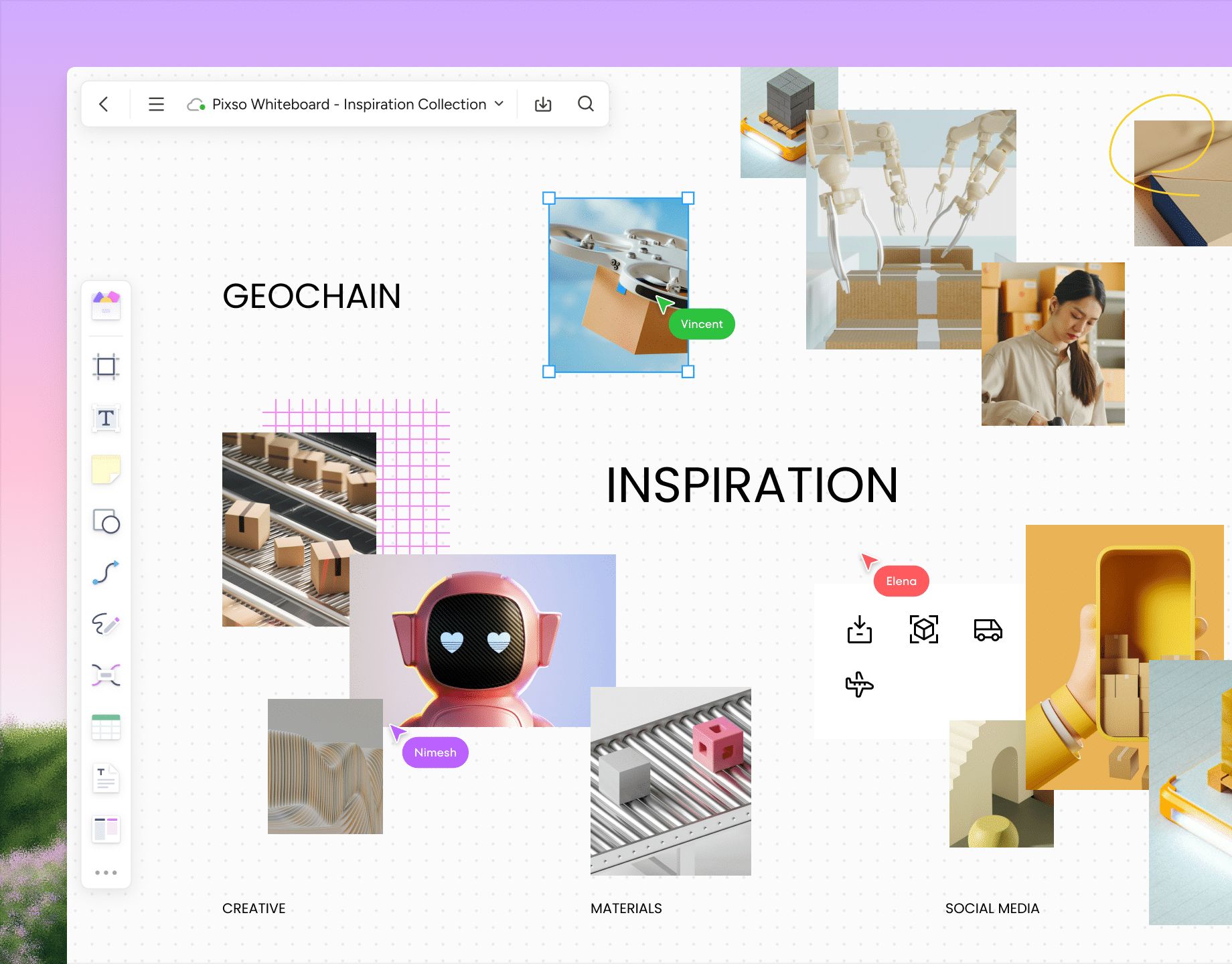
Mood boarding
Centralize inspiration, screenshots, and assets from various channels in Pixso whiteboard. Easily categorize, annotate, and filter to build a reusable library of creative ideas.
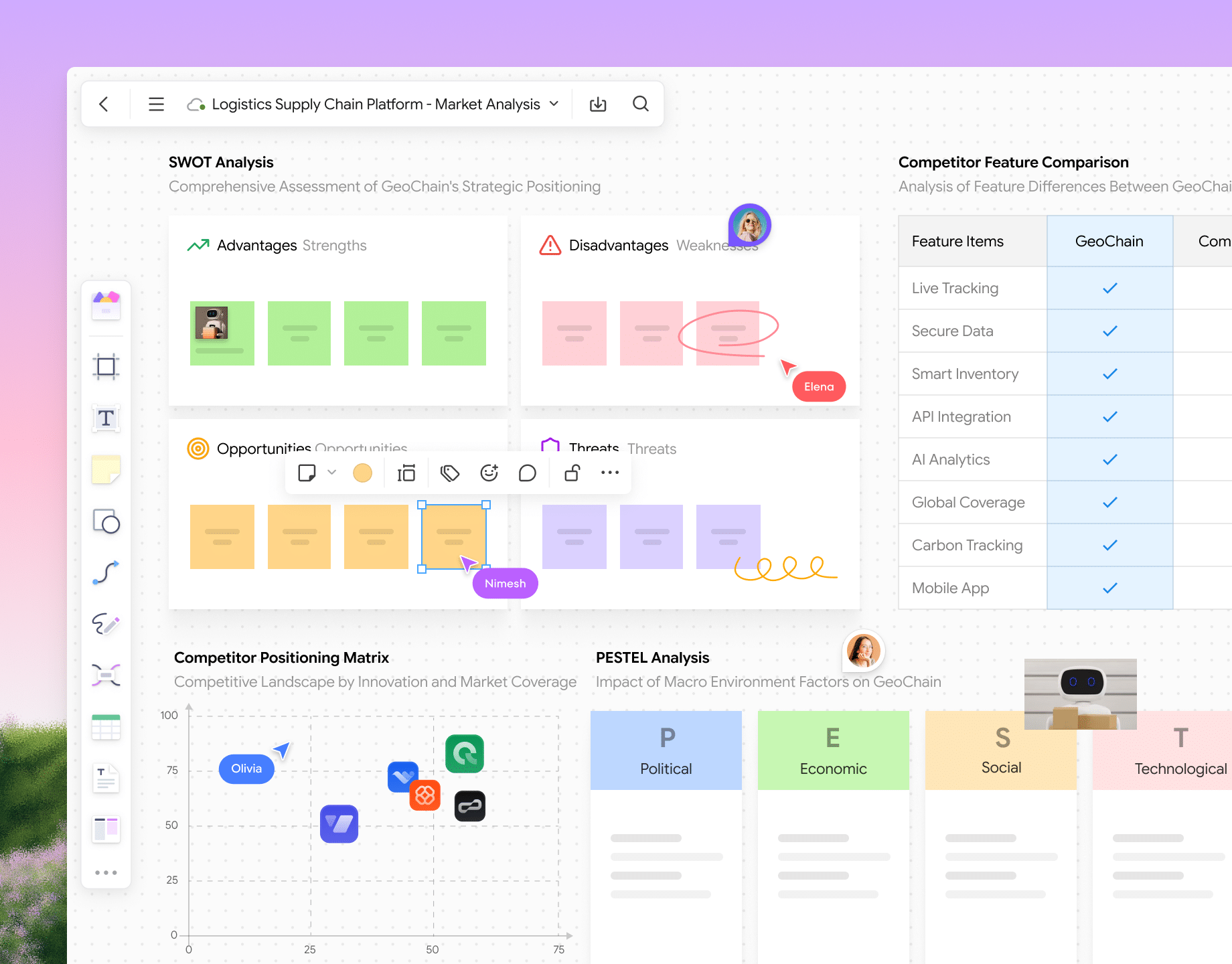
Market & competitive analysis
Integrate market trends and competitor insights to build analysis matrices. Support team annotation and discussion to quickly define your differentiated positioning.
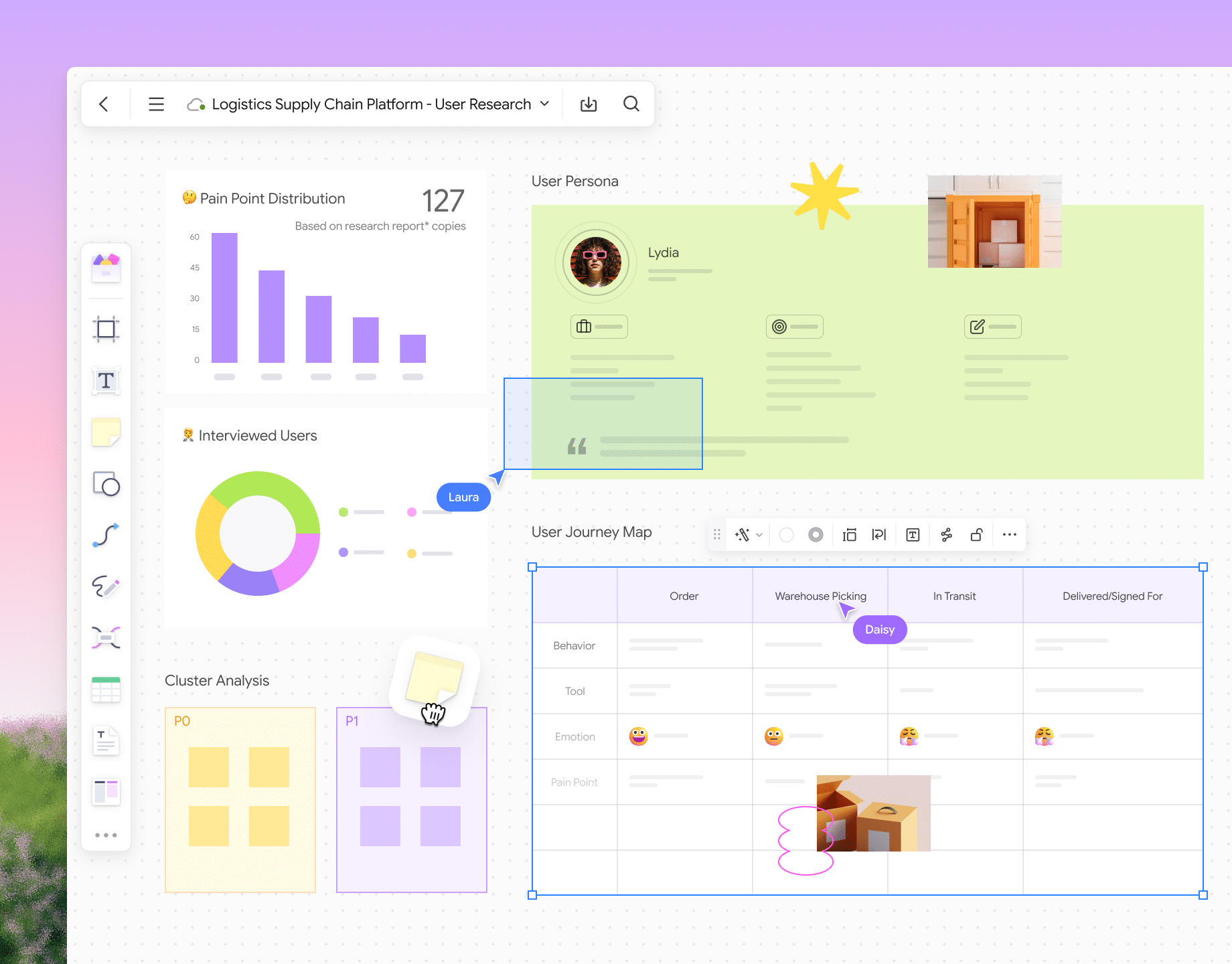
User research
Organize user interviews and survey results. Distill pain points and opportunities through visual analysis and real-time team collaboration.
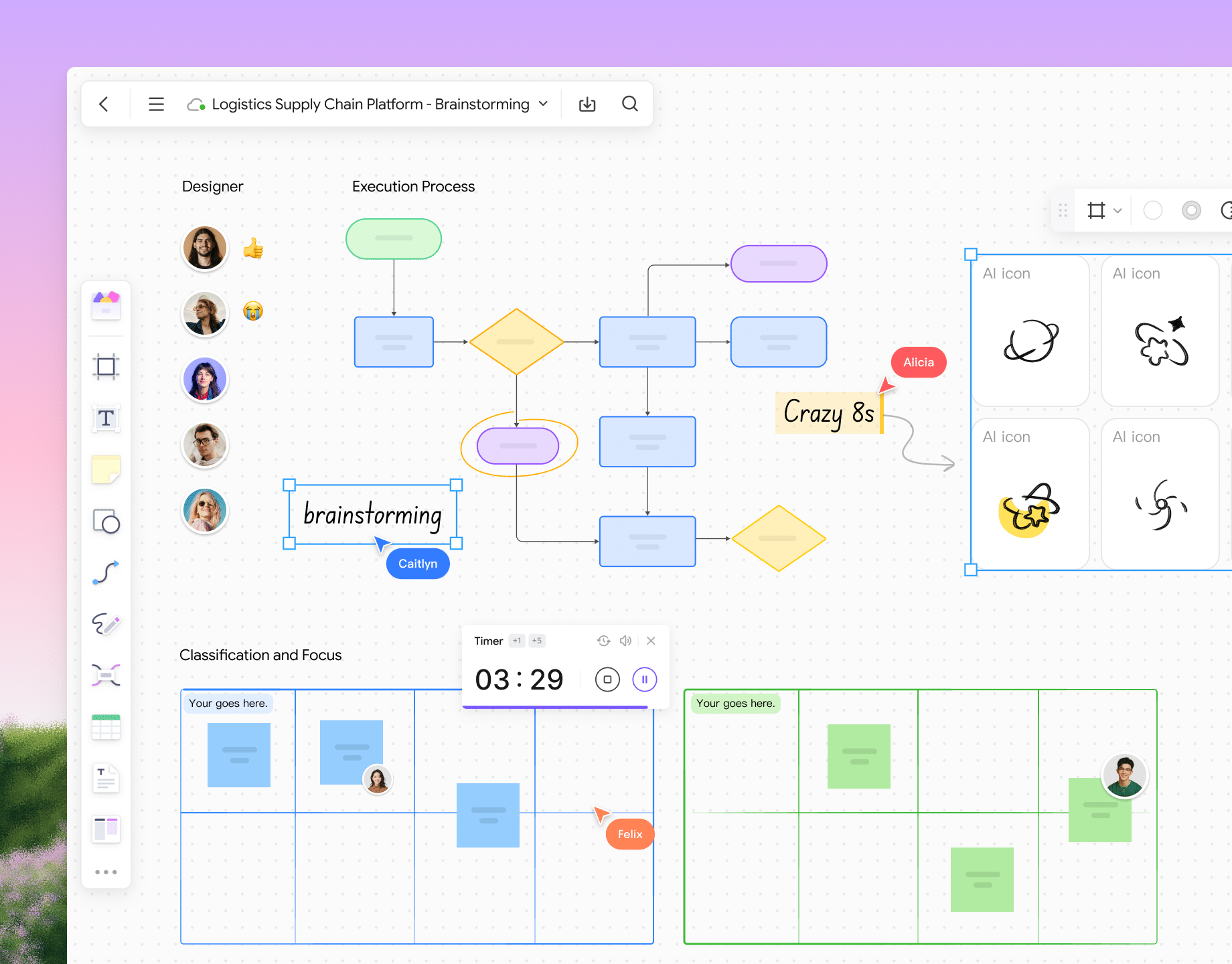
Team brainstorming
Support real-time, multi-role co-creation. Use sticky notes, flowcharts, and freeform layouts to quickly aggregate ideas and drive consensus.
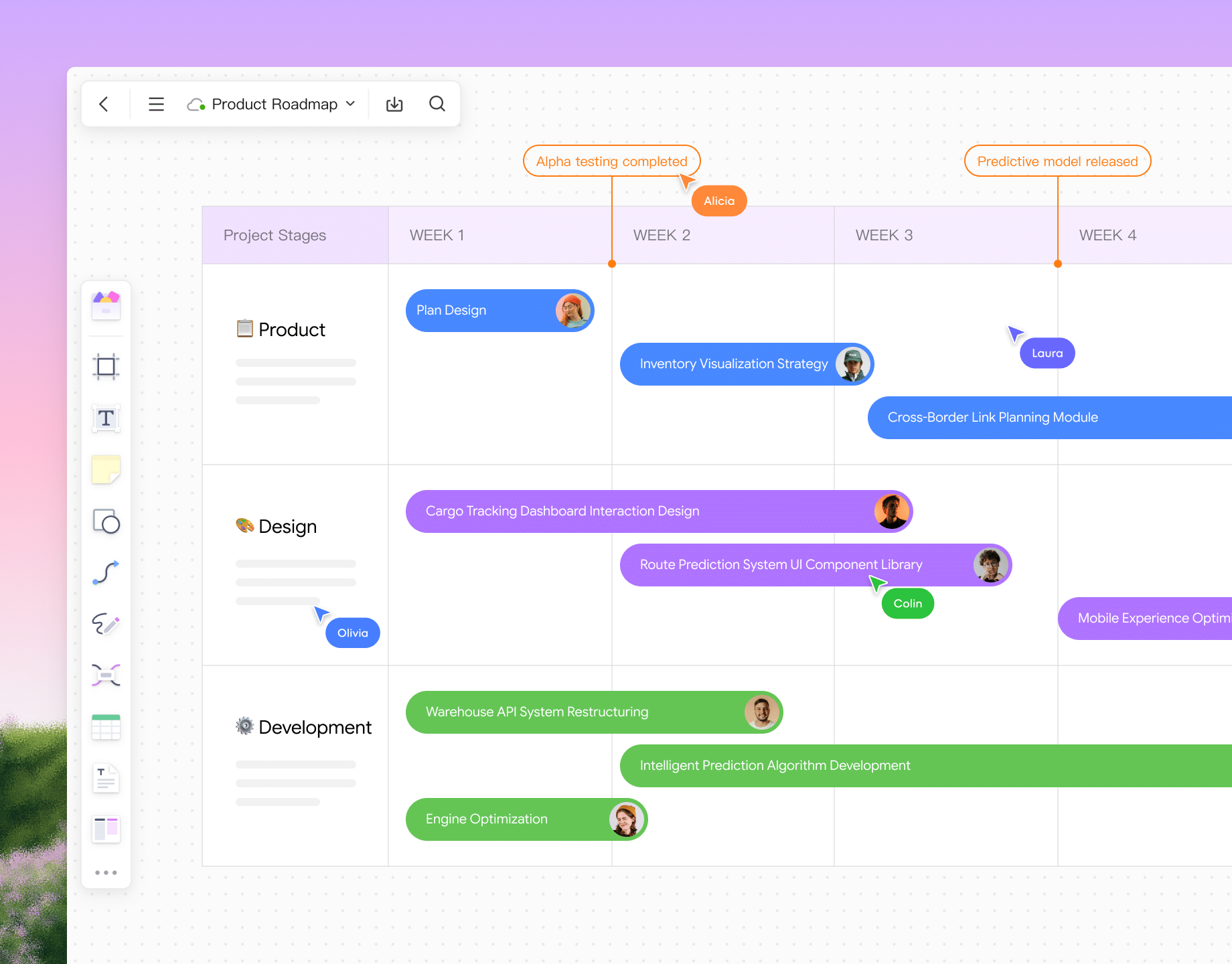
Product roadmap
Plan product trajectories using timelines or phased structures. Clarify goals, milestones, and owners to give the team a clear view of the future direction.
Mood Boarding

Visual specs
for seamless collaboration

Explore Pixso whiteboard
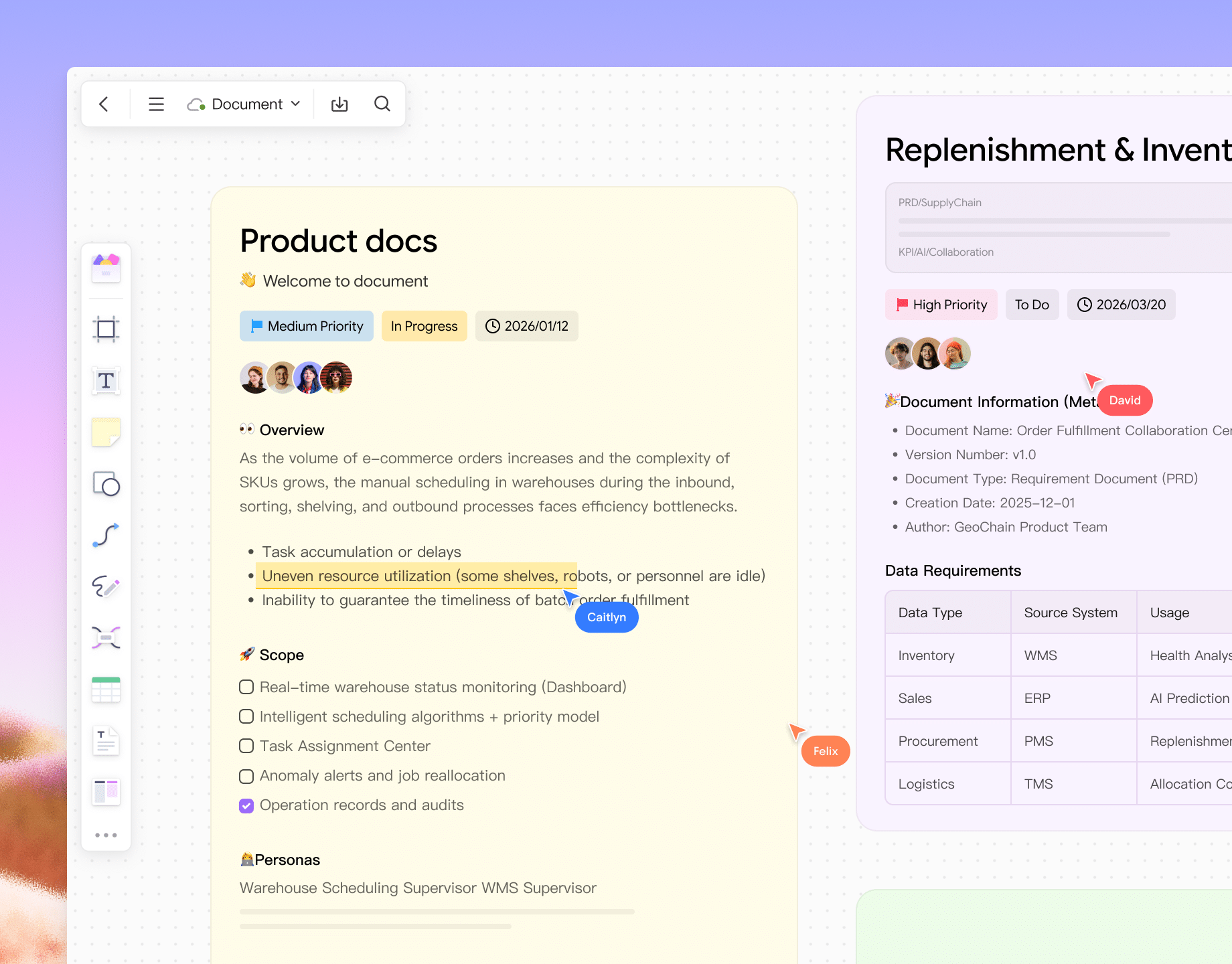
PRDs
Standardize requirement formats, interface fields, and business processes. Rapidly author PRDs using a modular document structure.
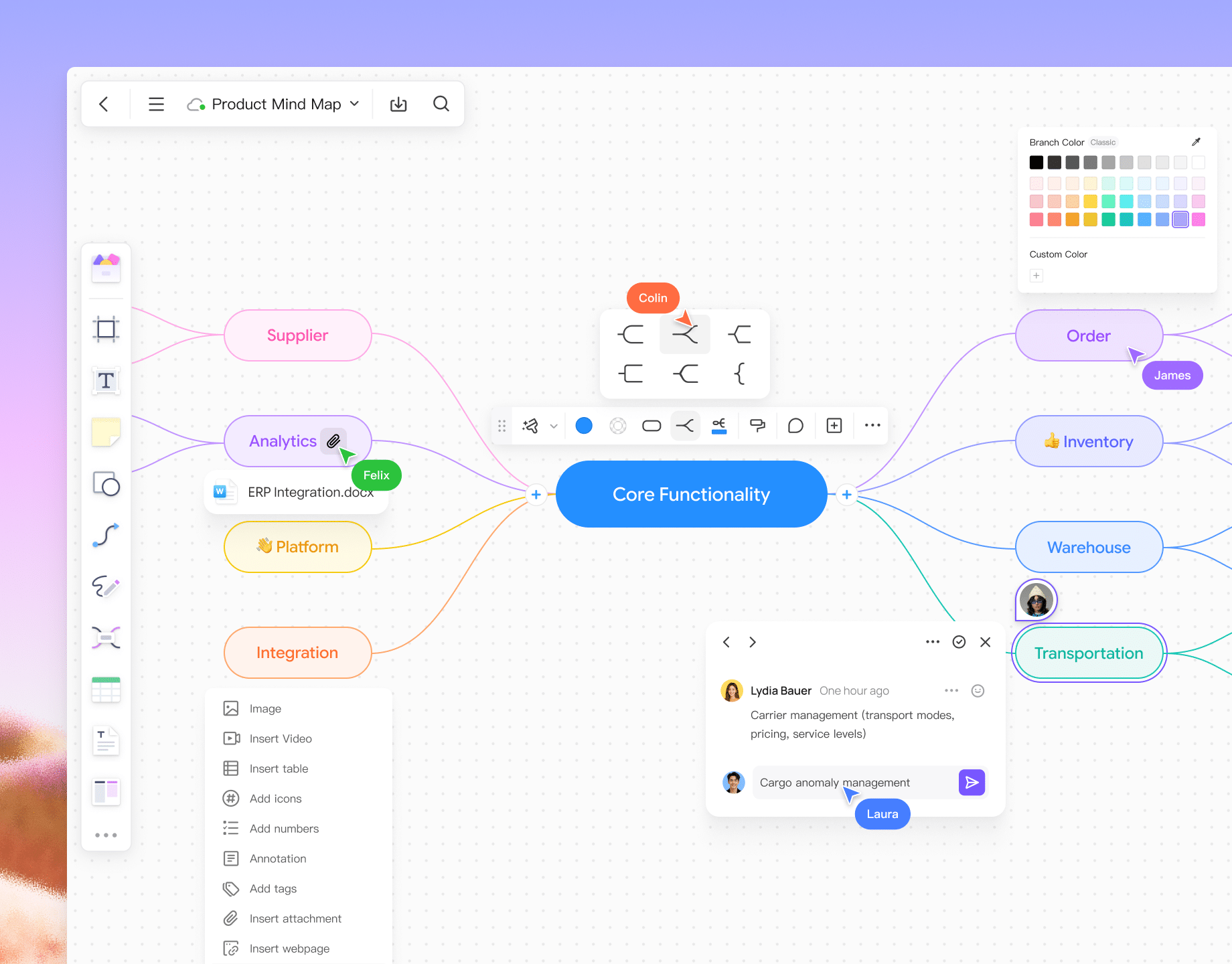
Mind maps
Deconstruct business processes, user journeys, and functional structures. Break down requirements layer by layer: from user stories to tasks to detailed requirements.
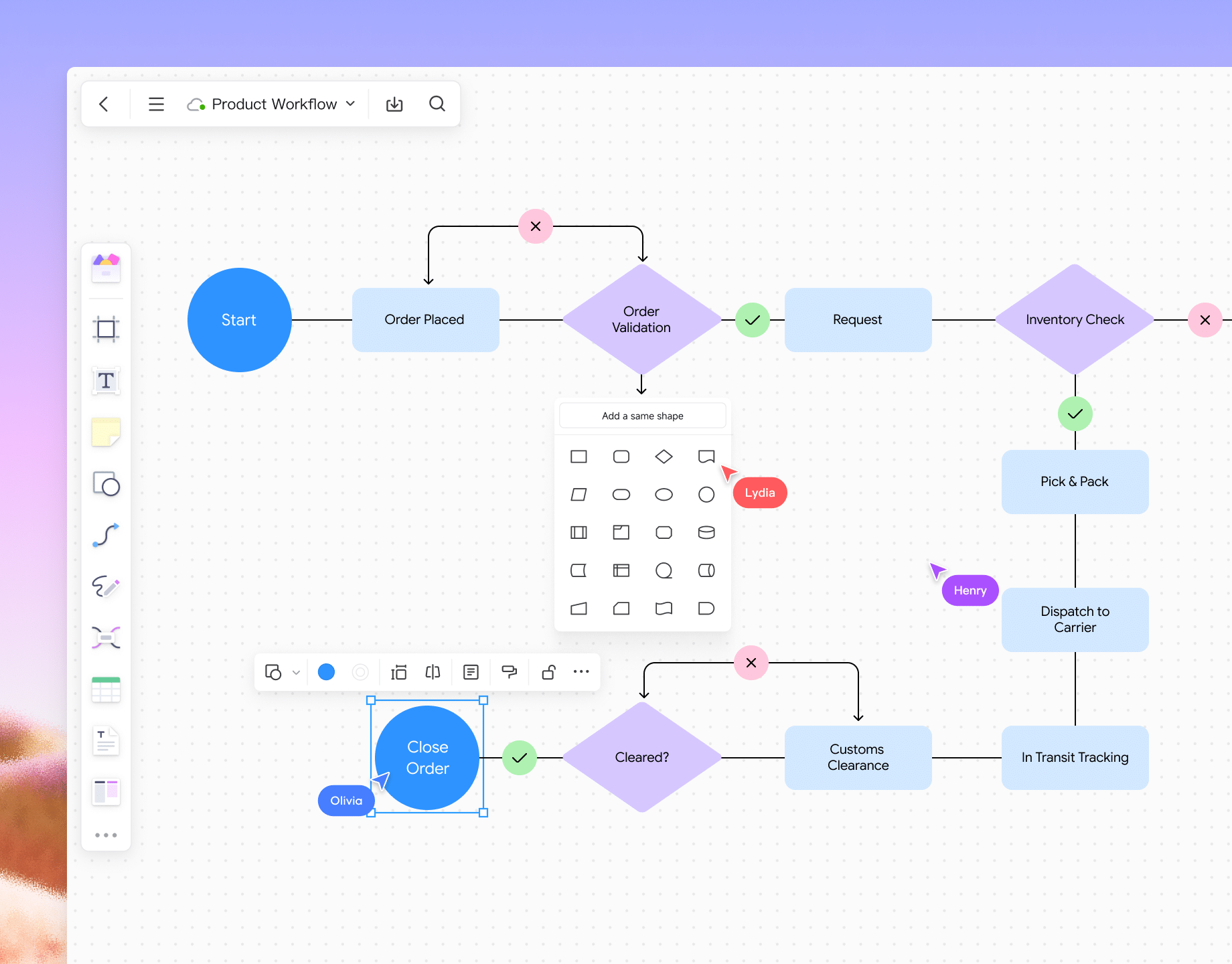
Flowcharts
Map out product, system, and business workflows. Access a massive shape library to meet all professional flowcharting needs.
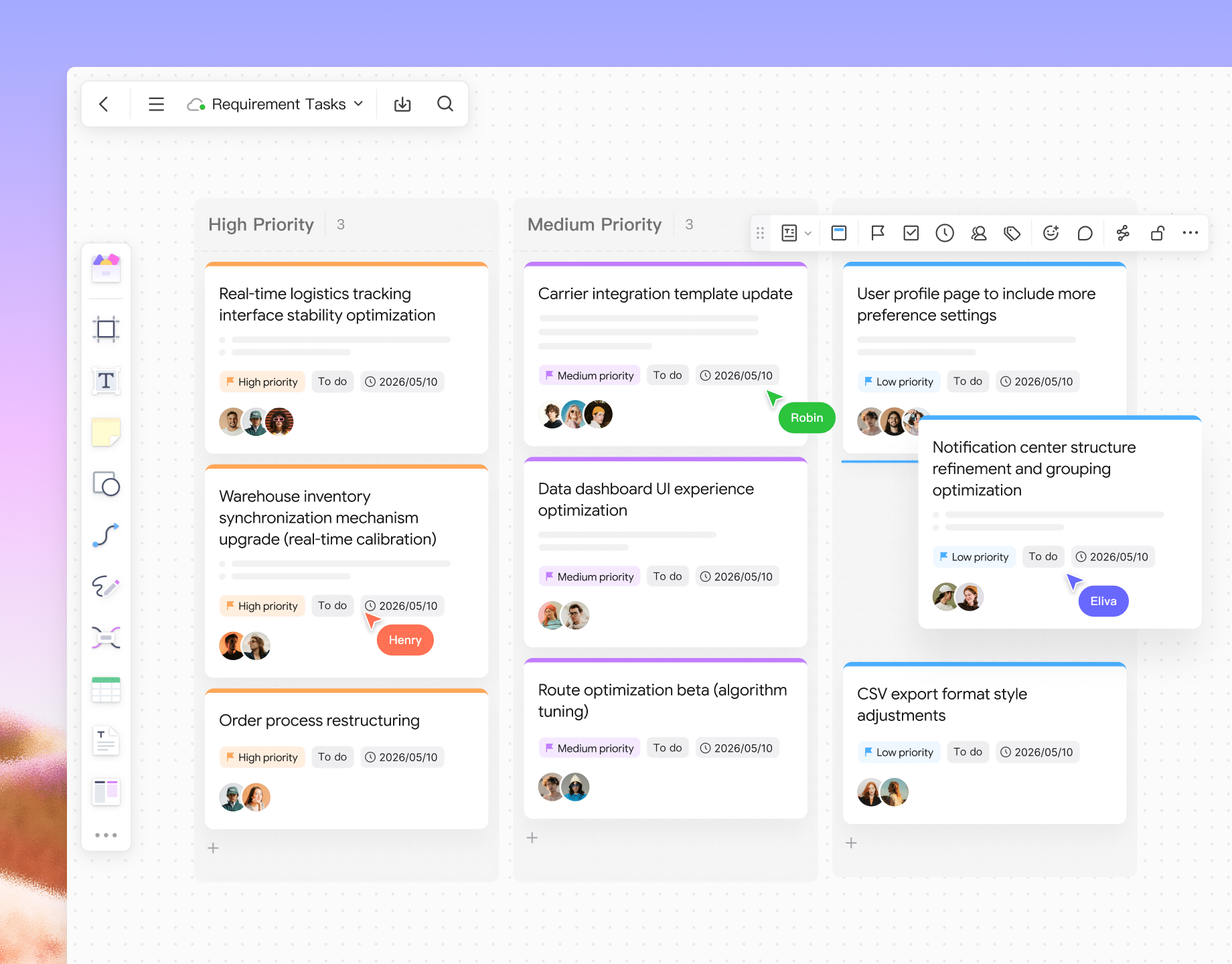
Visual Kanban
Combine card views for task assignment, process tracking, and version management to keep requirement progress transparent and visible.
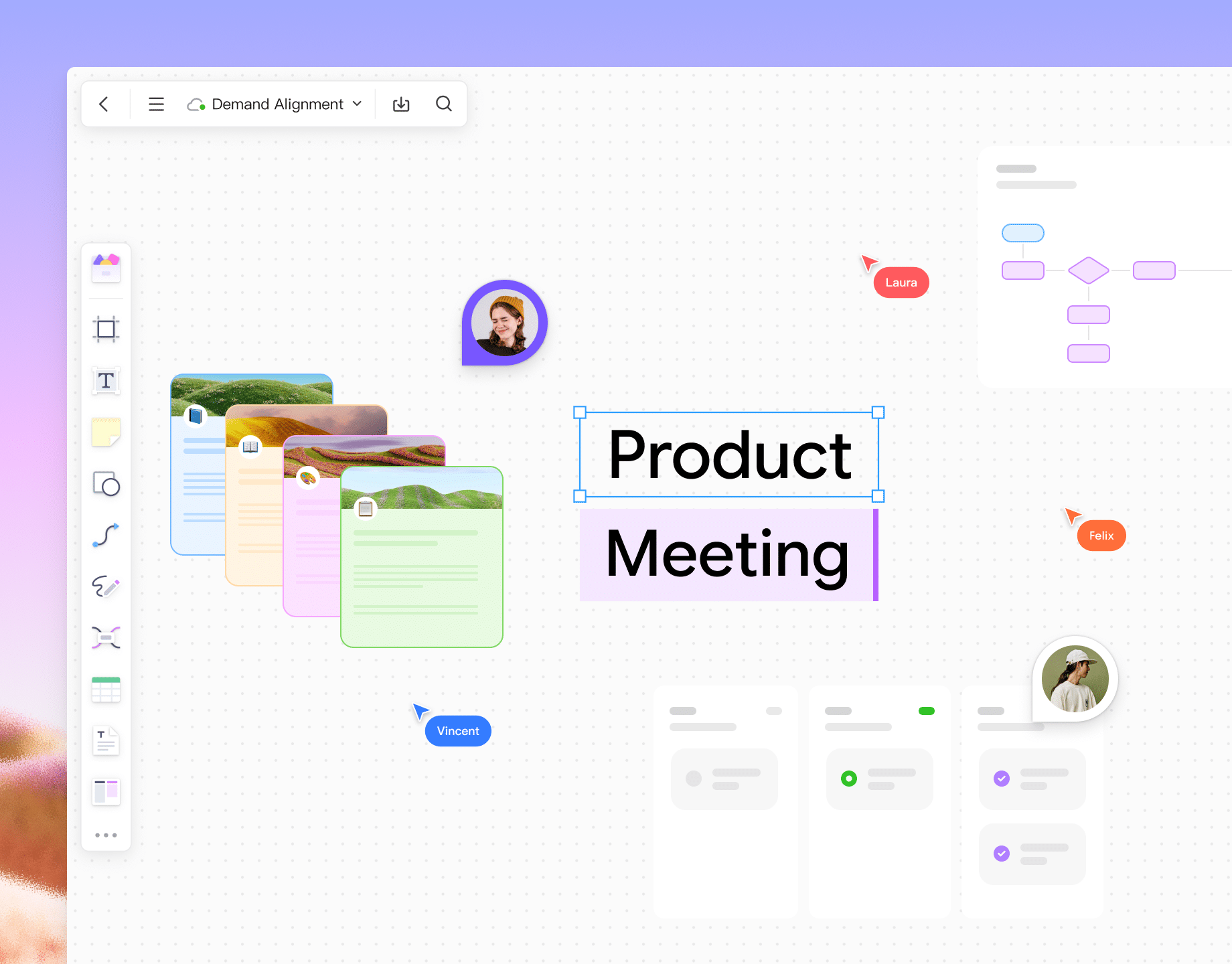
Alignment & Consensus
Utilize real-time collaboration, discussion threads, comments, and drawing tools to enable seamless, workshop-style syncs between product, design, and Dev teams.
PRDs

Built for design:
an efficient creative environment

Explore Pixso design
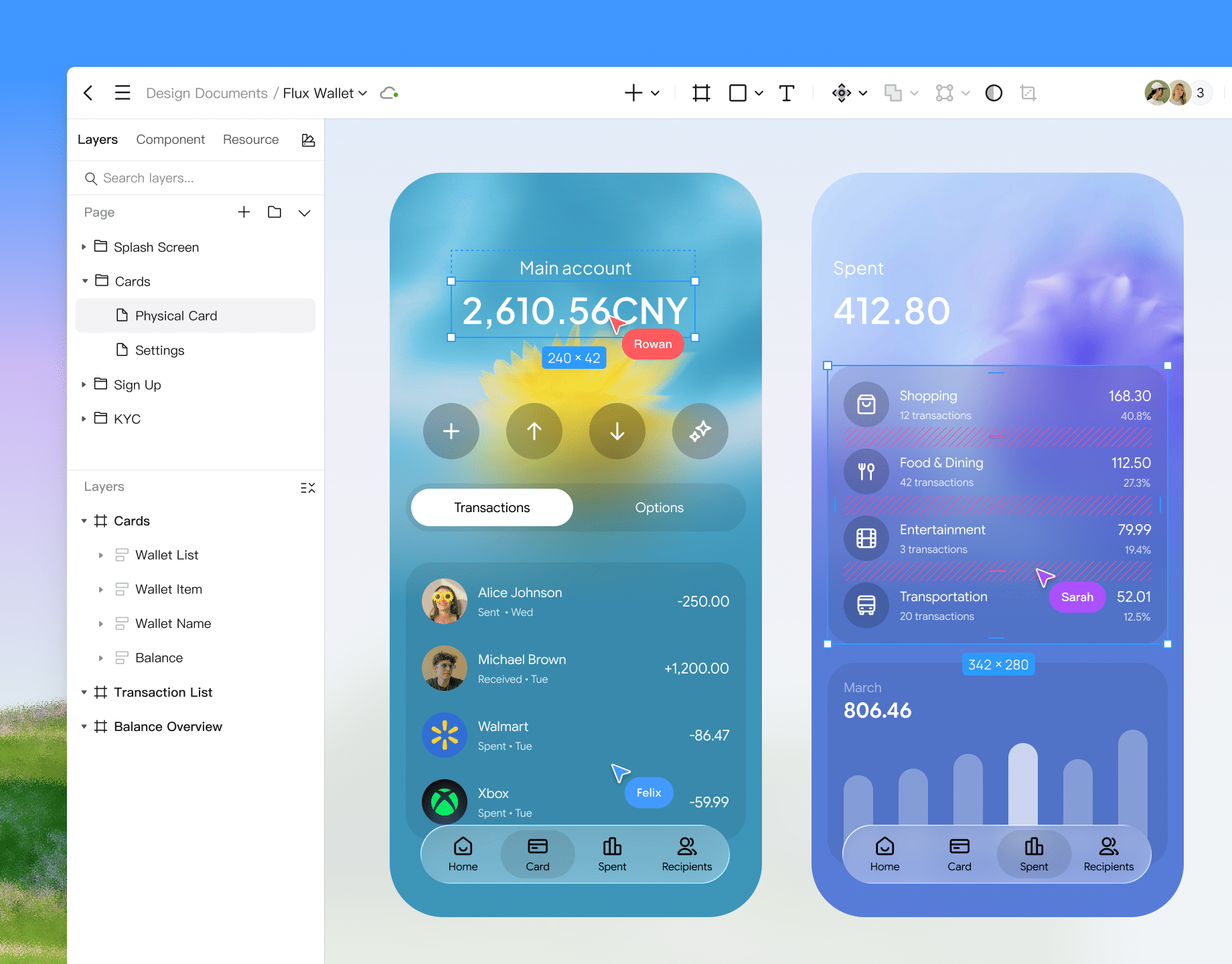
Precision UI design
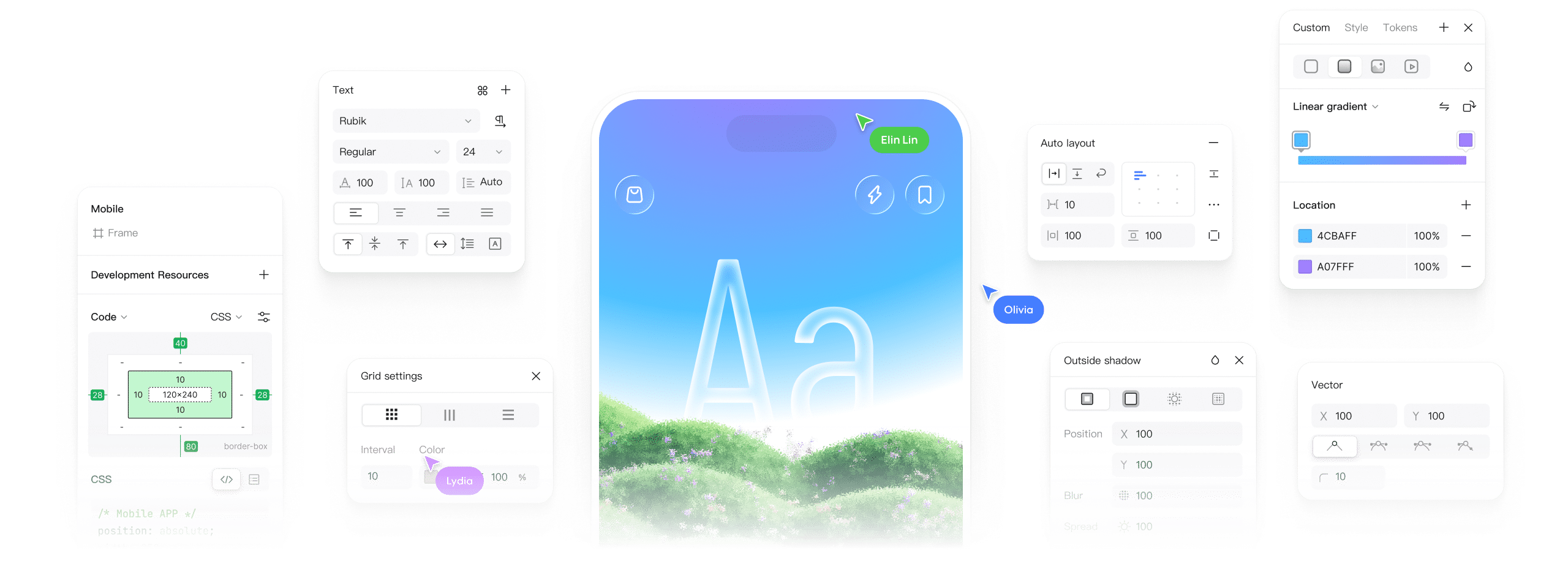
Experience comprehensive editing tools. Our powerful pen tool and vector networks are perfect for crafting icons, complex shapes, and high-quality illustrations.
Responsive design
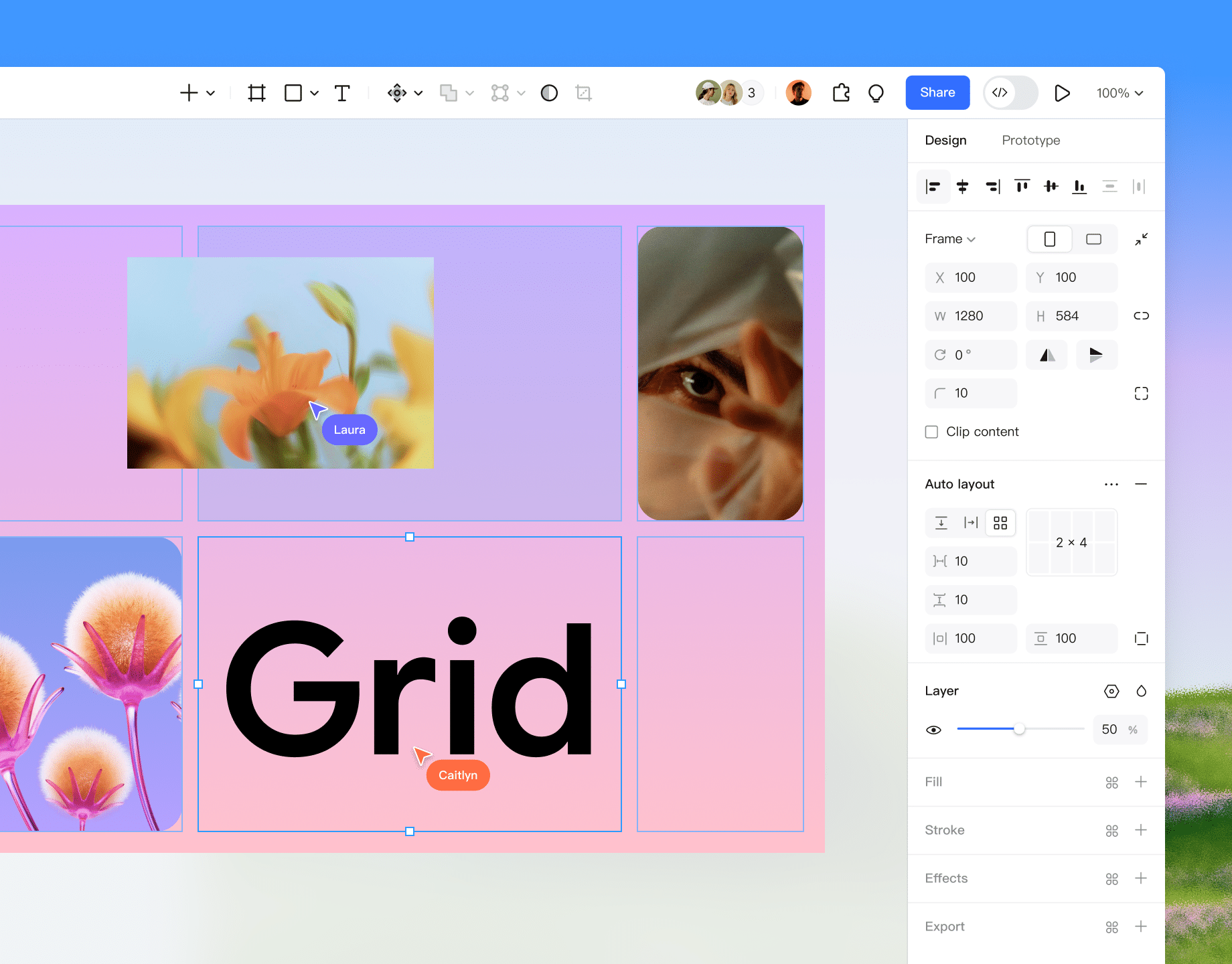
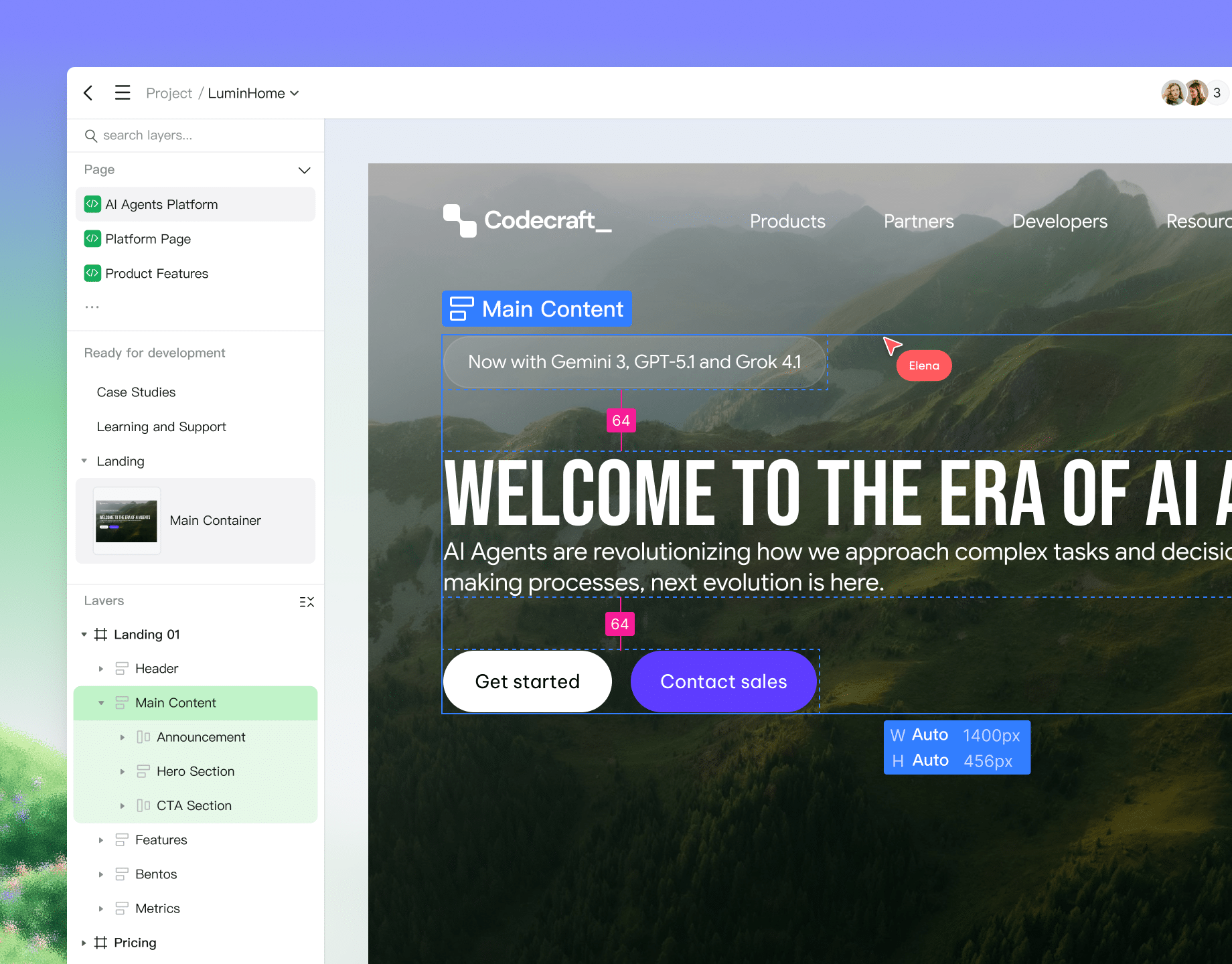
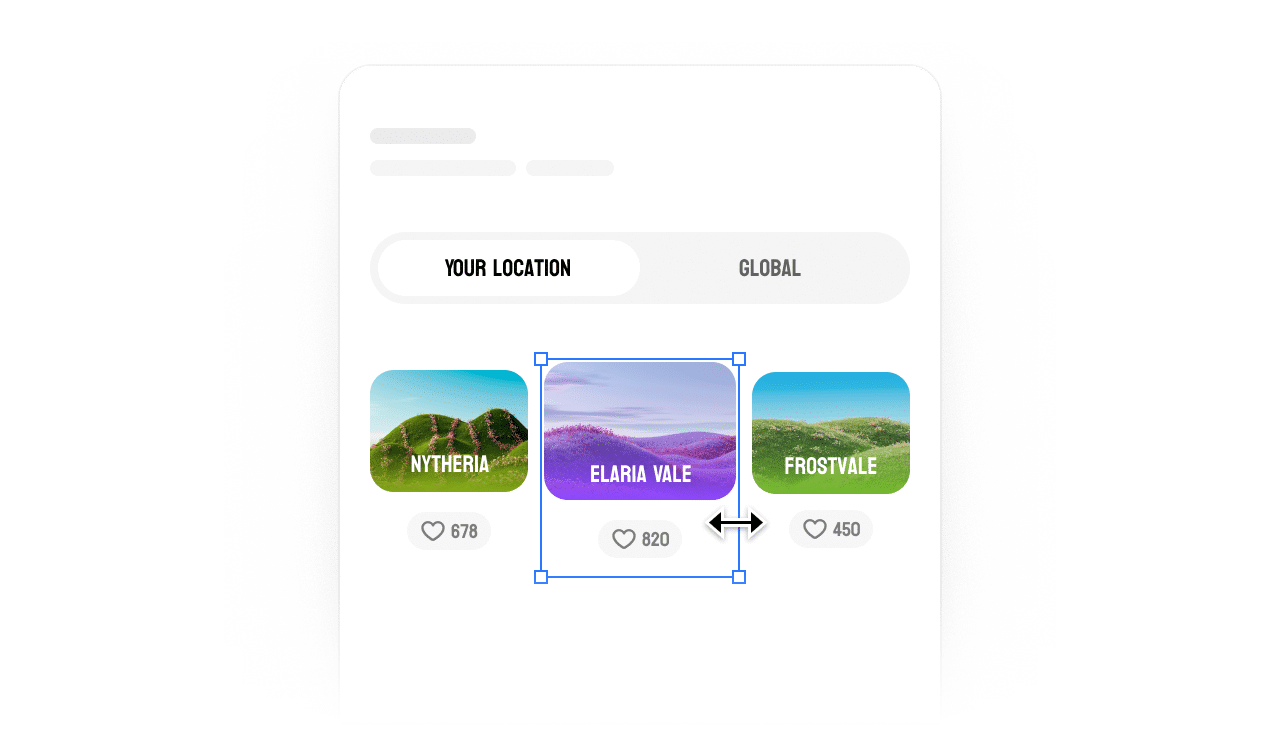
Utilize auto layout and grids. Create designs that automatically resize, fill, or hug their content for dynamic, responsive layouts.
Advanced typography
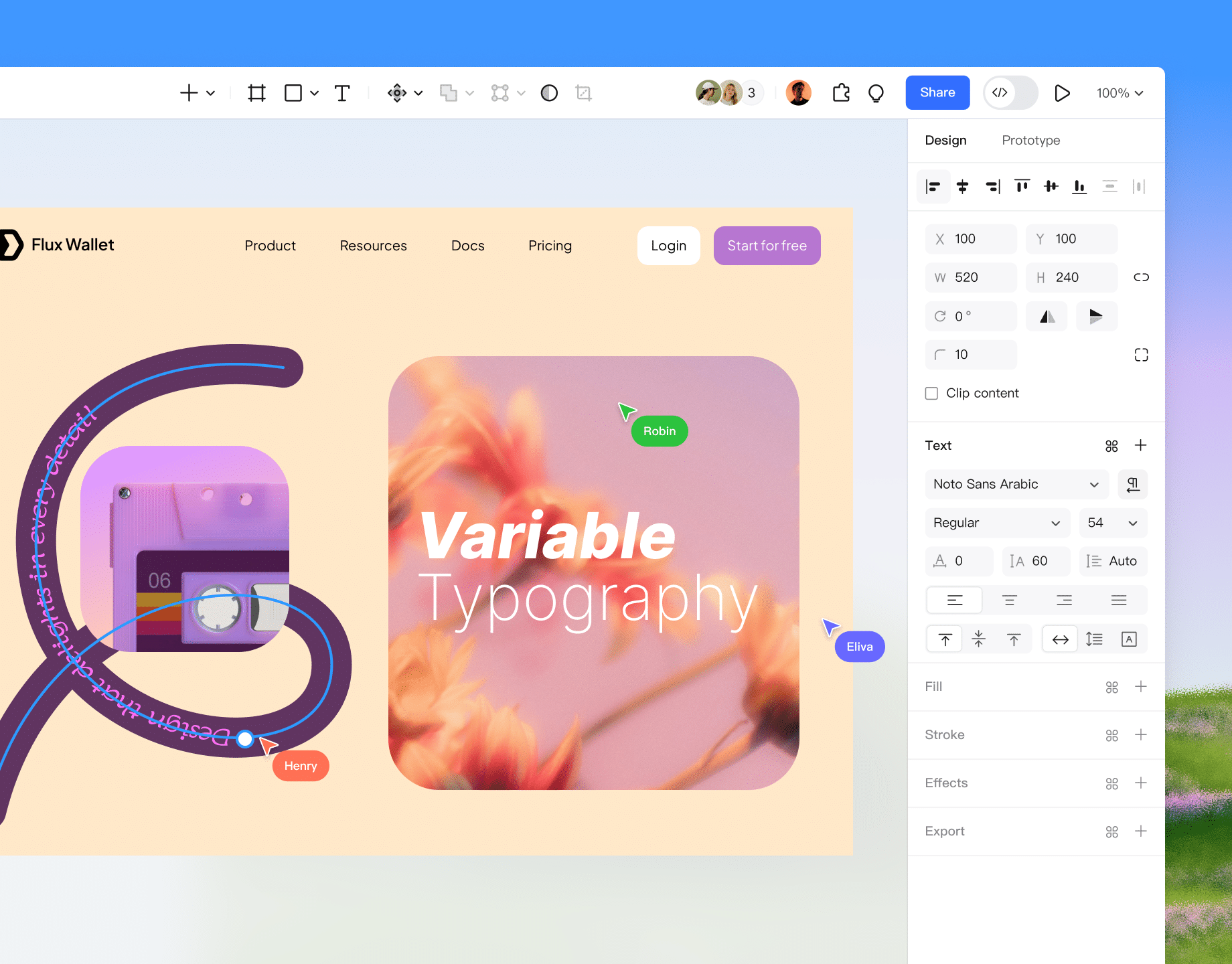
Support for variable fonts, text-on-path, and bidirectional text. Meet the demands of branding, multi-language interfaces, and complex typesetting.
Stunning visual effects
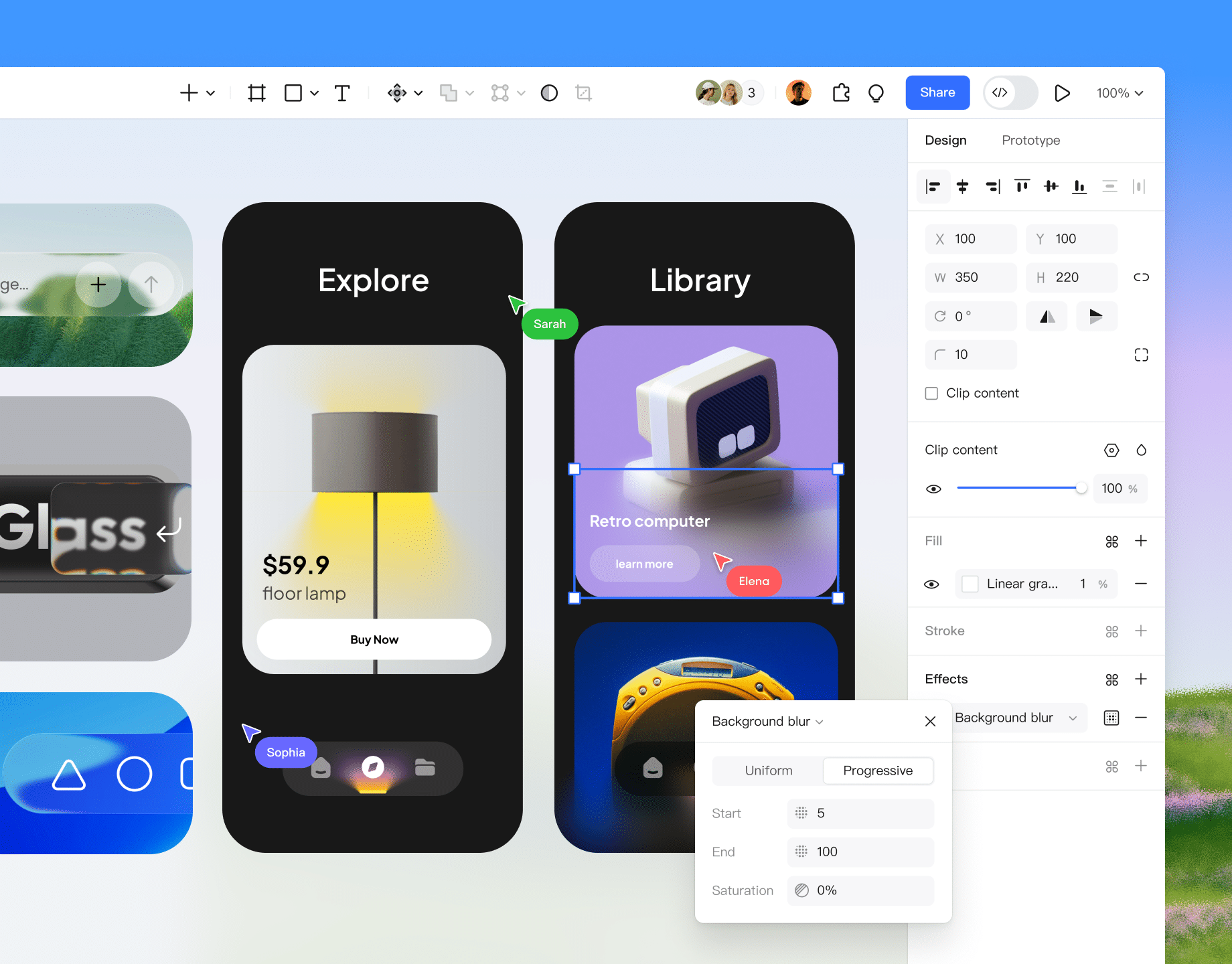
Apply layer blurs and background blurs (glassmorphism) to build realistic hierarchy, texture, and depth within your interface.
Real-time collaboration
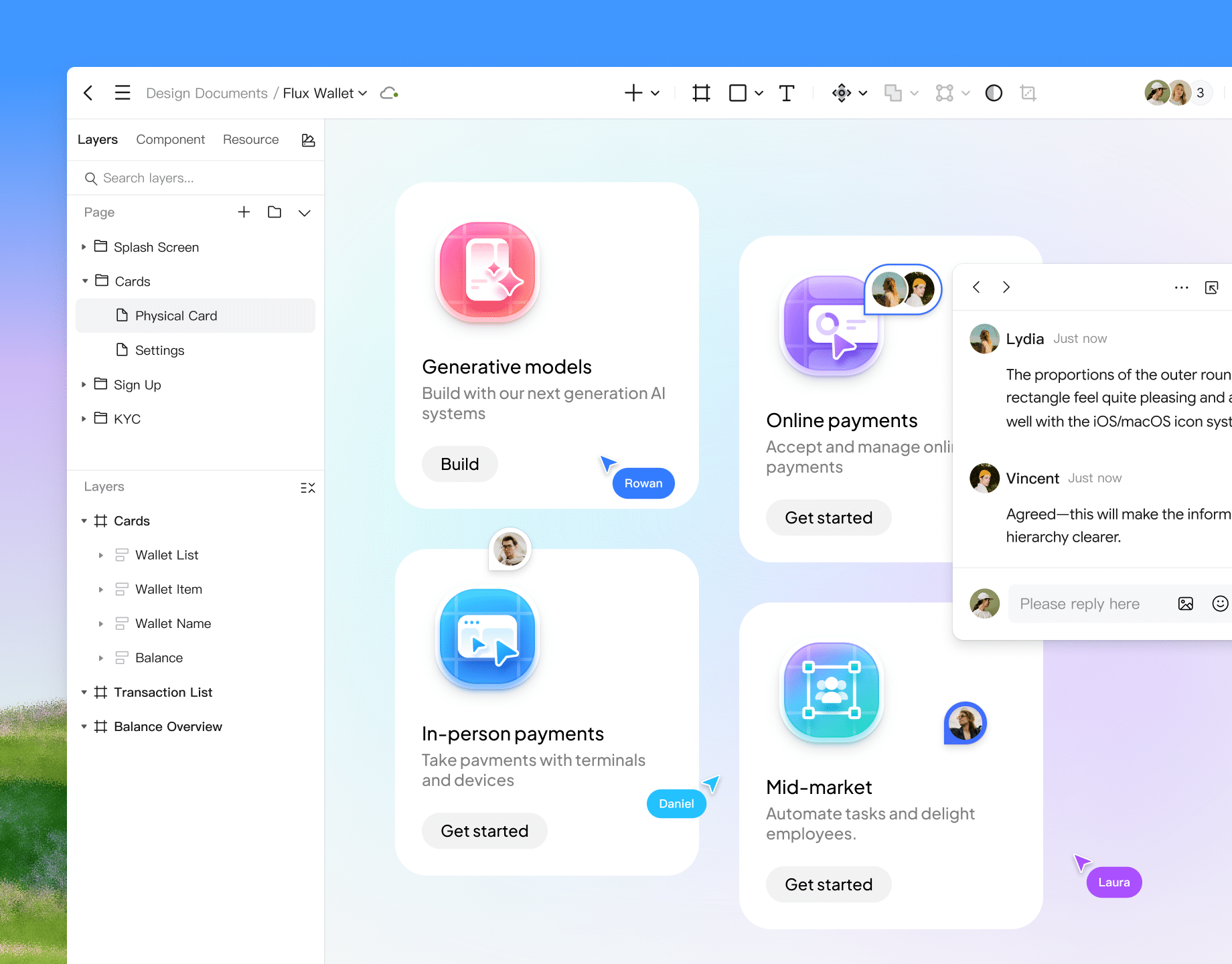
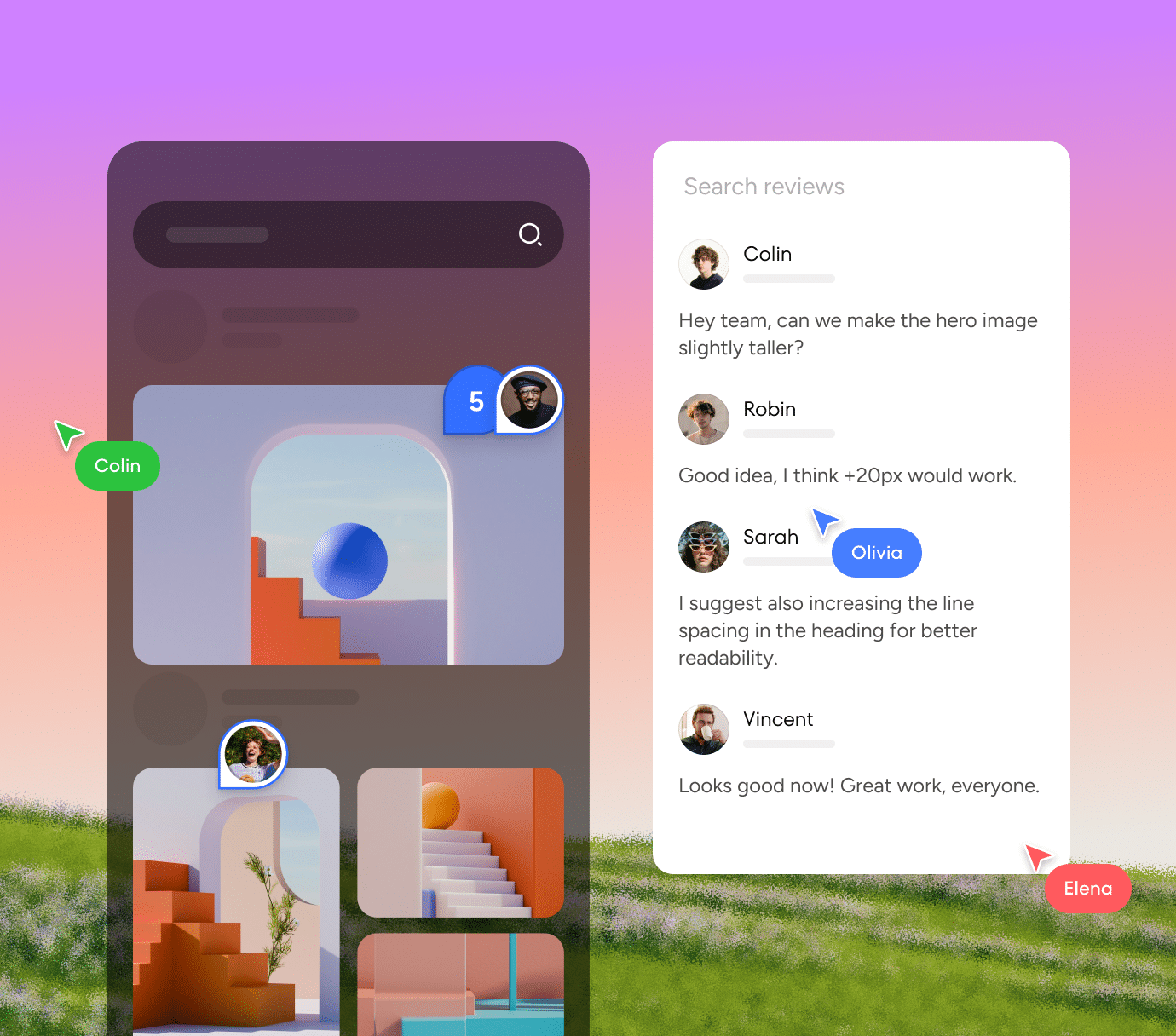
Co-edit in real-time with instant sync. Team members can drop comments anywhere, @mention colleagues, and provide clear, intuitive feedback.
Pixel-perfect UI design

Scalable design systems for teams

Explore Pixso design
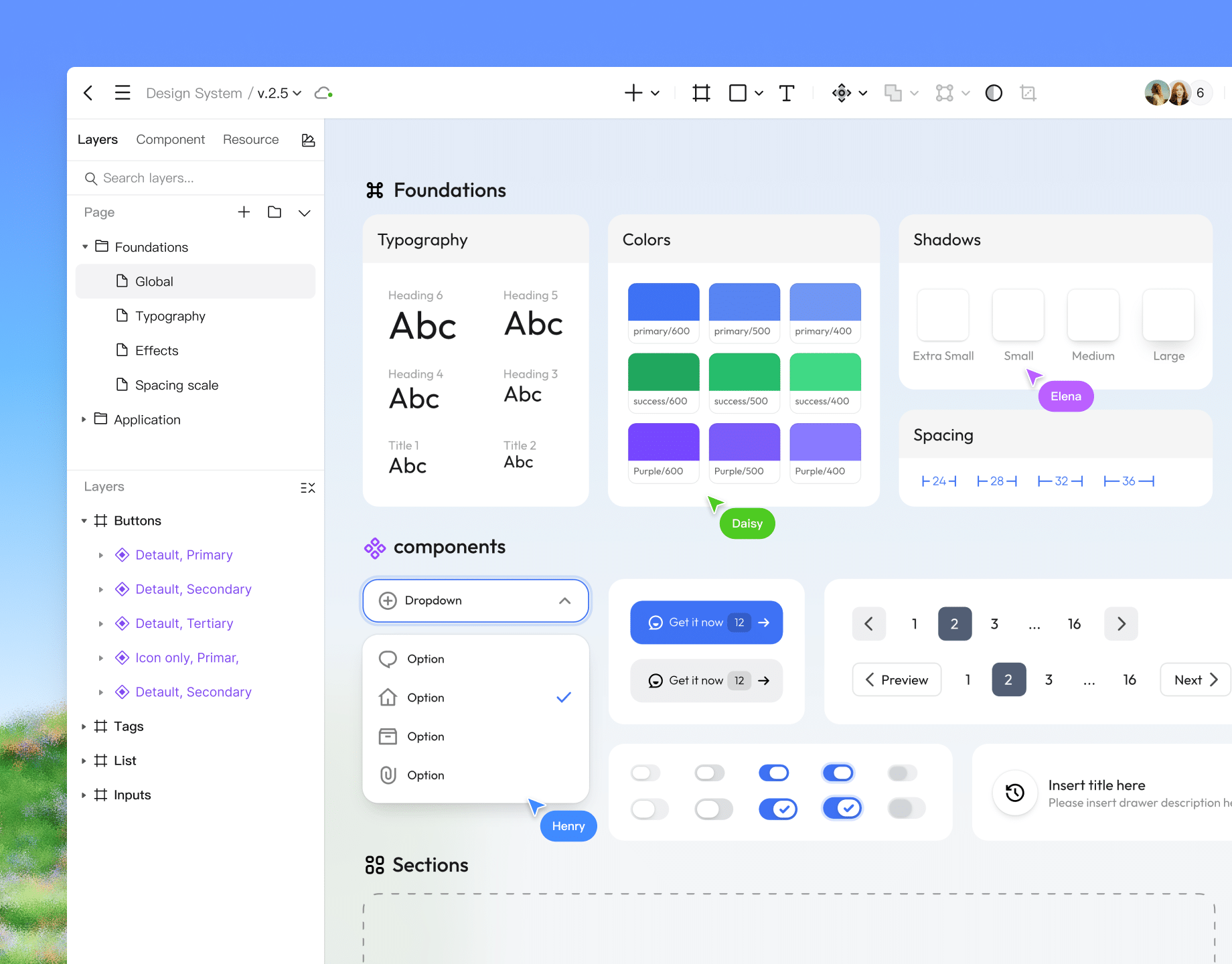
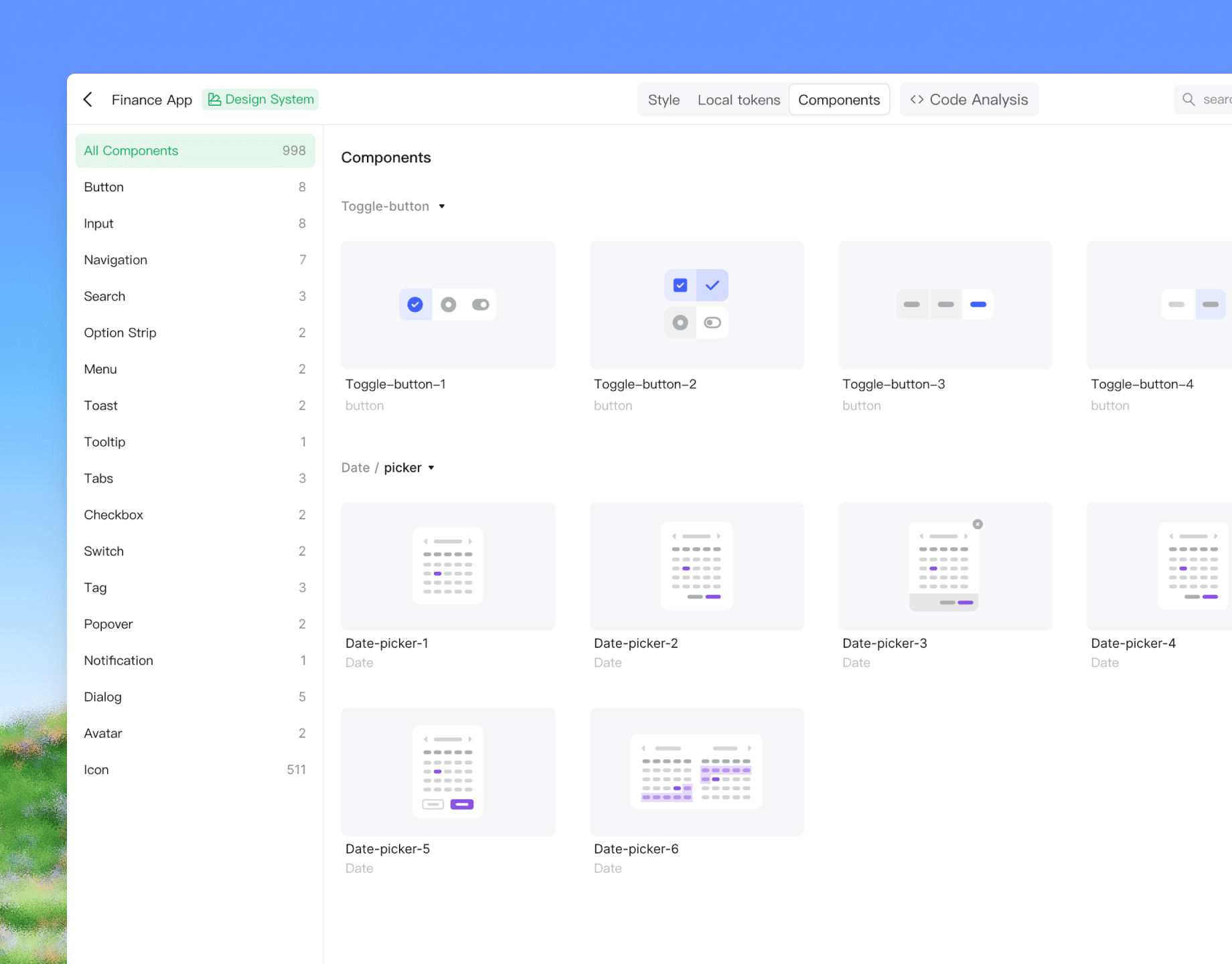
Build your design system
Professional tools including components, design tokens, and styles help teams maintain design consistency across all projects.
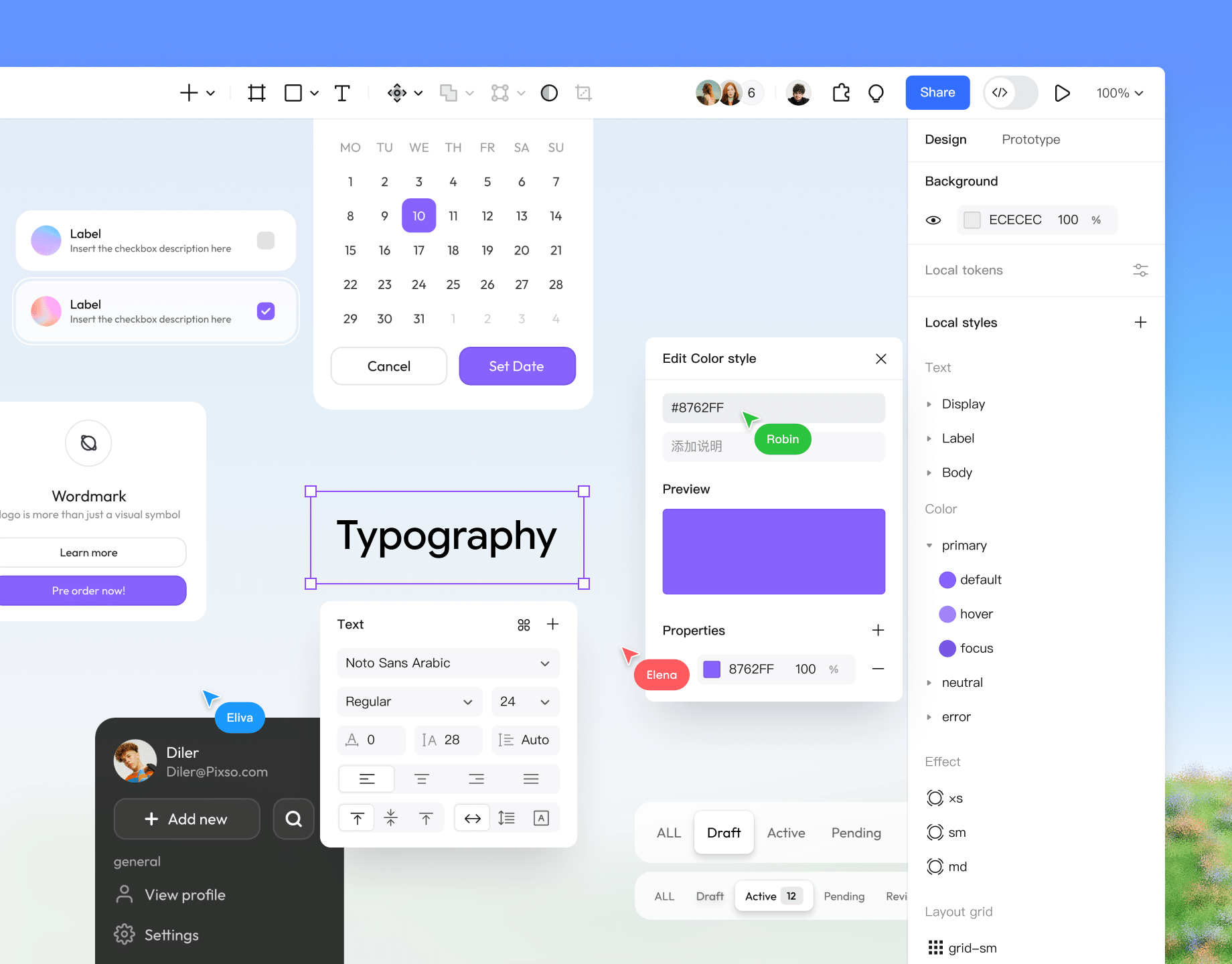
Style management
Master design tokens. Sync updates globally to keep design and code aligned, streamline development, and export assets at multiple scales.
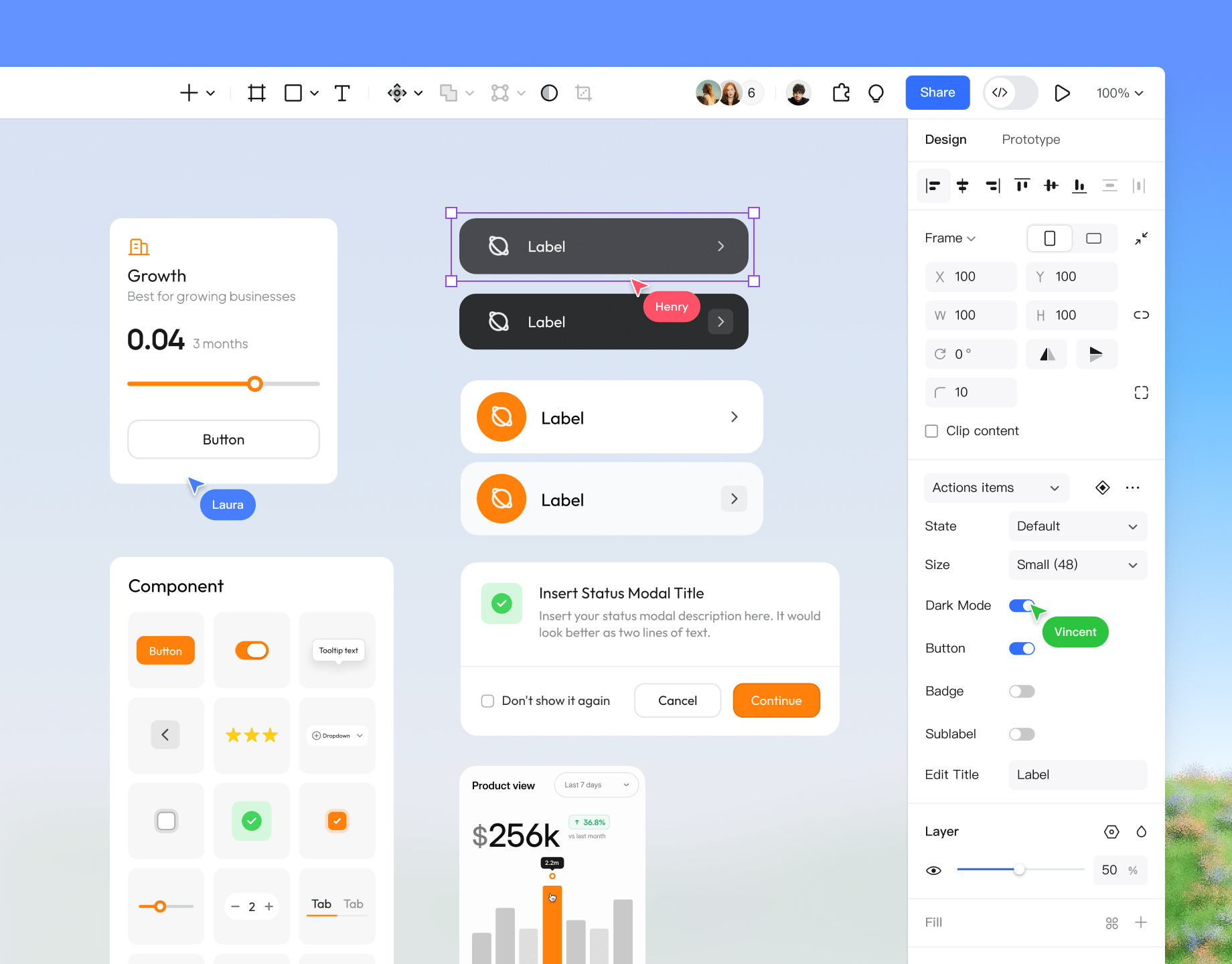
Robust components
Create reusable component variants for flexibility without sacrificing consistency. Auto layout ensures elements adjust automatically as content changes.
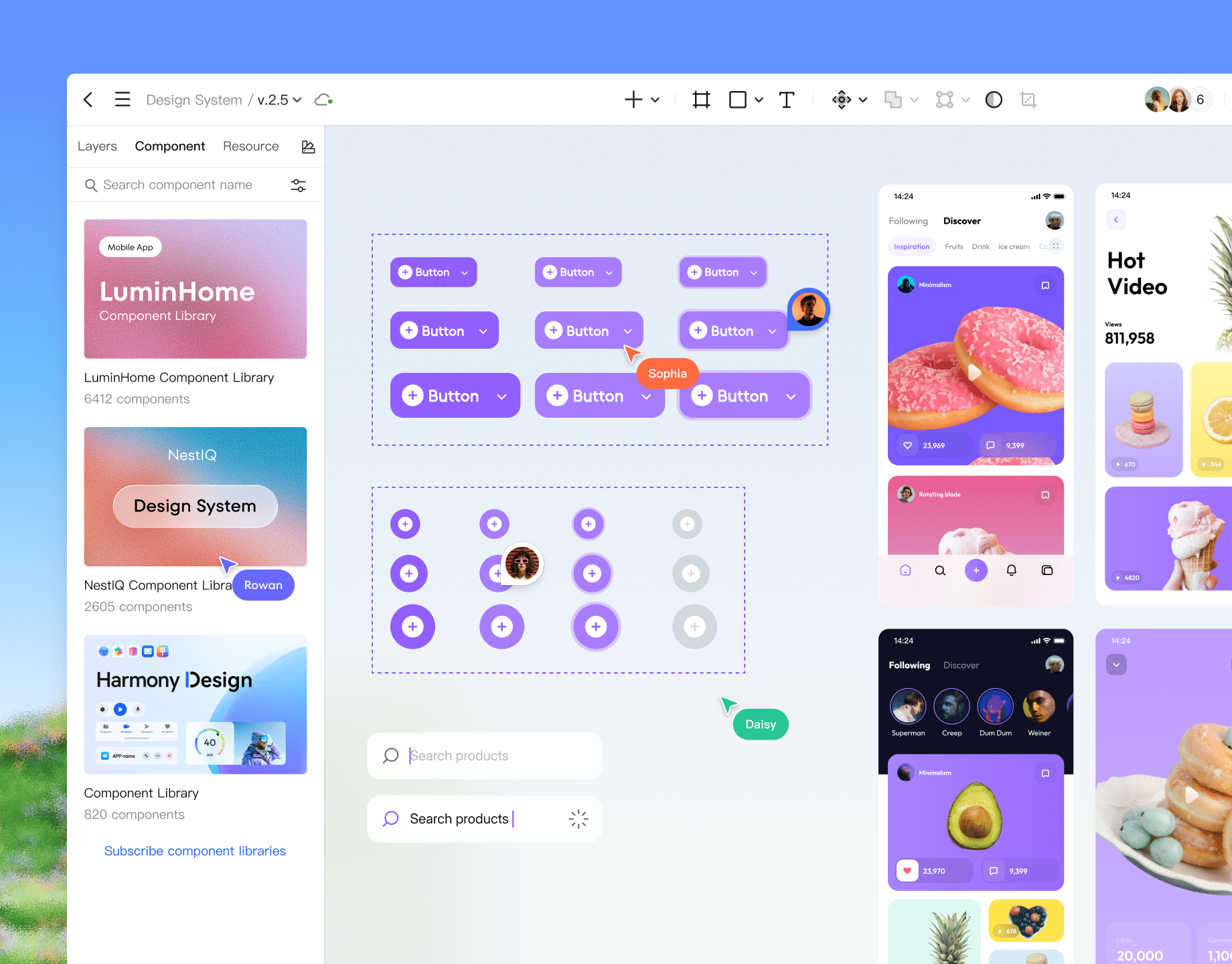
Team library
Publish guidelines to the team library. Members can access and drag-and-drop standardized elements onto the canvas in any file.
Pixso DSM
A brand new management interface makes syncing standards intuitive. Call up components and styles from the DSM to complete designs, allowing developers to generate frontend code that strictly follows specs.
Build Your Design System

Seamless interaction
& UX design

Explore interactive prototypes
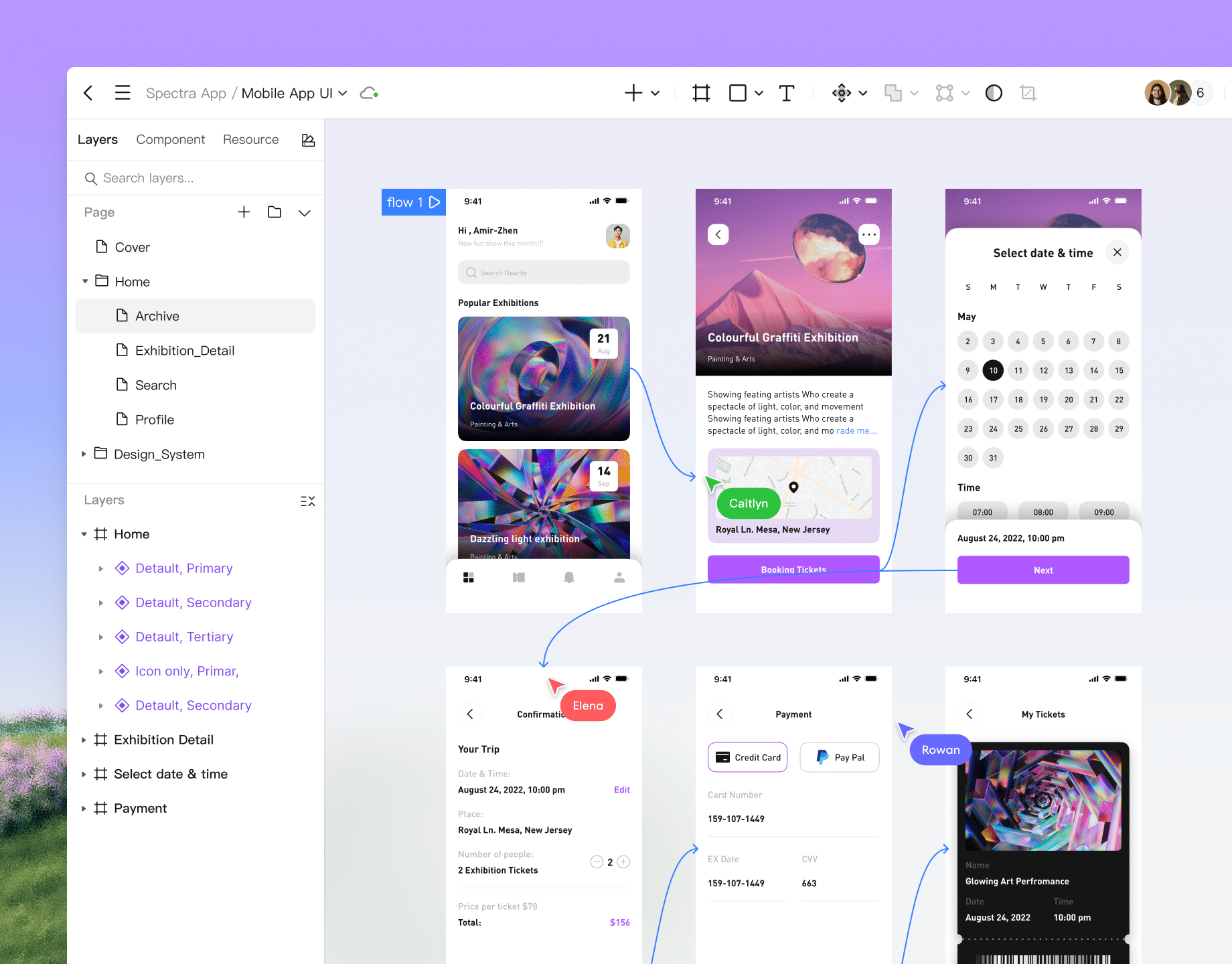
High-fidelity interactions
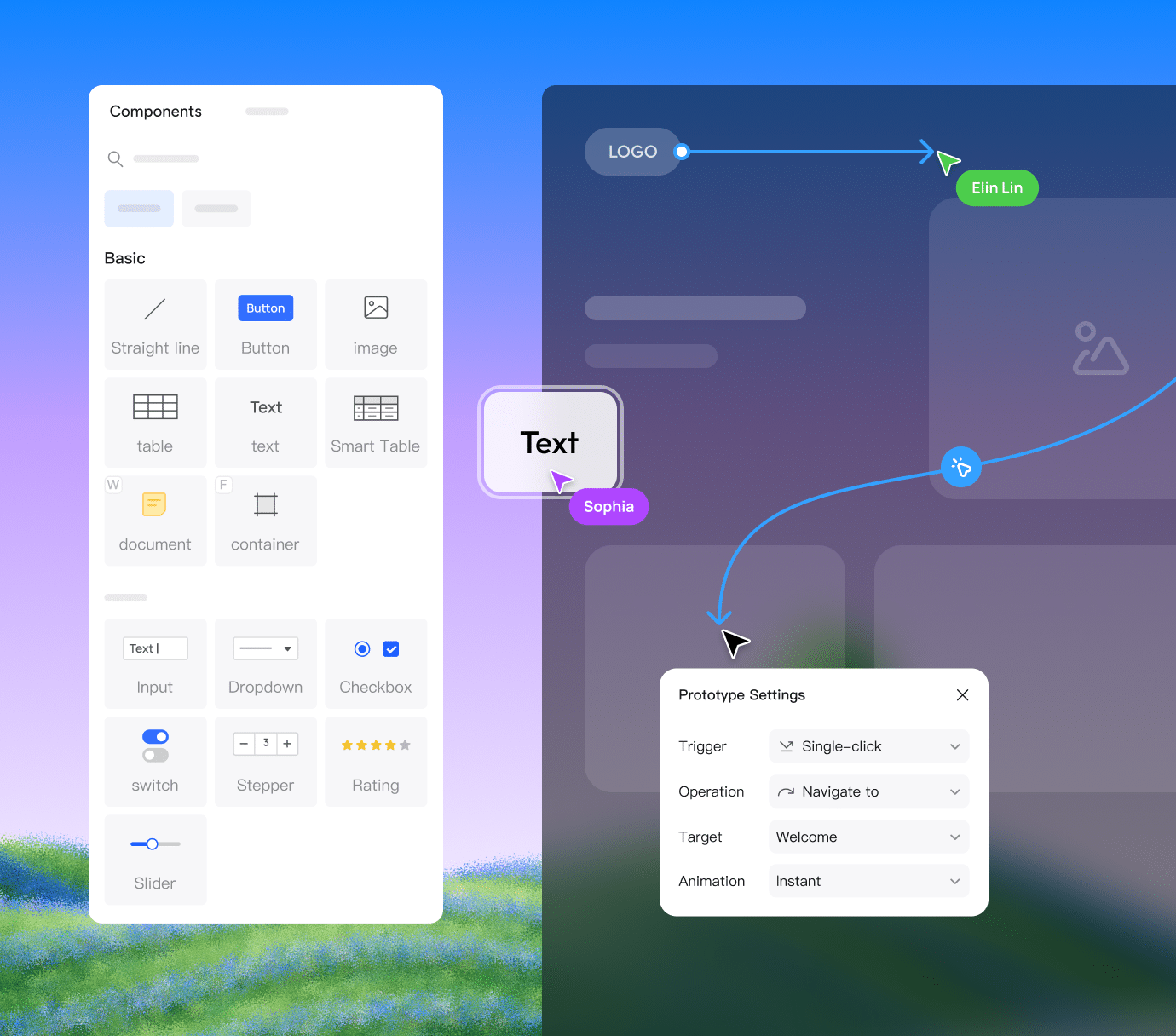
Define triggers and transitions without leaving the design environment. Simply connect frames to create immersive product demos.
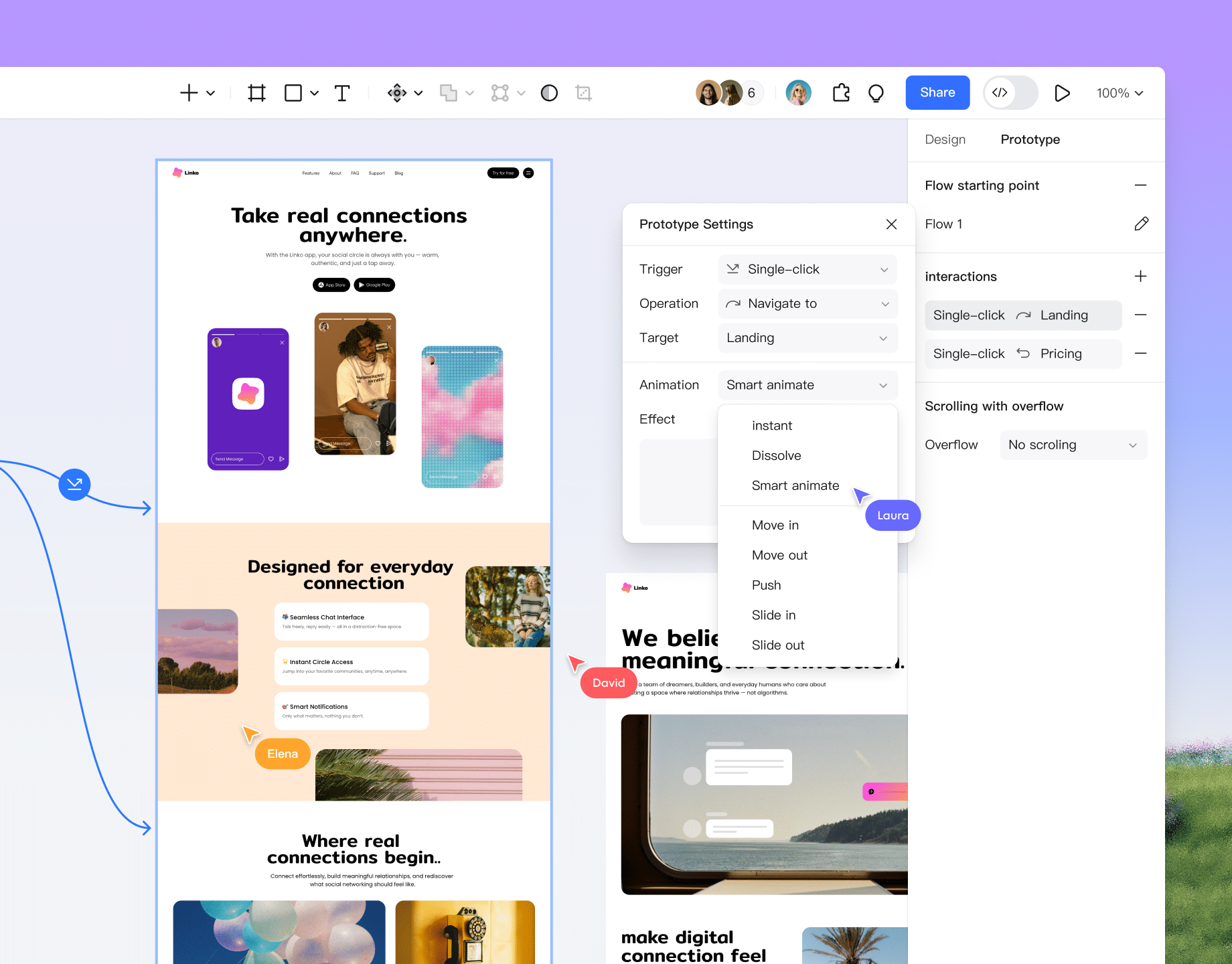
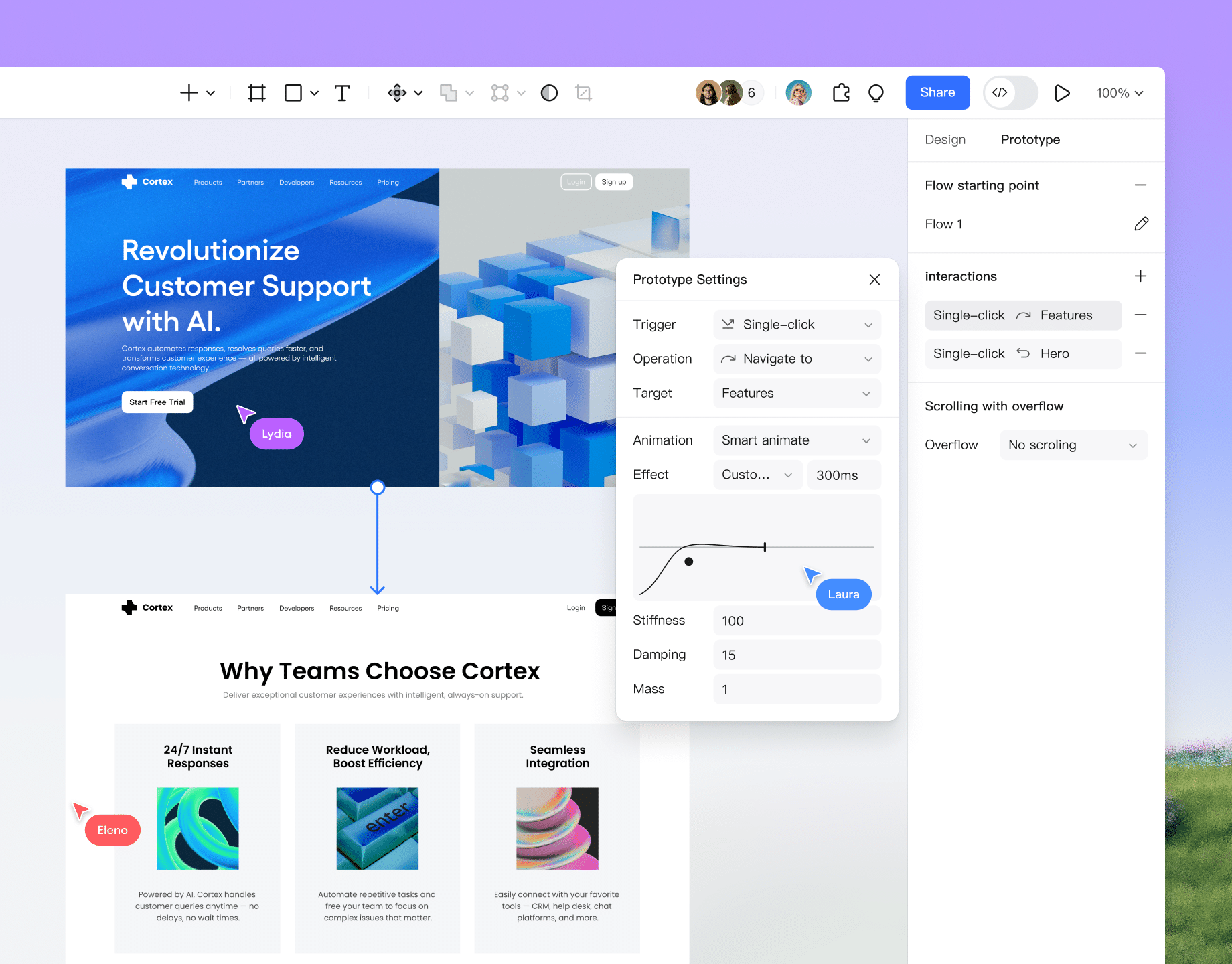
Rich transition animations
Supports instant, dissolve, smart animate, push, slide in/out, and more. Easily build polished, professional UX flows.
Mobile preview
Scan to mirror interactions on your mobile device. Replicate the real user experience and demo your prototype anytime, anywhere.
Video & Media embeds
Embed videos and GIFs directly into your designs. Showcase dynamic content and media to make demos feel like the real product.
Feedback & Comments
Just like in design files, use the 'C' shortcut to comment. Click or select any area in presentation mode to leave feedback instantly.
High-fidelity interactive animations

Professional developer
handoff platform

Explore Pixso handoff
Agile link handoff
Share a single link to seamlessly hand off to developers. Ensure everyone sees the latest version—no more exporting files or endless back-and-forth.
Accurate specs & code
Eliminate manual redlining. Developers can simply select layers to view specs, copy code, and export assets instantly.
Developer-centric workflow
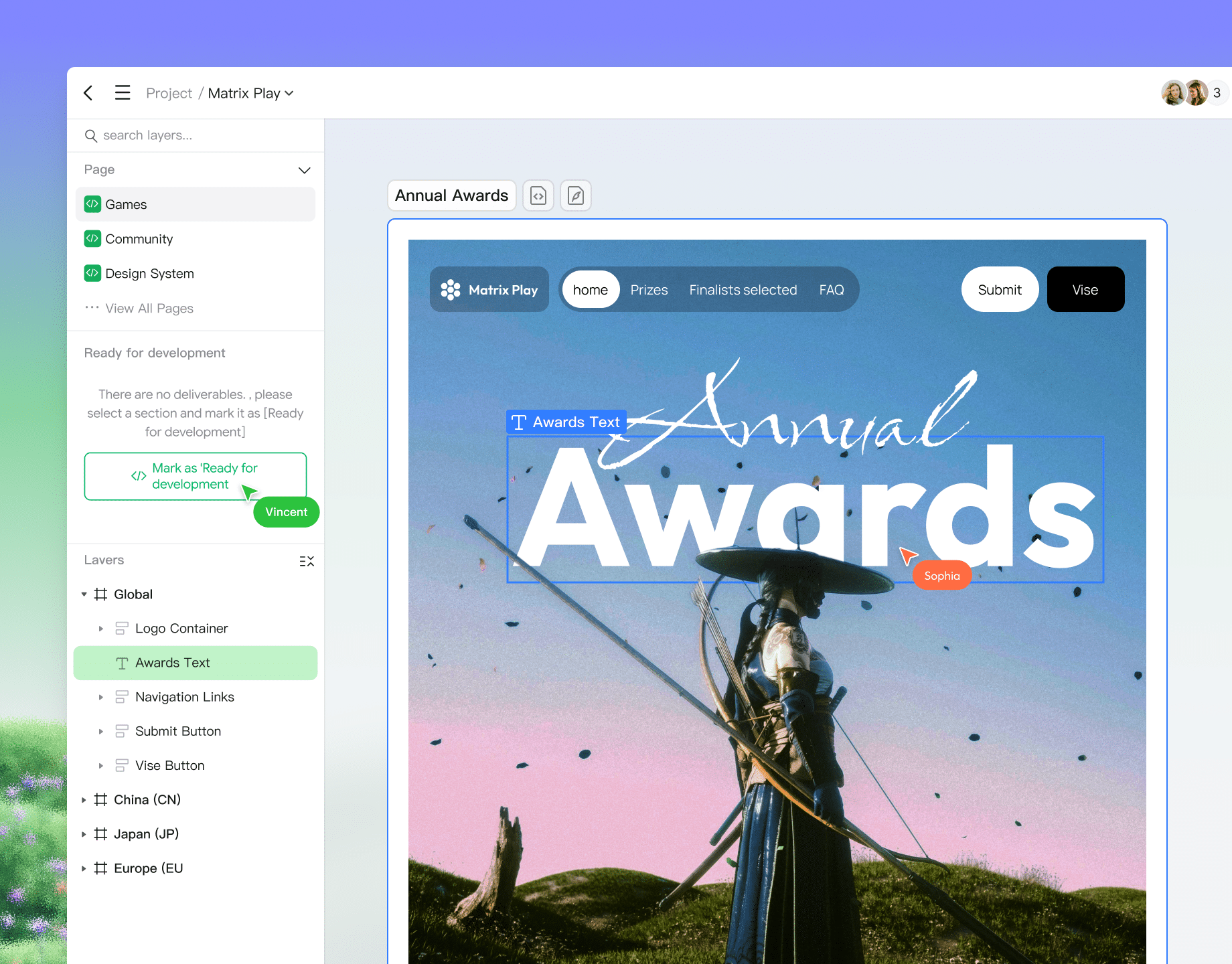
Pixso offers a dedicated "Dev view" layout with "Ready for dev" sections, tailored specifically to developer workflows and habits.
Production-ready code
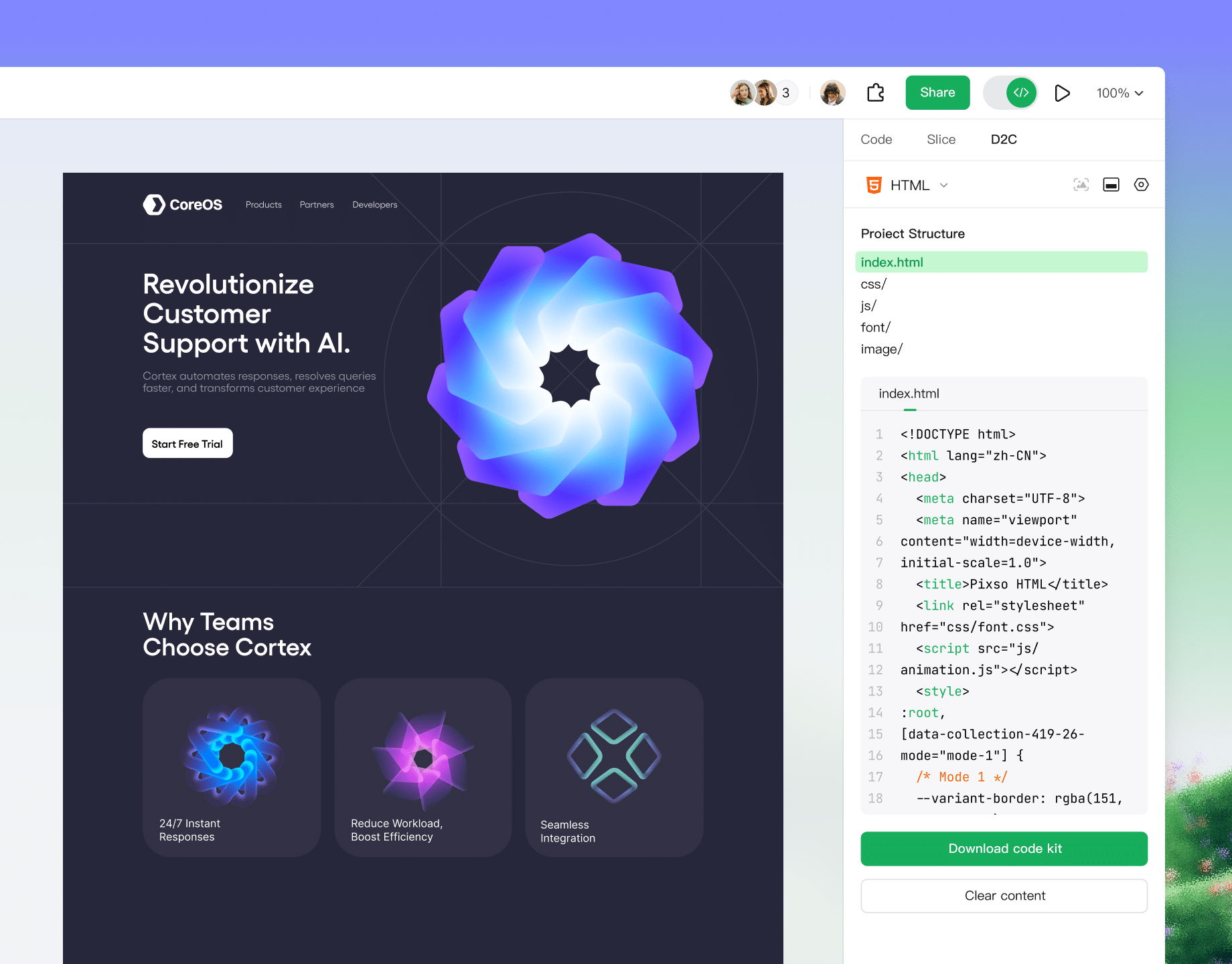
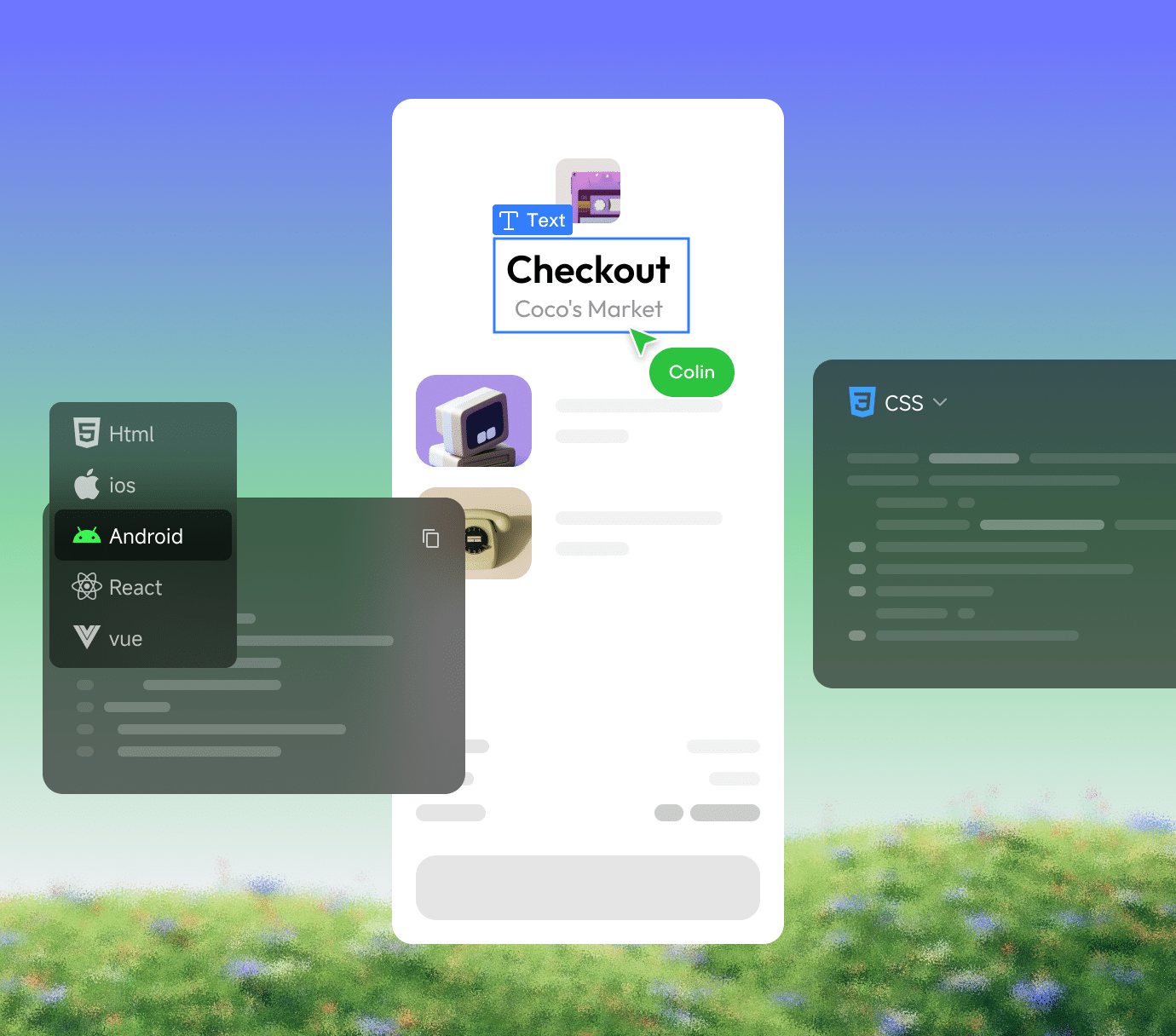
Supports Web, Android, and iOS. Generates production-ready code for ArkUI, HTML, SwiftUI, Vue, and more.
On-canvas annotations
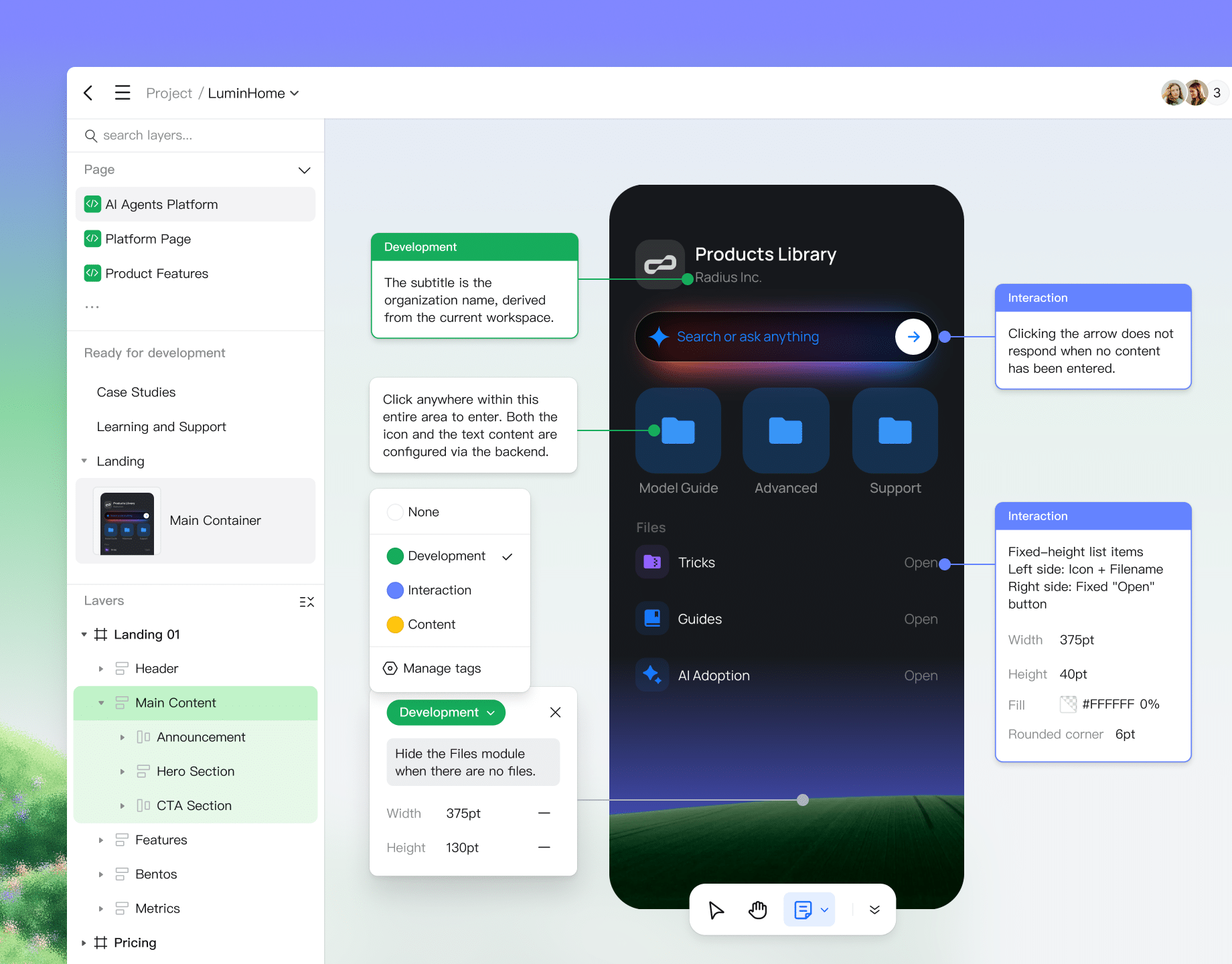
Pin context, design intent, and logic directly to interface elements. Align requirements precisely to boost implementation efficiency and collaboration quality.
Agile link handoff

Centralized cloud management
for all assets

Explore more of Pixso
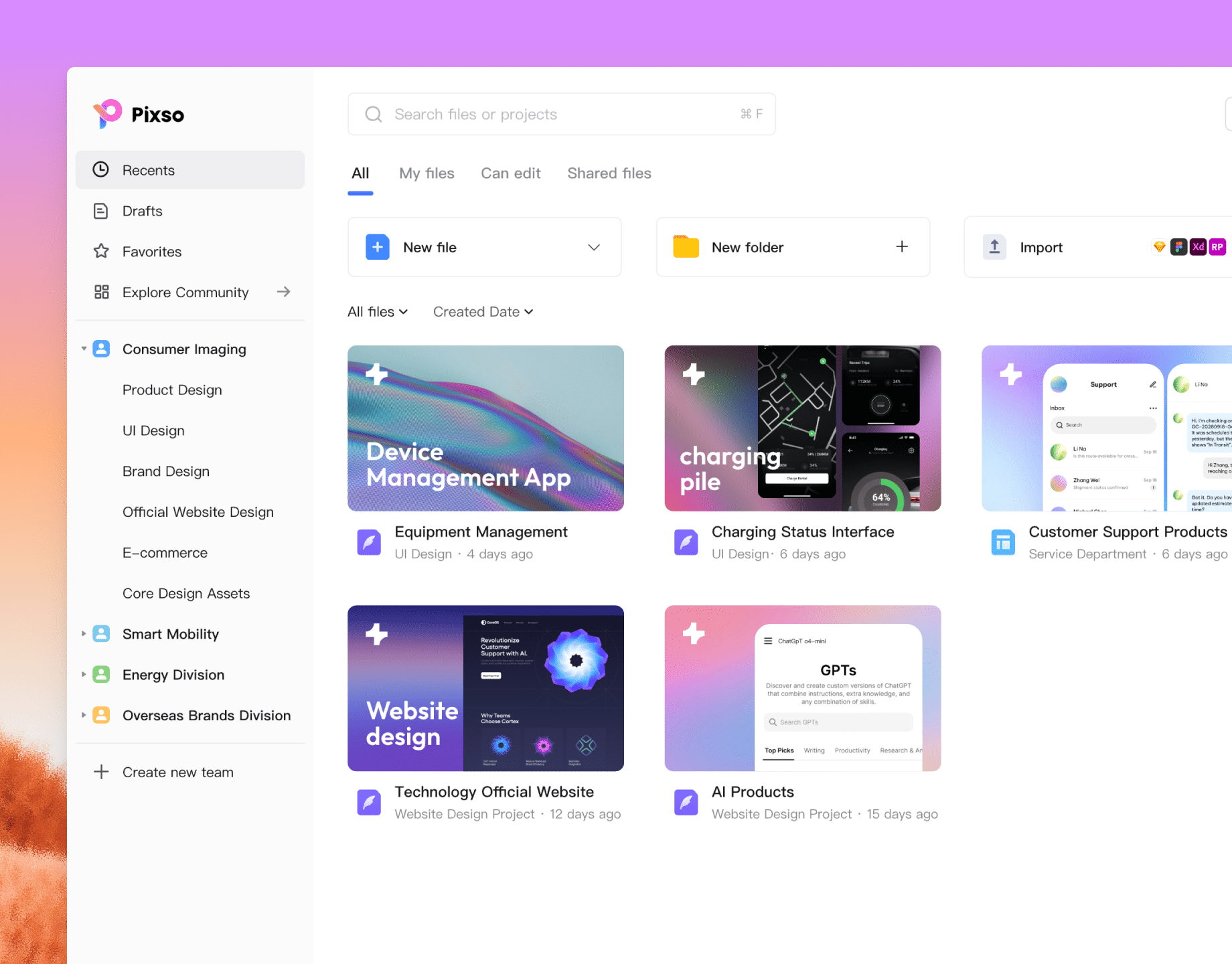
Multi-level organization
Organize assets by team, project, folder, and file structure for easy classification and retrieval.
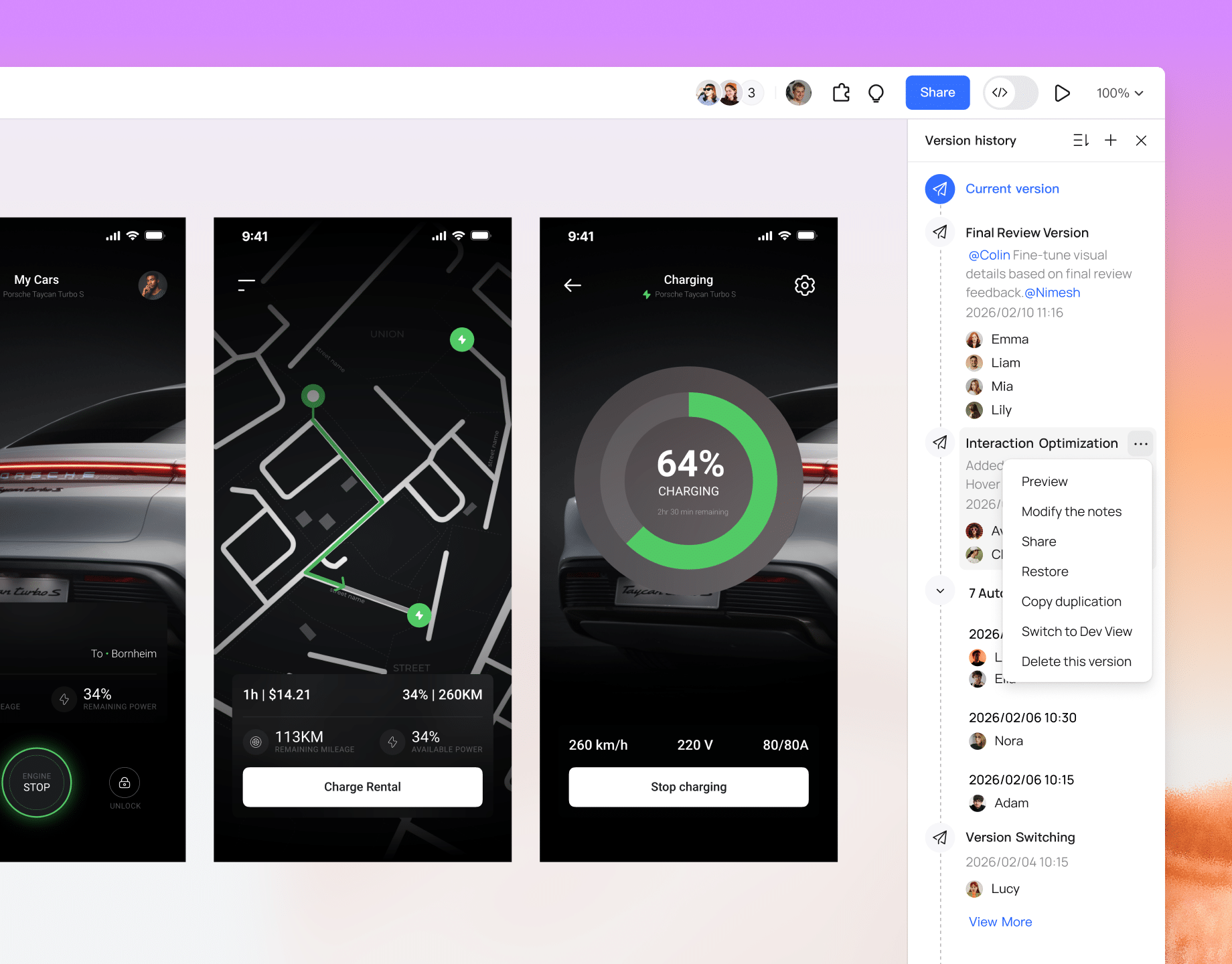
Version history
Create named versions directly in the editor. Roll back to any historical version on the timeline instantly.
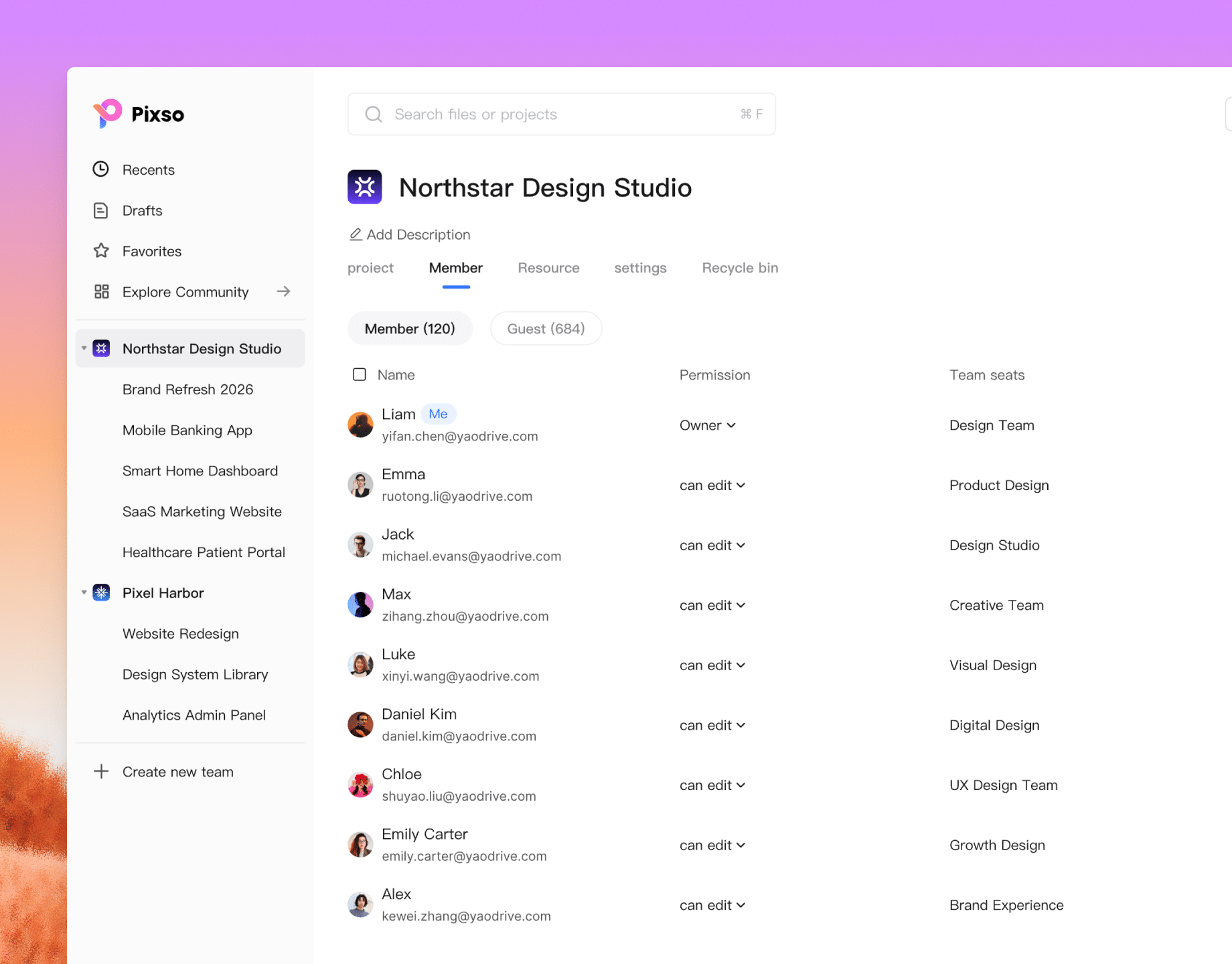
Flexible team management
Map teams to your organizational chart or customize member groups for flexible project management.
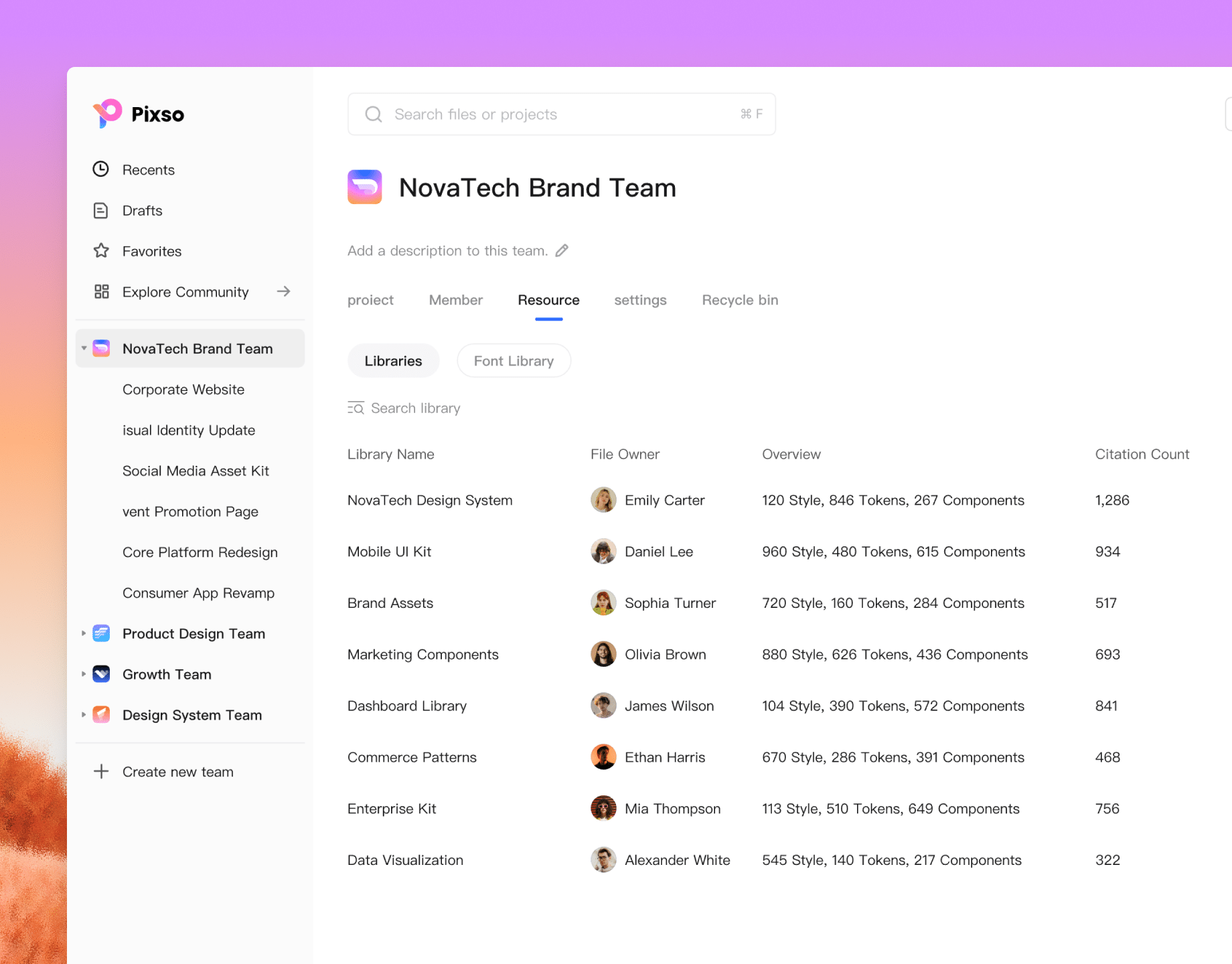
Shared team assets
Centralized team library for real-time sharing across remote locations. Share enterprise-level components and styles to unify design standards.
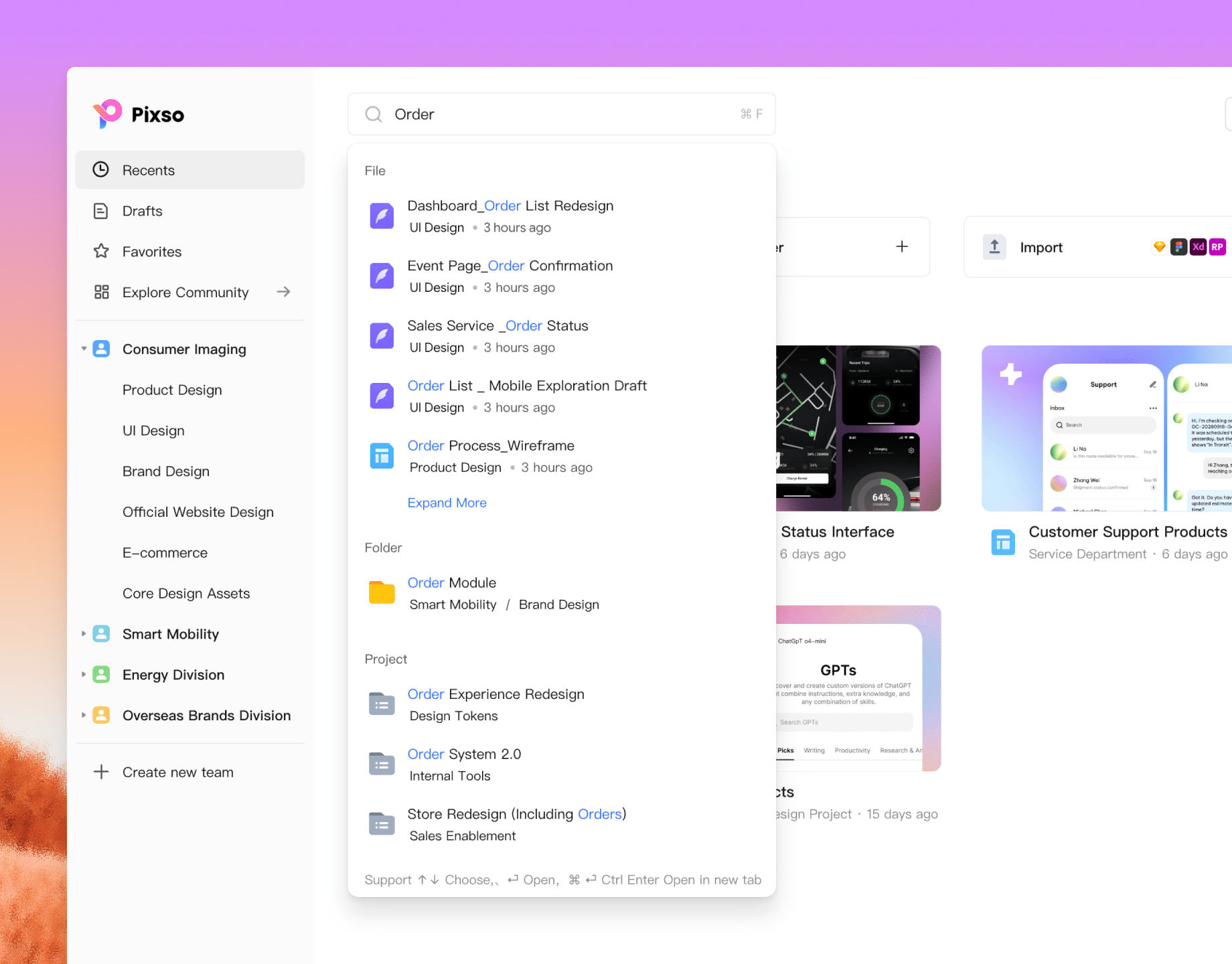
Global search
Search by keyword to quickly locate files and projects.
Multi-level file management
The professional, powerful
UI design tool

The ideal choice for product designers and teams looking for a Figma alternative.

Get started
Top-tier editing experience

Pixso's visual editor syncs seamlessly with code. Intuitive drag-and-drop and responsive layouts make it easy to design, manage, and deliver.

Explore Pixso design
File compatibility

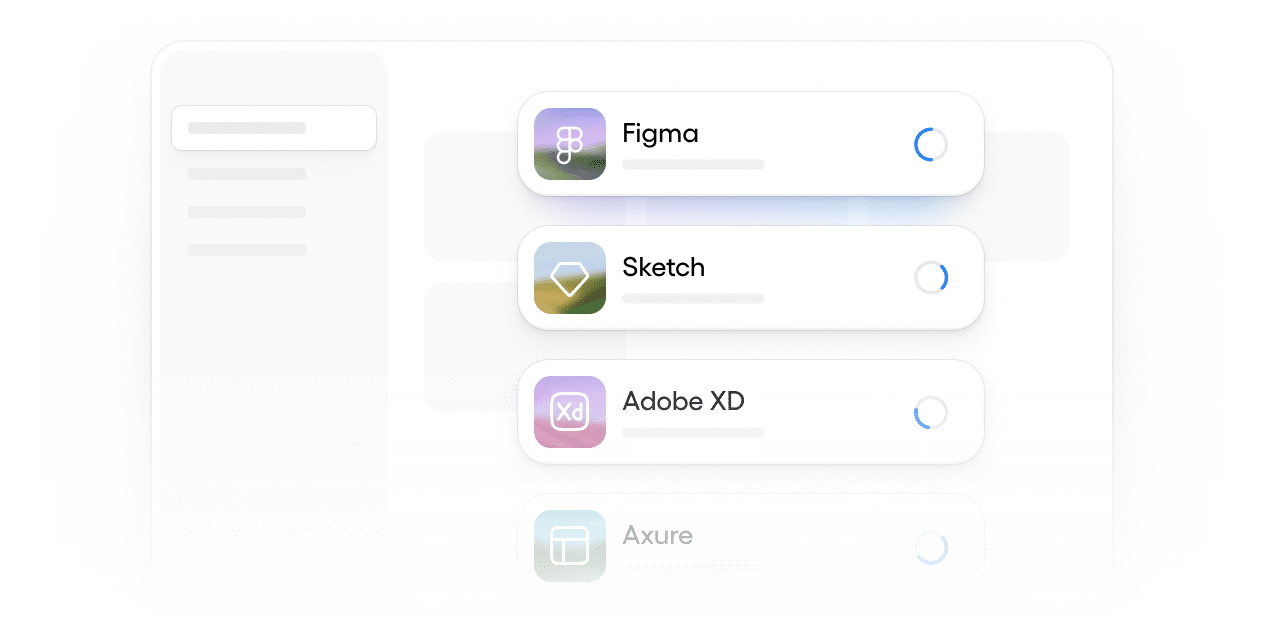
Import Figma, Axure, Sketch, XD, SVG.

Design tokens system

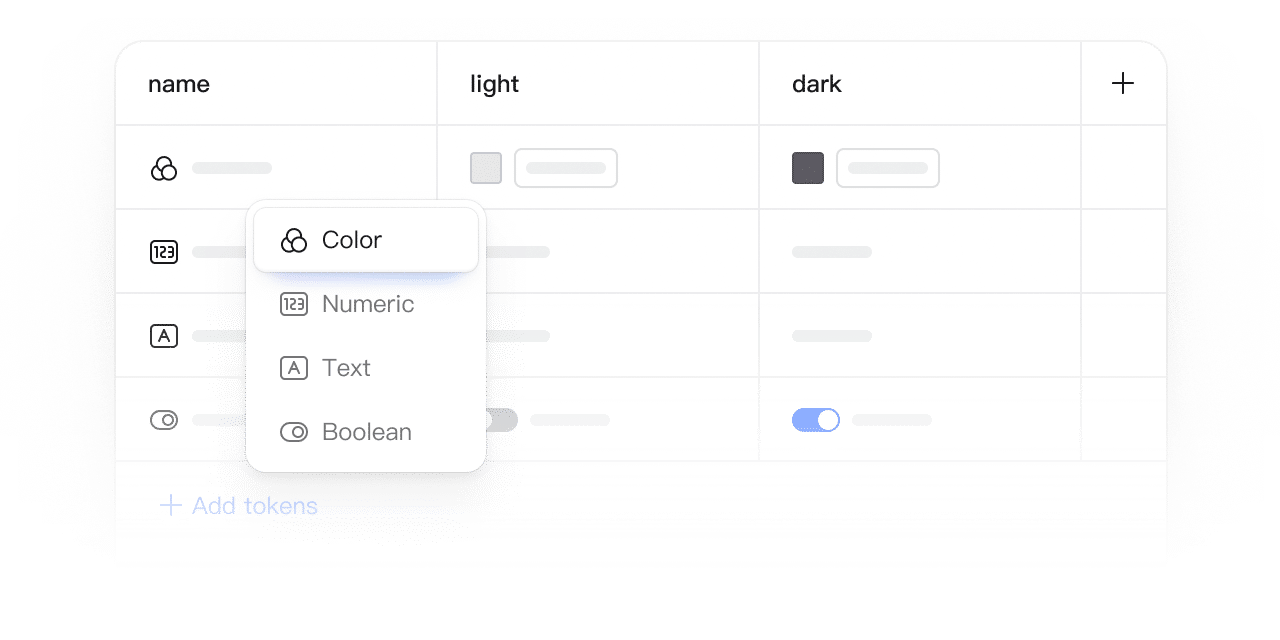
Use design tokens to seamlessly connect design, theming, and development. Switch between light and dark modes with a single click.

Auto layout

Add layers to an auto layout frame to create responsive, dynamic layouts.

Team management

Publish styles and components to the team library for members to quickly reuse.
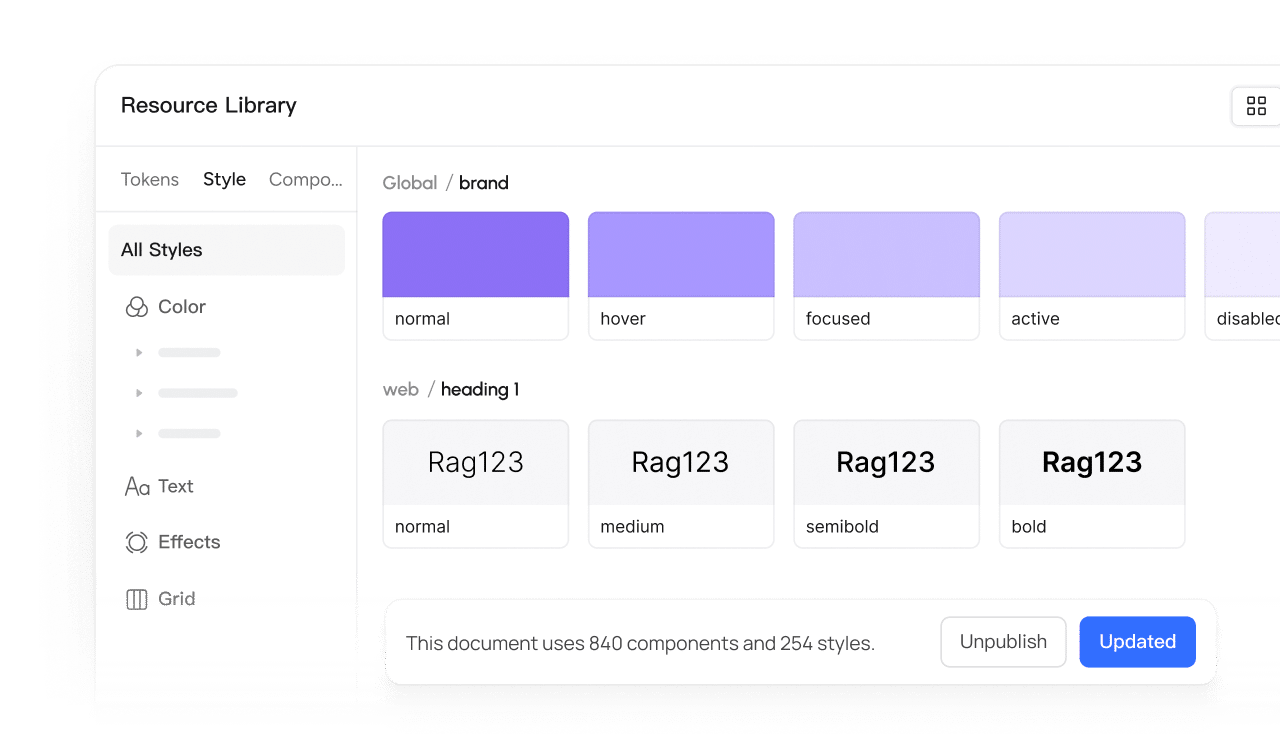
Version history management

Automatically save version history with one-click restore. Retain history long-term to easily restore and compare previous versions.

Pen tool

Supports smooth curves and path editing, meeting the demands for high-precision UI design and vector illustration.

Online comments

Team members can add comments anywhere on the canvas to discuss and reply in real time.

Smart selection

Select multiple objects to intelligently recognize their layout and automatically distribute them evenly into rows or columns.

Turn ideas into reality
with AI

Hello! What can I design for you today?
Recommended
Travel website homepage
Data app login page
SaaS platform hero section
Explore more
Input prompt icon
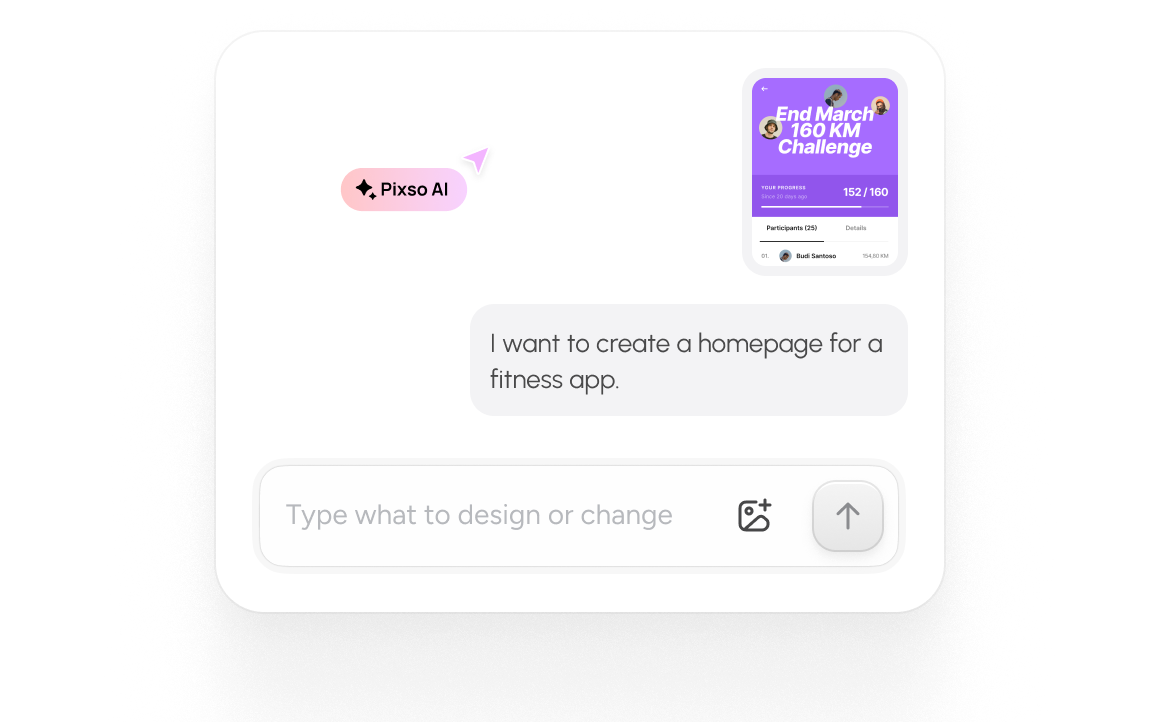
Generate from idea

Powered by natural language. Skip the manual work, go from inspiration to interface in seconds.

Chat mode icon
Chat interface

Context-aware and goal-oriented. Refine designs through continuous dialogue, just like chatting with a skilled design partner.

Code mode icon
Code mode

Switch designs to code view. Inspect layouts, styles, design tokens, and hierarchy instantly.

Built for designers, developers,
and everyone in between

Fast and easy prototyping with
smart components

The Pixso component library makes prototyping easier than ever. Paired with interactive animations, your product presentations become more engaging.

Get started for free
10mins

to complete a landing page

3000+

built-in components available

74%

increase in delivery efficiency

Product manager preview
Unite the team to realize every idea

Go from brainstorm to design solution in minutes. Unify visual standards and realize fully creative UI/UX designs.

Get started for free
26h

saved weekly

300%

handoff efficiency

200%

creative output

Designer preview
Track progress
& streamline operations

Participate in the full product lifecycle online. Review, feedback, audit, and update operational content in real-time.

Get started for free
20+

weekly sync project management

58%

output boost

100%

communication efficiency

Operations preview
Effortless code access, seamless design-to-dev

Every element and style on the Pixso canvas comes with ready-to-copy code snippets for instant implementation.

Get started for free
1h

build a landing page

300%

dev efficiency

150%

review speed boost

Developer preview
Unleash team creativity with an all-in-one powerhouse

Break free from legacy tools. Collaborate with your entire team throughout the journey and enjoy the process of building better products.

Get started for free
1000+

unlimited collaborators

25%

ROI increase

1min

feedback loop

Manager preview

Real stories, real success

See how Pixso accelerates design and streamlines workflows for enterprises of all sizes.

The all-in-one design platform
for organizational efficiency

Better, faster collaboration

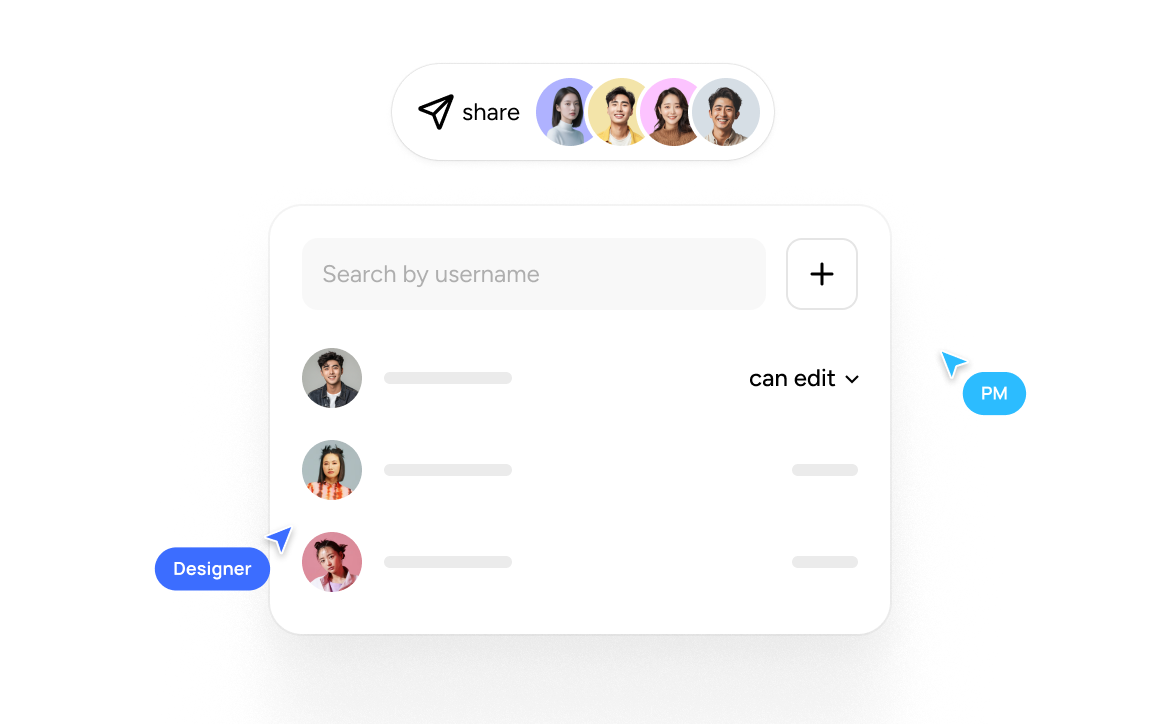
Enable multi-designer collaboration on single projects. Real-time updates eliminate the need for messy file transfers and version control headaches.

Better, Faster Collaboration
Seamless handoff

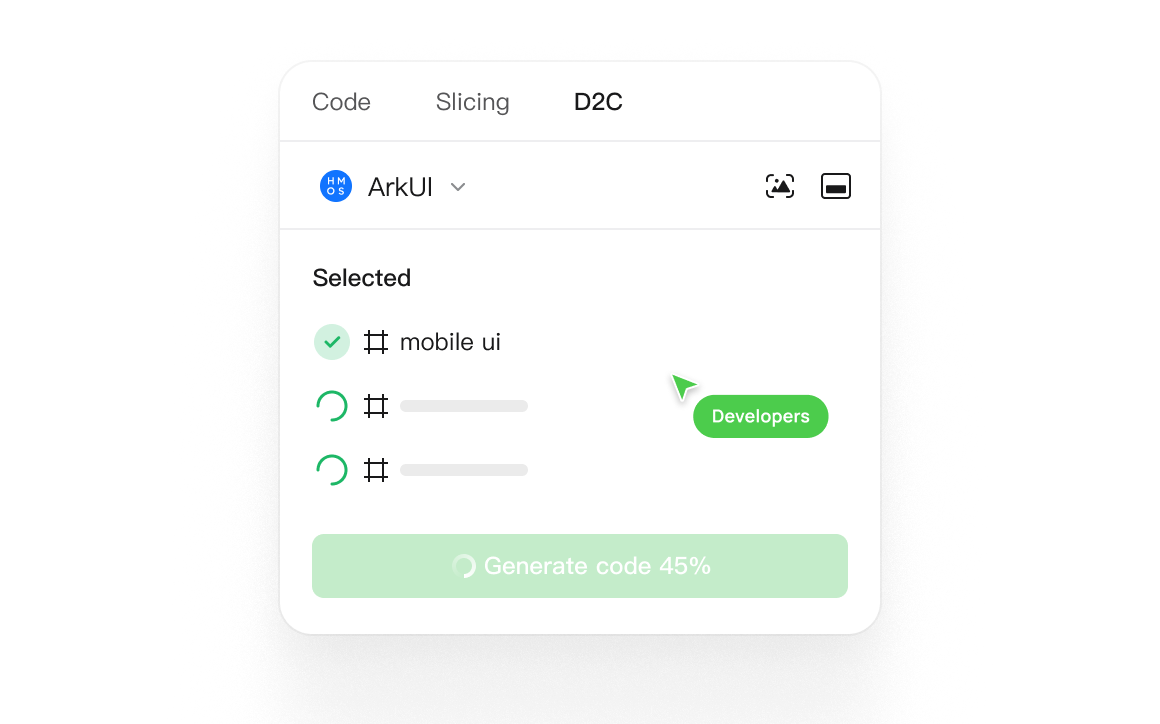
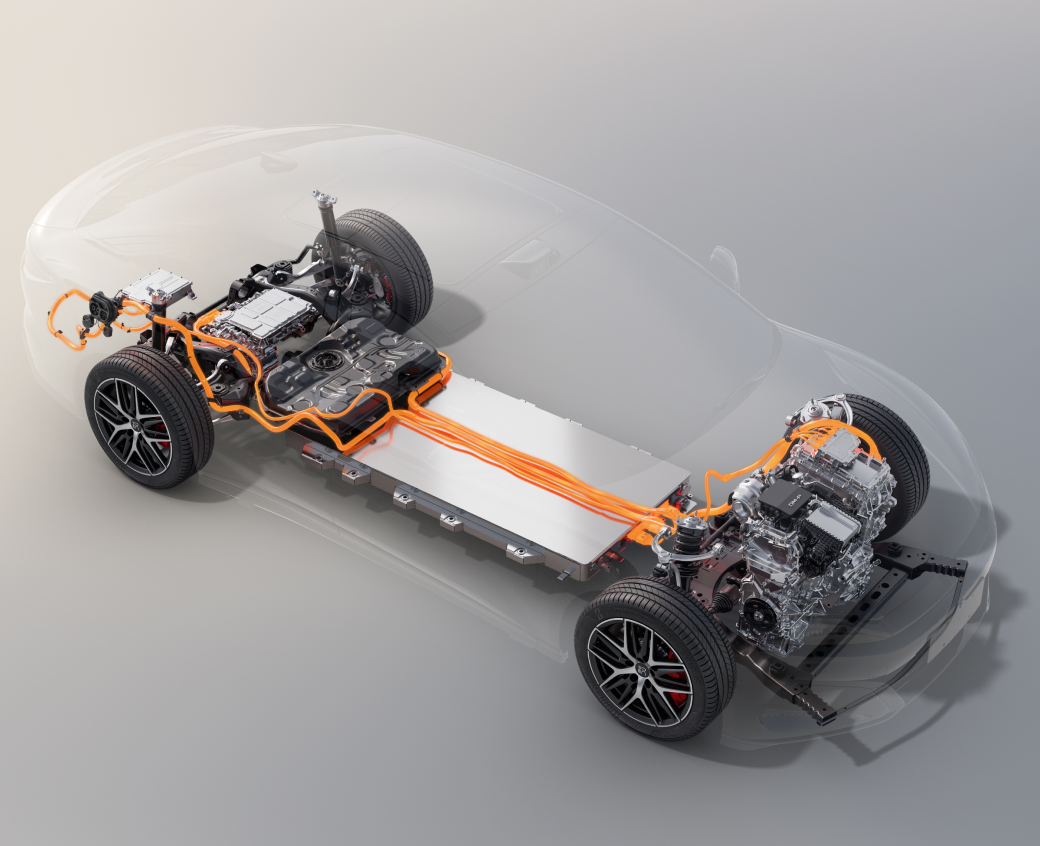
Convert designs to production-ready code with one click. Supports HarmonyOS ArkUI, HTML, and Flutter.

Seamless handoff
Unmatched performance

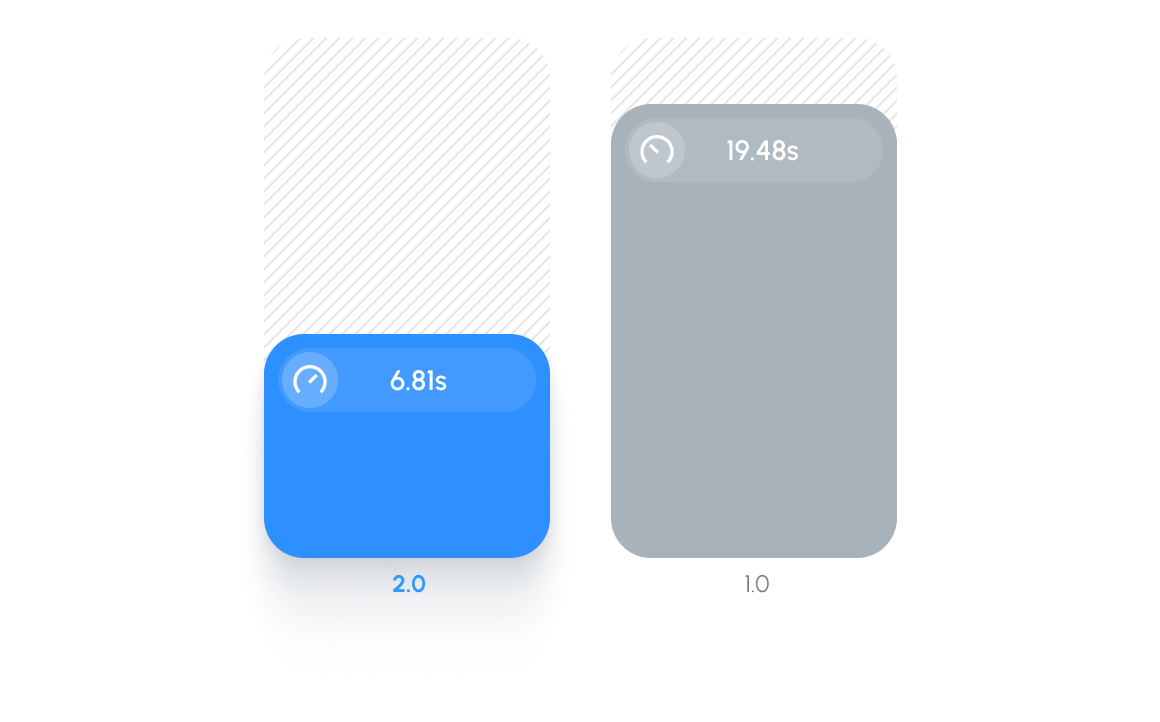
Pixso 2.0 brings a performance revolution: 50% faster file opening and 40% reduced memory usage.

Powerful product performance
AI-empowered efficiency

Leverage Pixso AI content creation across all design scenarios, unlocking infinite possibilities for your product.

AI-empowered design efficiency