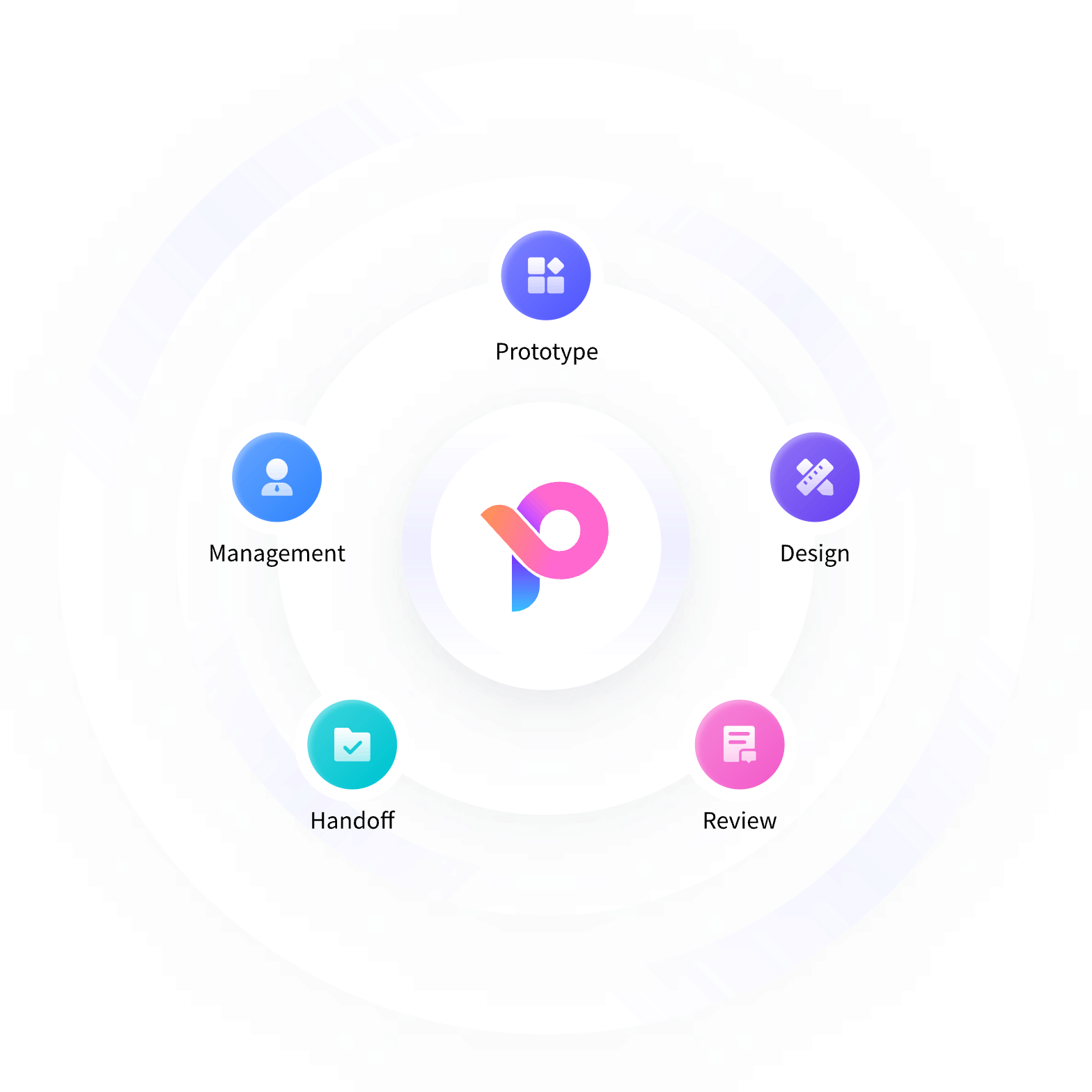
Connect Product, Design and Development
- Work together in the same design file and keep review comments beside the relevant screens.
- Organize shared projects so product managers, designers and developers can find the design information they need.
- Simplify developer handoff with design measurements, styles and available code references.
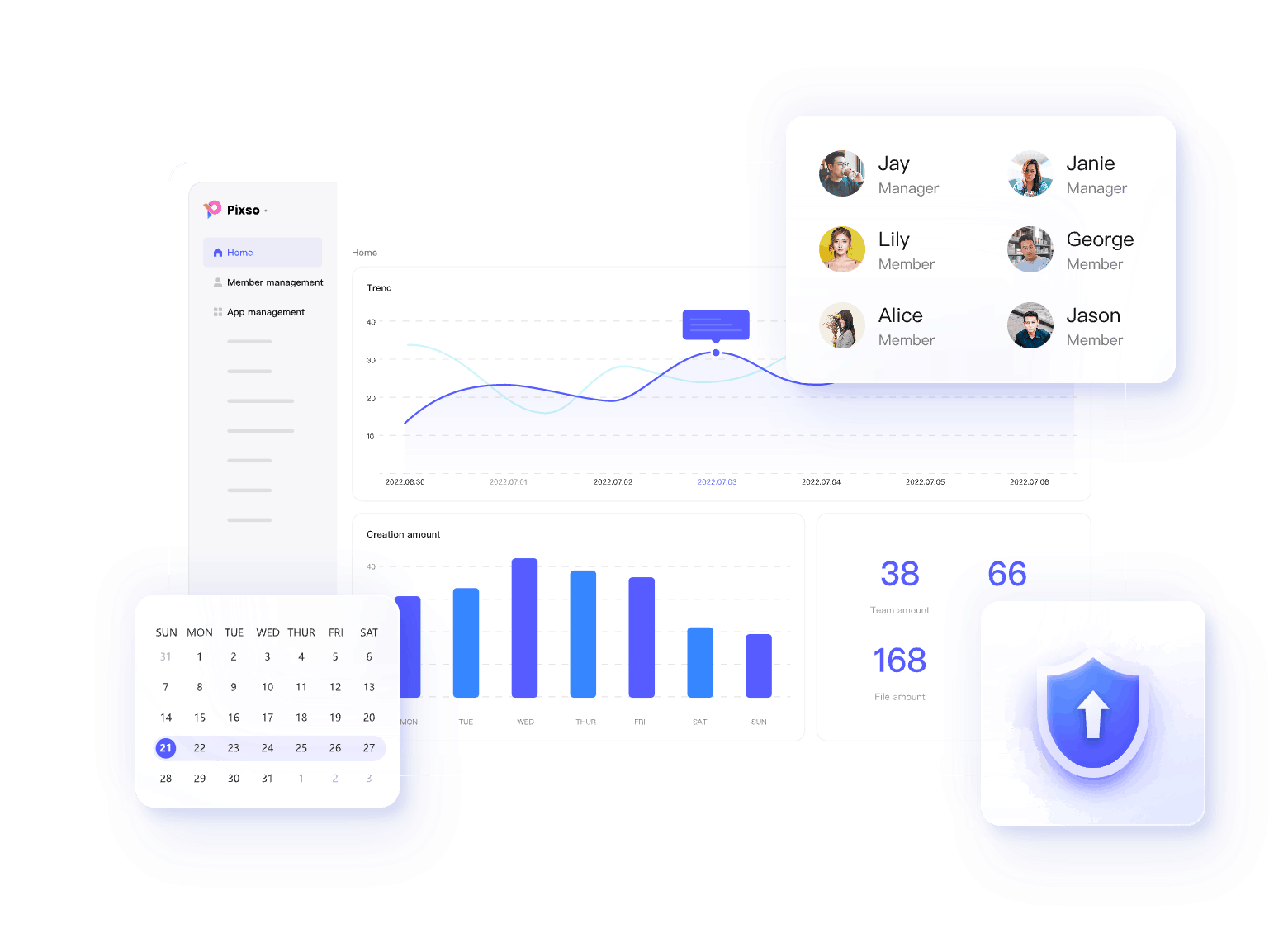
Manage Access from the Admin Panel
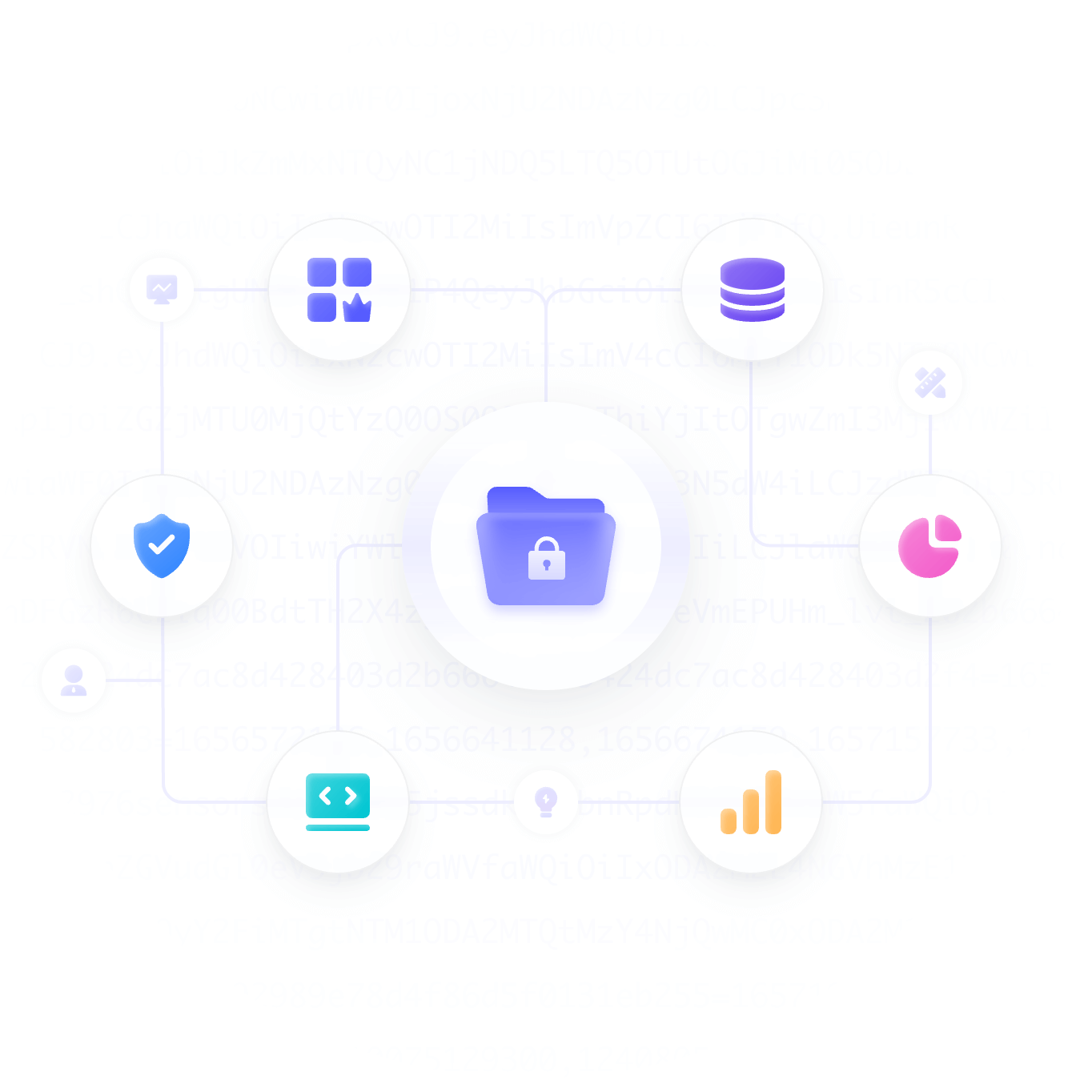
- Set access to enterprise files according to each member’s role.
- Assign editing or viewing permissions to match the work each collaborator needs to do.
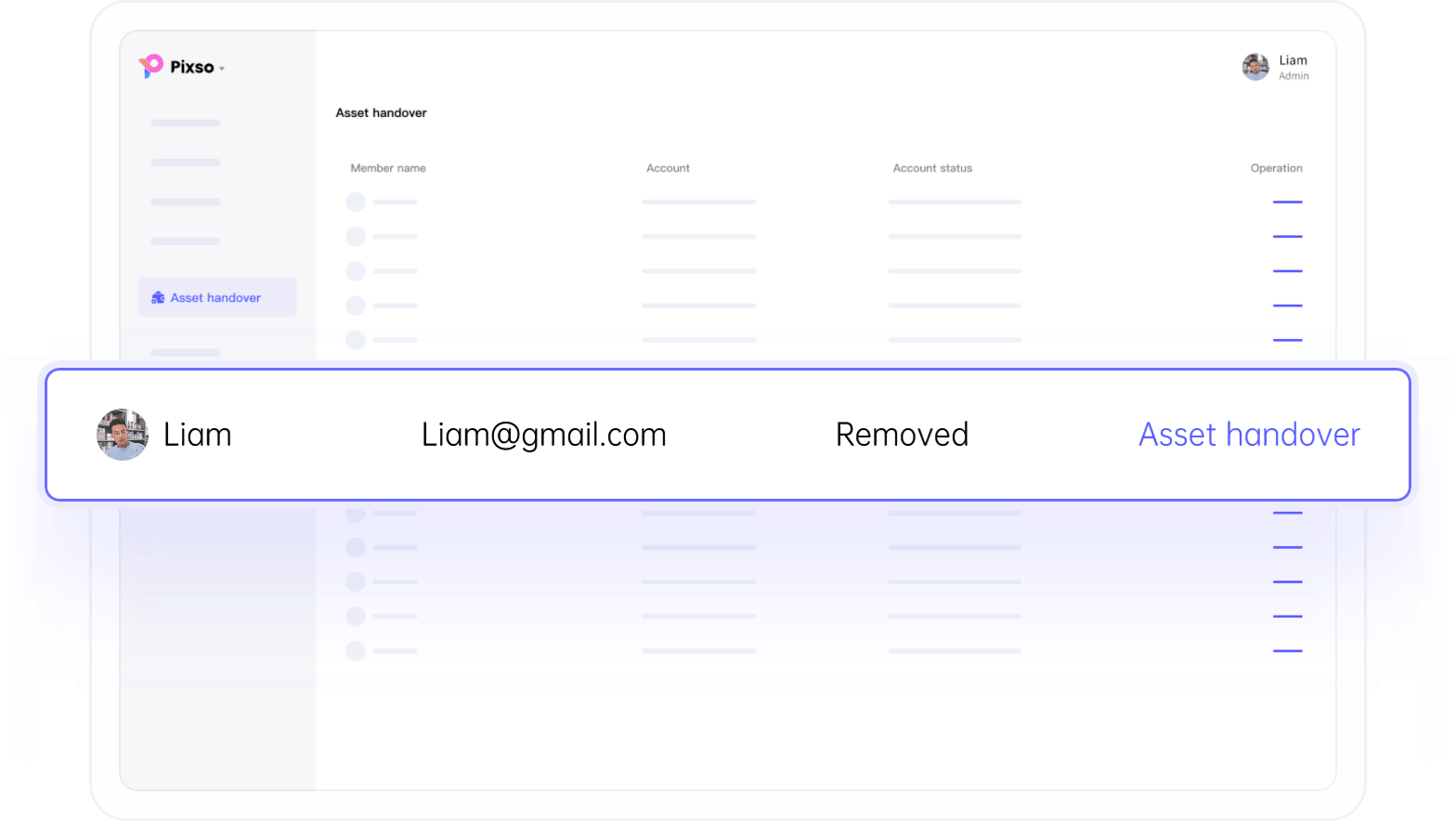
- Transfer team resources to the member responsible for the next stage of work.
Follow Team Activity in the Dashboard
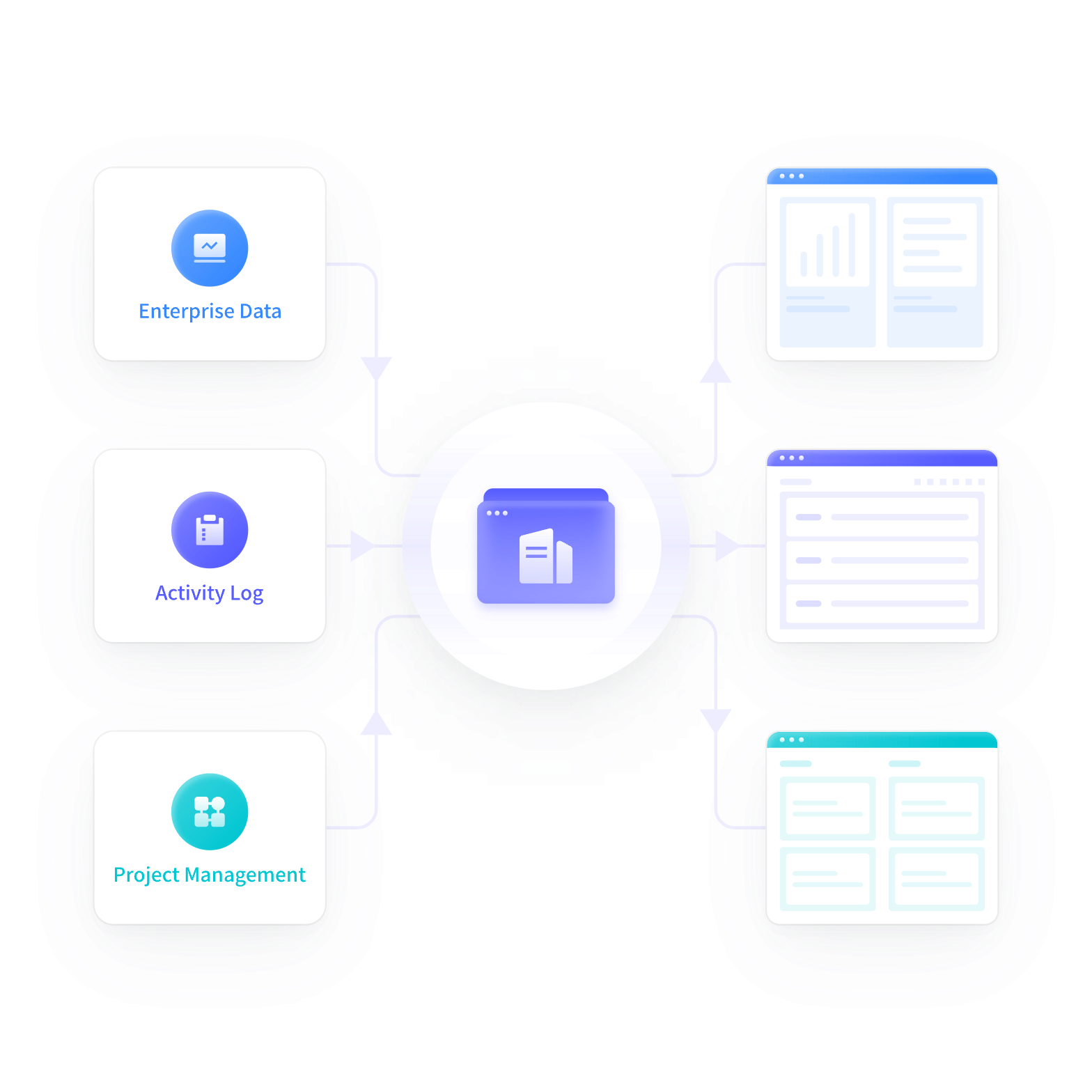
- The dashboard presents project data to help administrators track project progress.
- Use activity logs to review actions taken by team members.
- Add or remove project members as responsibilities change.
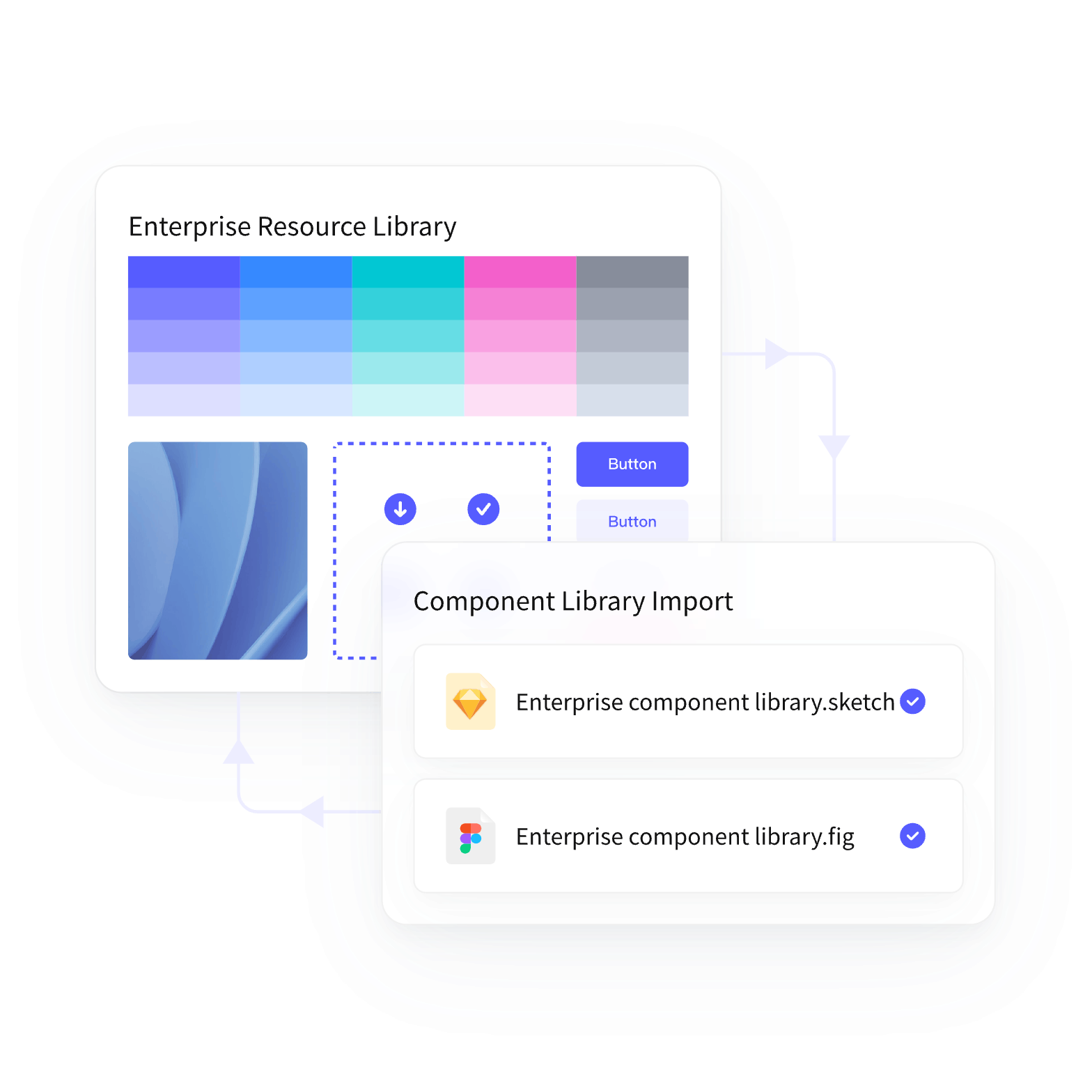
Reuse Shared Enterprise Resources
- Give distributed teams access to the same approved design resources.
- Set up enterprise resource and font libraries for shared use.
- Import supported design files, including Figma and Sketch files, and review the result before moving a project.
Connect Product, Design and Development
- Work together in the same design file and keep review comments beside the relevant screens.
- Organize shared projects so product managers, designers and developers can find the design information they need.
- Simplify developer handoff with design measurements, styles and available code references.
Manage Access from the Admin Panel
- Set access to enterprise files according to each member’s role.
- Assign editing or viewing permissions to match the work each collaborator needs to do.
- Transfer team resources to the member responsible for the next stage of work.
Follow Team Activity in the Dashboard
- The dashboard presents project data to help administrators track project progress.
- Use activity logs to review actions taken by team members.
- Add or remove project members as responsibilities change.
Reuse Shared Enterprise Resources
- Give distributed teams access to the same approved design resources.
- Set up enterprise resource and font libraries for shared use.
- Import supported design files, including Figma and Sketch files, and review the result before moving a project.
Manage Members, Permissions and Shared Resources
Member Management
Manage enterprise members and their access to projects and shared resources.
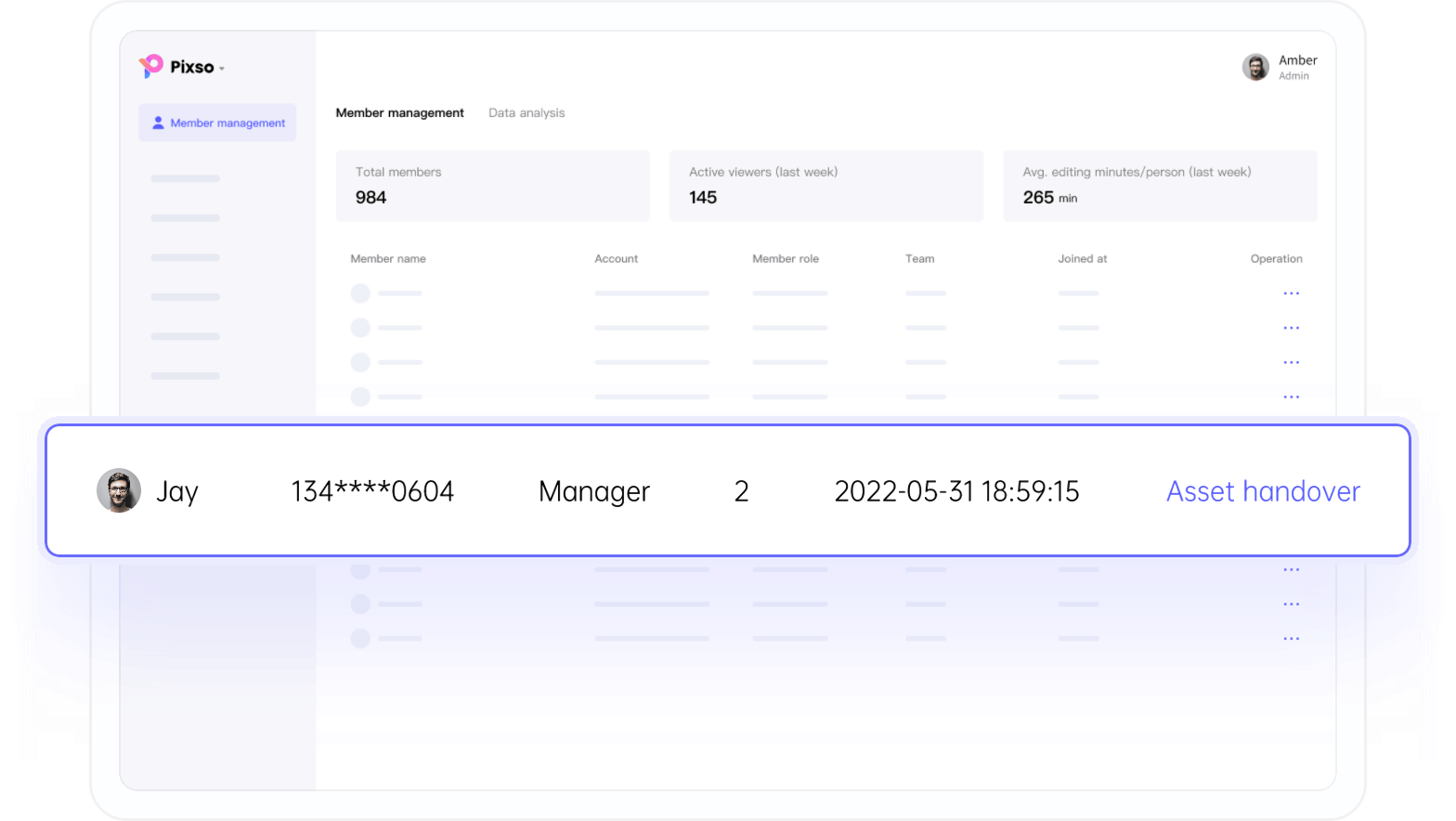
Asset Handover
Transfer resources to another member and update permissions when responsibilities change.
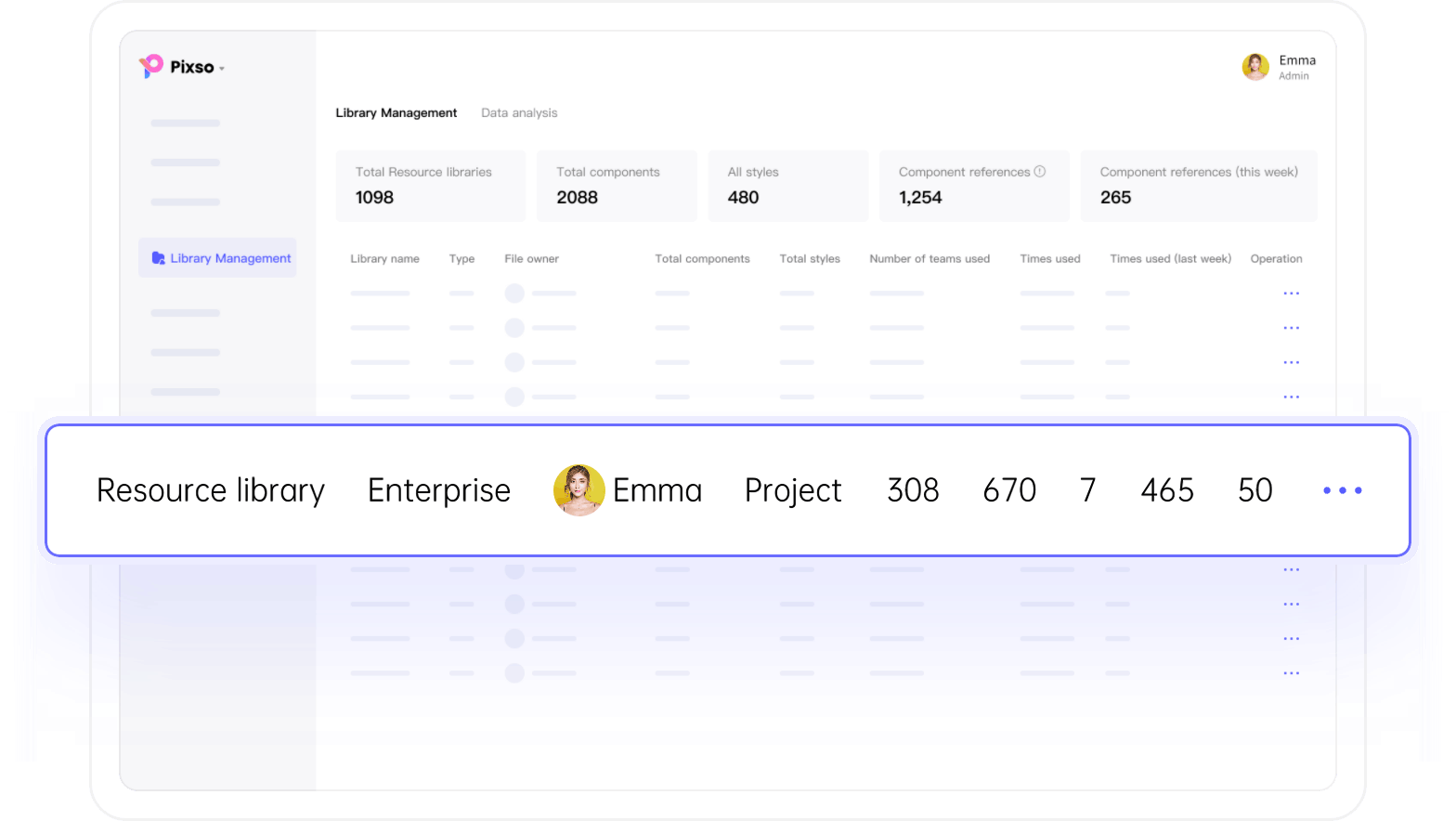
Enterprise Resource Library
Organize approved resources and fonts in enterprise libraries for team members to use.
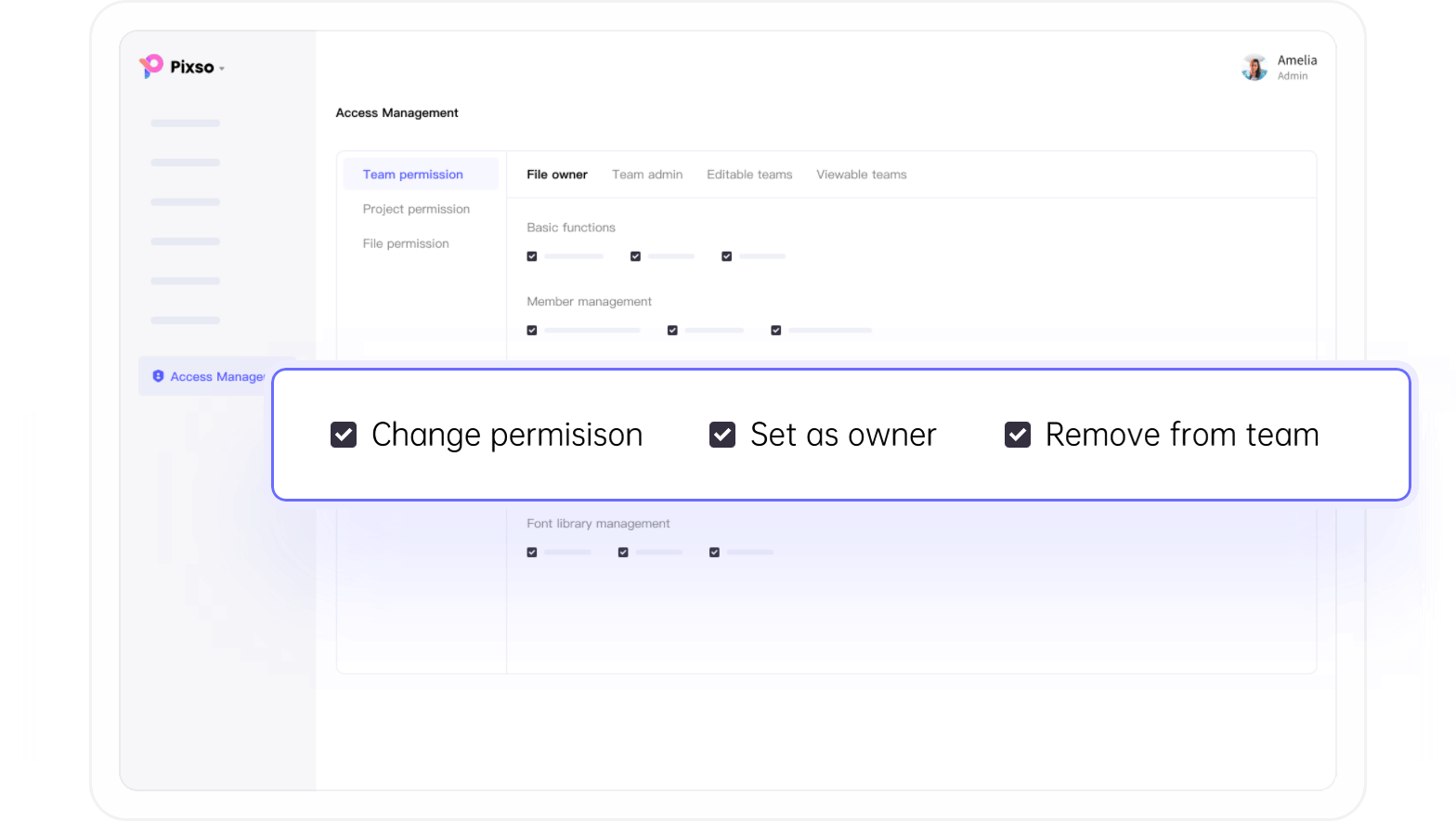
Permission Management
Give collaborators editing or viewing access according to their role in the project.
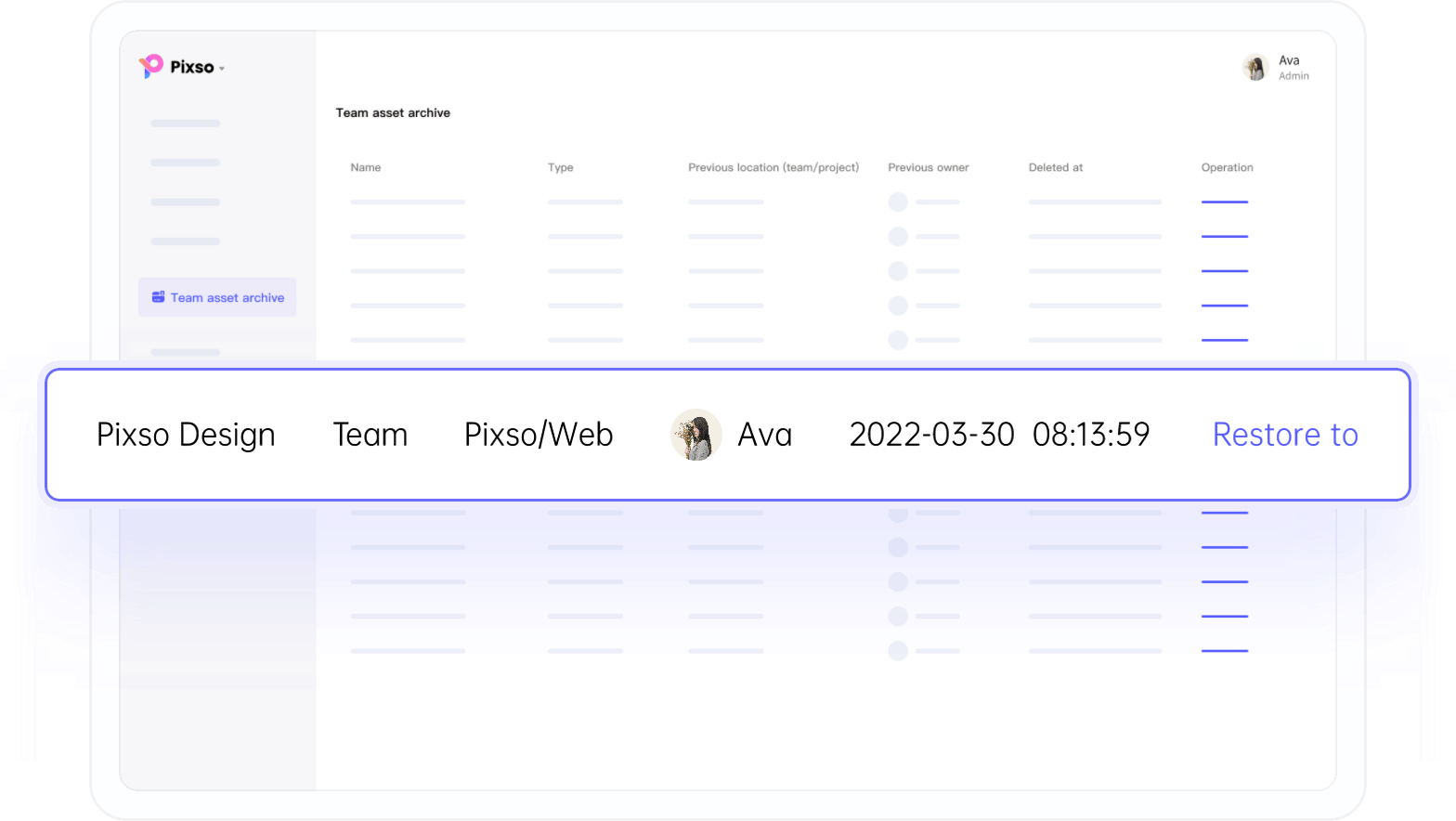
Asset Archive
Use the asset archive to manage team resources that need to be retained for later reference.
Support for Your Enterprise Workflow

Dedicated Account Manager
Deployment Support

Customer Support

Team Training