PIXSO DESIGN SYSTEM
A design system tool your team can build on
Keep everyone building from the same components and styles. Create flexible UI libraries, share changes across projects and use your team's design system with Pixso AI.
Create in your browser. Share with your team.
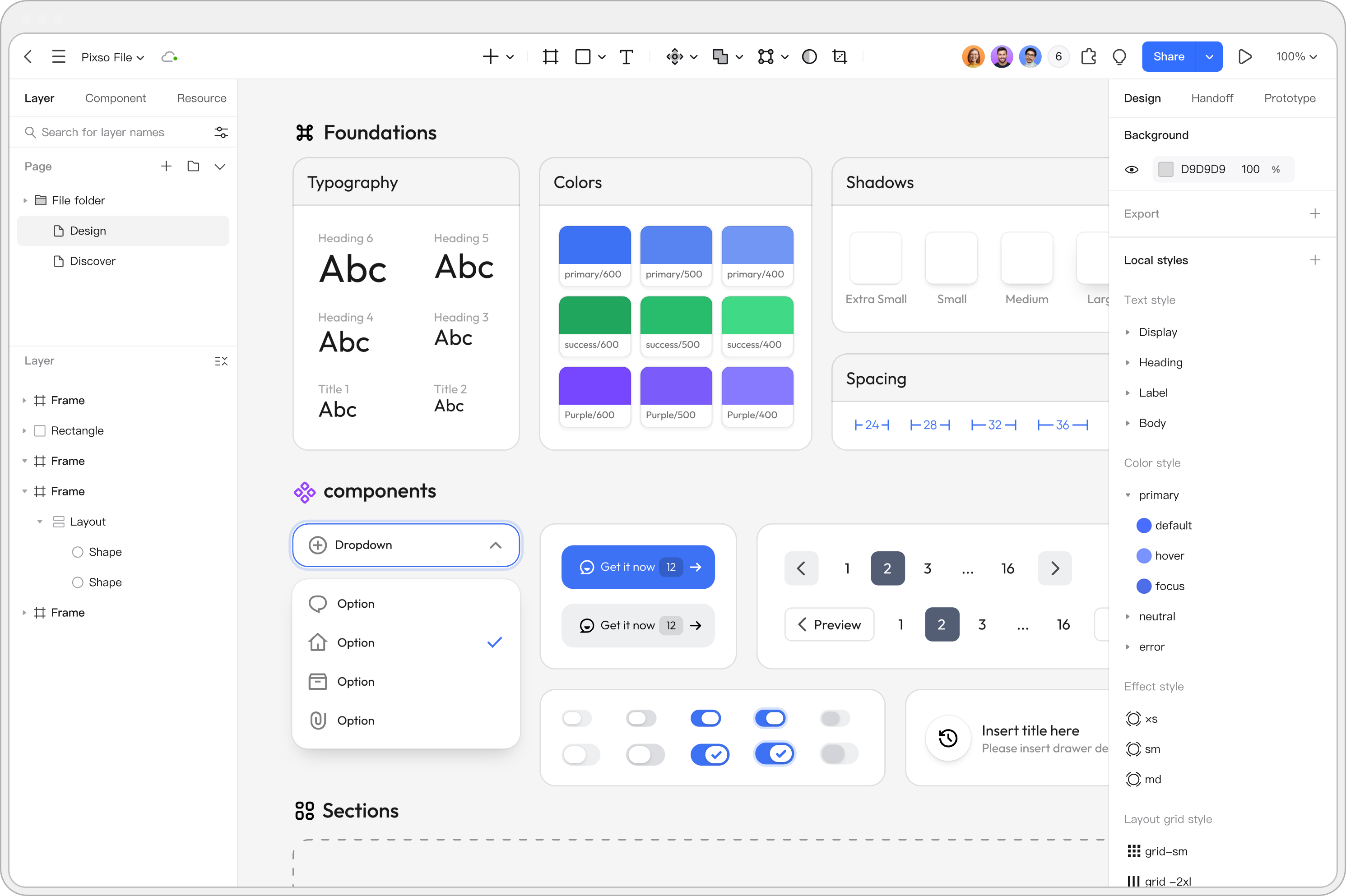
Reuse what already works
Build screens from a shared collection of components and styles.
Keep changes manageable
Publish library updates and choose when to apply them in each file.
Give AI your design context
Generate editable screens using a library enabled for AI.
A SHARED FOUNDATION
Make the right elements easy to find and reuse
Give your team a component library they can use while designing. Keep buttons, fields and navigation together with the colors and typography that make the product feel consistent.
Turn repeated UI into reusable components
Create components from existing layers, then place instances wherever the pattern is needed. Add descriptions to explain how teammates should use each component.
Define styles once, use them across screens
Save colors, text, effects and layout grids as styles. Publish them with your components so the team can use the same visual decisions in other files.
CONSISTENCY WITH FLEXIBILITY
Build flexibility into every component
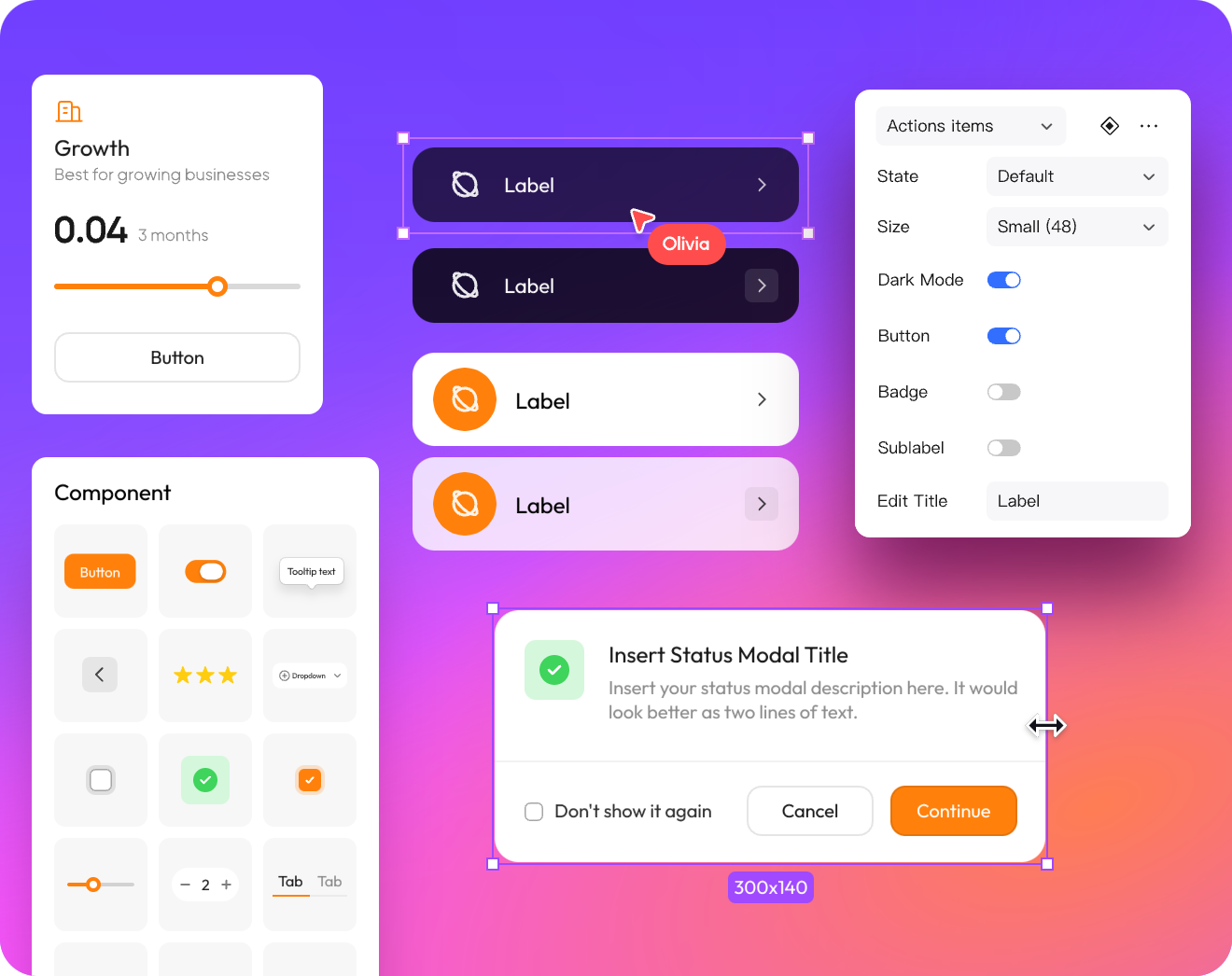
A useful component handles more than one example. Organize sizes and states as variants, and expose the choices teammates need without asking them to rebuild the underlying design.
Give related states one home
Keep a button's sizes and states in a component set. Choose named properties such as size or state to switch between variants as you compose a screen.
Expose the details that should change
Use component properties for editable text, optional layers and nested instance swaps. Teammates can adjust those details while working from the same component.
SHARED LIBRARIES
Keep projects aligned, with control over updates
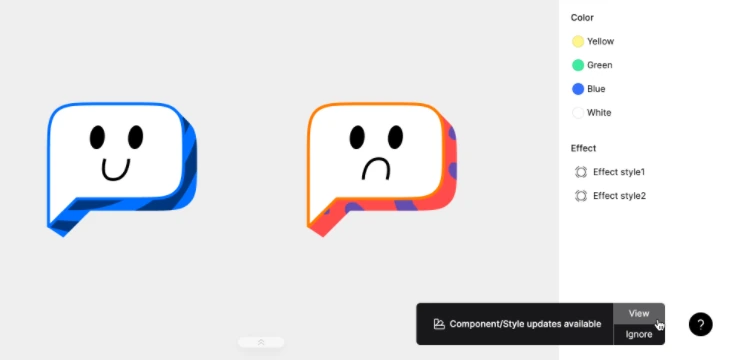
Develop a component in its source file, then publish the change to the library. Files using that library receive an update notification, so each team can bring in the changes when it is ready.
Share the change and its context
Publish added or revised components and styles with a description. Teammates see the changed resources together, instead of piecing together what changed across separate copies.
Apply one change or the whole update
Review the library update list and apply individual items or all available updates. Changes to a main component in the same file update its linked local instances directly.
YOUR SYSTEM, IN PIXSO AI
Start new screens with your own design language
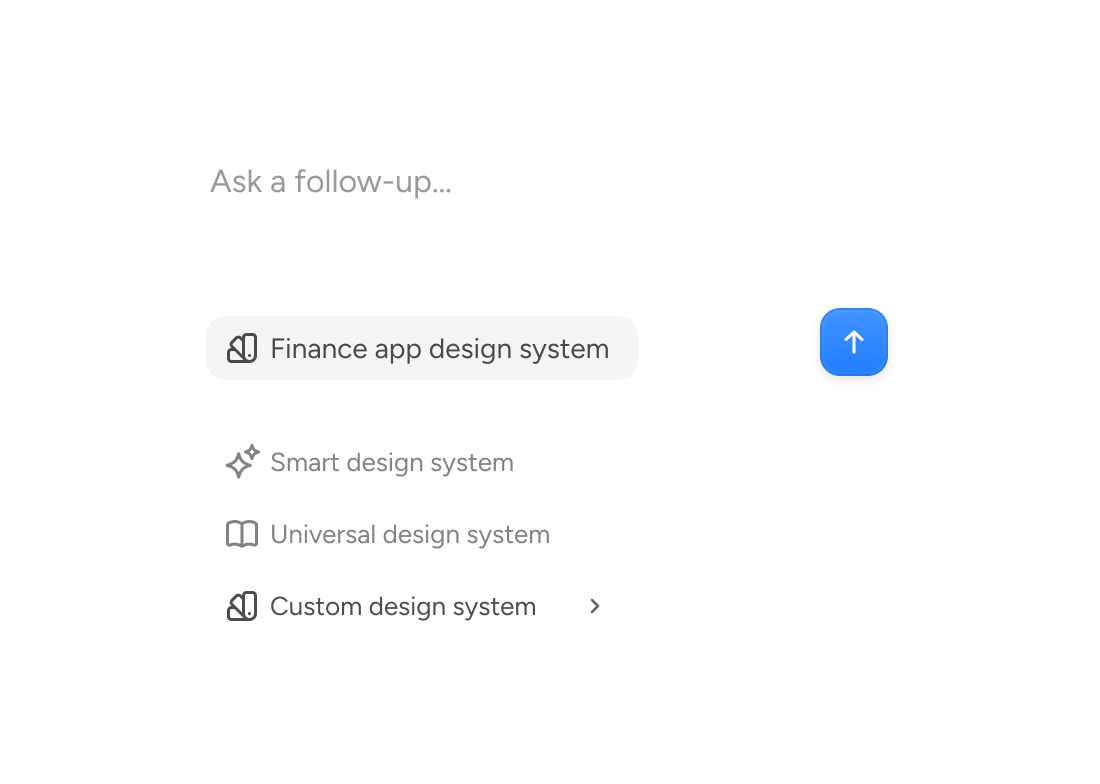
Your library can guide AI as well as your designers. Enable AI access for a published library, select it in Pixso AI and describe the screen you want to create.
Give AI a relevant starting point
A dashboard library gives Pixso AI components and a visual style for dashboard work. Choose a library that fits the screen you need, then generate an editable design on the canvas.
Keep building on the result
Edit the generated layers and adapt the screen to your product. If the library does not cover a requested module, AI can generate that part rather than force an unrelated component into the layout.
BUILT AROUND YOUR LIBRARY
The everyday tools a design system needs
Auto Layout
Set padding, spacing and alignment so layouts can respond to text and content changes.
File import
Bring Figma, Sketch or Adobe XD files into Pixso and use existing design work as your starting point.
Comments in context
Discuss a component beside the design, mention teammates and keep feedback attached to the relevant detail.
View and edit access
Invite collaborators with the access they need to contribute, review or use the design file.
Version history
Save named versions at important milestones so the team can revisit a design or restore earlier work.
Developer handoff
Share the handoff view so developers can inspect dimensions and style references and download prepared assets.
Choosing a design system tool
What is the difference between a design system and a component library?
Can I reuse components and styles across different files?
Will a library change immediately affect every project?
Can Pixso AI use our existing design system?
Build a library your team will actually use
Start with the components your product repeats most. Give your team a shared foundation for the next screen and the one after it.
Build your design system