Start with the assets you still have
A shutdown migration starts with your own retained files. Do not assume an old InVision share link can still provide an export or that every prototype is an editable source design.
Find editable source files
Locate original design files, fonts and image assets in your team’s backups. Record the source application and version for each project before choosing an import route.
Separate screens from prototypes
Screenshots and exported images preserve appearance but do not contain every interaction or reusable component. Keep them as references when rebuilding editable screens.
Document the missing behavior
Collect existing notes on navigation, overlays, transitions and permissions. Ask project owners to review any behavior that is no longer available in a working prototype.
Build and review the replacement workflow
Pixso can support UI design, prototyping and handoff in a shared workspace. Begin with one retained project and verify its requirements before moving the rest.
Rebuild the handoff reference
Create a shared file containing the approved screens, assets and developer notes. Link each screen to its intended behavior and agree on the version that developers should implement.
Try for Free
Recreate reusable design elements
Use the original source designs where available. When only screen images remain, rebuild the necessary text, components and layout, then compare them with the reference rather than assuming an image becomes an editable interface.
Try for FreeReview asset ownership and licenses
- Check licenses for fonts, icons, illustrations and third-party components in the retained project. Keep an asset list and replace resources that your team cannot reuse.

Budget for migration work
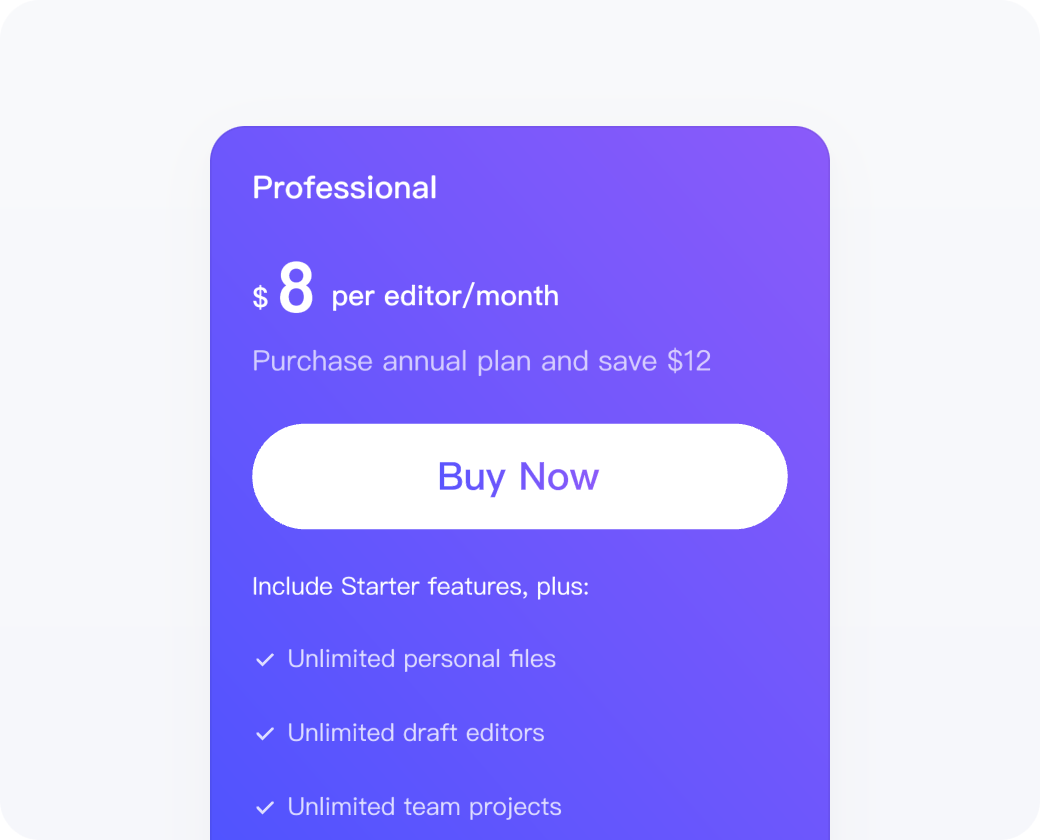
- Estimate the time to rebuild components, prototype links and developer notes, as well as subscription and training costs. Choose the required seats using current Pixso plans; historical InVision prices are not a current purchasing comparison.
Migration checklist for retained InVision projects
This checklist covers your retained assets and the work needed in a replacement tool. InVision is not presented as an available purchase option.
Try for Free| Key Features |

|

|
|
|---|---|---|---|
| Source designs | Test supported file import | Locate your retained originals | |
| Screenshots | Use as rebuild references | Keep approved screen captures | |
| Prototype behavior | Recreate and review links | Check retained notes or recordings | |
| Fonts and assets | Verify appearance and licenses | Inventory fonts and asset files | |
| Components | Rebuild or verify imported assets | Locate original libraries | |
| Handoff | Agree on a reviewed version | Retain implementation notes | |
| Project access | Set new workspace permissions | Record project owners | |
Pilot a supported file import

Figma
.fig

Sketch
.sketch

Axure
.zip

XD
.xd
Import supported Figma, Sketch, Adobe XD or other source files from copies of your backups. InVision links or prototype exports are not interchangeable with these editable formats. Rebuild missing interactions and verify the result before replacing your team’s reference.
FAQs About Pixso
1. What can I do if I don't want others to edit my designs?
Set viewing or editing access before sharing the file. Check the current link and workspace permissions, then test the link with the intended reviewer or collaborator.
2. How do I use the Component Variant function?
Variants group related component types, sizes, and states. For example, a button can have a size property with large, medium, and small values, and a state property with default, hover, active, and disabled values. Select the values you need in the right-hand panel.
3. How do I handle retained source files?
Identify the source format and import a copy if Pixso supports it. If you have only images or documentation, use them as references to rebuild the required screens and interactions. Keep the original assets and record any gaps.
4. How do online comments work?
In Pixso files, you can leave comments directly on the design and @mention collaborators to notify them. They can review the feedback and update the design accordingly.
5. Is my file data safe?
Review who can access the replacement workspace and its backups. For private deployment, agree on access controls, maintenance and recovery responsibilities before moving sensitive project assets.
"The choice of design tools ultimately depends on project needs, workflows, and designers' preferences. Pixso offers a rich, real-time collaboration experience for UI design and prototyping, allowing teams to work without limitations."
UX designer @Luis Chow
Customer experience from a prior workflow; current access and features depend on the selected plan.