Paico
Build any type of web and mobile app UI
Available for Windows & Mac
Explore practical UI/UX guides, product design tutorials, design system examples, prototyping tips, and real-world case studies.
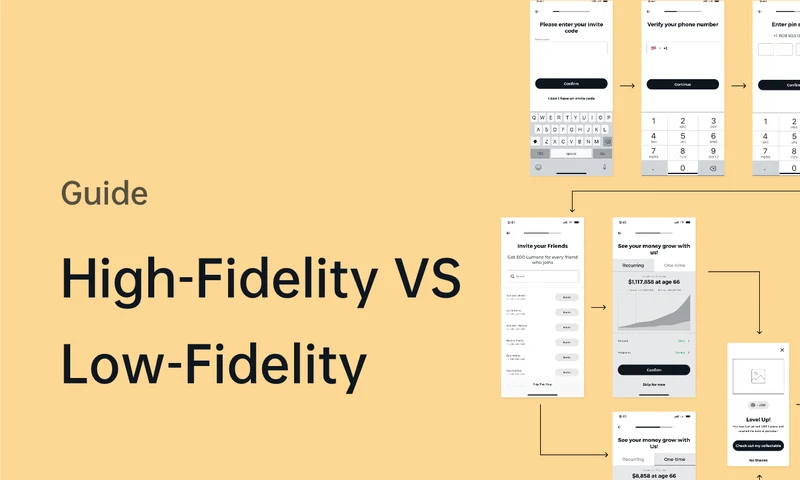
Choose prototype fidelity around the decision you need to make. Compare rough wireframes and detailed interactions, with examples and a focused Pixso workflow.
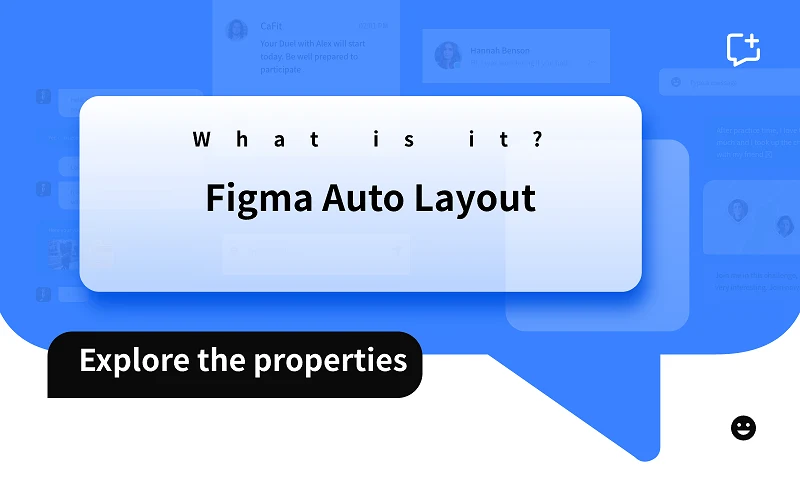
Understand Fixed, Hug contents, and Fill container, then use spacing, overlays, and nested frames to build reusable layouts with realistic content.
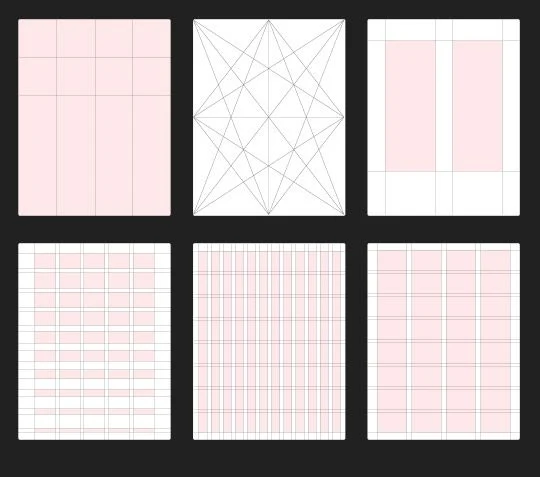
Learn the parts and types of grids, then choose alignment, spacing, and responsive arrangements around the content your interface needs to display.
Compare ten public design systems by scope, components, tokens, accessibility and governance; use a pilot checklist to choose responsibly.
Check out 5 Best UI Design Tools
Compare five wireframe tools for early UI design, with attention to free-plan limits, collaboration, and the setup needed for open-source tools.
Separate choosing a personal score from reading an aggregate rating. Design the question, scale, unselected state, submission and summary with one support example.
Make code entry understandable across the product and inbox. Plan complete-code paste, destination correction, resend, expiry and confirmed verification together.
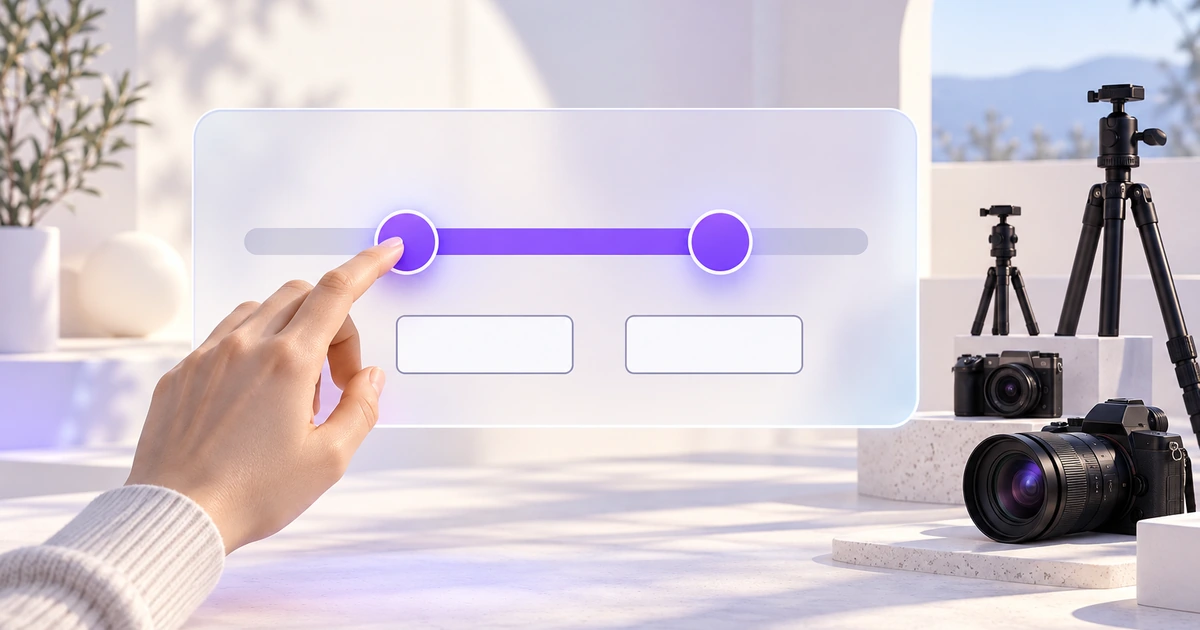
Build a rental-price range that keeps slider handles, exact values and applied results in agreement. Define limits, precision and recovery before styling.
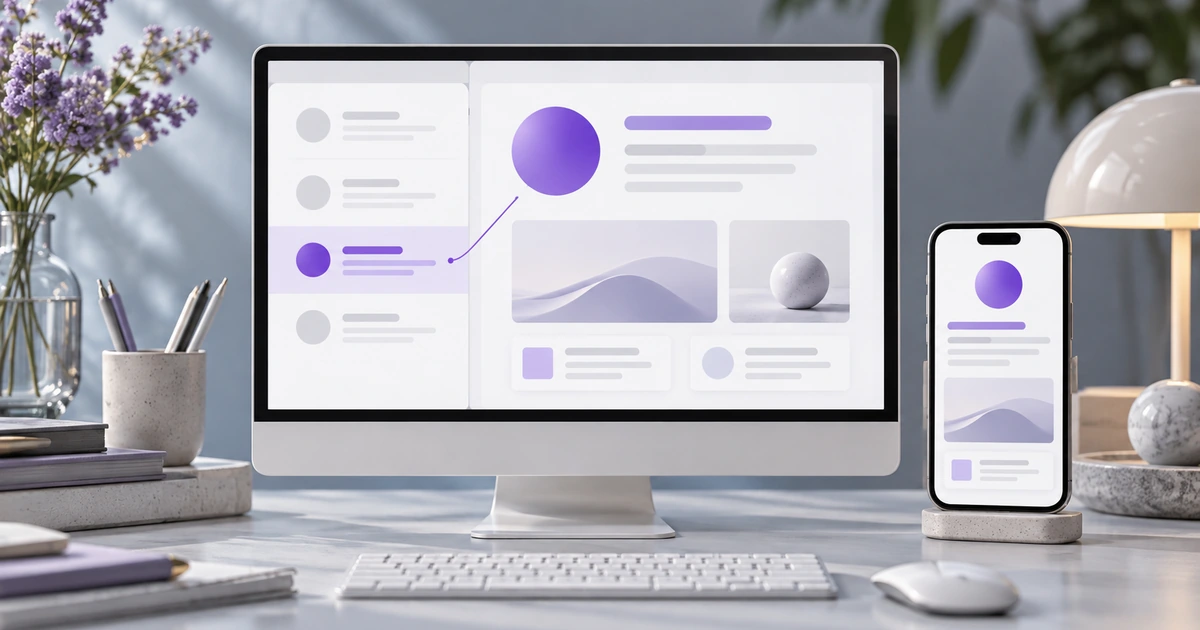
Keep the selected record, list position and detail actions connected. A support-inbox example covers pane sizing, compact navigation, drafts and keyboard context.
Use a four-project portfolio gallery to decide how people browse, select and revisit slides. Compare controls, focus, end behavior and narrow-screen layouts.
Make plan fit, editor-seat pricing and billing periods understandable. A worked scheduling-product example connects the comparison table to the selected-plan summary.
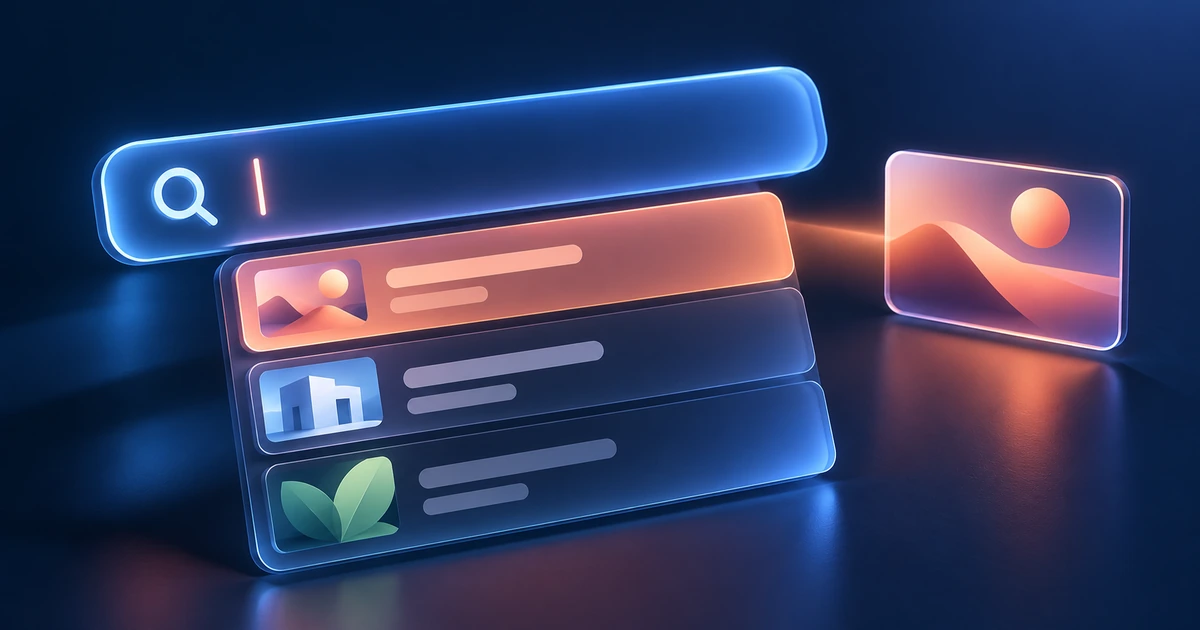
Make the search field's promise clear: what it searches, what a suggestion does, and what happens when someone presses Enter. A project-library example connects desktop and mobile behavior.
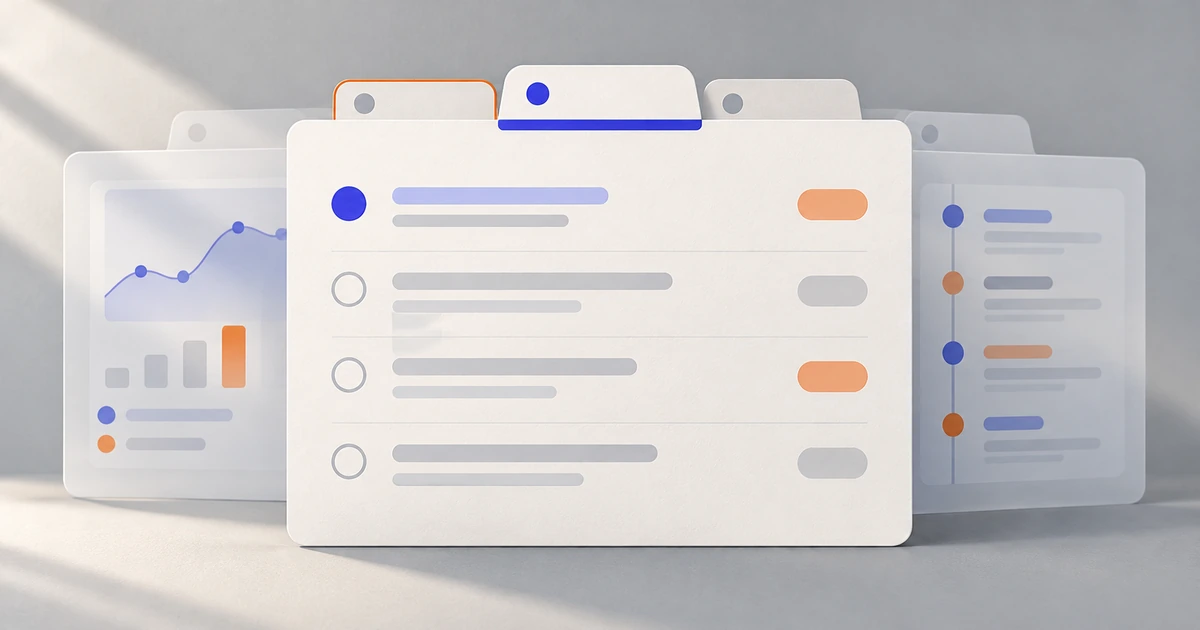
Use tabs for sibling views of one object, not a sequence of steps. A project workspace shows how to separate selection from focus, preserve unfinished work and handle narrow screens.
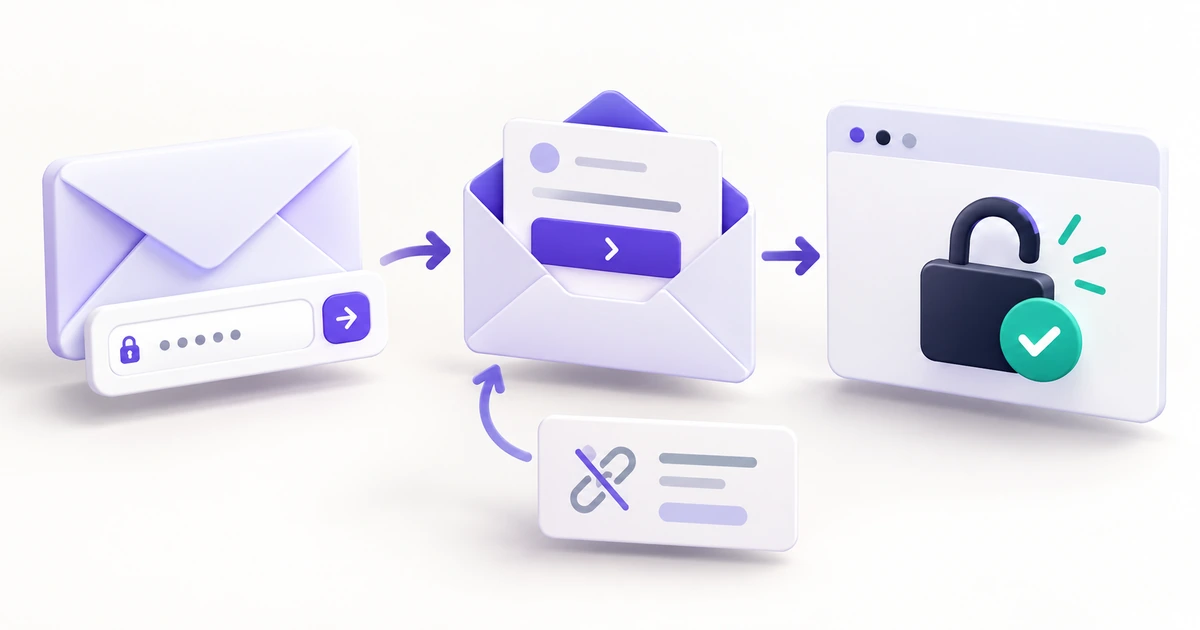
Follow one workspace recovery journey through the inbox, expired and reused links, a new password and normal sign-in—with copy and design decisions for each step.
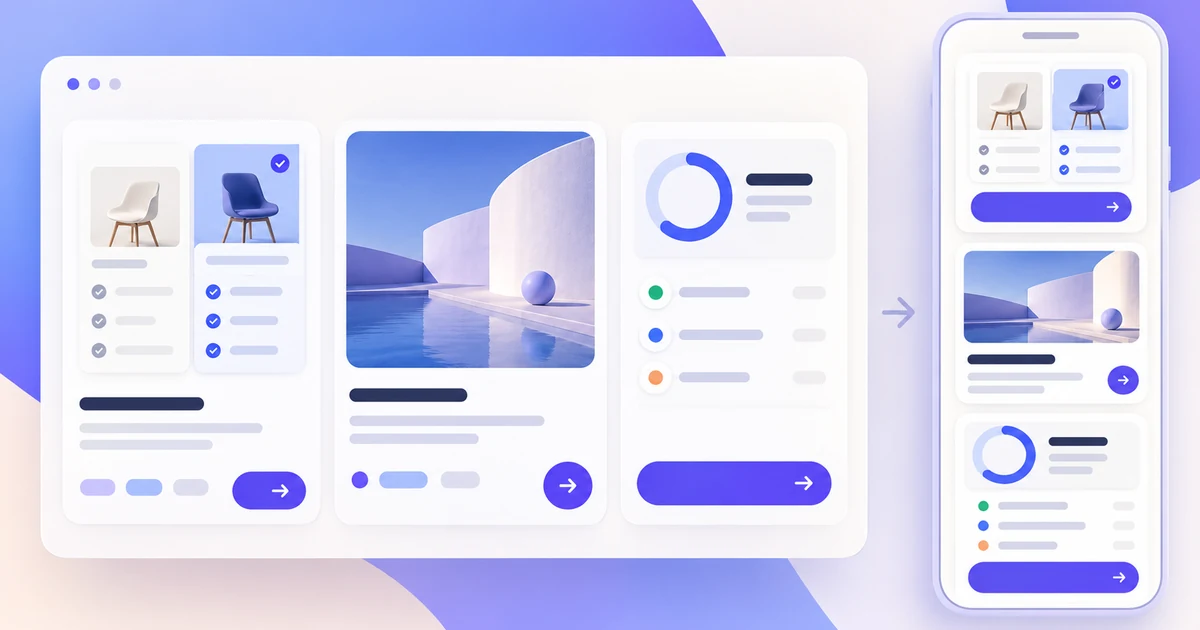
A practical card UI design guide for content hierarchy, action priority, responsive layouts, and loading, empty, and error states.
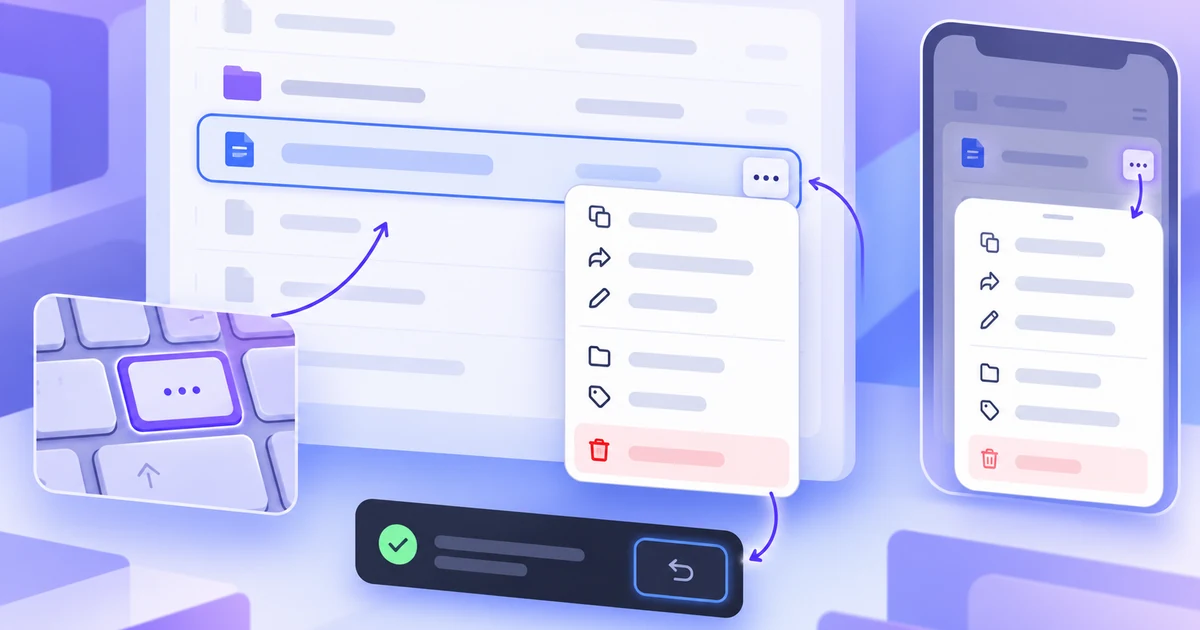
A practical context-menu UX guide for choosing the trigger, action order, placement, responsive fallback, keyboard path, and recovery behavior for secondary actions.
A practical decision guide for collection navigation: match pagination, Load more, or infinite scroll to the way people find, compare, revisit, and complete work.
Page 1 of 39
Create Files
Resource Community
Version History
User Guide