Web Designing Tool for Creative Ideas

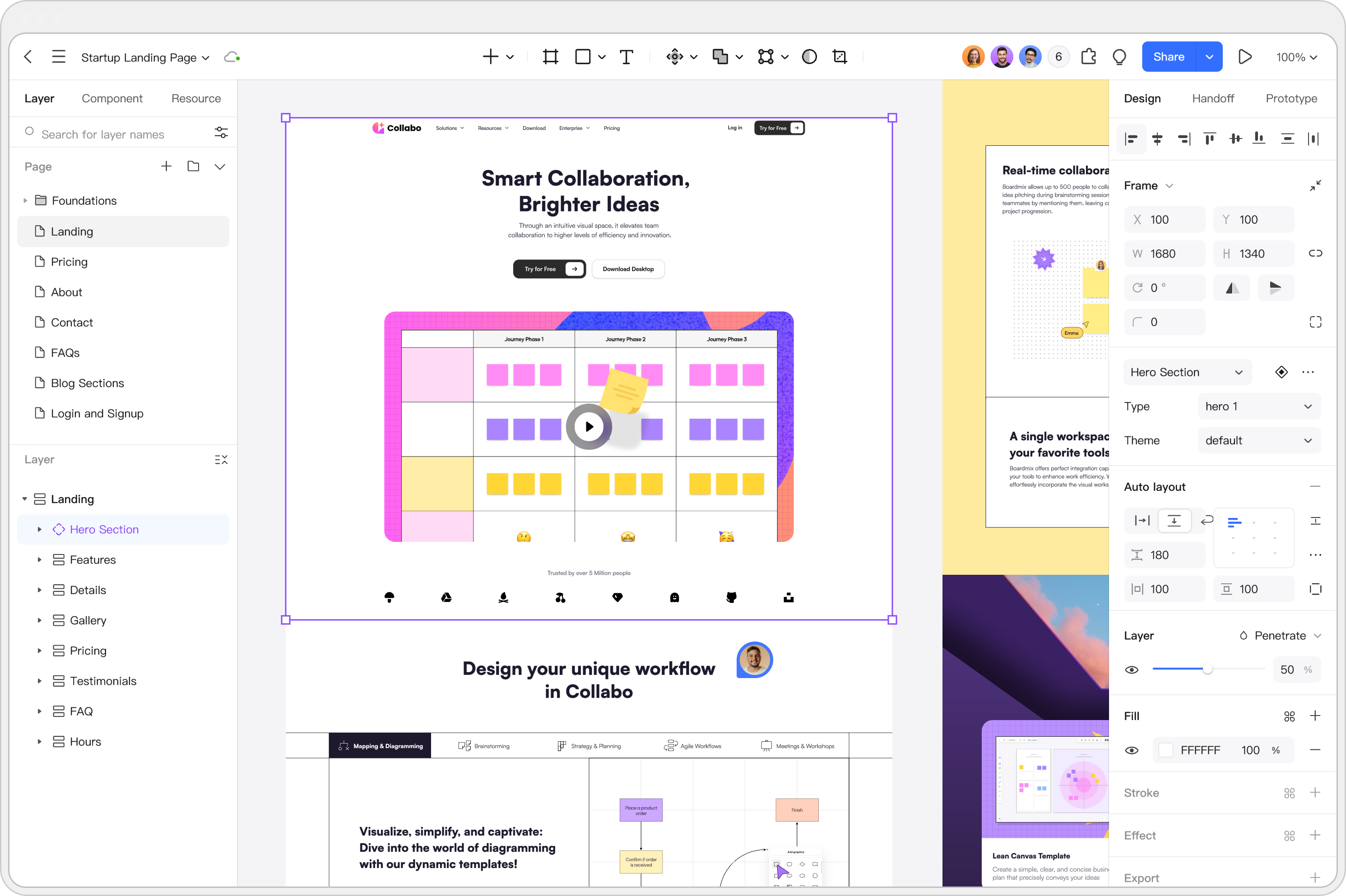


Master Responsive Web
Design Effortlessly

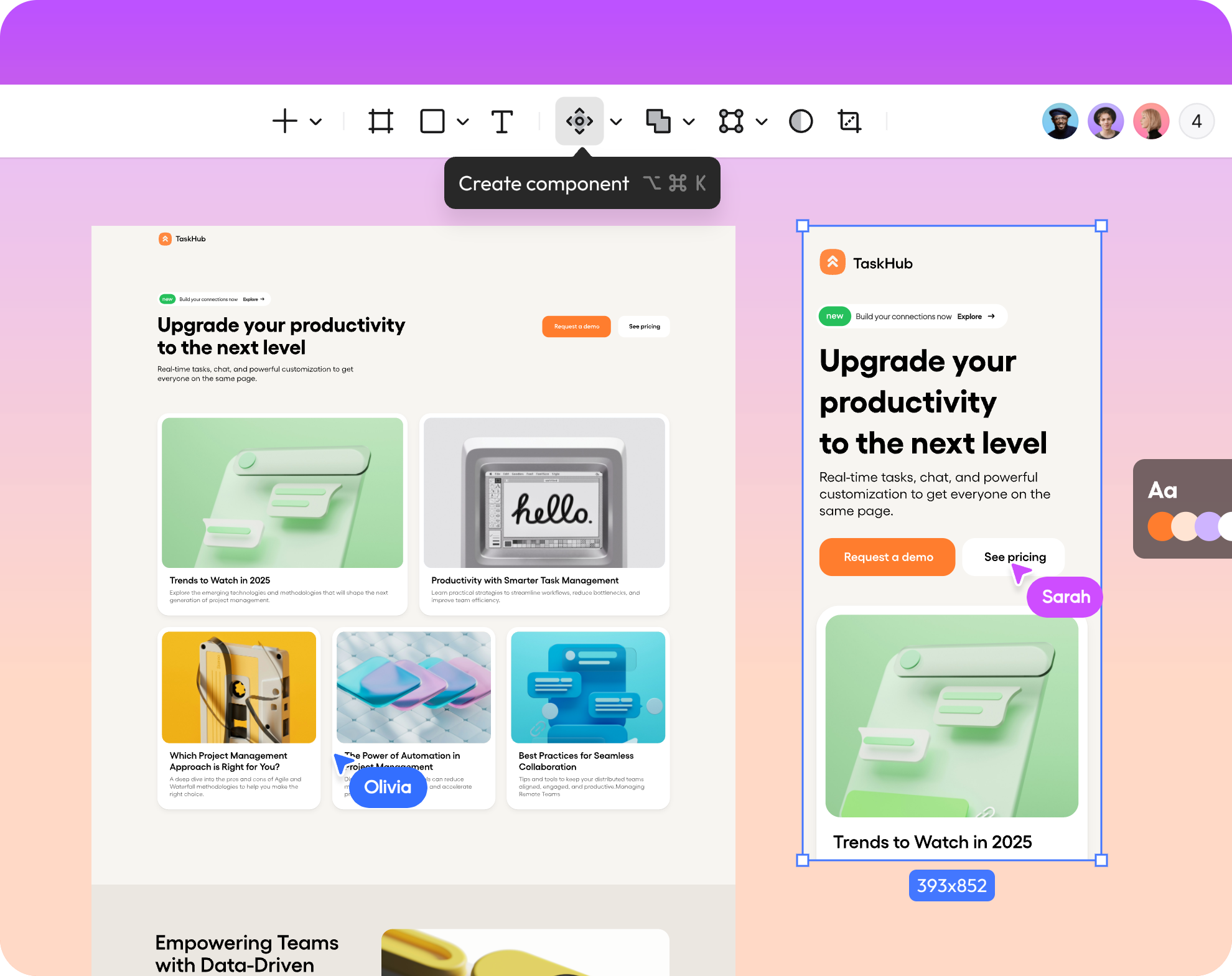
Scalable Interfaces
Leverage auto layout, components, and styles to scale your projects consistently. Quickly turn brilliant ideas into good web design that adapts flawlessly to any screen.

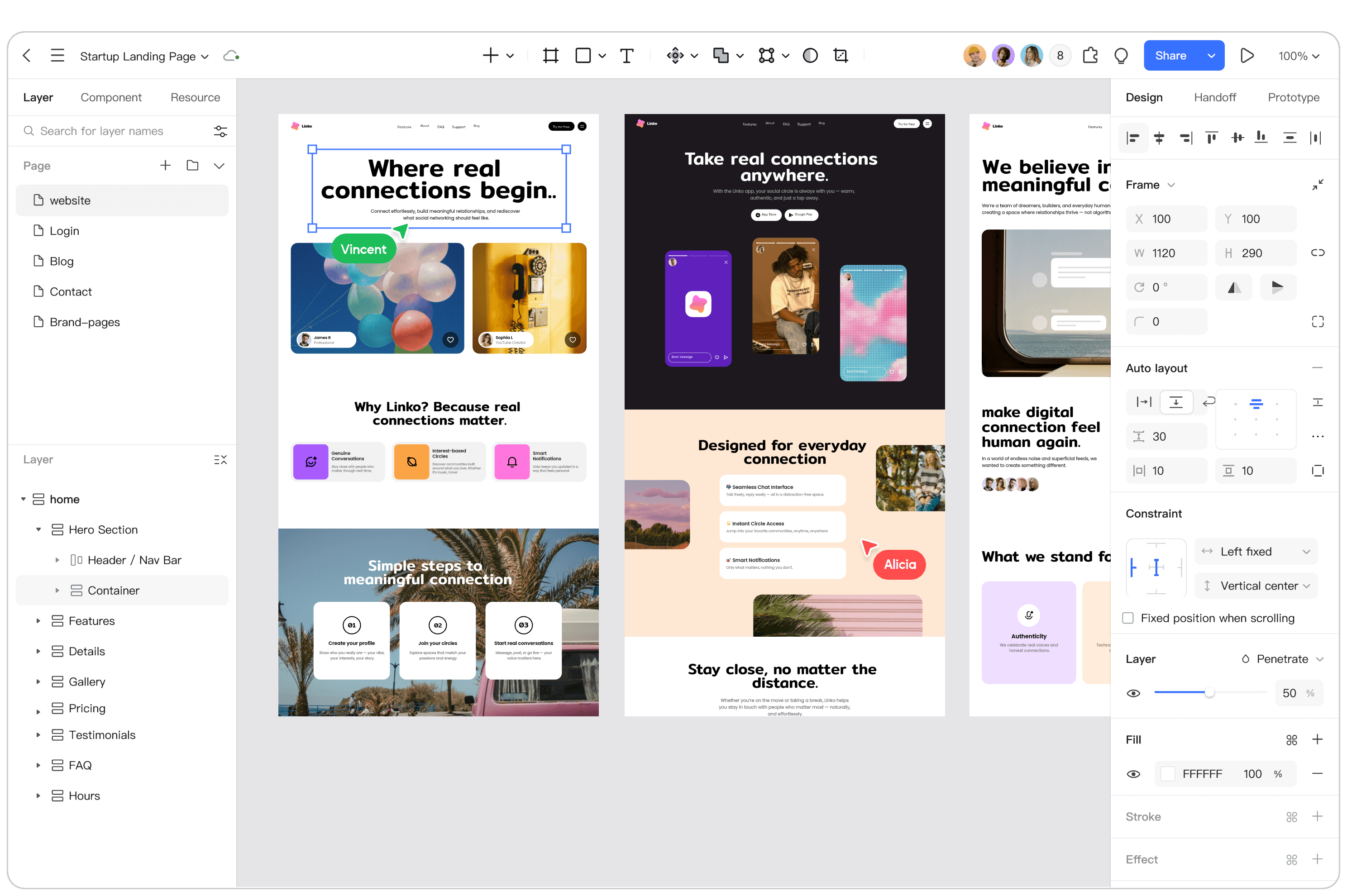
Smart Auto Layout
Adding layers to the auto layout instantly creates adaptive distributions. This is essential for modern responsive web design, making your workflow far faster than legacy web design tools.

Customization & Sync
Customize fonts, colors, and effects for component styles. When the main style is updated, all associated layers auto-sync globally, simplifying the entire web designing process.
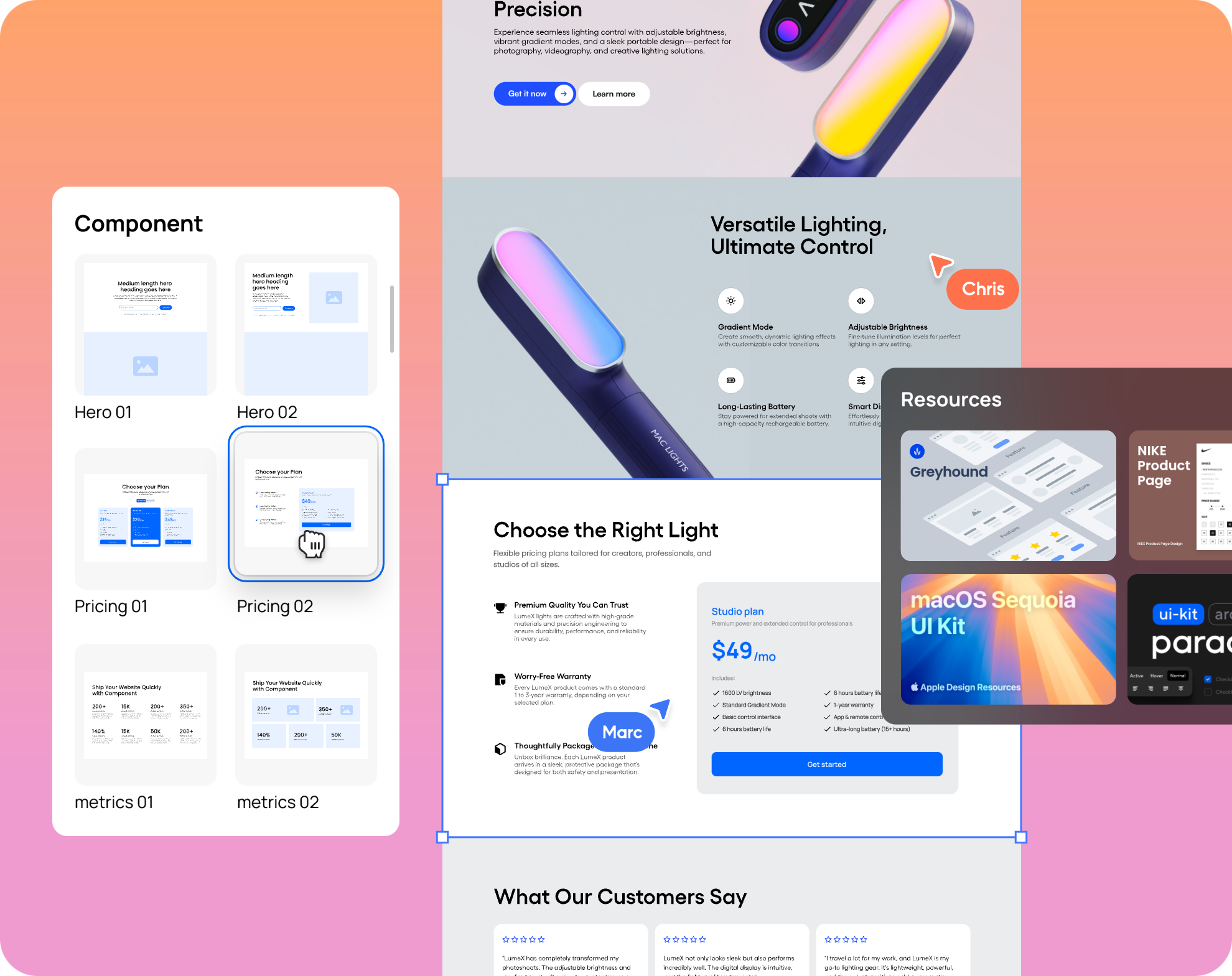
An Extensive Library
for Web Design

Free Community Resources
Don't just browse cool web design websites—build them yourself! Tap into our free community-sourced templates and UI kits to accelerate your workflow.

Diverse Templates
Choose from a wide range of responsive templates. They offer the perfect starting point to create exceptionally good web design for any industry.

UI Component Libraries
Access advanced UI component libraries with built-in interactions. This enables dynamic and highly engaging web designing without having to start from zero.
Elevate Your Web Design Workflow
Effortless Web Designing with Pixso
Pixso empowers you to build impactful digital experiences with ease. Whether you use ready-made templates or customize every pixel with our drag-and-drop editor, the process is straightforward. Join thousands who have switched from other web design tools to build cool web design websites.
Explore Advanced Web Design Features

Support Local Fonts
Pixso offers dozens of free preset fonts for designers. Additionally, they can easily upload their local fonts to the platform's font library.

Smart Selection
When there are multiple objects to be aligned, smart selection can be used to evenly arrange selected layers into rows and columns.

File Compatibility
Seamless support for importing and exporting Sketch, Figma, and SVG files. Switch formats easily without losing your responsive web design fidelity.

Design Systems
Ensure a unified design aesthetic and craft your very own custom components tailored for websites and web applications.

Batch Export/Import
When dealing with a design file containing numerous images, you can use the batch import/export function to enhance your efficiency.

Smooth Design Hand-off
Developers can use the view-mode to access precise measurements, CSS code, and all system assets for a seamless transition.

Access Permissions
The file owner can set viewer or editor permission on a sharing file. Enterprise users have more flexible access permissions.

Version History Management
Effortlessly create and name a new file version in the editor. All historical versions can be retrieved based on the timeline.
Built for Every Web Design Scenario
UI Design
Create high-fidelity UI designs online to boost collaboration efficiency and speed up product development.
UX Design
Effortlessly build interactive flows and animations on a browser-based cloud platform.
Team Brainstorm
Pixso Whiteboard enables seamless multiplayer collaboration with integrated creative tools.