Scott
Liquid Glass is a visual effect that gives UI elements a refractive, glass-like appearance, enhancing depth and layering within an interface. As a shader-based effect, it alters how underlying content is perceived rather than simply adding surface styling. Popularized by Apple in its iOS and iPadOS design systems, this effect has become a key trend in modern UI design.
Currently, Liquid Glass can be applied to frames, components, instances, and component sets, making it a versatile tool for building visually rich and dynamic interfaces.
I. Introduction & Settings
Introduction to Liquid Glass
Glass is a new effect that can give frames a refractive, glass-like surface.
Two Key Things to Know About Glass:
- Glass is a shader or raster effect that can be applied to frame objects to alter the perception of underlying layers.
- The standard glass style was pioneered by Apple and is most commonly used in their iOS & iPadOS 16 UI kits.
Scope of use
Currently, it can only be applied to frames, frame components, instances, and component sets.
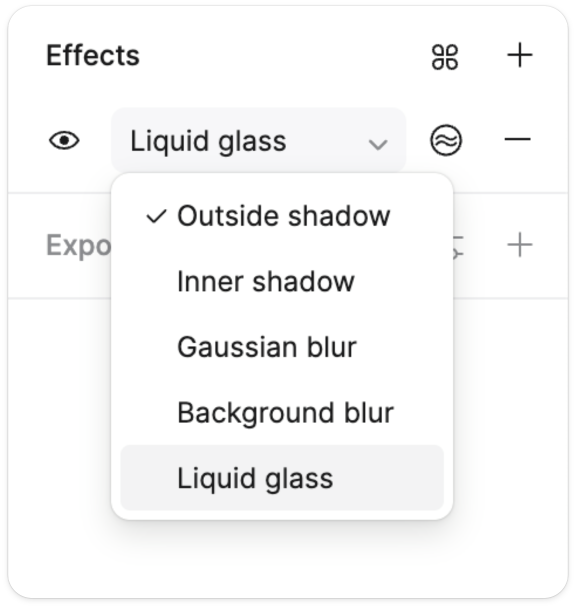
Locate it in the effects panel
Select "Liquid Glass" from the dropdown menu in the Effects panel to apply the effect to a frame. You can then adjust a range of new parameters.
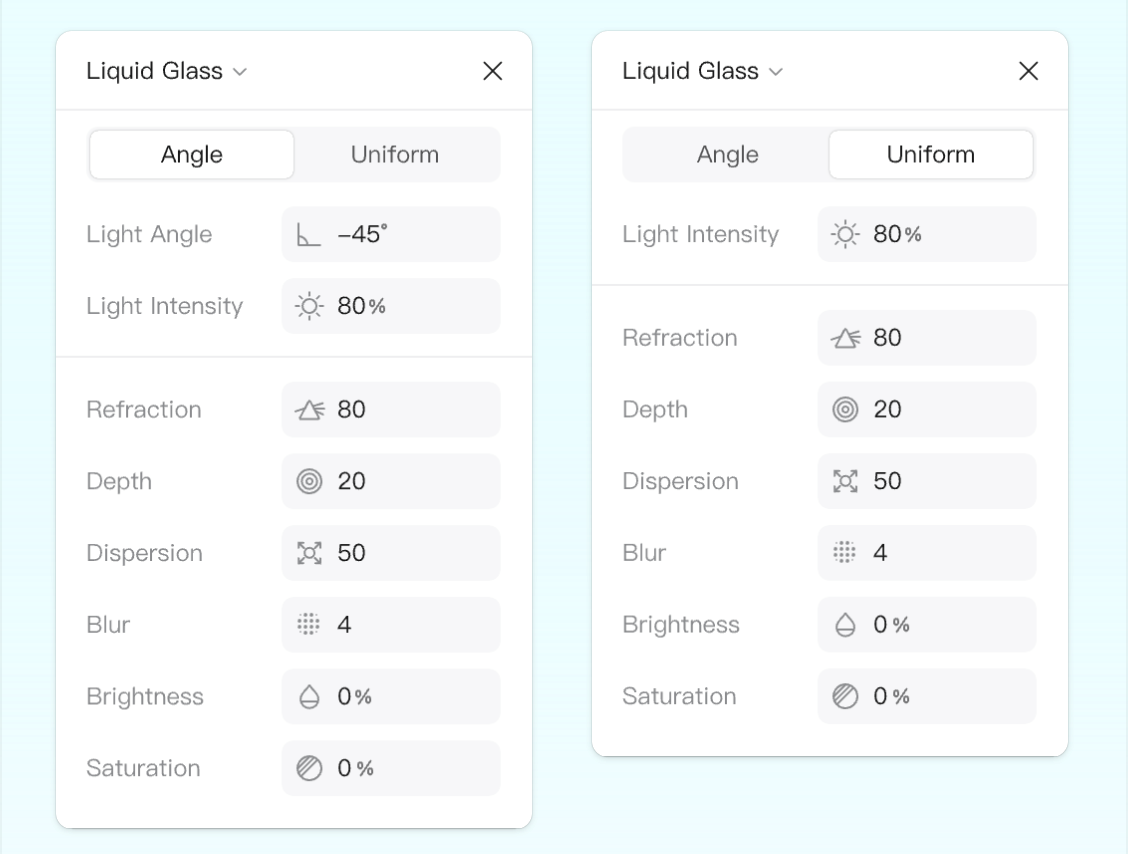
Liquid Glass parameter settings
Light Angle / Intensity
The direction of the light cast onto the frame (i.e., the highlight focus on the frame) and the highlight intensity.
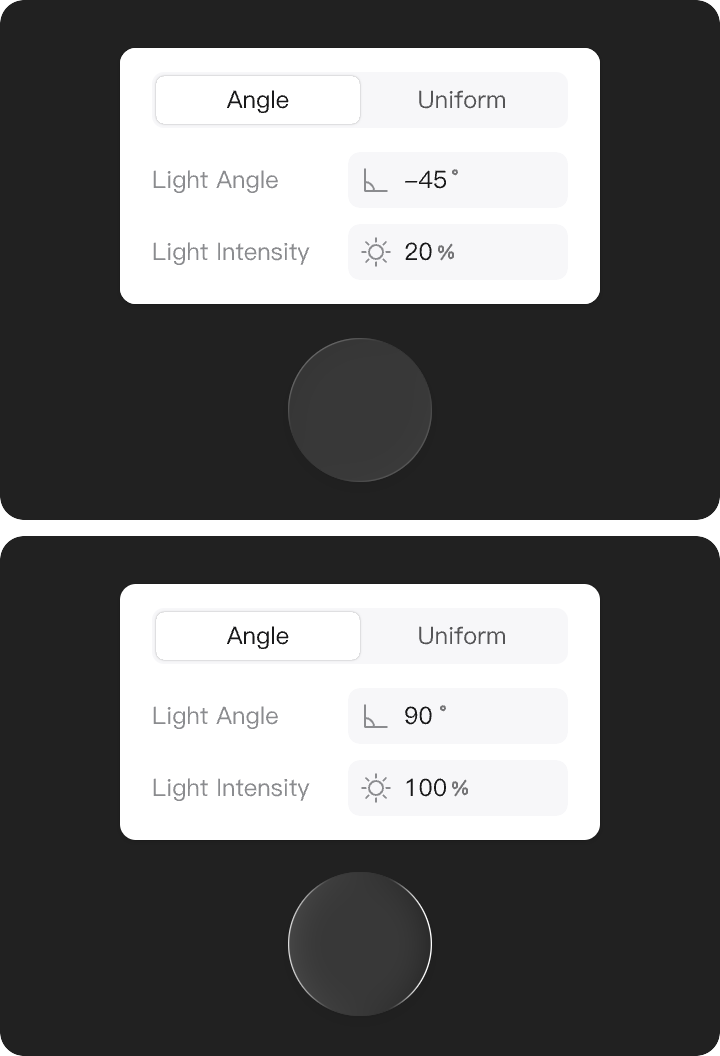
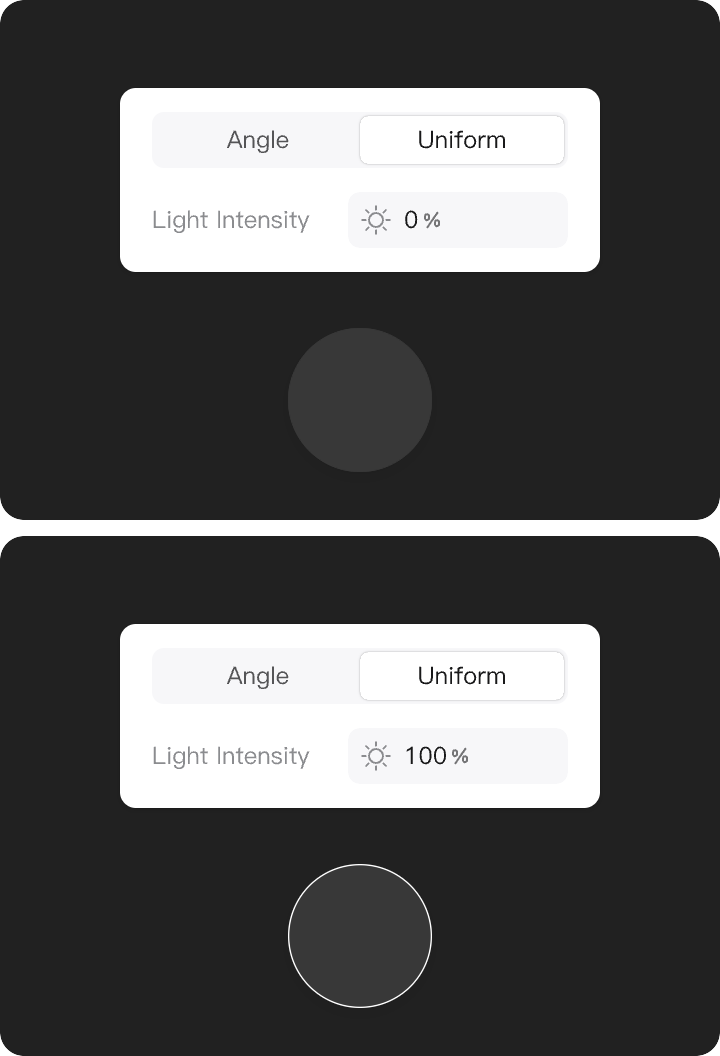
Uniform Lighting
The light is evenly cast onto the frame, resulting in uniform highlight brightness along the frame's edges.
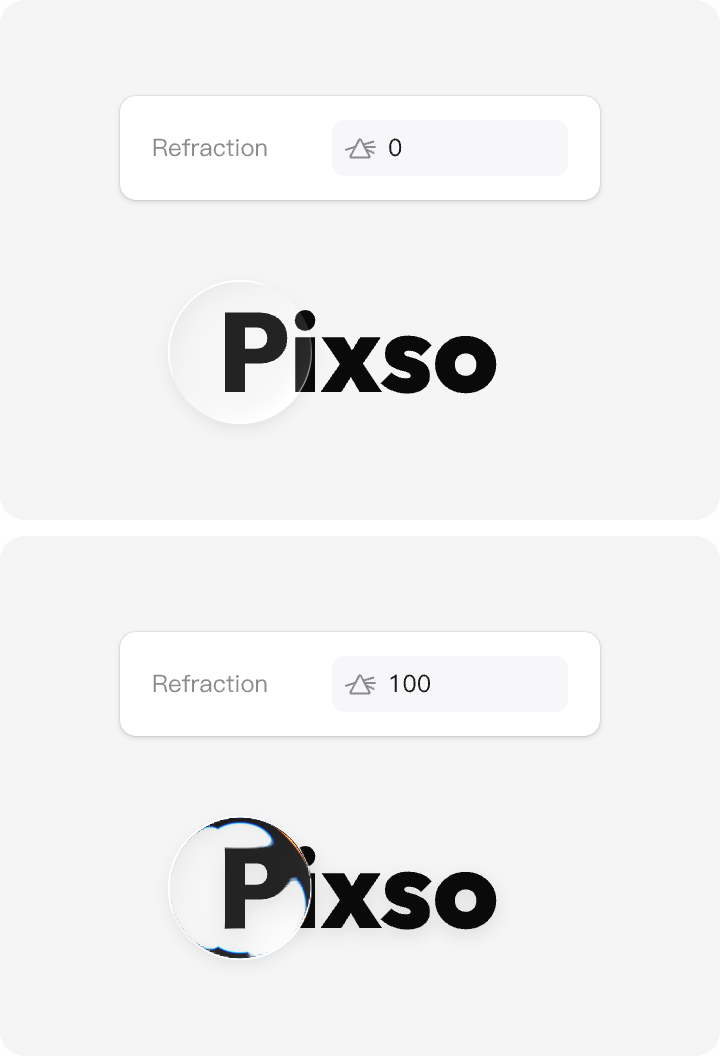
Refraction
Controls how light bends along the edges of the frame. The higher the refraction value, the more pronounced the distortion of surrounding elements.
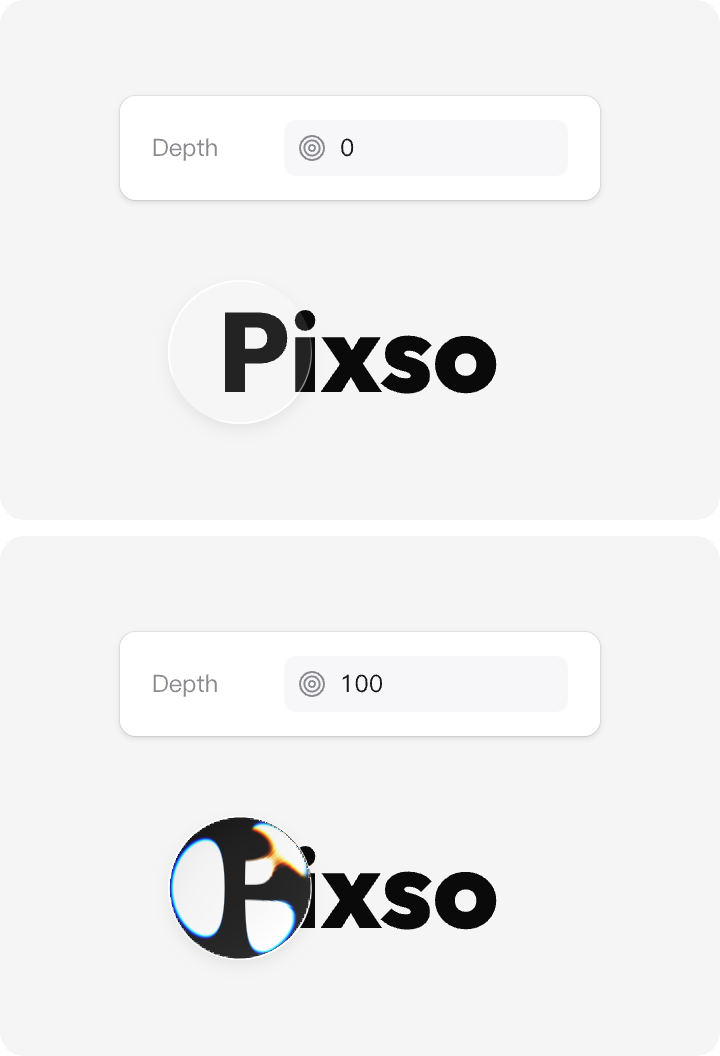
Depth
Adjusts the apparent thickness of the glass material to create more pronounced edge effects along the frame's edges.
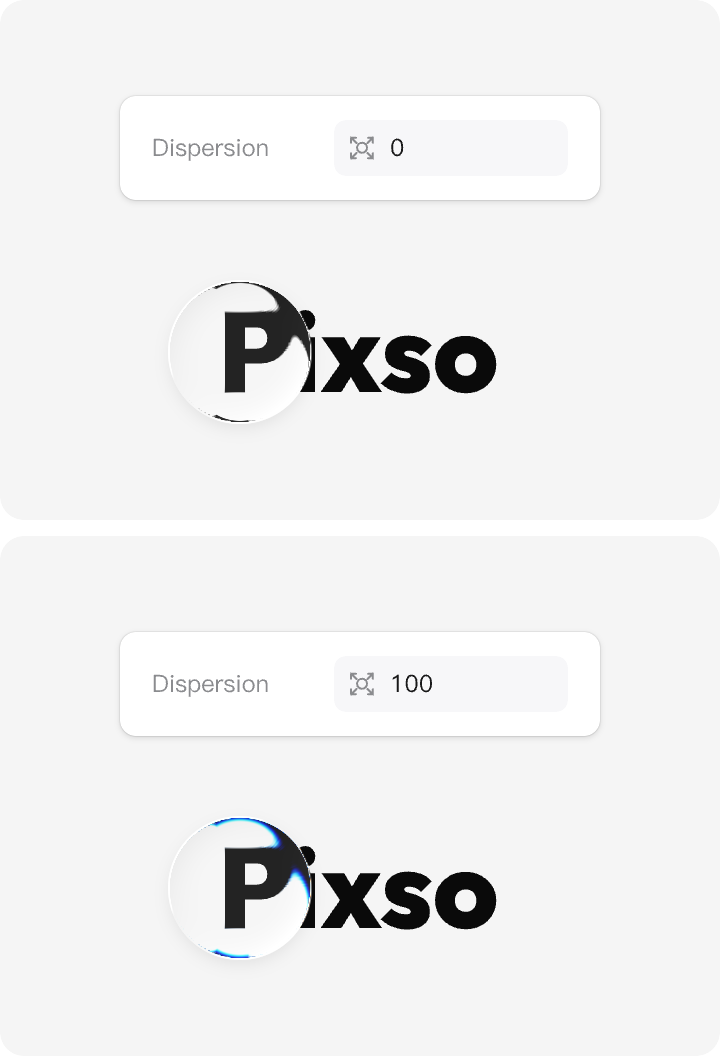
Chromatic Dispersion
Increases dispersion to add a subtle color shift along the frame's edges. The effect is more pronounced when combined with refraction.
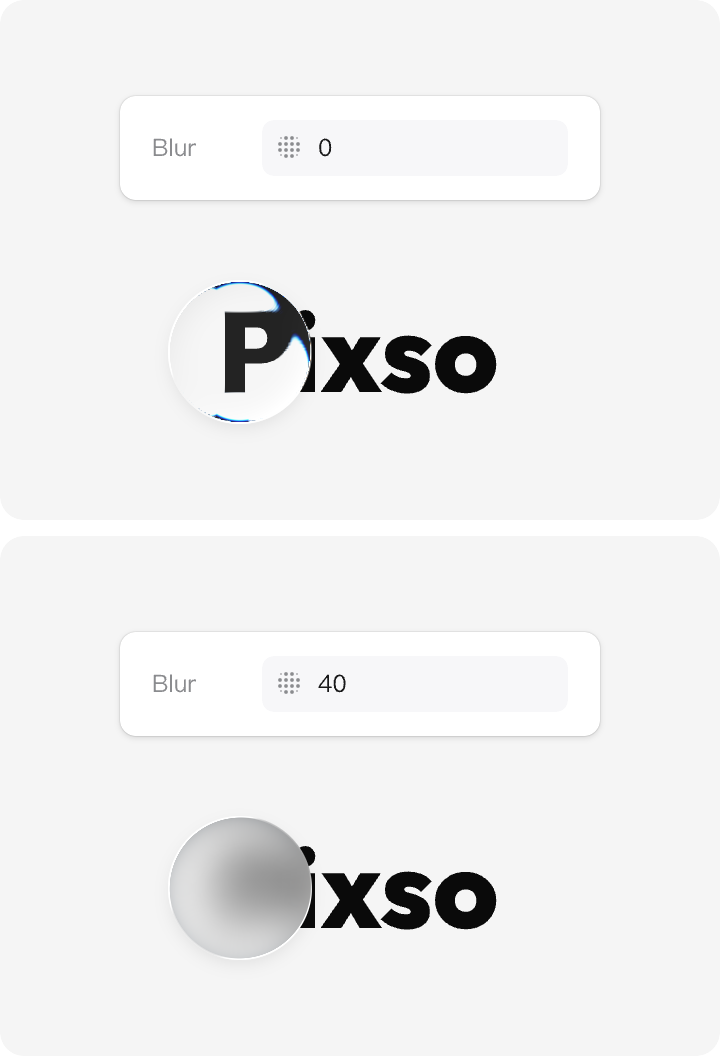
Blur
Adjusts the background blur within the liquid glass frame to make the glass elements stand out against complex backgrounds, providing better contrast.
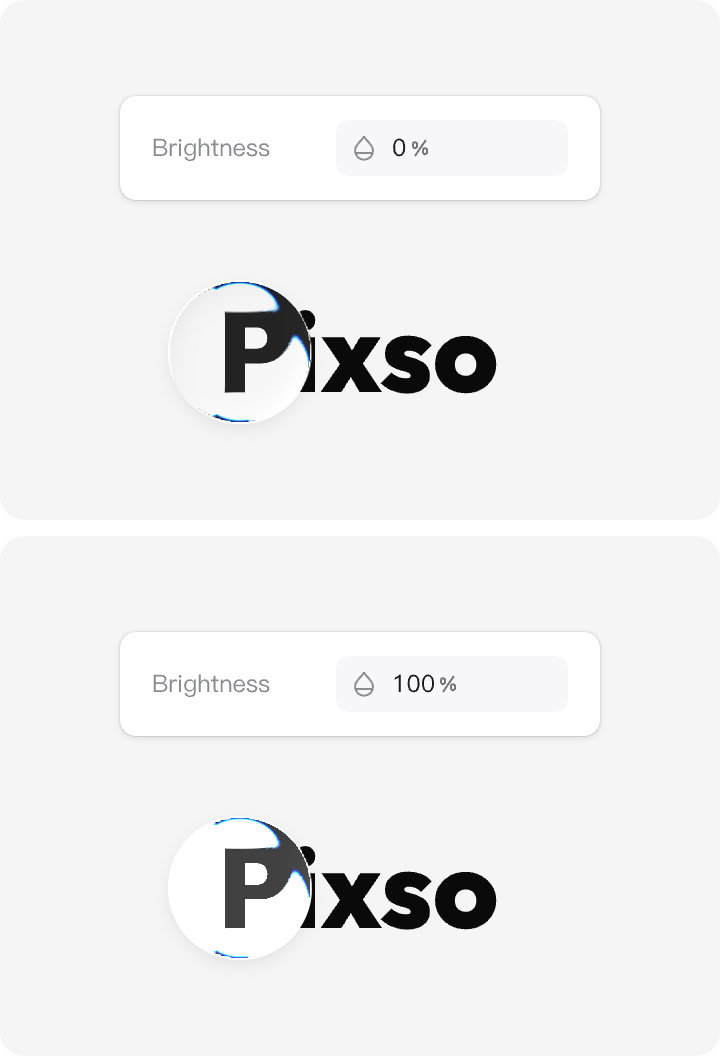
Brightness
Adjusts the overall brightness of the liquid glass effect, affecting the general perception of light.
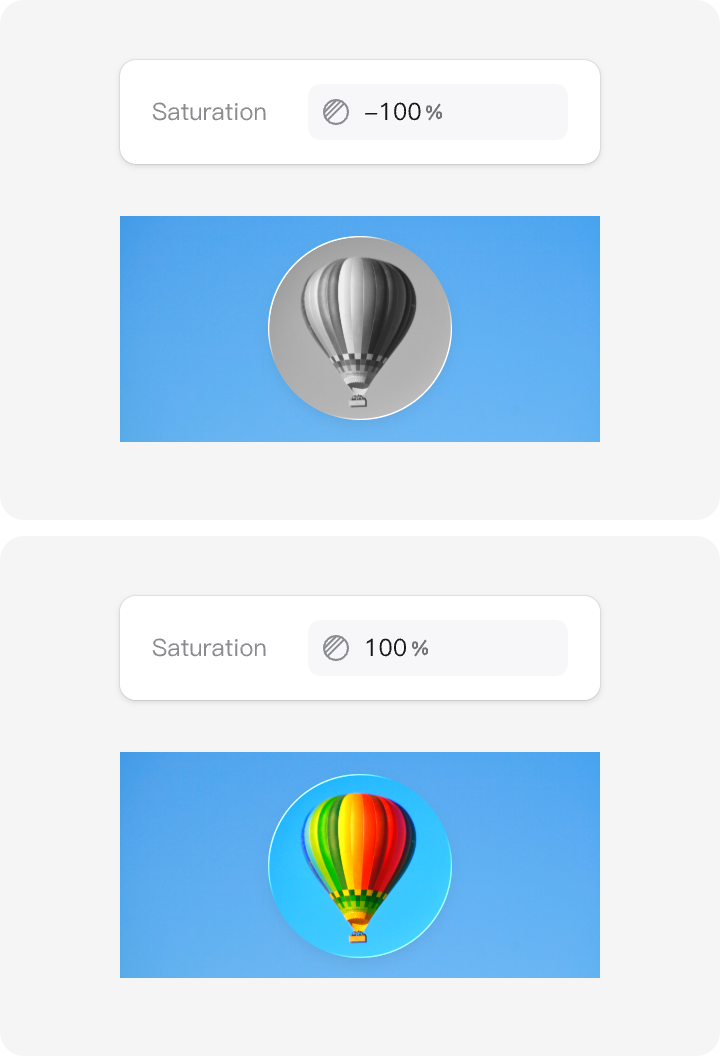
Saturation
Controls the color intensity of the liquid glass effect, allowing you to create vivid or subtle visual appearances.
II. Liquid Glass Use Cases
How to Add Liquid Glass and Explore More Inspiration
Add Liquid Glass
- Select the Frame
- Add a new effect and select the "Liquid Glass" option.
- Drag within the frame to see how the glass effect alters the perception of the underlying background.
Adjust Liquid Glass Parameters
Since Liquid Glass is a background effect, adjust the parameters to give your interface a visually distinctive appearance over the underlying elements.
- Select the Effects Panel
- Adjust the effect parameters to see how the Liquid Glass effect influences the objects in the background.
⚠ Note: The Refraction and Depth parameters work in tandem. If one of them is set too low, the glass effect may become barely noticeable.
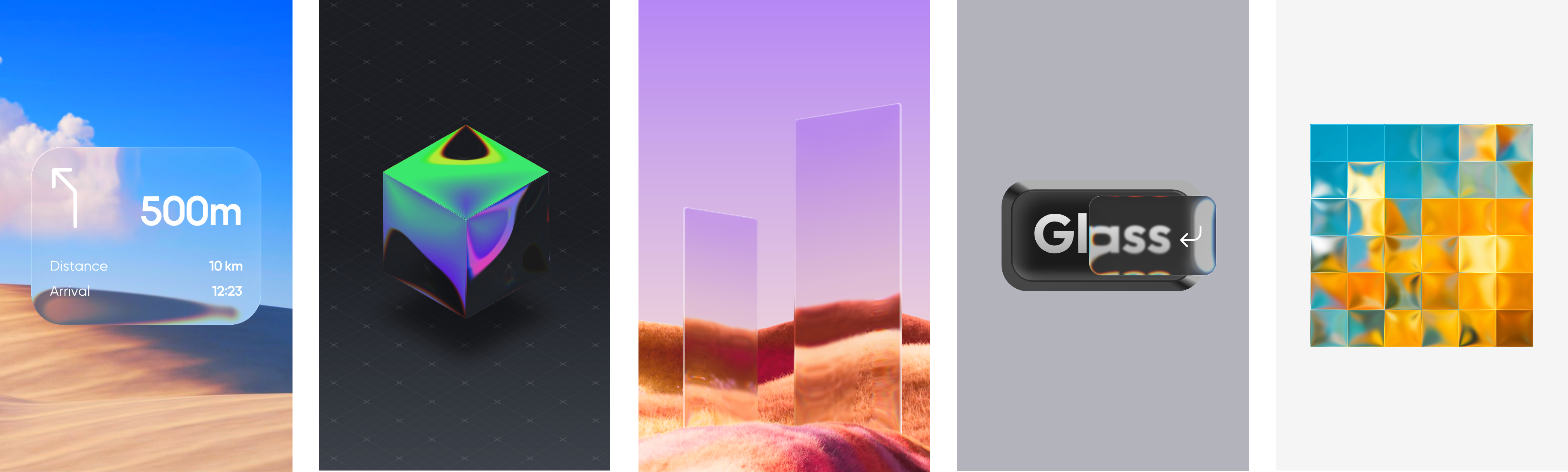
Other ways to experiment freely with the Glass Effect
Recreate real-world objects, or apply the Glass effect to frames to craft stylized graphic assets.
III. Notes
Important Notes for Using Liquid Glass
Key considerations when using Liquid Glass
The Liquid Glass effect currently comes with a few limitations, and it is important to be aware of them before using it. As the feature is still in beta, we will continue refining and improving the overall user experience.
Applies to frames only
Currently, the Liquid Glass effect is only available for frame layers. It cannot be applied to vector or text layers. Support for additional layer types will be added in future updates.
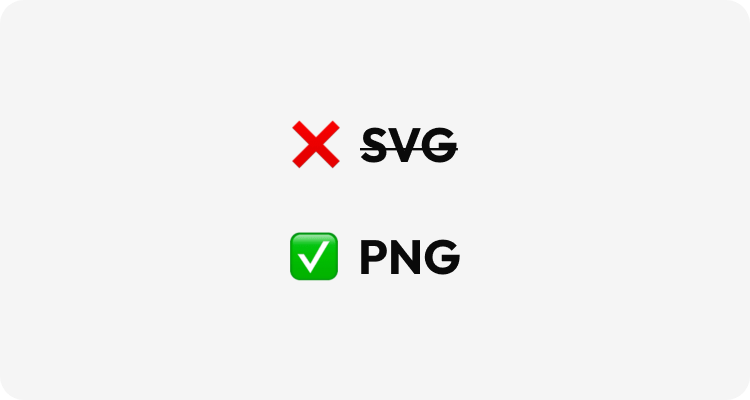
Cannot be exported as SVG
Layers with the Liquid Glass effect currently cannot be exported as SVG.
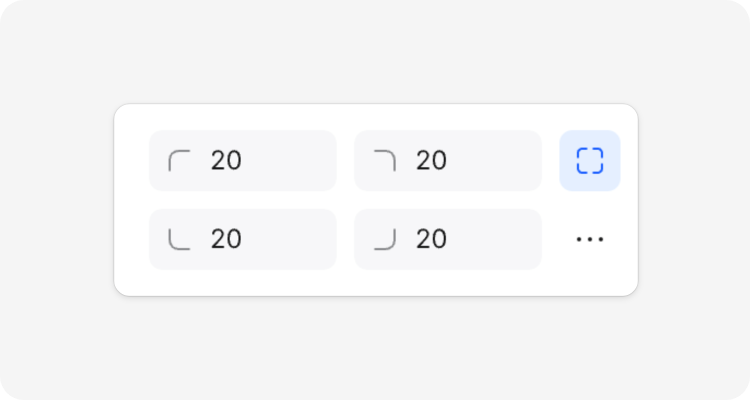
Corner radius must be uniform
Currently, Liquid Glass cannot be applied to frames with varying corner radii. All corners must have the same radius for the effect to render properly.
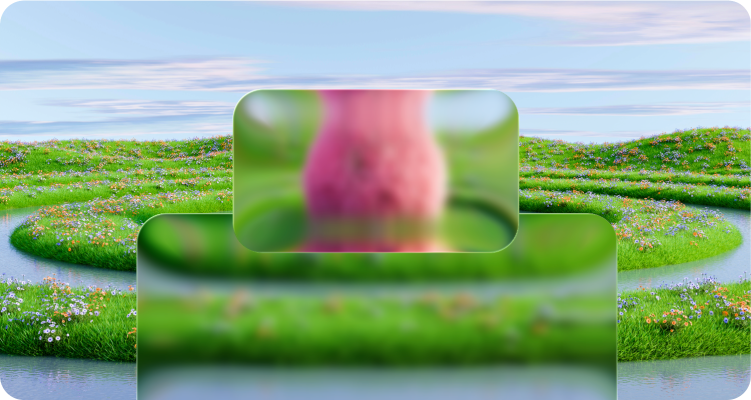
The Liquid Glass effect does not overlap
When a layer with the Liquid Glass effect is stacked on top of another layer with the same effect, the background glass effect does not influence the rendering of the foreground glass.
Not currently available for use in prototype previews
Currently, the Liquid Glass effect cannot be displayed in prototype previews. Support for this will be added in a future update.