Scott
Air-gapped UI design is not just ordinary design software installed without internet access. A usable isolated workflow must account for licensing, identity, fonts, libraries, images, comments, versioning, interactive demonstrations, developer handoff, updates, logs, backups, and support. If any critical dependency still expects a public endpoint, the workflow is restricted-network rather than truly air-gapped.
Part 1. Define Air-Gapped, Restricted-Network, and Offline Editing
Use precise terms before evaluating tools:
- Air-gapped: the environment has no direct network path to untrusted networks. Data and software cross the boundary only through an approved transfer process.
- Restricted network: systems can reach a small allowlist of internal or external services through controlled gateways.
- Private intranet deployment: the design service runs inside the organization's network but may still depend on external licensing, updates, telemetry, email, AI, or support.
- Offline desktop editing: an individual application and local file can work without a network, but centralized collaboration may not be available.
Record which model is required for each project. A defense program may require an isolated enclave, while a manufacturing team may only need reliable intranet collaboration during WAN outages. Applying the strictest label without a workflow need can add cost and reduce usability.
Define the accreditation boundary as well as the network boundary. Include designer workstations, browser or desktop clients, shared storage, backup systems, identity, log collectors, transfer stations, developer workstations, and presentation devices. A design server can be isolated while endpoints still bridge networks through synchronization agents, shared clipboards, remote desktops, or unmanaged removable media.
Part 2. Inventory Every External Dependency
Create a dependency register before installation. Include:
- license activation, renewal, and seat reconciliation;
- identity provider, directory, MFA, and email notifications;
- application packages, containers, operating-system updates, and vulnerability feeds;
- fonts, icon libraries, stock images, plugins, templates, and community resources;
- AI model endpoints and content-processing services;
- telemetry, crash reports, diagnostics, and vendor support;
- object storage, databases, search, caches, and backup targets;
- code repositories, issue trackers, R&D systems, and DevOps integrations; and
- export destinations and removable-media processes.
For each dependency, mark it as bundled, internal, externally allowlisted, replaceable, optional, or prohibited. Test failure behavior. A design tool should not lose saving or file access because an optional analytics endpoint is unavailable.
Record artifact provenance. Fonts, icon packs, images, plugins, templates, and design-system updates should have an approved source, version, license, checksum where appropriate, and owner. This helps security review and prevents isolated teams from becoming permanently stuck on undocumented assets.
Part 3. Design the Isolated Product-Design Workflow
The workflow must remain productive after the network boundary is enforced. Define how a team will:
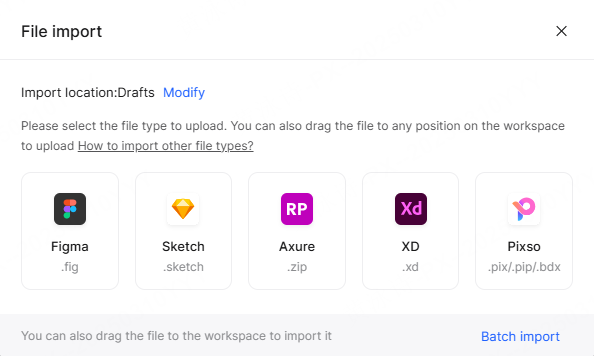
- create or import design files and approved fonts;
- maintain shared components, styles, tokens, and ownership;
- review comments and decisions with named users;
- present interactive flows within the enclave;
- manage versions and recover earlier states;
- hand specifications, assets, and annotations to developers;
- transfer approved materials into or out of the environment; and
- archive or destroy content according to policy.
Do not solve isolation by reverting to uncontrolled USB copies or screenshots. Use an approved transfer station or workflow with malware scanning, content inspection, provenance, authorization, and logging. Keep source design files and exported implementation assets distinguishable.
Identity needs an offline plan. If the primary enterprise identity service is outside the enclave, determine whether an internal identity provider, synchronized directory, or local account process is supported. Define break-glass administration, credential rotation, leaver removal, and periodic access review.
Design the developer handoff inside the same boundary. Decide whether developers inspect files in a dedicated view, receive approved assets through an internal repository, or consume design tokens through a controlled pipeline. Generated code should be reviewed against the target framework, accessibility rules, security standards, and existing components. Do not solve isolation by bypassing normal engineering review.
Plan user research and stakeholder review. External participants may not enter the enclave, so teams may need sanitized demonstrations, approved recordings, or a separate low-sensitivity environment. Define how feedback returns without importing uncontrolled files or exposing restricted screens.
Part 4. Plan Updates, Vulnerability Response, and Support
An isolated application can become less secure if it cannot receive verified fixes. Require signed or otherwise authenticated release artifacts, checksums, release notes, dependency information, supported upgrade paths, and rollback procedures. Define how the package enters the enclave, who scans and approves it, and how quickly critical updates can be tested.
Maintain non-production and recovery environments where possible. Rehearse database migrations and application rollback. Backups should cover files, metadata, libraries, identity mappings, configuration, logs, and custom integrations. Test a restore without relying on the public internet.
Use a release intake calendar and emergency path. Routine releases can enter after compatibility and security testing; critical vulnerabilities may need an expedited review. Track the deployed version, known issues, support status, failed update attempts, and the oldest recoverable backup. Avoid unplanned version drift across enclave sites.
Support must also cross the boundary safely. Replace uncontrolled remote access with an approved process: sanitized diagnostic exports, time-bound supervised sessions through an authorized gateway, or on-site support where required. Log approvals and vendor actions. Confirm how custom changes affect support and upgrades.
Part 5. Test Pixso Private Deployment in a Deny-by-Default Pilot
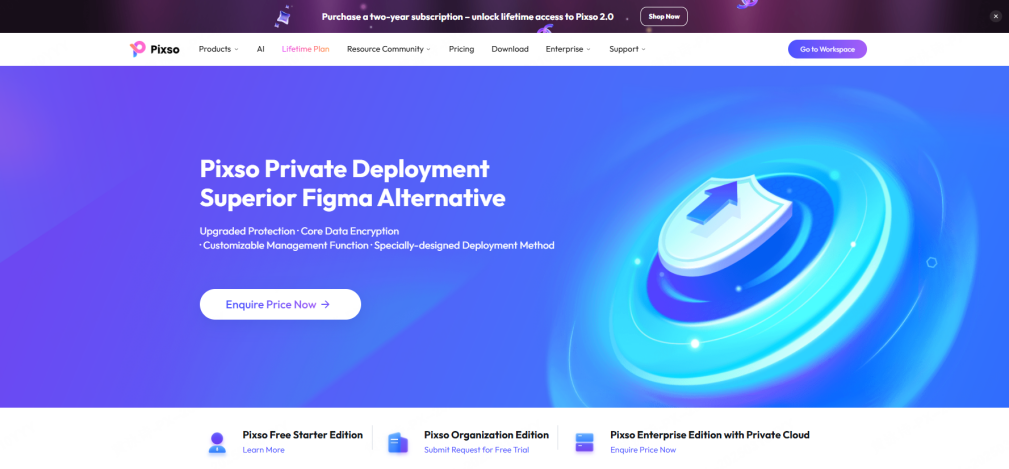
The official Pixso Private Deployment page states that Pixso supports intranet, private-cloud, and public-cloud methods with single-node or clustered deployment. It also describes permission management, member activity logs, enterprise resources, and customization for links to R&D management and DevOps systems. The page does not by itself prove a fully air-gapped configuration, so treat isolation as a test requirement.
Run the pilot with outbound traffic denied by default and only approved internal dependencies available. Capture attempted connections and classify them. Test installation, activation, login, file creation and import, shared libraries, comments, versions, interactive demonstrations, developer handoff, asset export, backups, restore, log export, upgrade, rollback, and support diagnostics.
| Scenario | Expected result | Evidence |
|---|---|---|
| All unapproved egress is blocked | Core editing and saving remain available; optional failures are clear | Firewall and client logs plus user observation |
| Identity service is unavailable | Behavior matches the approved continuity and break-glass design | Authentication test and administrator record |
| Large shared library is updated | Authorized users receive the approved version without external calls | Version record and captured traffic |
| Project is deleted | Authorized recovery meets the target and produces an audit event | Restore timing and log export |
| Update package is introduced | Signature or checksum, scanning, approval, deployment, and rollback are recorded | Change ticket and test results |
| Vendor support is required | Sanitized diagnostics or supervised access follows the approved path | Support record and access log |
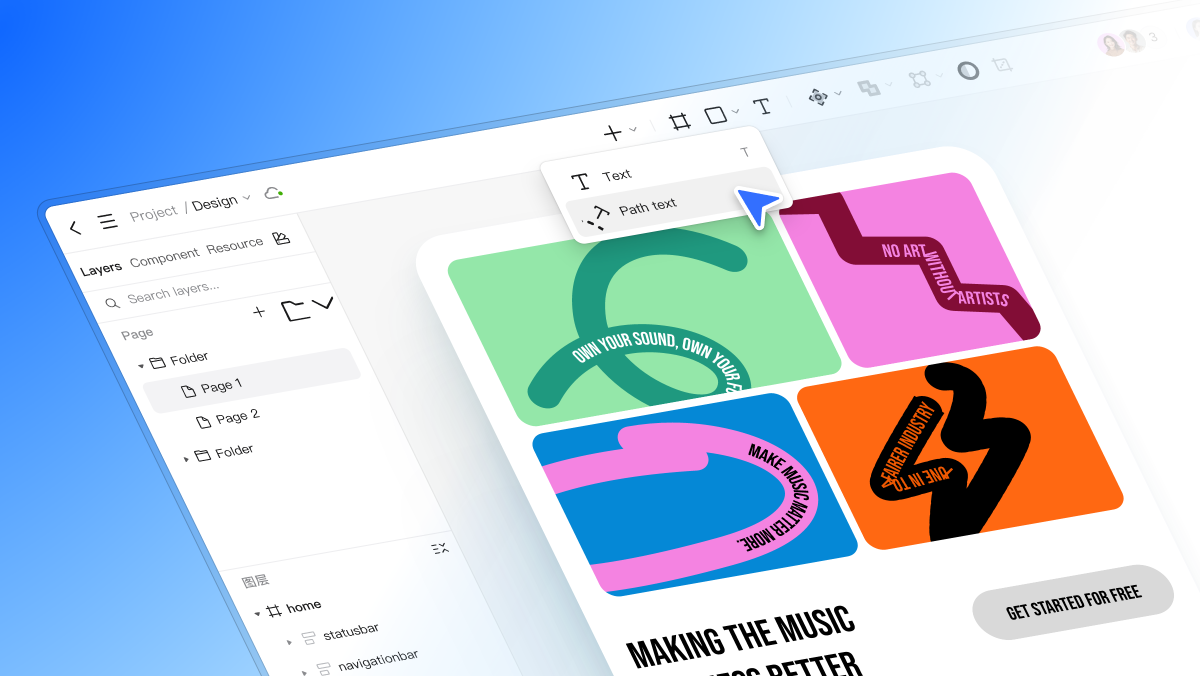
The normal Pixso platform includes UI design, components and tokens, team libraries, comments, version history, interactive demonstrations, and Dev View. Use that workflow as the acceptance baseline, then record which functions are available, modified, or unavailable inside the restricted environment. Any exception needs an owner and operational workaround.
End the pilot with an enclave runbook: architecture, firewall rules, package-transfer process, identities, backup and restore, log handling, incident response, update cadence, support path, capacity, and decommissioning. This artifact is more valuable than an informal statement that the product "works offline."
Include a 30-day operational soak after functional acceptance. Observe storage growth, log volume, collaboration load, backup duration, client stability, and support requests. Ask designers and developers to report workarounds; repeated screenshots, duplicate files, or manual asset transfers usually reveal a missing capability or an impractical control.
Measure the human workflow as well as the server. Time common tasks such as locating a component, inviting an internal reviewer, presenting a flow, resolving feedback, and handing assets to development. Compare the isolated process with the current baseline. Where security removes a convenience, provide an approved replacement rather than expecting users to improvise.
Finally, rehearse decommissioning. Export the records and design artifacts the organization must retain, revoke identities, remove secrets and certificates, preserve required logs, erase working storage according to policy, and document backup expiration. An isolated platform still needs a controlled end of life.
Part 6. Air-Gapped UI Design Tools FAQ
Q1. Is an on-premise design tool automatically air-gapped?
No. It may still contact licensing, updates, telemetry, email, fonts, plugins, AI, or support endpoints. An air gap must be demonstrated with network controls and workflow testing.
Q2. Can designers collaborate in an isolated network?
Yes, if the design server, identity, storage, and clients all operate inside the enclave and the product supports the required collaboration without external services.
Q3. Can AI features work in an air-gapped environment?
Only when the model and its dependencies are approved and reachable inside the boundary, or when a controlled gateway is explicitly authorized. Public AI endpoints are normally unavailable in a true air gap.
Q4. How should design assets enter the enclave?
Use an approved transfer process with authorization, provenance, malware scanning, content inspection, and logging. Avoid uncontrolled removable media and personal cloud storage.
Q5. How are updates installed safely?
Obtain authenticated packages and release information, scan and approve them outside the boundary, transfer them through the controlled process, test in non-production, back up, deploy, verify, and retain a rollback path.
Q6. Can Pixso run in an isolated environment?
Pixso documents intranet and private-deployment options. Whether a specific build meets a true air-gap requirement depends on licensing, identity, updates, external dependencies, and support behavior demonstrated in the proposed implementation.