Scott
Choosing between an on-premise and cloud design tool is a security-architecture decision, not a simple contest between "inside" and "outside" the firewall. Cloud services transfer part of the operating burden to a provider; private deployment gives the customer more infrastructure control and more infrastructure responsibility. The safer model is the one whose risks, controls, and owners match the organization's threat model.
Part 1. Build a Threat Model for Design Assets
Design files can expose unreleased products, customer journeys, internal systems, API concepts, brand assets, and screenshots copied from production. A design platform also stores comments, member identities, version history, libraries, exports, and links that reveal how a product is built. Start by classifying those assets and identifying who should be able to create, view, export, administer, and delete them.
Map realistic threats rather than beginning with a deployment preference:
- stolen or over-privileged accounts;
- public links or incorrect workspace permissions;
- departed users retaining access;
- unreviewed plugins, integrations, fonts, or AI services sending data elsewhere;
- administrator misuse or compromised service accounts;
- ransomware, destructive changes, or failed backups;
- unpatched self-hosted components; and
- provider outage, network isolation, or loss of vendor support.
The output should be a data-flow diagram and a risk register. Include normal collaboration, exports, backups, support access, telemetry, updates, and incident handling. "The file is on our server" is not a complete security model.
Part 2. Compare the Shared-Responsibility Boundary
| Control area | Cloud service | Private deployment |
|---|---|---|
| Application infrastructure | Mostly operated by provider | Customer or implementation partner operates it |
| Identity configuration | Customer configures users, roles, SSO, and sharing | Customer also integrates and maintains identity dependencies |
| Patching | Provider patches service; customer tracks client and integration changes | Customer schedules, tests, and deploys supported releases |
| Logging | Provider exposes defined logs and retention options | Customer must collect, protect, retain, and monitor application and infrastructure logs |
| Backup and recovery | Provider operates service recovery; contractual evidence matters | Customer designs backup, restore, and disaster-recovery procedures |
| Physical and network controls | Provider and cloud platform operate underlying controls | Customer controls segmentation, ingress, egress, hosts, and storage |
The NIST Cybersecurity Framework 2.0 is useful because it treats governance and supply-chain risk as continuing responsibilities. Use its Govern, Identify, Protect, Detect, Respond, and Recover outcomes to review either model. Do not count a control twice or leave it unowned between customer and vendor.
Part 3. Design Identity and Access as the Primary Control Plane
Most collaborative-design incidents begin with access, sharing, or account-lifecycle failures rather than a storage-location problem. Define roles for designers, reviewers, developers, external agencies, workspace administrators, infrastructure administrators, and support personnel. Separate content administration from server administration where possible.
A practical access-control test should cover:
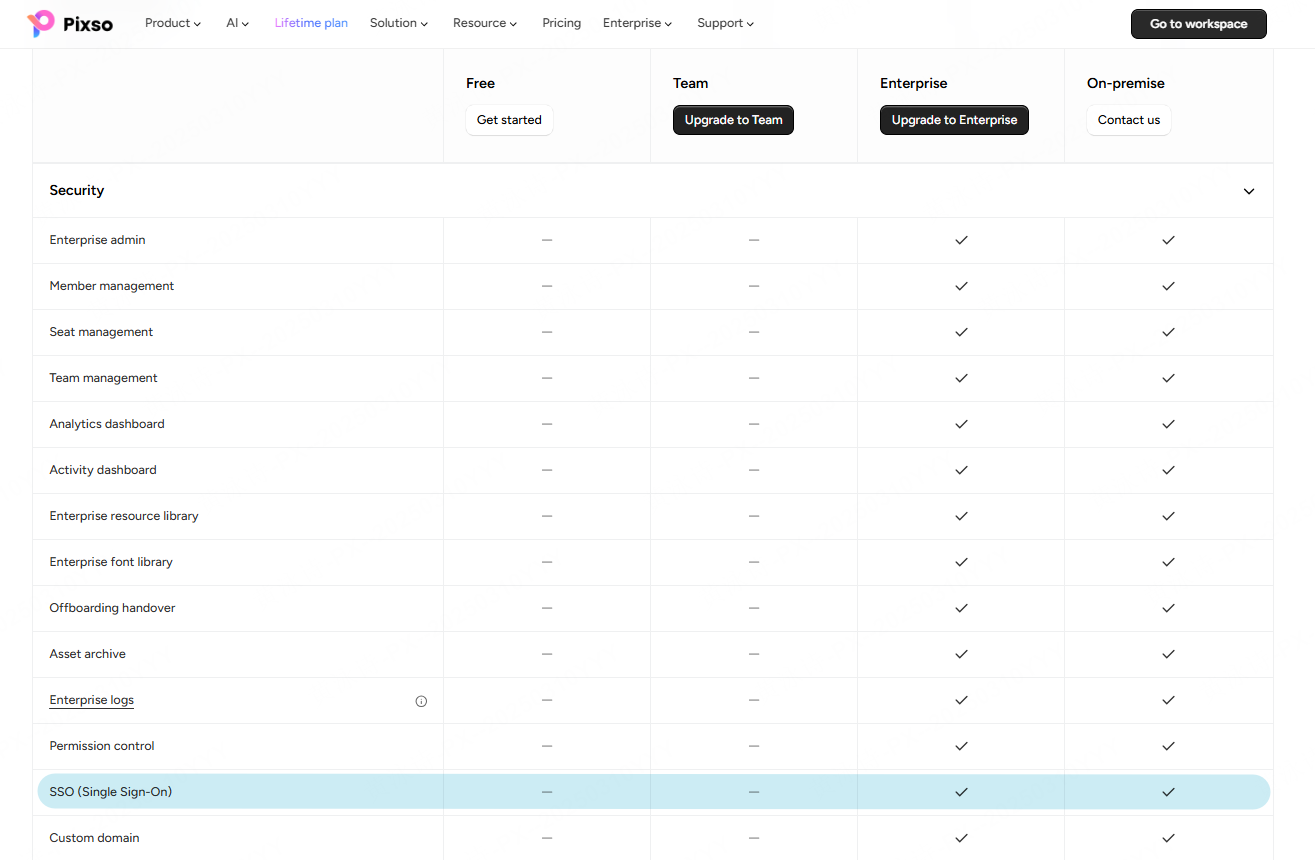
- SSO or directory integration and enforced multi-factor authentication;
- automatic provisioning and deprovisioning;
- least-privilege roles at organization, project, file, library, and link levels;
- guest and contractor expiration;
- export, duplicate, share, and publish restrictions;
- break-glass administration with monitoring; and
- reviewable records for permission and ownership changes.
The CISA Zero Trust Maturity Model emphasizes identity, devices, networks, applications, workloads, and data. That is a better mental model than trusting every user merely because the service runs on an internal network.
Endpoint and browser controls also matter. Designers routinely paste screenshots, install fonts, export assets, and open shared links. Define approved clients, device posture, local-cache handling, download locations, clipboard policy, malware scanning, and screen-capture expectations. If the platform supports plugins or extensions, require an allowlist, owner, permission review, update process, and removal procedure. A private server cannot prevent an authorized client from sending exported content to an unapproved destination.
Part 4. Trace Data, Network, Backup, and External Dependencies
Inventory more than the visible design canvas. Record where file content, image assets, comments, fonts, thumbnails, search indexes, audit logs, identity attributes, backups, diagnostic bundles, and support attachments are stored. Identify encryption boundaries and who controls keys. Document every outbound destination for licensing, telemetry, updates, plugins, AI, email, object storage, and support.
For cloud tools, ask the provider which data types are covered by a selected region and which remain global. For private deployment, test egress controls and ensure that required vendor endpoints are documented. A blocked connection must fail predictably; it should not silently disable saving, authentication, or recovery.
Backups require their own threat model. Use immutable or otherwise protected copies where appropriate, separate backup administration from application administration, and test recovery of both content and configuration. Record recovery-point and recovery-time objectives, then prove them with a restore exercise.
Part 5. Require Detection, Response, and Resilience Evidence
A secure design platform must produce useful evidence after deployment. Define events that need to be logged: authentication, failed access, role changes, sharing changes, exports, deletions, administrator actions, support access, and configuration changes. Confirm timestamps, user identifiers, integrity protections, retention, export format, and SIEM integration.
Run incident scenarios during the pilot. Disable a compromised user, revoke shared links, identify exported data, restore a deleted file, rotate a secret, and recover from a failed upgrade. For a cloud service, review notification and evidence commitments. For private deployment, confirm which tasks belong to your team and which require vendor support.
Availability also includes design continuity. Test large files, shared libraries, real-time editing, multi-site latency, local client behavior, and developer handoff under expected load. Security controls that make the core workflow unusable will be bypassed.
Use measurable acceptance criteria. Examples include removing a terminated user within the required time, identifying every external share from logs, restoring a named project within the recovery objective, and completing a critical update within the agreed service window. Metrics reveal whether a control exists only in documentation or works during normal operations.
Part 6. Apply the Model to Pixso Private Deployment
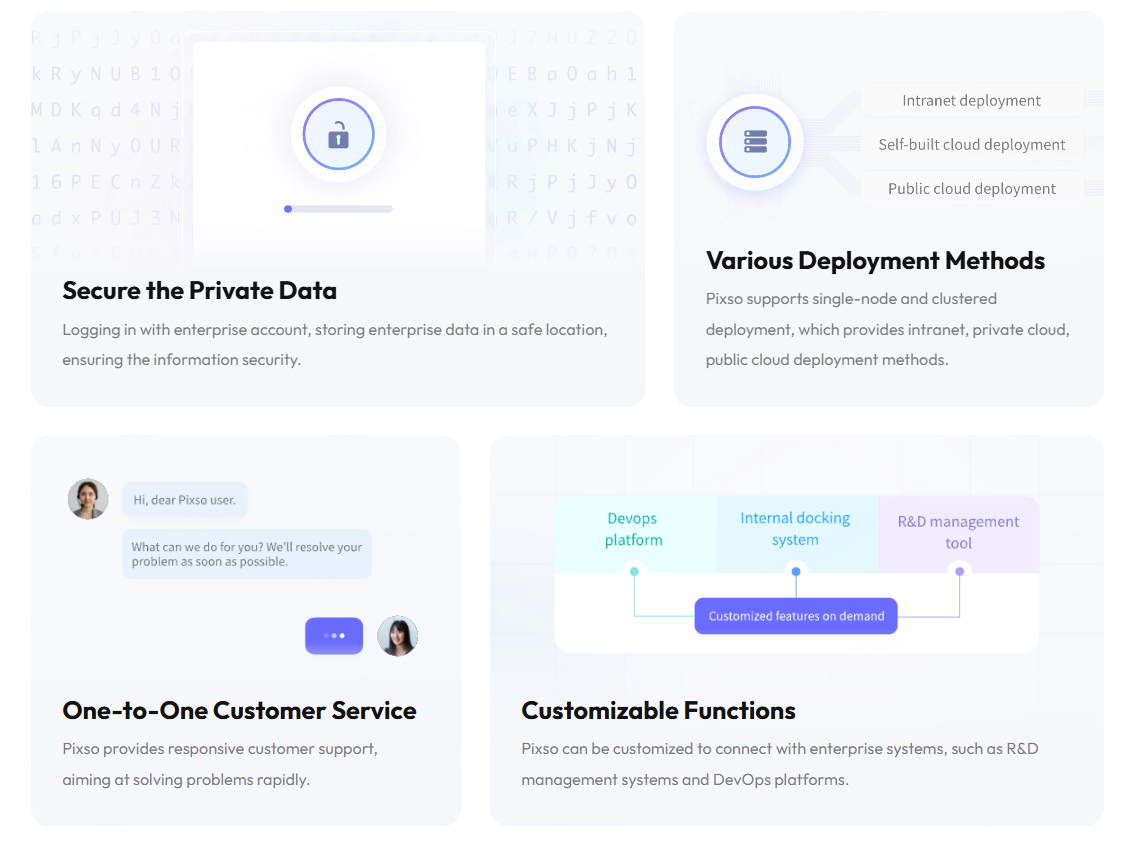
The official Pixso Private Deployment page describes single-node and clustered deployments, intranet and private-cloud options, permission management, member management, activity logs, enterprise resource libraries, and customization for connections to R&D management or DevOps platforms. These statements make Pixso a candidate for a customer-controlled design environment, but the implementation still needs a project-specific architecture and responsibility matrix.
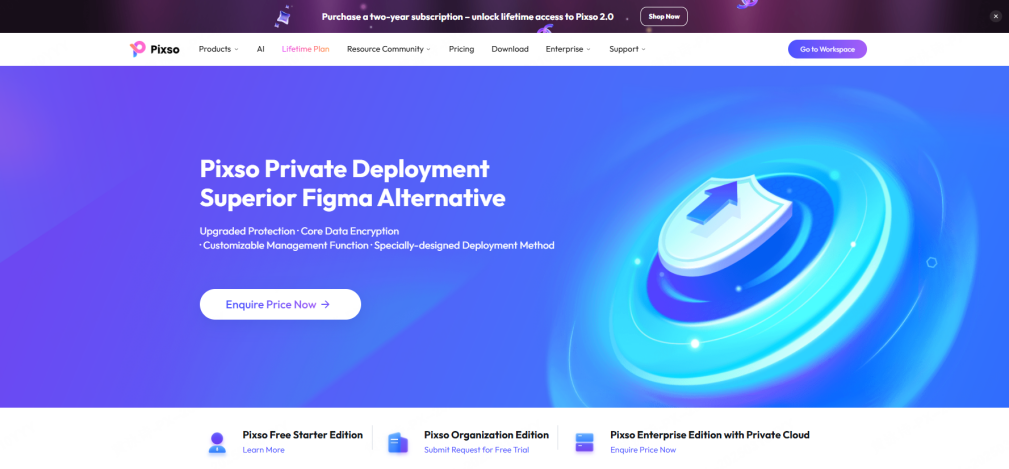
Ask Pixso to demonstrate the exact proposed version with representative roles and data. Review ingress and egress, identity integration, administrator separation, log export, backup and restore, high availability, update delivery, vulnerability handling, support access, customization boundaries, and data export. Then test the product workflow described on the Pixso platform: UI design, design systems, comments, versions, interactive demonstrations, and developer handoff.
Part 7. On-Premise vs Cloud Design Security FAQ
Q1. Are on-premise design tools safer than cloud tools?
Not automatically. Private deployment increases customer control but also transfers patching, monitoring, backup, recovery, and infrastructure security to the customer. Compare residual risk and operational maturity, not labels.
Q2. What is the most important control for collaborative design?
Identity and access management is usually the first control plane. Enforce strong authentication, least privilege, lifecycle automation, sharing rules, and reviewable administrator activity.
Q3. Does a firewall make a private design platform trusted?
No. Internal accounts, devices, integrations, administrators, and compromised services still create risk. Apply zero-trust principles and monitor sensitive actions.
Q4. What evidence should a cloud vendor provide?
Request architecture and data-flow documentation, security-assurance reports relevant to your requirements, identity and logging capabilities, incident terms, recovery commitments, subprocessor information, regional-storage scope, and exit procedures.
Q5. What evidence should a private-deployment vendor provide?
Request supported topology, a software bill of materials and dependency information, hardening guidance, network requirements, upgrade and vulnerability processes, backup and restore procedures, a logging specification, a support-access model, and a responsibility matrix.
Q6. How often should the decision be reviewed?
Review it after material architecture, product, regulation, threat, or supplier changes and during periodic risk assessment. The model is a lifecycle decision, not a one-time purchase.