Sherry
A mood board helps a design team discuss visual direction before committing to detailed screens. By bringing selected imagery, typography, colors, and textures together, it makes an otherwise vague idea—such as “calm and approachable”—concrete enough to review.
The goal is not to collect as many attractive images as possible. It is to show what belongs in the direction, why it belongs, and what the team should explore next. This guide covers the elements, a practical Pixso workflow, and examples you can learn from.
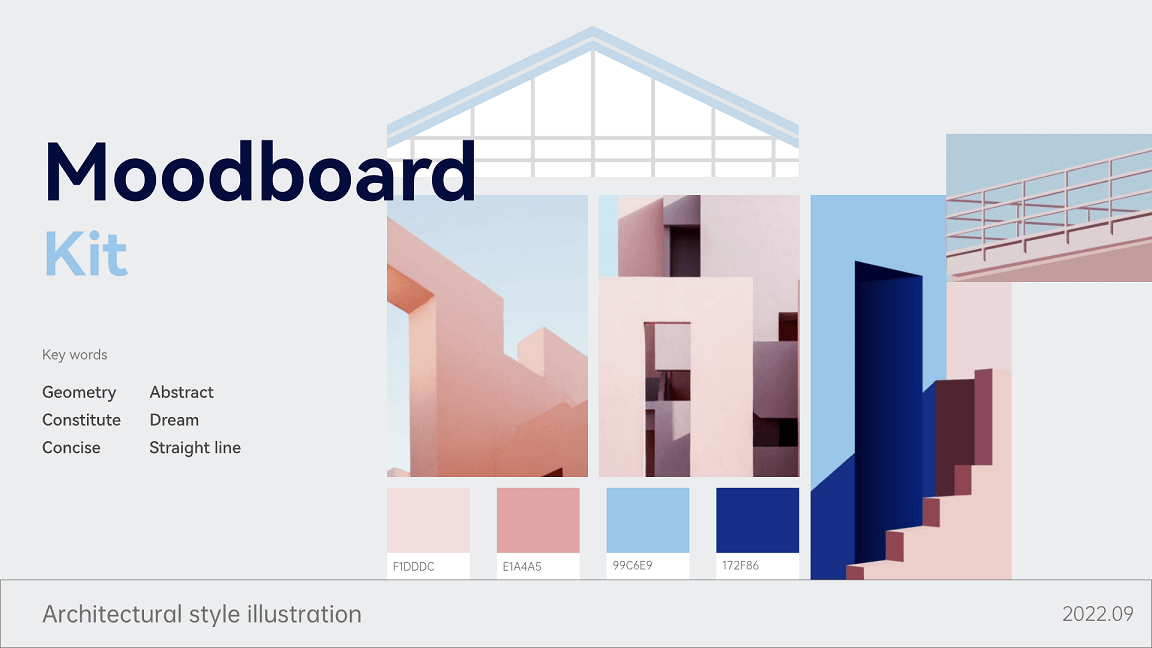
Part 1. What Is a Mood Board? Why Is It Important to Your Brand?
What Is a Mood Board
A mood board is a curated collection of visual references that communicates a proposed look and feel. Designers use it to compare directions and explain choices to stakeholders. It supports that conversation; it does not replace a brief, user research, or a test of whether the interface works.
Why Is a Mood Board Important
Here are a few reasons why mood boards are important to your brand:
It aligns with business goals
Connect the proposed visual direction to the project’s audience and purpose. For example, a health app may need to feel reassuring without making important warnings too subtle. Discuss how the imagery, typography, and colors support that goal rather than treating personal taste as the deciding factor.
It can inspire designers
Collecting references can help designers move beyond the first idea. Compare different treatments of the same subject, then identify what is useful: photographic framing, contrast, type hierarchy, or composition. Keep exploratory collections separate from the direction you present for a decision.
It provides a direction
A selected board gives the team a direction to develop. Short annotations make that direction actionable: “Use spacious composition,” for example, says more than “I like this image.” Record decisions and unresolved questions so the next design iteration has a clear purpose.
It is simply an efficient brainstorming tool
A board can make an early review more focused because people can point to a specific reference. It does not guarantee a faster decision. Ask reviewers to discuss the project’s goals and the role of each reference, not simply vote for their favorite picture.
In a shared design file, teammates can compare references and leave feedback in context. Keep a named version of the selected direction so later additions do not quietly change what was agreed.
Explore the mood board resource >>
Part 2. What Should A Mood Board Include?
So, what exactly goes on a mood board? First and foremost, there are two types of mood boards—physical and digital mood boards.
A physical mood board combines a mounting surface with collected references. The following list includes both possible surfaces and materials:
- Paper
- Magazines
- Books
- Photographs
- Wall
- Paintings
- Corkboard
- Fabric
- Scrapbook, etc.
On the other hand, a digital mood board—which is commonly used—makes use of digital tools and software to design your unique and inspiring mood board.
What should your mood board address?
It should define your target audience
State the audience and situation the design needs to serve. Use research to inform the direction, but do not treat a collage as evidence of what all members of an audience prefer.
It should conceptualize a theme
Choose a specific theme with a reason behind it. “Quiet, readable progress feedback for people returning to exercise” is more useful than assuming all business audiences want formal colors or all younger audiences want playful graphics. Compare the theme with the product’s content and constraints.
Select references that support the direction
Gather broadly, then curate. Keep references that contribute a distinct visual decision and remove duplicates or items that point in conflicting directions. For each selected reference, record its source and what you intend to learn from it. An image found on Pinterest or another gallery is not automatically licensed for reuse in a published design.
Part 3. How to Make a Mood Board
For a health and fitness app, use Pixso to compare a proposed direction before building detailed screens:
- Step 1. Open a Pixso design file and write the brief on the canvas: audience, purpose, and two or three qualities the visual direction should express.
- Step 2. Collect references for the health and fitness app. Use galleries to discover directions, then follow each item to its original source. Record the creator or source link and whether you have permission to use the image in the intended context.
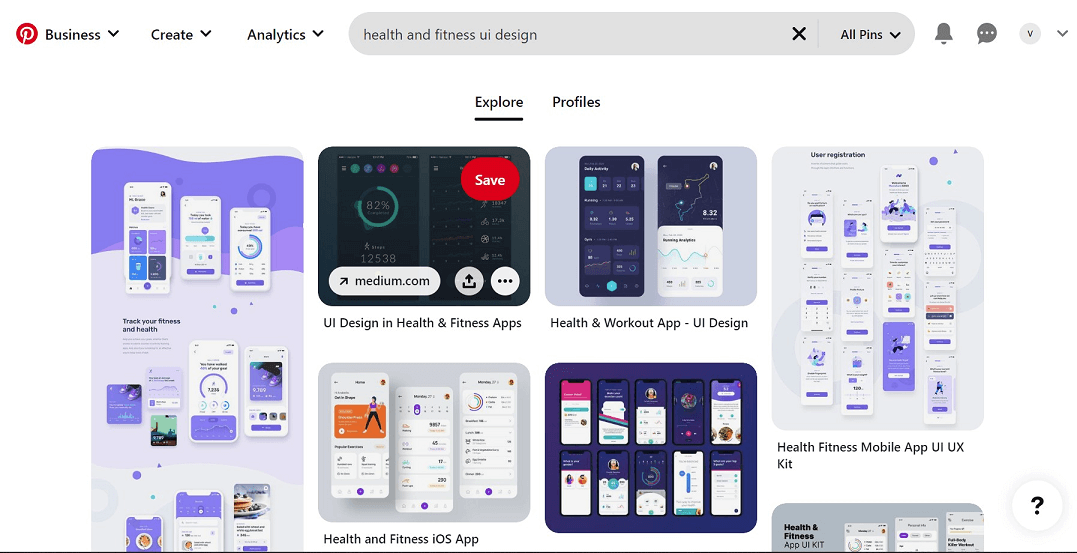
- Step 3. Select references that show a useful decision, such as a readable type hierarchy or calm photographic treatment. Import images you have permission to use; keep links for references that you should not reproduce.
- Step 4. Place the selected images on the Pixso canvas. Pasting a copied image may work with Ctrl + V on Windows or Command + V on macOS; the clipboard must contain image data rather than only a webpage link. Keep source notes beside the references.
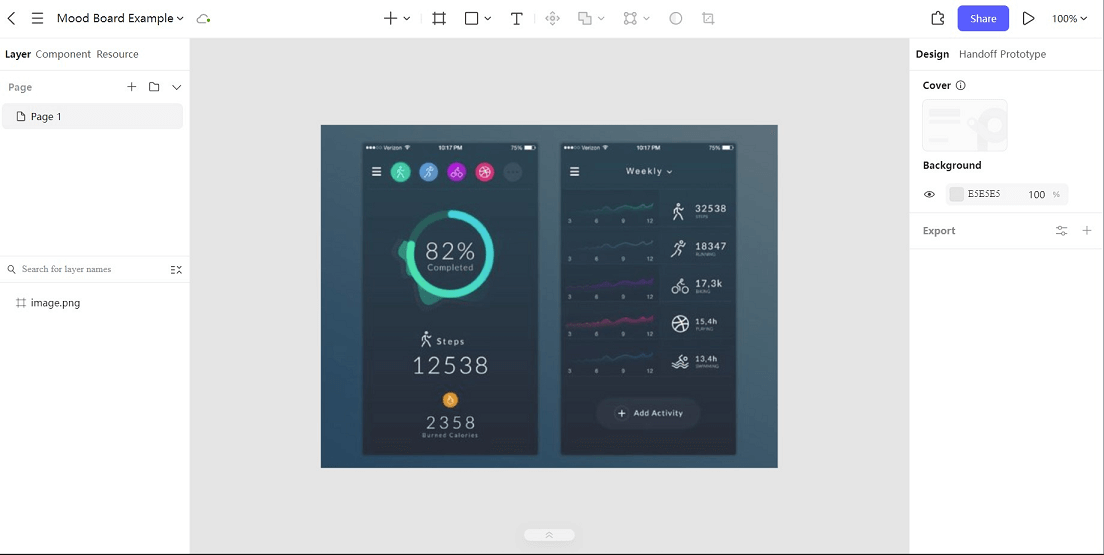
- Step 5. Group references by the decisions they inform: imagery, color, typography, and composition. Add short annotations and remove items that compete with the chosen direction. Review the board against the brief, then apply the selected treatment to one representative screen before extending it across the product.
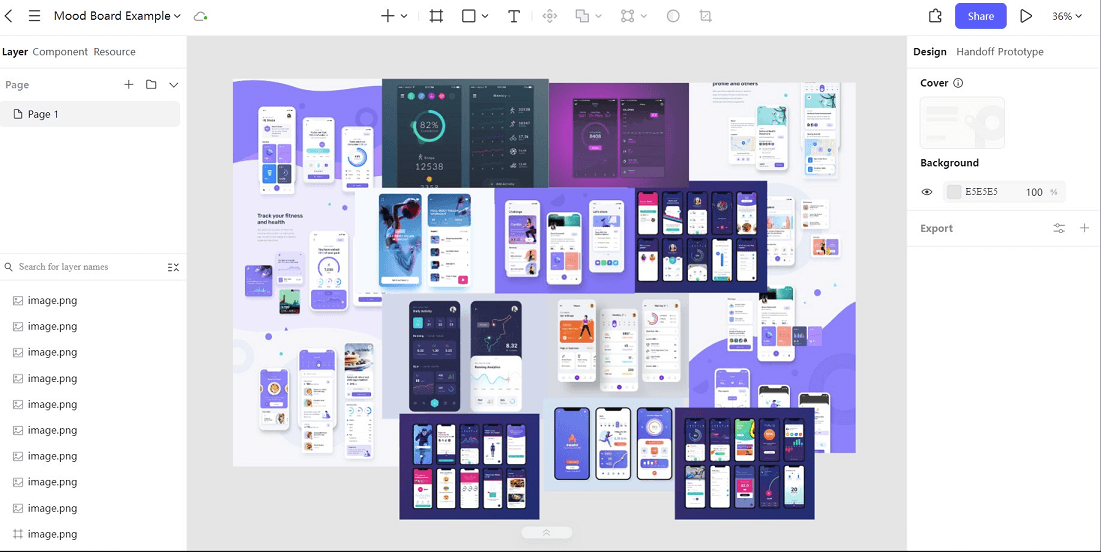
Part 4. Some Great Mood Board Examples for You to Choose
These examples show different ways to organize visual references. Study the relationship between the elements rather than copying a complete look into a product with a different audience.
#1 Vibrant Style Tile Mood Board
This mood board on Webflow follows a vibrant feel—utilizing energetic colors like red, orange, and shades of grey. This visual representation shows the colors used, the typography utilized, and some imagery that will be used in the interface.
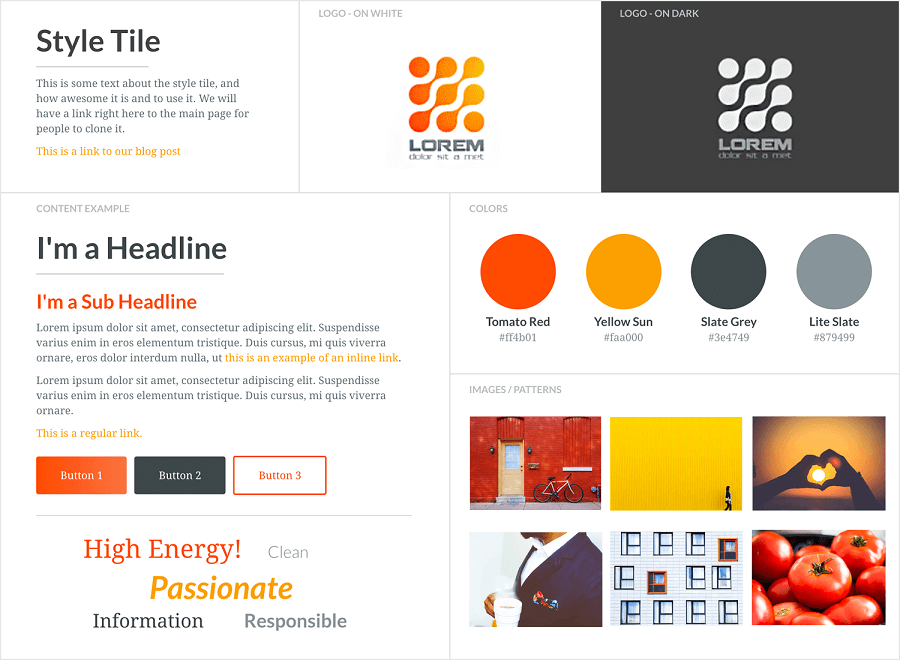
Source: Webflow
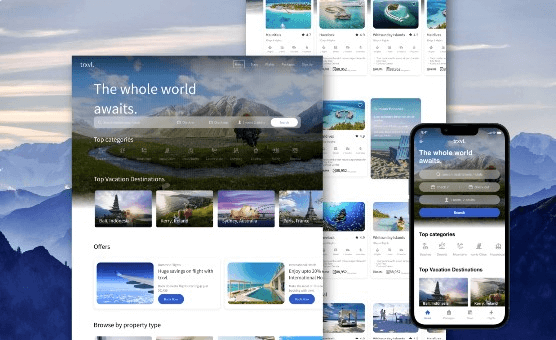
#2 Website UI Design Mood Board
This mood board in the Pixso community features a website UI design for a travel site. It shows illustrations for its web version and mobile version. This provides inspiration and conveys the idea to other stakeholders.
#3 Elegant Design Mood Board
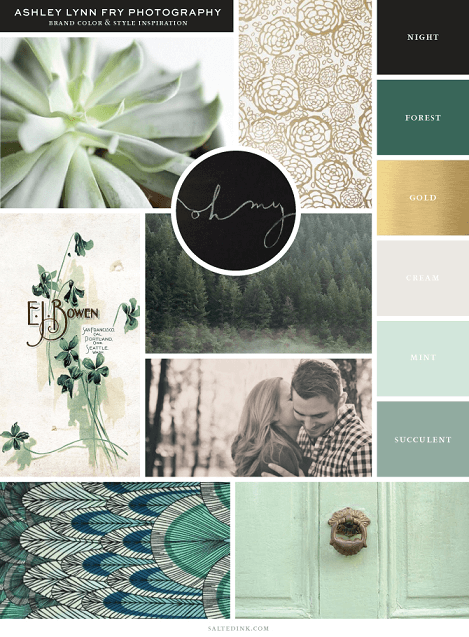
This board combines photography with a restrained palette and type references. Its organized spacing helps the elements read as a direction rather than a loose image collection. When applying this approach, explain which qualities should carry into the interface and which are only background inspiration.
Part 5. FAQs About Mood Board
Q1. Is Pinterest a mood board?
Pinterest is a platform for discovering and organizing visual references. A Pinterest board can be used as a mood board if its selected content communicates a coherent direction. A large unsorted collection is better treated as an inspiration archive.
Q2. What is the difference between mood boards and inspiration boards?
The terms often overlap. Some teams use an inspiration board for broad exploration and a mood board for the selected direction, but that is a working convention rather than a universal distinction. Agree on the purpose of your board and the decision it needs to support.
Q3. What is the difference between mood boards and mind maps?
A mood board communicates visual qualities through references such as photographs, color, and typography. A mind map organizes relationships between ideas. You can use a mind map to explore the brief and a mood board to develop a visual direction, without expecting either to do the other’s job.
Choose a Direction You Can Explain
Before moving into detailed UI design, ask what each selected reference contributes and which decisions the team has agreed. Carry those decisions into one screen in Pixso, then compare the result with the brief. A focused mood board earns its place by making that next design decision clearer.