Scott
Let's be real for a second. Sticking to your default software stack just because everyone else uses it doesn't make sense anymore. By 2026, the way a remote team operates has completely shifted, and treating digital whiteboards like basic virtual sticky notes simply won't cut it. If you manage a fast-paced ux team, you likely know the sheer frustration of hitting technical limits with standard collaborative tools. That is exactly why so many designers are actively hunting for viable figjam alternatives right now. You need a space that scales with your specific workflow rather than bottlenecking it. Let's look at the top six platforms shaking up the industry today, and why you might want to rethink exactly where your next creative session happens.
Part 1: The big shift in remote UX workspaces
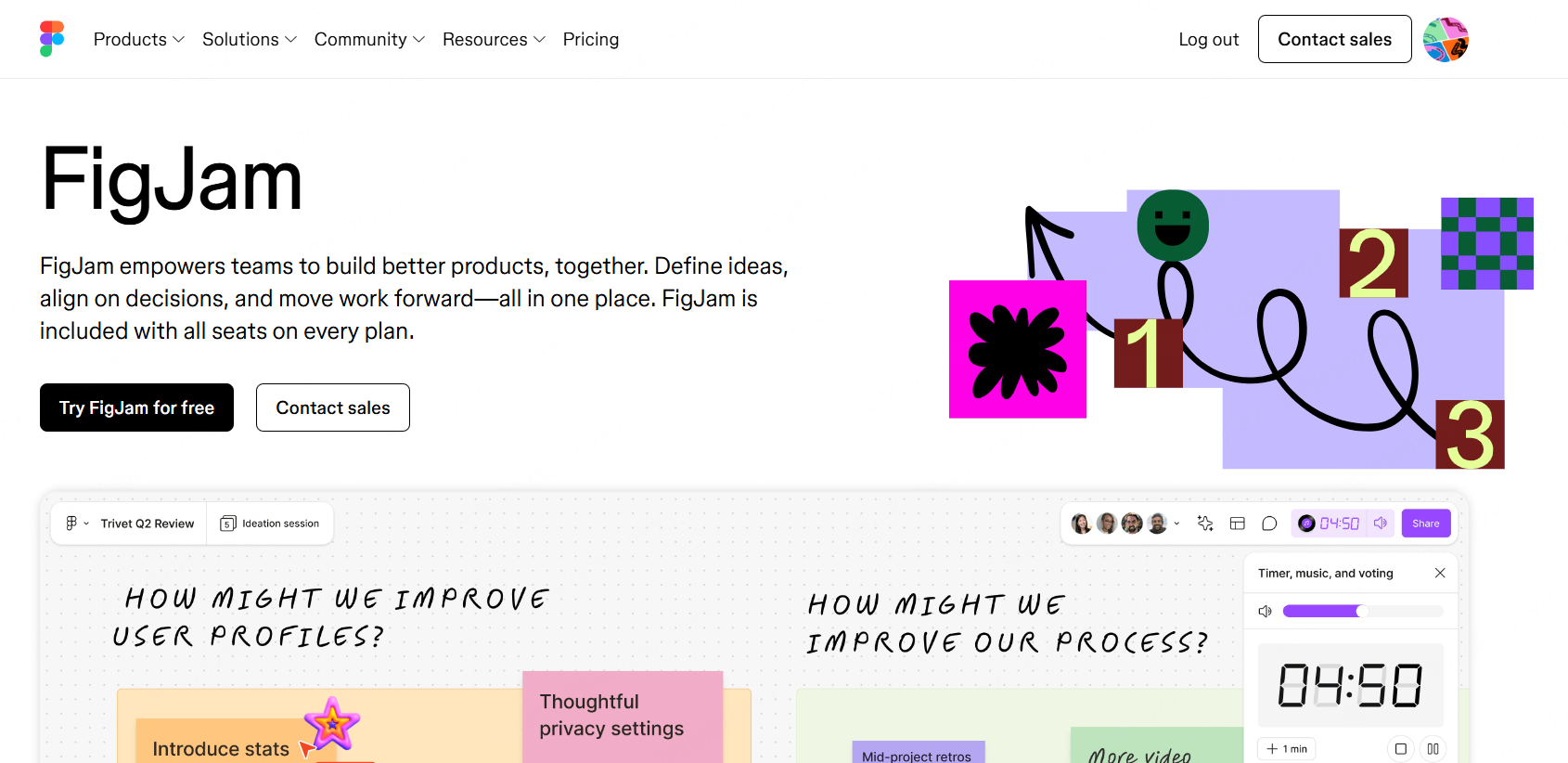
Why is everyone suddenly jumping ship? It usually boils down to ecosystem fatigue. When figjam first dropped, it was a neat, lightweight add-on. But today, complex product development demands serious heavy lifting. Designers are realizing that settling for basic canvases means sacrificing speed, security, and operational budget.
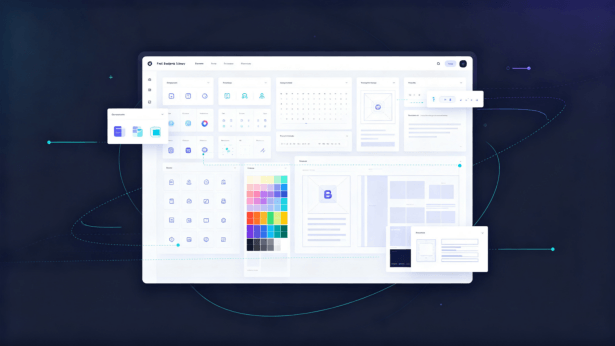
Think about your current setup. Does your workspace actually offer deep UX adaptation? I'm talking about built-in professional templates, a truly infinite canvas that doesn't lag, and interactive components that flex perfectly whether you're running a massive design sprint or just sketching out a quick flow. Most default tools start choking when you load them up with hundreds of high-resolution assets or complex architectural diagrams.
Then there’s the connectivity issue. We desperately need full-toolchain integration. If your whiteboard doesn't talk natively with your primary UI design software, your project management trackers, and your UX research repositories, you're just building more collaboration silos. Nobody wants to export static PDFs or manually copy-paste text blocks in 2026. The real goal is to keep the momentum going from a messy brainstorm straight into high-fidelity prototyping without losing any critical context.
Part 2: Why Pixso Whiteboard keeps winning over designers
If you're seriously evaluating figjam alternatives, you simply cannot ignore what's happening with Pixso Whiteboard. I've watched plenty of agencies migrate over recently, and the driving reasons are incredibly practical. It was built entirely around the specific headaches that product designers face every single day.
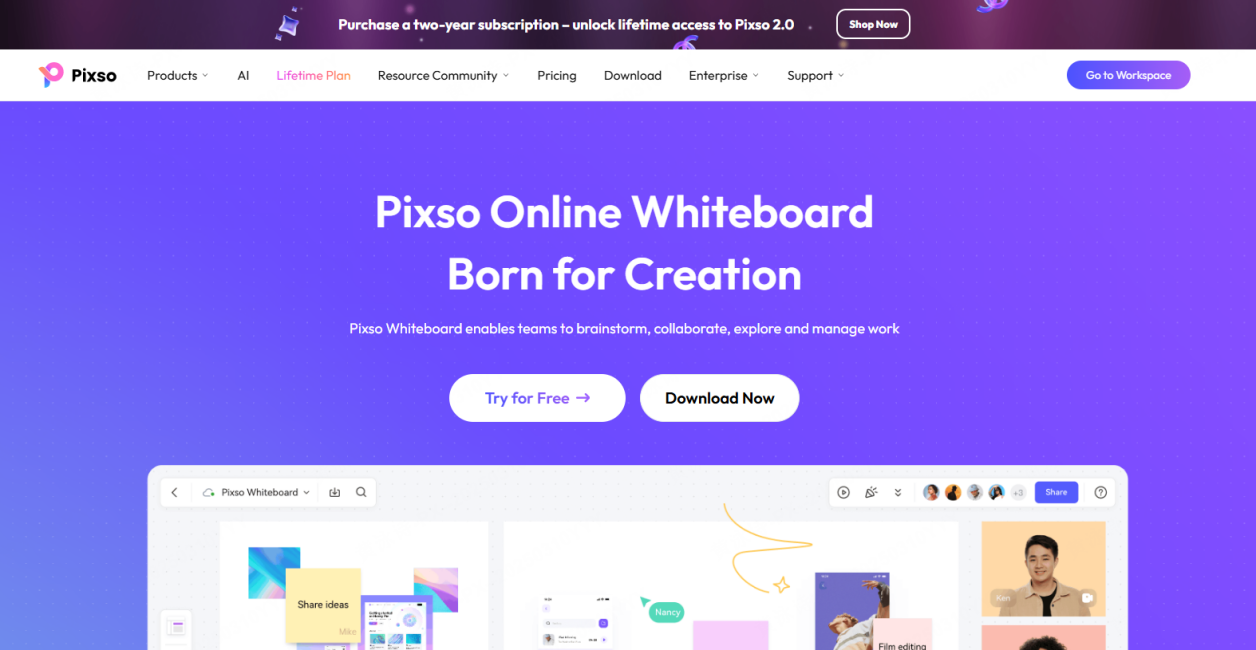
First off, the pricing model is a massive breath of fresh air. Flexible and economical pricing is a major deciding factor right now. They offer independent subscriptions and genuinely usable free or low-cost tiers without slapping you with arbitrary user caps. You aren't forced into an expensive, bloated software bundle just to get a handful of external stakeholders to vote on an idea. It effectively breaks that annoying vendor lock-in, pulling your team away from figjam and drastically dropping your monthly overhead.
Security is another area where it completely outclasses the competition. We're talking about enterprise-grade safety. When you handle strict client NDAs, you need granular permissions, detailed audit logs, data encryption, and robust private deployment options with SSO integration. It handles all of this beautifully, ensuring every remote team stays compliant without making IT jump through hoops.
But the actual game-changer here is the AI-native empowerment. It doesn't feel like a cheap, bolted-on gimmick. You can automatically generate intricate UX frameworks, lean on AI for creative prompts when the room gets quiet, and instantly summarize an hour-long workshop into actionable Jira tickets. Combine that with a buttery smooth, cross-platform experience that allows for offline editing and barely uses system memory, and you've got a workspace that people actually enjoy opening.
Part 3: Step-by-step: nailing your next user journey map
Let’s get tactical for a moment. Talking about features is fine, but seeing them in action is what actually proves the point. Building a user journey map is notoriously messy when you have six people dialing in from three different time zones. Here is exactly how you can run this seamlessly using Pixso Whiteboard to keep everyone aligned.
Step 1: Set the stage with zero friction
Boot up your workspace and hit the share button. Send the secure link directly to your product managers, developers, and researchers. Because the performance is highly optimized, your remote team won't complain about browser lag or weird loading glitches, even if they're working from a coffee shop on an older laptop. They just click the link and they're instantly in.
Step 2: Ditch the scratchpad for smart templates
Please don't waste fifteen minutes drawing grids and boxes from scratch. Open the left-hand panel and search for a user journey map. Drag and drop the template directly onto your infinite canvas. It instantly gives you the rigid structure you need: phases, touchpoints, emotional curves, and friction logs. It's totally customizable, so you can easily tweak the columns to fit your specific sprint goals.
Step 3: Trigger the AI for initial brainstorming
Before everyone starts arguing over what the user actually wants, use the AI tools. Highlight a specific stage on your board, say, the mobile checkout process, and prompt the AI to list common user frustrations based on typical e-commerce behavior. Boom. You instantly have a dozen sticky notes to kickstart the conversation. It saves so much dead air at the beginning of a call.
Step 4: Take control with facilitation tools
Virtual workshops can derail fast. Use the built-in facilitation tools to act as your digital co-host. Start a strict three-minute timer right at the top of the screen. Tell your UX team to drop their personal sticky notes into the emotional curve section. You can utilize the cursor tracking feature to see exactly who is hovering over what, ensuring everyone is actually participating.
Step 5: Anonymous voting and AI sorting
Once the timer rings, you will probably stare at a chaotic mess of overlapping ideas. Click the smart arrange button to snap everything into neat, readable grids. Next, launch a quick voting session. Give everyone three digital votes to choose the most critical pain points on the board. It democratizes the process perfectly and keeps the loudest person in the room from dominating the product direction.
Step 6: Flow directly into UI design
This is my absolute favorite part of the workflow. Once your user journey map is locked in, you do not export it as a flat image. Because of the deep integration with the main design environment, your UI designers can pull these strategic insights directly into their working files. The user research lives right next to the artboards. No silos. No lost context.
Part 4: The crucial role of workshop facilitation
Let's expand on that facilitation aspect, because running a digital session is objectively tough. If you've ever tried to lead a massive design sprint over a standard video call, you know it feels a lot like herding cats. Your workspace needs to do more than just sit there; it needs to actively help you manage the room.
When reviewing different figjam alternatives, you have to look for structured workflow templates and actual progress management capabilities. You need a platform that lets you hide certain frames until you are ready to reveal them, stopping participants from reading ahead and losing focus. You need reaction stickers to gauge the room's energy and easy ways to group people. A proper tool turns a boring, one-way conference call into a high-energy sprint. By nailing this natively, you drastically elevate the quality of what your team actually produces.
Part 5: Rounding out the top 5 competitors
While I clearly favor a tailored approach for designers, it is definitely worth looking at the broader landscape. Depending on what your specific agency focuses on, one of these other popular platforms might catch your eye as you move away from figjam.
Miro: the corporate giant
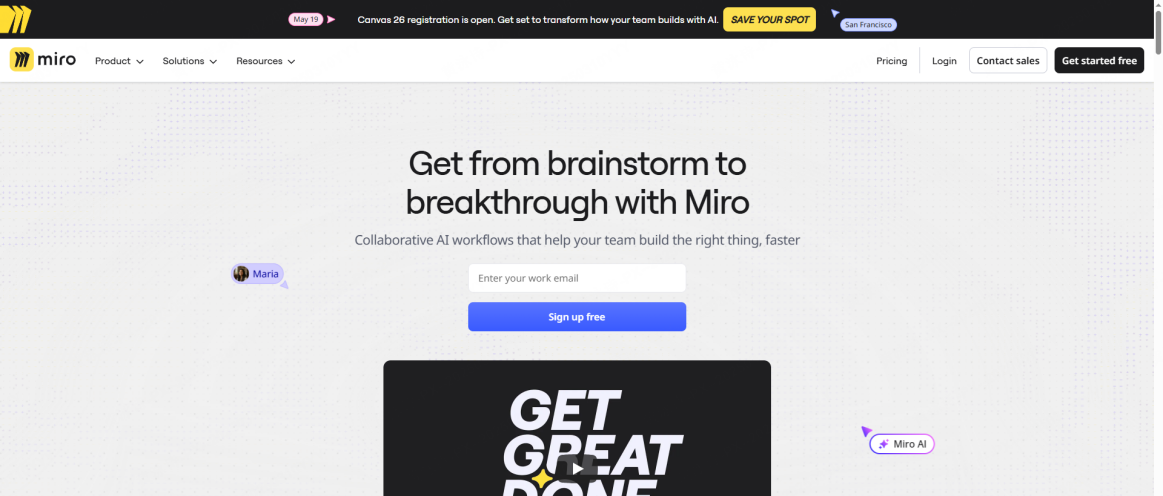
Miro is basically the household name at this point. It integrates with practically everything under the sun, from Jira to Slack to Salesforce. If you need a massive, generalized workspace for enterprise-wide strategy mapping, it is incredibly solid. The downside? It gets really expensive at scale. Plus, it lacks that native, pixel-perfect bridge to UI design tools that a specialized ux team desperately craves.
Mural: the agile coach's pick
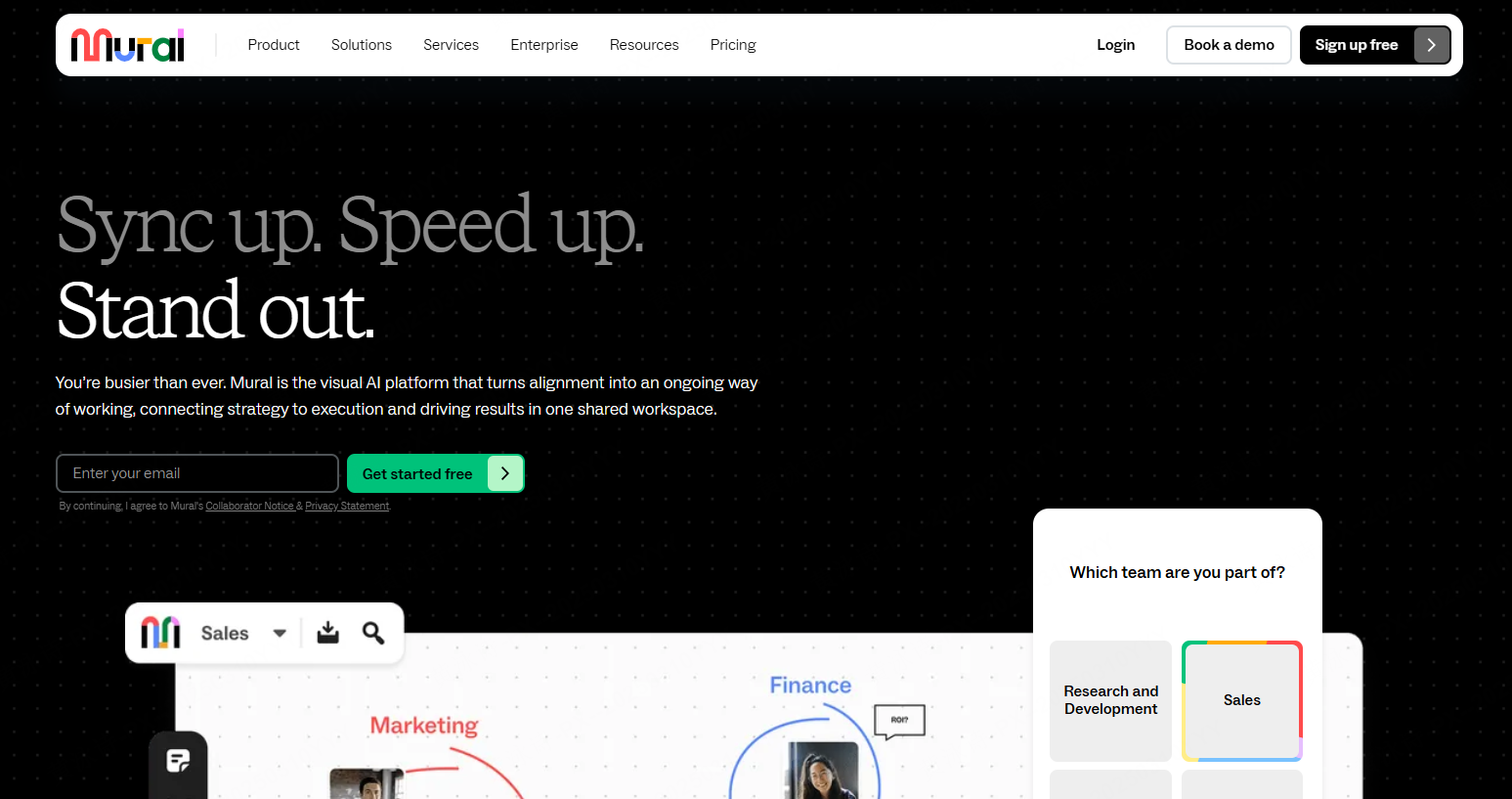
Mural leans heavily into methodology. It is packed to the brim with pre-built agile rituals and strictly guided workshops. If your company employs dedicated scrum masters, they will probably love it. However, the user interface always feels a little stiff to me. It doesn’t have that fluid, highly creative vibe you want when trying to sketch out abstract app architectures.
Lucidspark: the engineer's canvas
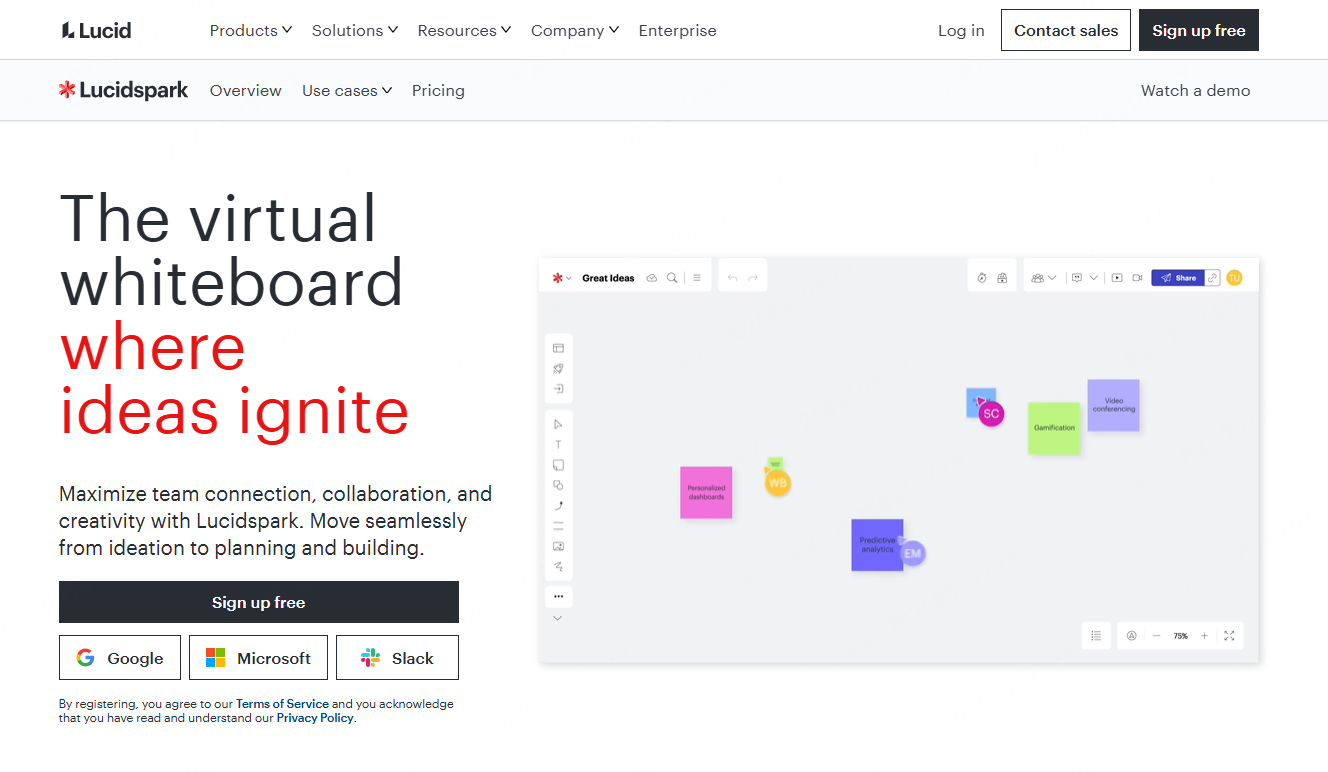
Lucidspark is brilliant if your daily work involves heavy backend logic, database mapping, and data visualization. Because it's tied directly to Lucidchart, converting a messy brainstorm into a rigid technical flowchart is an absolute breeze. But let's be honest here, it is not the prettiest environment. Designers often find it lacking in the rich, interactive components that make UI planning feel intuitive.
Conceptboard: the privacy fortress
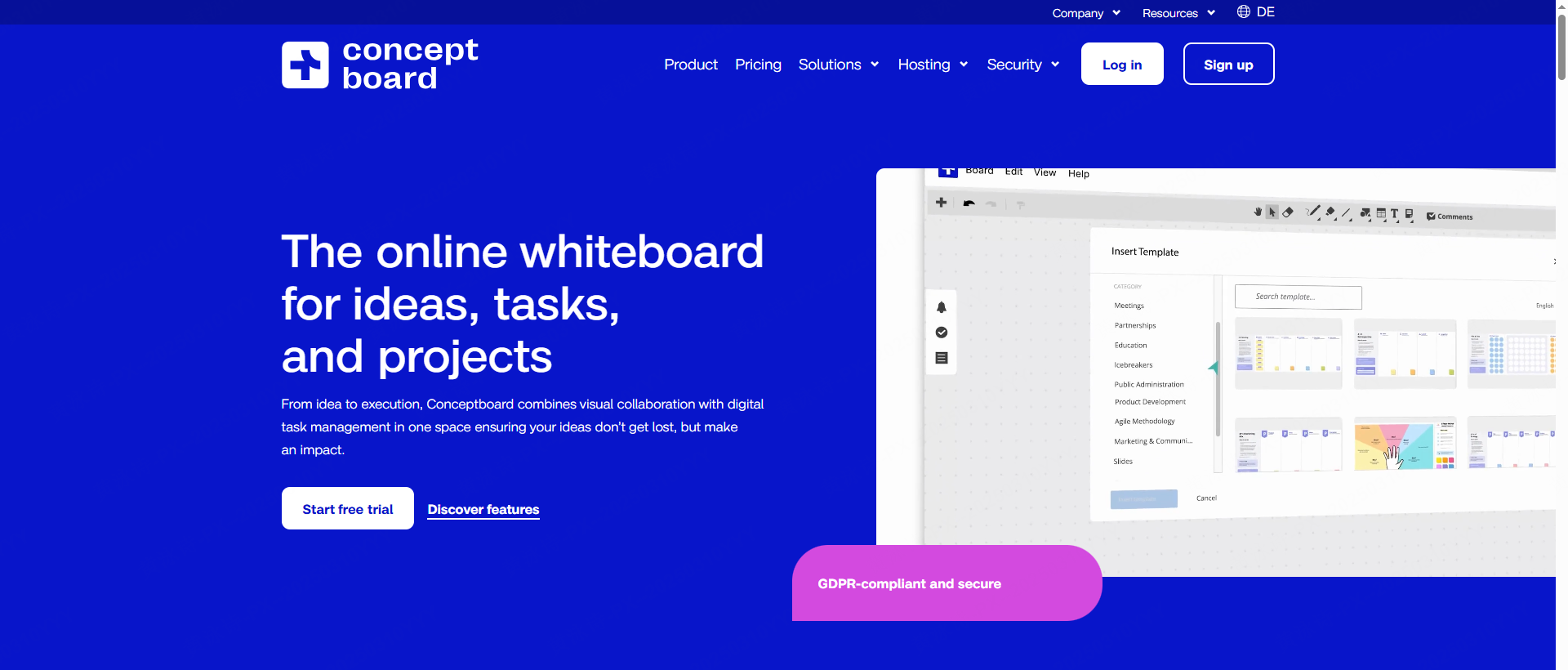
Based in Europe, Conceptboard is all about strict GDPR compliance and uncompromising data sovereignty. If you are dealing with government contracts, banking, or highly sensitive health data, this is a very safe bet. The major trade-off is the user experience. The interface feels noticeably dated, and you won't find any of the flashy AI features or seamless design tool integrations here.
Whimsical: the speed demon
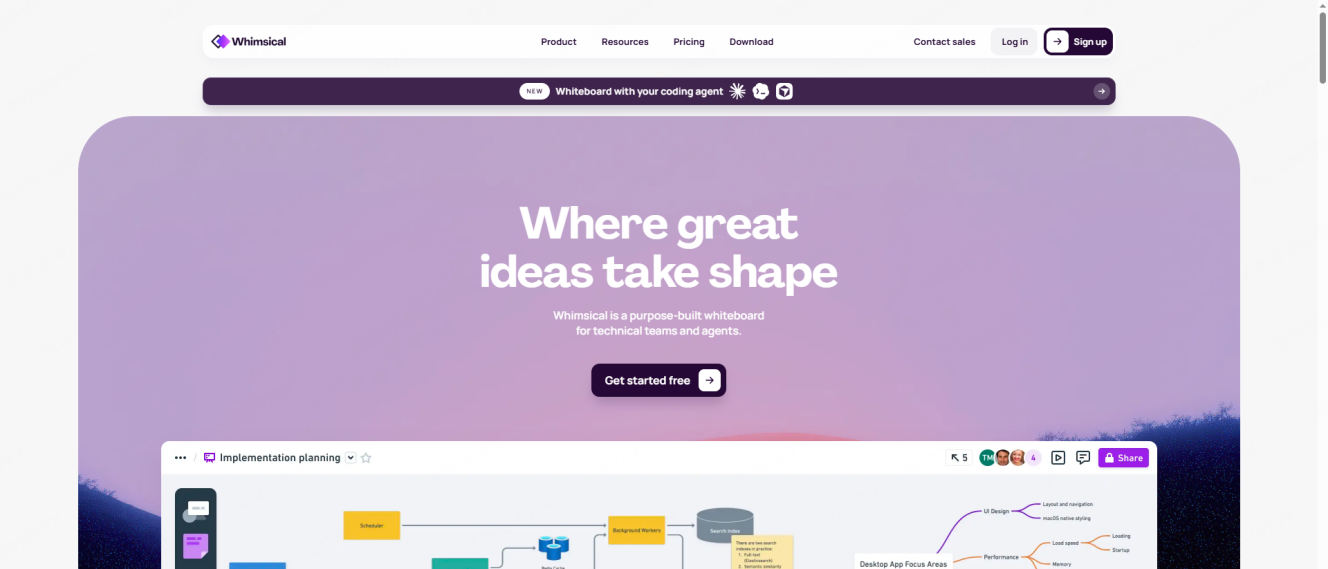
I actually really like Whimsical for what it is. It intentionally limits your styling options. You get a few colors, a few fonts, and standard shapes. This constraint means everything you build looks clean instantly. It is incredibly fast for drawing up quick wireframes. But it falls short on enterprise scalability. It doesn’t support private deployment, and the lack of a totally free-form canvas can feel quite restrictive during early ideation.
Part 6: Making the economics and tech work together
Let’s circle back to why tools like figjam are slowly losing their grip on agile teams. It is a potent mix of changing economics and remote reality. As companies tighten their belts in 2026, paying hefty per-seat licenses for bloated software suites is getting really hard to justify to accounting. Independent subscriptions allow you to scale up or down based on your actual headcount.
Furthermore, the remote experience simply has to be flawless now. It is not just about being online; it is about low-bandwidth modes for team members traveling, and essentially zero learning curves. When a freelance copywriter jumps into your board to review the copy on a user journey map, they shouldn't need a twenty-minute tutorial just to figure out how to leave a comment. The tools that are winning this year are the ones that quietly do the heavy administrative lifting, like encrypting data and summarizing meetings via AI, while letting the creatives just focus on creating. This perfect balance is precisely why Pixso Whiteboard has gained so much unstoppable traction lately.
Conclusion
Navigating the crowded world of figjam alternatives doesn't have to be a headache. At the end of the day, your workspace should empower your people, not dictate how they work. Whether you are facilitating a complex product workshop or mapping out an intricate user journey map, your remote team deserves a platform that simply gets out of the way. While there are plenty of decent options on the market, solutions like Pixso Whiteboard are proving that you really can have it all. You can secure enterprise safety, deep native integrations, and incredibly smart AI assistance without destroying your software budget. Take the time to test out a few different workflows, listen to your designers' feedback, and upgrade to a canvas that actually fits the future of your business.