Scott
Data residency for design tools is more complex than choosing a country from a hosting menu. A collaborative UI/UX platform may store design objects in one region while keeping file names, comments, account data, logs, search indexes, plugin output, AI prompts, or support records somewhere else. A useful review therefore begins with data types and flows, not a single "region" field.
Part 1. Separate Residency, Sovereignty, and Operational Control
Data residency describes where data is stored or processed. Data sovereignty concerns the laws and authorities that can apply to that data. Operational control concerns who administers systems, encryption, backups, logs, and support access. These concepts overlap, but none proves the others.
A customer-managed deployment can provide stronger location and network control, yet the customer must operate it securely. A cloud service can provide mature controls and region choices, yet selected data types or support processes may remain outside the chosen region. Document the required outcome: a storage location, a processing restriction, a customer-controlled key, a no-public-network rule, or an auditable approval process.
Part 2. Build a Complete Design-Data Inventory
List data by function and sensitivity. For a collaborative design tool, include:
- canvas objects, text, images, videos, components, tokens, and prototype connections;
- file names, thumbnails, folders, search indexes, and recent-item metadata;
- comments, mentions, annotations, approvals, and version history;
- user profiles, group membership, identity attributes, and invitations;
- audit, security, activity, billing, and diagnostic logs;
- exports, shared links, email notifications, and support attachments;
- plugin inputs and outputs; and
- AI prompts, uploaded references, generated content, telemetry, and model-provider records.
For every type, record collection purpose, system of record, storage region, processing region, encryption boundary, retention, deletion path, backup copies, subprocessors, and permitted users. Mark unknowns explicitly. The inventory becomes the basis for legal review and technical testing.
| Data type | Residency question | Test |
|---|---|---|
| Design file content | Where are primary objects and media stored and replicated? | Create a file in the target region and inspect documented storage and backup scope |
| Comments and mentions | Do collaboration records follow the file region? | Add comments and request the vendor's service-level data map |
| Search and thumbnails | Are derived indexes or previews stored globally? | Compare the localization statement with observed product behavior |
| Audit and security logs | Where are logs retained and who can export them? | Generate events and verify export, timestamps, and retention |
| AI and plugins | Which provider and region process the input and output? | Use approved test content and inspect the complete request path |
| Support records | Can diagnostic bundles or tickets leave the selected region? | Open a controlled support case and review access and retention |
Part 3. Read Cloud Localization Scope Precisely
Cloud data residency can be granular. Figma's current localized file hosting documentation, for example, identifies supported regions and lists which file data can be localized. It also states that some items, including comments, file names, fonts, logs, indexed search data, and other non-file data, are outside the localization scope. The exact list can change, so buyers should use the current table rather than assuming the whole workspace follows the file.
This is not a criticism of localization; it is a model for reading it correctly. Ask every cloud vendor for a field-level or service-level scope. Clarify data at rest and in transit, disaster-recovery regions, global control planes, support access, analytics, published content, and beta or AI features.
Also distinguish customer requirements from preferences. A regulation or contract may require specific safeguards or risk management without mandating on-premise deployment. Record the rule, data type, and responsible reviewer instead of treating local hosting as automatic compliance.
Account for migration and switching as well as steady-state storage. The EU Data Act has applied since September 2025 and includes cloud-switching provisions, reflecting a broader industry expectation that customers understand portability and exit. Even where that law is not applicable, test how files, libraries, assets, identity records, and logs can be exported, how long backups persist, and what assistance is available when the service ends.
Part 4. Evaluate Private Deployment as a Different Control Model
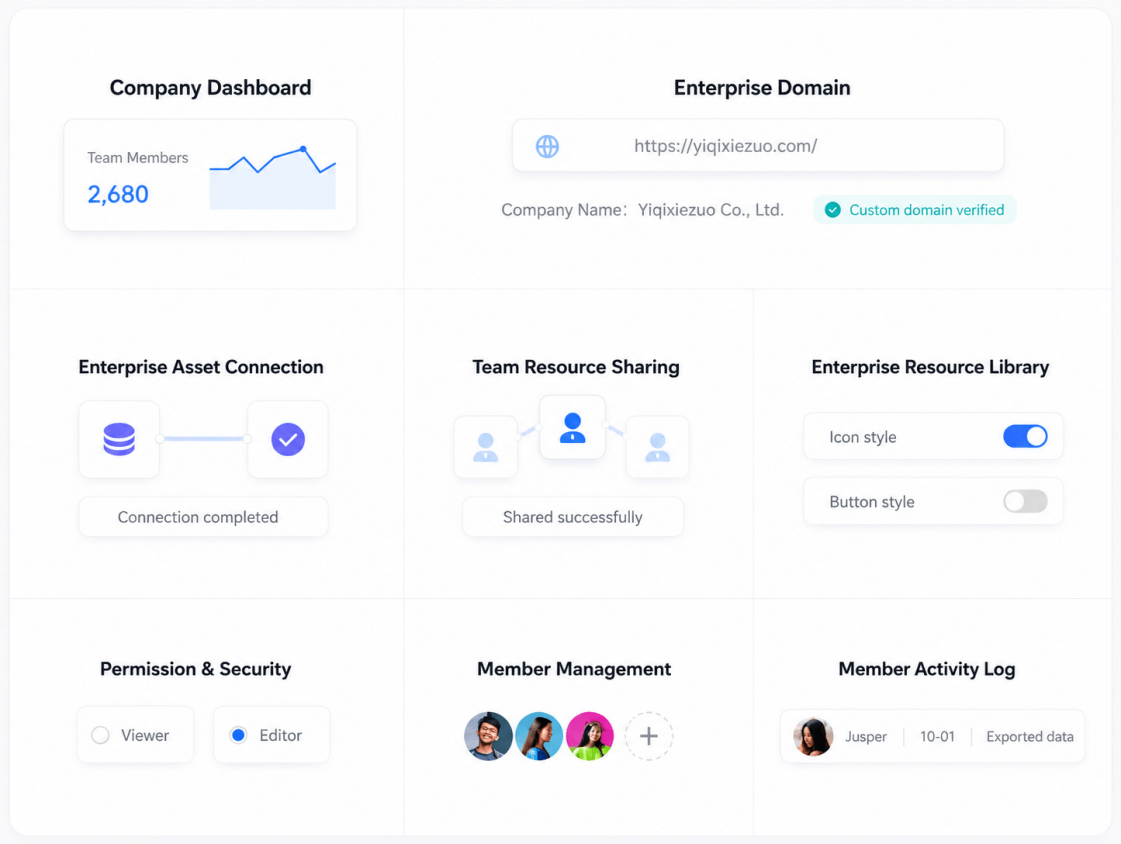
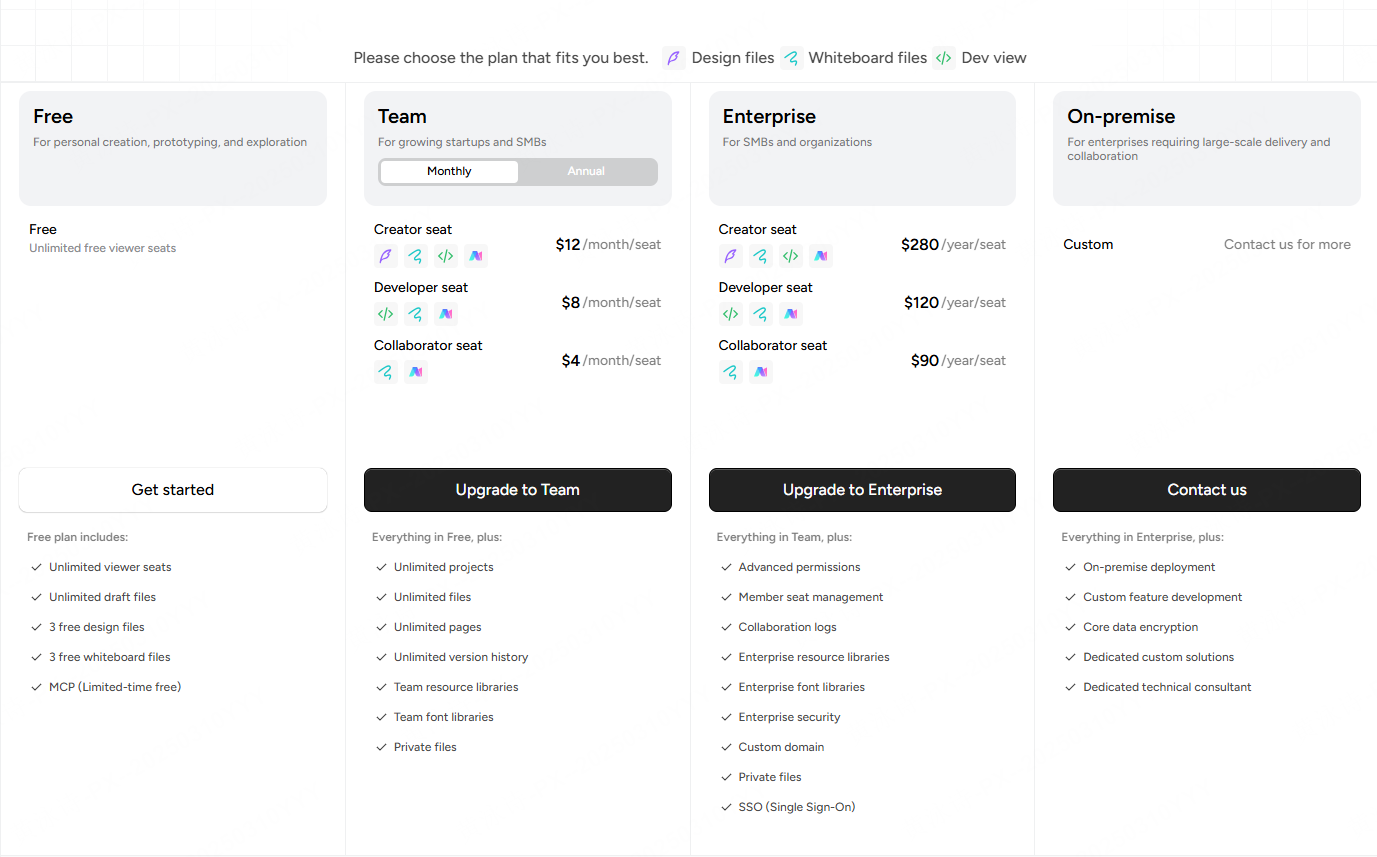
Private deployment can reduce uncertainty about primary storage and network paths when it runs in infrastructure controlled by the customer. The official Pixso Private Deployment page states that Pixso supports single-node and clustered deployment and intranet, private-cloud, and public-cloud methods. It also lists permission controls, member activity logs, shared enterprise resources, and customizable connections to enterprise systems.
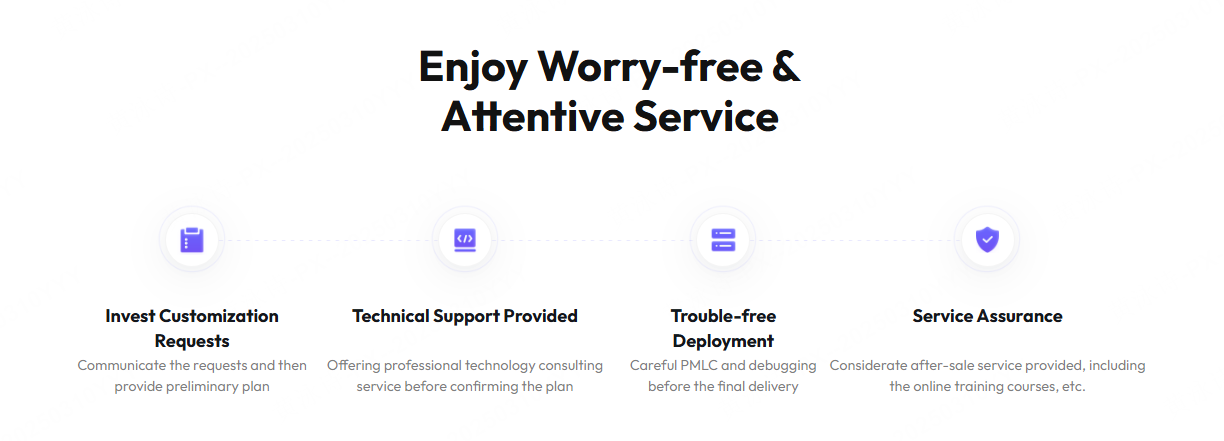
Private deployment does not remove all external processing by default. Verify license checks, update channels, telemetry, email, map or media services, external fonts, plugins, AI providers, crash reports, and vendor-support workflows. Test the proposed build with outbound traffic blocked except for approved destinations. Document what becomes unavailable and how the organization will update it.
Part 5. Review Transfers, AI, Plugins, and Support Paths
Modern design platforms are extensible, so the platform's location is only one part of the data path. Create separate governance for plugins, integrations, AI, and externally hosted assets. Require owners to state what data is sent, the destination, purpose, retention, training use if any, deletion method, and contractual basis.
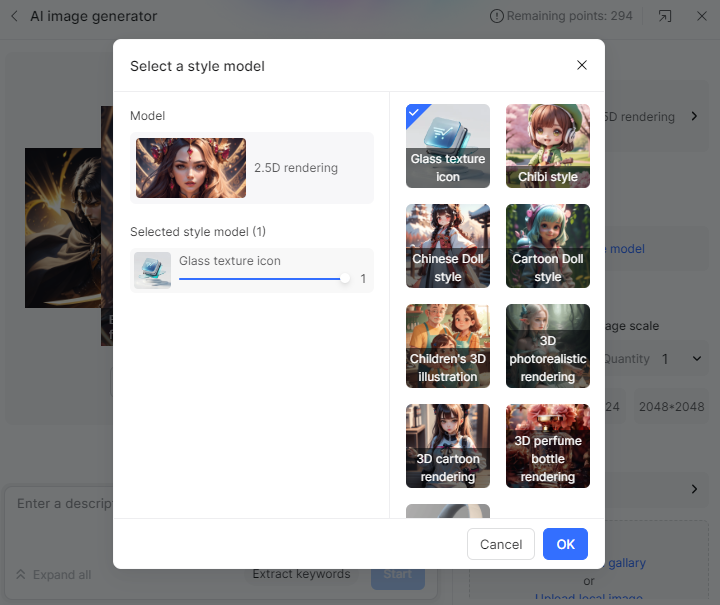
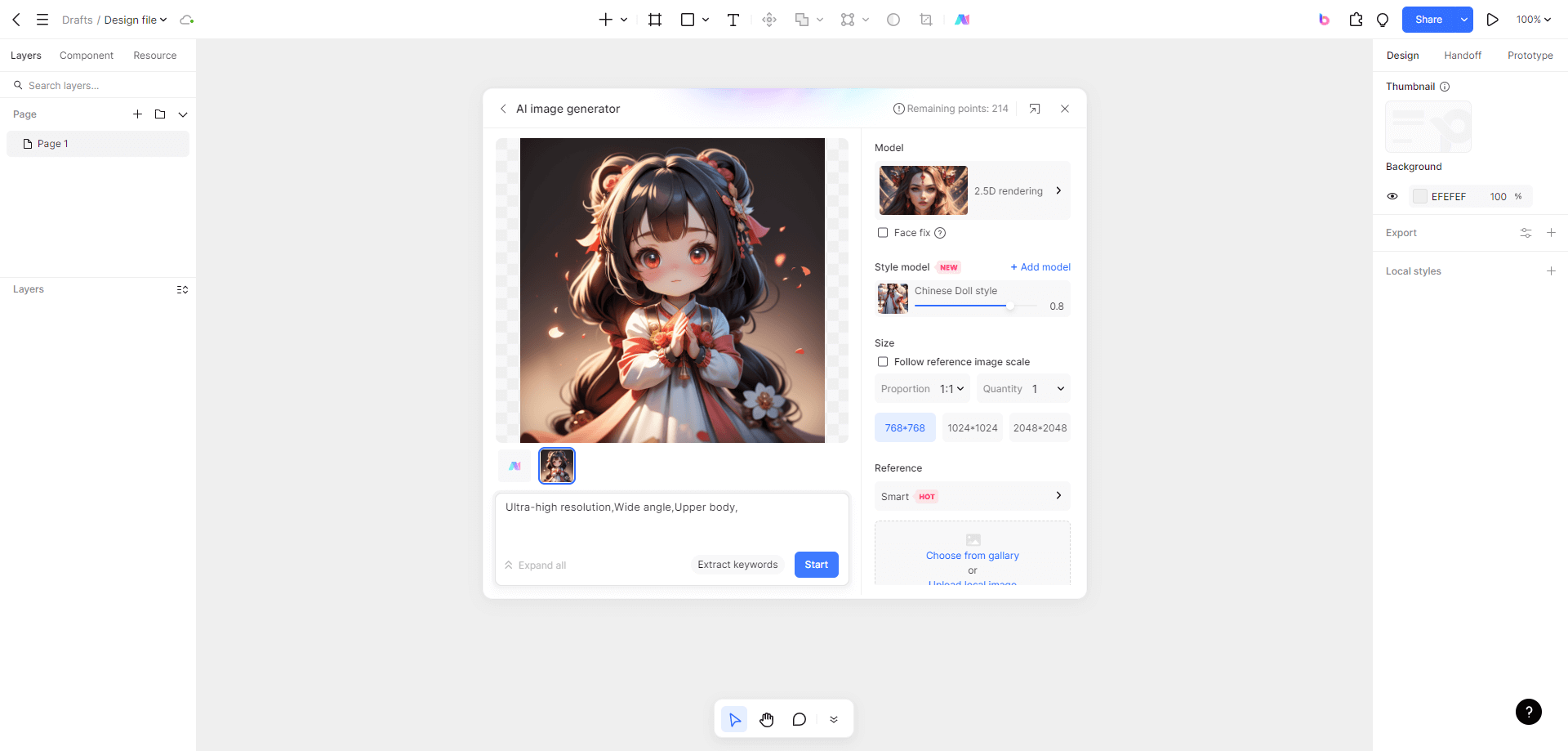
For AI-assisted work, separate prompts, uploaded reference images, document context, generated output, model telemetry, and human review. Do not allow sensitive screenshots or customer data merely because the feature is embedded in the design application. Use approved test data until the processing path is documented.
Support access is another transfer path. Record whether vendors can access production content, infrastructure, logs, or backups; how access is approved; whether sessions are time-limited and logged; and how diagnostic bundles are sanitized. A support ticket can contain as much sensitive context as the original file.
Apply data-loss-prevention rules to outputs, not only storage. Public links, guest invitations, copied CSS, downloaded images, PDF exports, screen recordings, and shared prototype demonstrations can move information outside the approved environment. Decide which outputs are permitted by data class and make the review process practical enough that teams will follow it.
Part 6. Create a Data-Residency Evidence Pack
Ask shortlisted vendors to complete the same evidence pack:
- a current architecture and data-flow diagram;
- a data-type matrix covering primary, derived, log, backup, and support data;
- storage, processing, backup, and disaster-recovery locations;
- subprocessor and support-access details;
- encryption and key-management boundaries;
- plugin, AI, telemetry, and integration behavior;
- retention, deletion, export, and termination procedures; and
- change-notification commitments for regions and subprocessors.
Validate the pack through a pilot. Inspect browser and client network traffic, review logs, create and delete representative data, exercise an export, request support, restore a backup where applicable, and verify the contract against observed behavior. Store the final decision with its date and assumptions.
Assign an owner for every unresolved item and distinguish evidence debt from accepted risk. A vendor response such as "stored in region" should remain open until its scope covers the named data types. Recheck the map after major releases, new AI features, acquisitions, subprocessor changes, or a move to another region.
Finish with a decision statement that names the approved deployment, region, permitted data classes, prohibited uses, required configuration, contract dependencies, review date, and risk owner. Provide short user guidance for designers: which projects may use the platform, whether customer screenshots are allowed, how external sharing is approved, and which plugins or AI features are permitted. A technically correct data map has little value if users cannot apply it.
Keep an alternative path for higher-sensitivity work. An organization may approve a regional cloud workspace for routine design while requiring a private instance or isolated environment for restricted projects. Define how assets move between those environments so that the exception does not become an uncontrolled second workflow.
Part 7. Design Tool Data Residency FAQ
Q1. Does a regional cloud location mean all design data stays there?
Not necessarily. File content, metadata, comments, logs, search indexes, backups, support records, plugins, and AI processing can have different scopes. Read the vendor's current data-type matrix.
Q2. Is data residency the same as legal compliance?
No. Residency can support a compliance strategy, but applicable law, contracts, access, security controls, retention, transfers, and documented risk decisions still matter. Obtain qualified legal and security review.
Q3. Does on-premise deployment prevent international transfers?
It can keep primary systems inside an approved boundary, but telemetry, updates, plugins, AI, email, support, and backups may still create external flows. Test and document them.
Q4. What should be tested for AI features?
Test what context is transmitted, which provider processes it, retention and training terms, region, deletion, access logging, opt-out controls, and behavior when the AI endpoint is blocked.
Q5. How does Pixso fit a residency strategy?
Pixso offers a private-deployment option that can place the design environment in a customer-approved intranet or private cloud. The exact architecture, external dependencies, and responsibilities must be confirmed for the proposed implementation.
Q6. How often should the data map be updated?
Update it when the product, region, subprocessor, integration, AI feature, support process, backup architecture, or legal requirement changes, and during periodic supplier review.