Scott
The rise of generative technologies is steering user interface development toward a major paradigm shift. In traditional project setups, turning a basic product concept into a polished layout usually takes days of manual adjustments. Today, natural language interfaces let you build preliminary visual layouts in just a few minutes. Still, with so many options popping up in the software space, which utility actually helps product teams move faster?
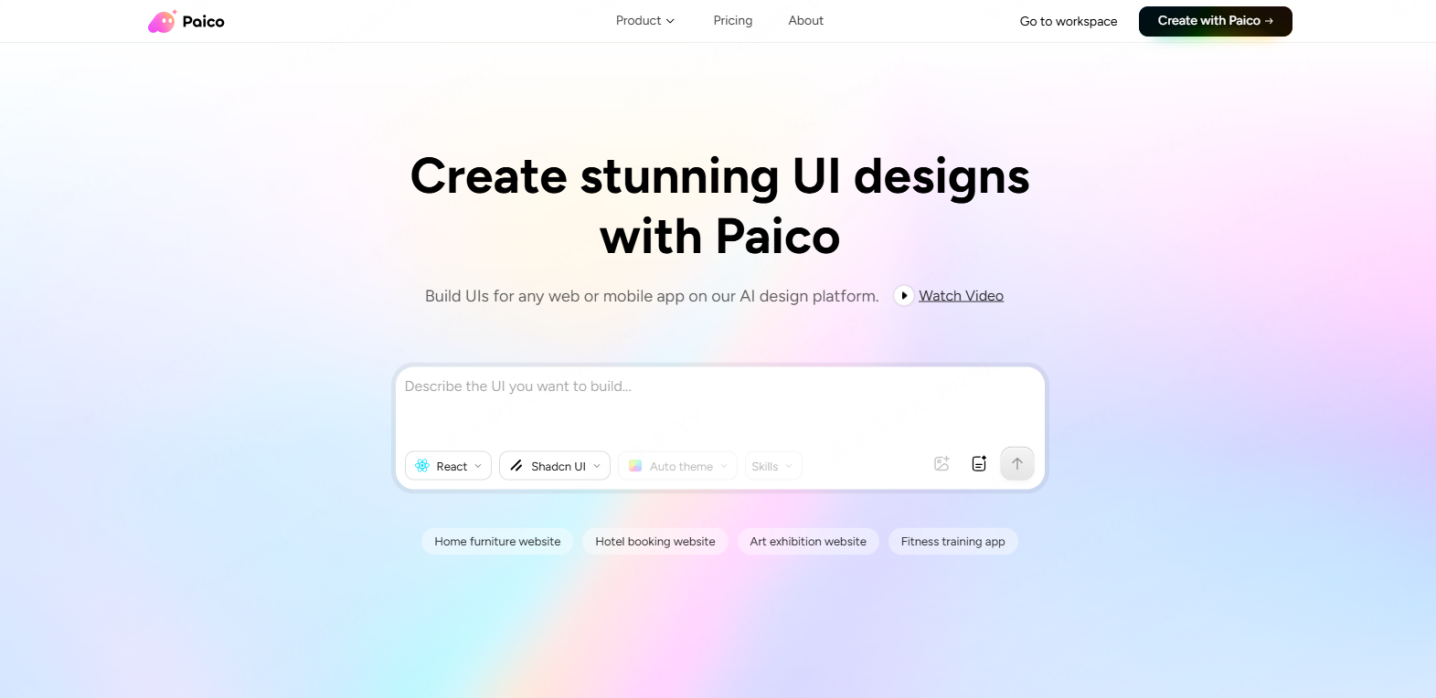
In this comparison of high fidelity design efficiency, the industry pioneer galileo ai remains a strong choice for visual style exploration and single-screen concepts. But when you need to design complex multi-screen systems or map out continuous user navigation paths, a new breed of collaborative, agent-driven assistants like Paico offers a highly practical alternative. With its infinite whiteboard workspace and interactive design chat assistant, it is built to help cross-functional product teams collaborate far more dynamically.
Part 1. The Three Real Pain Points of High-Fidelity UI Design
Before exploring any automated layout platforms, it helps to look at the main friction points product teams face when trying to build out a high fidelity design from scratch.
Even with automation tools making layouts easier to generate, getting layouts up to production-ready enterprise standards still presents three major practical hurdles.
1.1 Visual Polish with Poor Editability
Many early-generation layout tools produce visually appealing assets that are functionally useless. They might deliver a flat raster graphic or a disorganized pile of unlabelled layers that lack component structure.
When you actually need to tweak spacing, change a text field, or modify a button state during a product update, adjusting these messy layers can take longer than building the layout from scratch. This leaves you with static designs that look great in a presentation but are far too rigid for real-world development.
[ Automated Interface Gen ] -> ( Outputs Unstructured Flat Image ) -> ( High Manual Correction Effort )
1.2 The Gap Between Single Screens and Cohesive User Journeys
A successful product is never just a loose collection of pretty, isolated views. It is a continuous system tied together by user logic, navigation paths, and functional transitions.
Unfortunately, most generative platforms only render one container at a time. They do not understand how different screens relate to one another. Consequently, teams must still spend considerable time manually drawing wireframe lines and mapping out logical structures.
1.3 The Disconnect Between Design Files and Real-Time Collaboration
An interface layout is only the first step in a long deployment pipeline. In day-to-day operations, files need to pass constantly among product managers, developers, QA teams, and marketing staff.
Traditional desktop design packages often present high barriers to entry, confusing commenting features, and mismatched update files. Without a shared space where everyone can brainstorm, review prototypes, and stay on the same page, information naturally gets lost.
Part 2. Assessing Galileo AI: Strengths and Real-World Limitations
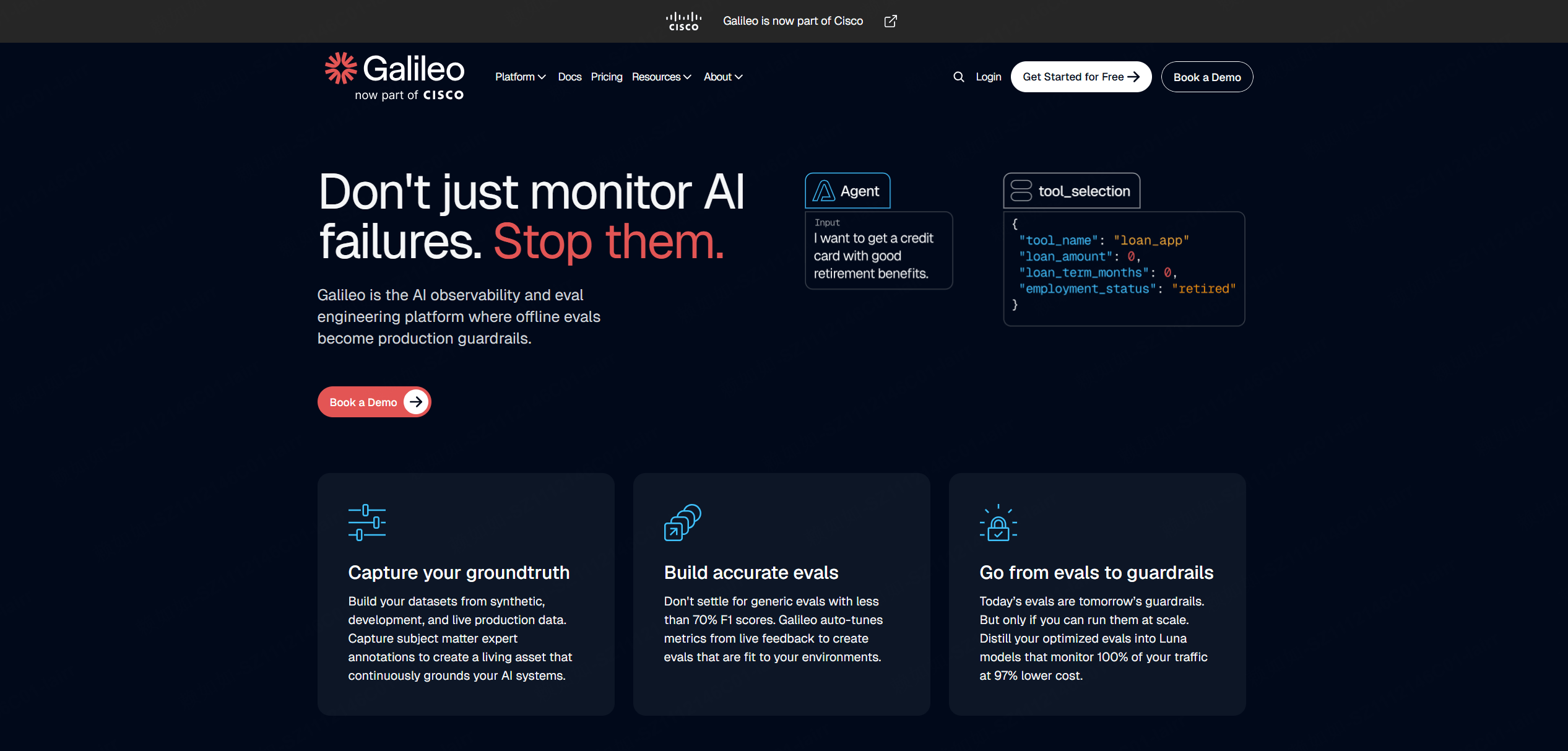
As an early pioneer in introducing large language model capabilities to digital interfaces, galileo has set an important benchmark for the industry. While recognizing its impressive rendering capabilities, it is also useful to look at its practical boundaries in everyday corporate projects.
2.1 Visual Assets and Design App Integrations
The primary strength of the galileo ai UI design tool is its layout generation. Users can describe what they want in plain language, and the engine rapidly generates a clean interface that fits modern aesthetic expectations.
Additionally, the platform integrates well with established visual programs, letting you export layers with a single click for further editing. This makes galileo ai a solid option for initial brainstorming sessions, mood boarding, and visual concept exploration.
2.2 Handling Iterations and Complex App Flows
As you move from initial layouts to deep product creation, some limitations of the galileo.ai ecosystem become apparent. Since the underlying language models are trained on general web assets, the tool occasionally struggles with niche enterprise SaaS platforms, local admin portals, or highly specific internal business layouts, producing generic placeholder text or layouts that do not align with specialized user behaviors.
Furthermore, the interface remains primarily centered around generating single-canvas views. When you need to adjust specific parts of a generated layout, compare how each tool handles the same targeted change. This lack of continuous, chat-driven refinement makes it harder to use for complex, long-term product iterations.
Part 3. Galileo AI vs. Agent-Driven Innovation: A Head-to-Head Comparison
When you compare single-canvas layout generators with collaborative, agent-driven workspaces, you see a clear shift in how teams approach product design. To help you choose the right tool for your project, let us compare the core characteristics of these systems across several key areas:
| Operational Metric | Galileo AI (Single-Canvas Model) | Paico (Agent-Driven Canvas) |
| Primary Interaction | Generates layouts from static text prompts | Conversational layout editing with an active assistant |
| Canvas Layout | Isolated screens organized on a basic grid | Infinite whiteboard for organizing multi-screen user paths |
| Flow Generation | Focuses on single views; requires manual links | Generates entire user flows with logical connections |
| Layout Tuning | Tweak elements manually in external editors | Refine components via chat commands right on the canvas |
| Team Hand-Off | Focuses on individual asset export | Shared links with live comments and built-in code exports |
3.2 Why the Interactive Agent Model is the Future of UI Design
This breakdown highlights how the future of interface generation is not just about the initial layout export; it is about how you iterate over time. The agent-driven approach of Paico treats the interface as a conversational assistant that understands the structural logic of your application.
Instead of treating the user as an occasional prompter, the tool acts like an assistant designer. It understands continuous modification instructions, such as changing a login box to an SMS verification system, or switching the color palette to match a new style guide. The ability to make layout adjustments through continuous dialogue is what makes the design process feel truly dynamic.
Part 4. How to Generate a High-Fidelity UI System on an Infinite Canvas
Let us look at a practical demonstration. We will walk through how you can use Paico's infinite whiteboard to design an online medical portal.
Step 1: Input Intentions
Step 2: AI Analyzes & Generates Multi-Page Layouts
Step 3: Use Conversational Chat for Granular Tweaks
Step 4: Share Canvas for Team Feedback & Code Handoff
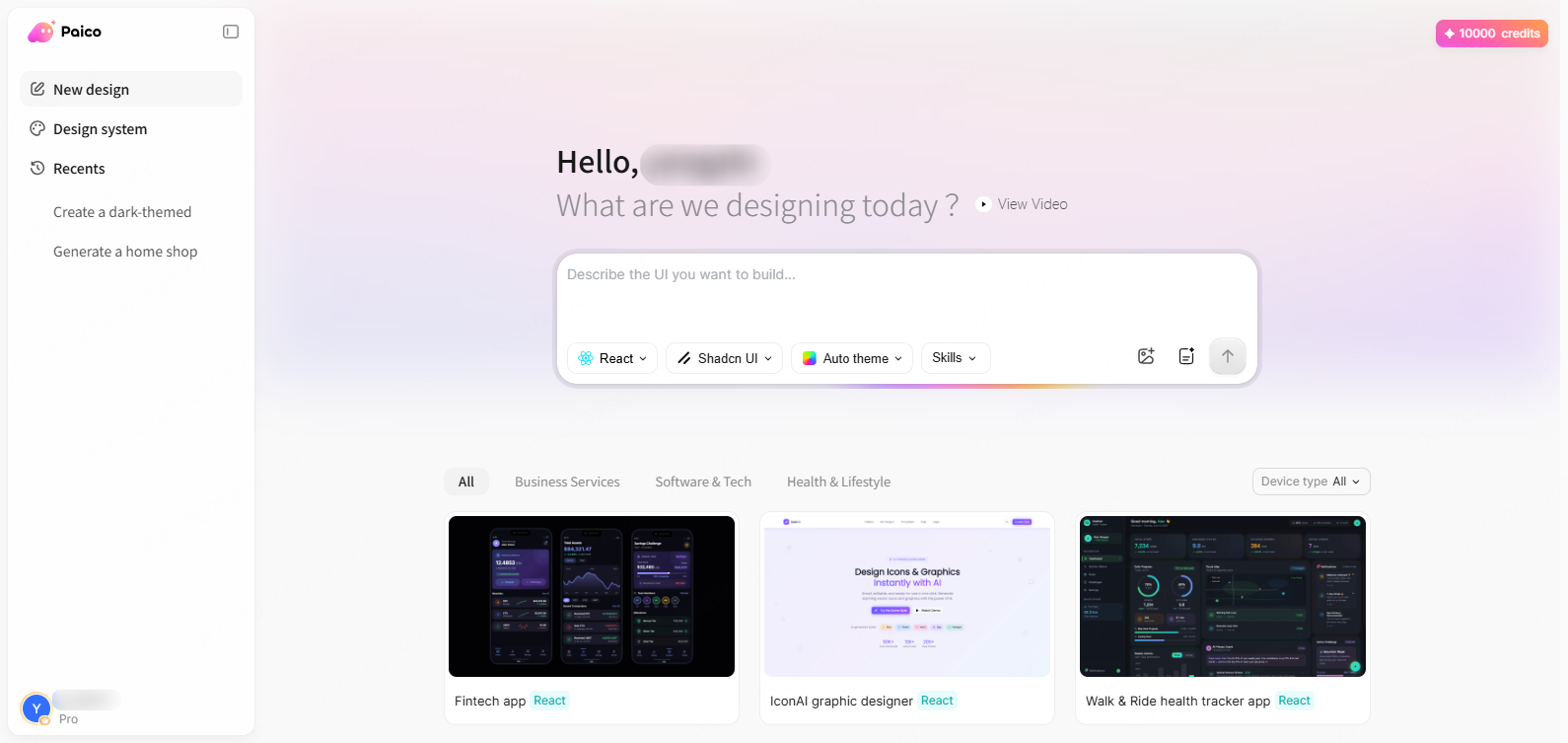
Step 1: Input Your Project Requirements
Open the platform and launch your workspace. In the chat interface, enter your main project goals. For example: Design a medical portal featuring doctor appointments, video consultations, and patient history records. You can also select your target code structure, preferred UI library, color palette, and general styling preferences.
Step 2: AI Layout Analysis and Screen Generation
Once you submit your requirements, the platform analyzes the functional needs of the application, organizing the color schemes, layout structures, and screen paths. It then automatically drafts a set of linked screens (such as a dashboard, booking form, and records view) and displays them on the visual whiteboard.
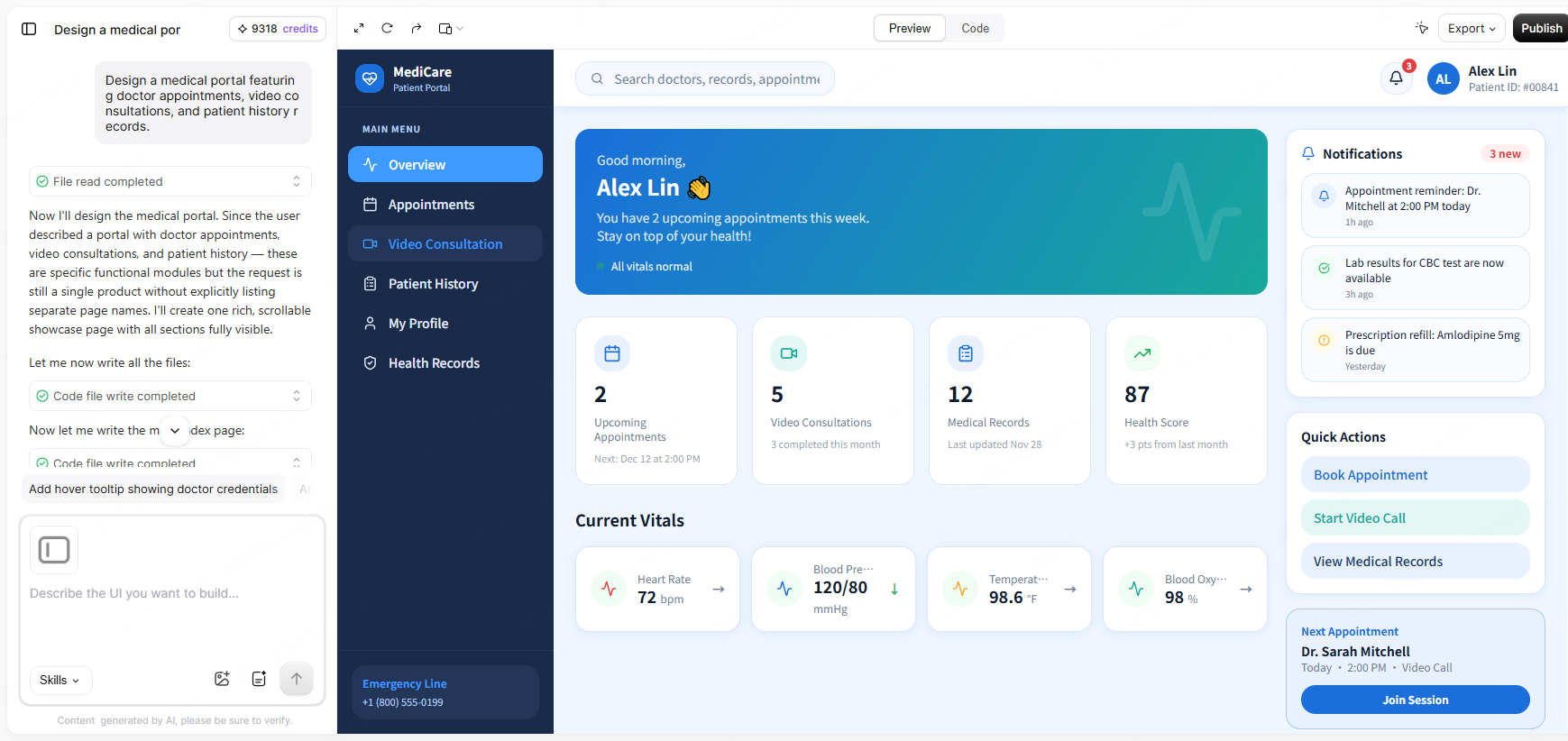
Step 3: Dynamic Layout Adjustments with Chat Commands
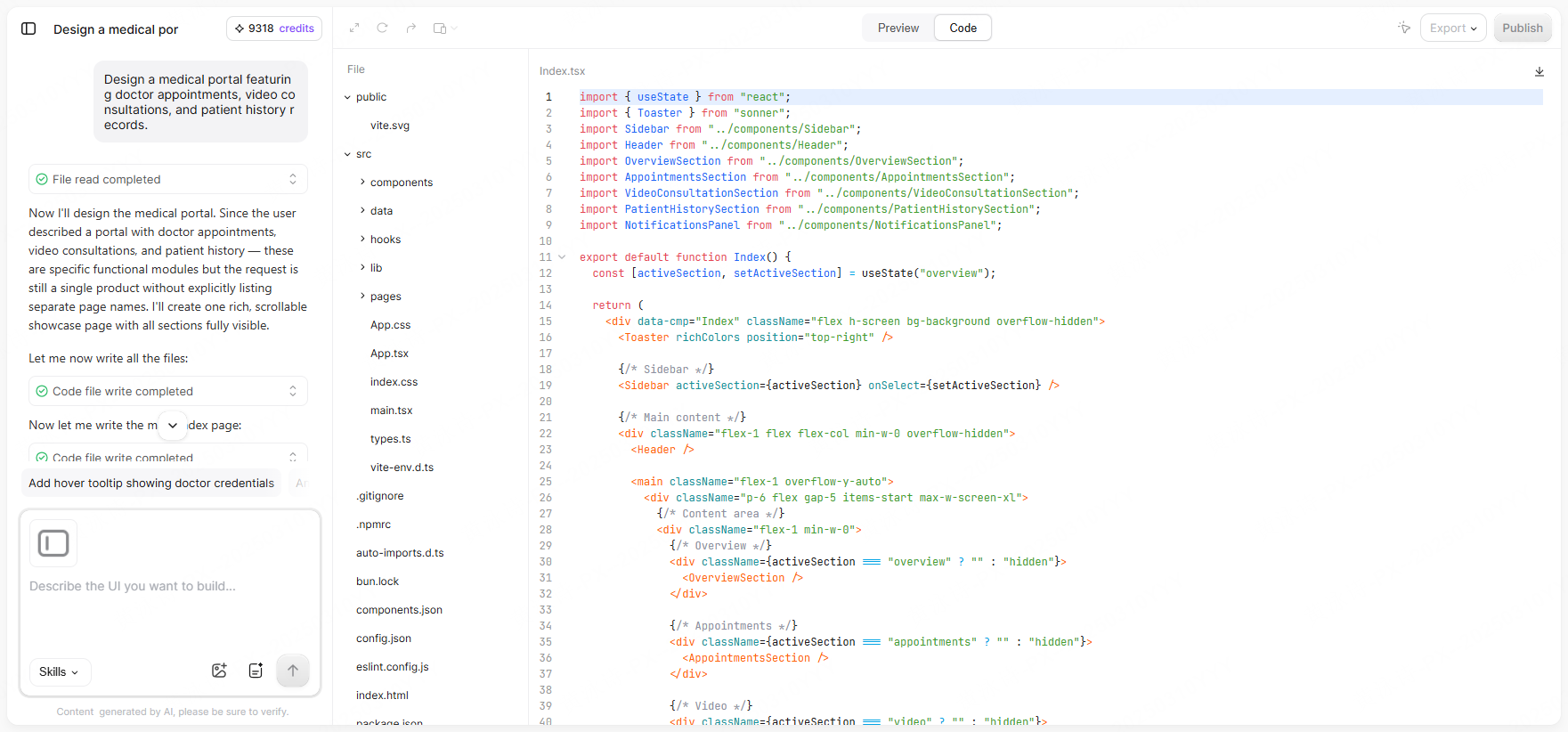
If you need to make changes, simply type a direct instruction into the chat: Add a verified credential badge below the doctor's portrait, and update the placeholder image to show a professional medical profile picture. The design assistant will adjust those specific components while keeping the rest of your layout and spacing intact, saving you from having to regenerate the entire screen.
Step 4: Multi-User Collaboration and File Delivery
Generate a shareable link to invite product managers, frontend engineers, and design reviewers into the whiteboard. Your team can leave comments directly next to specific components, and developers can inspect the layout to export clean code packages, ensuring a smooth transition to production.
FAQ
Q1: What are some practical Galileo AI alternatives for design teams?
In the automated design space, tools like Uizard and v0.dev offer interesting approaches. Uizard is helpful for fast, low-fidelity wireframing and basic mockup assembly, while v0 focuses on generating clean frontend code blocks. If you need a solution that fits team collaboration setups, offers infinite canvas editing, and supports continuous conversational revisions, Paico provides a highly collaborative alternative that bridges visual planning and final code handoff.
Q2: Do I need to learn complex prompt engineering to use these tools?
No, and this is where agent-driven tools differ from early text-to-image generators. Older platforms required long, complex English prompts filled with technical jargon to get acceptable results. In contrast, modern design systems use built-in layout frameworks. You can use simple, everyday language to request changes, and the assistant will translate your instructions into clean, structured designs, making it easy for product managers or marketing teams to make edits.
Q3: How do these systems support high fidelity design reviews?
They act as a single source of truth during review meetings. Instead of presenting static slideshows or export folders, you can present your ideas on an infinite canvas where team members can see the connections between different views. If someone suggests a change during the review, you can use the chat assistant to update the layout live, helping the team align on changes on the spot.
Q4: Can the generated layouts handle complex, custom design systems?
Yes. Unlike platforms that output flat graphics, modern interface assistants generate components that follow clean design variables. This makes it easy to apply custom brand styles, update typography systems, or adjust layout spacing globally, allowing you to align the output with your company's existing style guidelines.
Conclusion
Using modern assistant tools to handle repetitive layout tasks frees product teams to focus on core user logic and product strategy. This collaborative design workflow makes it easier to take concepts from initial sketches to finished layouts. Register on Paico to explore this agent-driven design process and see how it can help you ship your next digital product.