Scott
Image compatibility issues can derail creative workflows. Whether you are a designer, marketer, or digital content creator, a reliable image format converter enables seamless transitions between JPG, PNG, SVG, and PDF formats. In this article, we review 6 top rated free image format converter options, evaluating them on format versatility, processing speed, and usability to help you select the ideal online image format converter for your daily needs.
1. Evaluation Criteria for Image Format Converters
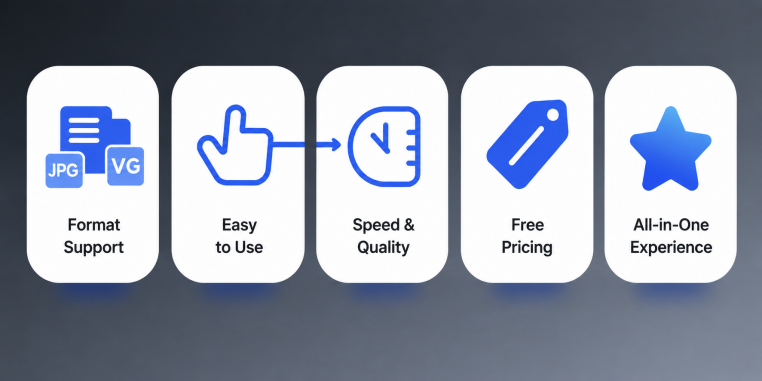
To give you an objective evaluation of each tool, our review focuses on the following primary criteria:
- Format Support Range: Whether the tool supports major design and digital formats, including JPG, PNG, SVG, and PDF.
- Ease of Use: Intuitive interfaces, drag and drop uploading capabilities, and batch processing features.
- Speed and Output Quality: Fast conversion processing without visible loss of visual fidelity, color depth, or vector clarity.
- Free Tier Limitations: Restrictions on file sizes, daily conversion caps, or watermarks that might affect how you convert an image to JPG format or other asset types.
- Overall User Experience: A holistic evaluation of workflow integration, cross platform accessibility, and overall reliability.
2. 6 Top Recommended Image Format Converters
(1) Pixso
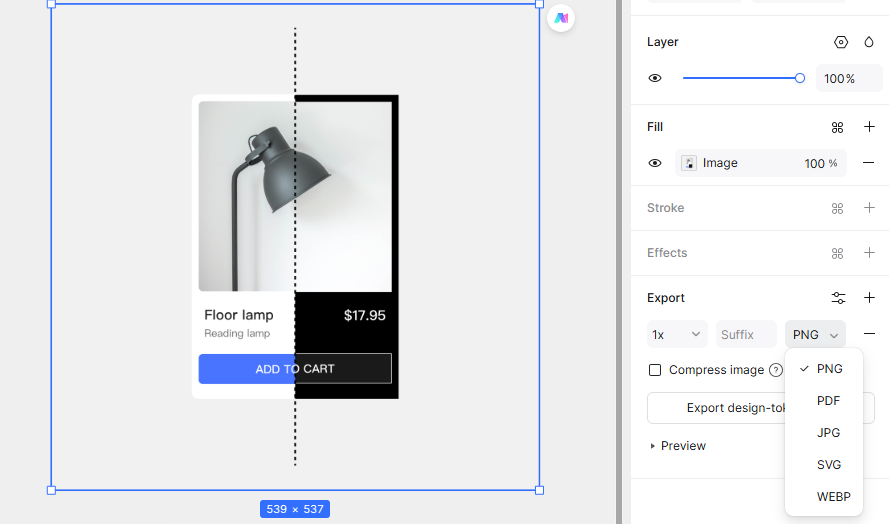
Pixso is an efficient, cloud based design tool and versatile online image format converter. Unlike standalone conversion sites, Pixso integrates asset conversion directly into vector editing and prototyping workflows, allowing converted assets to be used immediately in UI UX designs without switching applications.
- Key Strengths: Supports seamless conversion between JPG, PNG, SVG, and PDF while preserving color profiles, transparency, and vector paths. Designers wondering how to convert an image to SVG format can import raster graphics into Pixso and export vector assets cleanly, while using built-in cropping and scaling controls.
- Free Tier Limitations: Completely unrestricted free access with unlimited exports and conversions, along with full access to collaborative vector design and prototyping features.
- Best For: UI UX designers, product managers, and creative teams seeking an integrated design workflow, as well as users requiring pixel precise asset exports.
(2) CloudConvert
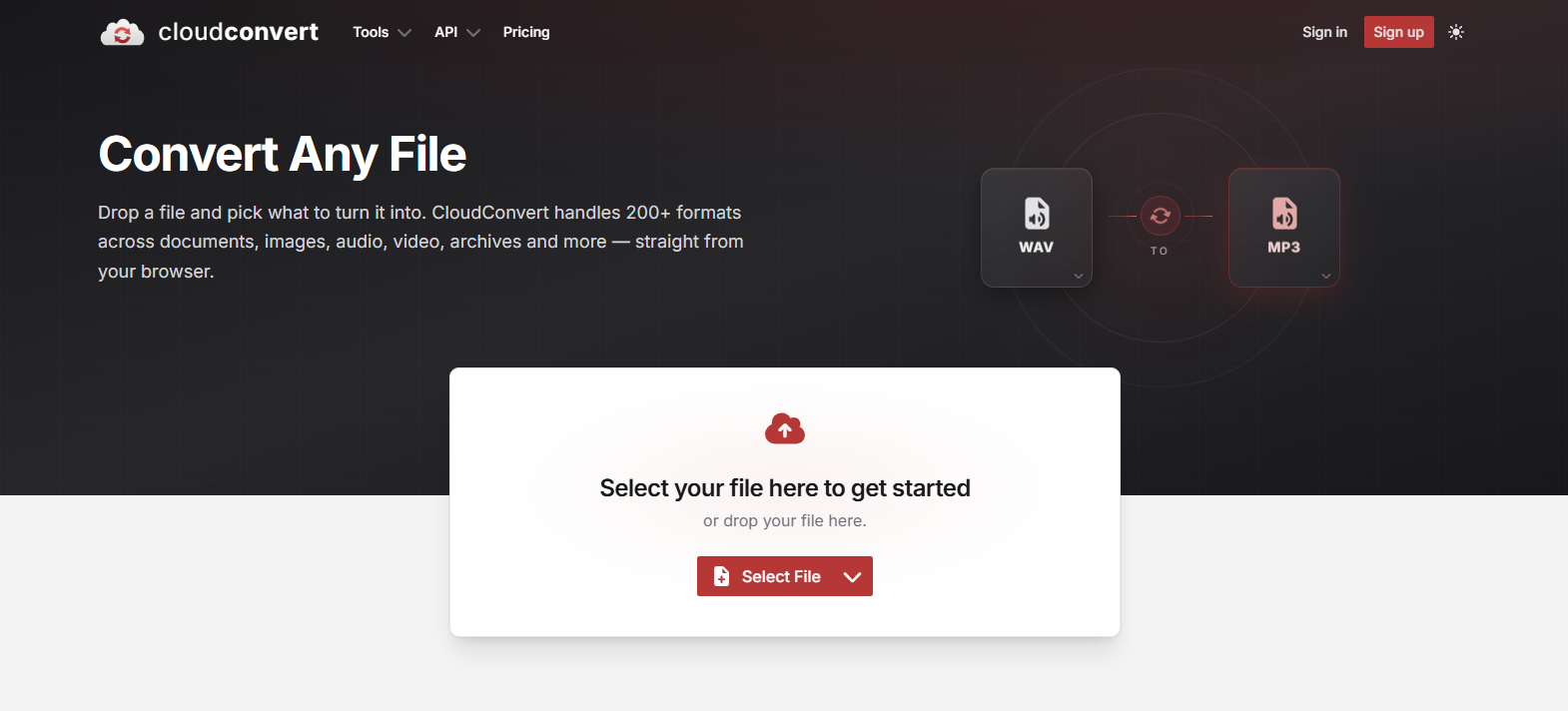
CloudConvert is a professional web based online image format converter that executes all file processing in the cloud without consuming local device memory.
- Key Strengths: Supports over 200 file extensions, including camera RAW formats. Features bulk batch processing and API integration for automated workflow pipelines.
- Free Tier Limitations: Free accounts permit up to 25 file conversions per day with a 25MB maximum file size limit.
- Best For: Developers, enterprise teams, and content creators needing bulk conversions across uncommon file extensions.
(3) Convertio
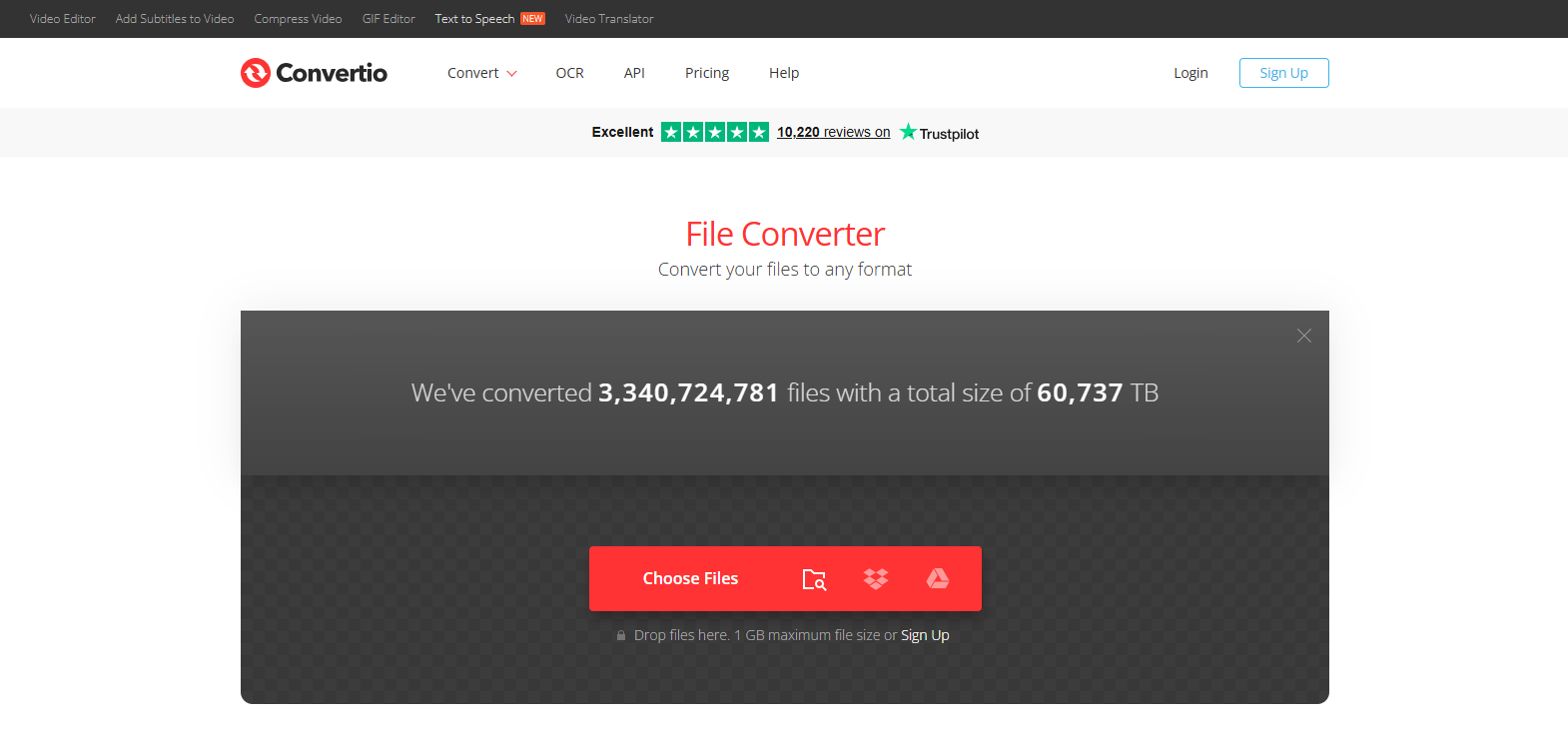
Convertio is a popular online image format converter recognized for its clean interface and broad format compatibility.
- Key Strengths: Offers intuitive drag and drop file uploads, fast conversion speeds, and utility features like image compression and optical character recognition.
- Free Tier Limitations: Serves as a free image format converter for files up to 100MB, with daily limits on concurrent batch processing.
- Best For: Students, freelancers, and general users who need quick file conversions for everyday work tasks.
(4) Online-Convert
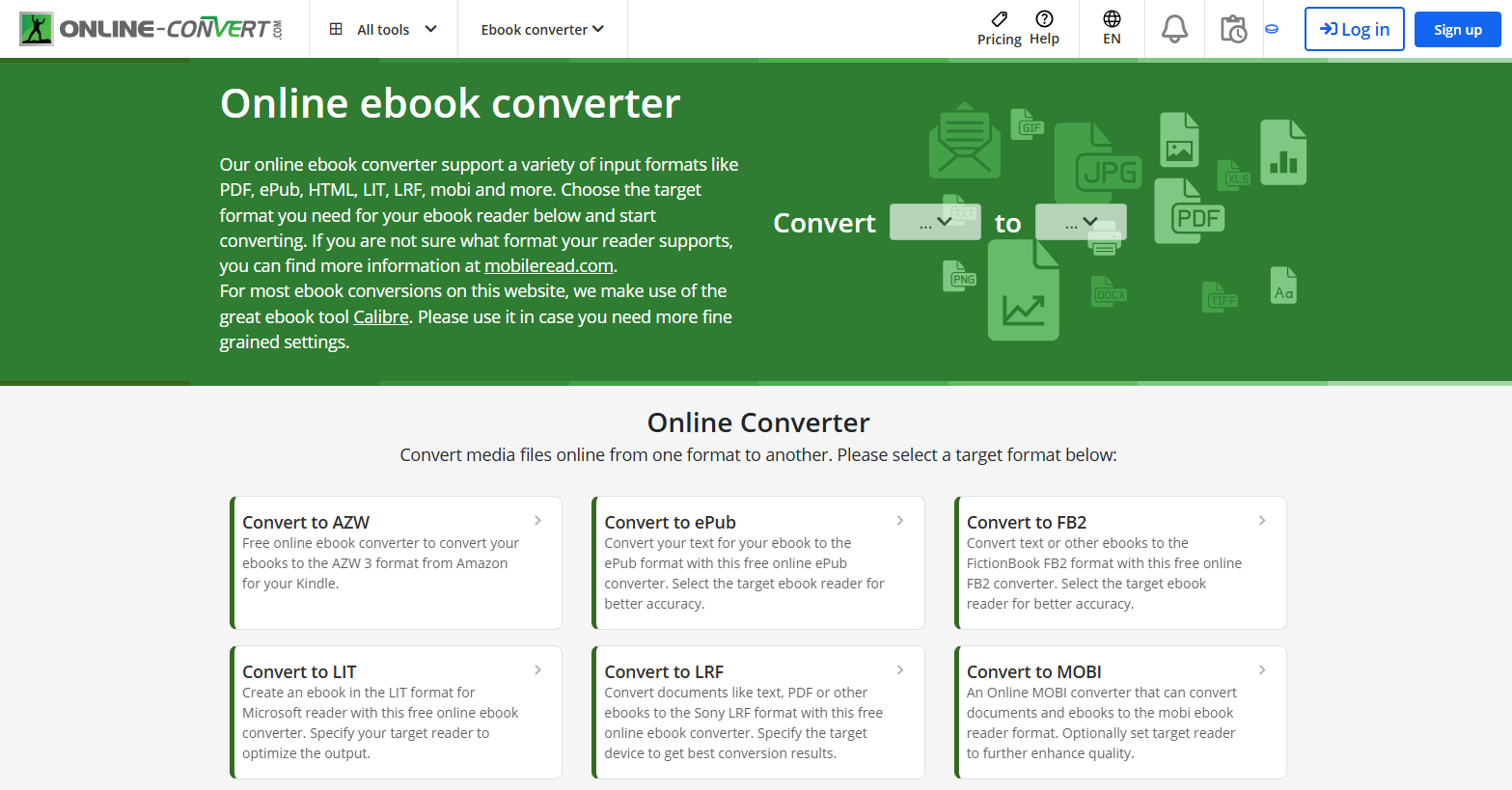
Online-Convert is a versatile online image format converter specializing in deep format compatibility, handling everything from web visuals to specialized photography formats.
- Key Strengths: Allows users to customize output parameters such as resolution, target dimensions, and color depth. Supports direct cloud storage integration with Google Drive and Dropbox.
- Free Tier Limitations: Supports files up to 100MB with daily conversion caps on free accounts.
- Best For: Photographers, digital artists, and advanced users who require precise parameter adjustments when processing specialized files.
(5) AConvert
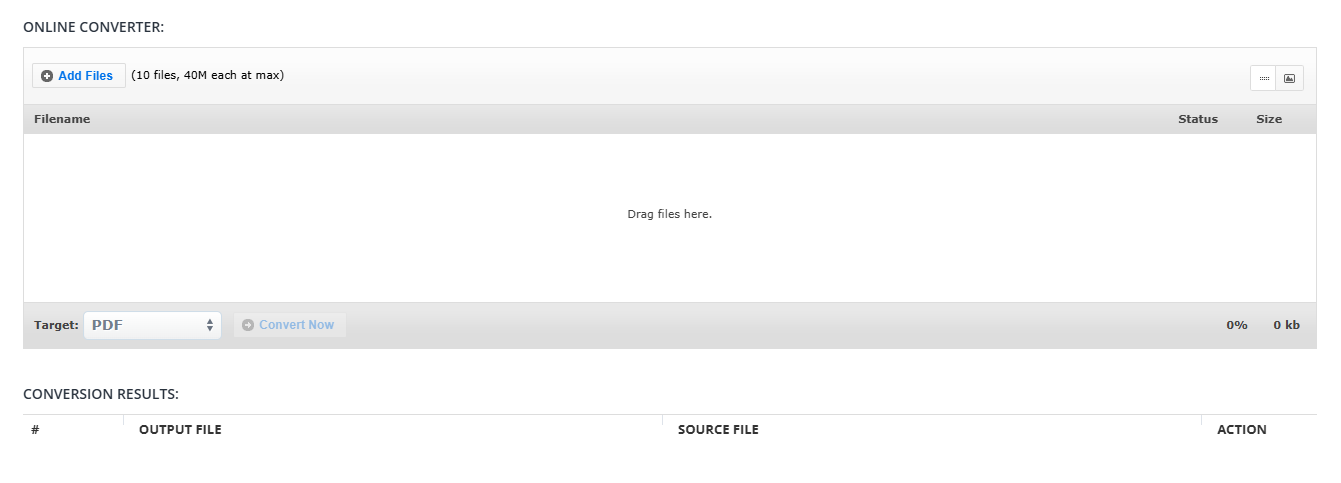
AConvert is a multi functional online image format converter that pairs file conversion with basic image editing tools like rotation, resizing, and cropping.
- Key Strengths: Accessible across all modern web browsers with simple one click operations and direct social sharing links.
- Free Tier Limitations: The free version is ad supported, with file sizes capped at 50MB and smaller batch conversion limits.
- Best For: Users seeking basic image edits alongside fast file conversions without downloading software.
(6) iLoveIMG
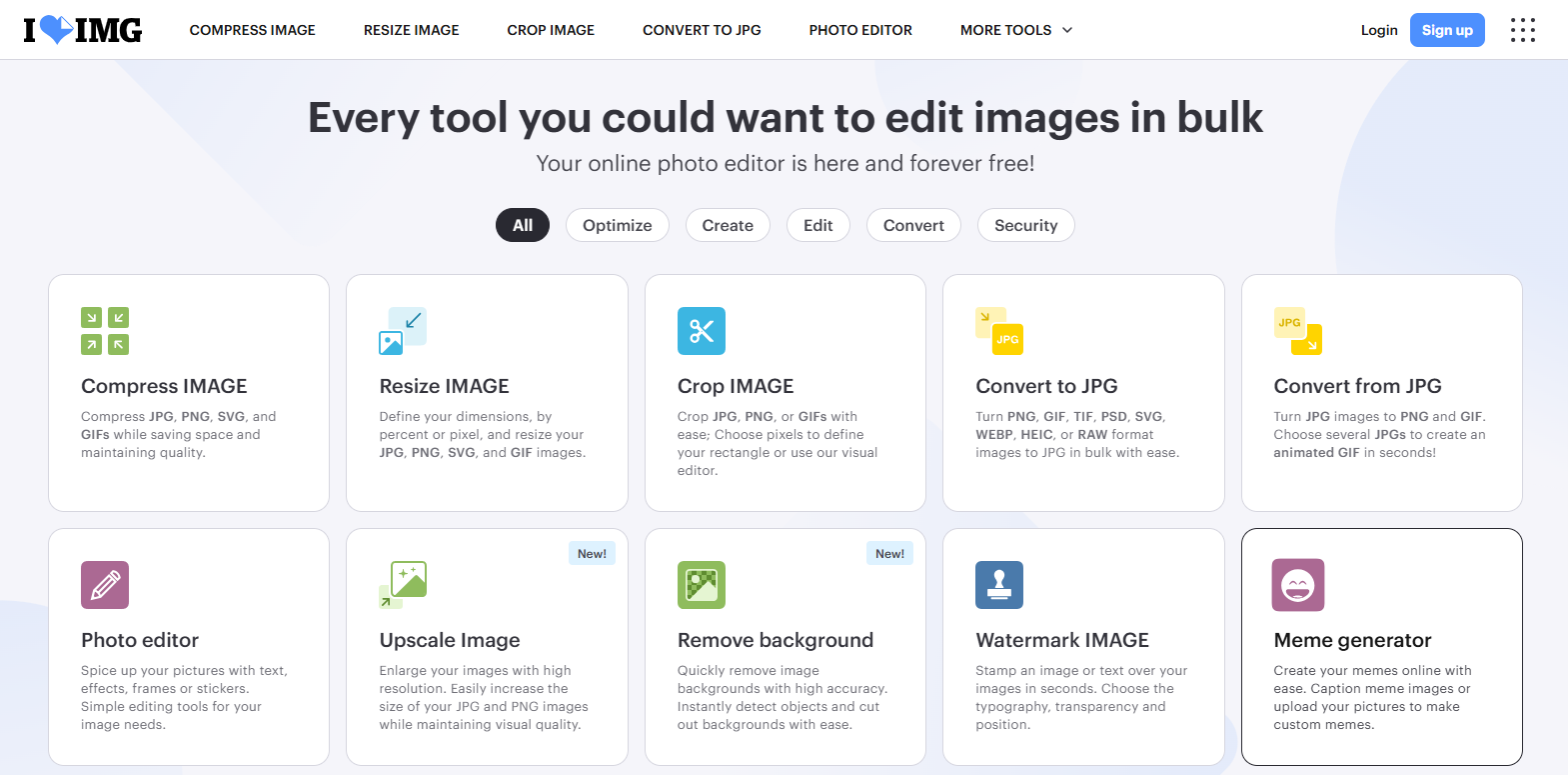
iLoveIMG is a web platform tailored for bulk media management, making it an excellent option when you need to convert images to PNG or JPG format in large volumes.
- Key Strengths: Supports drag and drop batch uploads, rapid processing speeds, watermarking, and image compression tools.
- Free Tier Limitations: Free processing includes a 50MB file size ceiling and batch volume caps.
- Best For: Ecommerce vendors, social media managers, and digital marketers handling large asset libraries daily.
Selection Summary & Recommendations
When selecting an image format converter, Pixso is highly recommended. It serves as an intuitive online image format converter providing unlimited free exports and direct integration into UI/UX design environments.
If your team requires specialized camera formats or automated API pipelines, pairing Pixso with tools like CloudConvert or Online-Convert provides a flexible toolkit. However, for daily design production and asset management, Pixso delivers maximum efficiency with zero cost barriers.
3. Essential Tips for Converting Images Online
To ensure a smooth experience when using an online image format converter, keep these practical tips in mind:
- Prioritize Data Security: Avoid uploading sensitive personal identification or confidential enterprise documents to unverified third party conversion sites.
- Maintain Stable Connectivity: Ensure a reliable network connection, particularly when uploading large batch files or high resolution images.
- Review Free Tier Restrictions: Check file size caps and daily conversion quotas before initiating large batch tasks.
- Inspect Output Quality: Always preview converted assets to verify that transparency layers, color accuracy, and vector paths remain intact.
- Leverage Native Design Tools: If you are learning how to convert an image to PDF format or manage vector graphics inside Pixso, its native export panel handles PNG, JPG, SVG, and PDF exports directly, eliminating the need for external converter websites.
Try Pixso today for free image conversions and collaborative UI design!
FAQ
Q1: What is the main difference between lossy and lossless formats when using an image format converter?
Lossy formats like JPG reduce file sizes by permanently removing minor visual data, making them ideal for photographic images on the web. Lossless formats like PNG preserve every pixel and support transparency, making them preferable when you convert images to PNG format for UI graphics, icons, and text overlays where crisp edges are essential.
Q2: Why does converting a raster image to SVG format differ from standard file conversions?
Standard raster conversions transfer pixel data between formats like JPG and PNG. When designers research how to convert an image to SVG format, the process involves vectorization, where software traces raster pixels into scalable vector paths. True vector conversion requires specialized tracing algorithms so shapes remain editable without pixelation.
Q3: Why are modern web formats like WebP and AVIF replacing traditional web images?
WebP and AVIF offer superior compression algorithms that deliver smaller file sizes than traditional JPG or PNG files while maintaining high visual quality. Using an online image format converter to adopt WebP or AVIF accelerates website page load speeds, reduces server bandwidth, and improves search engine performance.
Q4: When should designers convert images to PDF format instead of using standard image formats?
You should convert images to PDF format when creating multi-page design presentations, print-ready documents, or client deliverables. PDF files preserve color profiles, embedded vector elements, and document dimensions across devices, ensuring print fidelity and consistent display across operating systems.