Scott
In today's rapidly evolving digital landscape, using an ai design website has become essential for creative professionals looking to boost productivity. Whether you are capturing fleeting inspiration or seeking efficient graphic asset creation, modern generative platforms help overcome technical barriers and transform abstract concepts into striking visual realities. For UI designers, product managers, and creative teams, adopting AI-powered design tools is not just about simplifying tasks; it represents a fundamental shift in design capacity. In this article, we evaluate eight top platforms recognized among the best AI design tools for 2026 to help you build a highly efficient creative workflow.
1. Pixso
All in One AI Design & Collaborative Platform
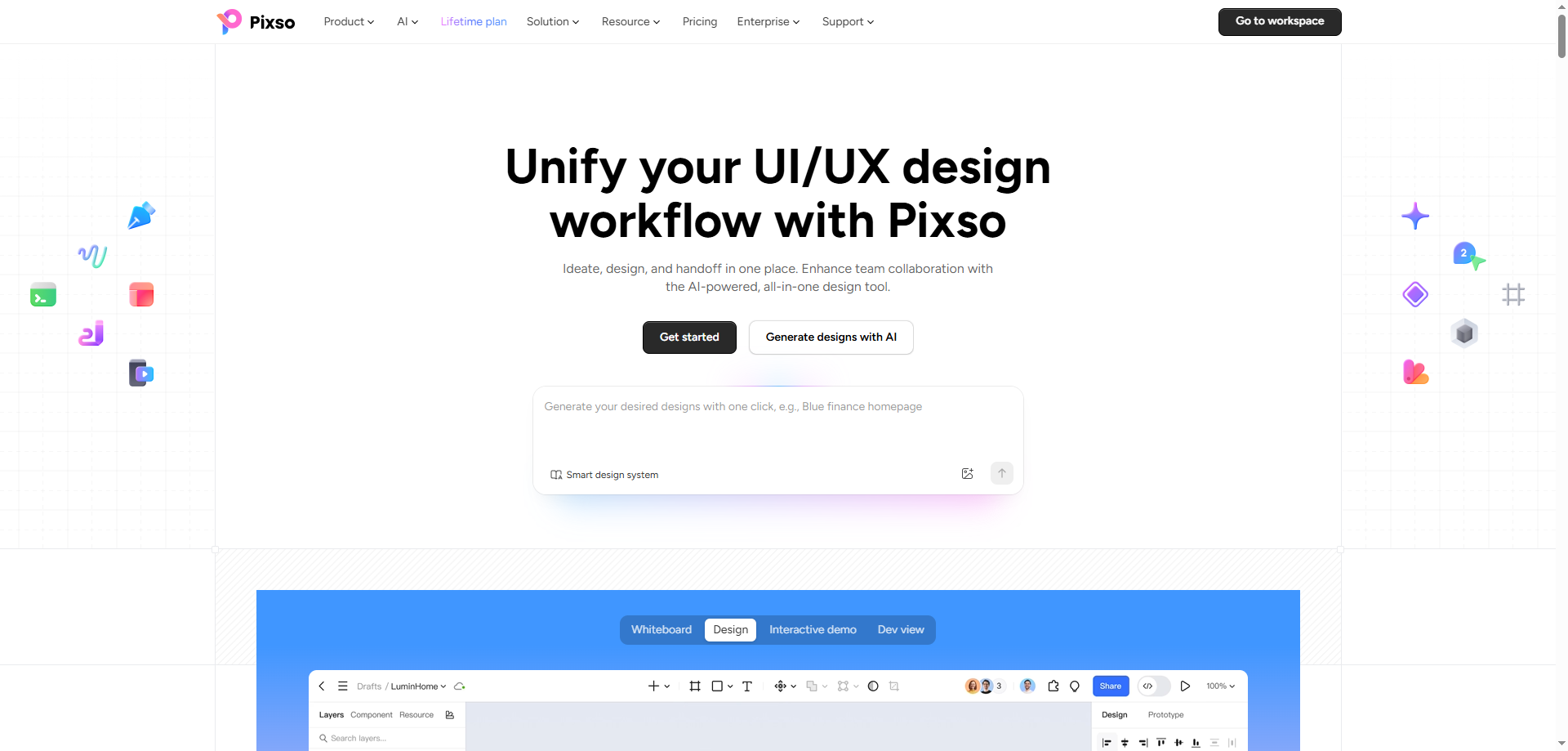
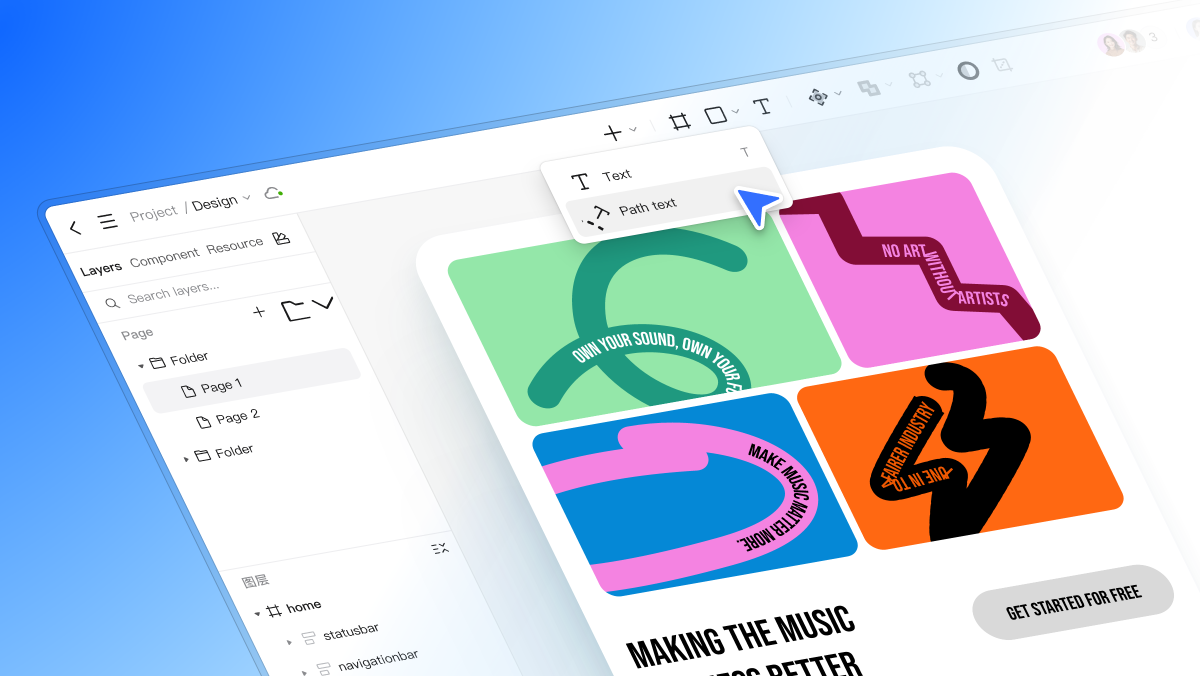
Pixso is a cloud-based design platform integrating AI design capabilities, real-time team collaboration, and asset management into a unified environment. Built on a foundation of intelligent enablement and full lifecycle collaboration, Pixso suits UI UX design, graphic posters, product prototypes, and digital assets. It is ideal for creative teams, growing businesses, and enterprise product departments.
✨Core Advantages:
- All in One Product: Unifies whiteboard brainstorming, wireframing, high fidelity UI design, and developer handoff into one seamless browser platform, eliminating tool switching across product teams.
- Pixso AI Driven Design Efficiency: Cuts design time drastically by generating initial UI drafts, editing images, and executing bulk global adjustments, freeing designers to focus on creative polish and detail refinement.
- Advanced Design Tokens System: Using Pixso 2.0 architecture, users can assign color, numerical, text, and boolean properties across entire UI components. Updating a single token dynamically syncs changes across all linked instances, enabling one click light and dark mode toggles, flexible theme switching, localized content management, and unified design to code standards.
- Design to Code (D2C) Handoff: Streamlines delivery between designers and developers by generating production-ready code, bridging the communication gap and saving valuable handoff time.
2. Midjourney
High Quality Image Generation for Visual Artists
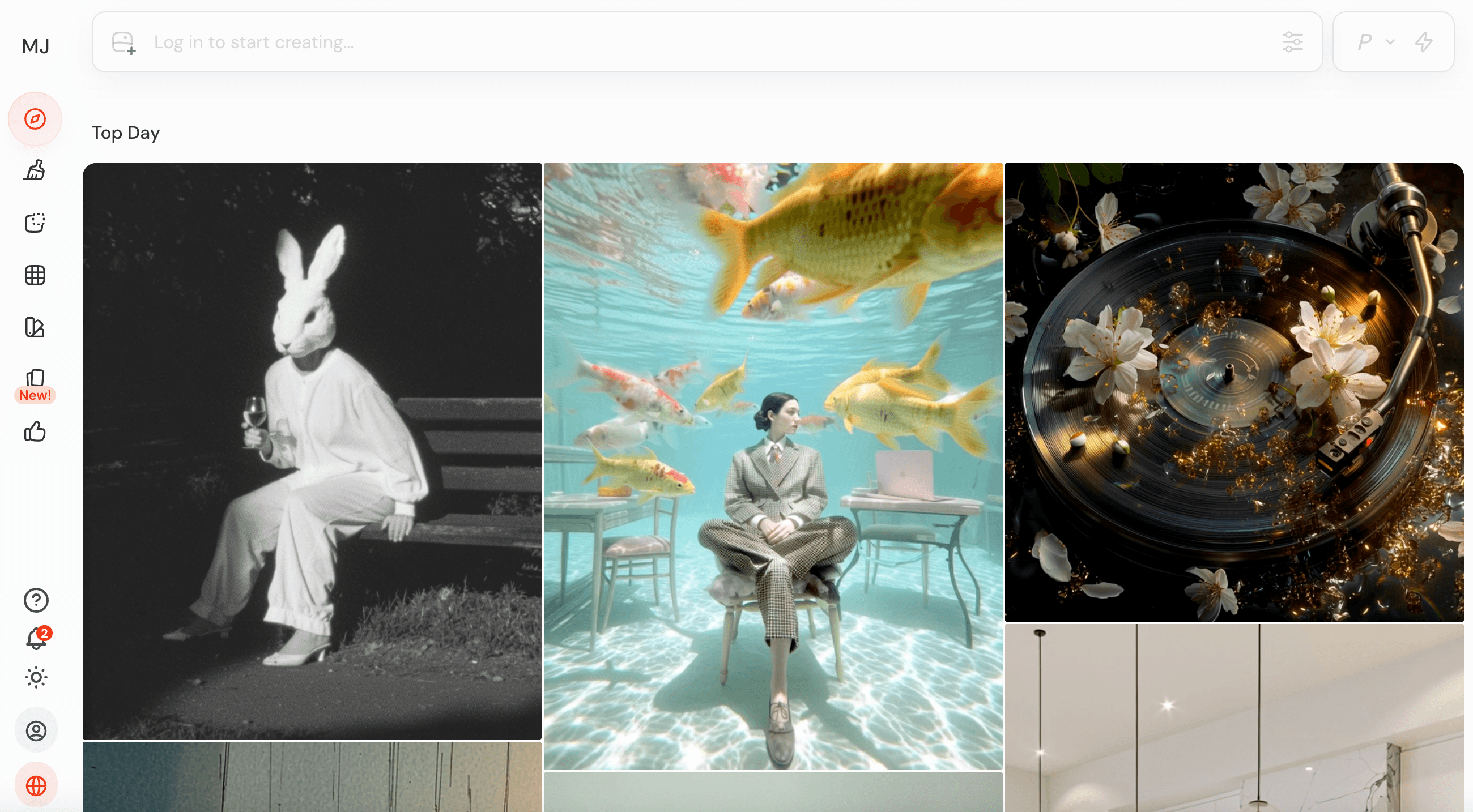
If your primary goal is to generate images with high artistic fidelity, Midjourney is a top choice. Renowned for its artistic expression, this platform supports a wide range of visual styles, including realism, anime, cyberpunk, watercolor, and conceptual art. Whether you need sleek commercial photography or imaginative concept illustrations, it delivers precise visual results.
✨Core Advantages:
- Exceptional Image Quality: Delivers fine details, rich textures, and polished lighting ideal for marketing materials, concept art, and posters.
- Diverse Artistic Styles: Supports diverse rendering aesthetics, from realistic photo renders and oil paintings to sci fi concept art.
- Community Driven Prompt Engineering: A massive user community continuously explores new prompt techniques, style blends, and parameters.
Midjourney is ideal for visual artists, illustrators, and brand designers who demand artistic depth in their visuals.
3. Recraft
Professional AI Design Platform for Vector & Brand Assets
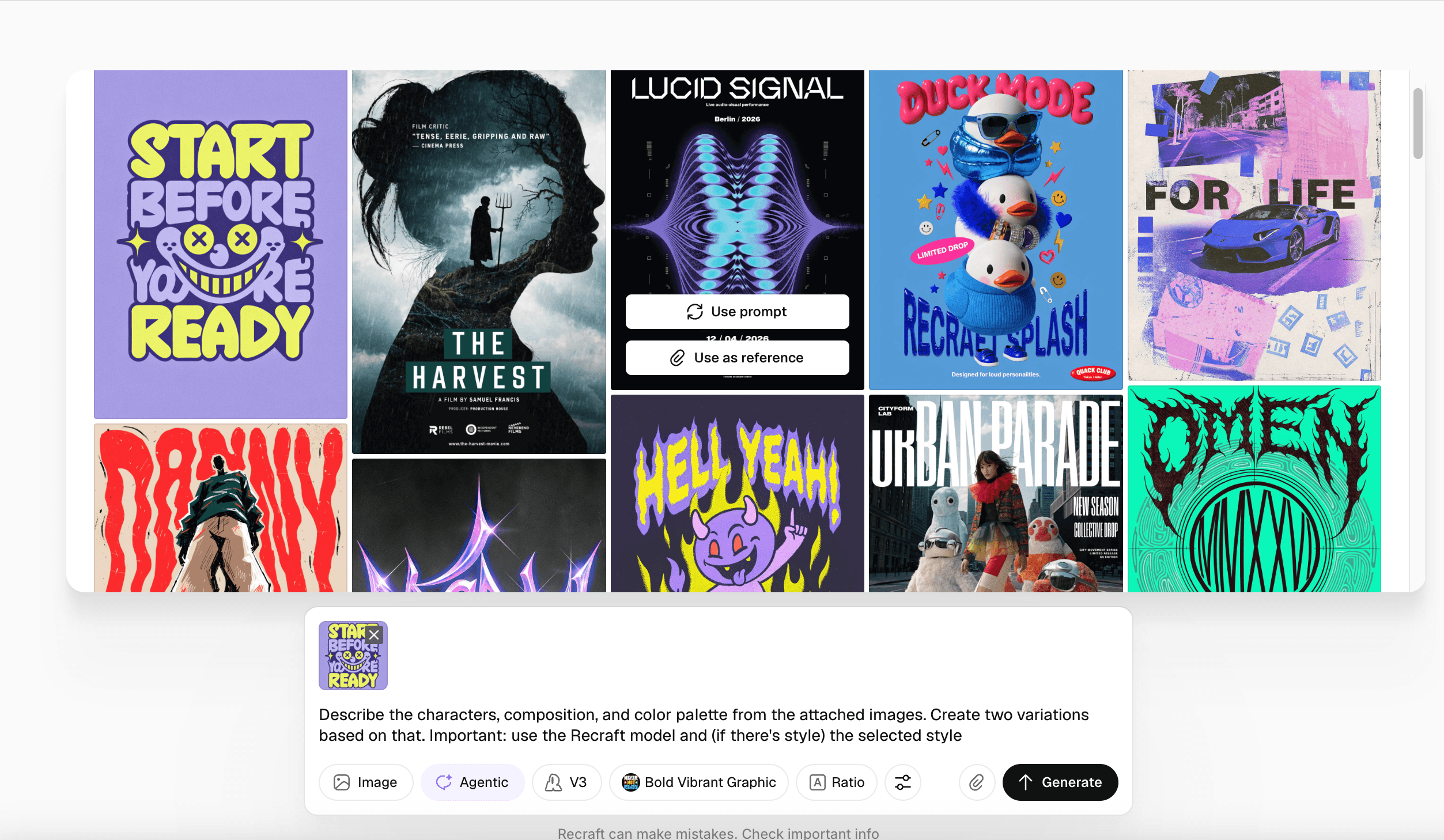
Recraft is a professional AI image generation and design platform designed to translate natural language into high quality photos, illustrations, vector graphics, and brand assets with accurate lighting and composition.
✨Core Advantages:
- Style Consistency: Allows teams to upload reference images to train brand specific style models, ensuring visual consistency across all generated outputs.
- Precise Text Rendering: Generates clean, accurate typography embedded within images with proper kerning, alignment, and visual clarity.
- Team Collaboration: Supports collaborative workflows for marketing, branding, and product teams, allowing users to share style guidelines and manage brand assets together.
- Vector Graphic Generation: Produces production ready vector illustrations with smooth paths and precise geometry, suitable for print or further editing, with support for Lottie exports for smooth web animations.
Recraft is well suited for professional designers creating logos, UI icons, brand illustrations, and scalable marketing materials.
4. Krea
Real Time AI Creative Platform for Interactive Rendering
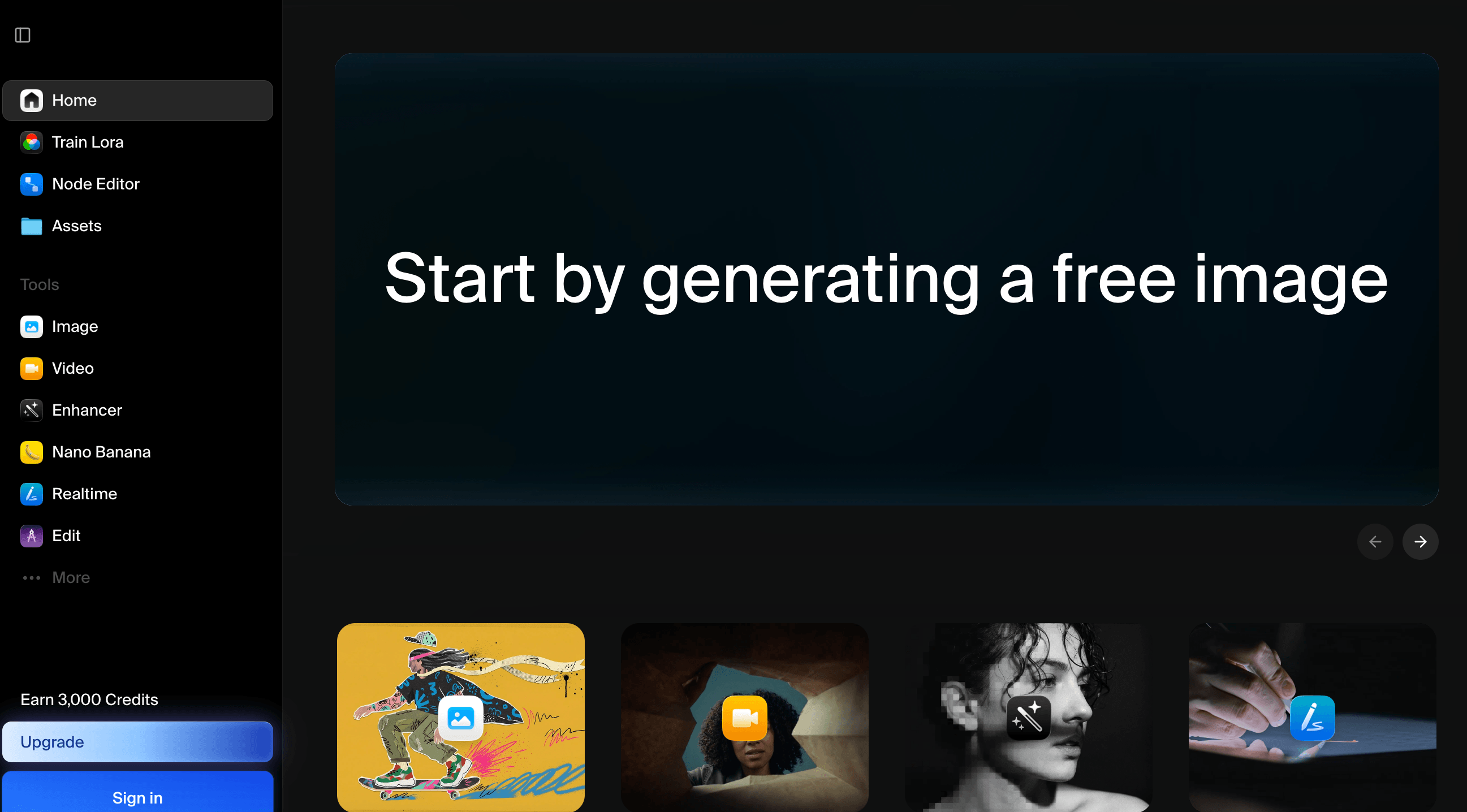
Krea is a versatile creative platform offering image generation, image upscaling, AI video generation, real time rendering, and generative canvas editing across multiple creative formats.
✨Core Advantages:
- Real Time Rendering: Provides instant visual feedback as you adjust prompts or canvas elements, dramatically speeding up creative iteration.
- Flexible Image Generation: Generates high-quality images from text prompts with support for over 1000 styles, 20 model engines, and up to 4K resolution, excelling in photorealistic styles.
- Advanced Image Upscaling: Enhances and expands images up to 22K resolution while preserving crisp textures.
- Integrated Video & Multi Model Support: Aggregates top generative video models to produce fluid dynamic visuals.
- Generative Editing & Custom LoRAs: Enables post generation modifications, including object insertion, style transfer, canvas expansion, and training custom LoRAs with your own images.
Krea features an intuitive interface and real time interaction, making it ideal for visual creators seeking instant feedback.
5. Google AI Studio
All in One Generative Platform for Creators & Developers
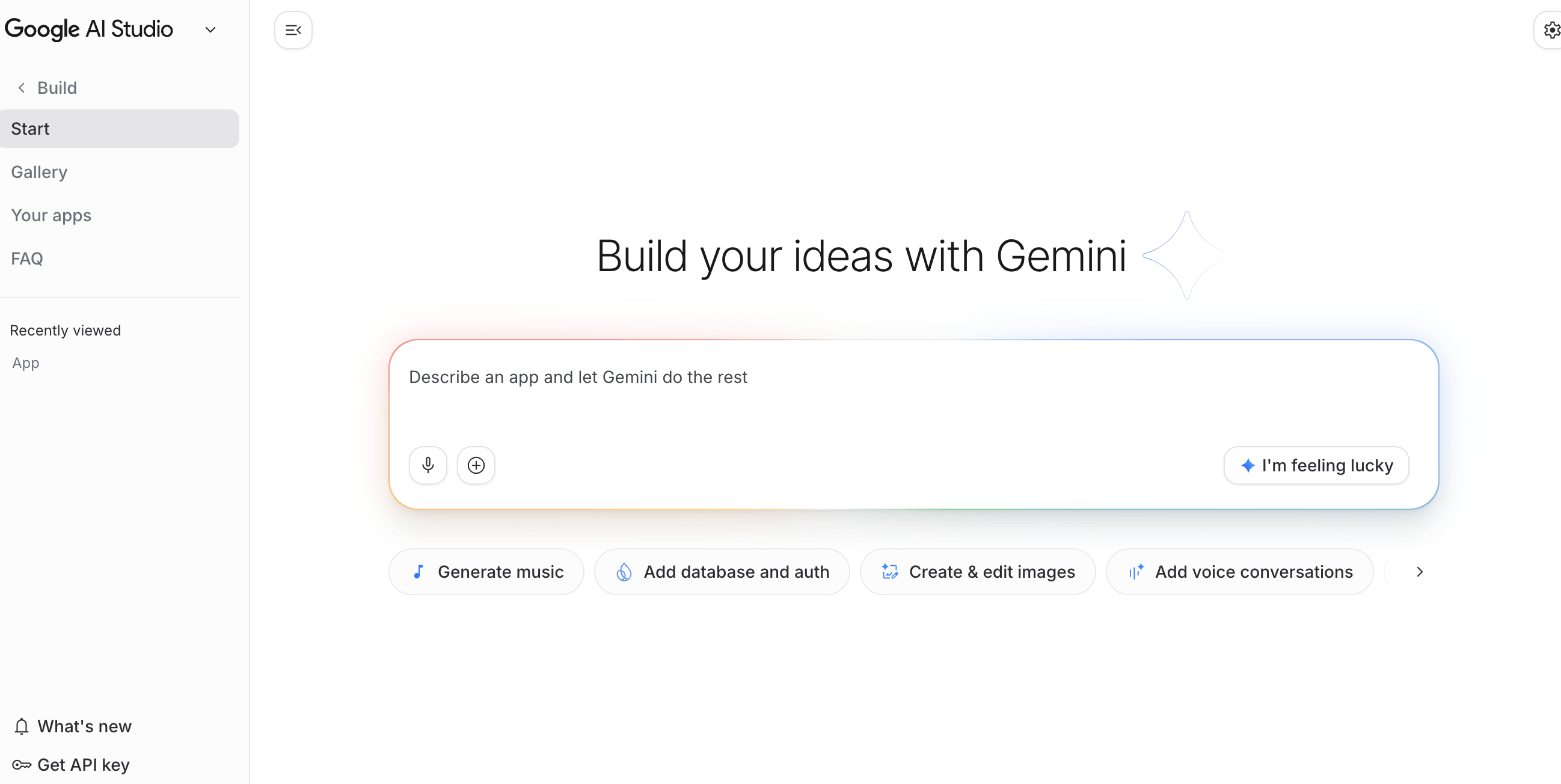
Google AI Studio is a multi modal generative platform providing access to advanced Gemini models and image generation capabilities. Built to handle complex creative prompts, it allows users to generate images, text, and structured media through natural language.
✨Core Advantages:
- Comprehensive Multimodal Processing: Analyzes and generates content across text, images, video, audio, PDFs, and data spreadsheets.
- Accessible Image Generation: Offers flexible image creation models capable of generating diverse creative assets.
- Ecosystem Integration: Integrates smoothly into cloud productivity workflows, enabling generated assets to sync across documents and creative tools for subsequent editing.
Google AI Studio offers a straightforward interface and flexible model options suitable for designers, product managers, and developers alike.
6. Gemini
Multimodal AI Model for Interactive Design Assets
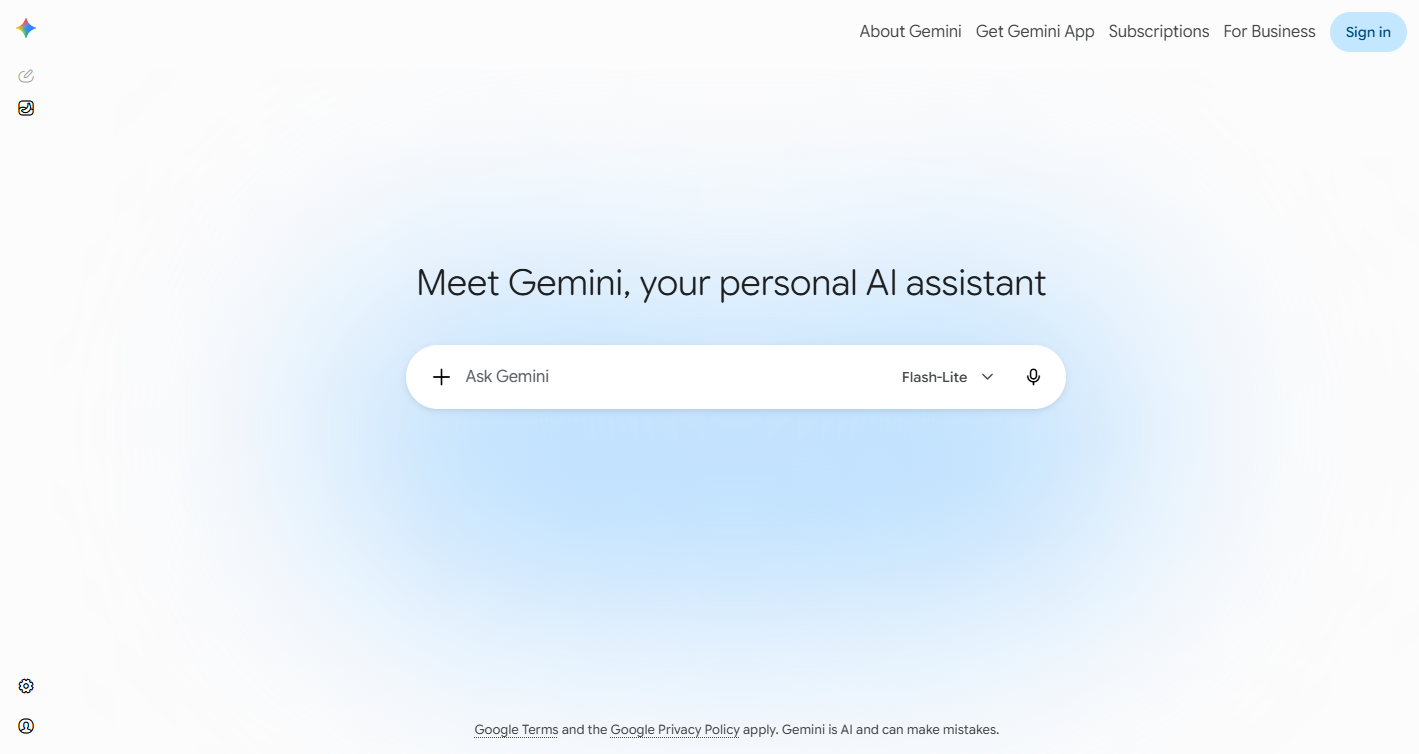
Gemini is Google's multimodal AI engine capable of understanding complex inputs across text, image, and voice to produce accurate visual assets and layout suggestions.
✨Core Advantages:
- Multimodal Input & Precise Generation: Supports text to image, image to image, and voice guided generation, translating natural language descriptions or reference images into graphic assets tailored for posters, UI elements, and presentations.
- Intelligent Generative Editing: Provides AI background removal, object replacement, detail refinement, and batch asset processing to streamline creative output.
- Automated Layout & Typography Assistance: Detects text within images, provides font choices, and assists in adjusting visual hierarchy and layout balance.
- Interactive Workflows: Supports real time co creation where users refine code or copy while the AI generates matching visual components.
Gemini offers an end to end creative pipeline suitable for multi format content production.
7. Freepik
Global Asset Library Integrated with AI Creative Engines
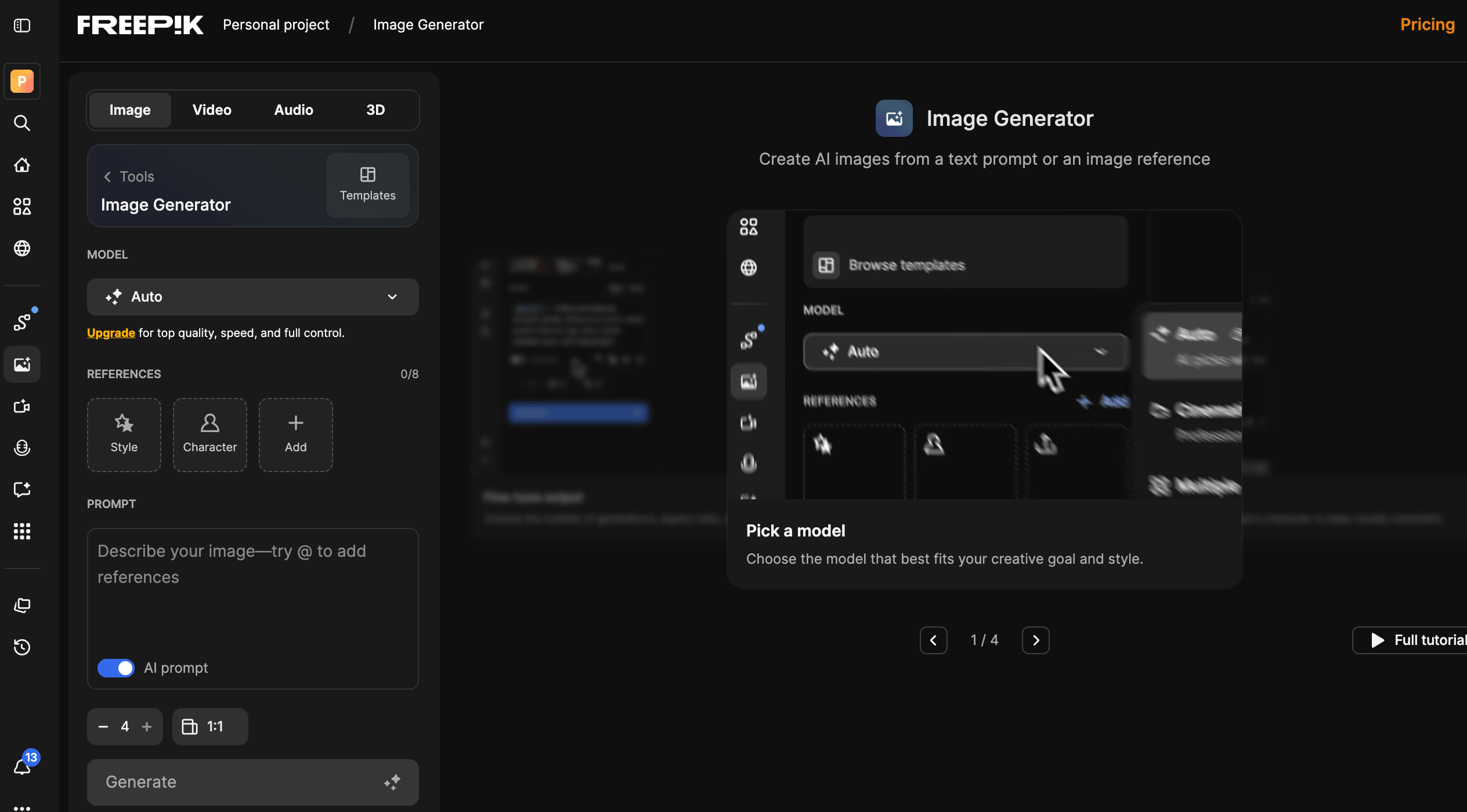
Freepik is a prominent global design asset platform combining licensed visual resources with embedded AI generation engines.
✨Core Advantages:
- Massive Licensed Asset Library: Provides millions of commercially licensed vectors, stock photos, icons, and video templates for safe commercial usage without copyright concerns.
- Integrated Top Tier AI Models: Incorporates leading generative models directly into its interface.
- Built in Editing Tools: Features AI background removal, image upscaling, color adjustment, and video generation in one unified interface.
Freepik is an excellent choice for marketing managers, ecommerce specialists, and graphic designers who require both stock libraries and AI generation tools.
8. ImagineArt
Creative AI Platform for Multi Format Asset Output
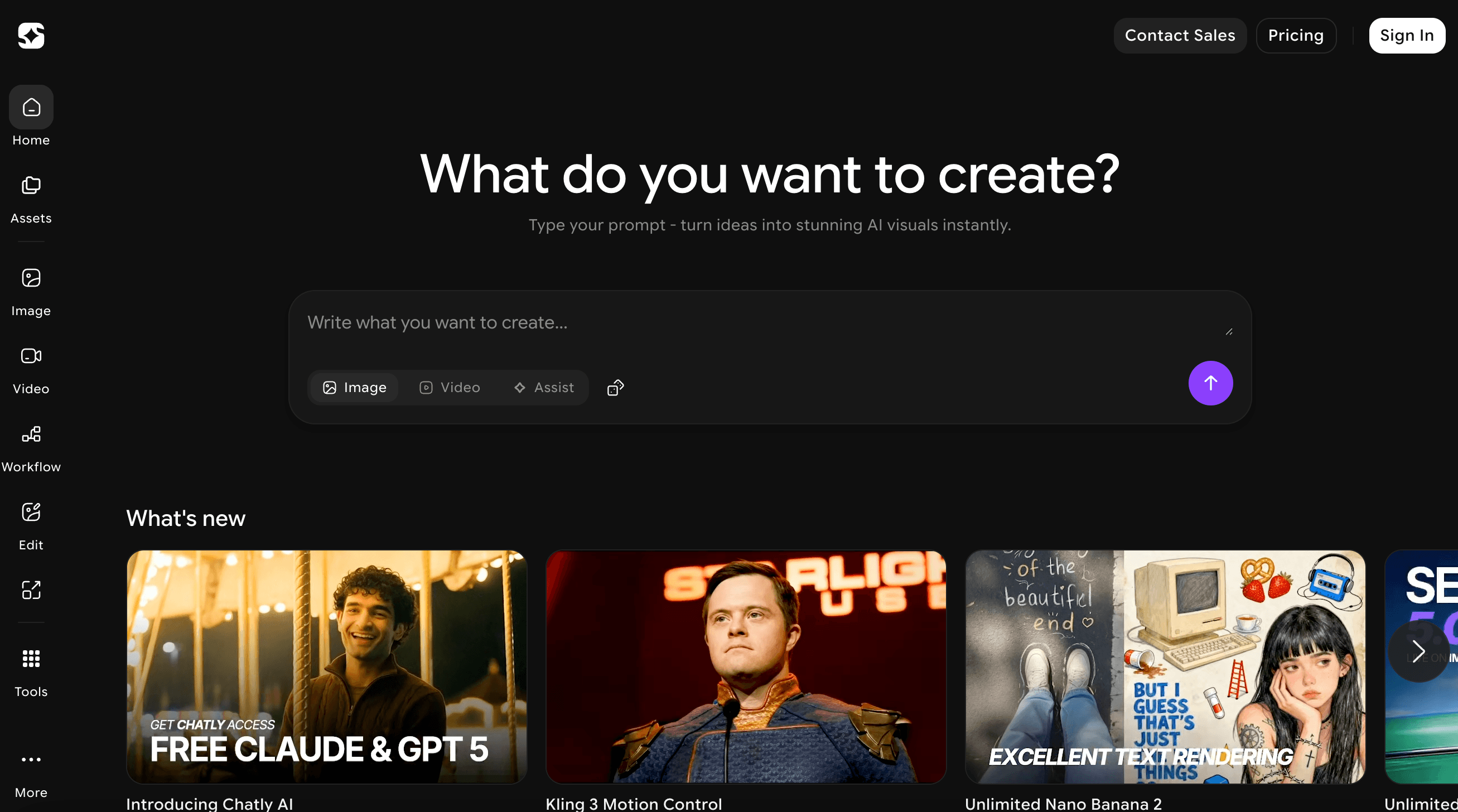
ImagineArt is an accessible AI creative platform integrating image generation, video creation, and advanced image editing, powered by multiple state of the art generative engines.
✨Core Advantages:
- Multimodal Media Output: Supports text to image, text to video, and audio generation to power rich digital media creation.
- Advanced Creative Controls: Includes AI object removal, background swap, image upscaling, and style transfer to maintain visual brand alignment.
- Low Barrier to Entry: Designed for quick onboarding, allowing creators, marketers, and teams to produce polished assets in seconds.
ImagineArt is well suited for content creators and junior designers seeking fast visual generation.
How to Choose the Right AI Design Tools for Your Workflow
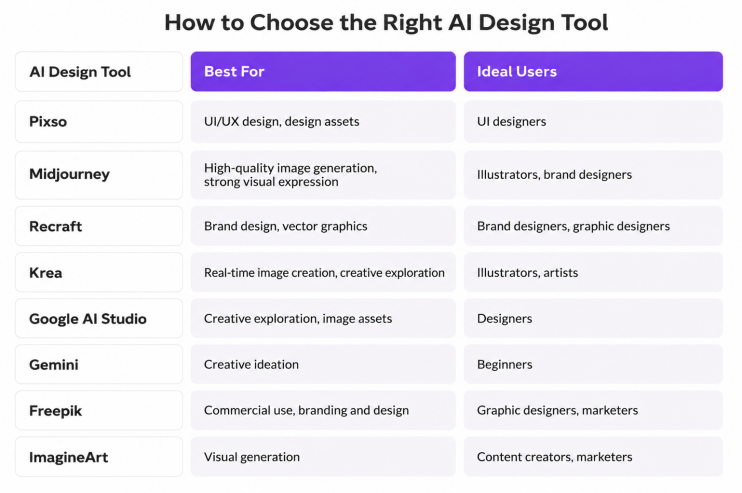
When evaluating various ai design tools, selecting the right platform depends on your specific project requirements and team setup. Comparing platforms based on generation speed, editing depth, and team collaboration helps optimize your creative workflow and select the best engine to generate images and design assets efficiently.
FAQ
Q1: Can visual assets created with an ai design website be legally used for commercial projects?
Commercial usability depends on the platform licensing model and data governance policies. Most professional AI-powered design tools grant full commercial usage rights to registered account holders, allowing generated visual assets to be incorporated into marketing campaigns, user interfaces, and brand collateral. However, creative teams should verify terms of service to ensure generated visuals comply with intellectual property guidelines and enterprise data protection standards.
Q2: What is the difference between canvas integrated AI design platforms and standalone generators?
Standalone image generators focus primarily on generating isolated artistic images from text prompts, requiring manual export and external post editing. In contrast, canvas integrated ai design tools embed generative models directly into your primary design workspace. This allows generated graphic assets to instantly interact with artboards, layout grids, UI components, and design systems without breaking creative momentum or switching applications.
Q3: How do modern AI design tools handle vector graphics compared to standard raster images?
Standard image generation creates raster files such as PNG or JPEG, which lose clarity when scaled and cannot be edited by layer structure. Specialized ai design tools produce scalable vector formats like SVG with defined paths, anchor points, and clean geometry. Vector outputs are essential for responsive interface design and brand iconography because they scale infinitely across high resolution screens without pixelation and integrate cleanly into code.
Conclusion
Navigating the modern landscape of generative tools requires choosing platforms that bring seamless integration to your full design workflow. True design productivity comes not just from raw generation speed, but from bridging ideation with real time collaboration and actionable UI output. Pixso combines intelligent design assistance, cloud based collaboration, and full lifecycle production, making it an ideal choice for professional designers, product managers, and enterprise teams. With Pixso, you can transform creative prompts into fully editable UI layouts, interactive prototypes, and production assets. Try Pixso for free today and elevate your end to end ai design experience!