On this page

Scott
On-premise and self-hosted UI/UX design tools are not one uniform product category. Some vendors deliver a supported private instance of a complete design platform, some provide an open-source stack that your team operates, and others keep authoring local while self-hosting only review or collaboration services. The right choice depends on which data must stay under your control and which design workflows must still work.
The six options below cover different needs: a supported private design platform, an open-source stack, or local authoring with controlled collaboration. Start with the deployment model your team can operate.
Part 1. Define On-Premise, Self-Hosted, and Offline Design Tools
On-premise generally means the application and its data run inside infrastructure controlled by the customer. Self-hosted means the customer operates the software, often from vendor packages or open-source images, in its own data center or cloud account. Private cloud can mean either customer-managed infrastructure or a logically isolated vendor-managed environment, so the contract and architecture diagram matter more than the label.
An offline desktop editor is another model. It can keep individual files local, but it does not automatically provide centralized access control, audit logs, shared libraries, recovery, or real-time collaboration. Treat offline authoring and self-hosted collaboration as separate requirements.
For this list, a tool must provide current evidence for at least one of these controlled-deployment patterns and must support a meaningful UI/UX task such as interface design, prototyping, review, design systems, or usability testing.
Part 2. Top 6 Tools at a Glance
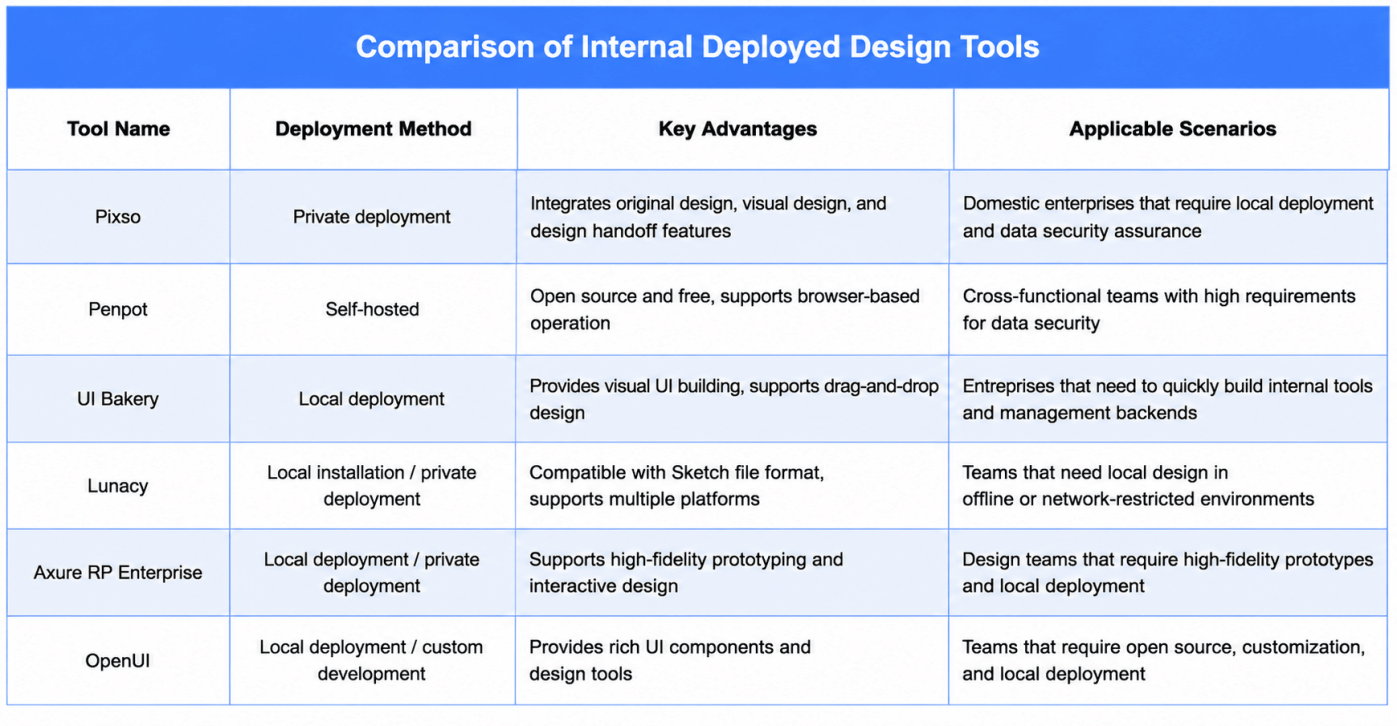
| Tool | Deployment model | Best fit | Important boundary |
|---|---|---|---|
| Pixso | Vendor-supported private deployment; single-node or clustered options | End-to-end product design, collaboration, design systems, and handoff | Exact topology, integrations, support scope, and feature availability require a vendor proposal |
| Penpot | Open-source self-hosting with Docker or Kubernetes-family options | Teams that value open formats, source access, and infrastructure control | Your team owns operations, hardening, monitoring, and upgrade discipline |
| Lunacy | Local desktop files plus a private-cloud offering | Cross-platform teams that need offline editing and controlled collaboration | Validate which cloud, library, and AI-dependent functions work in restricted networks |
| Axure RP Enterprise | Desktop authoring plus Axure Cloud for Business On-Premises | Complex prototypes, specifications, and controlled prototype sharing | It is not a direct replacement for every collaborative visual-design workflow |
| Mockplus Enterprise | Vendor-supported private deployment | Prototyping, online UI design, review, handoff, and design systems | Confirm the included modules, integration scope, and maintenance terms |
| Quant-UX | Open-source self-managed installation, including Docker guidance | Prototyping, usability research, and data-driven testing | Community software requires technical ownership and is narrower than a full enterprise design platform |
Part 3. Pixso for a Supported Private Product-Design Platform
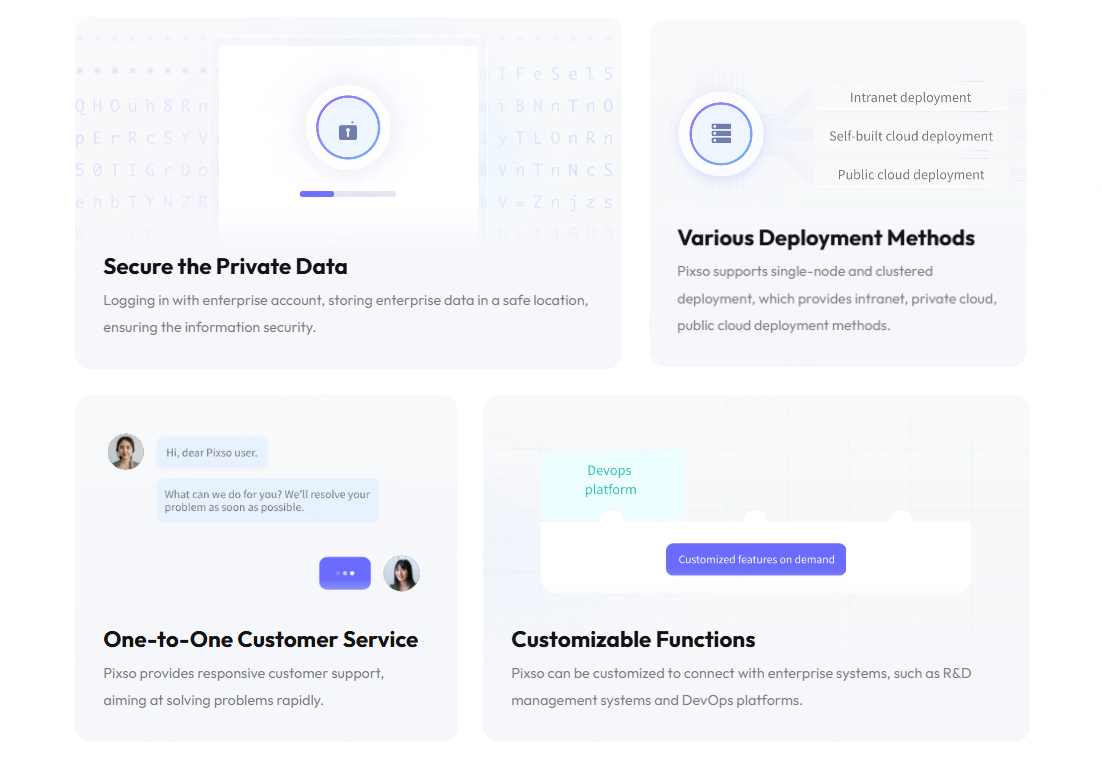
Pixso is the broadest workflow option in this shortlist when a team wants interface design, real-time collaboration, design systems, interactive demos, file management, and developer handoff in one controlled environment. The official Pixso Private Deployment page states that Pixso supports single-node and clustered deployments and can be deployed for intranet, private-cloud, or public-cloud use. It also describes permission controls, member management, activity logs, enterprise resource libraries, and integration customization for R&D management and DevOps systems.
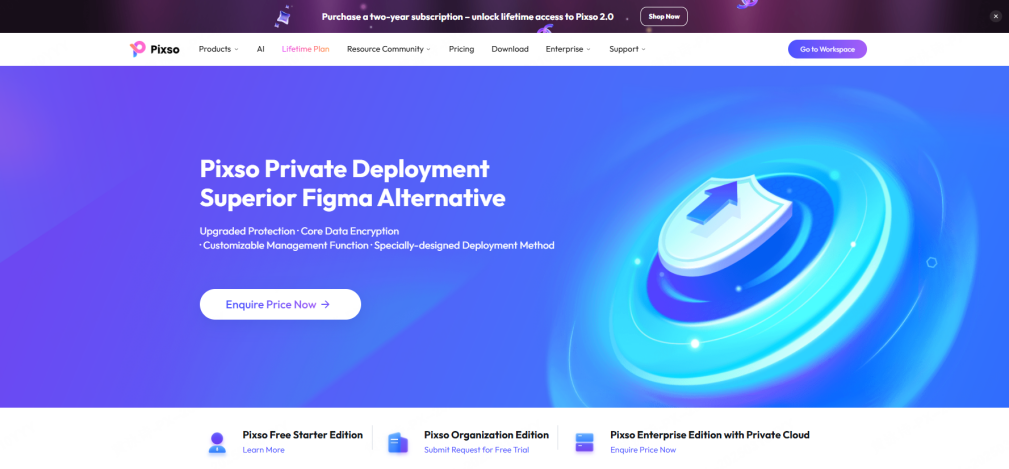
The normal Pixso product platform covers UI design, components and tokens, team libraries, comments, version history, Dev View, and imports from common design formats. During a private-deployment pilot, test these workflows against the exact build and network policy proposed for your organization. A marketing feature list is not a substitute for a topology diagram, responsibility matrix, and acceptance test.
Part 4. Penpot for Open-Source Self-Hosting
Penpot is a strong candidate when source availability, open standards, and infrastructure ownership are primary requirements. Its official self-hosting guide documents Docker Compose and Kubernetes-family deployment paths, including an official Helm chart, OpenShift, and Rancher. Penpot also states that the experience is intended to remain consistent between cloud and self-hosted editions.
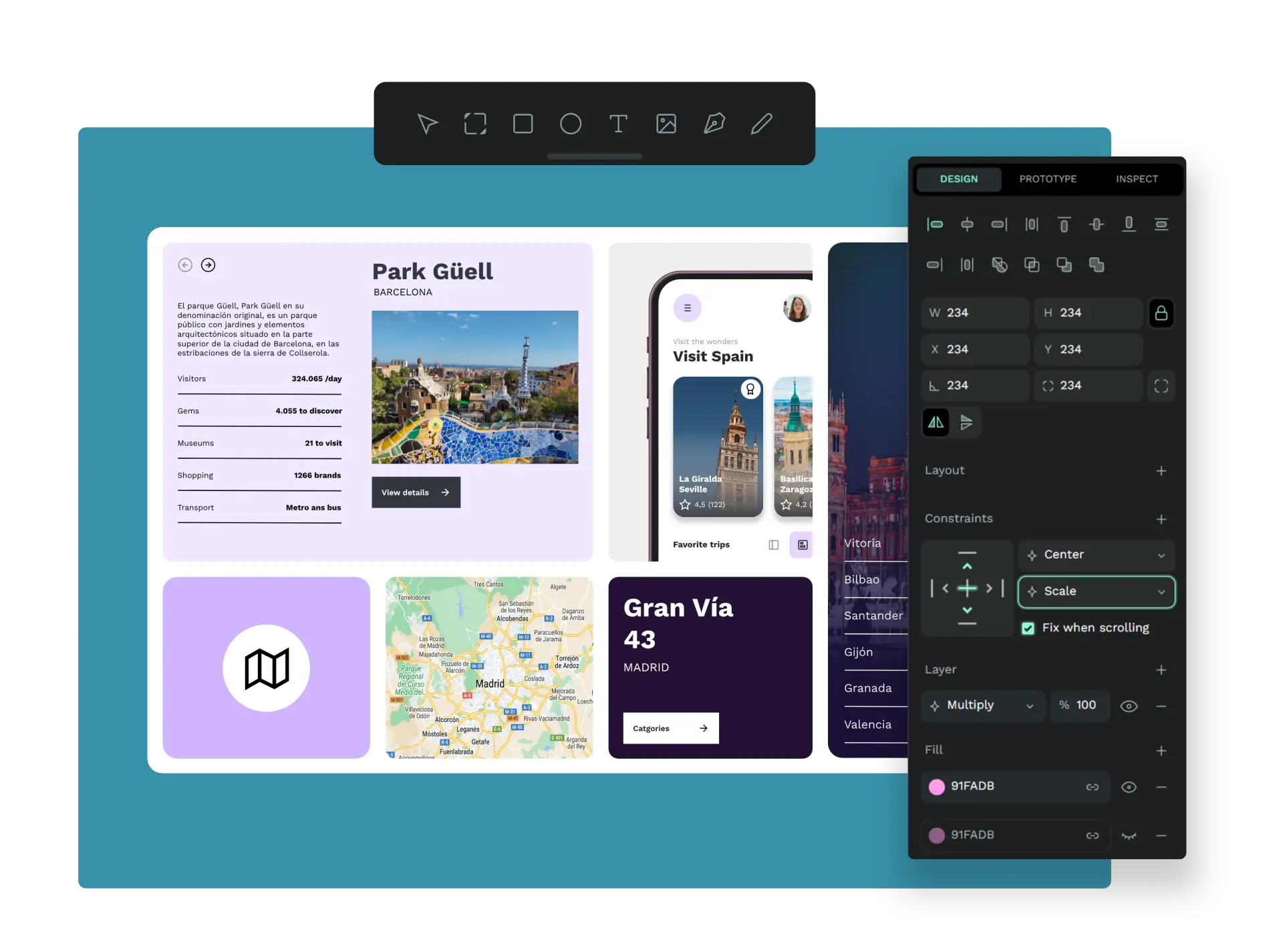
The tradeoff is operational ownership. The buyer should assign maintainers for container images, secrets, TLS, backups, mail, identity integration, vulnerability response, observability, and upgrades. Test design-system behavior, file interchange, comments, developer handoff, and performance with production-size files instead of evaluating only installation success.
Part 5. Lunacy for Offline Editing and Private Cloud
Lunacy combines native desktop editing on Windows, macOS, and Linux with local documents, cloud collaboration, and a private-cloud option. Its current official product page says teams can deploy Lunacy Cloud on their own server or VPS, and its documentation distinguishes local documents from cloud documents. This makes Lunacy relevant when designers need to continue editing during low-connectivity periods while the organization evaluates a controlled collaboration service.
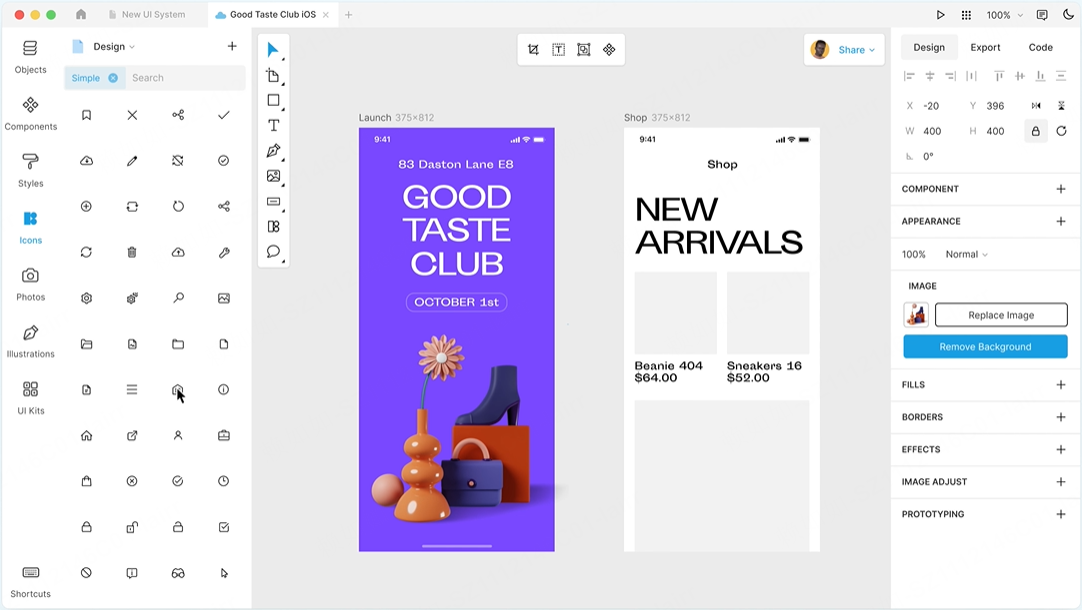
Do not assume that offline editing makes every dependency offline. Built-in libraries, shared documents, collaboration, account functions, updates, and AI-assisted tools may have different network requirements. Create an allowlist and denial test, then document which functions remain available when outbound access is blocked.
Part 6. Axure RP Enterprise for Prototyping and Controlled Sharing
Axure is a specialist option for complex interactive prototypes and specifications. Axure's official documentation describes Axure RP Enterprise with a self-hosted Axure Cloud for Business On-Premises server. The documented architecture uses a web server and database server, with current prerequisites and offline-license conditions that should be checked directly with Axure.
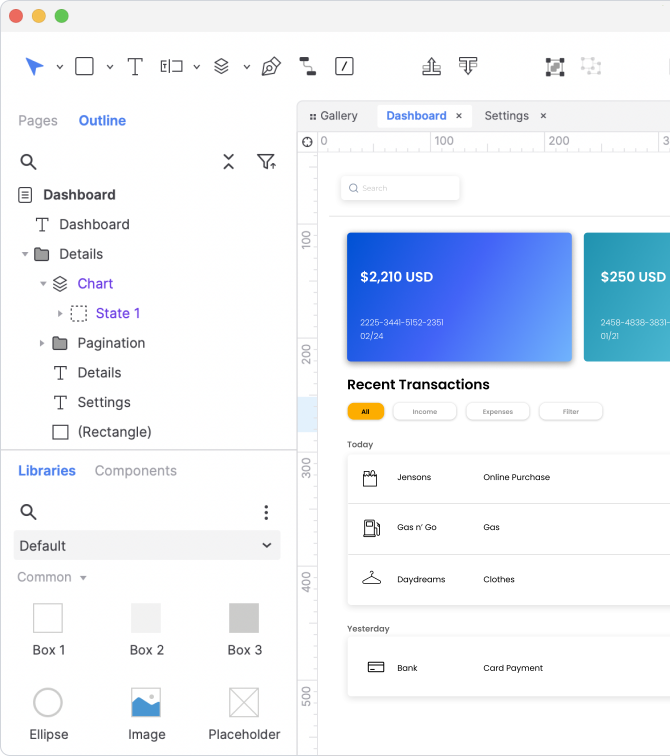
Evaluate Axure as a prototyping and prototype-sharing platform, not automatically as a full substitute for collaborative UI design, shared visual libraries, or developer handoff. Include desktop package deployment, license activation, publishing, authentication, prototype access, backup, and recovery in the proof of concept.
Part 7. Mockplus Enterprise for a Privately Deployed Design Suite
Mockplus Enterprise is another vendor-supported option. Its current enterprise page describes private deployment on the customer's server and a set of products covering prototyping, online UI design, design collaboration and handoff, and design systems. It also presents enterprise administration, activity-log export, monitoring, support, and customization as procurement topics.
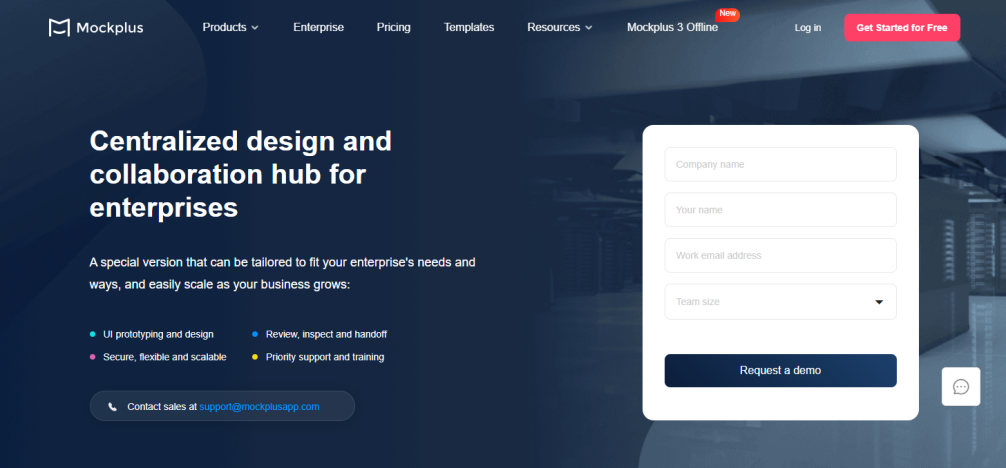
Because the suite contains multiple modules, ask the vendor to map each required workflow to a named component and version. Validate file intake, review, comments, specifications, asset export, design-system management, authentication, logging, and upgrade responsibilities with the same representative project.
Part 8. Quant-UX for Self-Managed Prototyping and Research
Quant-UX is an open-source prototyping, usability-research, and testing tool rather than an end-to-end enterprise design platform. Its project documentation provides a Docker-based installation path and identifies dependencies such as MongoDB, mail, Java-based backend services, and WebSocket configuration. That transparency is useful for a technical team that wants to operate a focused research environment.
The project documentation also warns that a basic installation is not yet secure until controls such as reverse proxy and TLS are configured. Treat this as a community-operated application: assess project activity, release process, dependency scanning, secret management, backup, authentication, support expectations, and the resources required to maintain a fork. It is a fit when research and testing are the task; it is not a drop-in substitute for a full collaborative design suite.
Part 9. Build a Shortlist with a Deployment Evidence Matrix
Start with the data and workflow, not the brand. Ask each candidate for the same evidence:
- Architecture: supported topology, network flows, storage, search indexes, caches, telemetry, and external services.
- Identity: SSO or directory integration, role model, service accounts, joiner-mover-leaver process, and emergency access.
- Operations: installation, patching, vulnerability notices, monitoring, backup, restore, disaster recovery, and support boundaries.
- Data lifecycle: import, collaboration, export, retention, deletion, audit evidence, and exit assistance.
- Design workflow: components, libraries, comments, versions, prototype demonstrations, developer handoff, and file compatibility.
Run one production-like project through each shortlisted tool. Score mandatory controls as pass or fail before comparing convenience or price. A tool that installs inside your network but cannot meet recovery, identity, or design-workflow requirements is not a viable private deployment.
Part 10. On-Premise and Self-Hosted Design Tools FAQ
Q1. What is the best self-hosted UI/UX design tool?
There is no universal winner. Pixso and Mockplus target supported enterprise suites, Penpot provides an open-source self-hosting path, Lunacy combines desktop editing with private cloud, Axure focuses on complex prototypes, and Quant-UX focuses on prototyping and usability research. Match the tool to the workflow and operating model.
Q2. Is self-hosting automatically more secure than SaaS?
No. Self-hosting changes control and responsibility. Your organization must secure identity, network paths, hosts, containers, databases, backups, logs, updates, and incident response. A well-governed SaaS service can be lower risk than a poorly operated private instance.
Q3. Is private cloud the same as on-premise?
Not necessarily. A private cloud may run in the customer's account, the vendor's environment, or a dedicated hosted environment. Confirm who controls infrastructure, encryption keys, administrators, logs, backups, and data-location decisions.
Q4. Which option is best for an isolated network?
Shortlist only products that document the required offline or restricted-network behavior. Test installation, licensing, fonts, libraries, updates, collaboration, exports, and support without unapproved outbound connections.
Q5. What should an enterprise pilot include?
Use a representative design system and project, realistic file sizes, designers and developers, normal identity roles, backup and restore, an upgrade rehearsal, log collection, and an export or exit test. Record evidence rather than relying on a feature checklist.
Q6. Where does Pixso fit?
Pixso is a candidate when the organization wants a vendor-supported private deployment while retaining an integrated workflow from UI design and design systems through review and developer handoff. Ask Pixso for a deployment proposal matched to your infrastructure and security requirements.

![[Must-know] 8 UX Design Principles](https://pixso.net/assets/media/ux-design-principles-1-05fa3776c794be16.webp)