Scott
On-premise UI design tools can help regulated organizations control where sensitive design information is stored, who administers the platform, and how activity is recorded. They do not make a financial institution, healthcare organization, or government agency compliant by themselves. Compliance depends on the data involved, the system boundary, configured controls, operating procedures, contracts, and evidence.
Part 1. Start with the Regulated Workflow, Not the Tool
Define the design activities in scope. A public marketing mockup presents different risk from a claims application containing realistic patient data, a trading interface, or an agency operations dashboard. List the users, data, integrations, exports, review steps, records, and environments involved.
Classify design content before selecting deployment:
- Public: approved assets and published UI patterns.
- Internal: routine product plans, work in progress, and employee-only comments.
- Confidential: unreleased features, proprietary workflows, architecture context, and customer requirements.
- Restricted: regulated data, security-sensitive interfaces, controlled government information, credentials, or production-derived records.
Most teams should avoid placing real regulated records in design files. Use synthetic or de-identified content whenever possible and document exceptions. The best control is often to prevent sensitive production data from entering the design environment.

Part 2. Map Common Controls to Design-Platform Evidence
| Objective | Design-platform evidence | Operational evidence |
|---|---|---|
| Authorized access | Role and permission matrix; sharing and export controls | SSO, MFA, provisioning, access reviews, and termination test |
| Traceability | Activity and administrator logs; version records | SIEM ingestion, retention, alerting, and review procedure |
| Confidentiality | Documented data paths, encryption, and link behavior | Network segmentation, key management, endpoint controls, and egress policy |
| Integrity | Version history, ownership changes, and recoverable content | Protected backups, restore tests, and change management |
| Availability | Supported topology and performance limits | Monitoring, capacity, high availability, recovery objectives, and incident exercises |
| Data lifecycle | Export, deletion, retention, and asset handover functions | Records schedule, legal hold where applicable, and verified decommissioning |
Use a recognized risk framework to organize evidence. NIST CSF 2.0 is sector-neutral and emphasizes governance and supplier risk alongside protection, detection, response, and recovery. It does not prescribe a specific deployment.
Part 3. Finance: Prove Governance, Resilience, and Change Control
Financial organizations often care about outsourcing governance, operational resilience, privileged access, auditability, data location, and change management. The design platform can contain information about authentication, payments, fraud controls, trading, customer onboarding, or internal operations even when it holds no live account records.
Evaluate whether the platform can support segregation of duties, time-bound external access, administrator monitoring, export restrictions, retention, and incident investigation. For a private instance, the organization also needs capacity planning, supported upgrade paths, vulnerability response, backup protection, recovery tests, and third-party support governance.
Test a controlled change from requirement to design-system component, reviewed screen, approved interactive demonstration, and developer handoff. Preserve the decision trail needed by internal policy. Do not infer that a version-history feature alone satisfies formal recordkeeping or change-control requirements.
Part 4. Healthcare: Minimize PHI and Document Risk Decisions
The current HHS summary of the HIPAA Security Rule emphasizes risk analysis, access appropriate to a user's role, safeguards, activity review, and periodic evaluation for electronic protected health information. It does not say that installing an application on-premise automatically meets those duties.
First keep electronic protected health information out of design files unless it is necessary and approved. Use synthetic records for prototypes, screenshots, research repositories, and demonstrations. If a workflow can involve ePHI, document the system boundary, authorization, minimum-necessary access, audit controls, transmission protection, backup, incident response, and any business-associate arrangement.
During the pilot, verify that designers cannot create uncontrolled public links, guests expire, exports are governed, activity can be reviewed, and deletion or retention follows policy. Review image uploads, clipboard behavior, screen recordings, plugins, AI, and support bundles because sensitive information often leaves through adjacent functions.
Part 5. Government: Match the Agency Boundary and Authorization Process
Government requirements vary by country, agency, data type, mission, and system classification. In the United States, FedRAMP concerns cloud service offerings; the current FedRAMP guidance also emphasizes that an agency authorizes its own information system and accepts risk for the selected service, configuration, integrations, and customer-operated controls.
For a private design platform, define whether it is connected, restricted, or isolated; which identity and endpoint systems it uses; how updates enter; how logs leave; who administers it; and how external vendors receive temporary support access. Map the application to the agency's authorization boundary and records, accessibility, privacy, and supply-chain requirements.
An air-gapped claim requires testing. Licensing, fonts, libraries, email, plugins, AI, crash reporting, and updates may depend on external services. Produce an approved dependency list and verify useful operation when all other outbound traffic is denied.
Part 6. Validate Pixso Private Deployment with a Control-Evidence Pilot
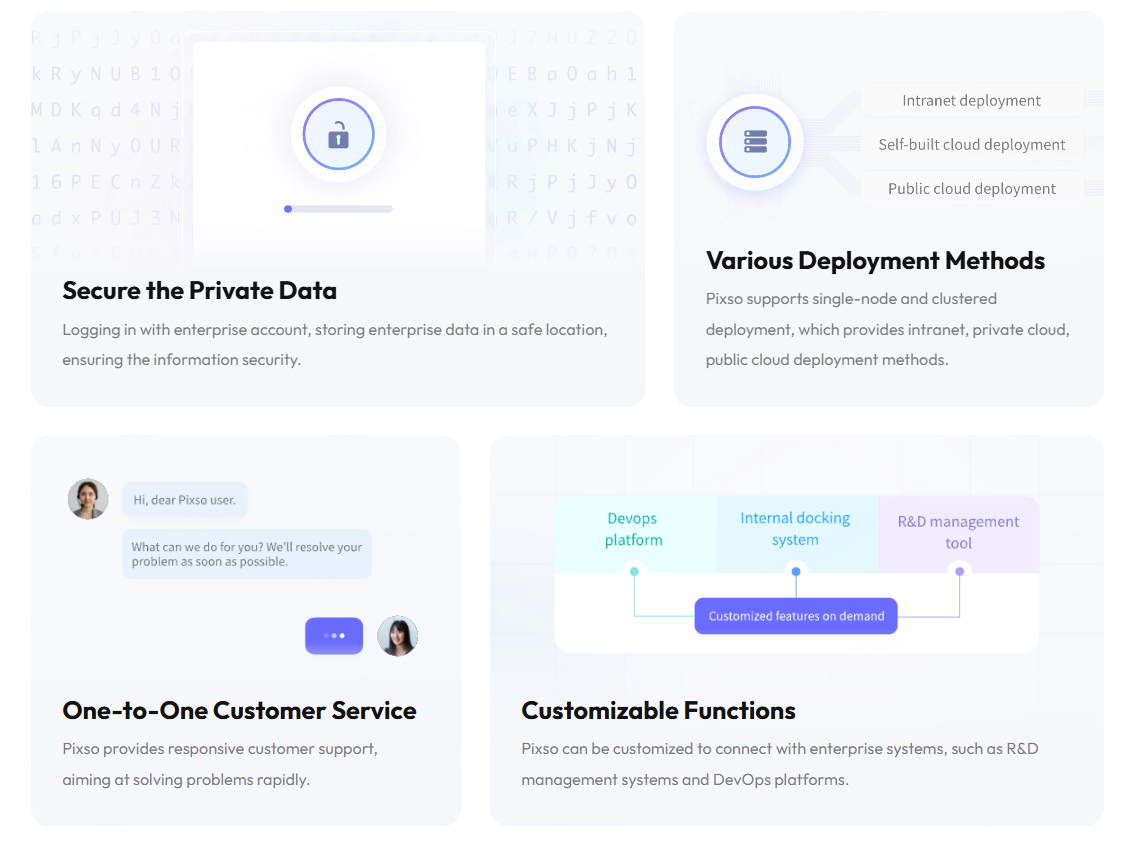
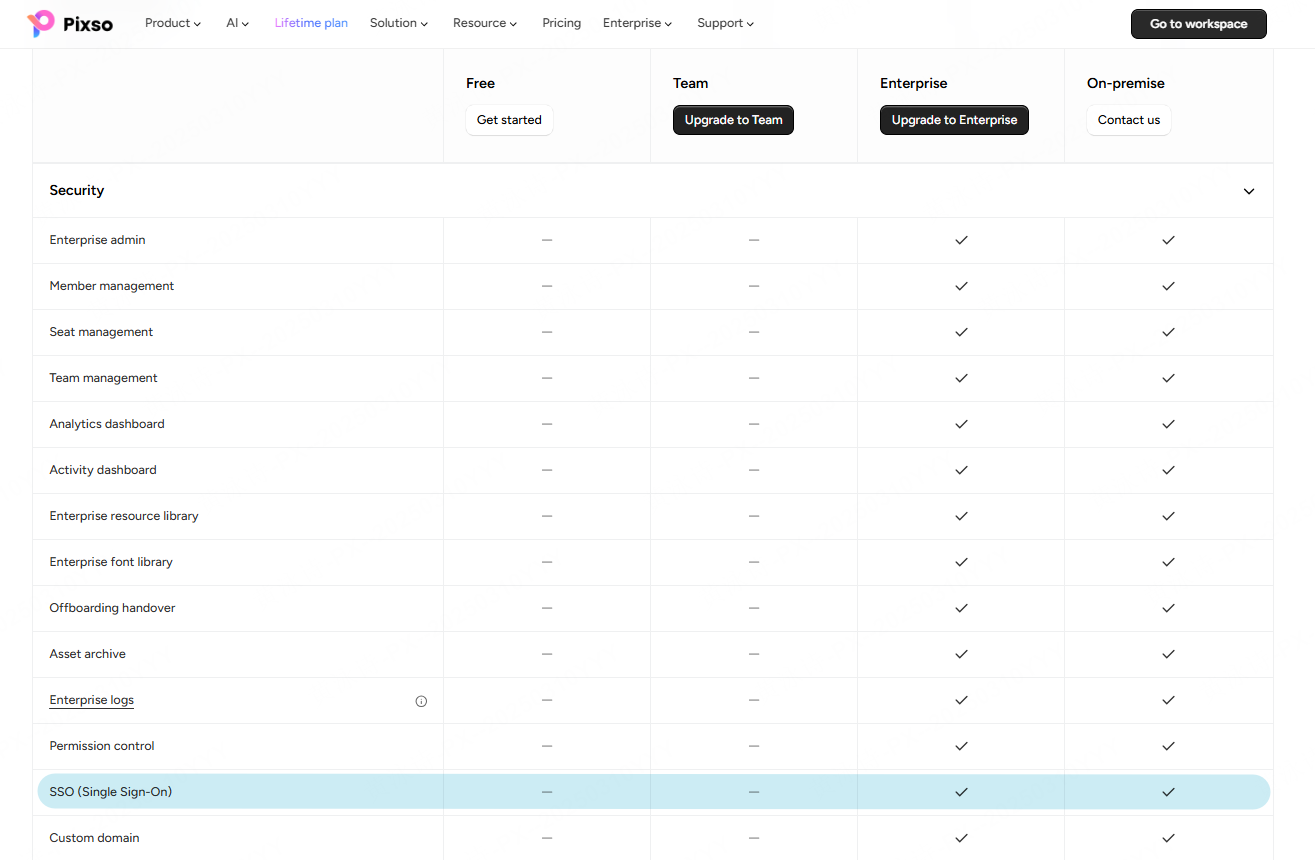
The official Pixso Private Deployment page describes single-node and clustered deployment, intranet and private-cloud methods, permission management, member activity logs, enterprise resource libraries, and customization for R&D management or DevOps connections. These are relevant inputs for regulated environments, but each requirement must be demonstrated in the proposed edition and architecture.
Build the pilot around evidence:
- deploy the proposed topology with documented ingress, egress, storage, backup, and support paths;
- integrate test identities and exercise employee, contractor, reviewer, developer, workspace-admin, and infrastructure-admin roles;
- run a representative project using synthetic data, team components, comments, versions, an interactive demonstration, and developer handoff;
- export logs and alert on sensitive administrative and sharing actions;
- restore a deleted project or test backup, then rehearse an upgrade and rollback;
- export project assets and execute a termination or handover scenario; and
- record gaps, compensating controls, owners, and residual-risk approval.
The Pixso product page can define candidate workflows, but the pilot and contract determine whether the private implementation fits the regulated use case.
Part 7. Regulated Design Tools FAQ
Q1. Are on-premise UI design tools required for regulated industries?
Not universally. Requirements depend on the data, jurisdiction, agency or sector rules, contracts, risk assessment, and system architecture. Cloud, private cloud, or on-premise models may be acceptable under different conditions.
Q2. Does private deployment make a design tool HIPAA compliant?
No. HIPAA obligations concern safeguards, risk management, access, activity review, documentation, and organizational arrangements. Deployment location is only one architectural factor.
Q3. Should designers use real customer or patient data?
Prefer synthetic, masked, or de-identified data. If real regulated data is necessary, require explicit approval and controls matching the classified workflow.
Q4. What is the most useful audit evidence?
Useful evidence connects a named user and role to an action, object, time, and result. Test authentication, permission changes, sharing, exports, deletions, administrator actions, and restore events.
Q5. Can an isolated deployment use AI or plugins?
Only if their dependencies and data flows are approved and reachable within policy. Many AI and plugin functions call external services; test them under the actual network restrictions.
Q6. Who should sign off on the platform?
The accountable system and business owners should approve it with evidence from design, engineering, security, privacy or legal, compliance, records, procurement, infrastructure, accessibility, and support specialists.
What to verify in a private UI design deployment
Private deployment is an operating model, not a blanket security result. Verify identity, access roles, audit evidence, backups, updates, integrations, network boundaries, and the responsibilities of your team and provider.
Use a representative design workflow and involve security, infrastructure, design, engineering, and compliance owners before procurement. Review Pixso private deployment for the current discussion scope.