Scott
Creating product photography for ecommerce stores, profile avatars for social platforms, or icon assets for presentation decks usually shares one tedious prerequisite: removing image backgrounds. In the past, designers had to open heavy desktop software, trace subject outlines manually with the pen tool, and spend painstaking minutes isolating every strand of hair. Even seasoned creators often spent several minutes or longer on a single complex image.
Today, artificial intelligence has completely transformed this workflow. Modern machine learning algorithms identify subjects automatically, enabling users to upload an image and get a transparent PNG cutout in seconds. Without specialized design training or manual masking, anyone with a web browser can achieve professional image isolation. This accessibility explains why searching for an ai background remover has become a daily habit for creators.
In this guide, we review seven leading free background removal solutions, outlining their core strengths, ideal use cases, and feature sets. Since all of these platforms offer free accessibility, explore them to find the perfect fit for your design workflow.
1. Pixso: Design Tool with a Built-in AI Background Removal Feature
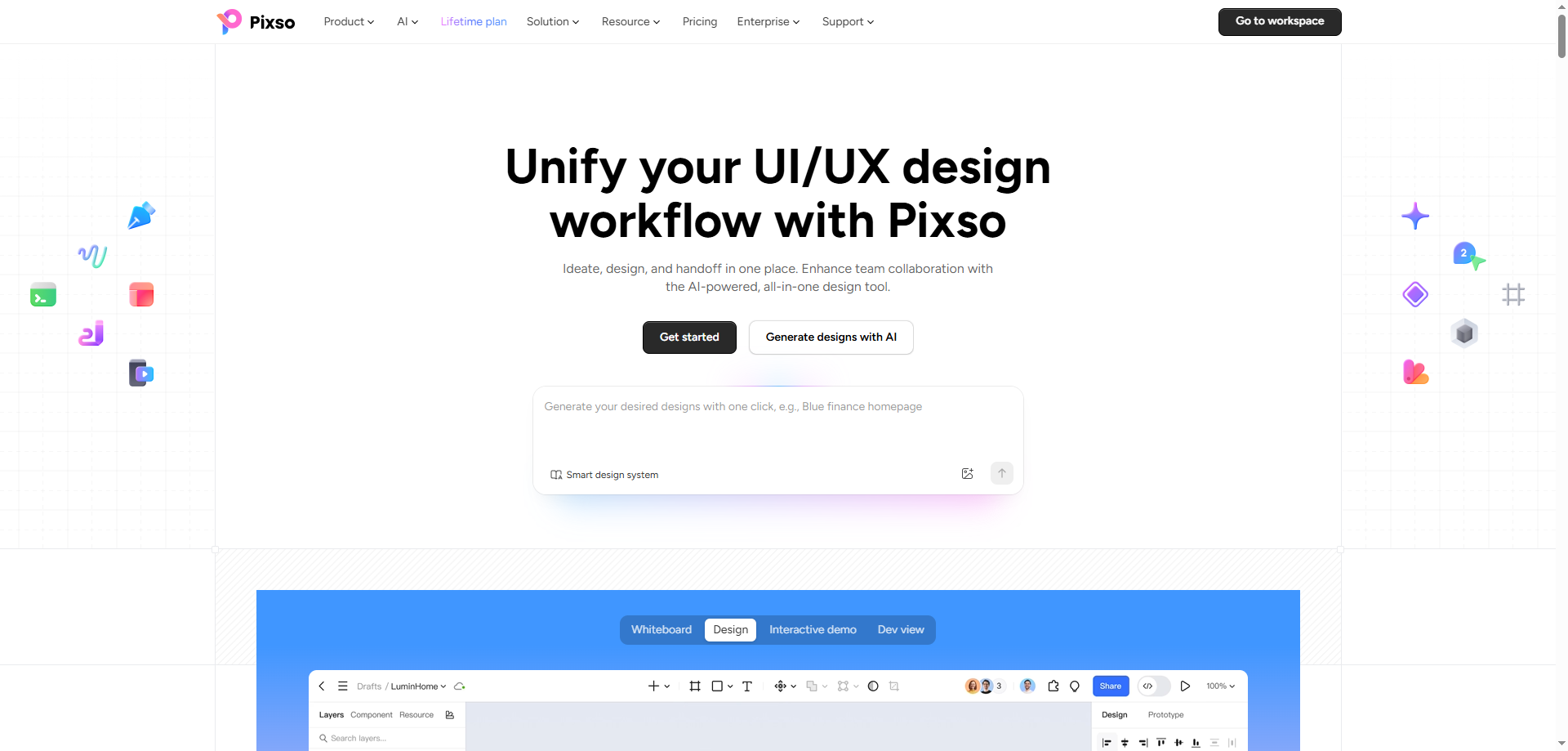
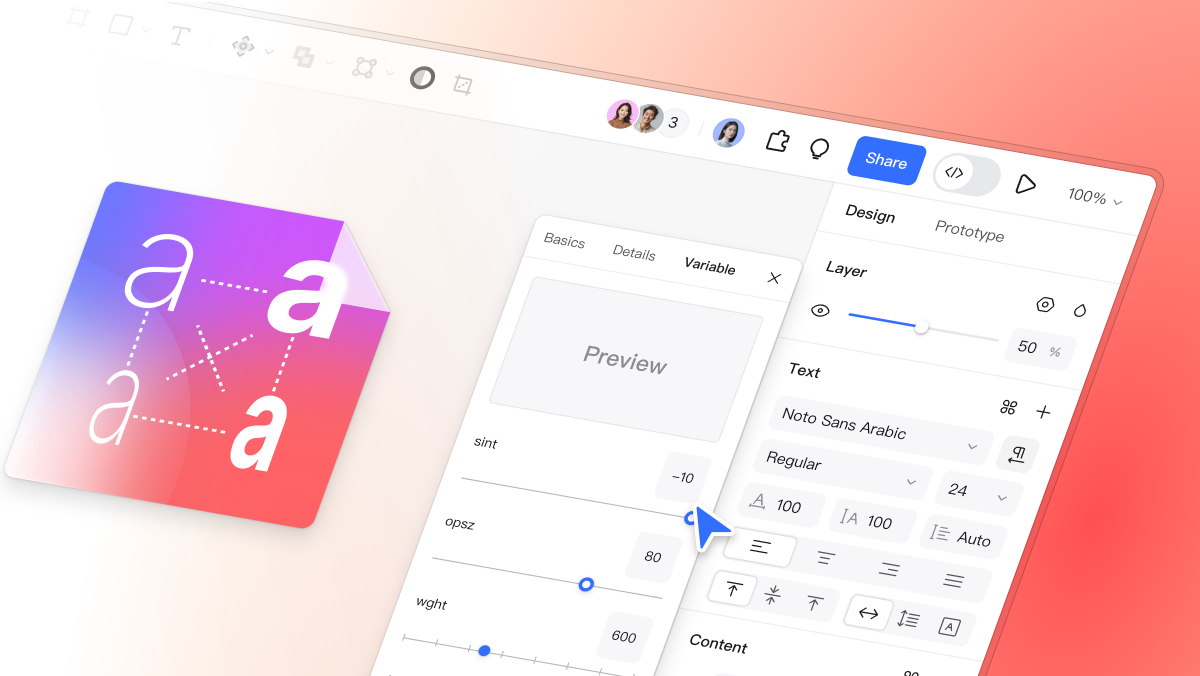
Pixso is widely recognized as a web-based collaborative platform for UI UX design, prototyping, and design systems, accessible directly through any web browser without software installation. Embedded natively within the Pixso editor, Pixso AI serves as an all-in-one design assistant that powers the complete product design workflow.
As part of Pixso AI's robust text-to-image and smart visual processing suite, background removal is simply one feature among many. Designers can leverage Pixso AI directly on the canvas to swap backgrounds, change visual styles, edit specific parts of an image, and upscale image resolution, seamlessly connecting AI creation with end-to-end design workflows.
The background removal workflow is straightforward: import an image onto your canvas and launch the feature. Using advanced visual recognition algorithms, the AI identifies the primary subject, whether a human portrait, physical product item, or brand logo, and isolates it from the background automatically.
2. remove.bg: Speed and High Precision Hair Cutouts
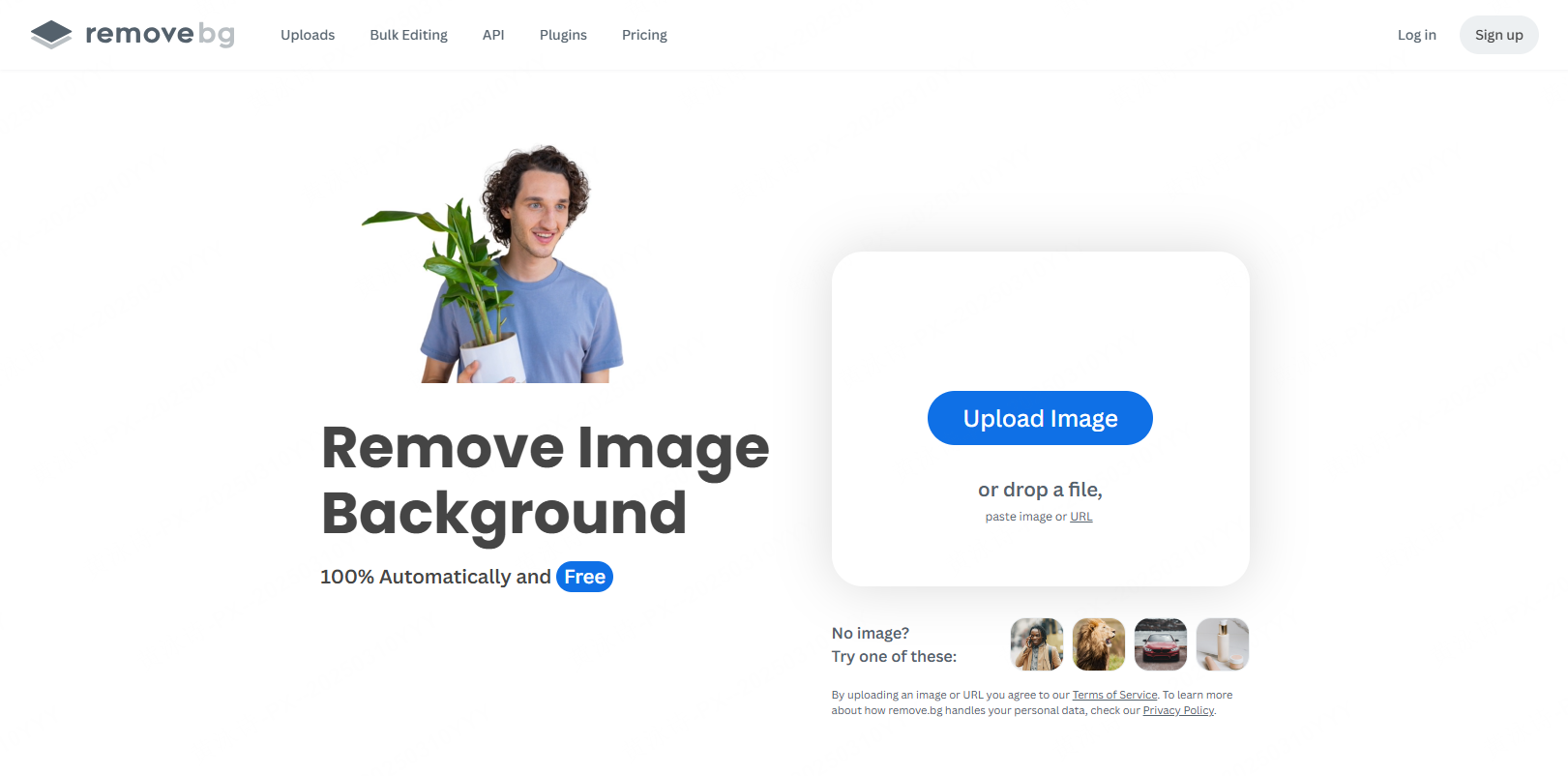
remove.bg is synonymous with automated background elimination. The process is simple: drag and drop a JPG or PNG image, click a button, and receive a transparent cutout within seconds.
A primary reason for remove.bg’s popularity is its precision when processing fine details like hair and fur. In comparative tests across complex backgrounds, remove.bg consistently delivers near flawless isolation. While it may occasionally struggle if a subject is poorly defined against a similar background, it remains an exceptional free online background-removal tool for portrait isolation.
3. Canva: One-Stop Solution for Instant Graphic Design
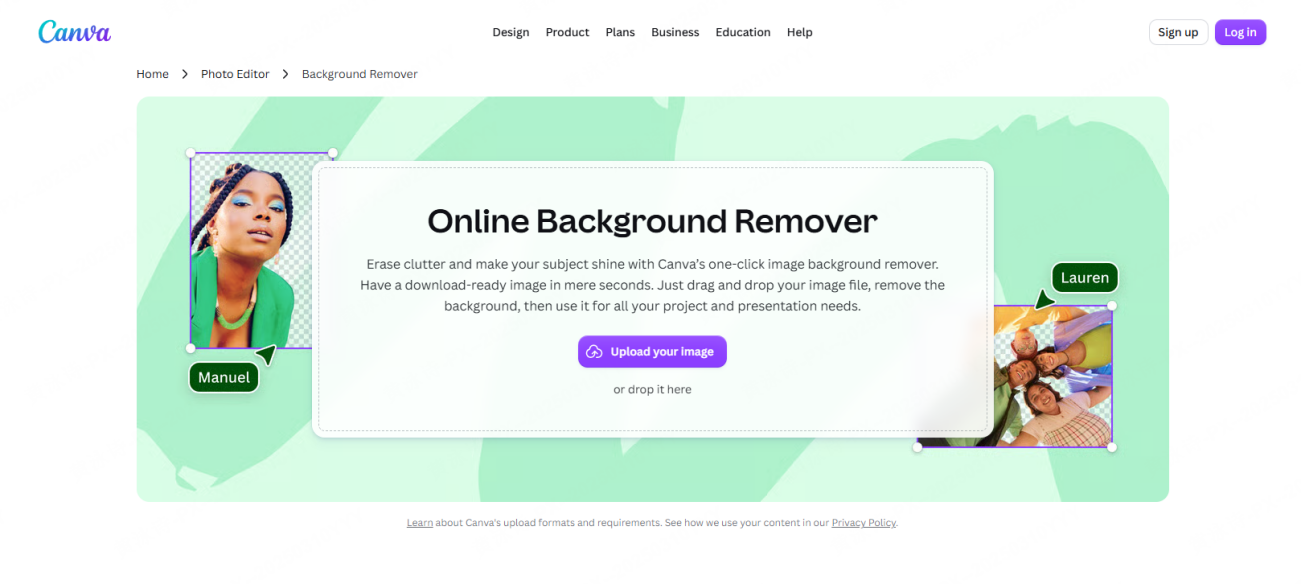
Canva includes automated background removal directly inside its graphic editing interface. Selecting an image on the canvas and clicking the background removal tool prompts the AI to detect the subject and generate a clean cutout in seconds.
The primary advantage of Canva lies in post-removal editing. Once the background is removed, you can immediately place the isolated subject into social media templates, marketing banners, or presentation slides. When exporting, checking the transparent background option saves the asset as a high-resolution PNG file.
Note that background removal in Canva is part of the Canva Pro subscription plan. However, new users can utilize the 30-day free trial to test its performance within their creative workflow.
4. PhotoRoom: Specialized for Ecommerce Product Photography
PhotoRoom is a dedicated solution popular among online store managers and ecommerce sellers. Uploading a product shot automatically clears the background, allowing users to replace it with transparent, solid white, or custom studio backdrops.
Beyond simple removal, PhotoRoom excels at generating AI studio backgrounds and realistic lifestyle environments. Creators can place products into simulated real-world scenes, making it invaluable for small businesses operating without expensive photography studios. It supports downloads in JPEG, PNG, and WEBP formats across various image resolutions.
5. Adobe Express: Trusted Editing Ecosystem
The Adobe Express background remover tool provides free online background elimination backed by Adobe’s image processing engine. While simpler than full desktop Photoshop, it offers powerful automated cutouts for quick asset creation.
Uploading an image automatically triggers background removal, performing exceptionally well on photos with distinct subject contrast. In addition to automatic AI processing, users can make manual adjustments or apply new background colors, text overlays, and graphic assets in the same editor. The reliability of the Adobe ecosystem makes it a trusted choice for online creators.
6. Fotor: Quick Mobile and Browser Photo Editing
Fotor is a versatile photo editing platform available both on web browsers and mobile application stores, making it ideal for editing photos on the go.
Its operation relies on simple tap or click gestures to render image backgrounds transparent. Beyond background removal, Fotor offers extensive template libraries, photo filters, and graphic stickers, enabling creators to complete simple social media assets or promotional graphics within a single application.
7. PicWish: High Volume Free Cutouts with Advanced Detail
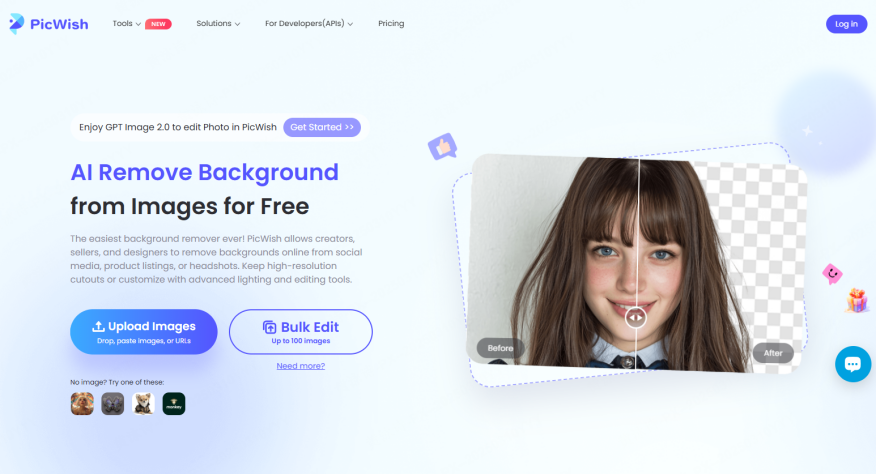
PicWish focuses on delivering high-quality transparent images without requiring technical design expertise. It performs remarkably well on complex transparent subjects, glass reflections, and hair details.
Supporting various file formats including PNG, JPG, WEBP, and HEIC, PicWish accepts direct file uploads or image URL links. It offers a generous allowance of up to 50 free watermark-free downloads per day, making it a cost-effective choice for creators processing large batches of ecommerce product photography.
Comparing the 7 Background Removal Tools
| Tool Name | Pricing | Browser Based | Ideal Use Case |
| Pixso | Free | Yes | Creators wanting background removal integrated into full UI UX design |
| remove.bg | Free with paid options | Yes | High precision portrait cutouts and rapid hair isolation |
| Canva | Pro feature with free trial | Yes | Instant transition from cutout to template design layouts |
| PhotoRoom | Free with paid options | Yes and Mobile App | Ecommerce store owners needing product studio backgrounds |
| Adobe Express | Free | Yes and Mobile App | Quick automated cutouts with manual adjustment options |
| Fotor | Free with paid options | Yes and Mobile App | Fast mobile photo editing and casual graphics creation |
| PicWish | Free up to 50 images daily | Yes | High volume processing and complex detail cutouts |
FAQ
Q1: Is there a technical difference between background removal and background transparency?
Both terms refer to the same fundamental process. Background removal describes the action of eliminating the backdrop, whereas background transparency describes the resulting file state, usually a PNG format image with an alpha channel. In practice, the terms are used interchangeably.
Q2: Can I remove image backgrounds using only a smartphone?
Yes, platforms like PhotoRoom, Fotor, Canva, and remove.bg operate seamlessly via dedicated mobile applications or smartphone web browsers. You can capture photos on your phone and process transparent cutouts on the spot without a desktop computer.
Q3: Can I use images with removed backgrounds for commercial purposes?
Licensing terms vary across platforms. If you plan to use cutouts for commercial advertising, marketing campaigns, or ecommerce store listings, always review the terms of service for that specific tool. Some free tiers place restrictions on commercial usage or high-resolution downloads.
Q4: What makes Pixso unique compared to standalone background removal utilities?
Pixso integrates an ai background remover directly into a collaborative design environment. Instead of exporting cutouts from an external site and reimporting them, Pixso lets you generate transparent assets on the canvas and immediately use them in banner designs, UI wireframes, prototypes, and marketing materials.
Conclusion
As shown across these seven platforms, AI-powered background removal tools share a simple core workflow: upload an image and receive a cutout in one click. The key difference lies in what you can do after the background is removed. If you need high precision hair cutouts, remove.bg is excellent. If you process bulk product photography, PhotoRoom or PicWish offer great efficiency. If you want to jump straight into graphic creation or product design, Canva and Pixso provide complete design environments.
Since all of these tools offer free access or free trials, test them with your current photos to determine which platform fits your workflow best.