Scott
An on-premises design tool evaluation should end with a dated decision and evidence, not a spreadsheet full of vendor checkmarks. The organization must first decide whether private deployment is necessary, then compare supported architectures, run a production-like proof of concept, model operating cost, and record residual risk.
Part 1. Pass the Private-Deployment Requirements Gate
Before comparing products, define the non-negotiable need. A private deployment may be justified by restricted networks, customer contracts, data-location requirements, IP sensitivity, internal identity and audit systems, or continuity needs. It may be unnecessary if a governed cloud service can meet the same outcomes with less operational risk.
Create a gate with four questions:
- Which data and workflows are in scope?
- Which requirement cannot be met by the approved cloud options?
- Does the organization have people and infrastructure to operate the private service?
- Who accepts the remaining application, supplier, and operational risk?
If the answers are unclear, pause product scoring. Otherwise the team may optimize a deployment model before agreeing on the problem.
Part 2. Choose the Architecture Before Scoring Features
Ask vendors to propose a supported topology for the same availability, performance, security, and network requirements. Compare single-node, clustered, customer-cloud, data-center, and restricted-network options. Record servers or containers, databases, storage, search, caches, identity, email, load balancing, monitoring, backups, update sources, telemetry, and support paths.
Reject vague diagrams. Every arrow should have a protocol, direction, purpose, data type, owner, and approval status. Identify external dependencies for licensing, fonts, plugins, AI, crash reporting, and updates. State whether the organization or vendor operates each component.
Part 3. Use a Weighted Enterprise Design Tool Scorecard
Separate mandatory gates from weighted preferences. A failed mandatory control is not offset by a high usability score. For candidates that pass, use the same weights and evidence standard.
| Dimension | Weight | Evidence |
|---|---|---|
| Core design, libraries, review, interactive demos, and handoff | 25 | Representative project completed by real users |
| Identity, roles, sharing, administration, and audit | 20 | Live role tests and exported logs |
| Architecture, data control, and network fit | 15 | Approved topology and observed traffic |
| Operations, upgrades, backup, restore, and resilience | 15 | Runbook exercises and recovery results |
| Interoperability, import/export, APIs, and integrations | 10 | Format and integration tests |
| Supplier lifecycle, support, and vulnerability response | 10 | Contract and support evidence |
| Three-year total cost and staffing | 5 | Documented cost model and assumptions |
Use a 0-5 score per dimension: 0 means no evidence or unsupported; 3 means the requirement is met with normal configuration; 5 means it is demonstrated, operable, and exceeds the target. Multiply by the weight and record the evidence link and reviewer. Do not let vendor self-scores become final scores.
Add confidence to each score. A live test in the proposed environment has higher confidence than a roadmap statement; current product documentation has higher confidence than an undated slide. When two products have similar totals, evidence quality and unresolved mandatory risks should decide before small numerical differences.
Part 4. Run a Production-Like Proof of Concept
A useful POC tests a complete workflow, not isolated features. Choose a real but sanitized project with a design system, complex screens, images, comments, versions, an interactive demonstration, and developer handoff. Include designers, product managers, reviewers, developers, administrators, and an external collaborator if that role exists.
Run these scenarios:
- import or create representative files and check fidelity;
- publish and update shared components or tokens;
- review comments, mentions, permissions, and guest expiry;
- inspect specifications and export approved assets;
- measure large-file and multi-user behavior across relevant sites;
- export audit events and investigate a simulated inappropriate share;
- back up, delete, restore, and compare a project;
- upgrade a test environment and rehearse rollback; and
- export data for an exit or migration scenario.
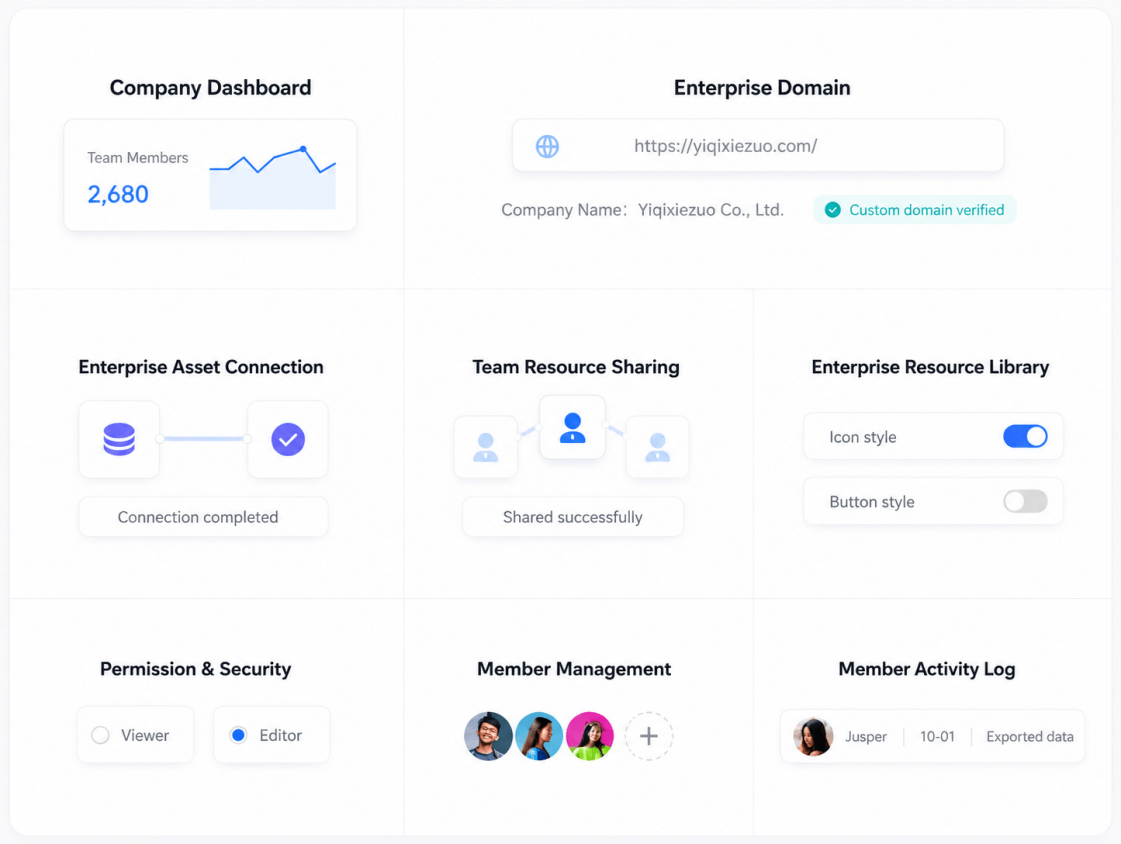
Define acceptance before the POC begins. Examples include an imported library with no critical layout defects, completion of a handoff by a developer who did not create the file, removal of a contractor's access within the target window, restore of a deleted project within the recovery objective, and an upgrade completed without loss of content or audit history. Capture defects by severity and estimate remediation effort.
Part 5. Model Operations and Total Cost of Ownership
Private deployment cost includes more than the license. Model infrastructure, databases, storage growth, backups, network, monitoring, certificates, identity integration, non-production environments, implementation, customization, security reviews, upgrades, training, vendor support, and internal staff time.
Add risk and lifecycle assumptions: expected growth, peak concurrent editors, multi-site latency, recovery objectives, maintenance windows, version support, major upgrades, vulnerability patches, and exit. Compare a realistic three-year period and make uncertainty visible. A low first-year quote can become expensive if every upgrade requires a custom project.
Also value avoided costs carefully. Reduced data transfer, improved continuity, or consolidated tools may be benefits, but do not invent savings. Name the current cost, measurement source, and condition required for the benefit.
Include adoption and migration. Count library conversion, file validation, training, parallel operation, changed review practices, developer onboarding, and temporary productivity loss. Identify which files must move, which can remain archived, and which are rebuilt. A smaller, risk-based migration is usually easier to validate than moving the complete archive at once.
Part 6. Produce a Decision Record for Pixso or Any Candidate
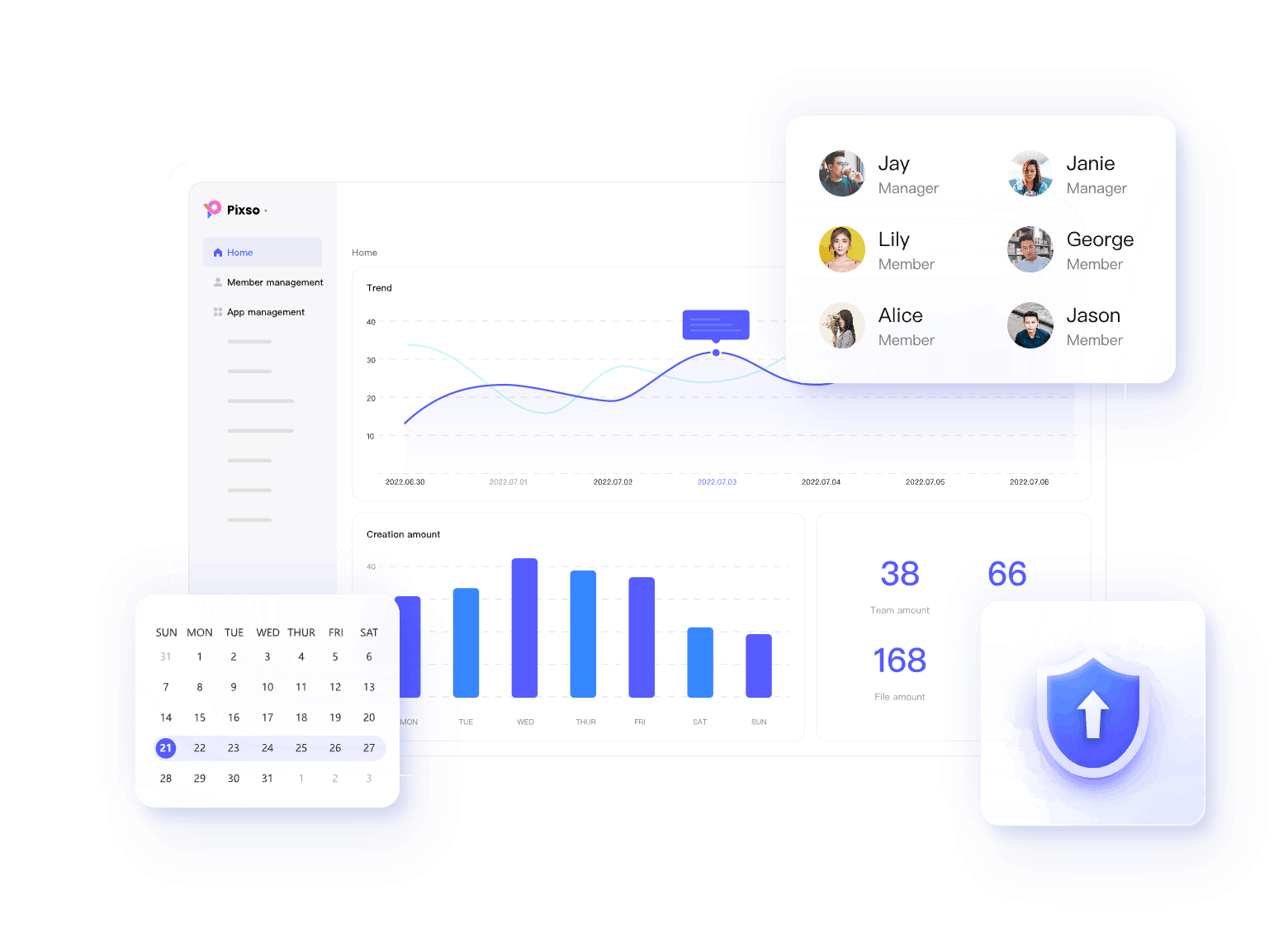
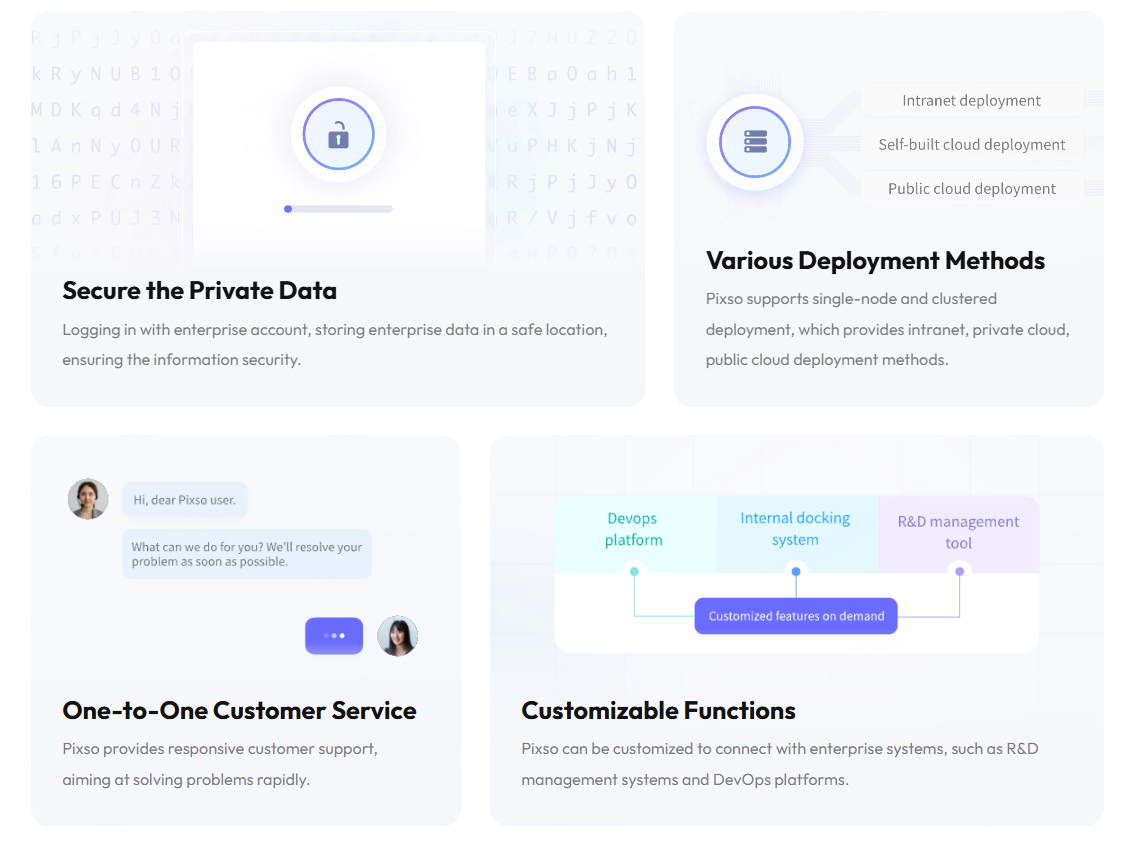
The official Pixso Private Deployment page describes single-node and clustered deployment, intranet and private-cloud methods, enterprise permissions, activity logs, shared resources, and customizable connections to R&D management or DevOps systems. These claims create test cases for a Pixso POC; they are not a substitute for results.
The final decision record should contain the requirement, proposed architecture, responsibility matrix, mandatory-gate results, weighted score, POC evidence, unresolved gaps, compensating controls, three-year cost model, contractual dependencies, migration and exit plan, and named risk approver. Date the record and identify facts that require revalidation.
If Pixso is selected, connect acceptance criteria to the deployment statement of work. If it is not selected, preserve the evidence and reason rather than reducing the decision to "feature fit." This makes later review faster when requirements or products change.
Schedule a post-implementation review after real usage. Compare capacity, incidents, support responsiveness, user adoption, recovery tests, and actual cost with the decision assumptions. Close gaps or update the accepted risk instead of treating procurement approval as permanent proof.
Part 7. On-Premises Design Tool Evaluation FAQ
Q1. How many products should enter the POC?
Usually two or three candidates that passed mandatory requirements are enough. A long POC list increases effort without improving evidence.
Q2. Should security controls be weighted or mandatory?
Controls required by law, contract, or risk policy should be pass or fail. Additional maturity and usability can be weighted after the gate.
Q3. How long should a POC run?
Long enough to complete the representative workflow, load test, role tests, backup and restore, upgrade rehearsal, log review, and export. Calendar length is less important than completed evidence.
Q4. What is the most common evaluation mistake?
Scoring a feature demonstration without testing the proposed deployment architecture and operating responsibilities. A successful demo does not prove recoverability, security, or maintainability.
Q5. Can vendor claims be used as evidence?
They are inputs. Confirm important claims through current documentation, contract terms, configuration review, observed behavior, and POC results.
Q6. When should the decision be revisited?
Review it after material changes in regulation, data classification, topology, supplier status, product capabilities, team scale, incidents, or cost assumptions, and on a defined periodic schedule.
Run an on-premises design-tool POC before procurement
An on-premises deployment changes the team’s operating responsibilities as well as the hosting boundary. Test one representative design workflow with the people who will administer, design, review, and build it.
- Define the boundary: document storage, identity, network access, backups, integrations, and any external dependency.
- Test the workflow: import a representative file, edit components, review a prototype, and hand off an approved screen.
- Test operations: run role changes, backup restoration, version updates, incident contact, and recovery notes.
- Set the exit rule: list requirements that must be proven, questions that remain open, and the owner who signs the result.
| POC area | Test | Record |
|---|---|---|
| Workflow | Representative file, components, prototype, handoff | Differences, repair time, accepted limitations |
| Access | Designer, reviewer, developer, admin roles | Permission result and revocation evidence |
| Operations | Backup, update, restore, support escalation | Owner, target time, dependency and evidence |
Do not turn a deployment model into a security guarantee. Keep verified product facts separate from buyer-controlled network, identity, backup, and compliance decisions, and approve the purchase only when the POC record answers the required questions.