AI design system
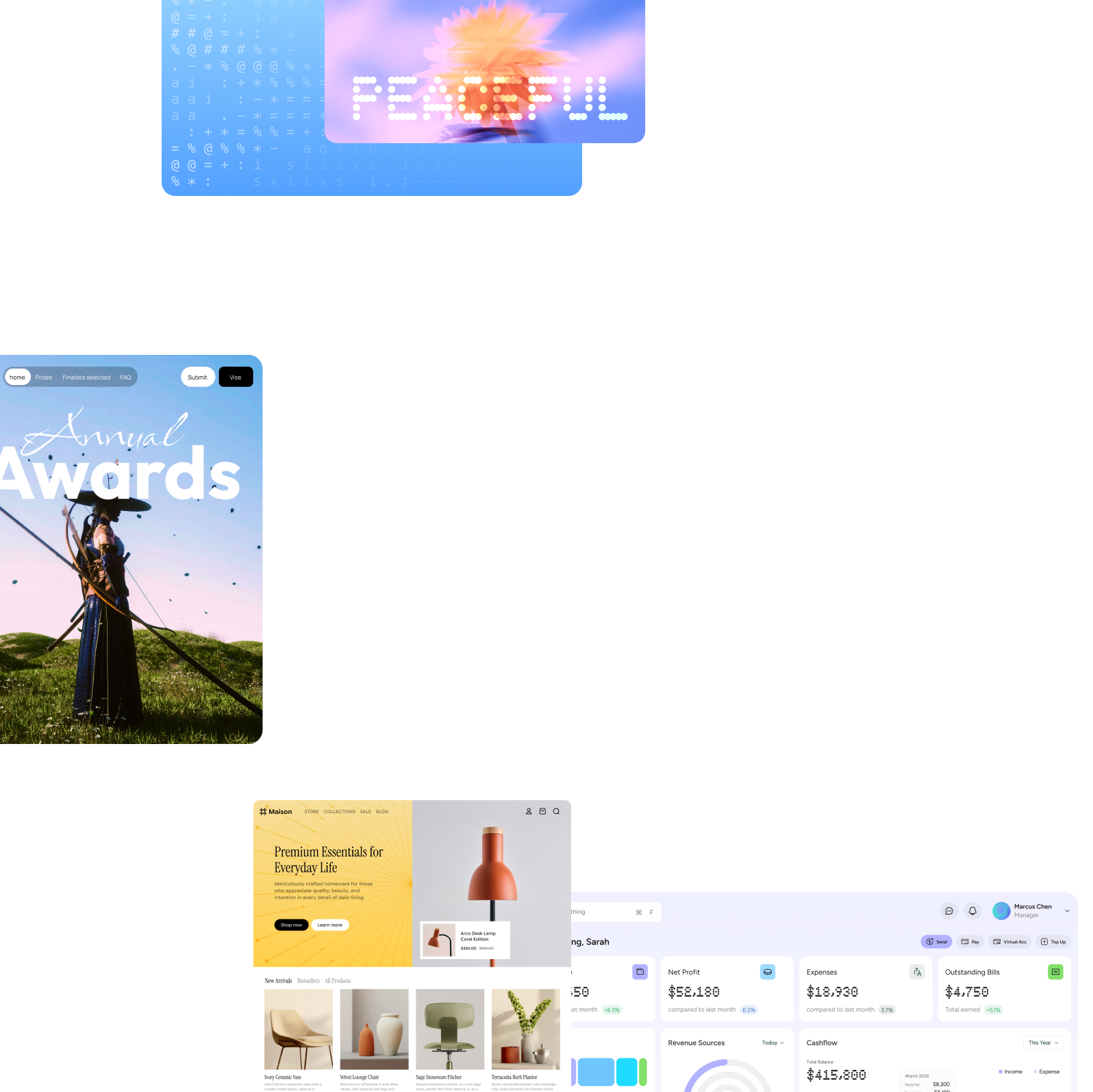
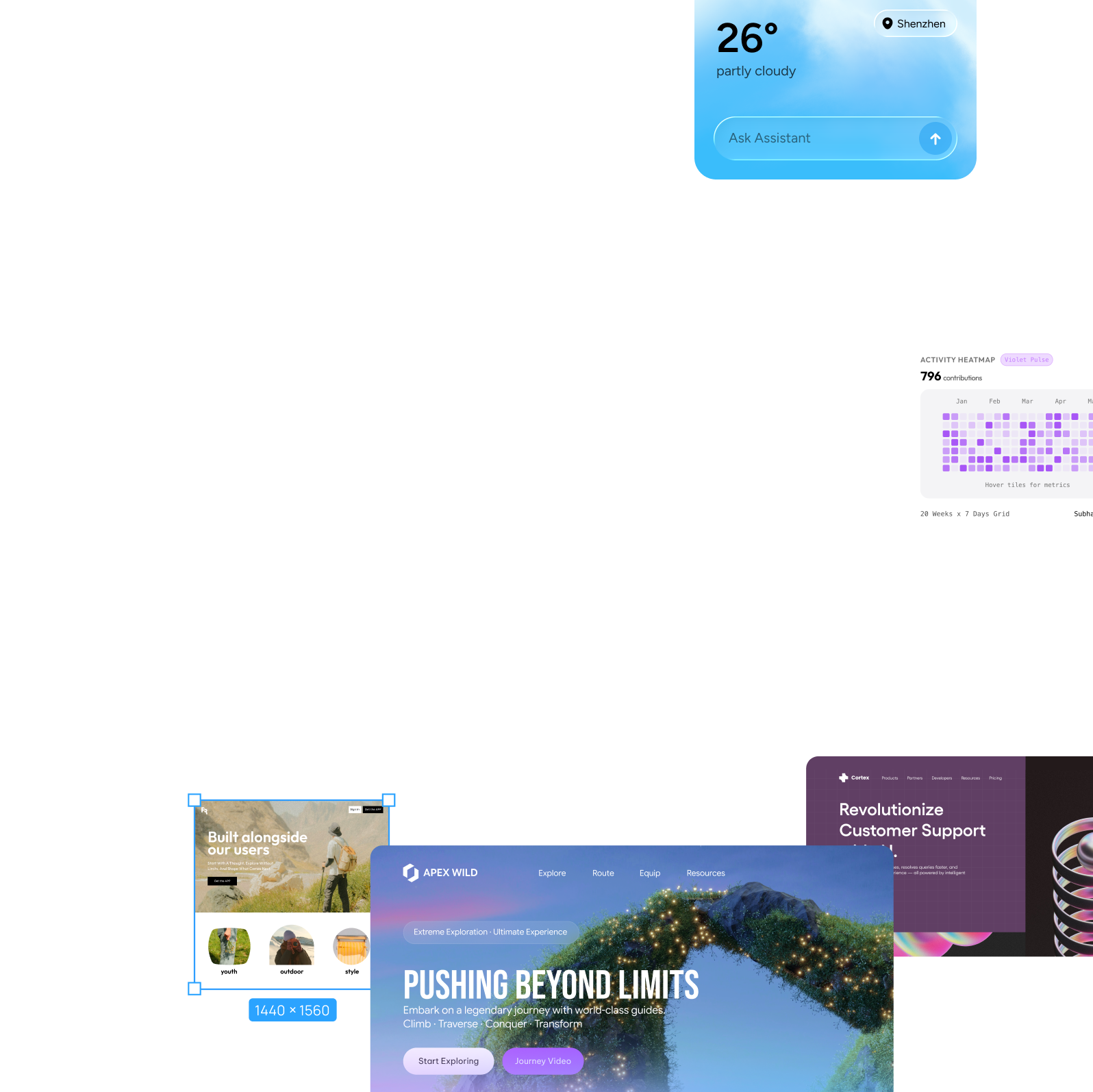
Pixso AI analyzes your requirements, chooses suitable design patterns and creates a high-fidelity interface with an initial visual style.
Turn a brief or sketch into an interface with Pixso AI.
Create editable designs, right on your canvas.
Start designing with a prompt or screenshot using AI built into the Pixso canvas.
Then refine the details with AI.
Use your design system's components, colors, typography and spacing
to create screens that share a consistent style.
Pixso AI analyzes your requirements, chooses suitable design patterns and creates a high-fidelity interface with an initial visual style.

Start with built-in component libraries. Pixso AI follows their design conventions to help you create consistent interfaces faster.

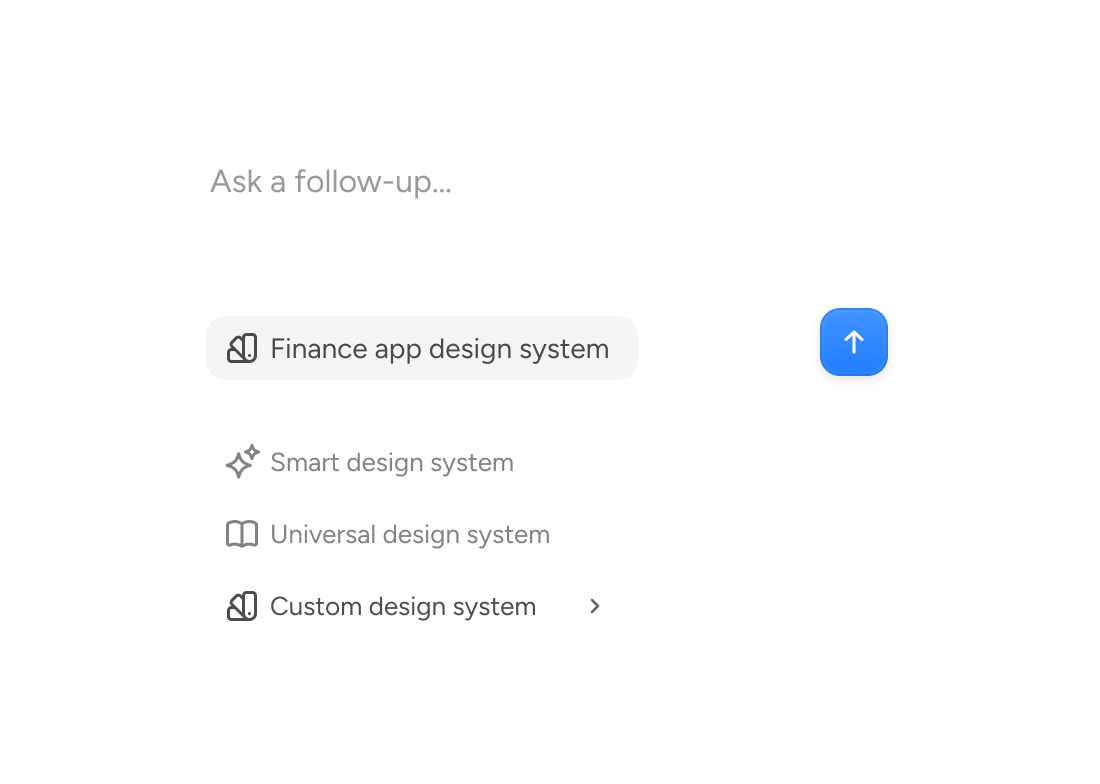
Bring your team's design system into Pixso AI to create editable screens that reflect your product's visual identity.

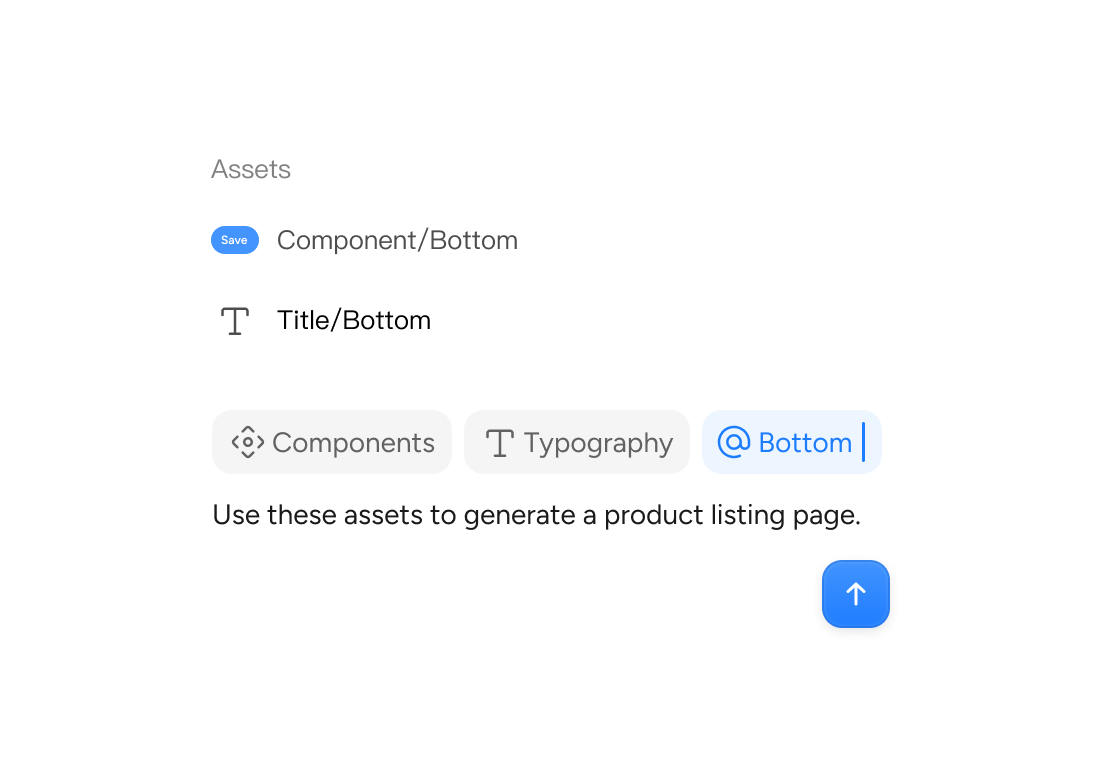
Type @ to find and reference components and variables from your design system, giving AI specific context to work with.
Pixso MCP is ready
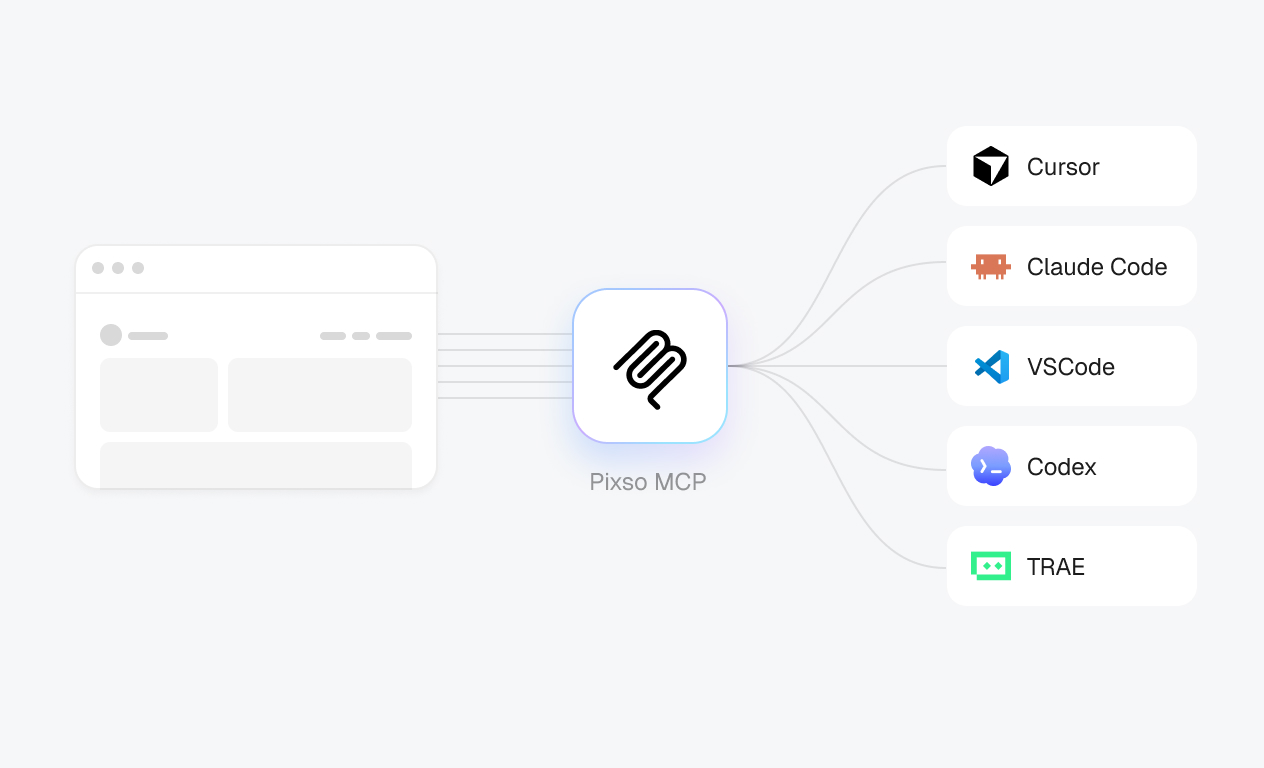
Use MCP to give compatible tools such as Claude Code and Cursor access to your Pixso design context.
Turn designs into code, or bring code back into Pixso.
 Pixso MCP Servers
{
"mcpServers": {
"pixso-oauth-mcp": {
"url": "https://pixso.net/mcp"
}
}
}Need help getting started? Setup guide
Explore screen variations, generate images and create text without leaving your design editor.
Move from the first idea to a finished interface in one place.



What will you design today?
Built for fast-moving product teams, Pixso AI helps designers and teammates create and refine interfaces together.
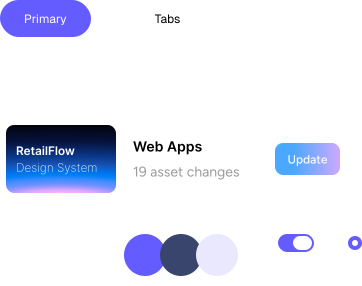
 Create together with AI
Share a design system for consistent results. Product teammates can turn an idea into an interface with a text prompt, all within Pixso.
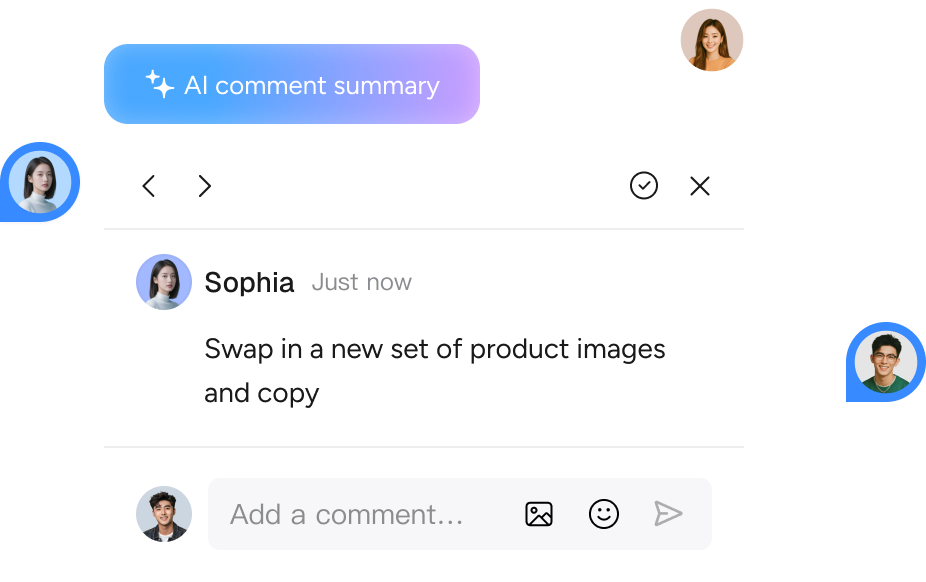
 AI comment summaries
Pixso AI reads comments on the canvas, summarizes requested changes
and uses the feedback to create a new version of the design.
Go beyond the first generation. Move from an idea to an editable design,
then iterate and hand off your work on the same canvas.
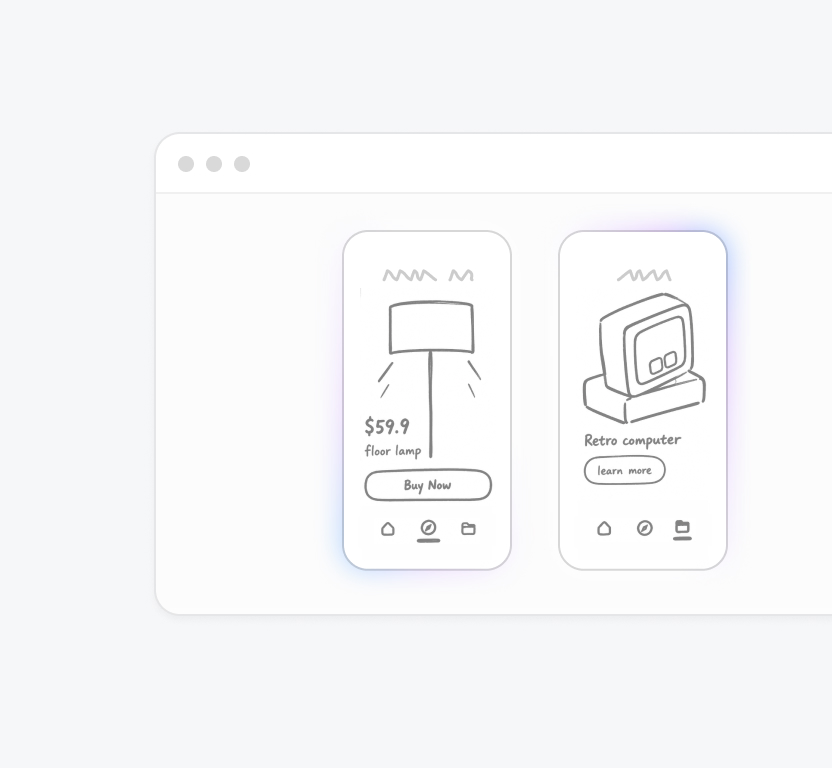
 Sketch your idea
Sketch wireframes and layouts on the Pixso whiteboard to capture your first product ideas.
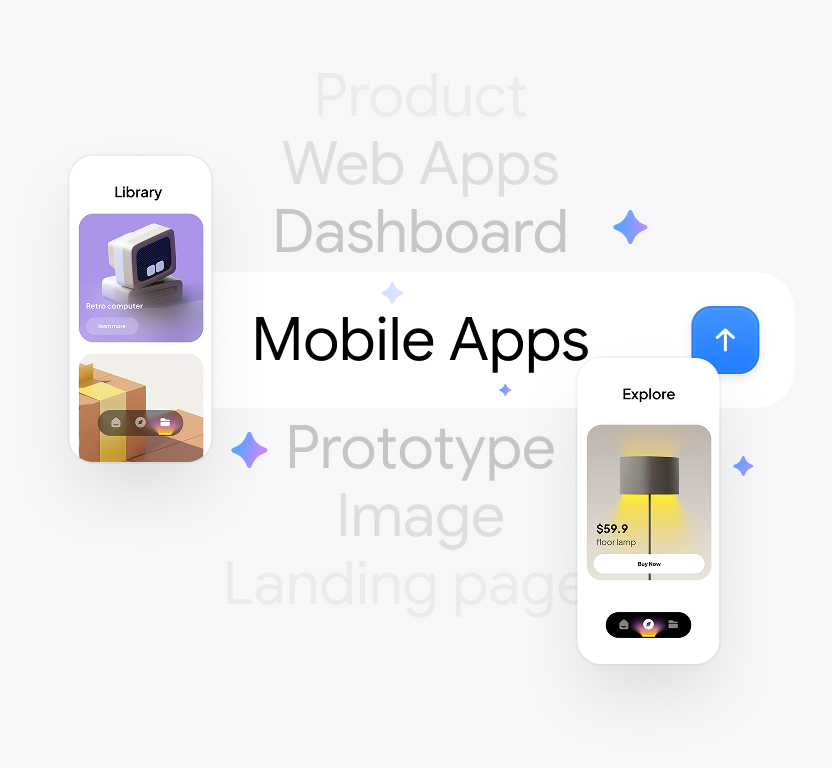
 Generate a design
Use a prompt or sketch to explore design directions and generate editable web and mobile interfaces.
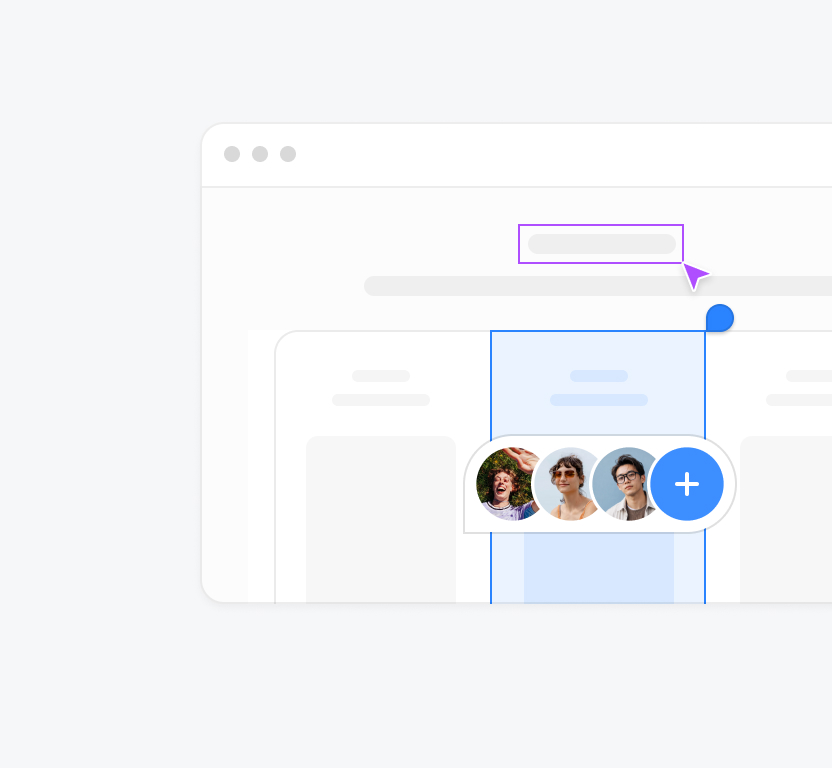
 Share and review
Share a design for team editing and feedback. Ask Pixso AI to make changes to specific areas.
Add three screens, then create
dark-mode and desktop versions.
 Extend this flowRefine this design
 Generate dark mode
 Refine and extend
Build on the current style to add screens and refine details,
including dark mode and layouts for different devices.
 Developer handoff
Pass design context to an AI coding agent through MCP to support the move from design to implementation.
Use your brief, existing screens and team feedback as context. Refine the result on the same canvas.
| Your task | What Pixso AI brings | What you control |
|---|---|---|
 Generate and edit Generate and edit | ||
| Start from a brief or sketch | An editable interface on the Pixso canvas | Describe the screens, content and visual direction. |
| Refine generated designs | Layers you can continue editing | Adjust layout, text and components in the editor. |
| Build on an existing screen | The current design as context for the next change | Select the area to change and describe the result. |
 Design system Design system | ||
| Generate with your design system | Context from a published library enabled for AI | Choose the library for this design task. |
| Keep a consistent visual language | Existing styles and component rules as guidance | Refine the generated result with your team's components. |
| Explore screen variations | Web, mobile, light and dark design directions | Specify the target size and appearance. |
 Developer handoff Developer handoff | ||
| Connect your AI coding tool | Design context and editing tools through MCP | Authorize access and provide the target layer link. |
| Move from design to code | D2C⁺ code generation in Enterprise Dev View | Open an enterprise-space file with a Full-feature or Dev seat. |
 Team collaboration Team collaboration | ||
| Design with your team | AI tools in a shared design workspace | Decide who can edit and who reviews the file. |
| Act on review feedback | Comments beside the design they refer to | Choose the feedback to address in the next iteration. |
| Turn comments into focused changes | AI-assisted comment summaries and design changes | Describe the change, then review the resulting design. |
 Enterprise options Enterprise options | ||
| Plan private deployment | An enterprise deployment option | Agree the environment and support scope with the team. |
| Discuss model and language needs | Model and language options for enterprise projects | Confirm the supported configuration for your deployment. |
Find answers about Pixso AI and how it fits into your work.
Pixso AI brings AI design tools directly into the Pixso canvas. Generate web and mobile interfaces from text prompts, sketches or screenshots, then edit and refine them in your design file without switching to a separate AI tool.
Pixso AI goes beyond generating a screen. Keep editing the result on the Pixso canvas and use it with your design system, team collaboration, comments and developer handoff. AI generation becomes part of your existing design process.
Create web pages, mobile app interfaces and screens for different tasks. You can also build on an existing interface to explore new screens, states and use cases.
Enter a natural-language prompt, or use a sketch or screenshot as a visual reference. Pixso AI uses your input to generate an editable interface so you can develop your idea further.
Yes. Adjust layouts, text, colors, components and other visual details directly on the Pixso canvas. You can also ask AI to refine or extend the design.
Yes. Adjust, regenerate or refine a selected area while keeping the rest of the screen in place. You do not need to regenerate the entire page each time.
Use an existing design as context to extend its visual language across new screens. You can also explore another style, add pages, or create variations for different modes and devices.
Yes. AI-generated designs work with Pixso's existing collaboration and comment features. Team members can review the same design, discuss alternatives and continue editing it together.
Use MCP to pass design context to a compatible AI coding agent. This gives development tools more information about your design as you move toward frontend implementation.
Yes. Use Pixso AI directly in an existing file and canvas to generate, edit and refine content within your current design.
Yes. Pixso AI supports product and design teams of different sizes. Enterprise teams can discuss private deployment, local languages and model options to meet their collaboration and data requirements.