Does Pixso generate a working app or an app design?
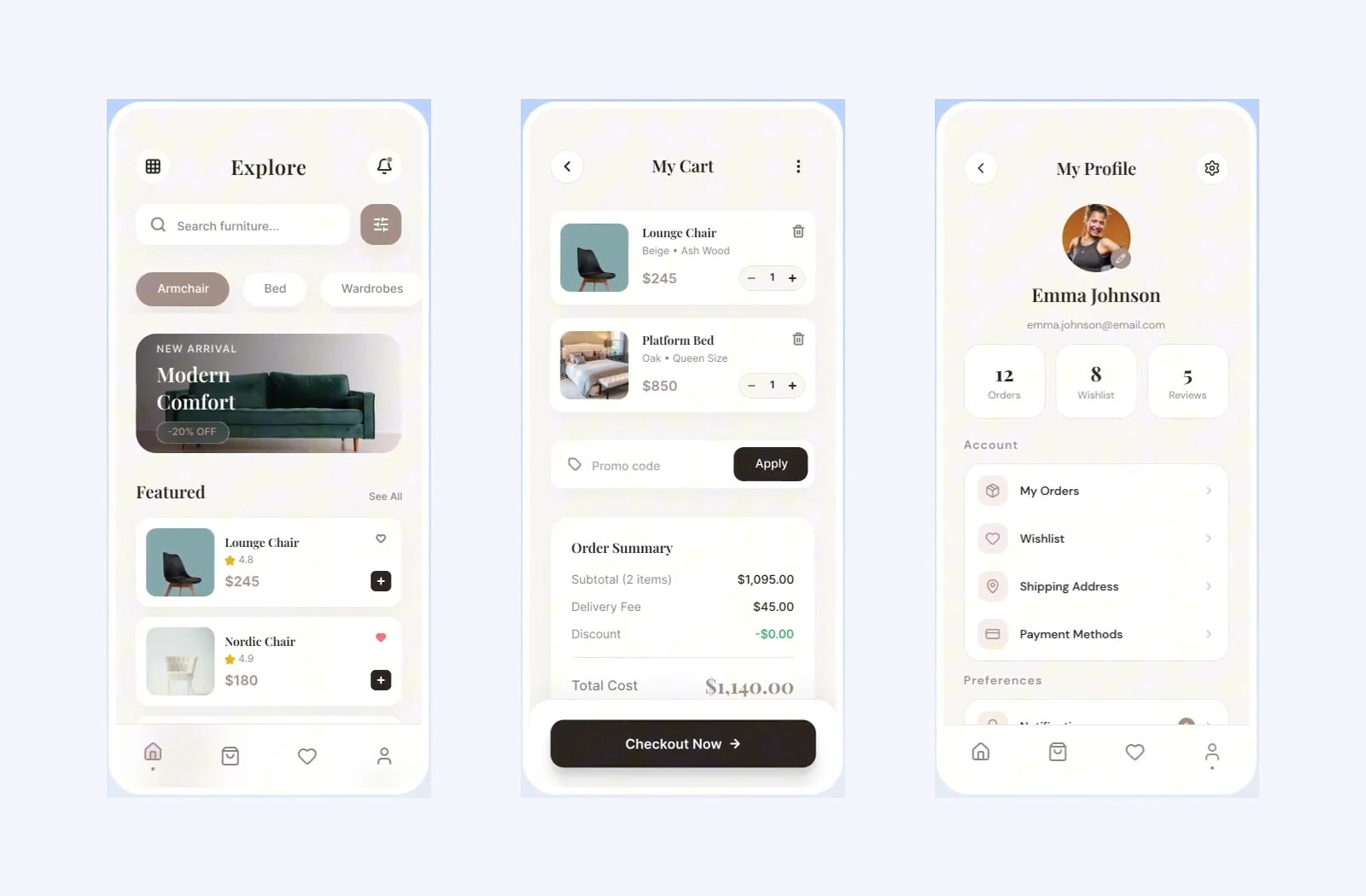
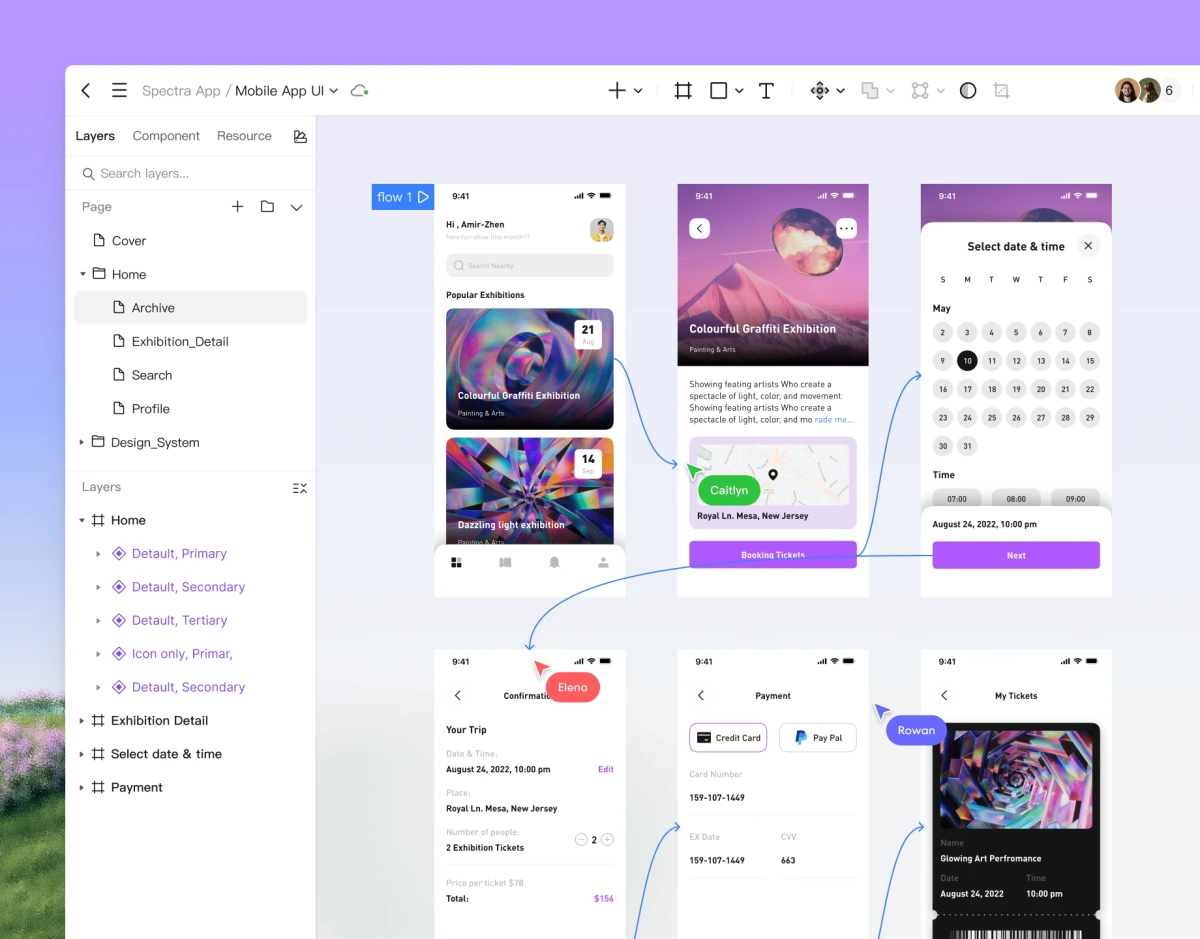
Pixso AI generates editable app interface designs. You can refine the screens, connect them into a prototype, and share the design with developers. Building an application, connecting a backend, and producing an iOS or Android release remain development tasks.
Can I design several screens for the same app?
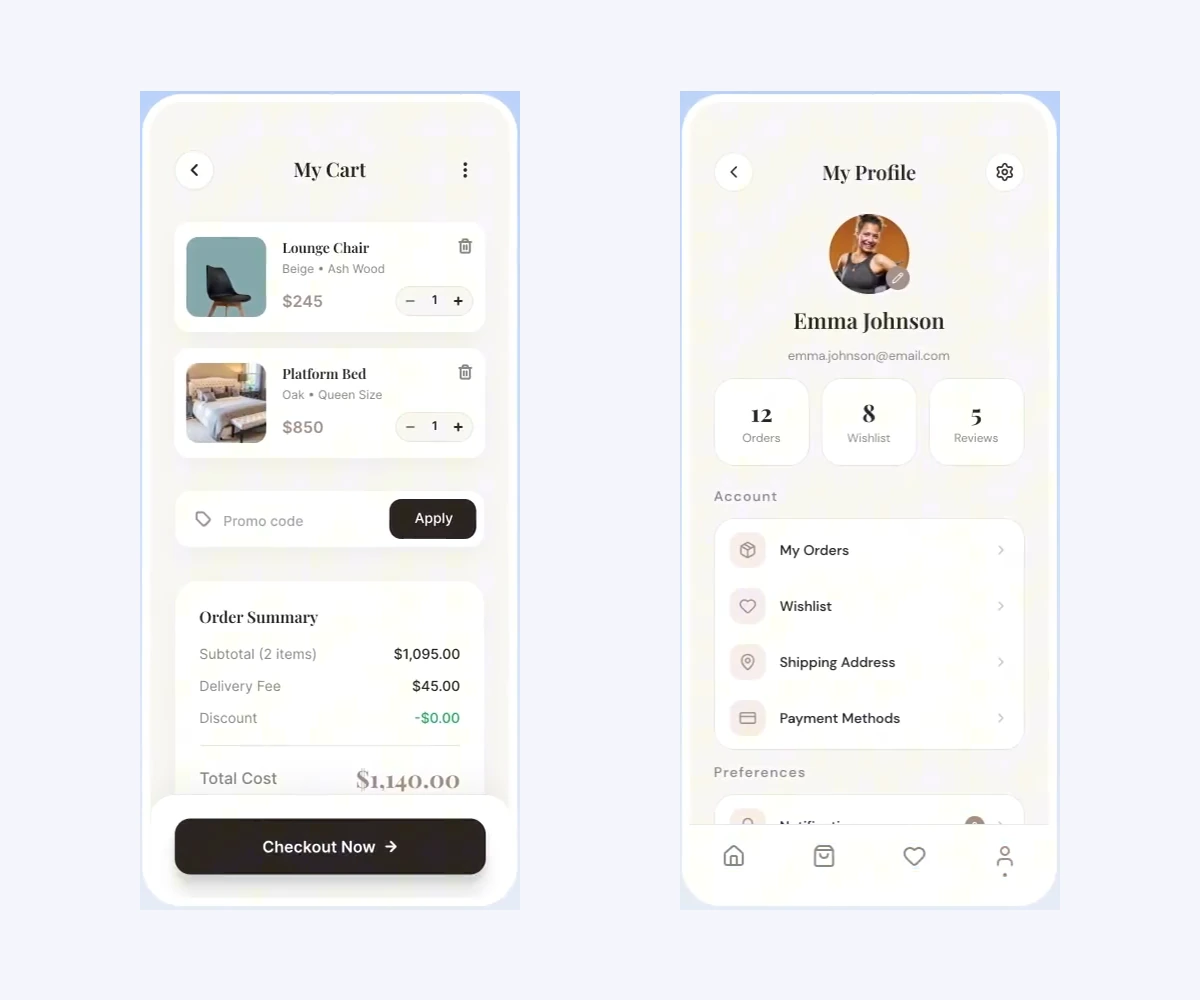
Yes. Develop related screens in the same design file. Give each screen its own requirements, reuse the same visual direction or design system, and refine the results as a connected experience. Working screen by screen gives you more control over complex app ideas.
Can I use an existing app design as a starting point?
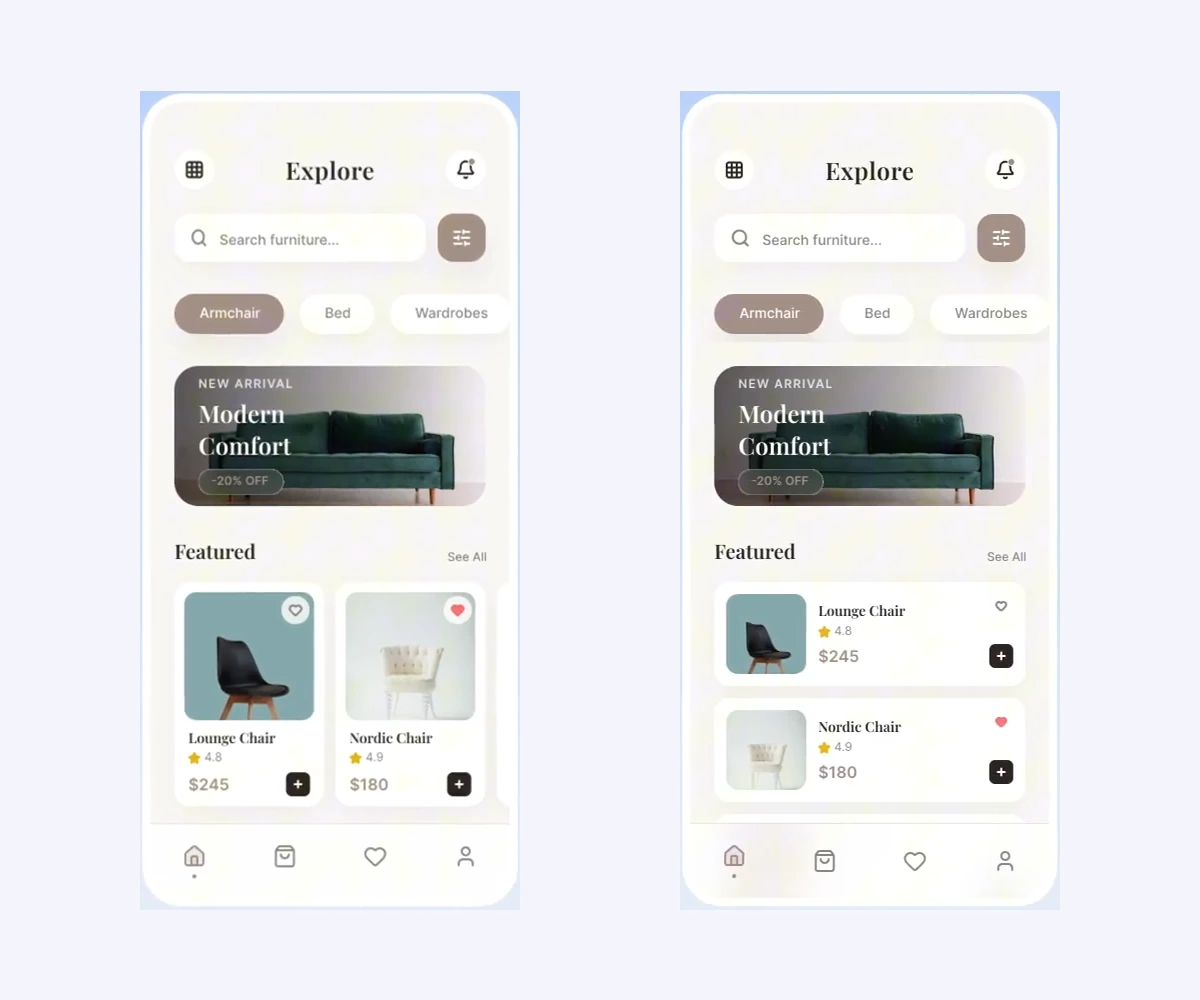
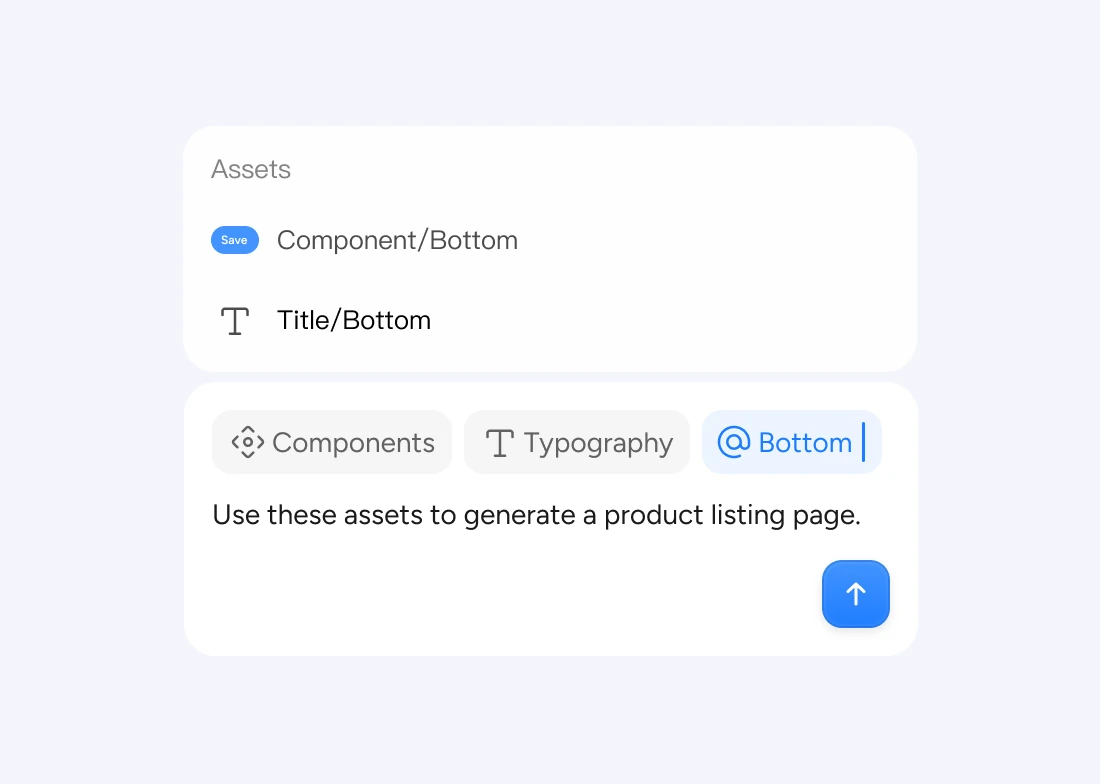
Yes. Refine selected elements in a Pixso design, or attach a reference image and explain what it should inform. You can request layout, text, color, and component changes while continuing to edit the result on the canvas.
Can my team review the app before development?
Yes. Share the design file for review and connect screens into a prototype to communicate the intended flow. This gives designers, developers, and stakeholders a common reference for discussing the experience.