On this page

Elodia
Designers often work with content in multiple languages, which sometimes includes bidirectional text that combines LTR and RTL writing systems. Understanding what bidirectional means is essential for maintaining visual consistency when languages like English and Arabic appear together. By exploring unidirectional vs bidirectional layouts, designers can handle text alignment, punctuation, and spacing more effectively. Knowing what bidirectional text is allows for smoother integration of multilingual content, while proper handling of bidirectional elements ensures readability and a polished user experience across different platforms. In this guide, we’ll cover key concepts of bidirectional text, practical tips for working with LTR and RTL, and strategies for managing complex text flows in UI and UX design.
Part 1. Bidirectional Meaning in Design
The term "bidirectional" means "in two directions." In typography and design, bidirectional text (bidi text) refers to text with both left-to-right (LTR) and right-to-left (RTL) writing systems within a document or even one interface.
Example:
- English, French, and Spanish are LTR languages.
- Arabic, Persian, and Hebrew are written from right to left.
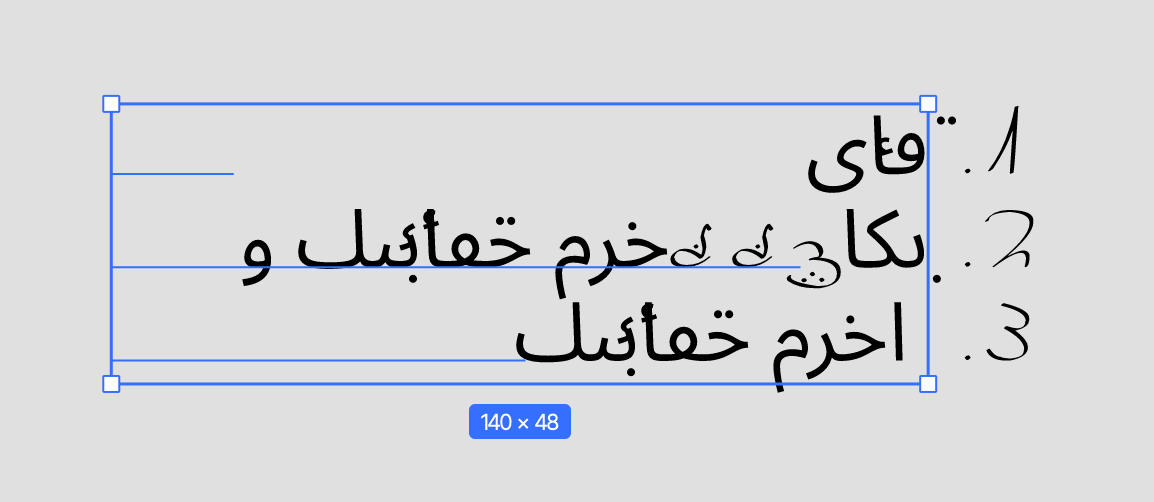
When both directions appear together, such as in an Arabic sentence containing an English phrase, the software must display the mixed-direction text correctly. That is precisely what bidirectional support accomplishes.
Text direction has a significant visual effect. One misplaced direction marker will reverse or distort entire words. Understanding bidirectional text prevents these frustrating layout flaws.
Part 2. Why Bidirectional Text is a Hard and Fast Requirement of Modern UI Design
Support for more than one writing direction is not just a best practice for multilingual interfaces; it is a requirement. Think about creating an e-commerce website or app with tens of millions of users in Middle Eastern and Western markets. Without bidirectional text support, your UI will be half-disabled for half of your users.
That's why it's important:
- Localization and accessibility: Proper bi-directional support allows users from different linguistic backgrounds to perceive the same visual information.
- Professional brand image: Interfaces that handle RTL content properly show attention to detail and sensitivity to users’ cultural context.
- Consistency of multi-language design: In designing buttons, forms, or navigation bars, bear in mind utilizing logical flow for LTR as well as for RTL users.
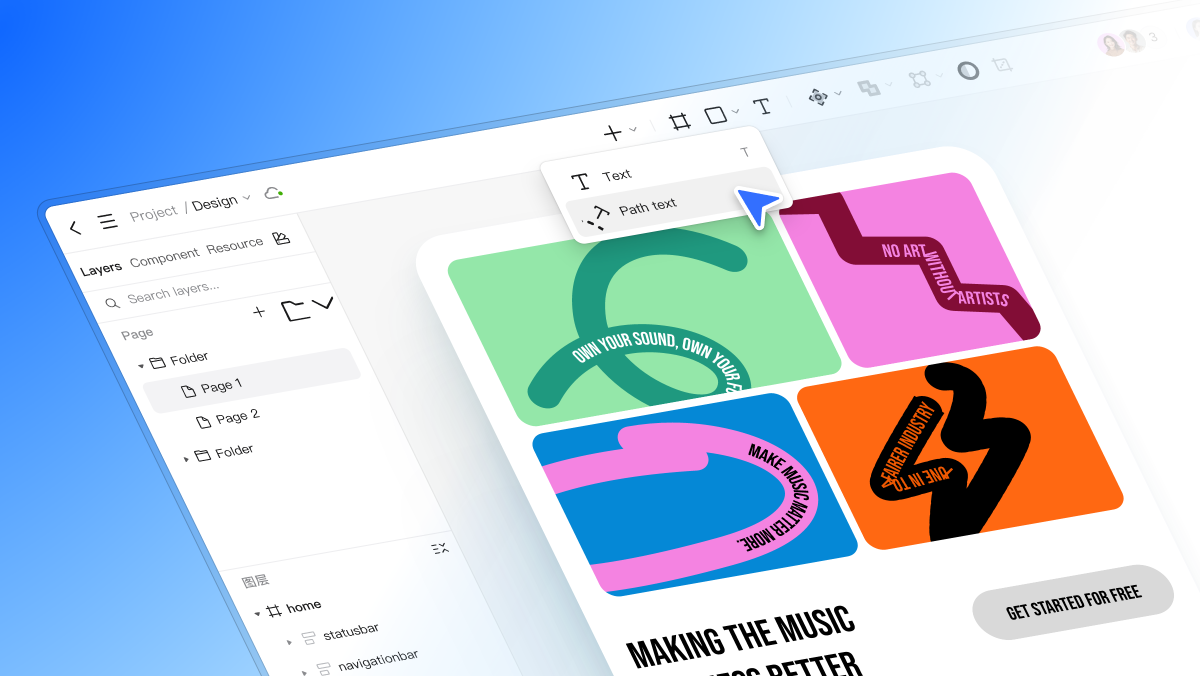
Software like Pixso has made handling such cases easier, with native bidirectional text support so that designers can easily toggle between LTR and RTL designs without affecting their grids and spacing.
Part 3. Unidirectional Layouts vs Bidirectional Text
Let's learn the idea better by contrasting unidirectional vs bidirectional layouts.
Unidirectional Design
A unidirectional layout is straightforward. It anticipates text flowing in one consistent direction: RTL, or LTR, but not both.
For example, an English-exclusive page features LTR flow: left-aligned text, top-left buttons, and left-to-right progress bars.
Bidirectional Design
Bidirectional design, though, needs to accommodate both directions concurrently. For example:
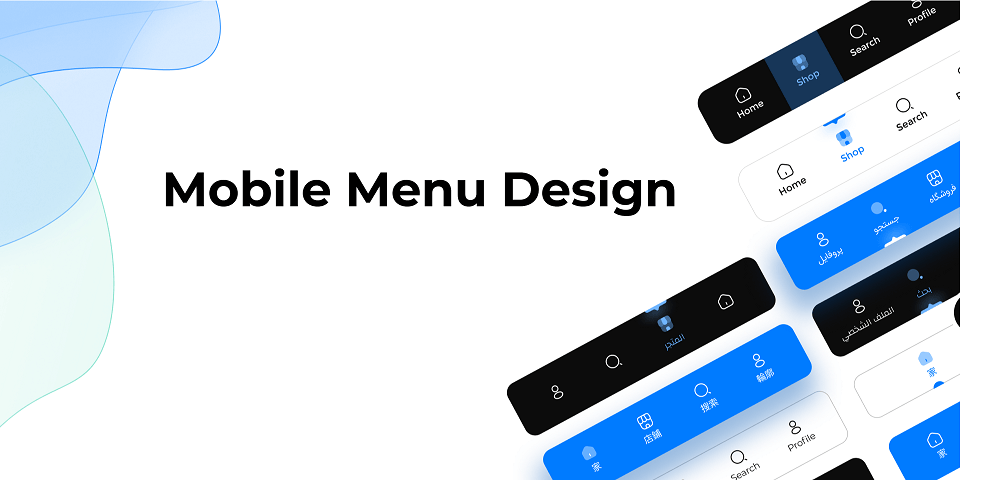
- The majority of the content is Arabic (RTL), but there are minimal technical terms or numbers in English (LTR).
- In the same input field, users of a messaging program can type English and Arabic—eliciting dynamic direction control.
Understanding the distinction between unidirectional and bidirectional layouts helps you implement flexible grids and avoid confusion when text direction changes.
Part 4. LTR and RTL: The Skeleton of Bidirectional Design
Let us explore the two natural directions of writing that define bidirectional text in more detail.
What is LTR?
LTR is an acronym for Left-to-Right. It's the default for most Western languages. Designers may not even notice LTR because it's the norm in most software products. Buttons, icons, and scrollbars are left-aligned.
What is RTL?
RTL is an acronym for Right-to-Left. Arabic and Hebrew use this direction. RTL means flipping most of your layout elements: alignment, icons, arrows, even progress bars, so that they're natural to native speakers.
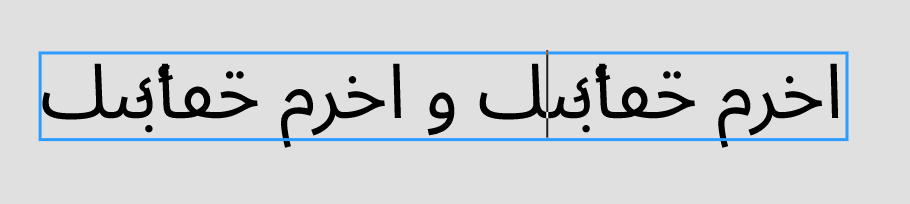
Why Both Matter
When you are designing bidirectional UIs, you just can't simply mirror the entire UI. Certain things, like logos or icons, need to remain the same in both directions. Bidirectional design requires deciding which elements to mirror and which to keep unchanged.
Pixso makes things easier by automatically turning on LTR and RTL layout modes for text and layout settings. Designers are able to observe how the interface acts both ways without having to double up frames or do it manually.
Part 5. Examples of Bidirectional Text in Real Life
We can better grasp what bidirectional text looks like by observing where it is being used in real-life applications.
1. Messaging Platforms
Applications like WhatsApp or Telegram deal with mixed content regularly. The user can send a message in English using an emoji in a chat that is Arabic. The direction of the text will automatically switch between LTR and RTL as required: bidirectional in real time.
2. News Websites
Publications for readers around the world may contain multilingual copy. Headlines are RTL, while inline quotations or company names are LTR. Without bidirectional rendering, all this material would be confusing to look at.
3. Design Tools (e.g., Pixso)
Pixso’s bidirectional text feature demonstrates to designers exactly how direction changes will impact their design. It even imports Sketch files bidirectionally, so you can switch platforms without sacrificing alignment or animation data.
Part 6. Bidirectional Text Best Practices for Design
Technical and cultural knowledge is required to enable bidirectional languages. Some critical guidelines follow:
1. Use deliberate alignment
Align to start or finish instead of hardcoding "left" or "right." Automatic flipping between LTR and RTL modes is made easier by this.
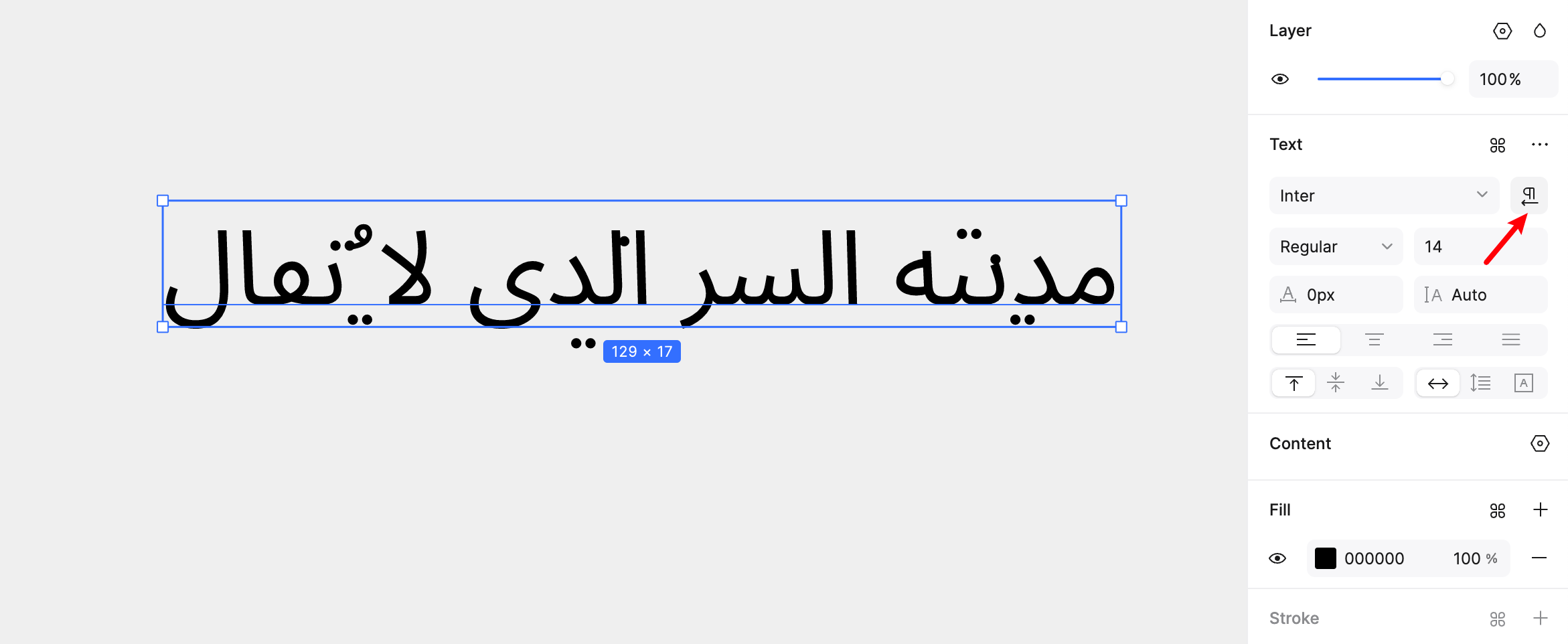
2. Mirror layouts logically
Not everything needs to flip. Direction or movement icons (such as arrows or sliders) need to align with text flow with brand items anchored in place.
3. Test early and frequently
Always preview in RTL and LTR environments. Pixso makes it convenient with dynamic preview functionality that instantly reverses direction.
4. Check animation consistency
When an interface supports both text directions, check that transitions such as slide-ins and progress bars look natural in both modes.
5. Collaborate with native users
There is no substitute for feedback from users who read RTL languages daily. Their feedback can help refine spacing, punctuation, and text flow.
Part 7. Two-way Content and Developer Collaboration
Support for bidirectional content is a development concern as well as a design concern. UI coders and designers need to come to an agreement on text behavior, mirror logic, and padding.
It is here that new Dev View functionality in applications such as Pixso plays its role. Designers can share text-direction specifications so developers can implement the intended LTR and RTL behavior. This reduces back-and-forth discussion and keeps designers and developers aligned.
Part 8. The Future of Bidirectional Design
As products reach more markets, bidirectional support becomes a basic requirement rather than a specialized feature. Designers who understand bidirectional text can create interfaces that feel natural in different languages.
Pixso's commitment to bidirectional text compatibility is an important step in the right direction. With enhanced animation handling, support for right-to-left writing, and Sketch compatibility, it allows design teams to deliver experiences that truly cross language barriers.
Conclusion
Understanding bidirectional text is not just about changing text direction; it is about considering how people read and use an interface. Whether developing mobile apps, web dashboards, or enterprise software, it is essential to understand how LTR and RTL scripts work.
By recognizing unidirectional versus bidirectional thinking and leveraging design tools like Pixso that natively support bidirectional text, you can welcome all your users home, whether they read from left to right or from right to left.