Scott
Modern design teams face the continuous challenge of orchestrating cross functional resources, aligning creative direction with development sprints, and hitting tight product release deadlines. Effective design project management bridges the gap between raw creative ideation and smooth developer handoff.
To help your team eliminate communication silos and deliver high quality digital products on schedule, we have compiled the 10 best design project management tools favored by contemporary product, UX, and engineering teams.
1. Pixso Whiteboard
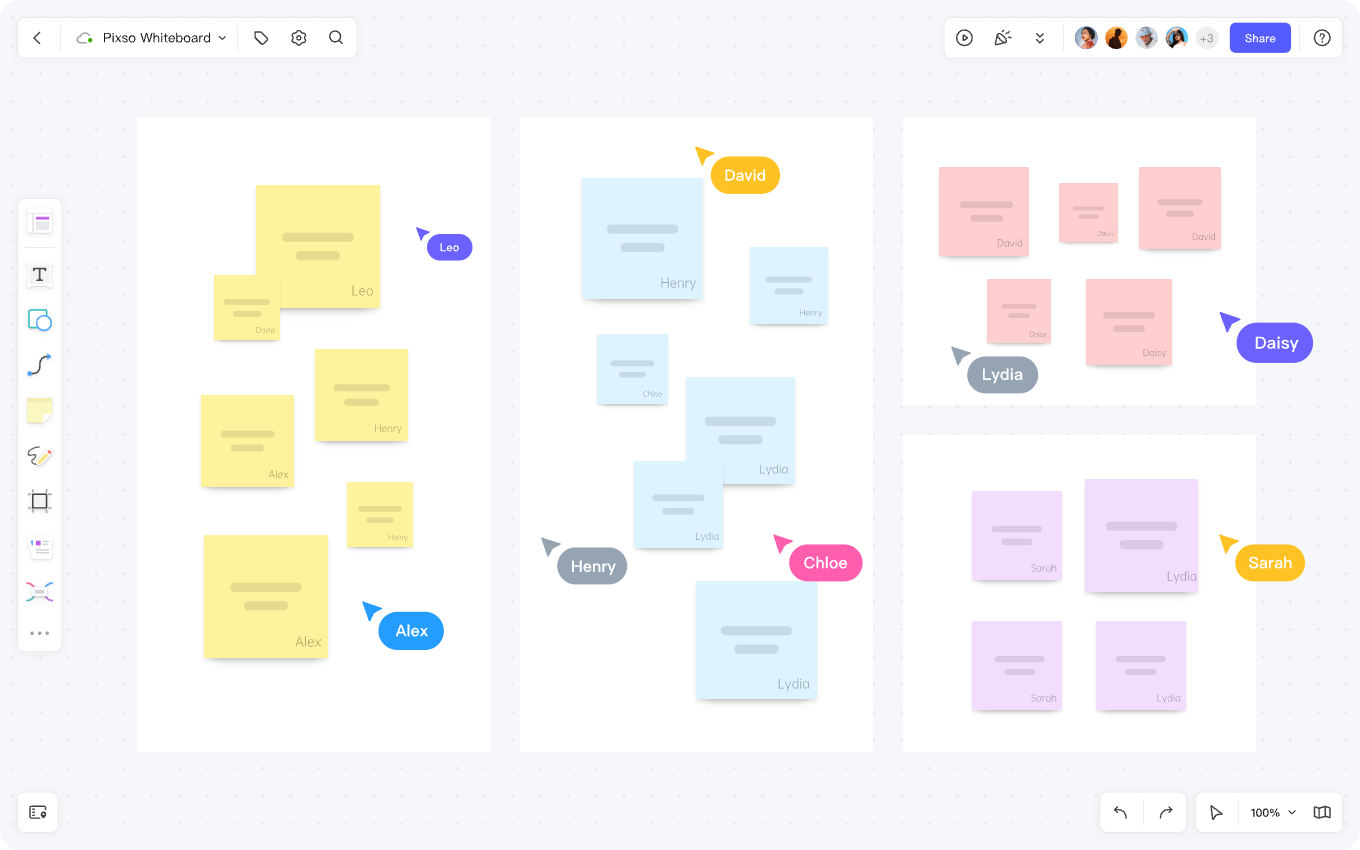
Pixso Whiteboard is a cloud based collaborative workspace equipped with real time diagramming, inspiration mapping, and visual planning capabilities. As an integral part of the Pixso design ecosystem, it enables teams to transition effortlessly between strategic planning on the whiteboard and pixel level execution in design files, creating a unified bridge between project planning and creative production.
👉 Click here to register for a free Pixso Whiteboard account
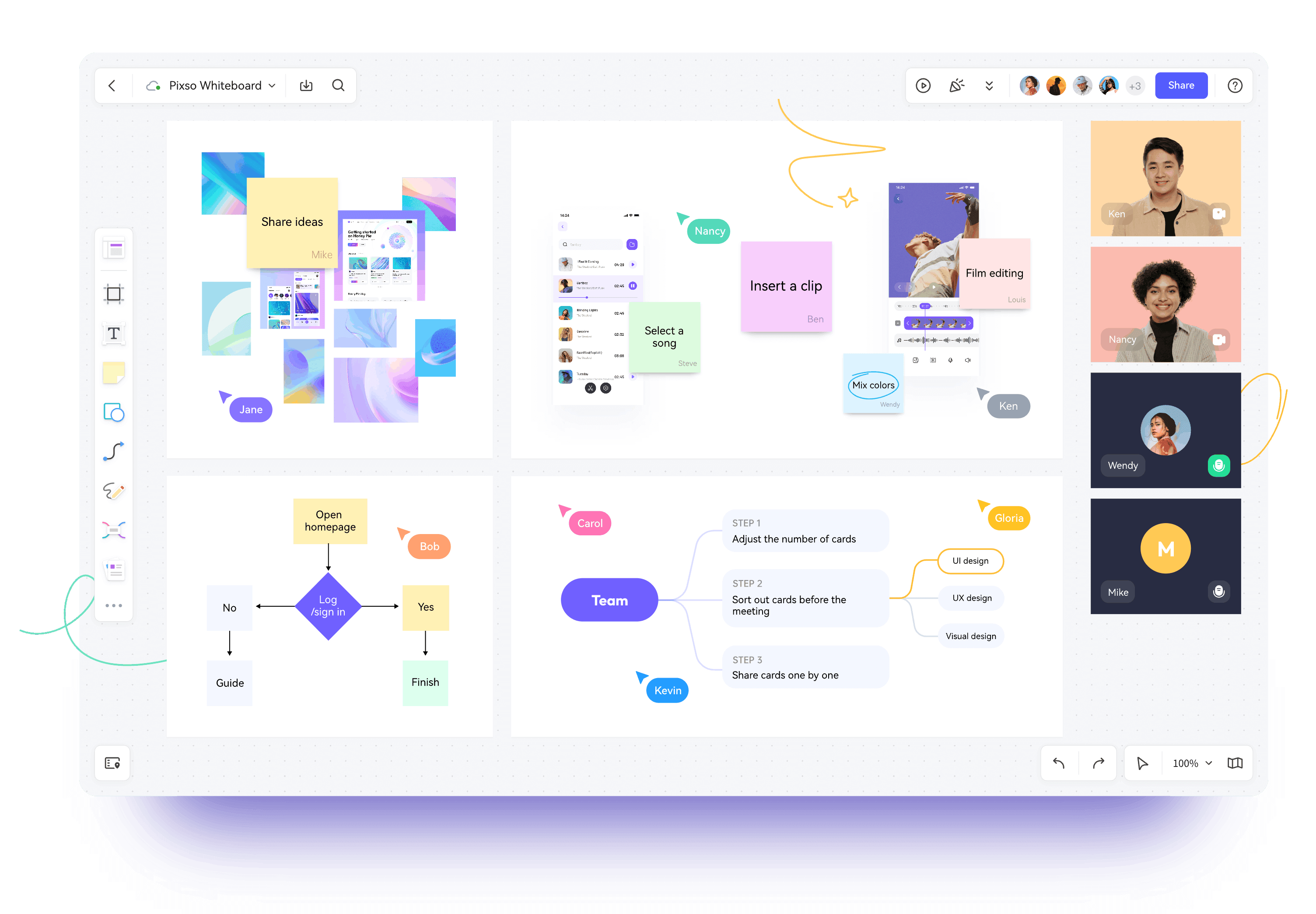
- Real Time Visual Collaboration: Pixso Whiteboard offers a low latency multiplayer canvas where designers, product managers, and developers can ideate, comment, and provide feedback simultaneously. This visual workspace accelerates design decision making and speeds up alignment meetings.
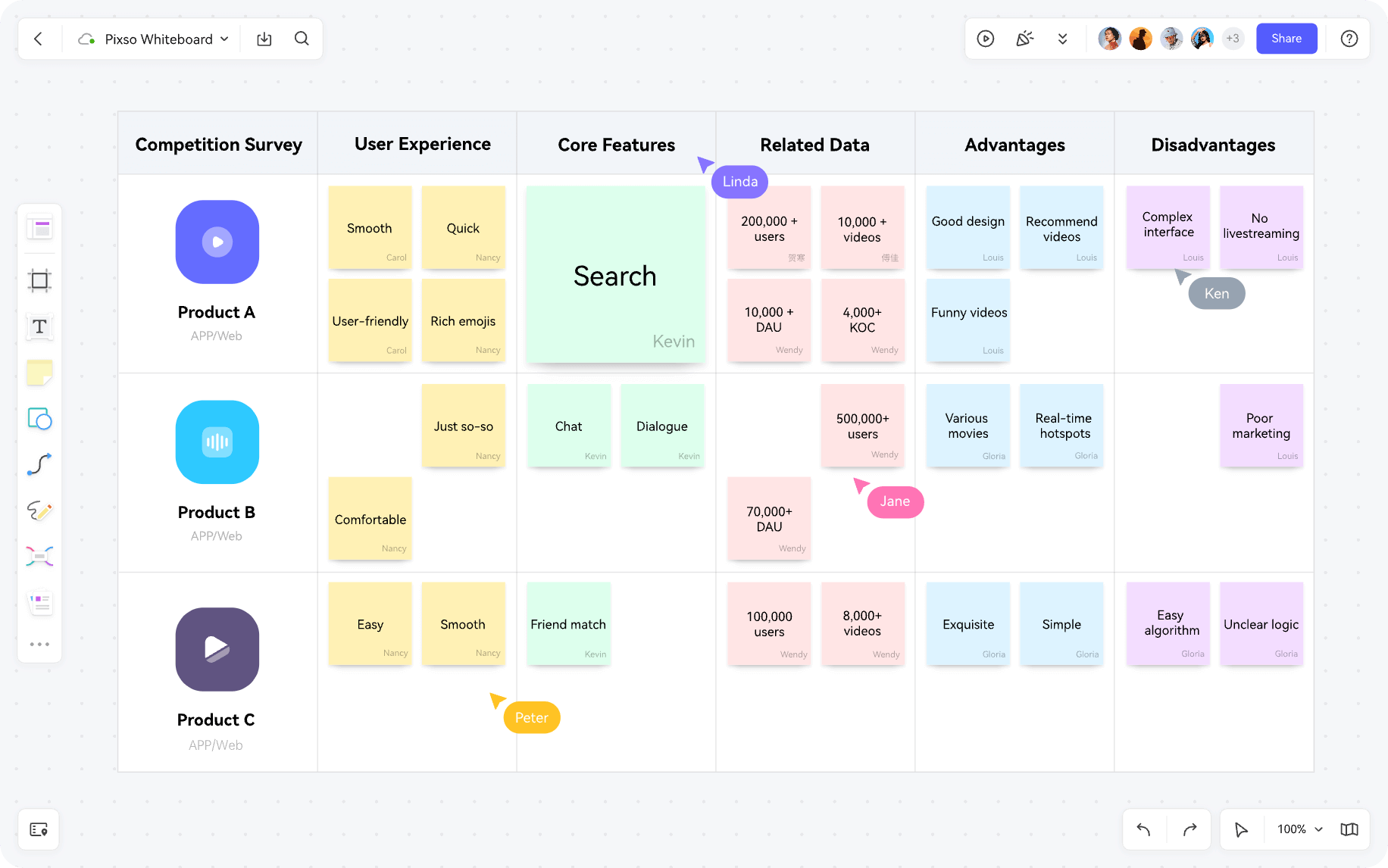
- Ideation and Mind Mapping: The platform features an extensive library of flowchart shapes, sticky notes, connectors, and visual tags. Teams can organize complex product architectures, map feature hierarchies, and brainstorm creative concepts without canvas boundaries.
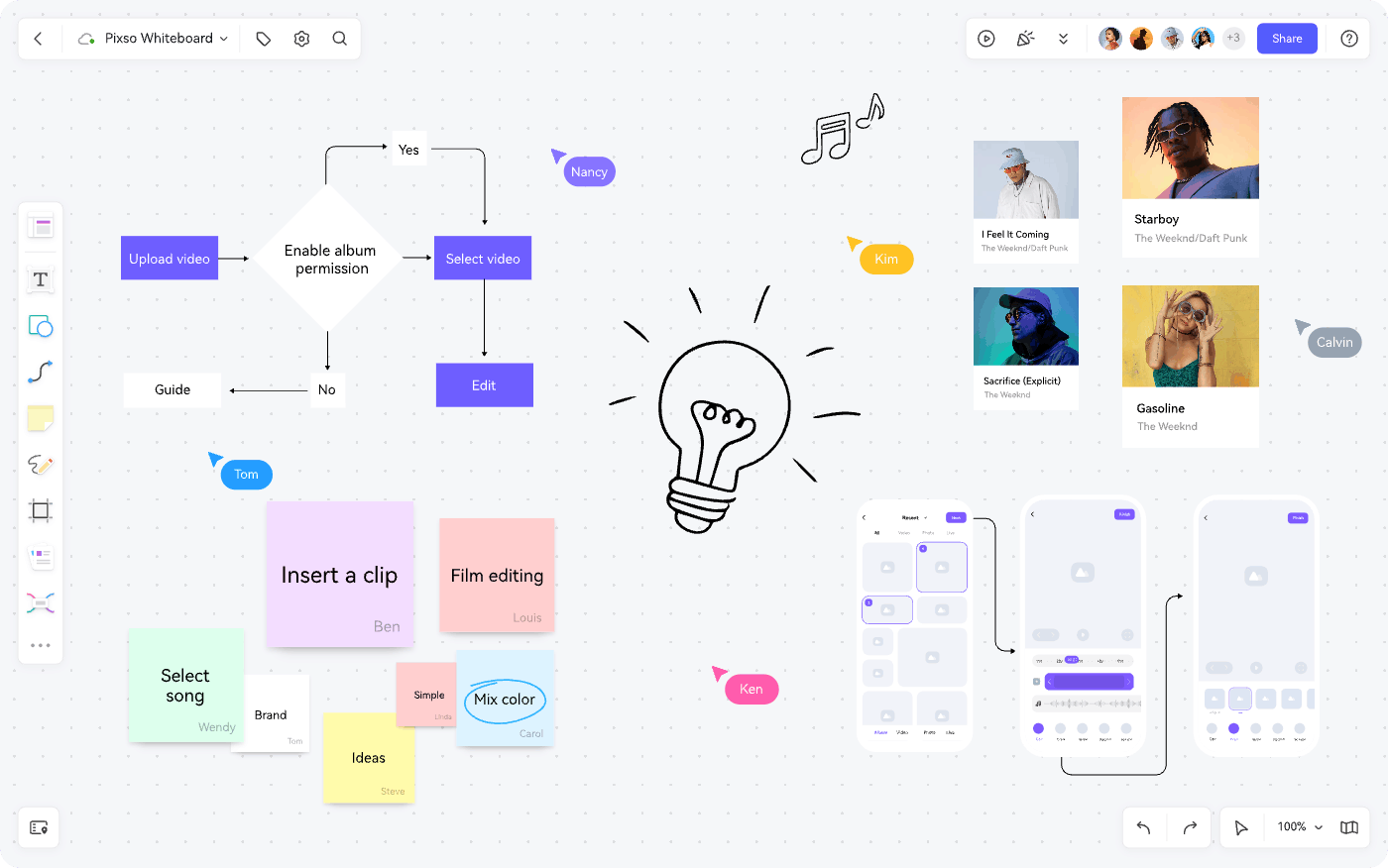
- User Journey Mapping: Product teams can build comprehensive user journey maps and empathy diagrams directly on the canvas, ensuring that design decisions remain grounded in verified user research before moving into high fidelity UI design.
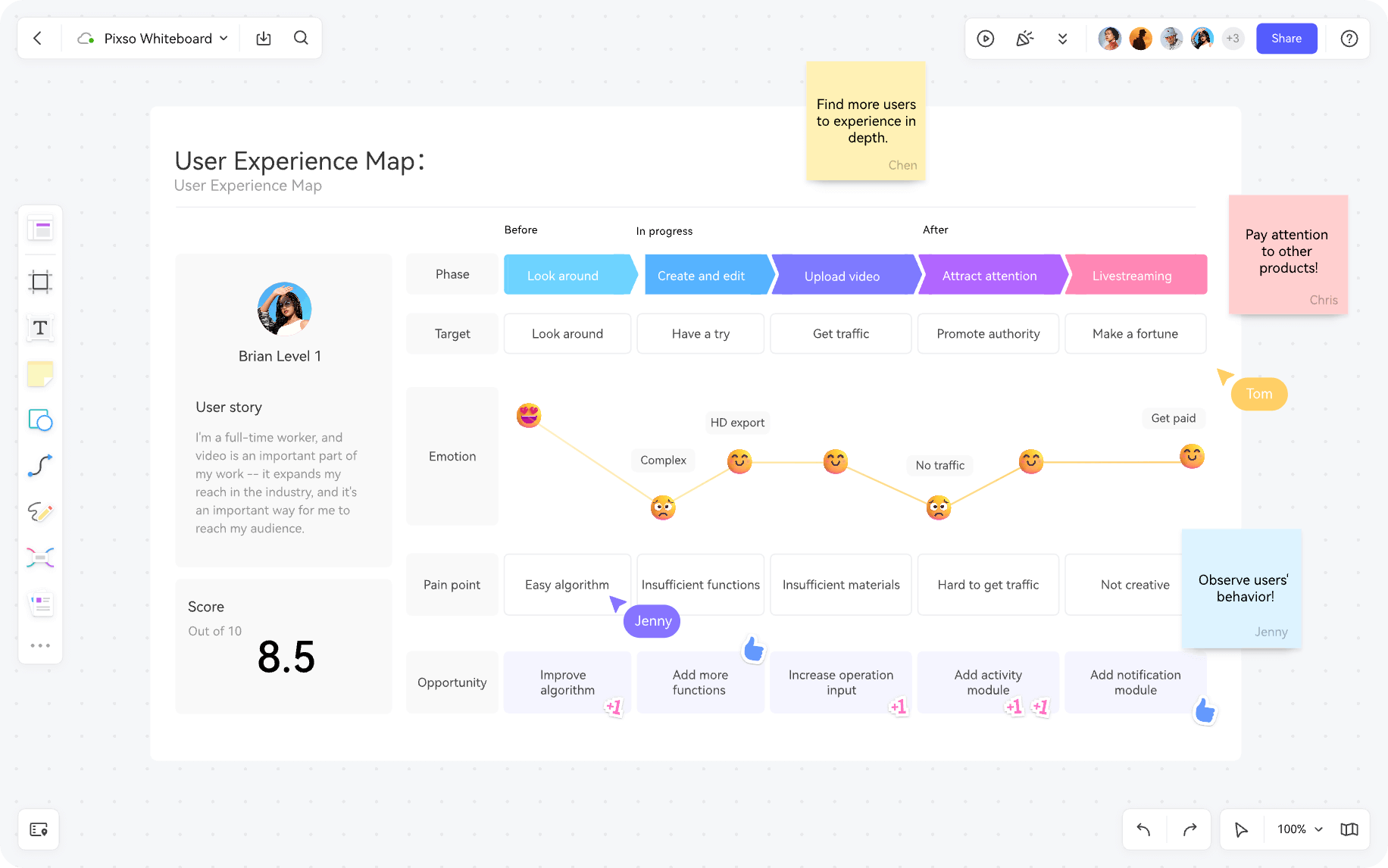
- Cross Functional Workflows: Beyond design ideation, the platform serves as a central hub for cross departmental collaboration. With browser based access, instant link sharing, and cloud co-editing, all stakeholders work inside a single shared environment. As a versatile free whiteboard tool, it significantly boosts agile workflow efficiency.
2. Trello
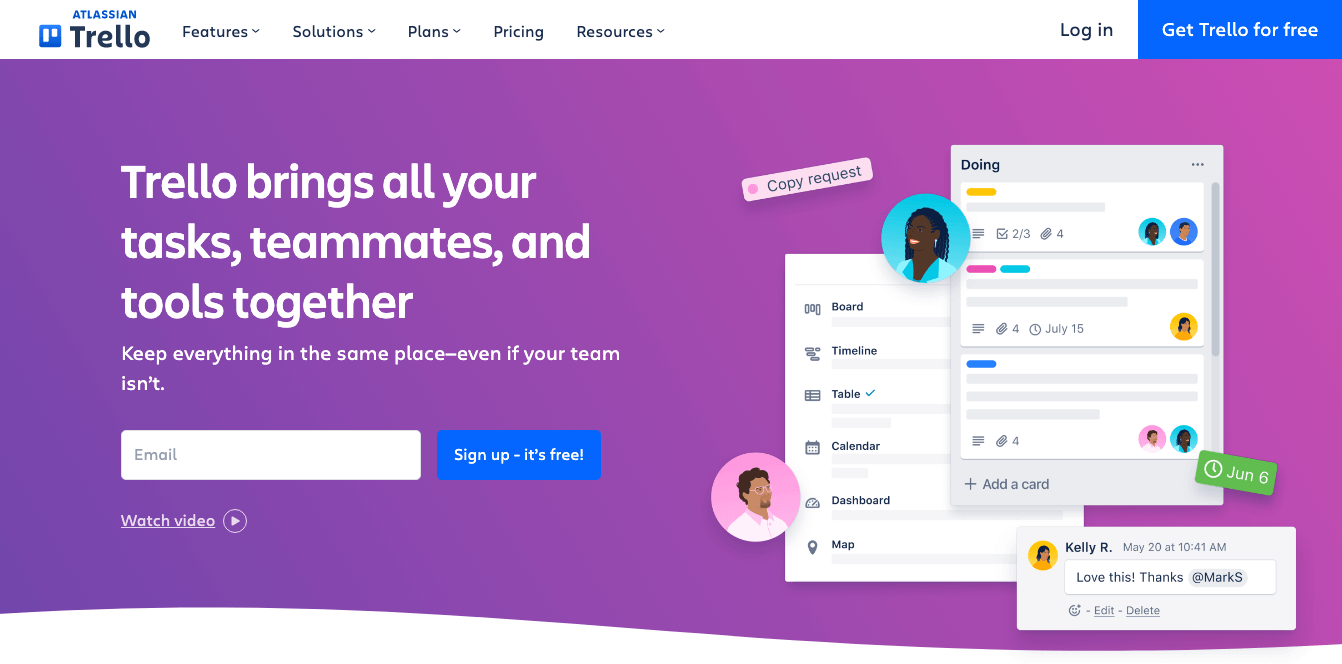
Trello is an intuitive Kanban based design project management tool celebrated for its visual simplicity. By organizing creative tasks into customizable boards, lists, and cards, designers can structure design sprints, assign deliverables, and track progress at a glance. It gives stakeholders immediate visibility into project status without requiring complex setup.
3. Asana
Asana is a robust design project management software platform designed to manage complex, multi tier creative initiatives. With interactive Gantt style timelines, workload balancing dashboards, and automated task dependencies, Asana helps design leads organize sprint backlogs, prevent team burnout, and keep deliverables aligned with product release schedules.

4. Monday.com
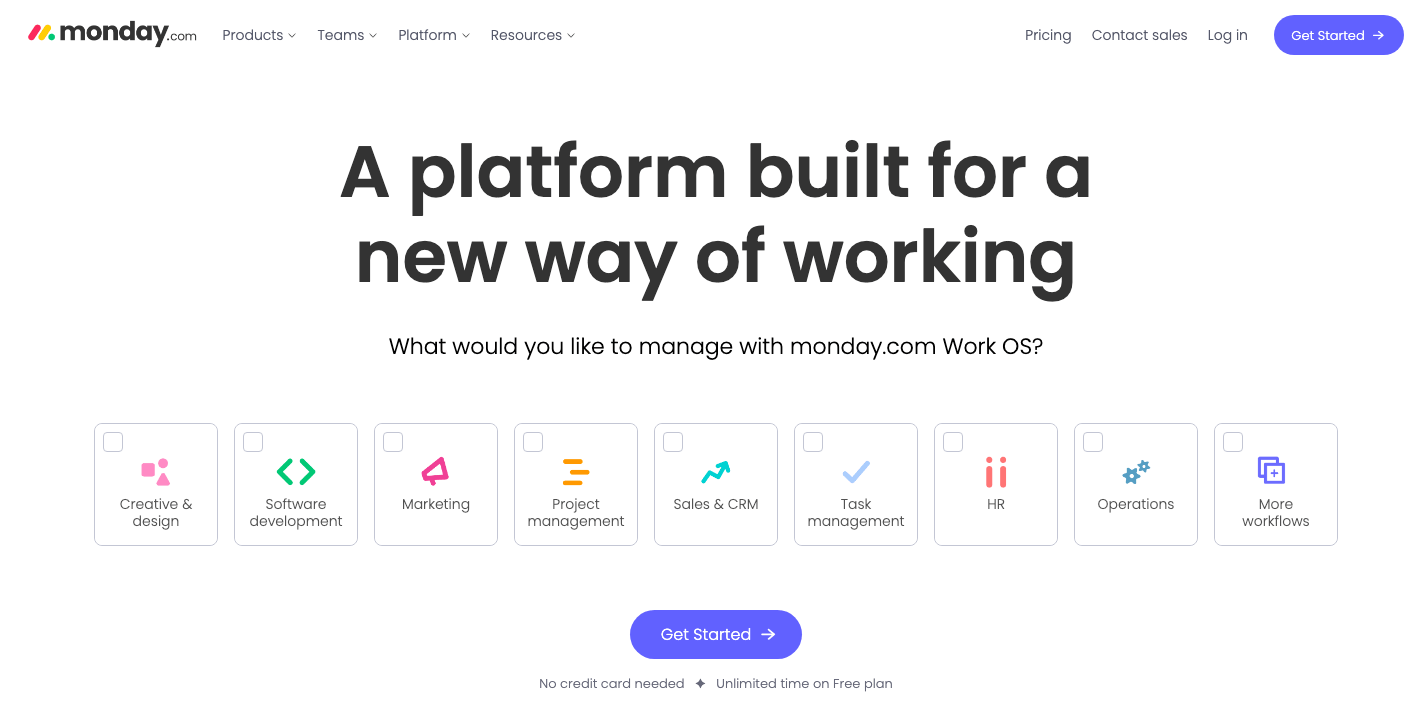
Monday.com provides a flexible design project management tool that centralizes design requests, asset reviews, and deadline tracking in one visual workspace. Creative teams can build customized workflows, establish automated status notifications, and monitor production progress in real time across distributed teams.
5. Basecamp
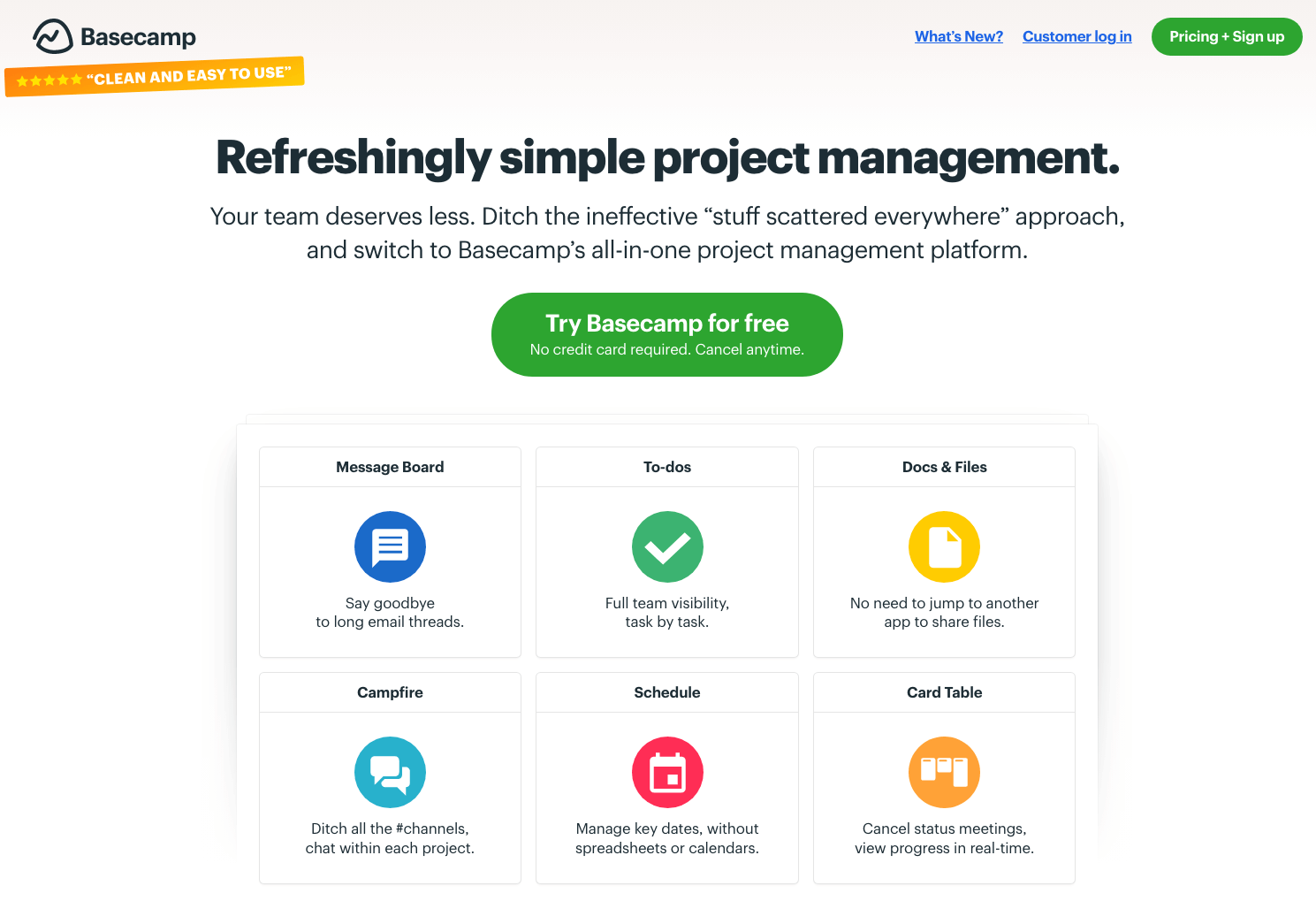
Basecamp combines to do lists, team message boards, real time group chats, and file storage into a clean, distraction free interface. Its all in one layout helps creative studios and remote design agencies coordinate project discussions, share feedback, and maintain clear client communication without clutter.
6. Jira
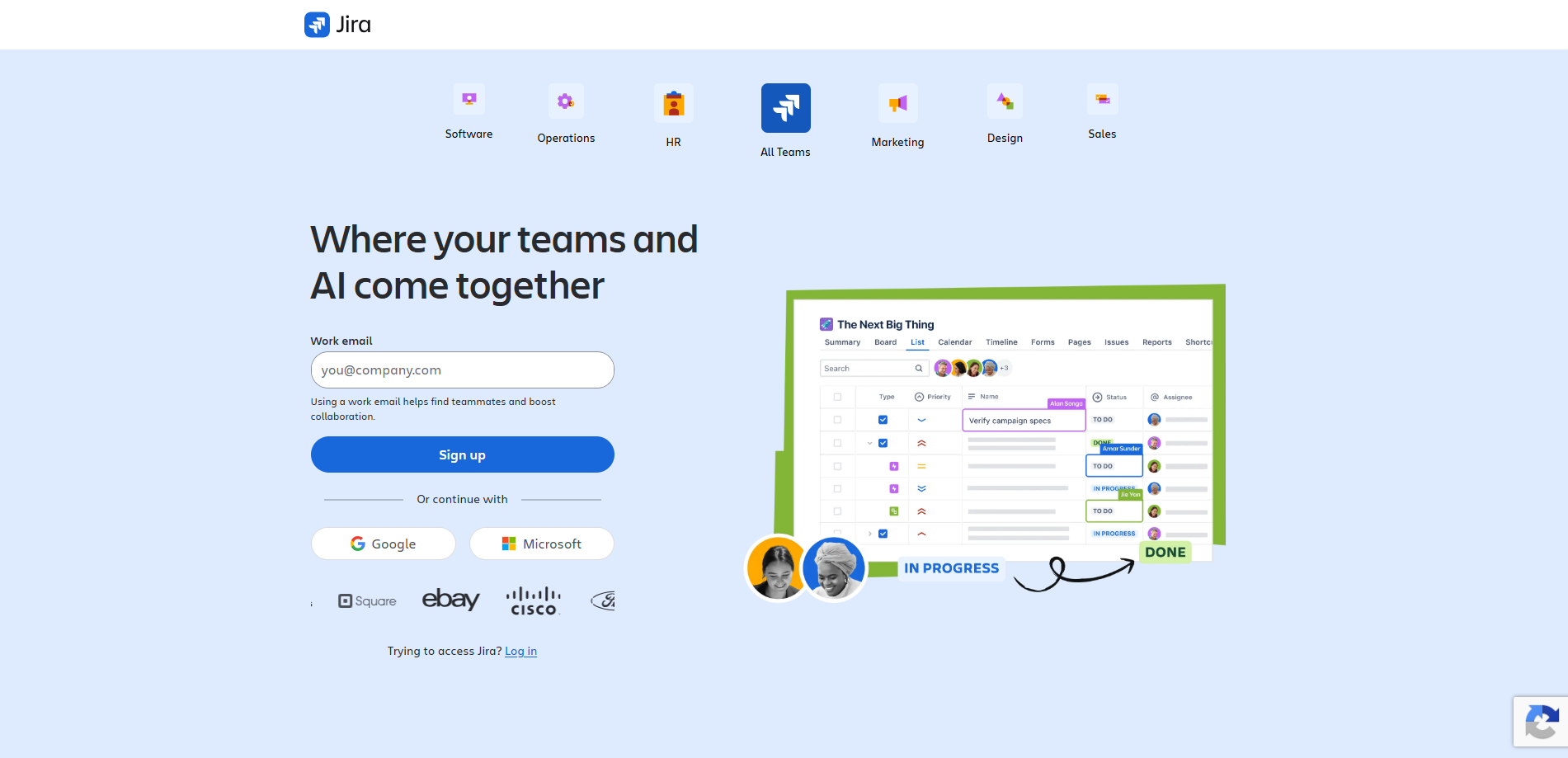
Jira is an enterprise grade agile issue tracker built for technical teams and large design departments working closely with engineering. With dedicated sprint planning boards, customizable backlog queues, and comprehensive release tracking, Jira ensures that UI assets and design tokens move smoothly through developer implementation.
7. Slack
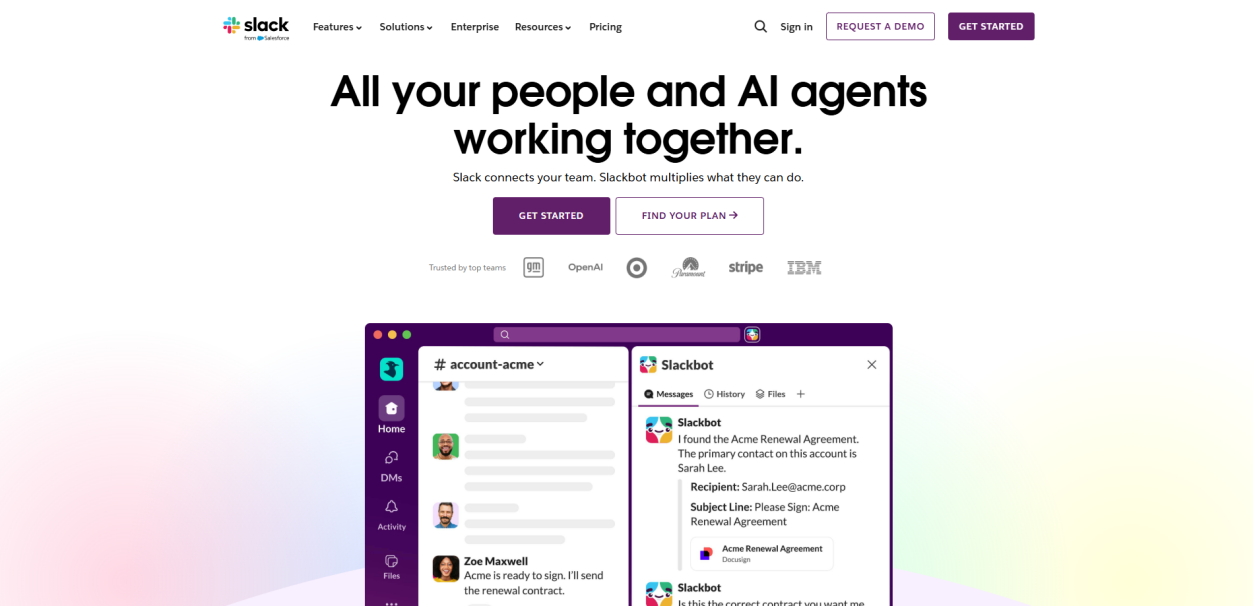
Slack serves as the real time communication backbone for modern product teams. By setting up dedicated channels for specific design projects, design system updates, and feedback threads, team members can exchange design assets, conduct quick audio or video huddles, and keep distributed collaborators aligned across time zones.
8. Microsoft Teams
Microsoft Teams integrates instant messaging, video meetings, cloud document management, and third party app connections inside the Microsoft 365 environment. It allows enterprise design teams to review mockups during live video calls, co-edit project briefs, and manage cross functional approvals in a secure environment.
9. Notion
Notion is an adaptable all in one workspace that combines project roadmaps, design documentation, and relational databases. Creative teams use Notion to maintain living design system documentation, organize sprint tasks, track research findings, and centralize project resources within customizable team wikis.
10. Airtable
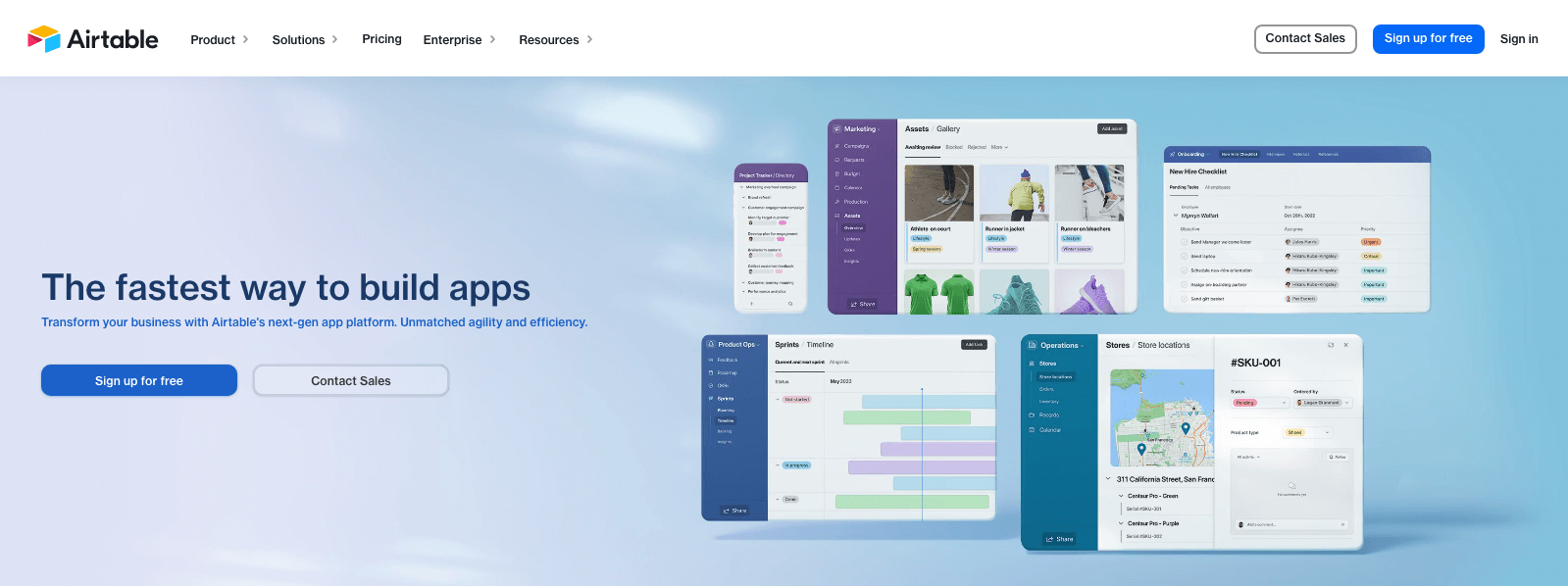
Airtable combines the simplicity of a spreadsheet with the relational data power of a database. Design teams can use Airtable to catalog design systems, manage asset production pipelines, assign creative briefs, and view project schedules across interactive grid, calendar, and Kanban views.
FAQ
Q1. How does modern design project management software automate the developer handoff process?
Modern platforms automate developer handoff by converting vector design properties into production-ready CSS, Swift, and Compose code tokens automatically. When designers update component states on the canvas, integrated tools sync these asset changes directly with engineering tickets in Jira or GitHub, eliminating manual redlining and reducing implementation discrepancies.
Q2. How do design project management tools prevent design debt and component version conflicts?
These tools prevent design debt by enforcing centralized design system governance and structured component versioning. By linking task cards directly to specific design iterations and master component libraries, teams can track why visual changes were made, review branch histories, and prevent unauthorized style overrides from reaching the production design system.
Q3. What is the most efficient way to collect stakeholder approvals without cluttering the primary design canvas?
The most effective approach is utilizing contextual review links and designated presentation viewports. Stakeholders can leave pinned feedback and approve user flows directly on interactive prototypes without needing design licenses, keeping the primary vector canvas organized and protecting work-in-progress files from accidental edits.
Q4. Should creative teams choose an all in one design ecosystem or integrate separate specialized tools?
All in one ecosystems offer superior efficiency for fast paced product teams by connecting early ideation on a free whiteboard tool with vector UI design and handoff in a single workspace. However, large enterprise organizations with complex engineering dependencies often benefit from pairing specialized design platforms with dedicated enterprise trackers to manage multi departmental roadmaps.
Summary
Adopting dedicated design project management tools is essential for maintaining team velocity and delivering polished digital experiences. When evaluating solutions, consider your team size, workflow complexity, and how closely your project planning integrates with your actual design files.
Unifying strategic ideation with production design using Pixso Whiteboard ensures that creative context is never lost between the initial whiteboard sketch and final developer handoff.
👉 Start organizing your creative workflows with Pixso Whiteboard today!