Scott
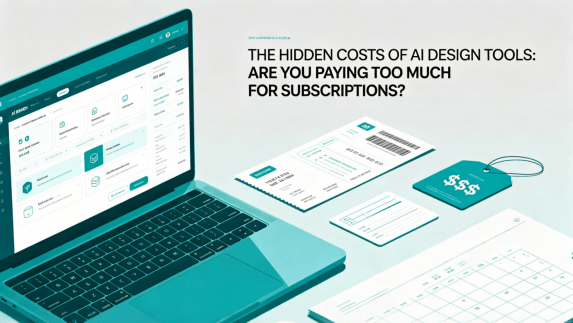
Modern design workflows are shifting rapidly as smart generation features become standard in corporate toolkits. However, this shift has brought a frustrating trend: rising SaaS bills and unexpected charges. Many teams do not realize the hidden costs associated with these platforms until they receive their end-of-month invoice. While automated design promises to save hours, complex tier pricing and credit structures can quickly break your budget. If you find yourself asking whether you are paying too much for your current subscriptions, this guide will analyze the actual expenses of design software and show how to build a highly cost-effective, unified design pipeline.
Part 1: The inflation of modern design software
For years, product teams have relied on specialized ui design tools to map out user journeys, build interactive mockups, and hand off assets to developers. Platforms like Figma, Sketch, Axure, and Adobe XD revolutionized how we collaborate. But as these tools matured, their pricing structures became increasingly complex.
Now, the introduction of artificial intelligence has added another layer of billing. Modern ai design tools promise to automate wireframing, generate code, and speed up layouts, but they rarely include these capabilities in their basic flat-rate plans. Instead, teams find themselves navigating freemium limits, purchasing additional credit packs, and paying premium fees for features that were once considered standard.
When every team member needs a creator seat, an AI addon, a developer handoff seat, and a virtual whiteboard license, the total cost of ownership becomes unsustainable for small and medium-sized businesses.
The real challenge is that software costs are no longer predictable. A team might start the year with a fixed software budget, only to find that scaling their output requires a sudden jump to an enterprise tier just to access basic administrative controls or collaborative workspaces.
As software providers look for ways to monetize their computing overhead, the true cost of these platforms is passed directly to the consumer through complicated, layered pricing schemes.
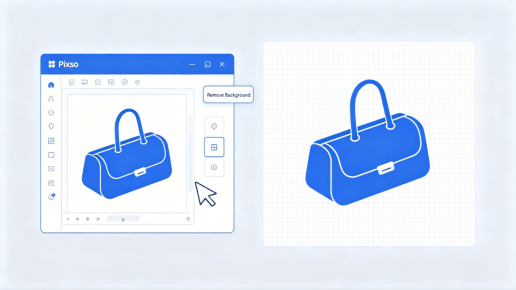
Part 2: Streamlining your stack: How Pixso controls design costs
A unified workspace may reduce overlapping subscriptions when it covers the functions the team actually needs. Evaluate Pixso using current seat prices, AI usage limits and enterprise terms; compare the same tasks and entitlements across vendors.
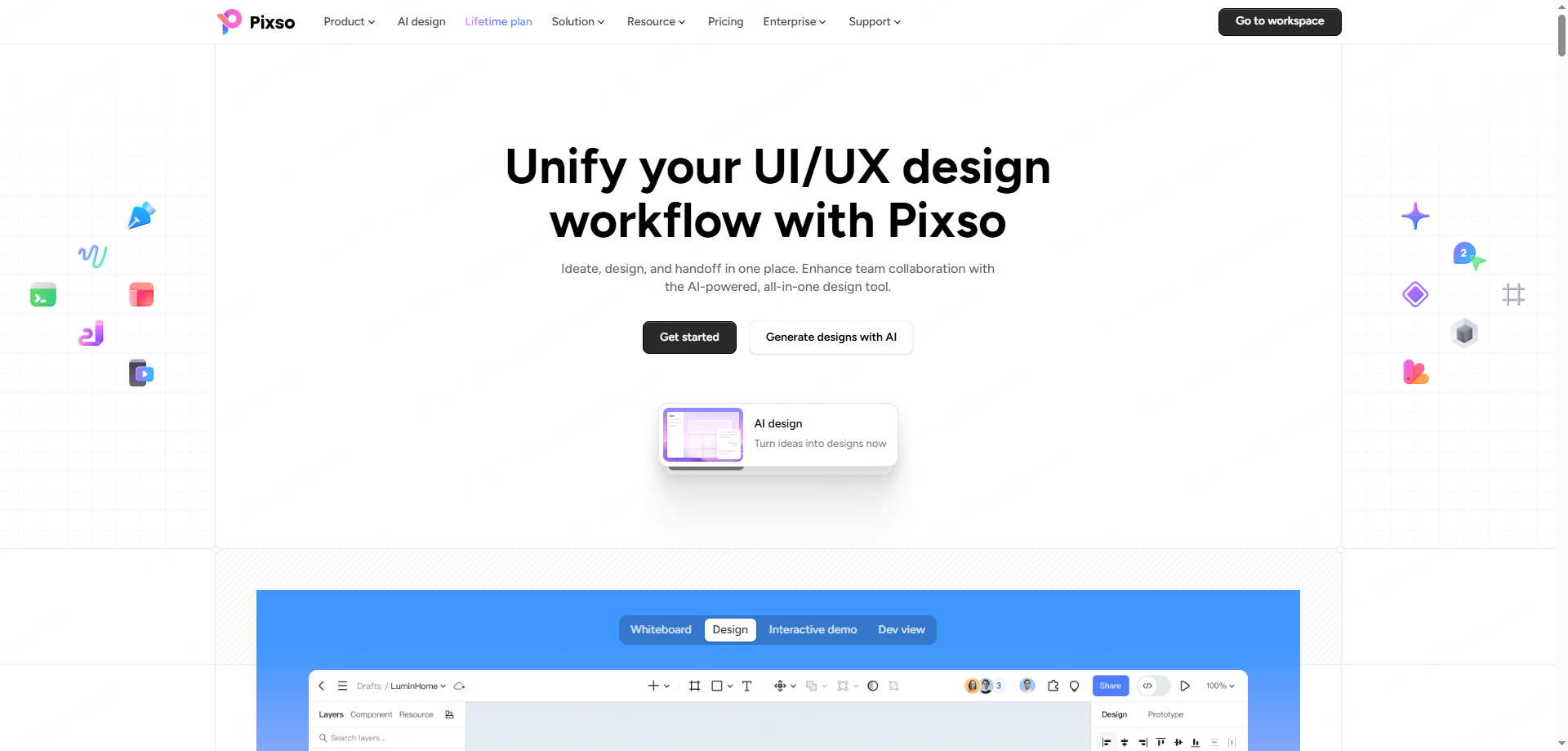
Here is how Pixso directly addresses the primary financial pain points of modern design teams:
Budget for AI usage and credits
Pixso AI access and usage limits depend on the current plan and product. Check how credits are allocated, whether they are shared, when they expire or reset, and what happens when the allowance is exhausted. Do not assume additional use is free.
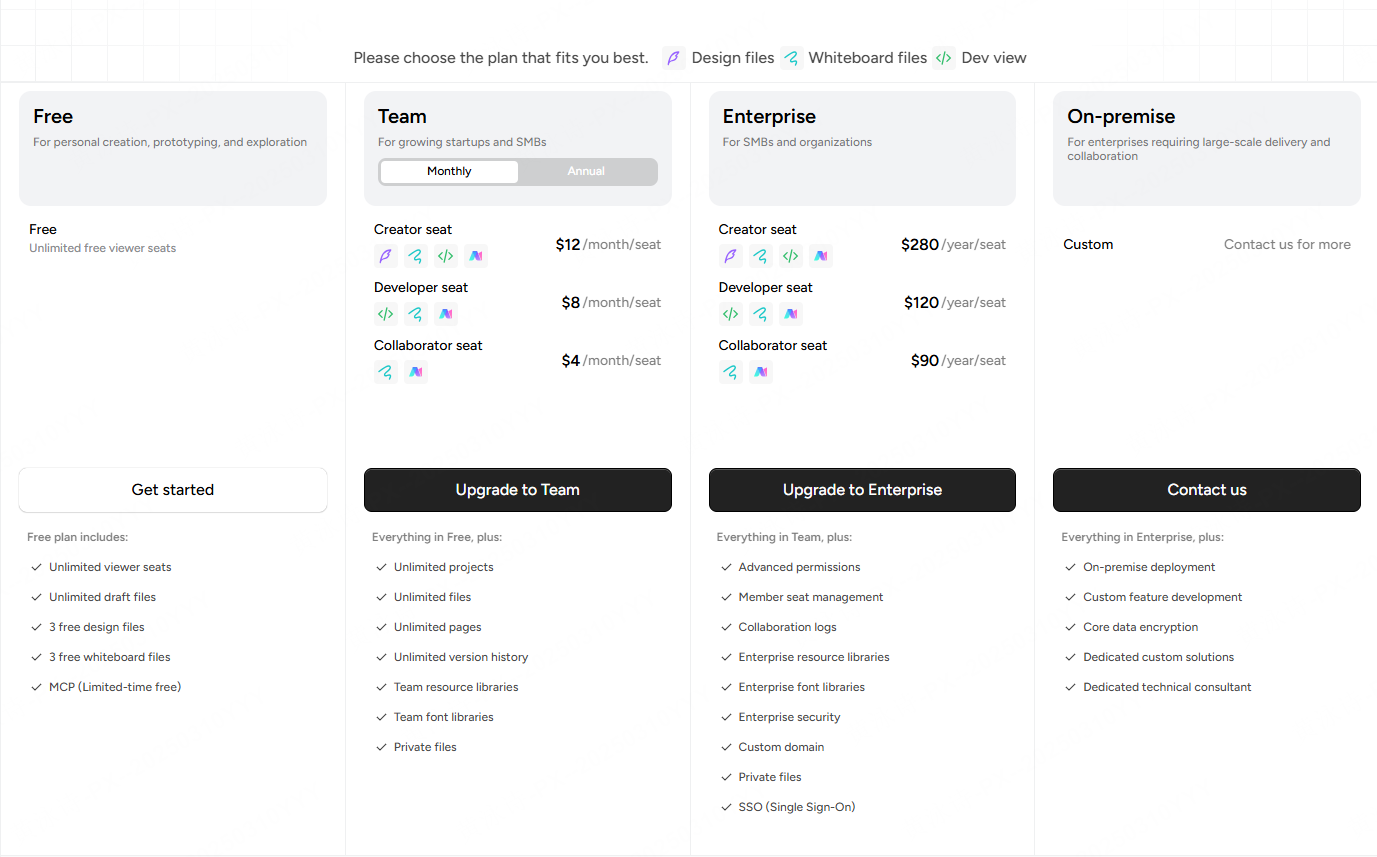
Transparent Team and Enterprise Subscriptions
Check billing cycles, renewal and cancellation terms, available seat types, external review access and security features in current Pixso pricing or the enterprise quote. Confirm which features require an upgrade rather than assuming all are included in the base plan.
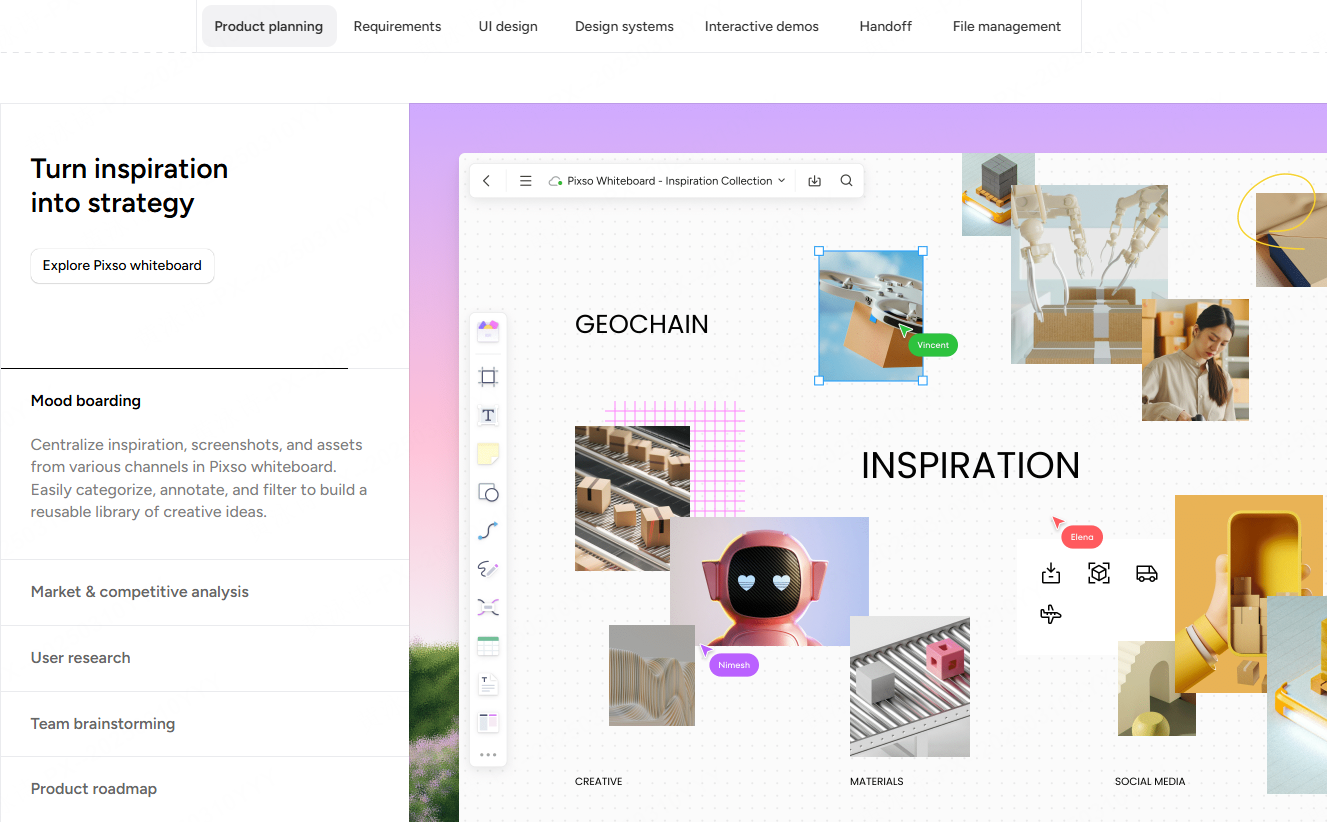
All-in-One Collaboration Workspace
Combining whiteboarding, design, prototyping and handoff in one workspace may reduce some separate subscriptions. Confirm which external tools can actually be retired before counting those savings.
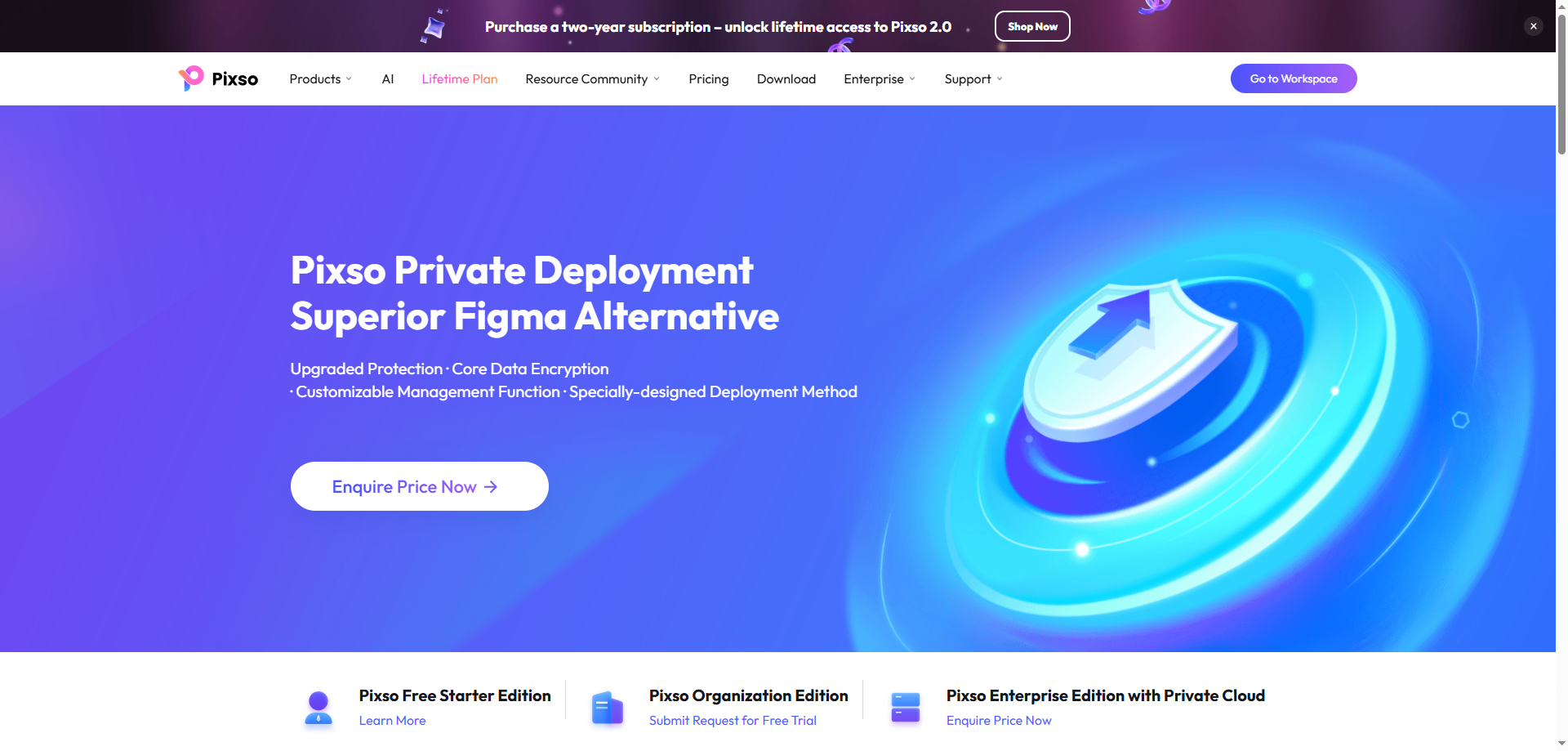
Flexible Deployment Options
Pixso offers cloud and private deployment options. Include infrastructure, migration, maintenance and compliance work in the cost comparison; private deployment does not automatically remove consulting or audit costs.
Part 3: Unmasking the hidden costs of AI design tools
Let's analyze the hidden costs that show up on your monthly credit card statement. Many organizations fall into the trap of looking only at the baseline user license without calculating the supporting ecosystem costs.
The Complicated Economics of AI Generation
For each product, identify the billing unit, included allowance, reset period, expiration and policy for exhausted credits. Additional usage may require an upgrade, a separate purchase or waiting for a reset; check the current terms.
If your designer runs a prompt ten times to perfect a layout, those credits vanish quickly. This unpredictable cost of ai operations makes it hard for finance departments to plan ahead, turning what should be a time-saver into a variable financial liability.
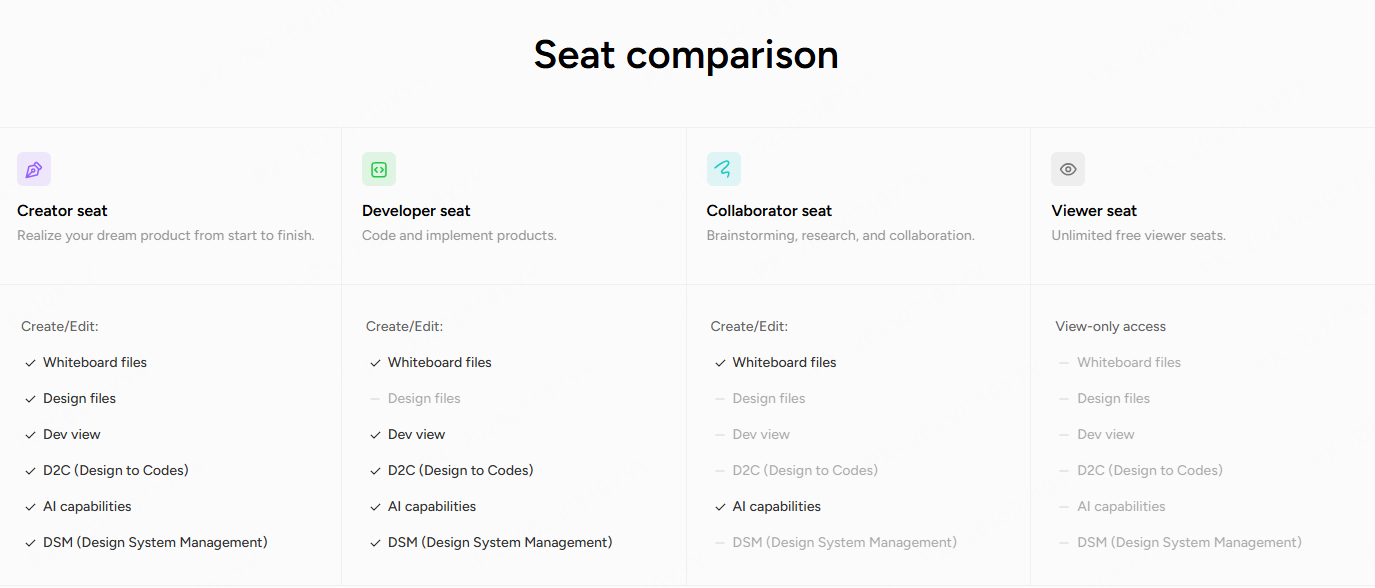
Seat-Type Inflation and Collaborative Friction
Seat-assignment rules can affect cost. Check which actions require paid access, who can approve upgrades and whether guest or commenter access is included. Do not assume that leaving a comment automatically upgrades a user on every platform.
Pixso avoids this by explicitly separating seats into Creators, Developers, and Collaborators, allowing you to pay only for the exact capabilities your team members need. If a team member only needs to review files and edit text on a whiteboard, they do not need an expensive creator license.
Tool Overlap and the SaaS Tax
While the baseline subscription cost of a tool might seem reasonable, the total bill often increases as you add seats. To complete a single project, teams often subscribe to a whiteboard tool for brainstorming, a documentation tool for specifications, a design program for wireframes, a prototyping tool for user testing, and a handoff tool for developers.
Over time, the cumulative subscription cost of these third-party integrations can exceed your core platform budget by hundreds of dollars per user, every single month.
Part 4: The hidden friction: Re-work, file compatibility, and training Hours
Beyond software licenses, there are significant indirect costs related to operational efficiency and design pipeline friction. These operational delays act as hidden costs that drain engineering hours and slow down your product launches.
Non-Standardized AI Output
Many generic generation tools produce beautiful visuals that are completely unbuildable. They ignore standard responsive grids, create non-standard components, and fail to generate clean CSS code. This forces your developers to spend days manually rebuilding the layout, erasing the time-savings promised by the generator.
Treat AI-generated layouts and code as drafts. Include review of responsive behavior, component consistency, accessibility and implementation work in the project budget. The output should not be assumed ready for developers without revision.
File Compatibility Hurdles
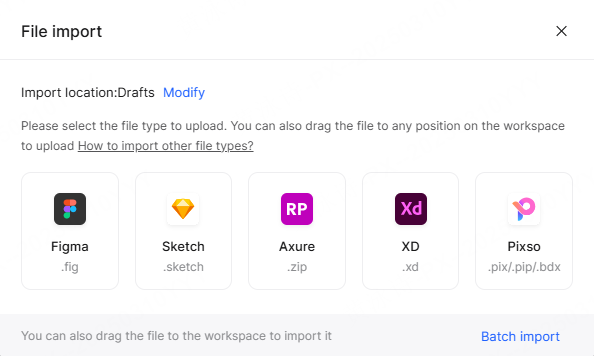
Most legacy ui design tools do not make file migration easy. If your agency partners use Sketch but your in-house team uses Figma, you waste hours exporting, repairing corrupted layers, and re-linking components.
Check supported import formats and versions, then compare the imported layout, fonts, components and prototype connections with the original. Include any correction and retraining work in the migration budget.
Onboarding and Training Cycles
Implementing complex enterprise systems often requires weeks of employee training and certification. A tool is only useful if your team can use it effectively.
Pixso features an intuitive, industry-standard editor interface, ensuring your designers can transition from other software with reduced onboarding friction, although training and transition time vary.
Part 5: Vendor lock-in and data compliance costs
When choosing software, companies often forget to plan for exit strategies and compliance audits. Legacy systems are built to lock you in, making it difficult to extract your assets if their pricing changes.
Data portability is another area where companies face hidden costs when trying to switch systems. Some platforms limit your export options to flat images or proprietary file types that cannot be used anywhere else. If you decide to transition to a more affordable tool, you might have to spend hundreds of human-hours manually rebuilding your entire asset library from scratch.
Pixso mitigates this by supporting open file exports, allowing you to back up and transfer your vector files whenever you want.
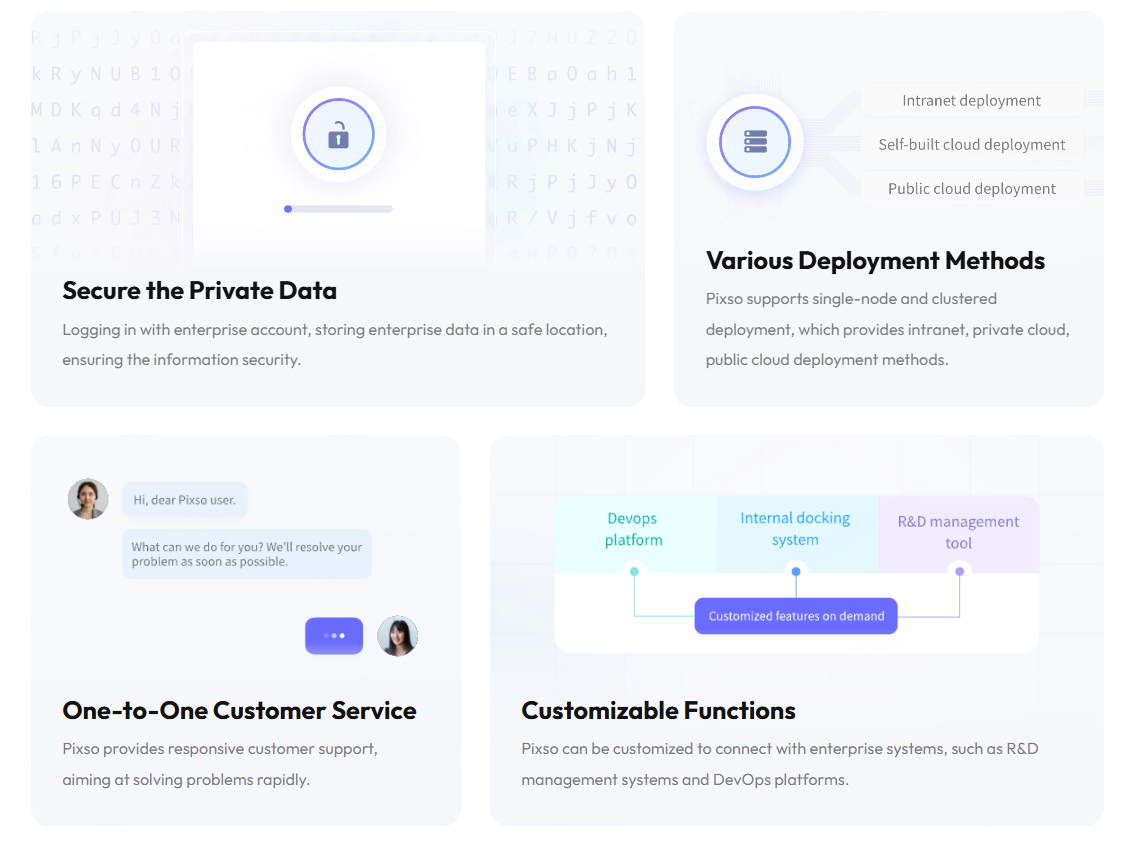
Additionally, meeting strict international data privacy standards like GDPR, CCPA, or local financial regulations can require expensive third-party compliance audits. If your design tool only supports public cloud hosting on shared servers, your IT security team may reject it entirely.
A private deployment may help meet a data-location requirement. The organization still needs to assess access, backups, vendor connections, operations and applicable legal obligations; local hosting does not guarantee total privacy or remove the need for compliance work.
Part 6: Quantifying the ROI of your design tool stack
To protect your business from scaling fees, you must build a clear framework to measure the total cost of ownership (TCO) and return on investment (ROI) of your design software.
By looking beyond the initial sticker price and measuring the total cost of ai and collaboration, you can protect your cash flow. Use this comparative framework to evaluate your current design stack expenses against a unified model:
| Cost category | Questions for the existing stack | Questions for the Pixso offer |
|---|---|---|
| Core editor licenses | Which roles need paid seats, and what are the renewal terms? | Check current role-based prices, billing cycles and renewal terms. |
| AI usage | What is included, and how are additional credits charged? | Verify allocation, sharing, reset, expiration and extra-use rules for the selected product and plan. |
| Review and developer access | Which review, inspection and export actions require a paid seat? | Confirm the applicable reviewer and developer seat rules and external sharing limits. |
| Security and SSO | Which controls are included and which need an enterprise agreement? | Confirm supported controls, deployment scope and the quoted plan; do not assume all tiers include SSO. |
When you evaluate your tools, remember to look at the total subscription cost across your entire department. A single subscription might look cheap, but when multiplied by forty employees and paired with extra charges for storage, security, and smart features, the true cost becomes clear.
Before committing, confirm any trial’s scope, eligibility, duration and charging terms. Build the budget from the current offer and a measured sample of usage; future prices and consumption need to be verified from current terms.
Conclusion
Managing software budgets requires looking past basic monthly rates to find the true expenses hidden in add-on fees, credit limits, and complicated user tiers. Transitioning to a unified workspace like Pixso allows you to avoid unnecessary costs while gaining access to advanced cooperative tools and smart generative features. By simplifying your workflow and choosing tools with clear pricing, you can protect your bottom line and let your team focus on building great products.