Scott
Vector graphics are the gold standard of modern interface design. Thanks to their mathematical nature, vector icons scale cleanly across high-resolution displays and Retina screens without raster pixelation. For UI designers and front-end developers, using vector assets can simplify multi-resolution asset handoff and help reduce file payloads for geometric interface graphics.
Whether you are designing a web application, mobile interface, or design system, mastering how to create svg icons is an essential skill. In this guide, we explore the fundamentals of SVG format and walk through a quick tutorial on how to make an svg icon using Pixso.
1. What is an SVG?
SVG stands for Scalable Vector Graphics. It is an open, XML based vector image format maintained by the World Wide Web Consortium (W3C). Because SVG files are written in text based markup code, they scale infinitely to any screen size without increasing file size or sacrificing sharpness.
Unlike raster image formats like PNG or JPEG, SVG graphics integrate directly with the DOM and CSS. Developers and designers can inspect SVG paths, alter stroke colors dynamically with code, and animate elements for interactive UI states.
2. Why Use SVG Icons in Modern UI Design?
Modern product teams prefer vector icons over traditional raster images for three primary reasons:
- Lower Maintenance and Development Costs: When embedded inline or parameterized with currentColor, a single SVG asset can adapt to light and dark themes via CSS variables without requiring duplicate asset files. Designers only need to produce one vector asset rather than multiple raster exports, saving engineering overhead.
- Dynamic Customization: Because SVG paths respond to CSS and JavaScript, web applications can allow users to customize icon colors, weights, and interactive hover animations on the fly.
- Minimal File Size and Faster Load Times: For simple iconography and geometric glyphs, SVG files typically yield small file sizes compared to raster formats. When properly compressed and embedded, vector assets help minimize unnecessary network overhead across responsive web interfaces.
3. Step-by-Step Guide: How to Create an SVG Icon in Pixso
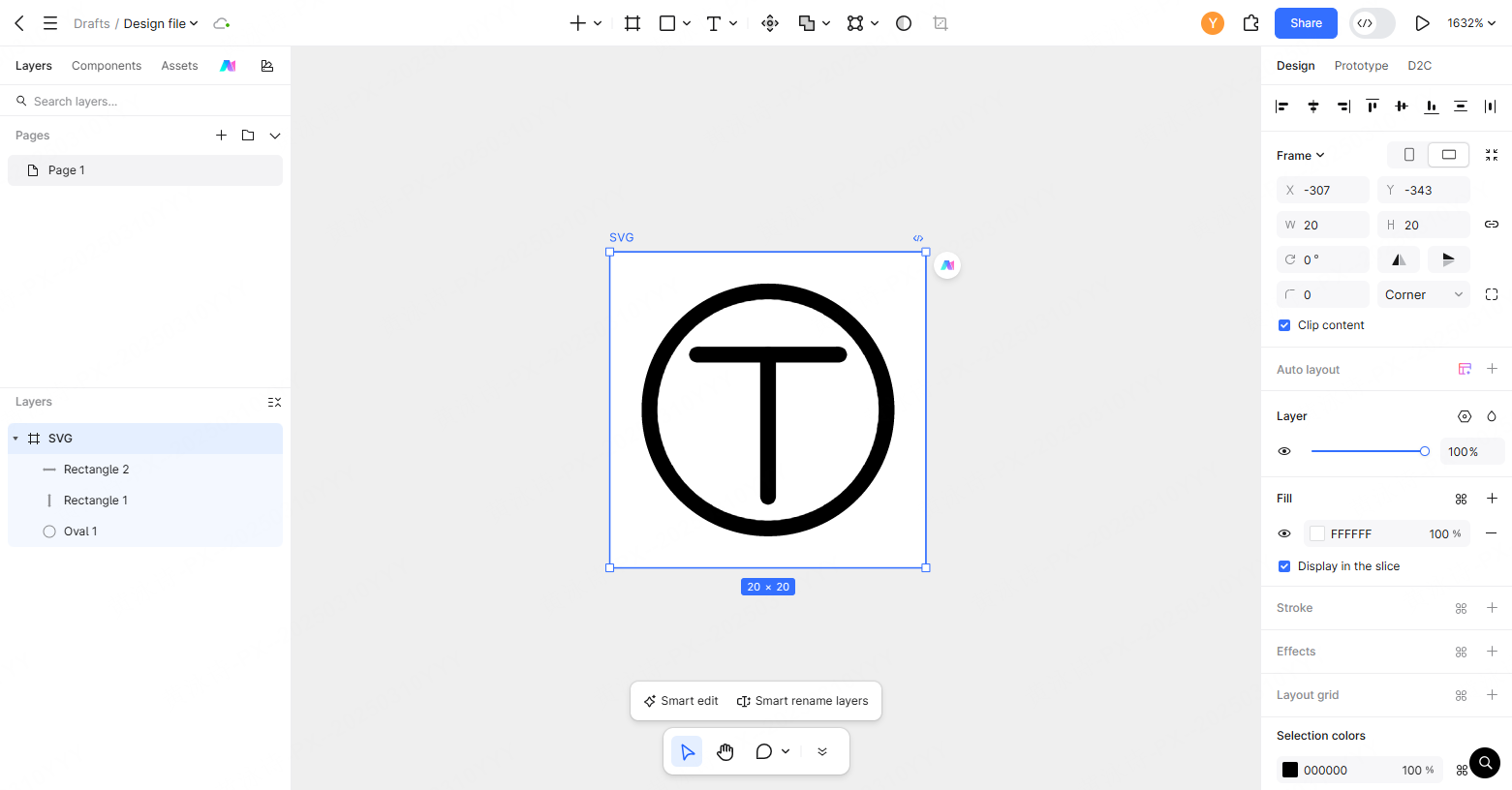
Pixso provides a powerful vector editing canvas with precision shape tools, making it easy to create an svg icon in just a few minutes. Below is a step by step walkthrough for designing a balanced Add icon.
Step 1: Create a New File in Pixso
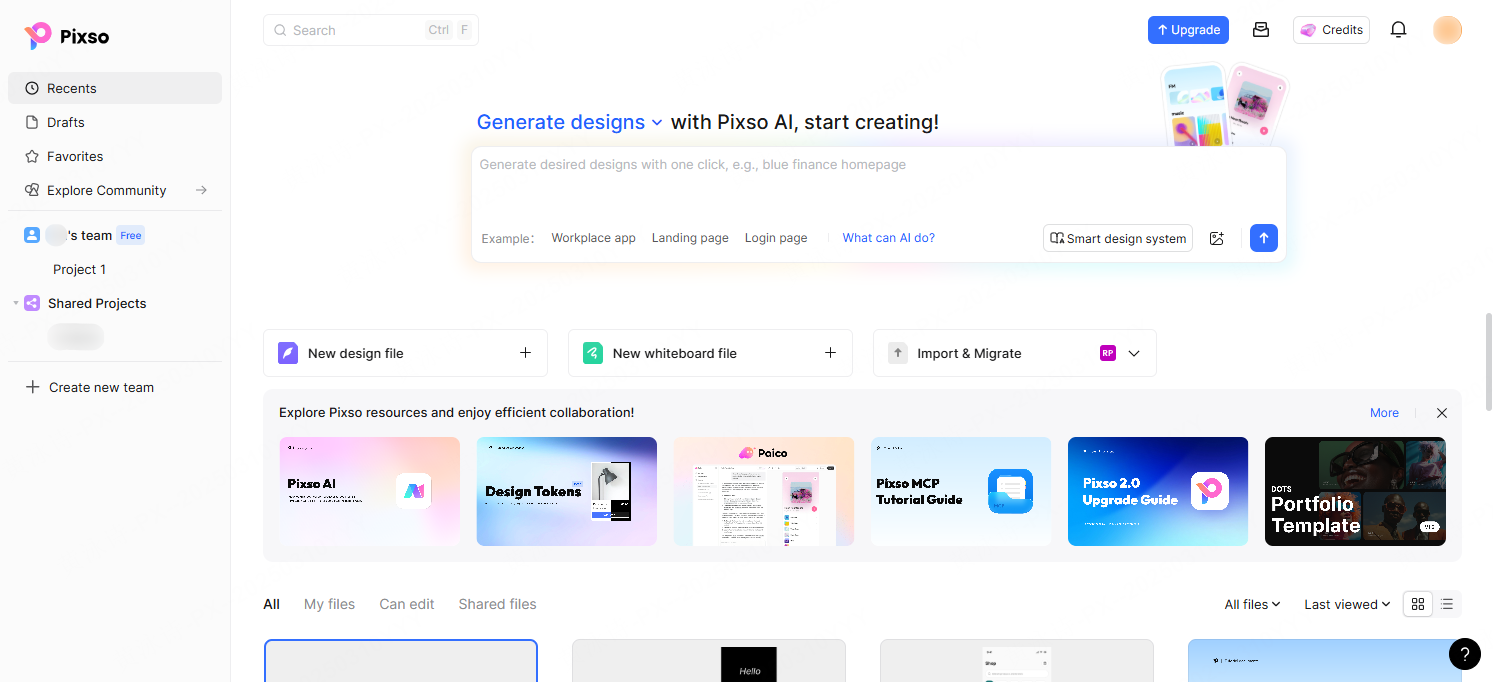
Log into your Pixso account and click New File on the dashboard workspace to open a blank collaborative canvas.
Step 2: Draw the Icon Frame
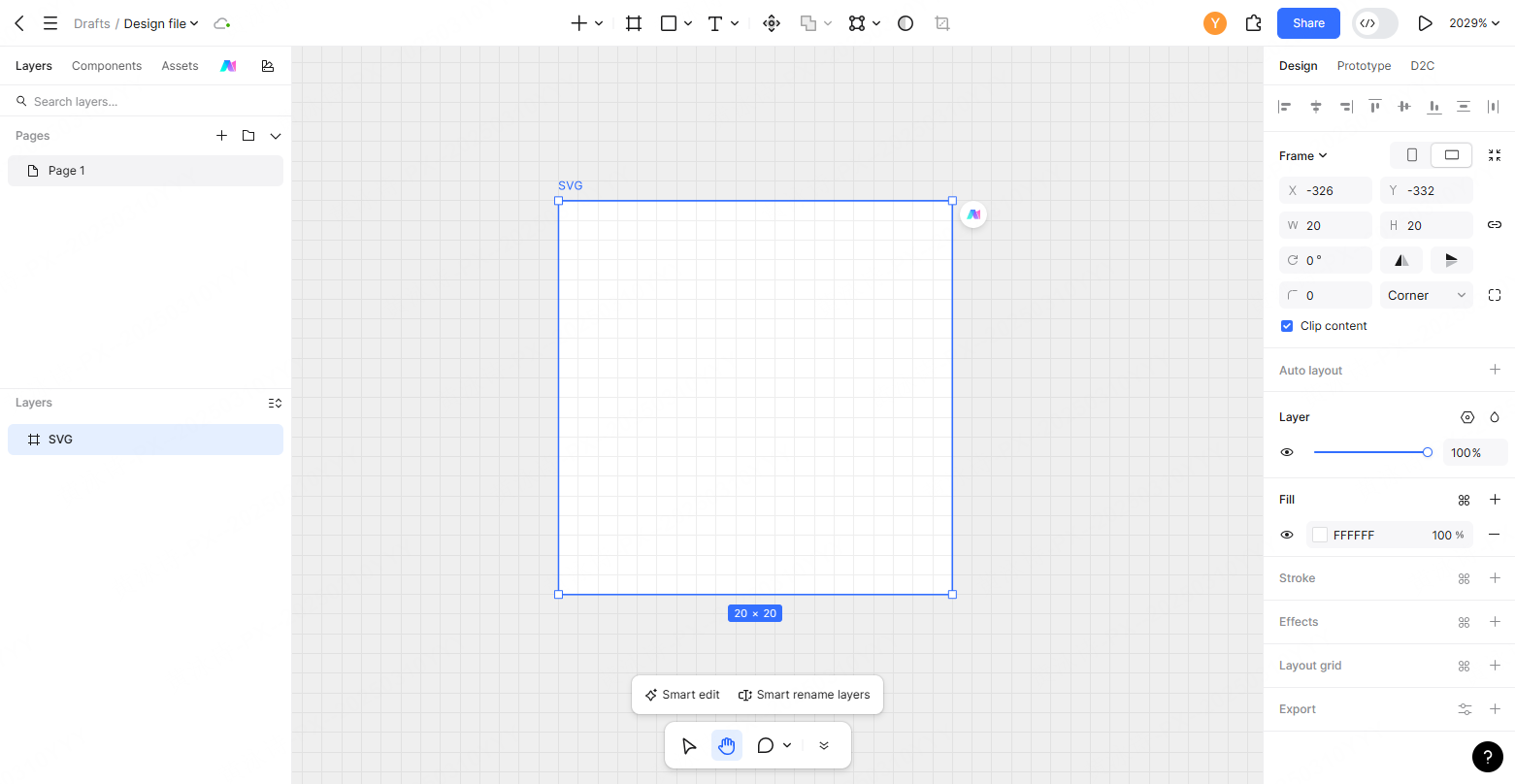
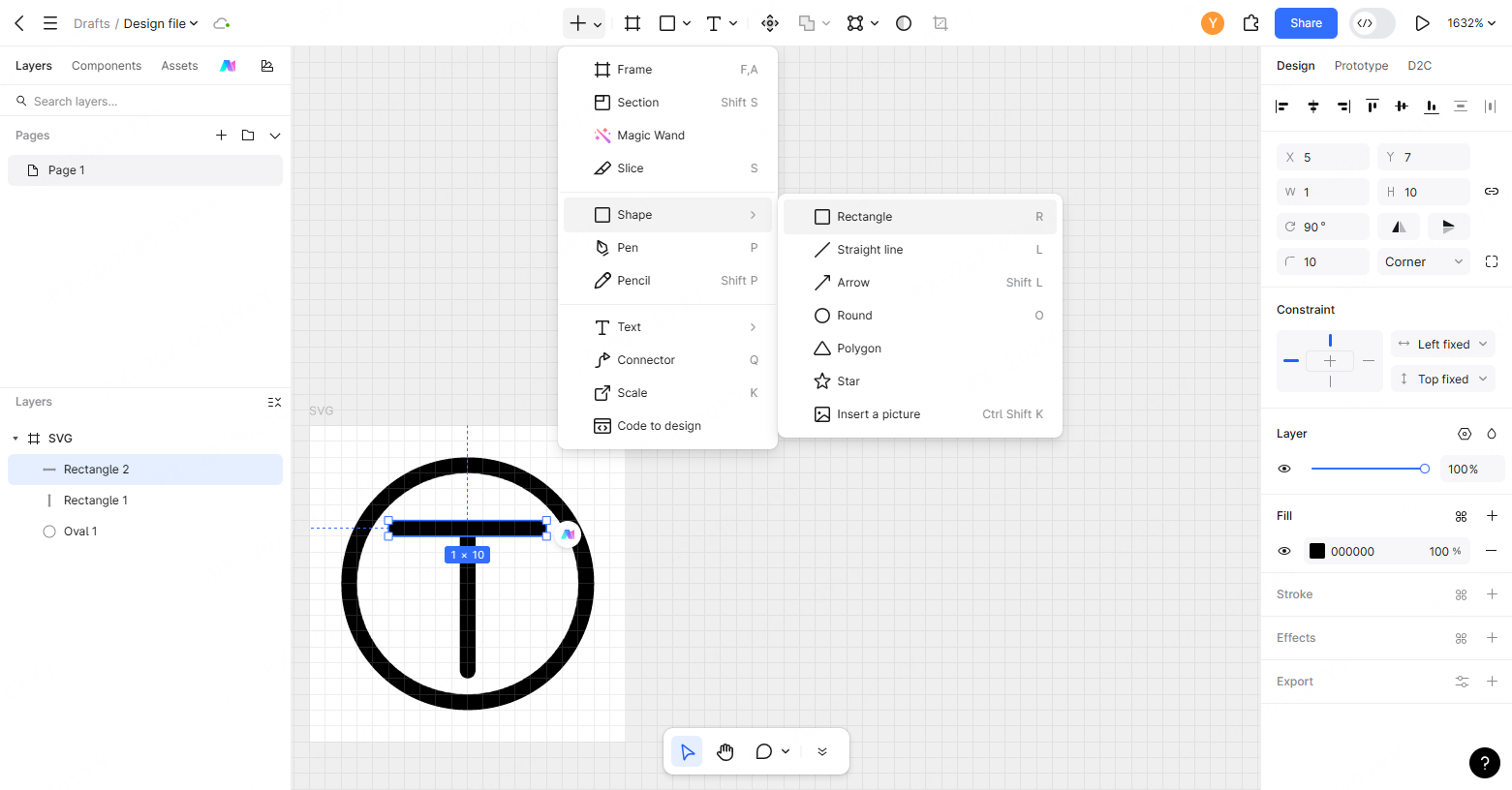
Select the Frame tool from the top toolbar or press F. Create a square frame measuring 16×16 px (a standard baseline for compact interface icons).
Step 3: Add the Outer Circle
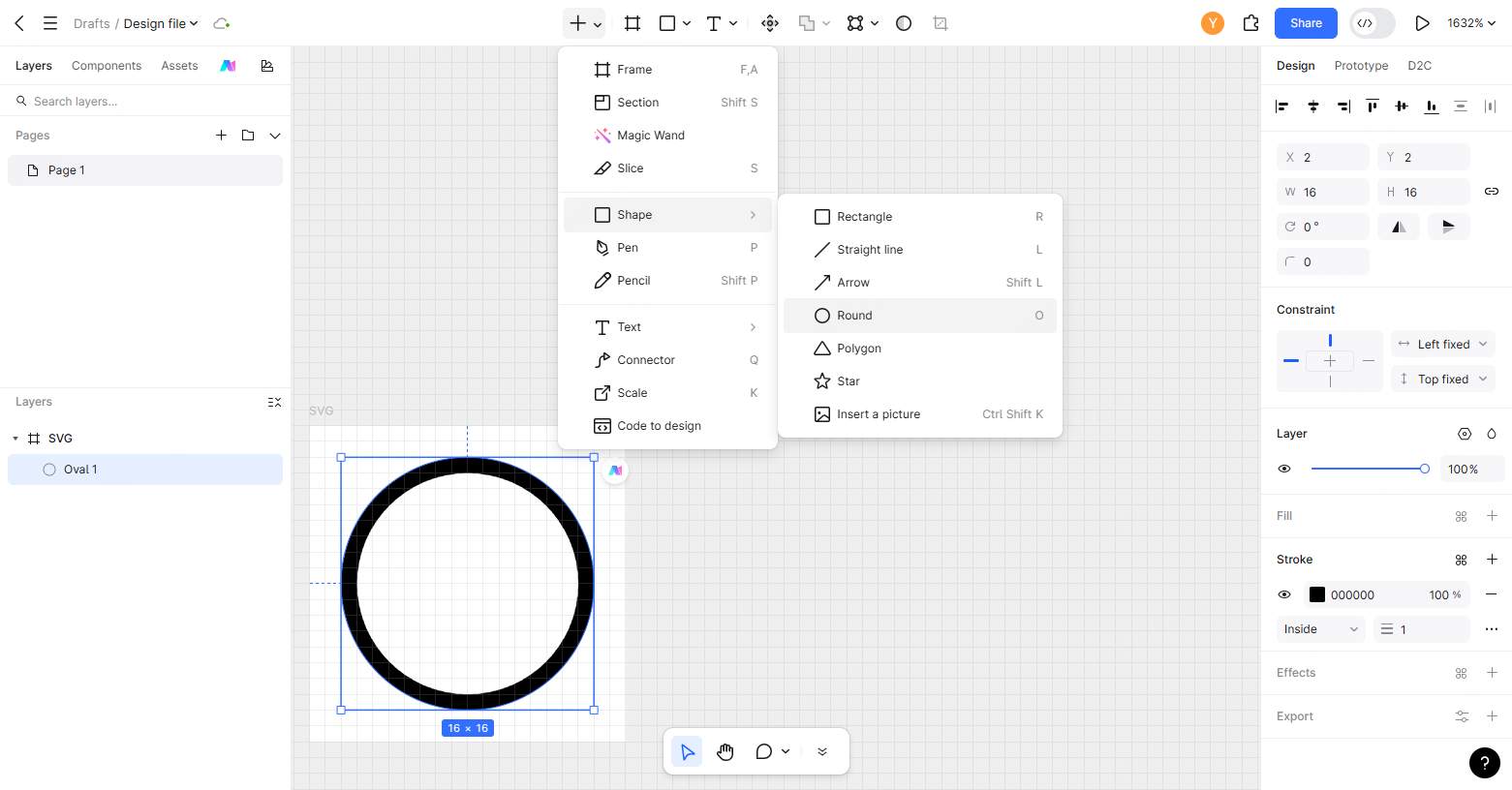
Select the Ellipse tool (O). Draw a circle measuring 14×14 px centered at coordinates (1, 1) inside the frame. In the right properties panel, remove the fill, set a 1 px stroke with #000000, and keep 1 px of optical padding from the frame boundaries to prevent stroke clipping.
Step 4: Construct the Plus Symbol
Select the Rectangle tool (R). Draw a vertical bar measuring 1×8 px with rounded corners (border-radius: 1px). Duplicate it (Command+C / Ctrl+C, then Command+V / Ctrl+V), rotate the duplicate 90 degrees, and align both bars to the exact center of the circle (8, 8).
Step 5: Export as SVG
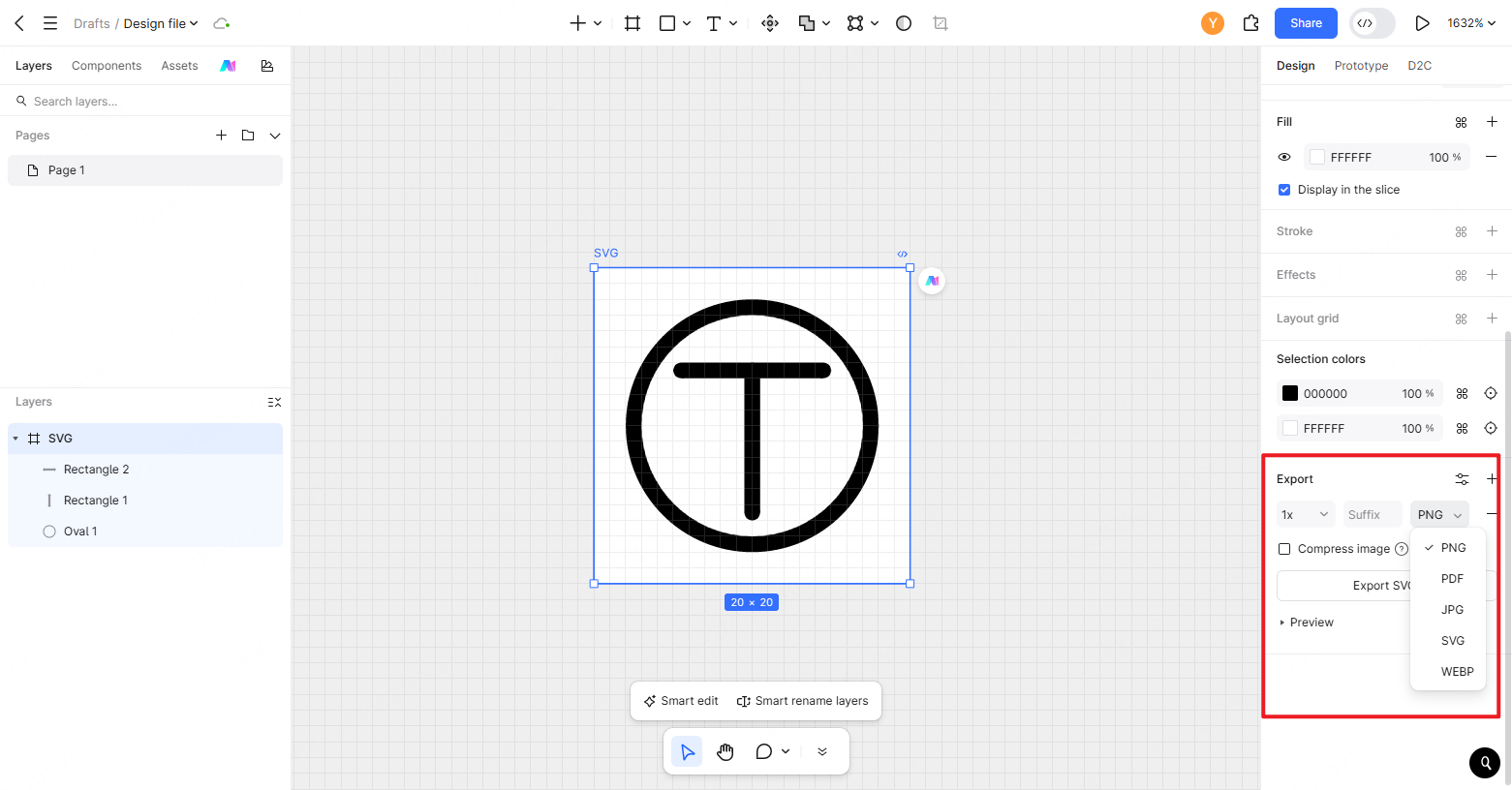
Select the 16×16 px parent frame in the layers panel. Navigate to the Export panel, choose SVG, and export your icon asset. You now have an initial SVG vector file ready for development inspection.
4. Best Practices for Designing Vector Icons
To ensure your icons look crisp across every operating system, keep these core design principles in mind:
- Use Standardized Bounding Boxes: Build icons on unified square frames (such as 16×16 px, 20×20 px, or 24×24 px). A consistent bounding box provides a predictable layout footprint for front-end integration and simplifies alignment alongside text labels.
- Maintain Optical Safety Margins: Leave appropriate internal padding (typically 1–2 px depending on your grid size and stroke width). Reserving space inside the frame helps prevent outer stroke boundaries and subpixel anti-aliasing from being clipped by the viewBox edge.
- Export the Designated Parent Frame: In this vector workflow, exporting the parent frame ensures the output SVG retains its structured viewBox attributes and baseline positioning.
5. SVG CSS Properties
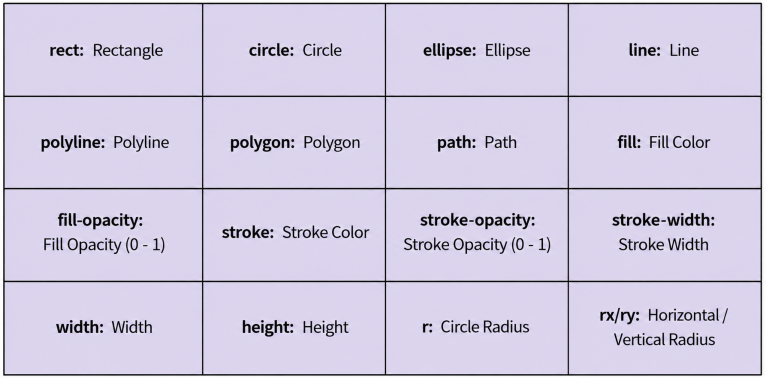
Here is a brief overview of the predefined SVG shape elements and their definitions:
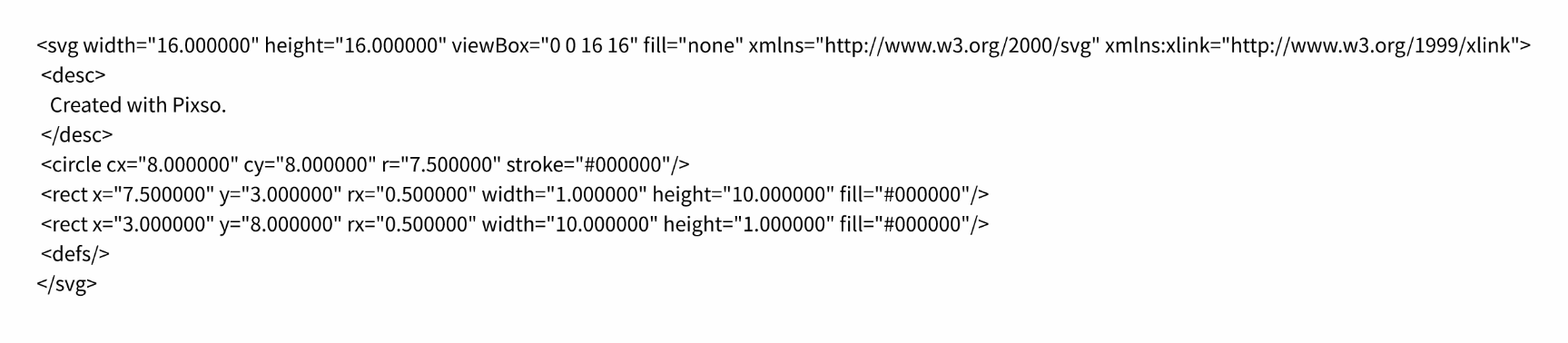
As shown below, this is the exported code structure for the "Add" icon. We can see that it is a circle with a width of 16, a height of 16, and no fill color.
Frequently Asked Questions (FAQ)
Q1. Should designers convert strokes to outlines before exporting SVG icons?
Converting strokes to outlines (filled vector paths) ensures stroke thickness scales strictly with shape geometry, preventing visual variations caused by CSS inheritance. Conversely, keeping live strokes allows developers to adjust stroke-width and stroke-linecap programmatically via CSS. Teams should decide based on whether dynamic styling or rigid geometry preservation is needed.
Q2. Why are SVG icons preferred over icon fonts in modern web development?
While modern color fonts support multi-color glyphs, inline SVG remains standard because it eliminates extra font asset requests, integrates natively with DOM styling and animations, and provides more predictable rendering and accessibility markup across browsers.
Q3. How can teams make SVG icons fully accessible for screen reader users?
Purely decorative icons require the attribute aria hidden set to true to prevent unnecessary auditory noise for assistive technology. For interactive icons such as search triggers or navigation buttons, developers should add role img, embed a concise title tag inside the SVG code, and apply clear aria label attributes to the parent button frame.
Q4. How do product teams remove bloated metadata from exported SVG code?
Vector design tools sometimes include editor-specific metadata, empty group wrappers, and excessive decimal precision. Vector design tools may include editor metadata, default grouping wrappers, or high decimal precision. Teams frequently run exported assets through post-processing tools like SVGO to strip redundant XML nodes, simplify path coordinates, and ensure code cleanliness before production deployment.
Conclusion
Creating clean, scalable vector assets is simple once you master basic shape tools and bounding box alignment.
Pixso offers a versatile environment for icon design, complete with precise vector pen tooling and integrated icon plugins that give you access to thousands of ready to use components.
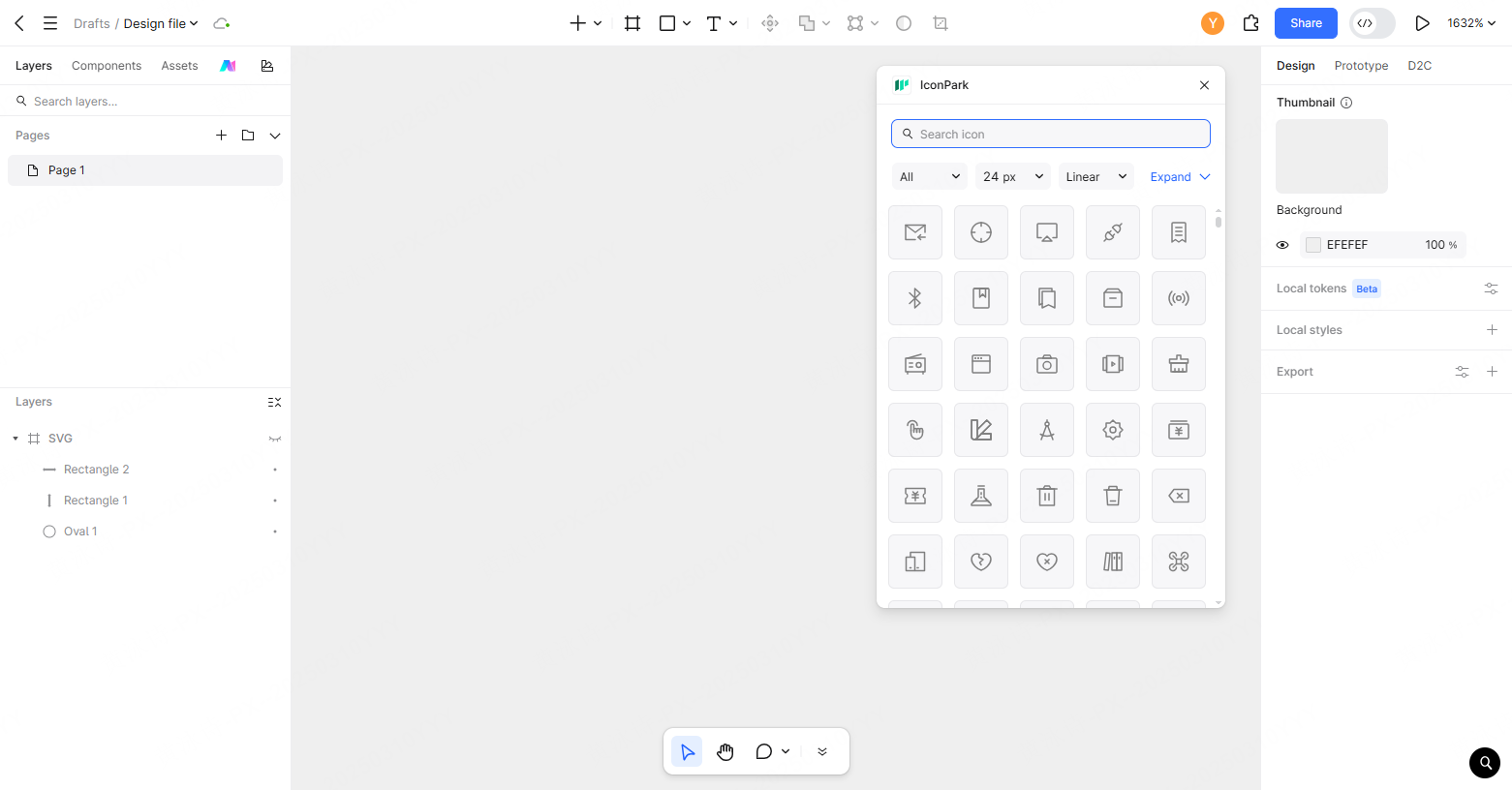
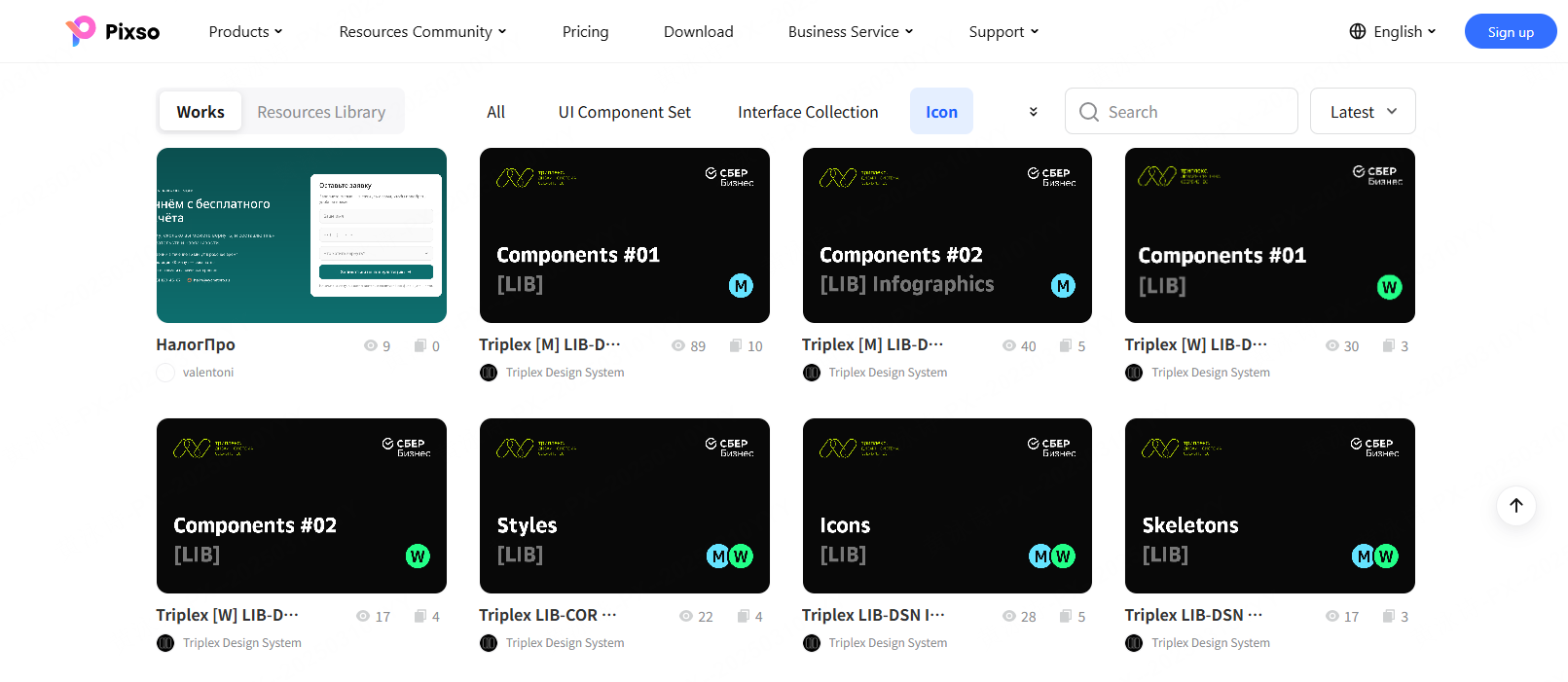
Furthermore, the Pixso Resource Community offers a rich library where designers can discover, customize, and download free svg icons and complete UI kits.
Try Pixso today to streamline your vector icon workflow and elevate your interface design process.