Elodia
Figma Design and Pixso both bring interface design, prototyping and collaboration into a shared workspace. The useful comparison is how each fits your team’s actual files, devices and review process. If you are considering Pixso, start with one representative project and compare the work required to edit, review and hand it off.
What Figma Design Brings to a Team
Figma combines a browser-based design editor with reusable components, Auto Layout, interactive prototypes and shared-file review. Designers can work together in the file while stakeholders and developers use the access appropriate to their role.
The main workflows include:
- Browser editing: design in a supported browser and give collaborators access to the files they need.
- Real-time collaboration: edit together, leave comments and keep discussion connected to the relevant screen.
- Interactive prototyping: connect screens and use transitions, variables and conditional logic to model the required behavior.
- Mobile preview: review a prototype on the target device to assess its scale, navigation and touch interactions.
A product trial should include the conditions your team works under. Open a large file, invite a reviewer, make a component change and inspect a screen for handoff. Record where access settings, the network or the file structure affect the workflow.
When to Compare Figma with an Alternative
An alternative is worth evaluating when your team has a specific requirement: a different deployment model, a particular editing environment, a migration project or a change in the roles you need to support. Describe that requirement before comparing feature lists.
- Performance in Your Working Environment
Use the same representative file and the team’s normal network when trying each tool. Compare loading, editing and prototype review with the people who will use them. This gives you a practical basis for choosing a workflow for a distributed team.
- Deployment and Administration
List the hosting, identity, permissions and data-handling requirements your organization has to meet. Involve the people responsible for IT and procurement early, so the chosen configuration matches how the team will work.
- Support for the Team’s Tasks
Choose a typical support question, such as a file import or a library update. Review the available help material and support arrangement for the plan you are evaluating. Include the languages used by designers, reviewers and administrators.
Pixso vs. Figma: Compare the Working Details
1. Editing, Layout and Components
Both tools support browser-based interface design. Match the editing environment to each person’s role: a designer changing components needs different access from a stakeholder reviewing a prototype.
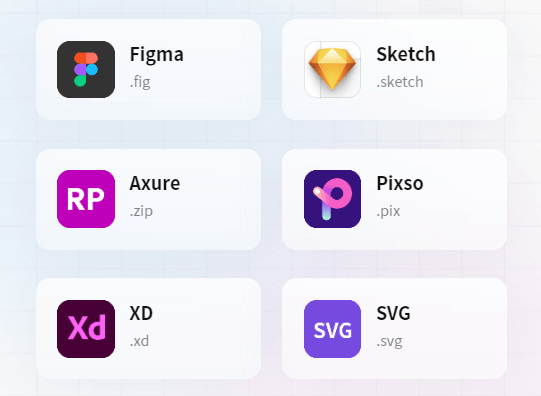
- Auto Layout: both Pixso and Figma arrange content using layout controls. Build the same card with a long title, an optional image and a second action, then compare spacing, resizing and component behavior.
- Prototype logic: Figma supports variables, expressions and conditional actions. In each tool, build the particular interaction your product needs, such as a selected state or a branching flow, and assess how easily the team can maintain it.
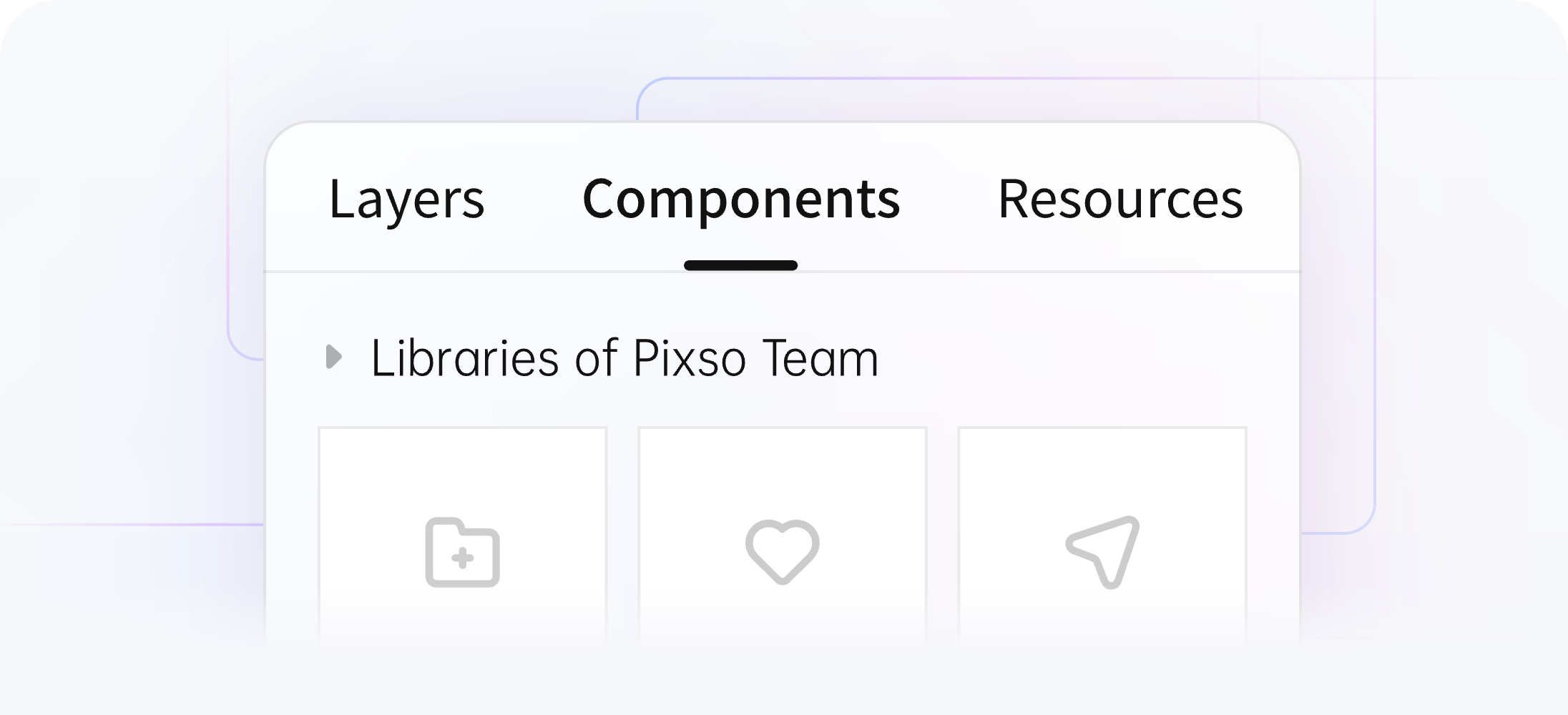
- Shared libraries: both tools let teams reuse components and styles. Compare how a designer publishes a change, how another file receives it and how the team reviews affected instances.

2. Collaboration and Prototype Review
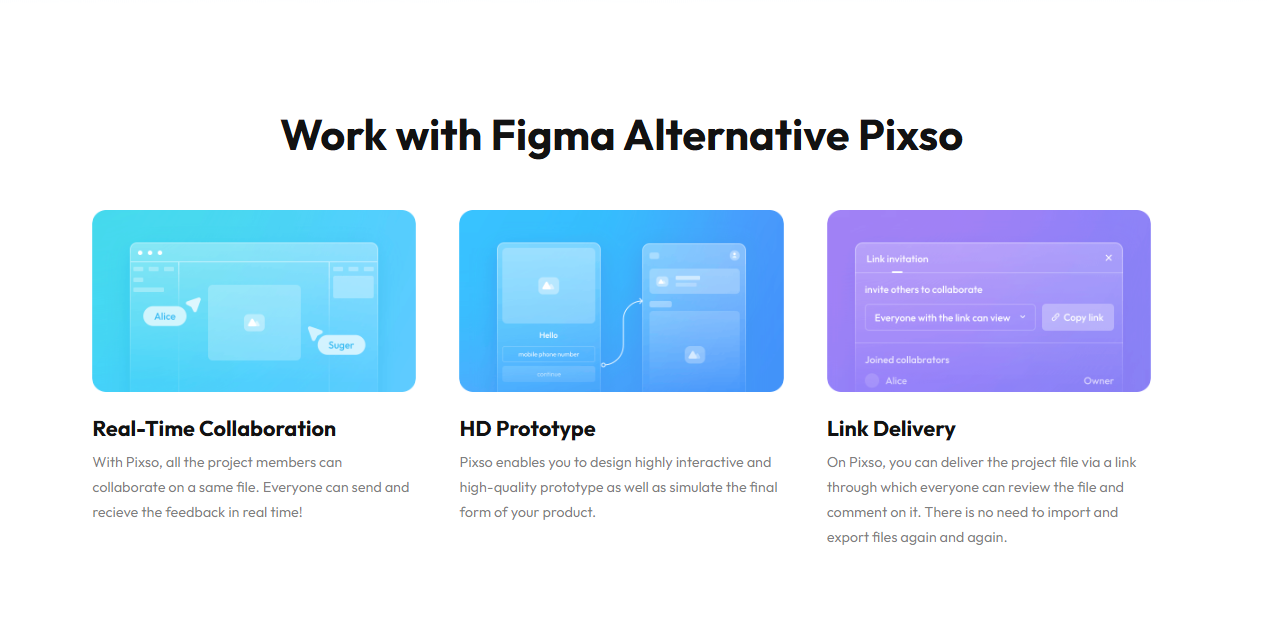
- Shared editing: invite the people who will edit or review the design, set their permissions and work on a small change together. Keep comments beside the relevant screen so decisions remain connected to the design.
Prototyping: use the same task in both tools, such as changing a booking or submitting a form. Include the starting screen, confirmation and way back. Review the flow on the device the product is intended for.
3. Handoff and Design Resources
- Developer handoff: share a named design version, inspect dimensions and styles, and export an asset. Have a developer use those references in a small implementation task to identify missing information.
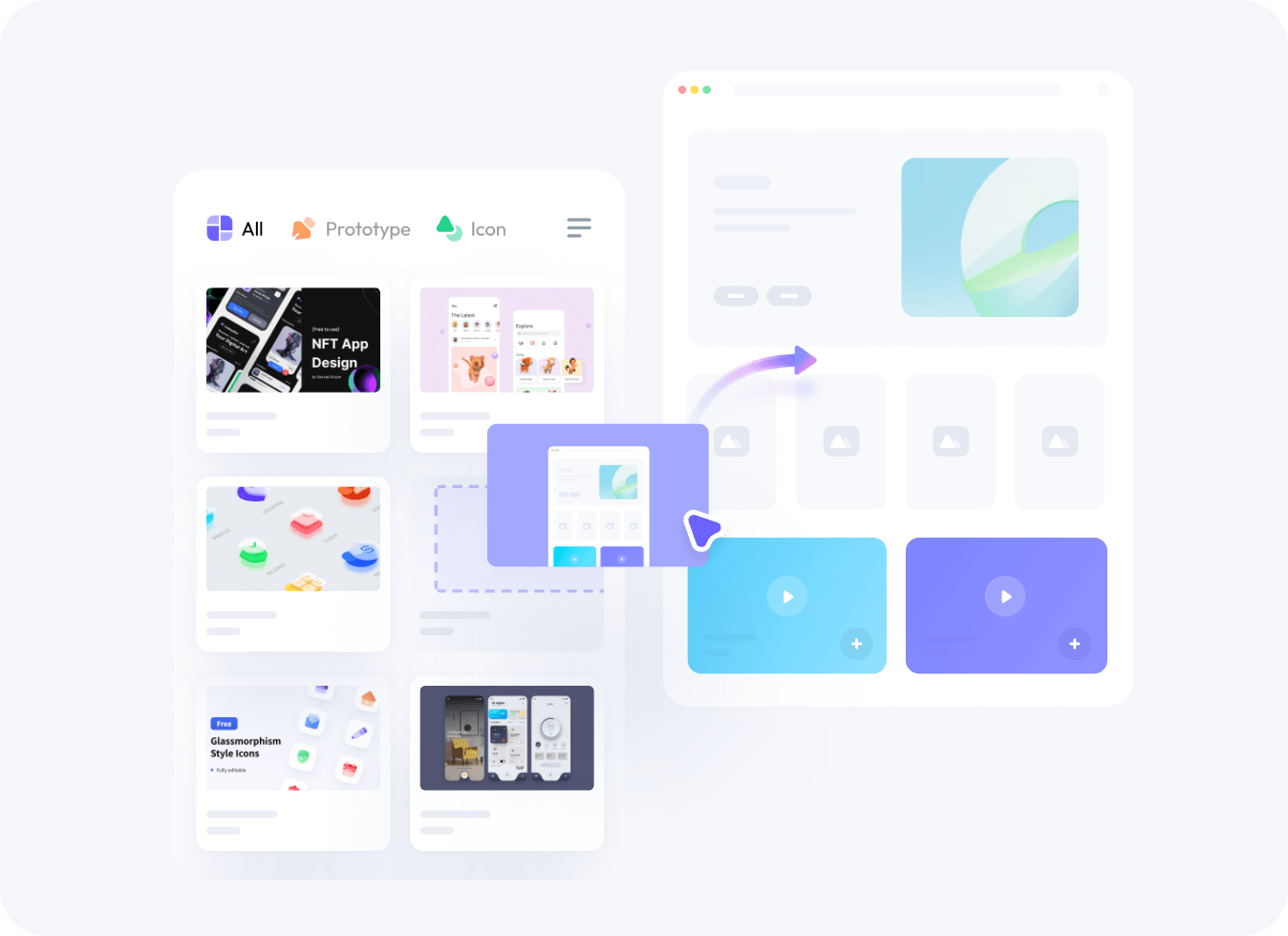
Reusable resources: Pixso and Figma both offer community resources and team libraries. Evaluate the components you actually need by editing their text, applying your styles and checking how they behave in the project.
4. Deployment and Languages
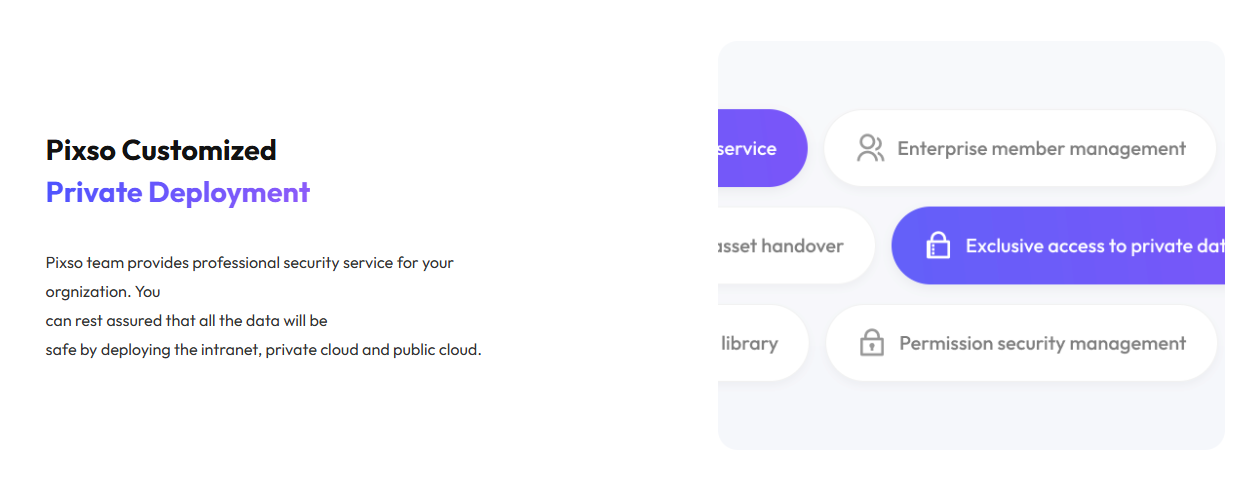
- Deployment: Pixso offers private deployment options for organizations that need a specified hosting environment. Figma is a cloud service. Compare the configuration, administration and support responsibilities that apply to your organization.
Interface languages: both products offer multilingual interfaces. Figma’s documented languages include English, Japanese, Korean, French, German, Spanish and Portuguese. Also try your project’s fonts, translated labels and text direction in the design itself.
5. Seats and Total Team Cost
- Compare the seats needed for design, development and collaboration, together with shared-library access, administration, AI usage and support. Add the time required for migration and training. A price for one seat is not the cost of moving a whole team.
Evaluate Pixso with a Real Project
Choose a small, representative part of the product: a settings flow, account page or booking journey. Bring in the components, fonts and realistic content that make it representative. For a regulated product, use the team’s approved requirements as the brief for both design and implementation.
Import a copy of a supported design file into Pixso and compare it with the source. Inspect text, components, effects and interactions, then make an ordinary revision. Keep the original file while the team resolves any differences.
For multilingual work, place translated labels in the actual screens. Use AI assistance to draft wording where useful, then have a speaker of the target language review meaning and tone. Compare wrapping, font coverage and the behavior of long labels.
Turn the Trial into a Migration Decision
Have a designer, reviewer and developer work through the same small task. Record the adjustments needed, who owns them and whether the resulting file is ready for the next stage. Use those observations to estimate migration effort before moving more projects.
Prepare the shared components and styles that the new project will use. Agree how updates are published, which file is the implementation reference and where comments should be resolved. This makes the decision about a tool part of a workable team process.
Choose the Workflow That Fits the Project
Figma and Pixso both support interface design and collaboration. Choose by the work your team needs to complete: editing components, reviewing interactions, handling access and handing designs to developers. A focused trial in Pixso will show what transfers well and what needs adjustment.
![[2026] The Best UI/UX Tools that Every Designer Should Use](https://pixso.net/assets/media/top-5-ui-ux-tools-872368e4bf4b4e3c.webp)