On this page

Scott
Tired of fonts that can’t keep up with your brand’s unique vibe?
Pixso 2.0 launches variable fonts—designed to meet the strictest brand visual standards. They support HM Symbol font, with seamless adjustments for slant, width, weight, and more, so every word fits your brand like a glove.
What are Variable Fonts?
A variable font stores a range of typeface variations in one file. Its supported axes let you adjust properties such as weight, width, or slant within the ranges defined by the font designer.
🚩 Multiple Styles in One File:
A variable font can replace separate files for supported weight or width variations. File size depends on the typeface, character coverage, and included axes.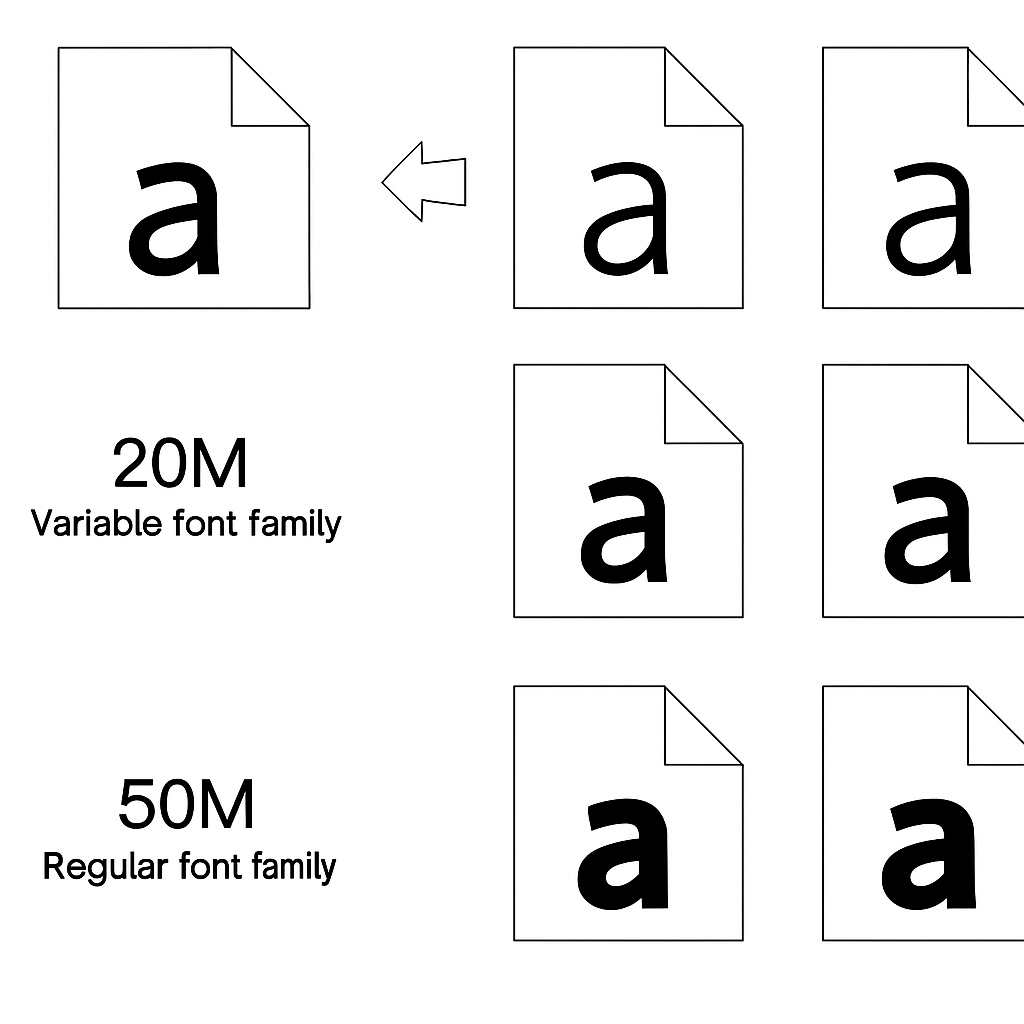
How to Apply Variable Fonts?
In Pixso, select a variable font available to your workspace. Just apply it in your enterprise fonts to see the power of variable fonts in action.
By adjusting a variable axis, you can customize properties like font weight, font width, or slant. There are two ways to set these axes:
Option 1: Text Properties Panel
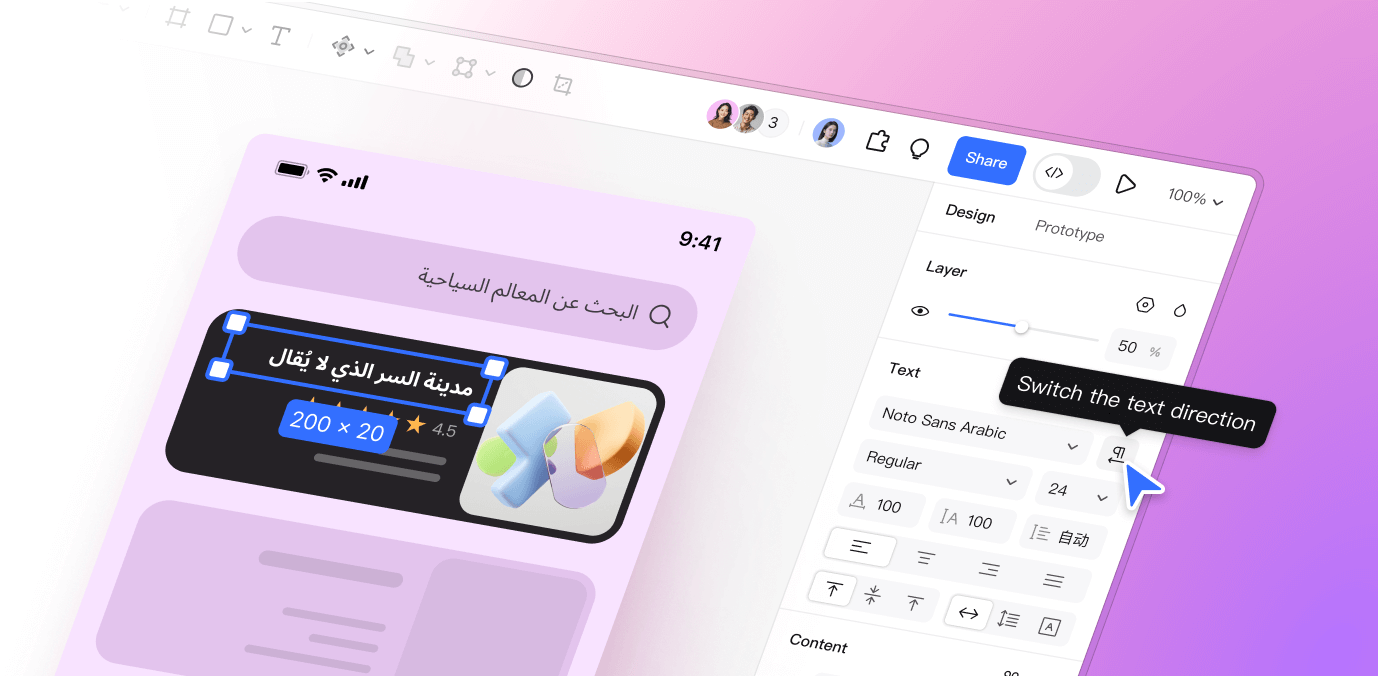
Select a text layer using a variable font. Click the […] icon on the right sidebar to open the text settings panel. Switch to the Variable tab and set the font axes.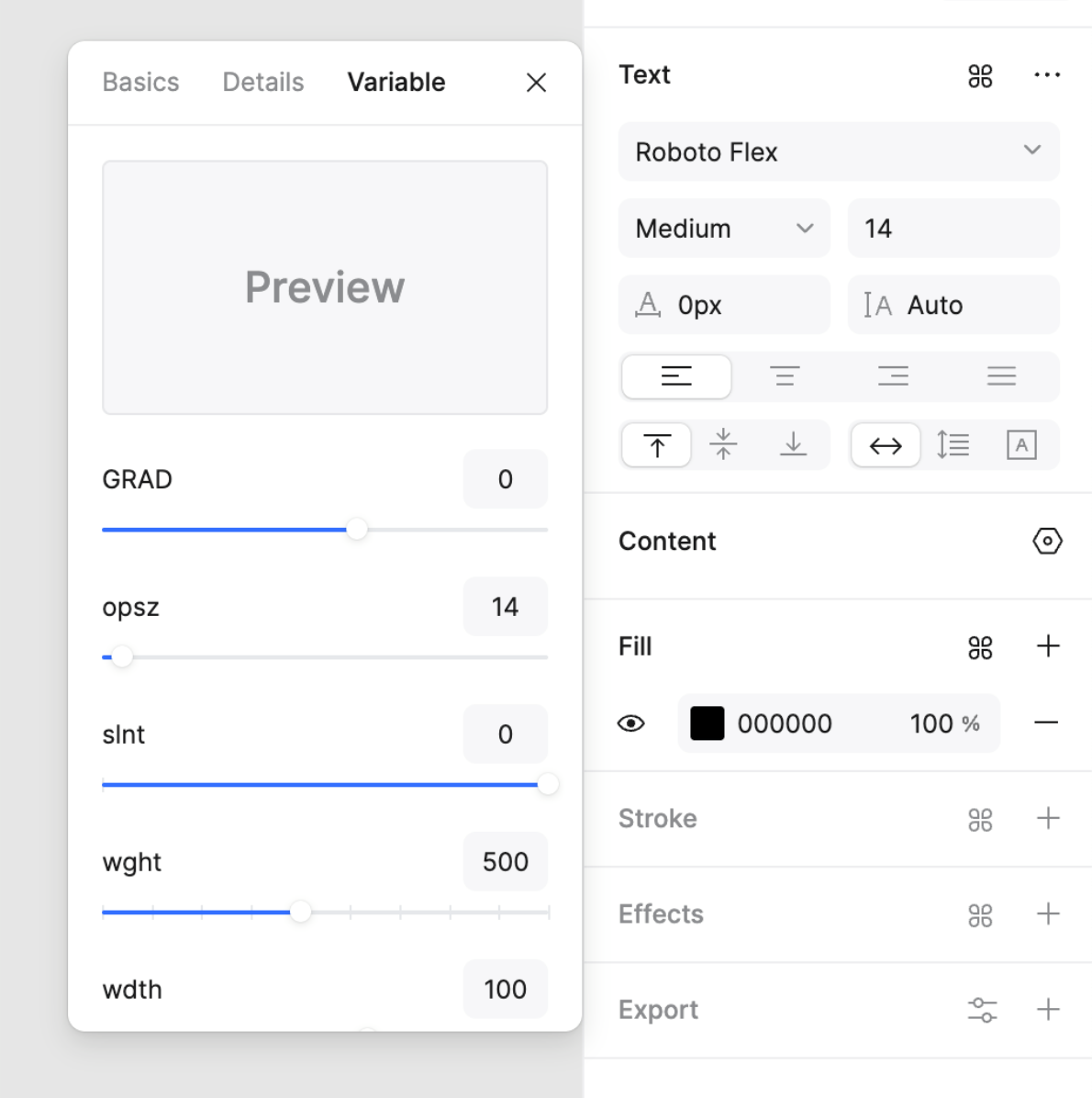
Option 2: Weight Dropdown Menu
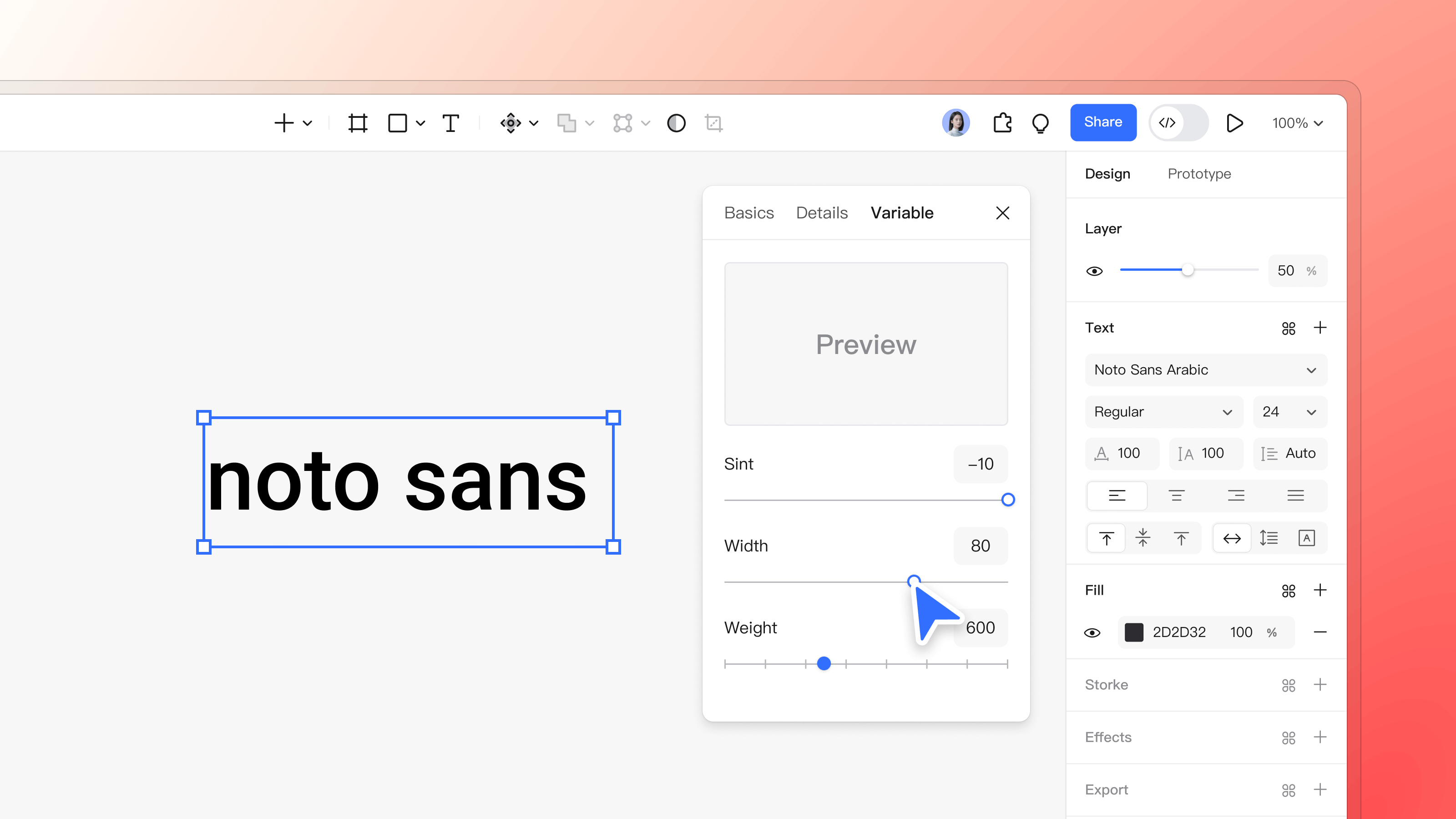
Select a text layer using a variable font. Open the weight style dropdown on the right sidebar. At the bottom, click Set Variable Font. In the axis settings panel, use sliders or input fields to adjust each axis value.
Key Advantages of Variable Fonts
1. Simple to Use, Instant Results
In the panel, use sliders or input boxes to change each axis value. See your variable font respond right away. Adjust until you get the exact style you need.
2. Freedom Like Never Before
Variable fonts can have single-axis or multi-axis design spaces. By tweaking available axes, you control text slant, weight, and width with precision. Every adjustment is smooth, continuous, and visually seamless. Designers can adjust the available axes to suit the layout.
3. Perfect Brand Consistency
Variable fonts make it simple to match your brand’s visual rules. Keep every font style consistent, polished, and professional—across every design and platform.
Your brand’s text deserves to stand out—sharp, consistent, and uniquely yours. Pixso 2.0’s variable fonts make that easy. Dive in, tweak those axes, and let these fonts turn every word into a perfect fit. What are variable fonts? Your new go-to for font magic.