On this page

Elodia
With the advent of rendering software and the growing demand for 3D effects from clients, designers need to accurately explain spatial visuals using design language. These tools allow designers to fully showcase their designs, enhancing presentations and client interactions. Rendering software utilizes various algorithms to add colors, textures, and other details to images, making it essential in fields such as architecture, engineering, and product design. Different types of software share the same basic goal: to create realistic images from a set of data points. This article covers 3D modeling and rendering tools, along with Pixso for organizing and reviewing design presentations. Let's take a look!
1. 3ds Max
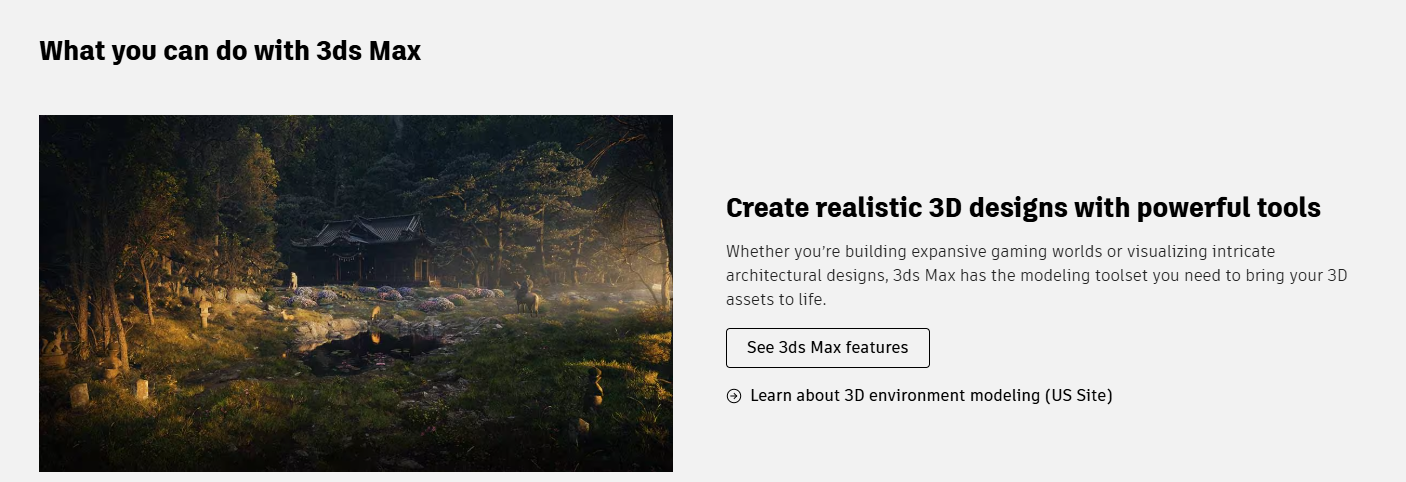
3ds Max is one of the most popular rendering software options available. It is known for its user-friendly interface and ease of learning, making it a favorite among architectural designers. 3ds Max can create realistic models and complex animations, and it supports functions like shading networks. Designers can simulate environments and apply various textures using built-in components, enhancing the visual quality of their projects.
Key Features:
- Operating System: Windows
- Global Illumination: Can simulate indirect lighting, color bleeding, and light bounce.
- Applications: Design, animation, modeling, and architectural visualization.
- GPU Rendering: Can be enabled by selecting the V-Ray GPU engine.
2. Pixso for Design Collaboration and Presentation
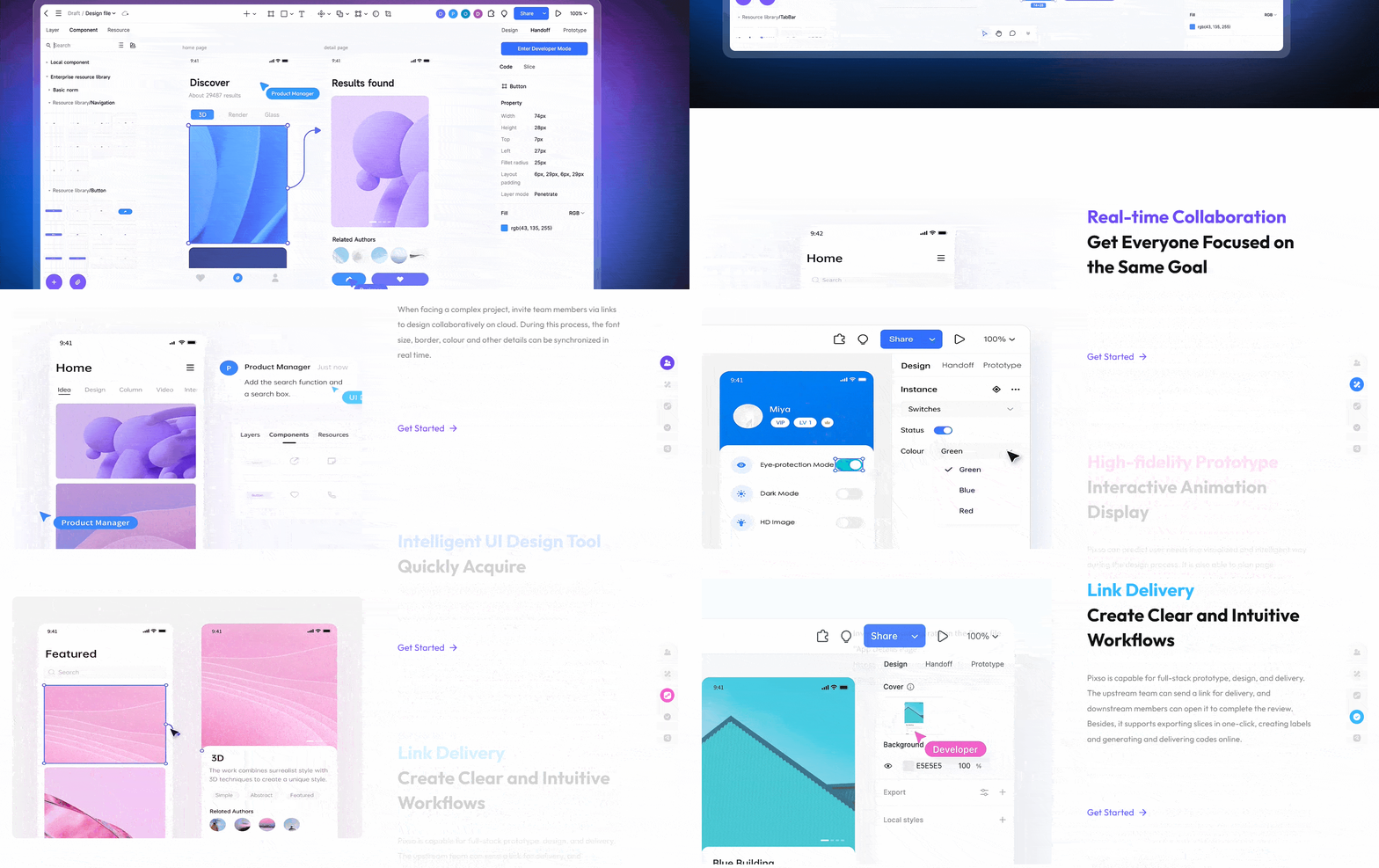
Pixso is a collaborative UI design tool. Teams can use it to arrange imported renderings, annotate visual proposals, and review interface or presentation layouts together. It is used here for design collaboration and presentation rather than 3D scene rendering.

Key Features:
- Real-time Collaboration: Supports multiple users working on projects simultaneously.
- User-friendly Interface: Browser-based UI editing for arranging text, images, and design elements.
- Seamless Integration: Allows integration of production, design, and research without the need for third-party synchronization.
- Cloud Storage: Enables real-time modifications and evaluations of design content by multiple users.
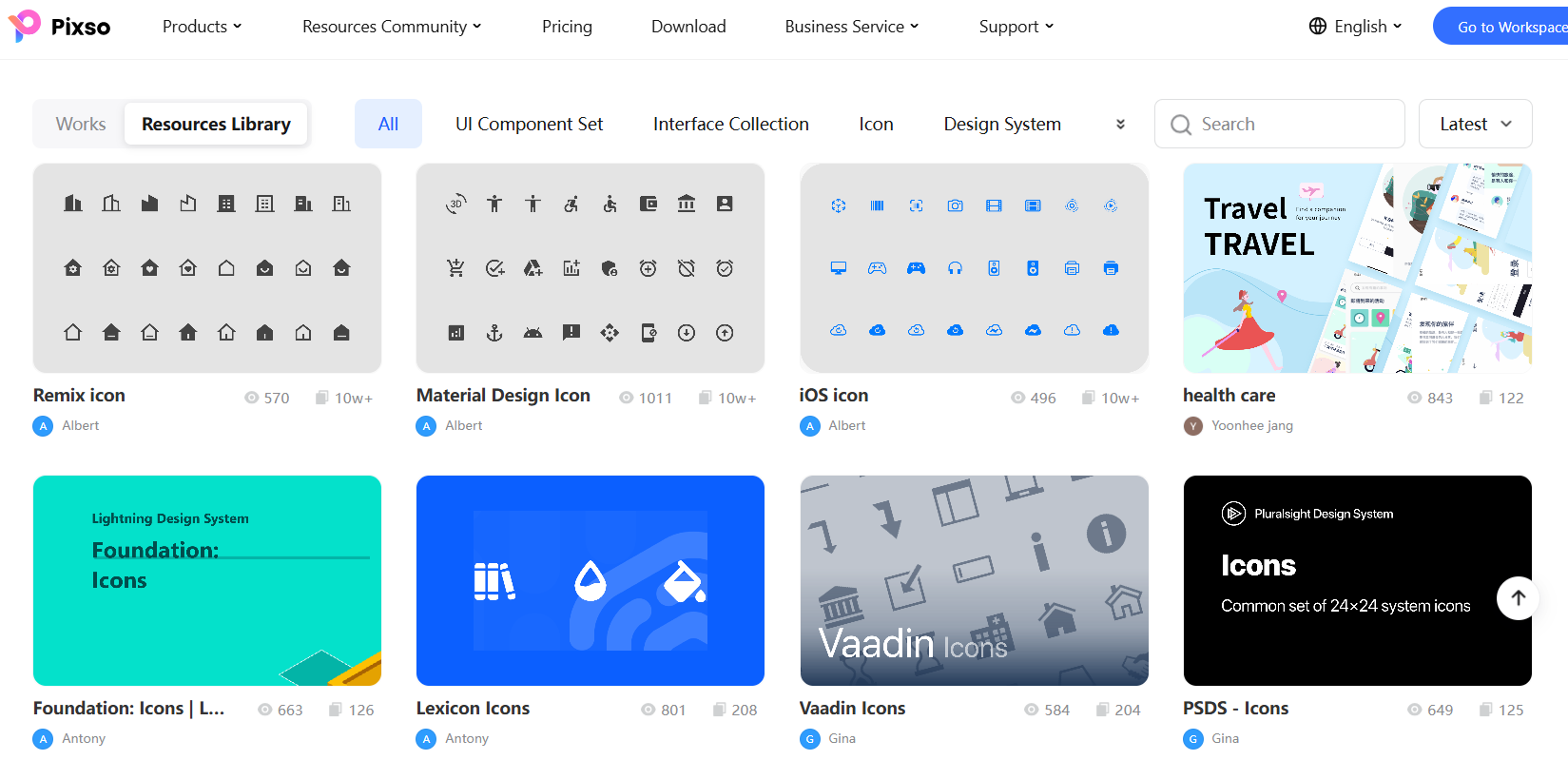
- Resource Community: Browse design templates and visual assets for a presentation, and review the usage terms for each resource.
3. SelfCAD
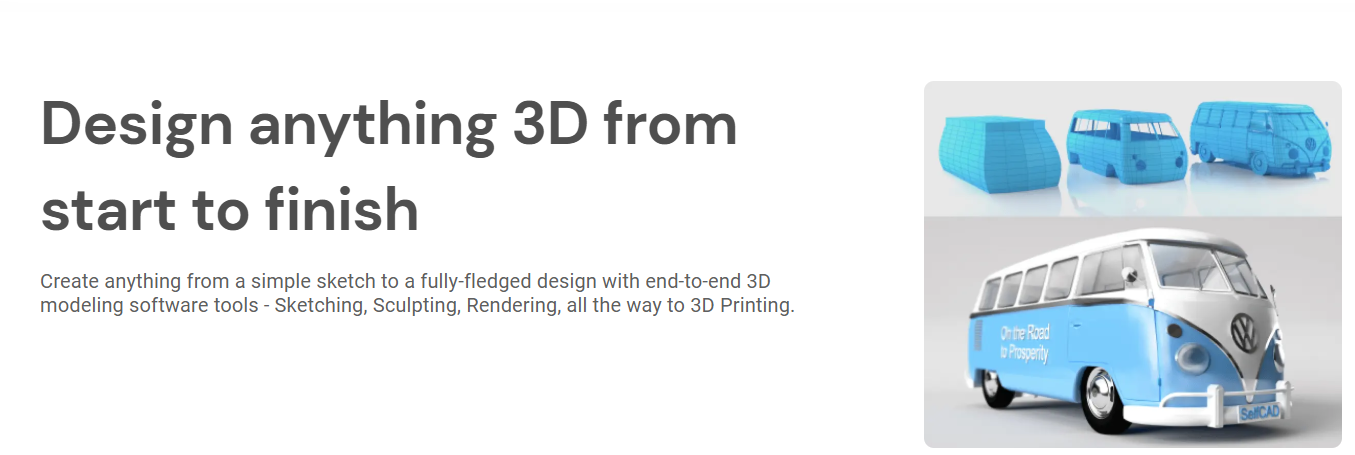
SelfCAD features a very simple user interface, making it accessible for beginners. Users can perform modeling, sculpting, rendering, and slicing seamlessly. The software offers introductory courses for 3D modeling and rendering, with interactive instructions guiding users to create models from simple to complex designs. SelfCAD is equipped with a powerful rendering engine that allows for adjustments in lighting, reflection, and shadow settings.
Key Features:
- Operating Systems: Windows, Mac, UNIX, LINUX, Browsers
- Applications: 3D modeling, architectural rendering, and visualization.
- Interactive Tools: Make the learning process smoother for new users.
4. Lumion 3D
Lumion 3D is specifically designed for architects engaged in exterior modeling work. This software can be used in conjunction with other 3D rendering tools on the market. Lumion 3D features a straightforward architectural rendering interface, allowing for easy use. It encompasses a vast database of materials, including water, sky, grass, plants, and other essential items for creating realistic visualizations.
Key Features:
- Level: Professional-grade
- Operating System: Windows
- Applications: 3D modeling and visualization.
- GPU Rendering Function: Enhances rendering performance.
5. SketchUp
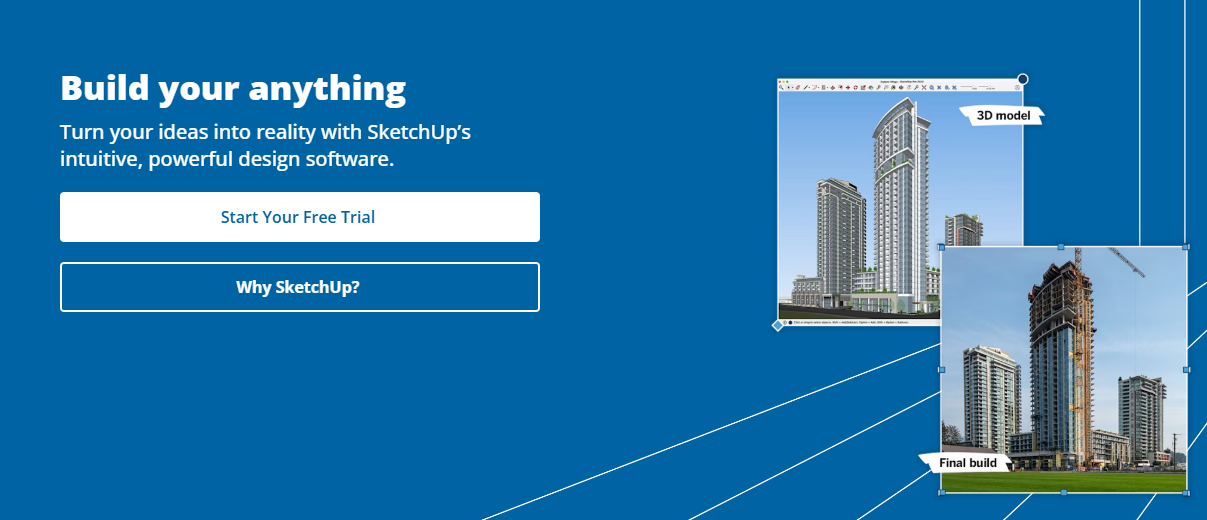
SketchUp is a 3D modeling and architectural design program. It is widely used in the construction industry, landscape design, and furniture production. SketchUp enables users to generate 3D fly-throughs and walk-through animations, making it a valuable tool for rendering building exteriors.
Key Features:
- Level: Suitable for both amateurs and professionals.
- Operating Systems: Windows, macOS.
- Applications: 3D modeling and architectural design.
SketchUp also offers a free version, making it one of the most accessible free rendering software options available for users looking to get started in 3D modeling and rendering.
6. Blender
Blender is an open-source program used for creating both 2D and 3D visuals and animations. It supports the complete design process, from modeling and sculpting to rendering, simulation, and post-production. Blender is equipped with various tools and functions that enable designers to create structures such as skyscrapers, houses, and amusement parks. Its robust 3D sculpting capabilities further enhance its attractiveness for designers.
Key Features:
- Level: Suitable for both amateurs and professionals.
- Operating Systems: Windows, Linux, macOS.
- Applications: Comprehensive 3D modeling and rendering capabilities.
7. V-Ray
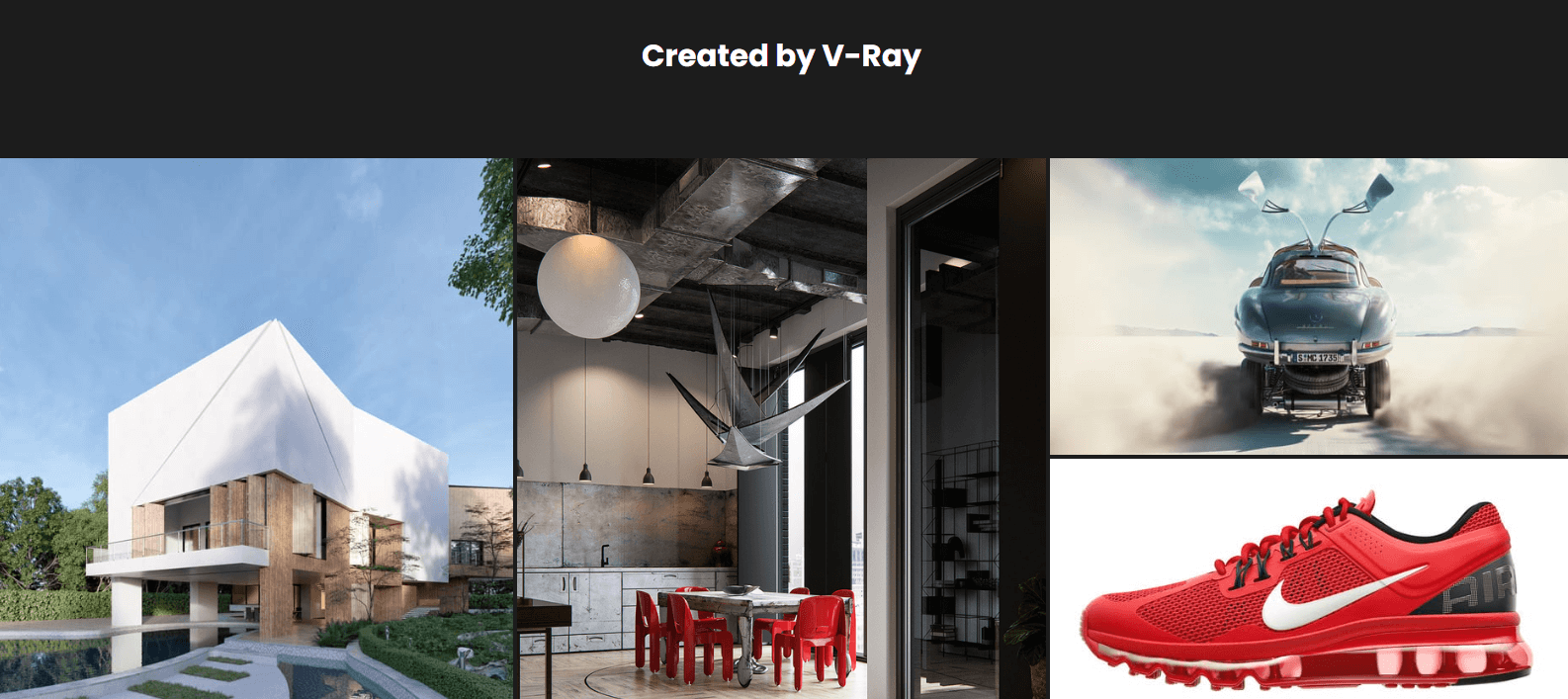
V-Ray is a rendering tool suitable for 3D artists at different experience levels. It is particularly popular for architectural visualization and works exceptionally well in combination with 3ds Max for indoor rendering. V-Ray focuses on realistic lighting and shadows, helping architects and designers create lifelike image materials. Its camera effects, including depth of field and precise blur, enhance the visual impact of the rendered images.
Key Features:
- Level: Suitable for beginners and professionals.
- Operating Systems: Windows, Linux, macOS.
- Applications: Architectural rendering and visualization.
8. Autodesk Revit
Autodesk Revit employs building information modeling (BIM) concepts to create architectural visualizations. This software allows for 3D modeling of architectural elements and 2D drawing of design features. Revit can create custom objects and coordinate project teams' deliveries from concept to working drawings. Its comprehensive toolset and extensive database help manage project information effectively.
Key Features:
- Level: Suitable for professionals.
- Operating System: Windows.
- Applications: 3D modeling and visualization.
9. Cinema 4D
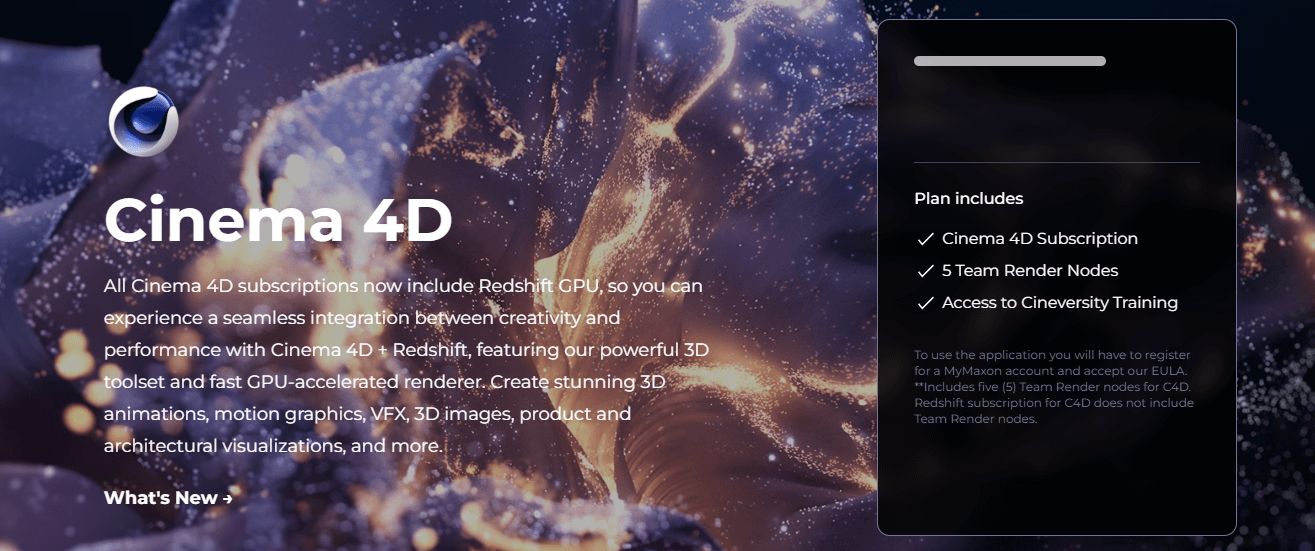
Cinema 4D is a versatile 3D program that combines modeling, animation, and rendering capabilities. It is suitable for both amateurs and professionals, offering powerful tools for creating complex textures and animations. With multiple versions available, including Studio and Visualize, Cinema 4D caters to a wide range of user needs.
Key Features:
- Level: Suitable for professionals and amateurs
- Operating Systems: Windows, macOS.
- Applications: 3D rendering and animation.
10. Maxwell Render
Maxwell Render is recognized for its ability to create high-quality, realistic images. This powerful software features GPU-accelerated rendering, global illumination, and an interactive cursor. Its robust rendering functions enable designers to produce visually stunning results with ease.
Key Features:
- Level: Suitable for professionals.
- Applications: High-quality architectural visualization and product rendering.
Final Thoughts
Choose a 3D tool according to the modeling, lighting, materials, and rendering work your project requires. Use Pixso to organize visual assets and review interface or presentation layouts with your team.
For presentation layouts and UI references, browse the Pixso resource community and adapt suitable resources to your project.
The right choice of rendering software can significantly enhance your design workflow, helping you bring your creative visions to life. Whether you opt for professional tools or free rendering software, this guide serves as a valuable resource for any designer looking to enhance their project presentations. Visit the Pixso resource community to find design resources for your project.