Scott
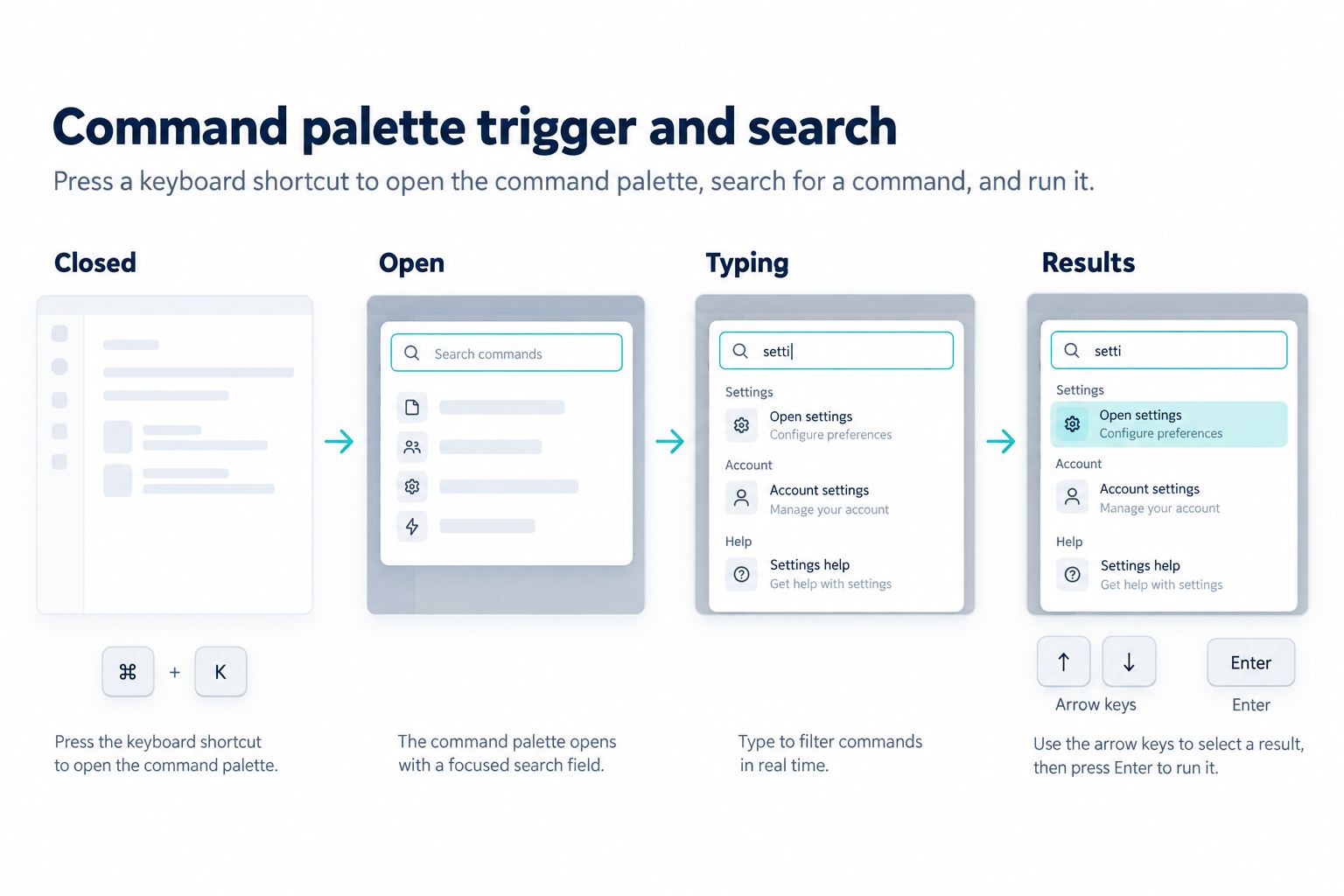
A search page is not finished when it returns zero results. It should help the person understand what happened, recover from a misspelling or overly narrow query, and choose a useful next step. Start by mapping the states in a search UI design workflow, then prototype the empty result, partial match, loading, and failure states together instead of treating “no results” as one generic message.
Separate the reasons a search is empty
“No results” can mean several different things. A new visitor may have searched before the index is ready; a returning user may have a spelling mistake; a team member may not have access to the matching records; or the query may simply be too specific. Use a state label that reflects the reason you can support, not a confident explanation that the system cannot prove.
| State | What the person needs to know | Useful next action |
|---|---|---|
| No matches | The current query found nothing in the visible scope. | Broaden the query, remove a filter, or browse a category. |
| Possible typo | The query resembles a known term but has no exact match. | Try the suggested spelling and keep the original query editable. |
| Restricted matches | A result may exist outside the person’s permission scope. | Explain the scope and offer a permission request only if policy allows. |
| Indexing pending | Recently added work may not be searchable yet. | Return to the item or retry later without promising a fixed delay. |
| Search unavailable | The service could not complete the request. | Retry, preserve the query, and provide a non-search route. |
Do not use a permission message for every empty result. Revealing that a hidden record exists can disclose information. If the product cannot distinguish a restricted match from no match safely, use a neutral empty state and provide a support or access path without confirming the record.
Write the recovery path before the explanation
The first line should answer “what can I do now?” A compact empty state can use this order:
- Repeat the query in plain text so the person can spot a typo.
- State the result in one sentence: “No projects match summer campagin.”
- Offer one or two high-confidence corrections or broader options.
- Keep the search field focused or easy to reopen.
- Give a secondary route, such as browsing recent projects, when search is the wrong tool.
For example, after “summer campagin” the interface might suggest “summer campaign”, remove a selected “Archived” filter, and offer “Browse all projects”. Do not present ten speculative suggestions; each extra option makes the recovery decision harder.
Make suggestions explainable
Suggestions should be based on a visible reason: a spelling correction, a matching phrase, or a broader category. Distinguish a correction from a new search. If the person selects “summer campaign”, update the query and show that it was applied. If they choose “Search for the exact phrase”, preserve the original words. Avoid changing the query silently, because an invisible rewrite makes a later result difficult to trust.
Preserve filters, scope, and typed work
An empty state is often caused by a filter rather than the query. Show active filters near the message and let the person remove one at a time. If removing a filter changes the result, keep the query and return the person to the same scroll position when practical. Resetting every filter after a miss forces the person to rebuild their intent.
For a project search, make scope explicit: current file, current team, or all permitted workspaces. If the person lacks access to a broader scope, do not imply that switching scope will reveal a result. Preserve unsent query text when the request fails, and distinguish a network error from a successful zero-result response.
Test the transitions, not only the illustration
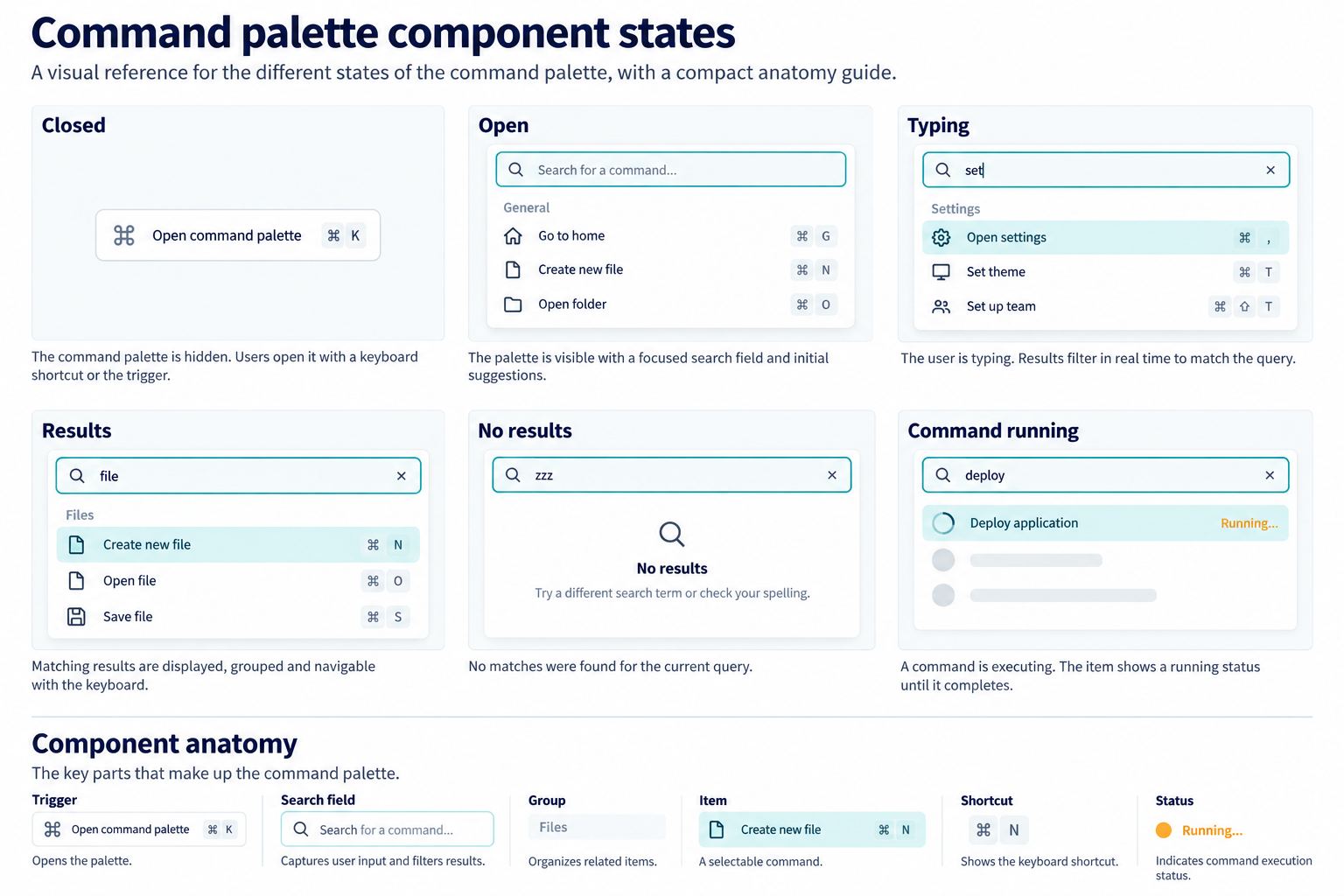
Prototype the state changes as a small decision model. Begin with a query and scope, submit it, then test every outcome that the interface can communicate.
| Trigger | Visible result | Acceptance check |
|---|---|---|
| Exact match | Results replace the loading state. | Query, filters, and result count remain understandable. |
| Zero match | Recovery suggestions and browse path appear. | One clear next action is available without losing the query. |
| Filter removes all results | The responsible filter is identified. | The person can remove only that filter and compare the outcome. |
| Request fails | Error and retry action appear. | Retry keeps the query and does not duplicate a request blindly. |
| Scope changes | Results and scope label update together. | No hidden-permission claim is made without evidence. |
Use a small test set that includes a typo, a synonym, a long phrase, special characters, an empty query, and a query that matches only in a restricted scope. Ask participants to recover without being told which control to use. If they read the empty message but cannot name the next action, the wording and hierarchy still need work.
Avoid dead ends on mobile and keyboard paths
On a narrow screen, keep the query, result state, and primary recovery action in the first viewport. Suggestions should be keyboard reachable and announced with their relationship to the current query. Focus should return to the search field after a failed request or remain on the selected suggestion when a result is loading. Do not make “clear all” the only way out of a no-results state; it erases useful context.
When the index is genuinely empty, offer a meaningful first action such as creating a project or opening a recent item only if that action fits the product’s permission model. The goal is not to decorate an empty screen, but to let the person continue the task with the least surprising change.
Document the empty-state contract
Before handoff, record which empty states the search service can distinguish, which suggestions are deterministic, and what happens when the request times out. Include copy, focus order, filter behavior, analytics events, and the privacy decision for restricted matches. A concise contract prevents design, engineering, and support from interpreting the same “no results” screen differently.
In Pixso, keep the state matrix beside the connected screens and annotate the recovery path. That makes it possible to review the exact transition from a query to an empty result, a corrected query, or a retry without relying on a static screenshot. Recheck the states whenever the searchable scope or permission model changes.