Scott
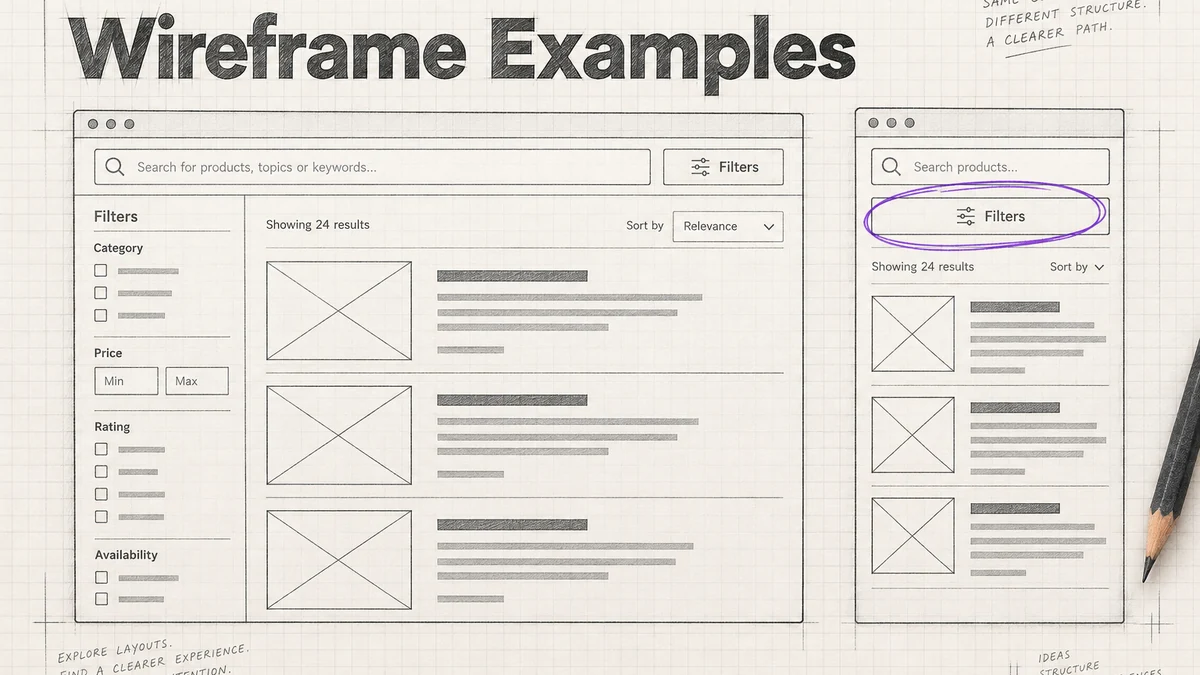
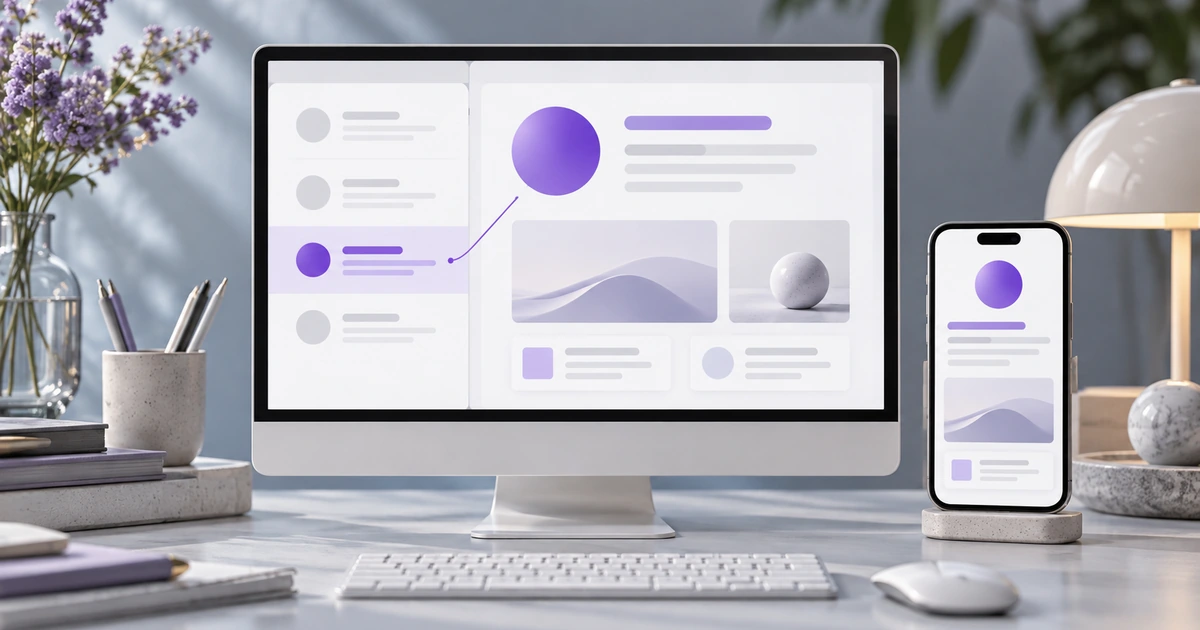
A split-view interface keeps a collection beside the details of one selected item. It suits tasks such as reading support conversations, reviewing documents or inspecting records repeatedly: people can move through the list without rebuilding their context after every choice. The design succeeds when the selected row, detail heading and available actions clearly refer to the same object.
Use Pixso's interface design workspace to develop that relationship at wide and narrow widths. The important decision is not how to divide the screen into equal halves. It is what must remain visible while someone works on an item.
Choose a task that benefits from list and detail together
Consider Beacon, a service desk used here as a design example. A specialist scans the inbox, opens Mira Chen's conversation about an invoice receipt and reads the request before responding. The list supplies context: nearby conversations, their subjects and their current status. The detail pane supplies the selected conversation's content and actions.
This is different from a marketing split-screen layout, where two panels may present independent offers. It is also different from tabs showing sibling sections of one record. In Beacon, selecting a different row changes which object the detail pane represents.
Use a separate full page when a record needs a large working area and the surrounding list contributes little to the task. Use a compact disclosure when only a small detail is needed. Two panes are useful when repeated movement between collection and item matters enough to justify sharing the available space.
Make the selected object unmistakable
Beacon's selected row reads “Mira Chen,” “Invoice receipt” and “#1042.” Repeat enough of that identity in the detail heading to establish the connection. If two customers have the same name or several conversations share a subject, the record reference helps distinguish them without requiring the entire list to show every field.
A persistent selected treatment should remain visible after the pointer leaves the row. Do not make selection look identical to hover. Likewise, a keyboard focus outline identifies the row or control being operated; it does not necessarily mean the corresponding conversation is already open.
Keep bulk selection separate if the inbox offers it. A checkbox might select several conversations for a batch action, while opening a row inspects one conversation. Treating the checked row and the displayed detail as the same state would make it unclear which conversations an action affects.
The first empty detail pane also needs a deliberate choice. Beacon can invite the specialist to select a conversation rather than automatically opening the newest message. That avoids presenting an arbitrary conversation as though the specialist chose it. A direct link to #1042, however, should open that requested conversation when access permits.
Size the panes around their content
Start with the minimum information needed to recognize a row. For Beacon, the sender, subject, short preview and status support scanning. The list does not need the full message body, but truncating every subject after a few characters makes similar conversations difficult to distinguish.
Give the detail pane enough room for readable messages and the response area. An automatic half-and-half split may waste list space while making the conversation unnecessarily narrow. Compare proportions using realistic subjects and longer messages, not identical placeholder lines.
Then test the layout with enlarged text. A list width that fits two short English words may fail with a translated subject or a long organization name. Decide which content can wrap, which secondary information can move and where the complete identity remains available.
If adjustable panes are genuinely useful, make the divider discoverable and specify an alternative to dragging. Define useful minimum widths so resizing cannot reduce a pane to an unusable strip. Resizing is optional; a well-chosen fixed relationship with a clear compact layout can be simpler than adding a control that most people do not need.
Preserve place when the list changes
While the specialist reads #1042, a new conversation may enter the inbox. Show the new arrival without silently switching the detail pane to it. The service desk's activity should not overwrite the specialist's current choice.
Keep the list's current filter and useful scroll position when someone inspects an item and returns. If a status action means the conversation no longer matches the filter, explain that result. For example, after resolving #1042 in an Open inbox, Beacon can keep its detail visible briefly and show that it has left the current list, with a clear route to the next conversation.
That behavior should be agreed with the product team, not left to accidental sorting. Another workflow may deliberately advance to the next item, but the action must make that consequence predictable. “Resolve” and “Resolve and open next” describe different commitments.
If the selected record becomes unavailable, do not leave another record's content under its heading. Explain that the item can no longer be opened and offer the appropriate return route. Keep the list context where possible, without exposing information the current user is no longer allowed to see.
Adapt to one pane without losing the route
At a compact width, Beacon shows the inbox first. Opening #1042 moves to its detail view. A visible “Back to inbox” action returns to the same useful list context, not a newly reset inbox at the top.
Android's adaptive list-detail guidance illustrates the underlying pattern: related panes can appear together when space permits and become separate destinations in a compact window. The same relationship is useful to consider for a web interface, while its routing and browser-history behavior must be specified for that implementation.
| Context to preserve | Wide Beacon layout | Compact Beacon layout |
|---|---|---|
| Selected conversation | Mira Chen's row and the #1042 detail are visible together. | The detail heading still identifies Mira Chen and #1042. |
| Inbox scope | The current filter remains above the list. | Returning to the inbox restores the same filter. |
| Place in the list | The selected row remains locatable while reading. | Back returns to a useful position near the selected row. |
| Available action | Conversation actions belong to the detail pane. | The same actions belong to the opened conversation, not hidden rows. |
| Window-size change | Both panes share the current selection. | The opened detail remains the current destination when space becomes compact. |
A window resize should not reset the task. If someone is reading #1042 when the layout becomes compact, keep that detail open. When more space returns, restore the list beside it with the same selection. Treating each width as an unrelated screen loses the reason for using a list–detail pattern.
Separate reading from editing before changing records
Moving between read-only conversations is inexpensive. Moving away from an unfinished reply is not. Beacon needs to make the draft's status clear before the specialist opens a different conversation.
If the product saves drafts, show that state accurately and make the draft available when the specialist returns. If a reply is only present in the current editing session, offer a clear way to stay or discard it before losing the content. Do not describe a locally typed message as saved simply because its text remains on screen.
Keep this decision attached to the conversation being edited. A generic warning that says “Your changes may be lost” is less useful than “Discard the unsent reply to Mira Chen?” The selected row, draft owner and final action should agree. A reply intended for #1042 must never travel with the composer when another conversation opens.
Define focus and scroll as separate contexts
With two visible panes, decide how keyboard users move from the list to the conversation and back. Opening a row should not make the next focus position unpredictable. Keep a visible focus treatment and make the detail heading and actions easy to locate.
In the compact layout, opening a conversation is a navigation change; focus should reach the new view meaningfully. Returning should recover a useful location in the list rather than forcing the person to traverse every earlier row again. Document that intention beside the frames and test the built interaction.
The panes may also scroll independently. Give each a clear boundary and ensure the selected conversation's controls remain reachable. Avoid a tiny message area nested inside another scrolling detail container unless it serves a real need. Independent scroll positions are useful only when people can tell which region they are moving through.
Review the Beacon flow in Pixso
Create a wide inbox with #1042 selected, a compact inbox and a compact conversation view in Pixso. Keep Mira Chen's identity and the invoice-receipt subject consistent. Connect the open and return paths, and place the expected selection and list-position behavior beside the frames.
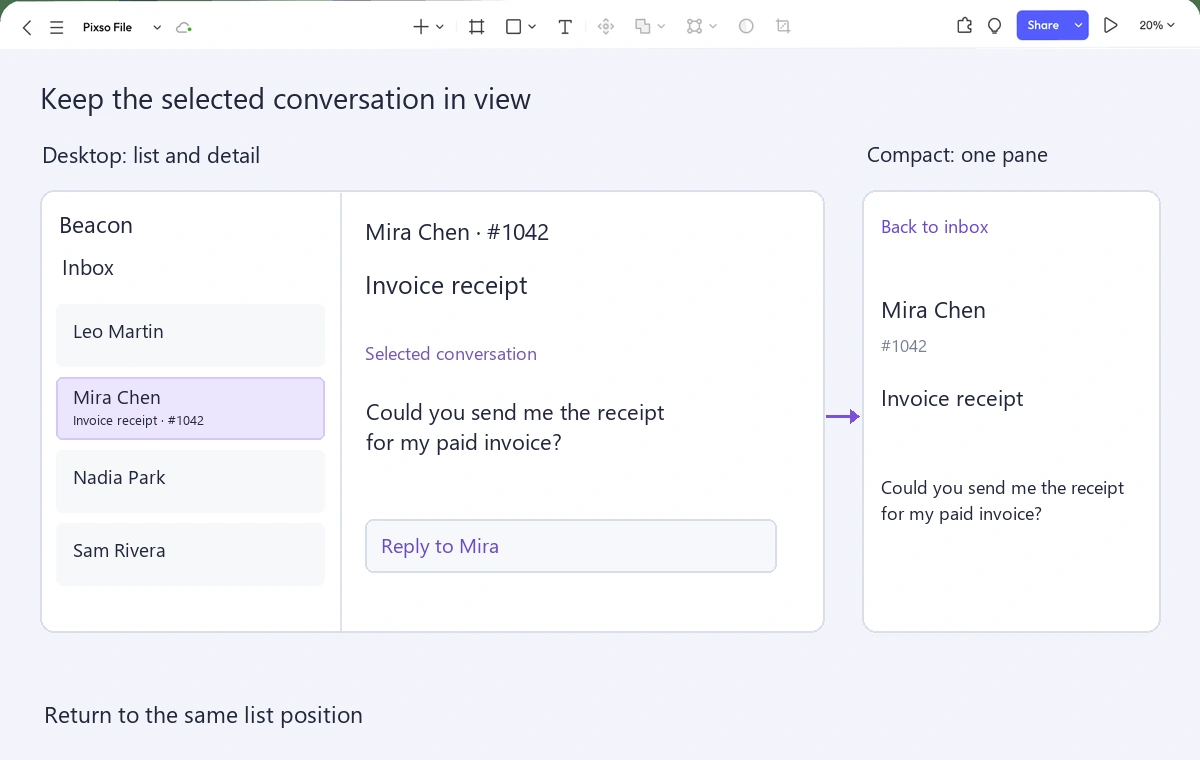
Ask a reviewer to find Mira's request, read it, inspect another conversation and return. Then introduce a longer subject and an unsent reply. Watch whether the interface makes the current object and next action clear without an explanation from the designer.
A good split view makes repeated inspection feel continuous. Keep that continuity through selection, layout changes, new arrivals and the return route. The divider is just the visible edge between two parts of the same task.