Scott
A UX copy inventory gives every label, message, and instruction a place in the product flow. With one list, designers can find inconsistent names, missing recovery text, and strings that will fail when translated or reused.
Use a Pixso UX design collaboration workspace to review the inventory beside the screens and prototype states that use each string.

1. Set the inventory boundary
Choose one journey, such as inviting a teammate or recovering an account, and list every visible string in order. Include navigation labels, button text, field hints, validation messages, notifications, empty states, and confirmation text. Record the screen, trigger, and user goal for each item.
2. Check names and actions for consistency
Compare nouns, verbs, capitalization, and tone across the journey. A “Remove” action should not become “Delete” without a product reason; a label should not describe a different permission level on another screen. Mark the preferred term and the exceptions so designers and writers can apply the rule consistently.
3. Review error, empty, and permission copy
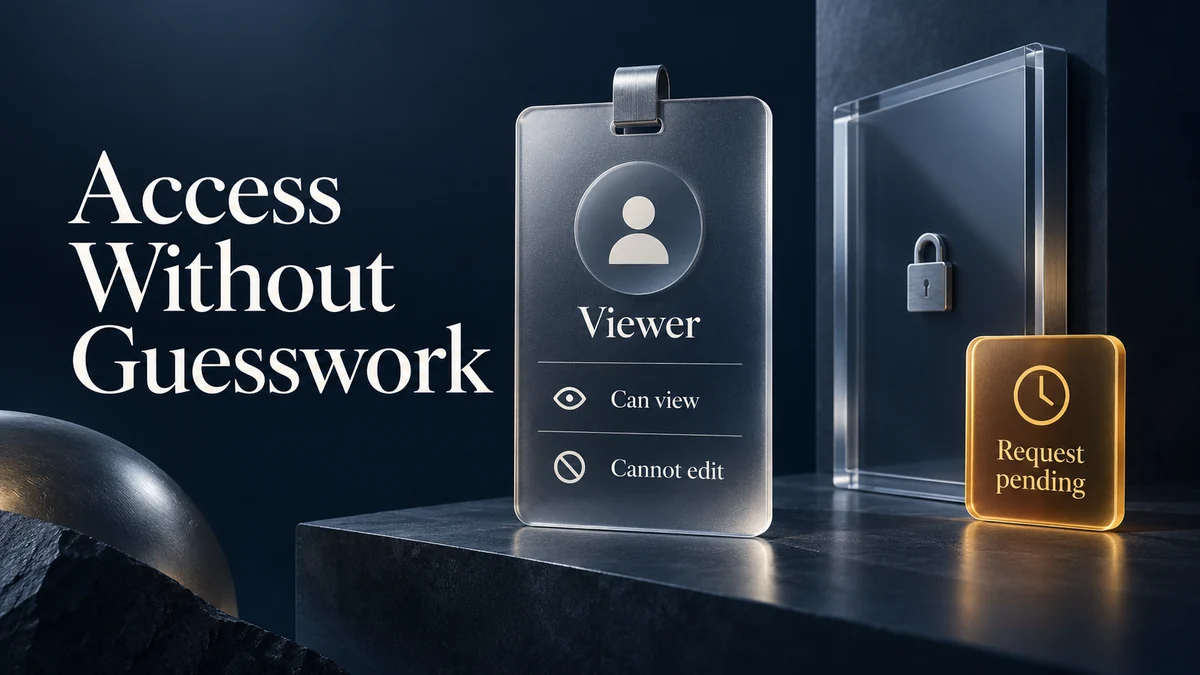
Useful copy explains what happened, what the person can do next, and whether their input is safe. Replace vague messages such as “Something went wrong” with a cause and recovery path when the product can know them. For permission errors, say which access is missing and who can grant it.
4. Test length, localization, and accessibility
Check long names, narrow layouts, zoomed text, keyboard focus, and screen-reader order. Leave room for translation expansion and avoid embedding meaning only in color or icons. Note character limits, variable text, and whether a string needs a plural or gender-aware form before implementation.
5. Link each string to a decision
For every change, record the reason, owner, status, and affected screens. Link the inventory row to the frame or prototype state where the wording appears. This makes review concrete and prevents a corrected label from being copied back into an older flow.
| Surface | Audit question | Evidence to capture |
|---|---|---|
| Navigation and labels | Does the term match the product vocabulary? | Preferred term, exception, and affected screens |
| Inputs and validation | Can the person complete the field without guessing? | Hint, format, error cause, and recovery |
| Empty and loading states | Does the message explain the current condition? | Cause, progress signal, and next action |
| Permission and confirmation | Is the consequence and owner clear? | Access rule, confirmation, and undo or support path |
| Localized layouts | Will the string remain usable when it expands? | Longest sample, fallback, and accessibility check |
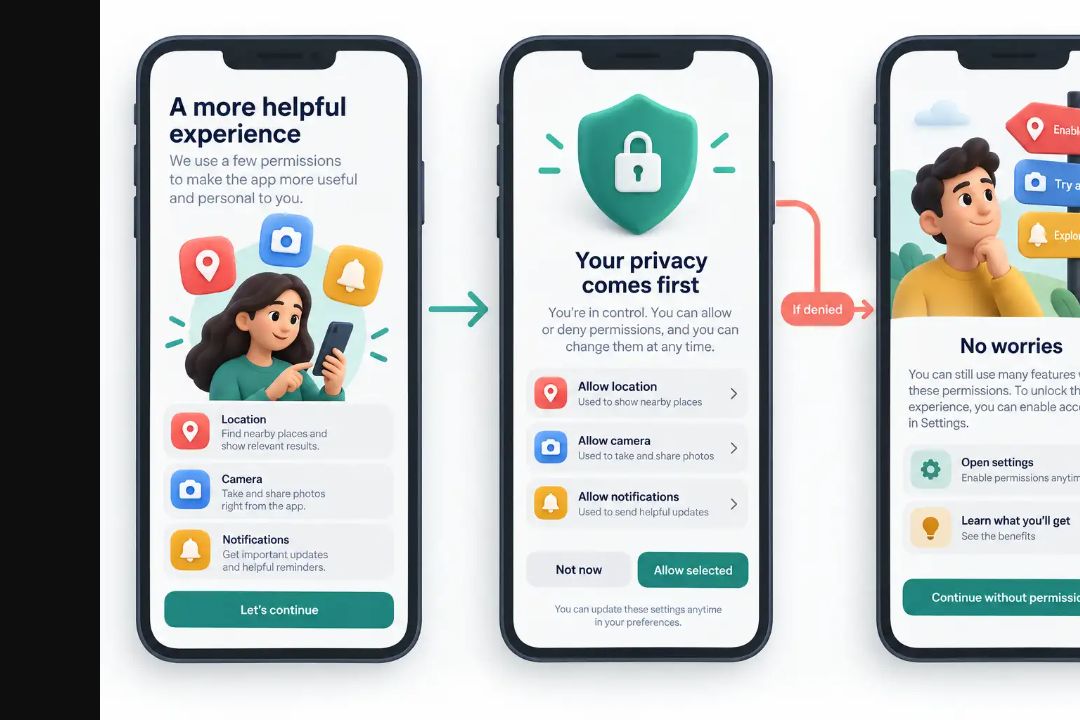
Make language part of the design review
Review the inventory with design, product, engineering, and localization before strings are frozen. Resolve the terms that affect multiple flows first, then verify the final wording in the prototype at realistic lengths.