Scott
In digital marketing and web development, interactive mobile pages play a central role in audience engagement. Marketers and designers frequently encounter the term h5 when building campaign landing pages, event microsites, and interactive web apps. However, many creators still ask: what is h5, and how does it differ from traditional web pages?
This guide explores what HTML5 is, breaks down its core business advantages and use cases, and introduces how modern collaborative tools allow you to design responsive h5 pages without complex code.
1. What does H5 mean?
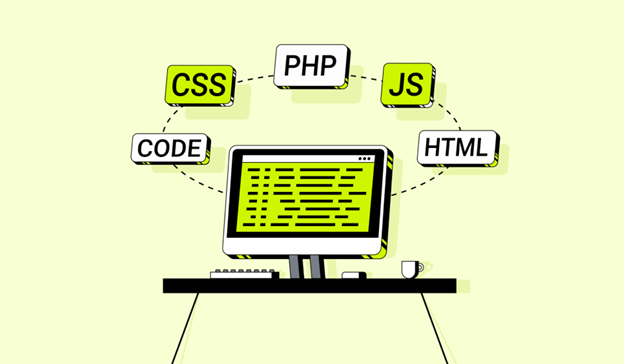
The term h5 is short for html5, which is the fifth major revision of HyperText Markup Language, standardized by the World Wide Web Consortium in 2014. While html5 is technically the markup language standard powering the modern web, in design and marketing workflows, h5 refers to interactive mobile web pages, promotional microsites, and light web applications.
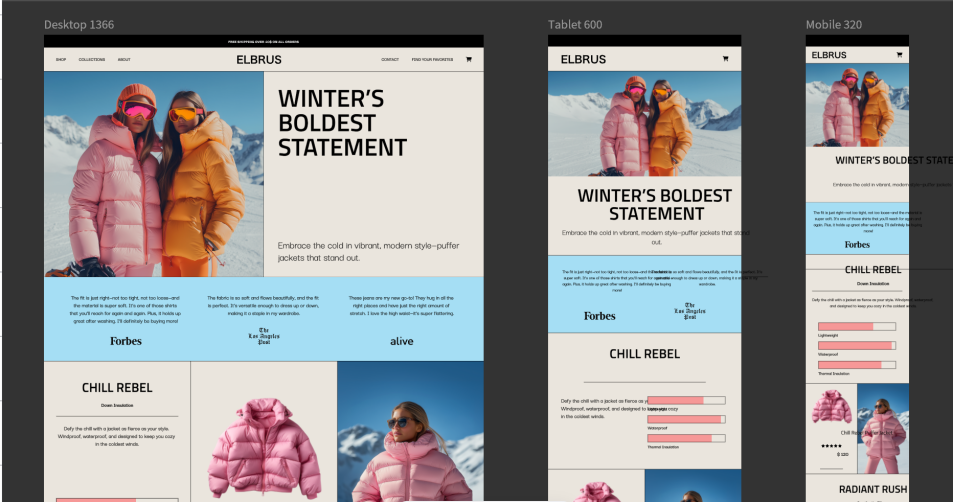
Unlike early static web pages, h5 content is optimized for mobile touchscreens, featuring smooth animations, multimedia support, and interactive touch controls. It provides a flexible foundation for modern digital experiences across mobile browsers and social platforms.
2. Advantages and Business Value of H5
Using h5 for mobile content delivery offers distinct strategic and technical benefits:
- Cross-platform compatibility: An h5 page runs smoothly across desktop browsers, smartphones, and tablets without requiring device-specific adaptations.
- Zero installation friction: Users access content instantly via a simple URL link or QR code without downloading an application from an app store.
- Cost-effective development cycles: Building an H5 microsite requires significantly less time and budget than native iOS or Android app development.
- Rich multimedia and interaction: Built-in support for video, audio, canvas animations, and touch gestures makes content highly engaging.
- Search engine friendly: Built on standard web code, h5 content is easily indexed by search engines, boosting organic online visibility.
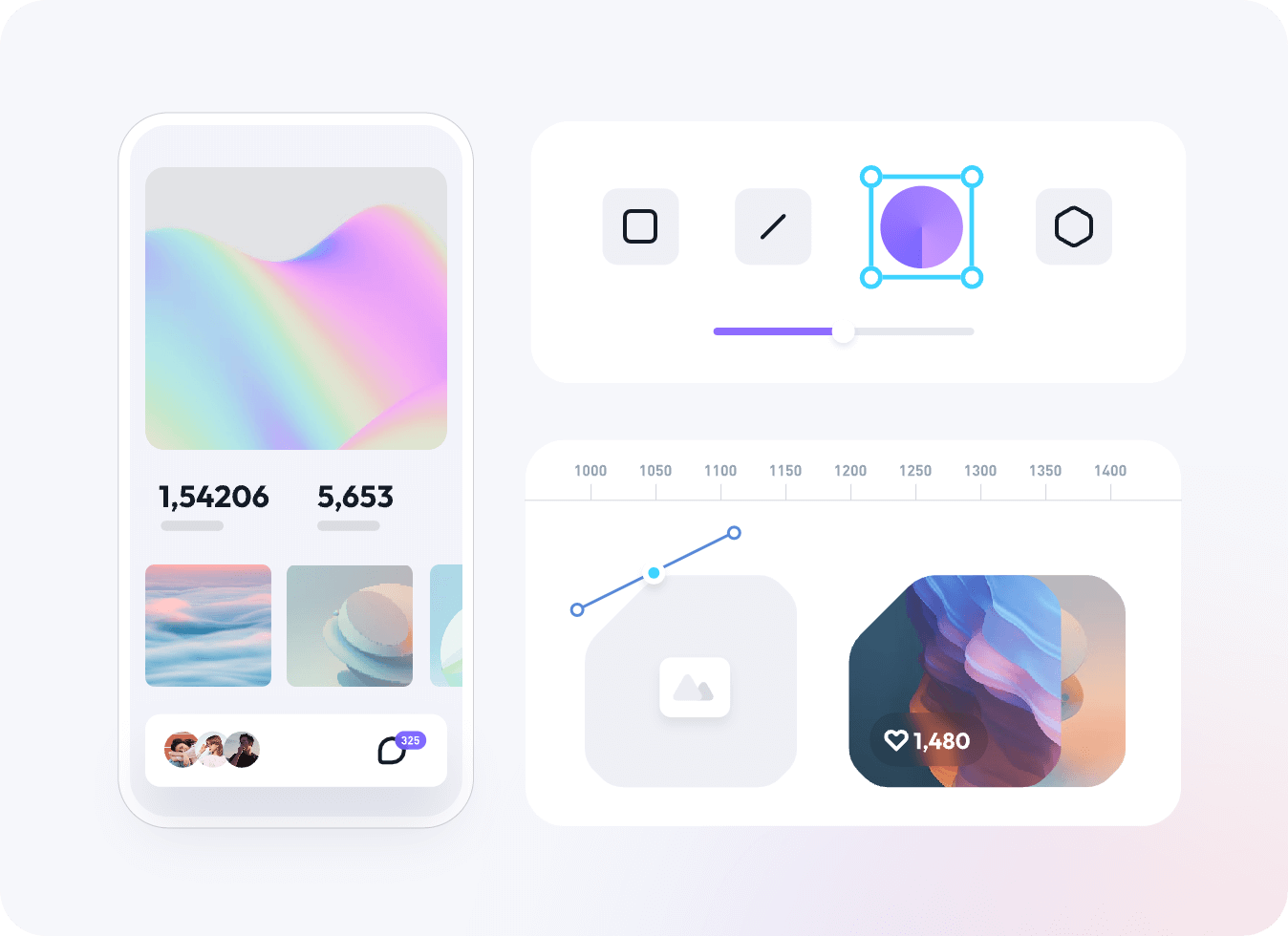
While coding interactive pages from scratch can be time-consuming, using a modern visual design tool simplifies the process. Drag-and-drop canvas editing, prebuilt UI templates, and interactive prototyping allow teams to create polished h5 landing pages quickly without writing complex code.
3. Primary Use Cases for H5
Because of its flexibility and low distribution friction, h5 technology powers various digital touchpoints:
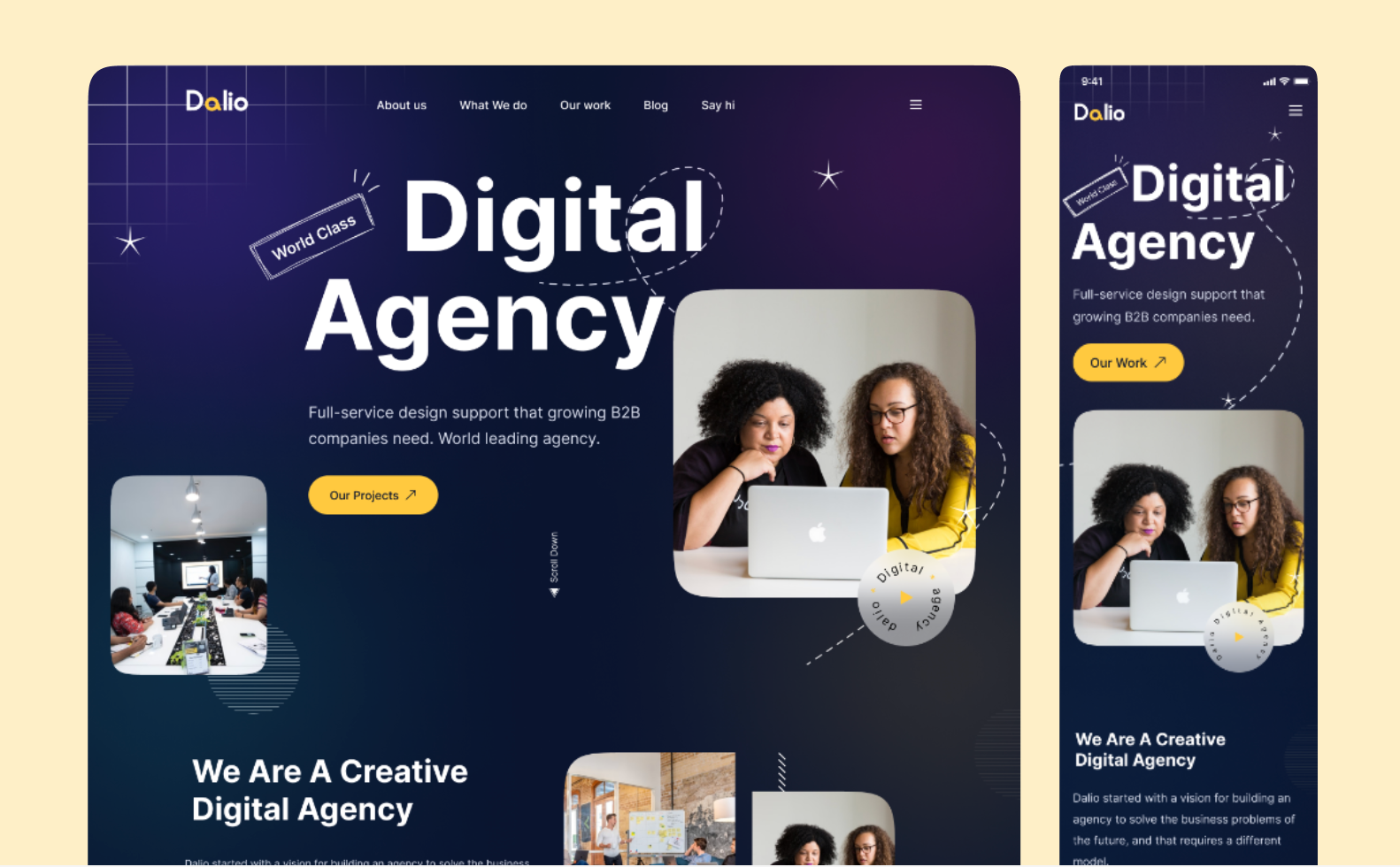
- Mobile Landing Pages: Responsive brand campaign pages, product launch announcements, and event registration forms optimized for mobile screens.
- H5 Web Games: Light browser games that run directly inside mobile browsers without external plugins or downloads.
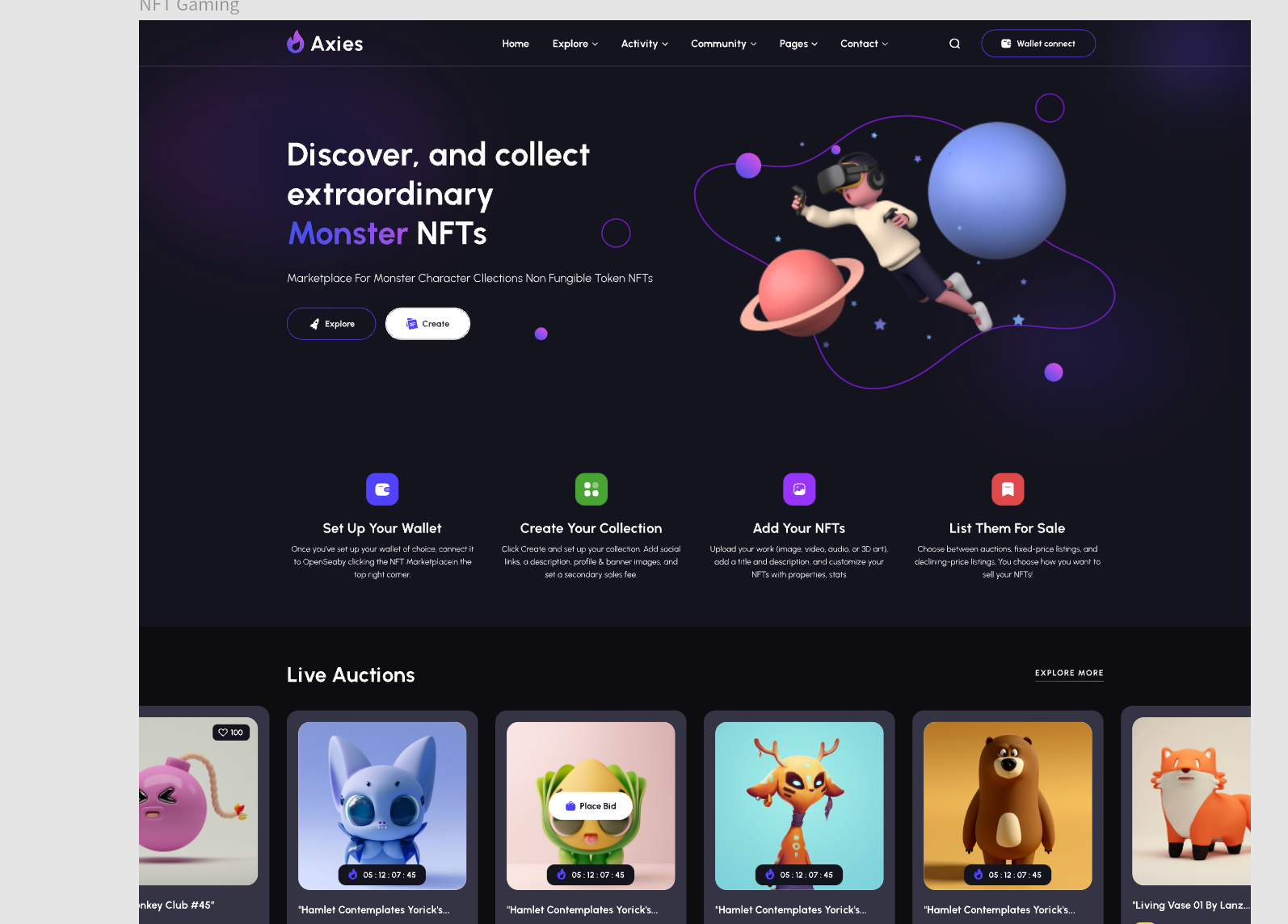
- Interactive Marketing Campaigns: Gamified marketing tools such as interactive quizzes, promotional spin wheels, and viral social sharing experiences.
- Mobile Web Apps and Hybrid Applications: App-like mobile web experiences built with html5, CSS3, and JavaScript, which can also be wrapped into hybrid mobile applications or progressive web apps.
4. Tools for Creating H5 Pages
To produce visually appealing h5 pages efficiently, using an integrated design platform is essential. Pixso is an all-in-one collaborative UI/UX design and engineering delivery platform built for professional teams, streamlining the entire lifecycle of interactive html5 mobile experiences.
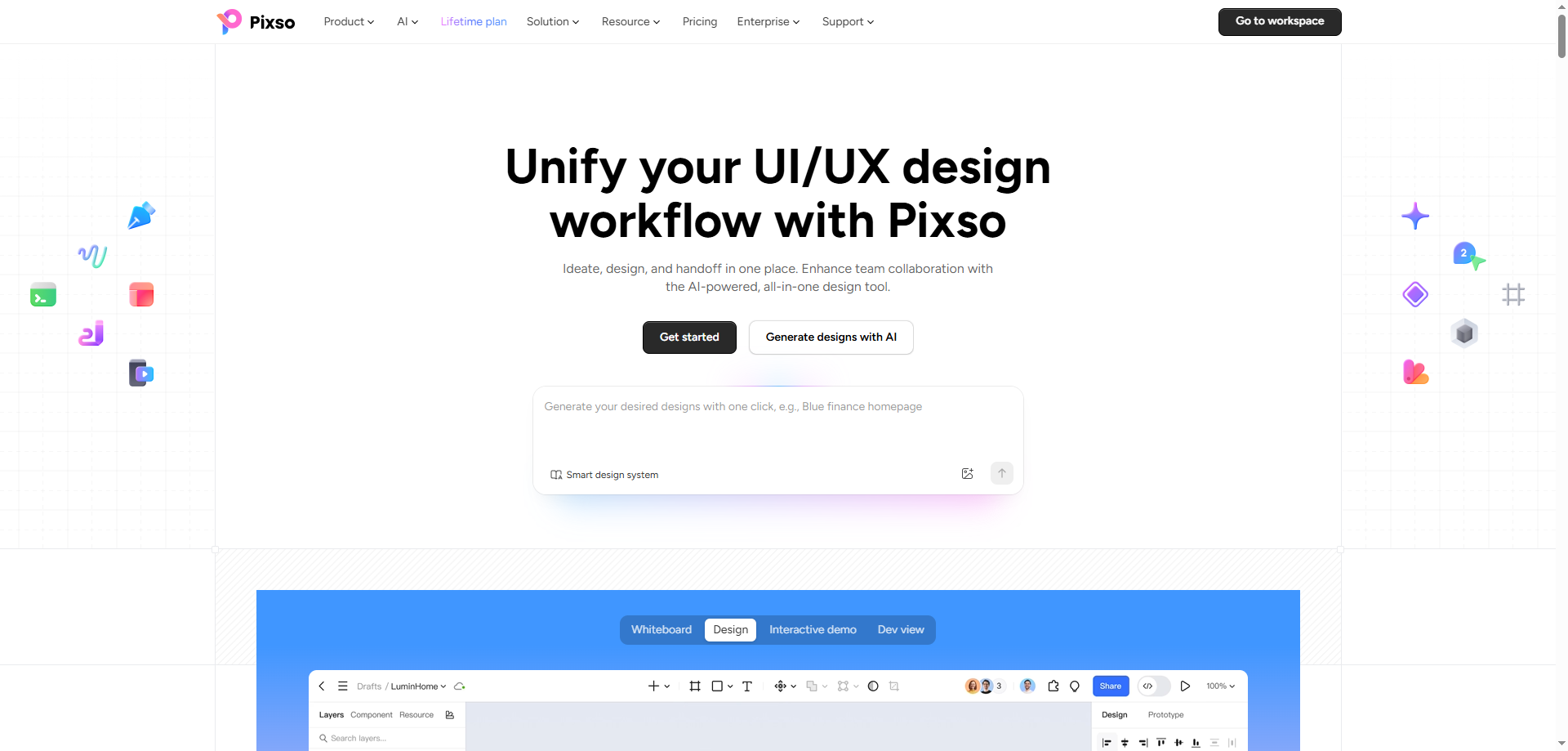
Pixso provides an end-to-end creative workflow that covers ideation, visual design, design system management, collaborative review, and automated code handoff:
- Early Ideation & Strategic Planning: Pixso whiteboards feature prebuilt tables and templates for team brainstorming, user flowcharts, and PRD documentation, helping teams organize campaign concepts clearly before designing layouts.
- Integrated Pixso AI Capabilities: Pixso AI acts as an in-editor assistant to accelerate h5 creation. Creators can validate ideas instantly using text-to-design generation, create visuals with AI text-to-image tools, perform AI background removal, apply AI smart auto layout, auto rename layers semantically, and generate design systems based on brand themes.
- Interactive Prototyping & Offline Presentation: Designers can build responsive h5 layouts, add microinteractions, and conduct walkthroughs using an offline presentation mode that works in weak or offline network environments. Collaborators can preview prototypes, pin comments, and log feedback in real time.
- Design System Governance: Pixso centralizes team components, styles, design variables, and brand guidelines into reusable systems. Preserving design specifications ensures brand consistency across campaign iterations and improves engineering predictability.
- Multi-Framework Code Delivery: To accelerate developer handoff, Pixso generates clean, production-ready code in React, Vue, HTML, ArkUI, and Flutter. Engineers can preview, optimize, and download code directly from shared links without manual asset slicing.
- Seamless Asset Migration: Teams transitioning from legacy workflows can batch import Figma, Sketch, and Axure files, as well as Figma and Sketch component libraries, with over 90 percent parsing compatibility.
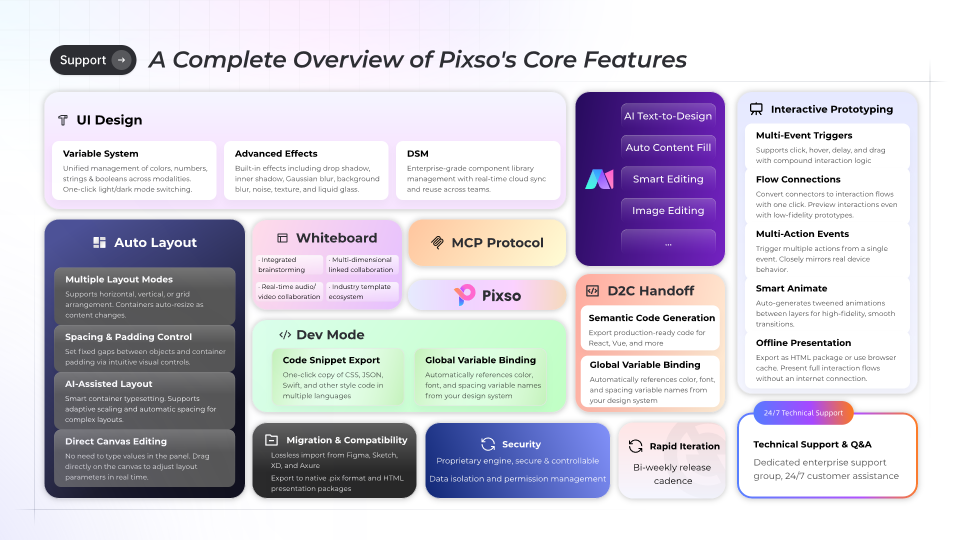
Whether you are a startup team, marketing department, or UI/UX designer, Pixso provides a complete ecosystem to design, review, and deliver high-converting H5 campaign pages efficiently.
FAQ
Q1: How does an h5 page differ from a Progressive Web App (PWA) and a native mobile app?
Native mobile apps are compiled specifically for iOS or Android operating systems and installed via app stores, accessing native hardware features directly. An h5 page is an interactive web page accessed instantly through a mobile browser URL without installation. A Progressive Web App builds upon html5 standards by adding offline caching, Service Workers, and home screen installation, bridging the gap between standard web pages and native mobile applications.
Q2: Why is viewport meta tag configuration crucial when designing h5 pages for mobile devices?
Mobile browsers automatically render traditional web pages at desktop screen widths unless instructed otherwise. Configuring a responsive viewport meta tag with device width scaling ensures that h5 layouts automatically adapt to screen sizes, preventing awkward zoom behaviors and enabling proper touch interaction on mobile devices.
Q3: How do WebGL and Canvas 2D improve animation performance in h5 pages?
While CSS3 handles basic transitions, Canvas 2D and WebGL allow developers to render complex 2D vector animations and 3D graphics directly within an h5 page. WebGL leverages GPU hardware acceleration, allowing interactive web pages to achieve fluid 60 frames per second animations without causing device overheating or battery drain.
Q4: Can an h5 page store data or function offline without a continuous internet connection?
Yes, html5 provides local storage mechanisms such as LocalStorage, IndexedDB, and Cache API. These technologies allow h5 pages to save user preferences, cache static visual assets, and preserve form inputs locally on the user device, enabling seamless performance even during temporary network interruptions.
Conclusion
Understanding what H5 is is fundamental for anyone working in digital design, mobile marketing, or web development. Beyond being a technical web standard, h5 represents a dynamic, interactive medium for engaging mobile audiences effectively.
If you want to build responsive mobile landing pages and interactive marketing experiences, Pixso provides a user-friendly platform with prebuilt templates and real-time collaboration. Try Pixso for free today and elevate your mobile web design workflow!