Scott
Vibe coding tools let you describe an interface or behavior in plain language and work from a generated draft. They can help a team explore a layout or prototype an interaction. Choose according to the result you need and how easily you can edit it.
But with dozens of platforms entering the market, finding the right tool is a challenge. Picking the wrong software usually leads to messy code or rigid templates, which winds up wasting more of your time. This guide breaks down 7 of the best vibe coding tools for 2026, comparing their pricing, regional support, and limits so you can choose the right workflow.
Part 1. What exactly is Vibe Coding?
Essentially, vibe coding is about building software or user interfaces using conversational natural language rather than writing syntax line-by-line. The term was coined in early 2025 by AI researcher Andrej Karpathy. Instead of manually writing code, you tell a vibe coding ai what you need—like "make this button navy blue" or "give me a clean registration form"—and the system translates that intent into working code and design elements.
The main advantage is that you don't need a deep understanding of code structure to get a functional layout. It lowers the barrier for designers, copywriters, and founders who have solid product ideas but don't write code.
Evolution Stages
How did we get here?
- Phase 1 — Auto-complete: Basic line-by-line code suggestions. A helpful assistant that speeds up typing for engineers.
- Phase 2 — Inline Assistants: Chat windows within the code editor where you can ask for code blocks or debug specific lines.
- Phase 3 — Agentic Coding: AI agents that read entire directories, run terminal commands, and test features live in a browser.
In 2026, this agentic approach is pairing up with dedicated UI generators. You can now build high-fidelity design drafts, interactive prototypes, and fully responsive layouts using simple text instructions.
Why it's growing:
- Low entry barrier: Anyone can sketch out an idea.
- Shorter cycles: Move from initial brainstorm to a testable prototype in minutes, not days.
- Affordable edits: Tweak layouts, copy, or accent colors with a quick chat prompt.
- Better collaboration: Teams can play with real, working layouts instead of static mockups.
Part 2. The 7 best Vibe Coding tools compared
Vibe coding systems usually fall into two categories: UI-focused design generators (like Paico) and developer-focused coding environments (like Cursor or Claude Code).
① Paico — The Design-Centric AI Option (Highly Recommended)
Paico is a UI/UX-focused generator launched by Pixso, the collaborative design platform. It focuses on turning plain language into functional layouts in seconds.
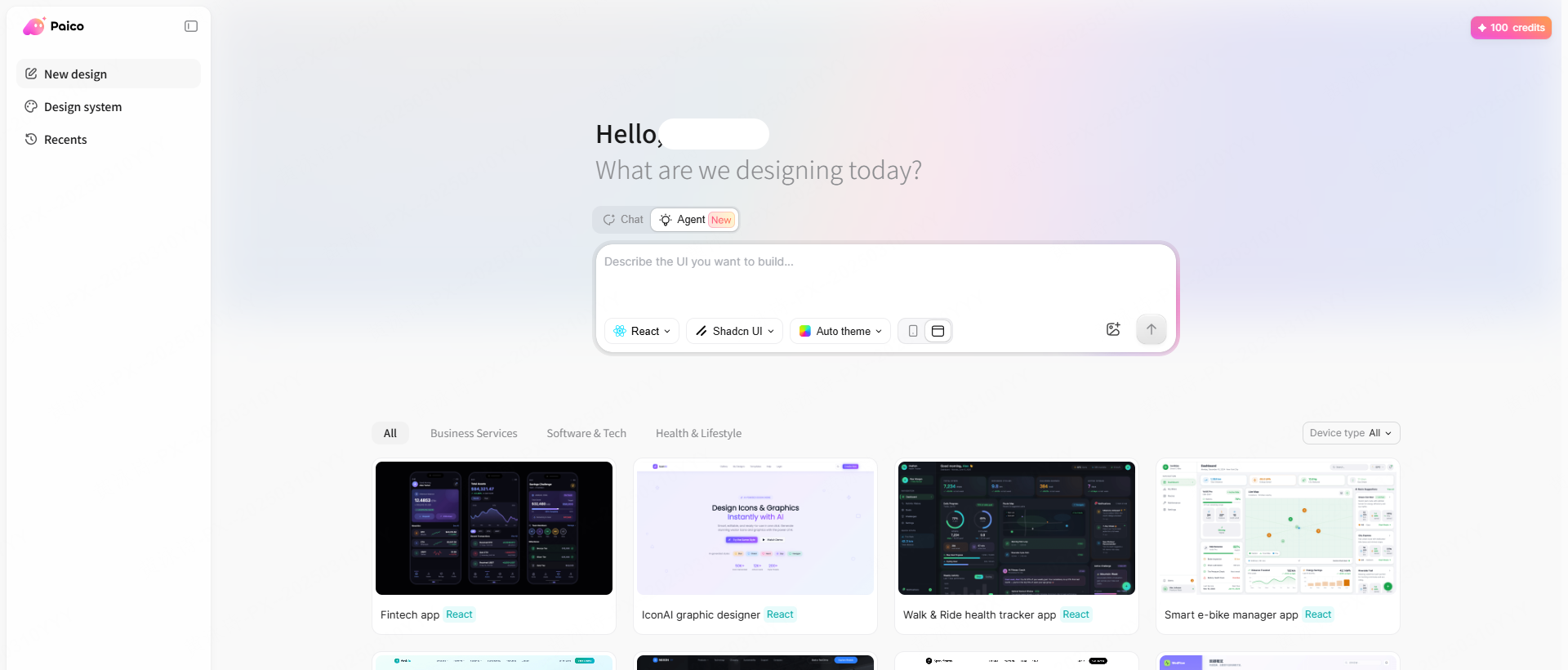
What you can do:
- Create responsive web and mobile layouts from a single prompt.
- Use conversational editing to refine specific colors, layouts, and components.
- Export generated screens directly into Pixso files for deep editing and team collaboration.
- Inspect layouts, design tokens, and structural hierarchies in Code Mode.
- Share live links with your team for fast feedback loops.
What's great: You can build highly polished screens with zero prior coding knowledge. The layout-to-code pipeline is fast and clean, and it automatically handles responsive breakpoints.
What to watch out for: It is optimized for front-end layouts and UI systems, so it won't run terminal scripts or handle heavy databases.
Pricing: Free credits are available, making it one of the most accessible free vibe coding tools on the market. Check paico.ai for detailed tiers.
② Lovable — Full-Stack Web App Generator
Korean Support: ⚠️ Limited (English interface, though it recognizes some Korean prompts)
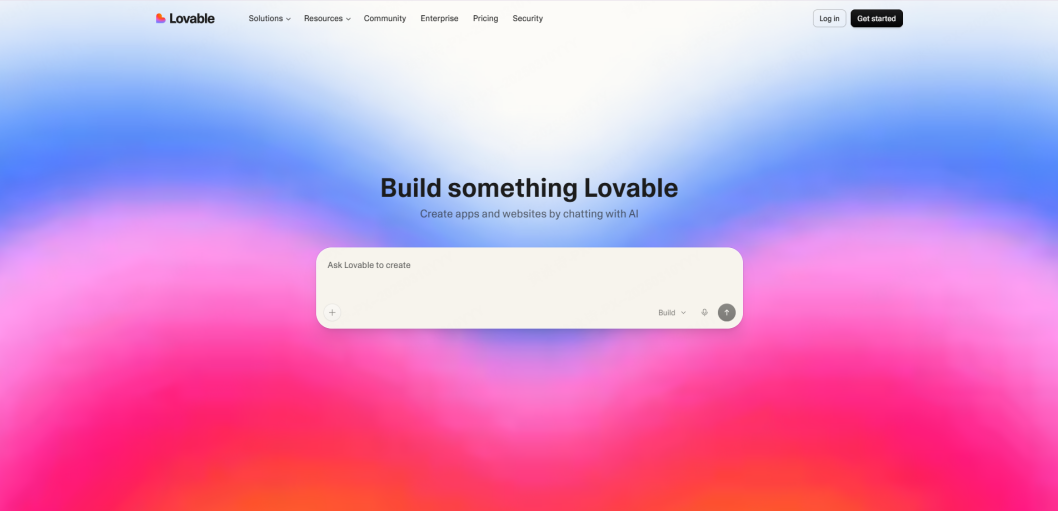
Lovable builds functional web apps—both front-end layouts and simple back-ends—from natural language prompts. Built on React, it includes built-in hosting, GitHub syncing, and simple deployment.
What you can do:
- Generate apps with natural language, deploy them instantly, and link everything to GitHub.
- Use collaborative workspaces and keep your projects private on paid tiers.
- Import static layouts directly from Figma using the Builder.io plugin.
What's great: Excellent for spinning up functional database-backed prototypes or client demos quickly.
What to watch out for: Not designed for enterprise-grade security or complex data pipelines. It operates on a credit-per-generation model, which can get expensive with lots of revisions.
Pricing: Free tier available; paid plans start around $25/month.
③ Cursor — The Native Developer Environment
Korean Support: ⚠️ Limited (English interface)
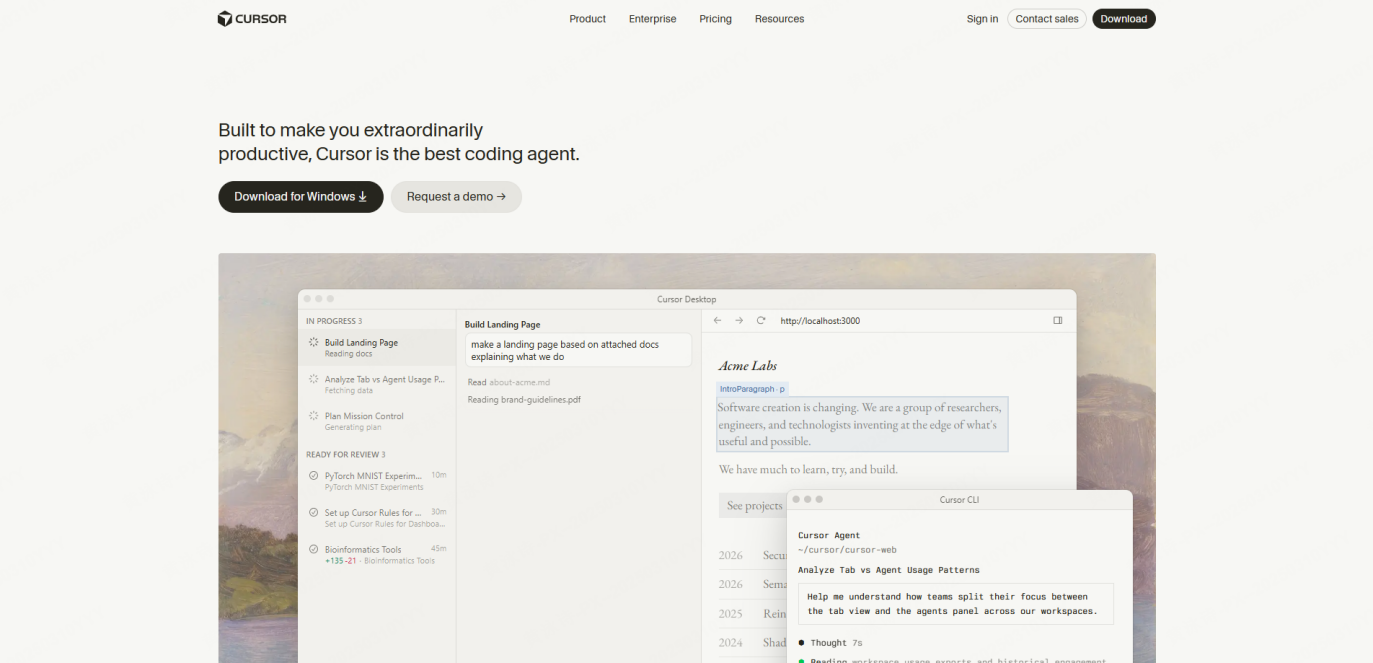
Cursor is a code editor built on top of VS Code. It embeds AI deep into the development process, featuring smart auto-completions and a visual mode where you can click and edit code blocks directly from the UI.
What you can do:
- Get highly accurate auto-completions and chat with an assistant directly on the canvas.
- Collaborate inside shared workspaces and keep your files private.
- Use automated reviews to catch bugs before a push.
What's great: The context-aware suggestions are fast and accurate. It is easily one of the best vibe coding tools for writing actual code.
What to watch out for: It is designed for developers. If you don't know how to run a terminal or configure Git, the learning curve is quite steep.
Pricing: Free Hobby tier; Pro plan is $20/month.
④ Claude Code — Terminal-Native Agentic Coding
Korean Support: ✅ Supported
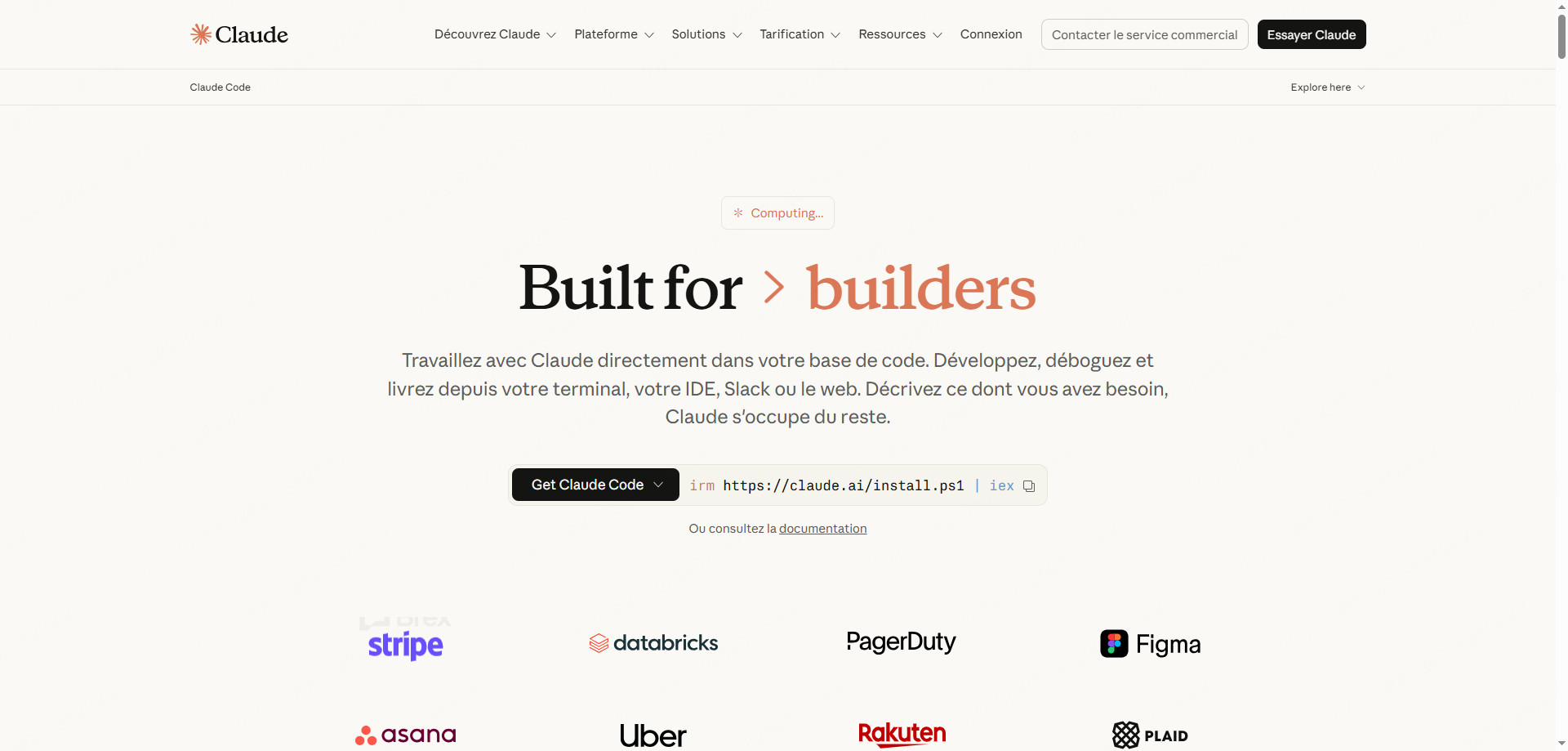
Claude Code is a command-line AI agent built by Anthropic. Rather than writing code immediately, it drafts a plan of action and systematically edits files across your repository to achieve a goal.
What you can do:
- Run multi-step coding tasks across your entire repository automatically.
- Switch between Plan Mode (for drafting steps) and Auto Mode (for continuous file edits).
- Hand off CLI tasks smoothly from your computer to your mobile device.
What's great: Exceptional reasoning skills. It is highly effective for complex refactoring and architecture updates.
What to watch out for: CLI-only. Non-technical users will struggle to use it. Running autonomous agents can also consume a lot of API tokens quickly.
Pricing: Starts at $20/month.
⑤ OpenAI Codex — ChatGPT Bundled Coding Agent
Korean Support: ✅ Supported
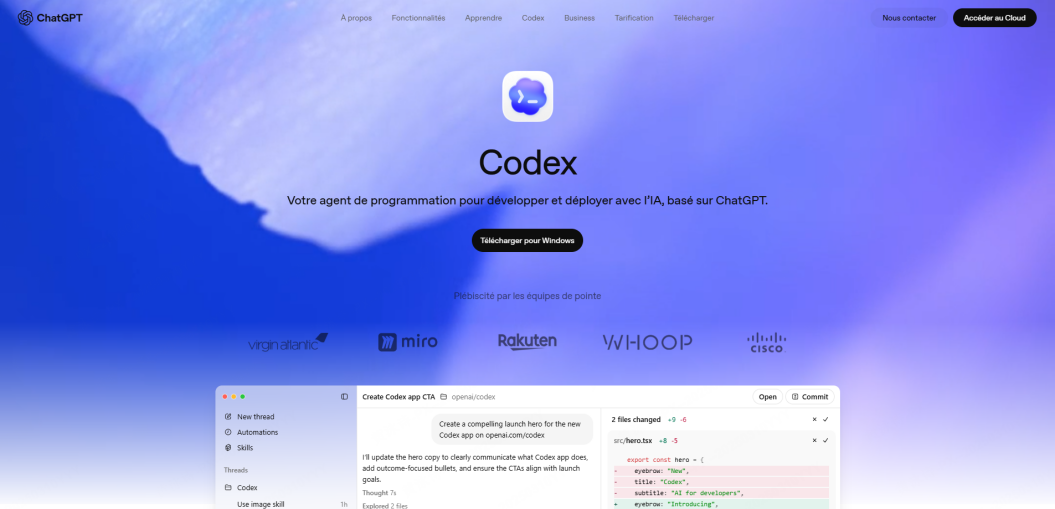
This is OpenAI's coding assistant, which is bundled directly with standard ChatGPT Plus subscriptions. It understands codebases well, integrates with common developer platforms, and supports desktop use.
What you can do:
- Edit multiple files, review pull requests, and analyze structural hierarchies.
- Sync with development and communication platforms like GitHub, Slack, and Linear.
What's great: If you already subscribe to ChatGPT Plus, you get this without paying extra.
What to watch out for: Features and API rates can change unexpectedly depending on OpenAI's platform strategy.
Pricing: Included in ChatGPT Plus.
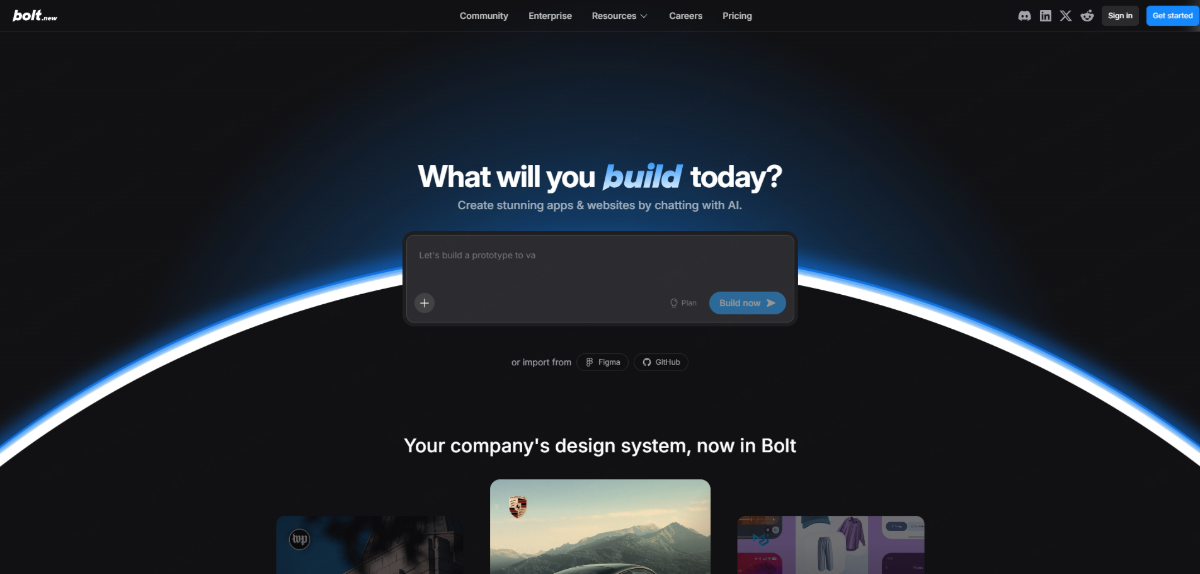
⑥ Bolt.new — In-Browser Full-Stack Development
Korean Support: ⚠️ Limited (English interface)
Bolt.new runs an entire full-stack environment directly inside your browser tab. One prompt can spin up an application with a frontend framework and a backend database, ready to deploy.
What you can do:
- Build full-stack applications (React, Vue, Next.js) from single text prompts.
- Integrate backend databases with services like Supabase or Firebase automatically.
- Deploy live versions with single-click Vercel or Netlify integrations.
What's great: Zero local installation or setup required. You can share working live links in seconds.
What to watch out for: It relies completely on the cloud. Re-generating layouts can burn through your monthly credits quickly.
Pricing: Daily free limits; Pro plan is $20/month.
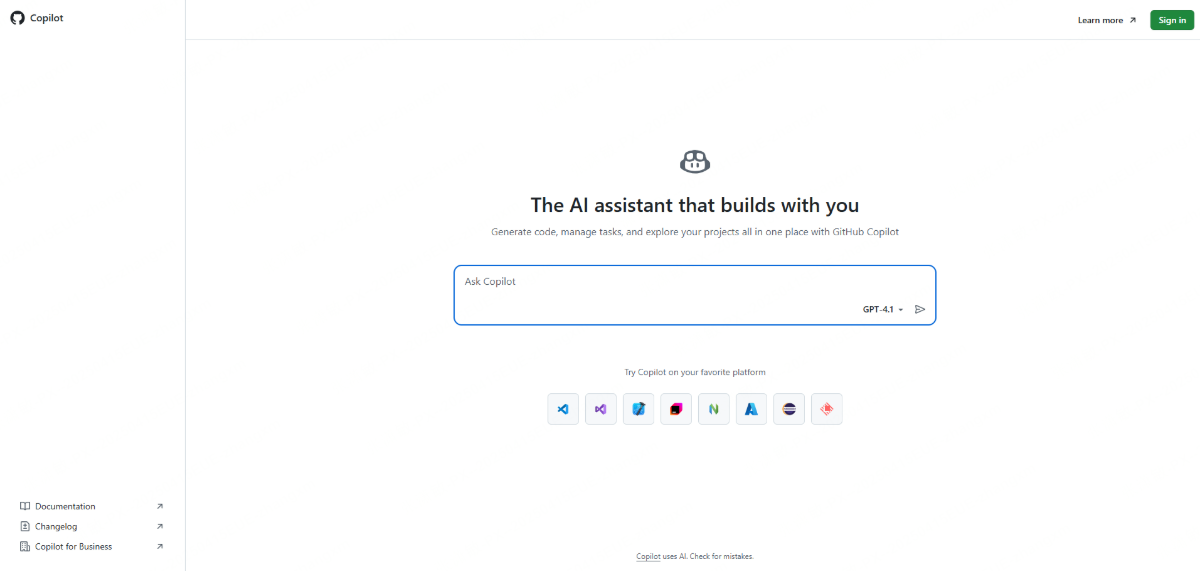
⑦ GitHub Copilot — The Classic Coding Assistant
Korean Support: ✅ Supported
The original autocomplete tool. It integrates into popular IDEs like VS Code and JetBrains, and lets you choose between models like Claude, GPT, or Gemini depending on your preferences.
What you can do:
- Get inline auto-completions and write complete blocks from basic comments.
- Choose from different models directly inside the editor canvas.
What's great: Integrates smoothly into existing developer workflows. Students can get it for free via GitHub Education.
What to watch out for: It behaves more like an assistant than a fully autonomous coding agent.
Pricing: Starts at $20/month.
Quick Comparison Table
| Tool | Best For | Localized | Free Option | Hosting | Base Price |
| Paico | Visual UI & Prototyping | ✅ Yes | ✅ Yes | ⚠️ Via Pixso | Free tier available |
| Lovable | Full-stack prototypes | ⚠️ Limited | ✅ Yes | ✅ Yes | $25/mo |
| Cursor | Code editors | ⚠️ Limited | ✅ Yes | ❌ No | $20/mo |
| Claude Code | Complex terminal tasks | ✅ Yes | ⚠️ Limited | ❌ No | $20/mo |
| OpenAI Codex | ChatGPT subscribers | ✅ Yes | ⚠️ Limited | ❌ No | Bundled |
| Bolt.new | Browser-based builds | ⚠️ Limited | ✅ Yes | ✅ Yes | $20/mo |
| GitHub Copilot | Standard IDE coding | ✅ Yes | ✅ Yes | ❌ No | $20/mo |
Part 3. How to use Paico: A quick step-by-step walkthrough
You don't need any front-end dev skills to generate clean, professional layouts. Here is how to get started with Paico in seconds.
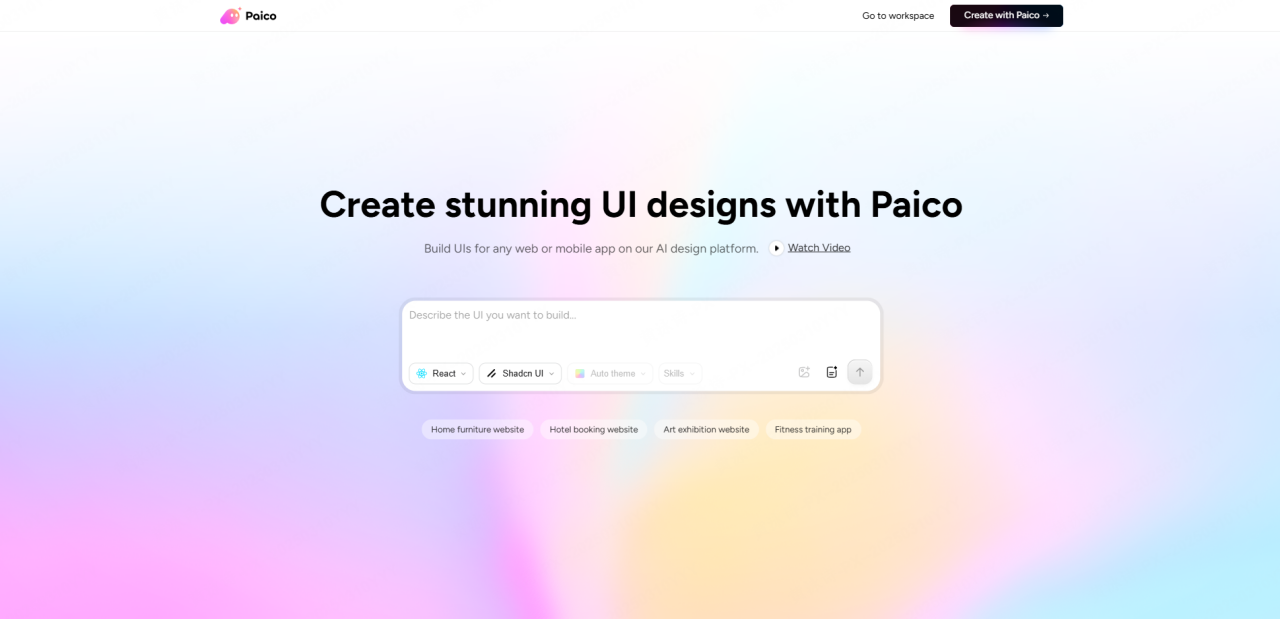
Step 1. Access Your Workspace
Go to paico.ai and sign up using your email or Google account. You’ll be in your design workspace immediately.
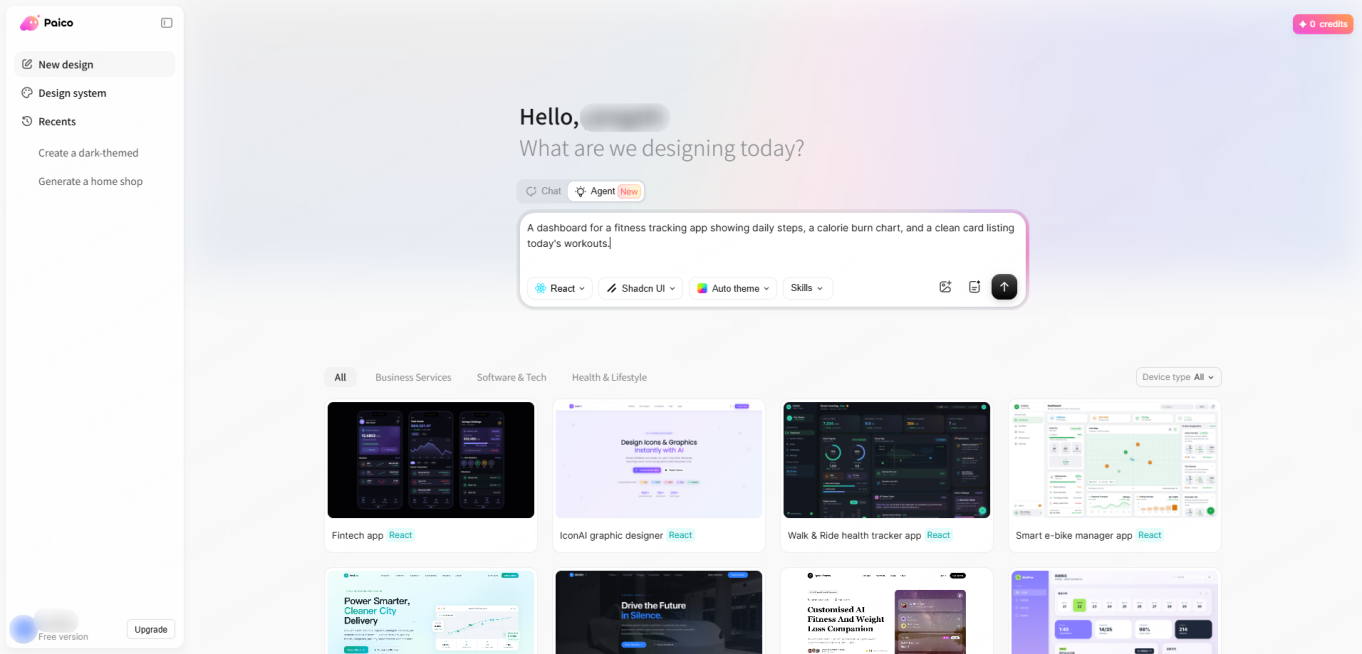
Step 2. Describe Your Concept
Type what you want to build into the prompt window. For instance: "A dashboard for a fitness tracking app showing daily steps, a calorie burn chart, and a clean card listing today's workouts."
💡 Try these prompt formulas:
- "A SaaS pricing page with three subscription tiers, highlighting the middle option as the most popular."
- "A list view for an online learning platform using clean cards and dark mode."
Step 3. Preview Your Draft
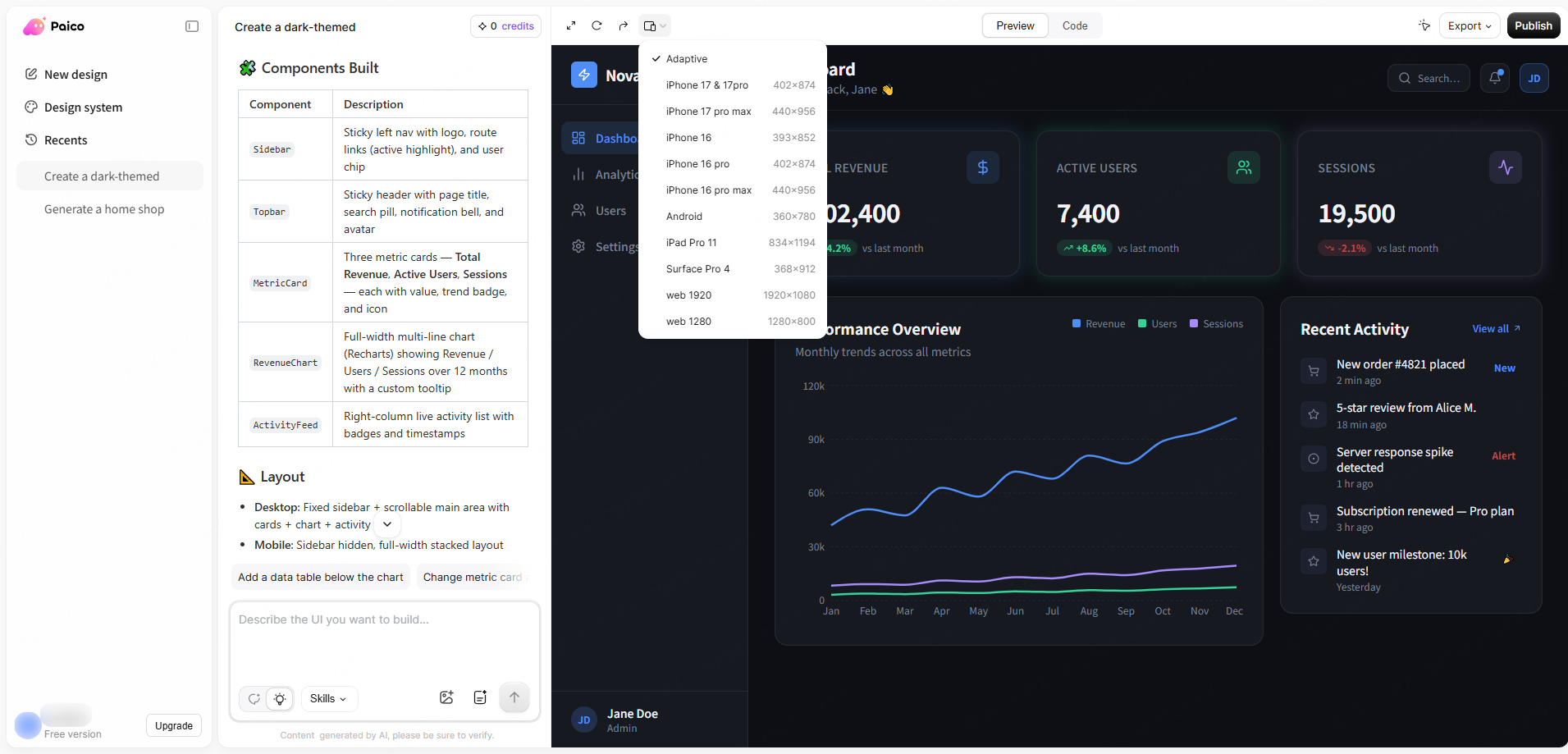
The AI generates a layout in about 30 seconds. Switch between desktop, tablet, and mobile views to make sure the responsive elements look clean.
Step 4. Tweak with Follow-up Prompts
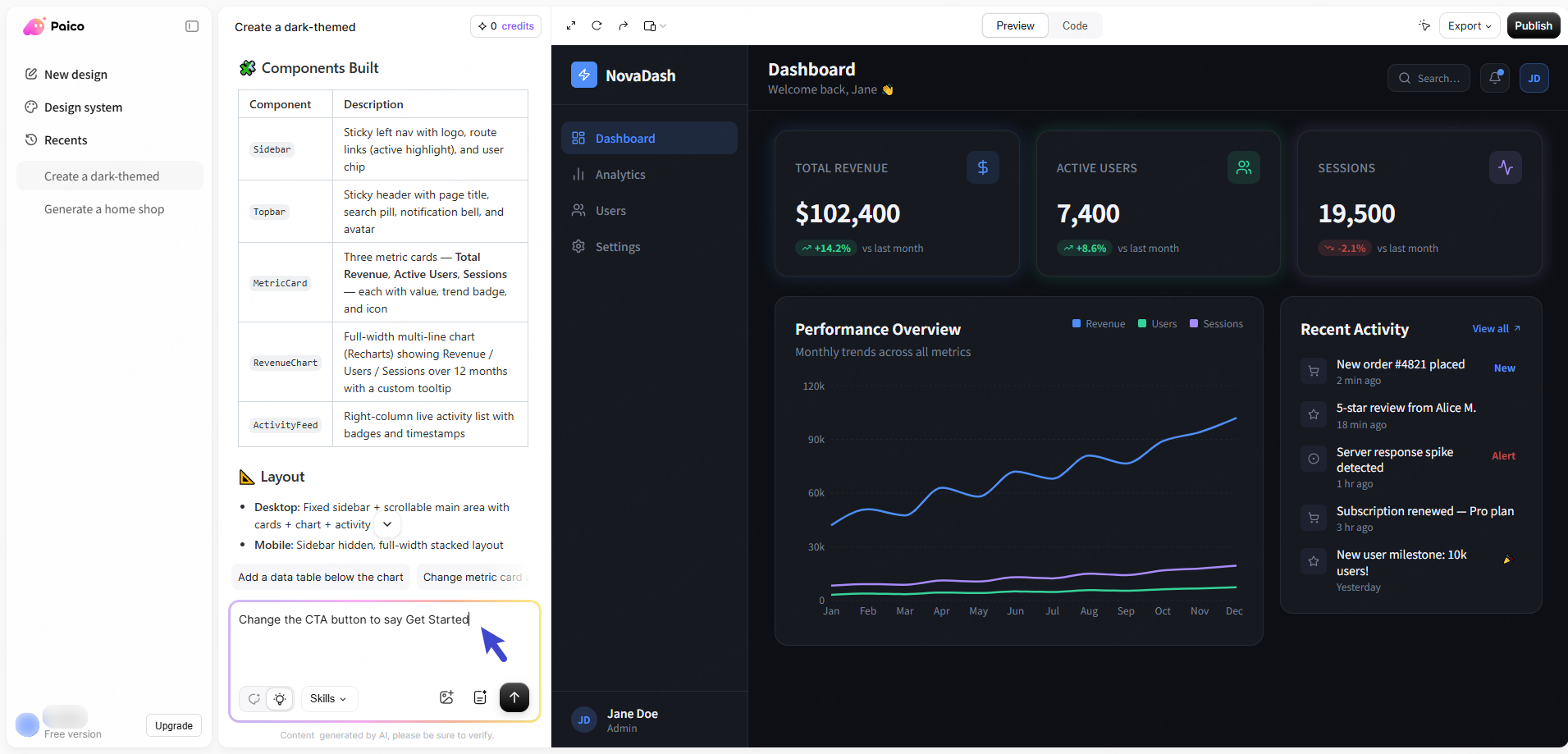
Need adjustments? Tell the chat exactly what to change. Try prompts like: "make the header background a soft gray" or "change the CTA button to say Get Started."
Step 5. Export to Pixso for Dev Handoff
When the layout looks ready, hit "Export to Pixso" in the top right. This pulls the file into Pixso where you can use Developer Mode to inspect design tokens, padding, and copy production-ready CSS. It’s a clean direct-to-code pipeline that makes front-end setup incredibly easy.
💻 Converting Designs to Production Code:
For a more thorough breakdown on how to convert these visual drafts into deployment-ready assets, check out our comprehensive D2C Guide. This tutorial covers how to export design tokens and structural layout properties directly to your production workflow.
FAQ
Q1: What are some real-world examples of projects built with these tools?
People are using Paico to quickly mock up SaaS dashboards, landing pages, and clean CRM layouts. Others rely on Lovable or Bolt.new to spin up quick, working database prototypes for client pitches.
Q2: Can non-programmers really use this?
Yes, absolutely. That is the whole point of vibe coding tools. Platforms like Paico are designed specifically for product managers, founders, and marketers who want to map out visual interfaces using everyday language instead of code.
Q3: What are the main limits?
While these generators are incredible for fast mockups and front-end drafts, you still need human developers to build, secure, and maintain massive, complex architectures (like payment processing or highly secure back-ends).
Conclusion
Choose a vibe coding tool around the work you want to do: explore a layout, build an interactive prototype or change an existing codebase. If you start with Paico, the workflow above shows how to bring the draft into Pixso for further design work.