Scott
Moving designs from Sketch to Pixso? We’ve supercharged Sketch compatibility in Pixso 2.0, with improvements to imported blend modes and Boolean shapes. Sketch import & restoration are core to Pixso because they shape how smoothly you switch from Sketch to Pixso.
With Pixso 2.0’s launch, Sketch compatibility gets a huge upgrade: blend modes display fully, boolean operations restore more accurately, and data migration feels brand-new.
Use Cases of Supercharged Sketch Compatibility in Pixso 2.0
1️⃣ Blend Mode Use Cases
2️⃣ Boolean Operation Use Cases
How Do Sketch Blend Modes Import into Pixso 2.0?
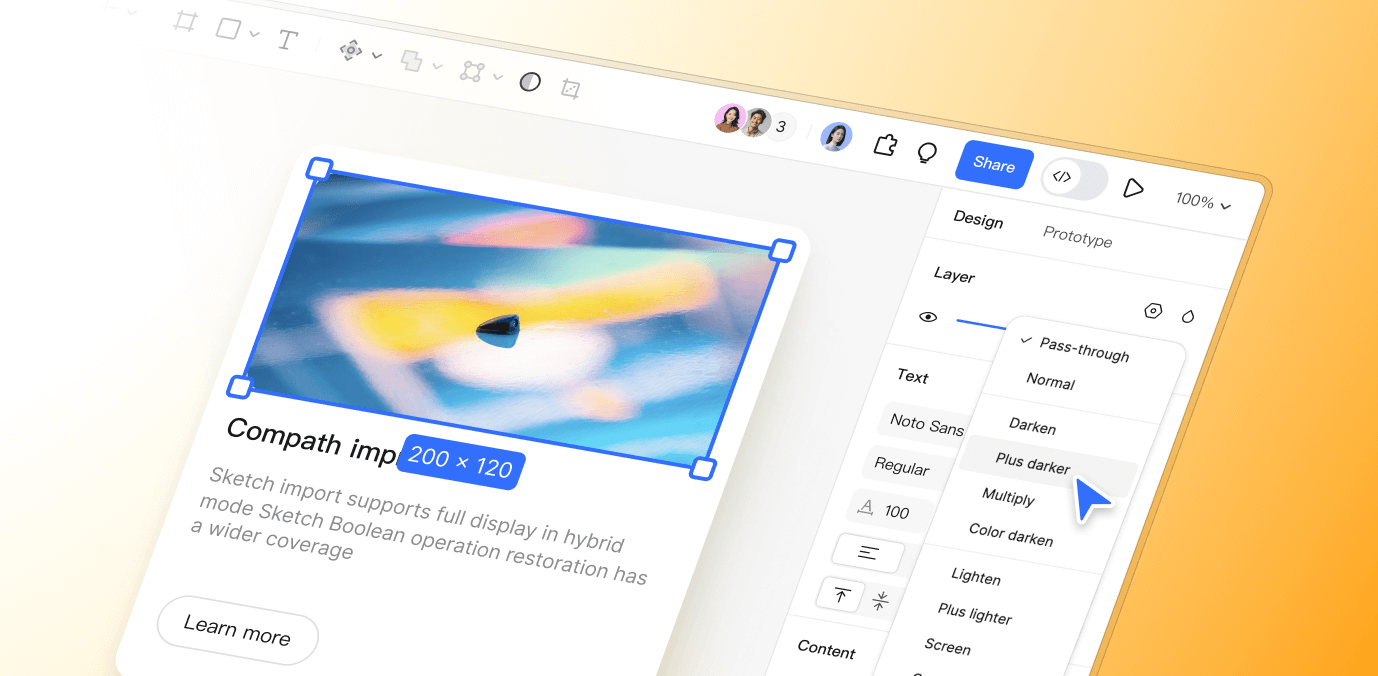
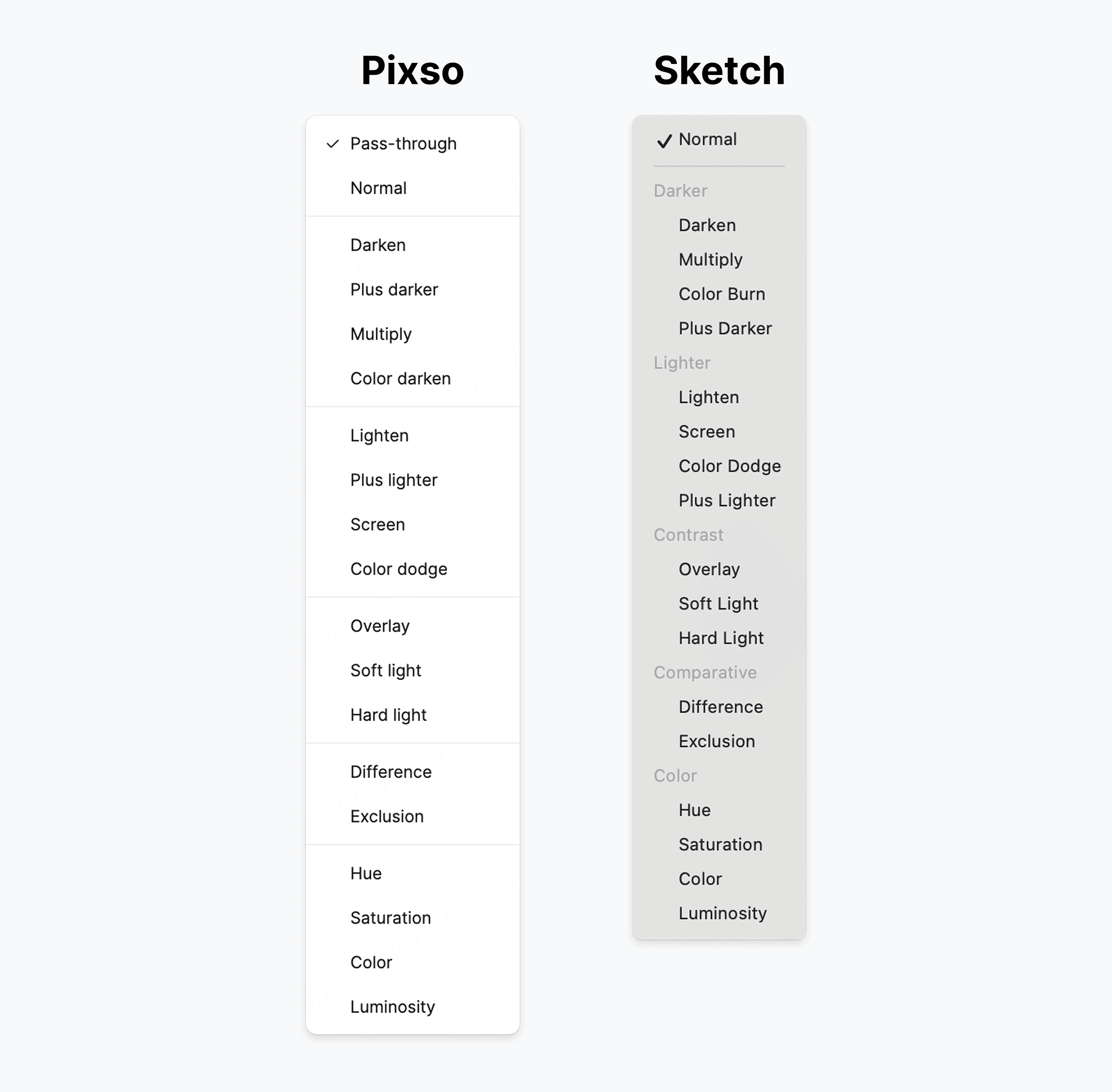
Pixso now matches every blend mode in Sketch—all 17 of them. The update adds support for the Darken and Lighten blend modes when importing Sketch files. Import a Sketch file and compare blend modes such as Multiply and Overlay against the original artwork.
See It in Action: A Side-by-Side Test
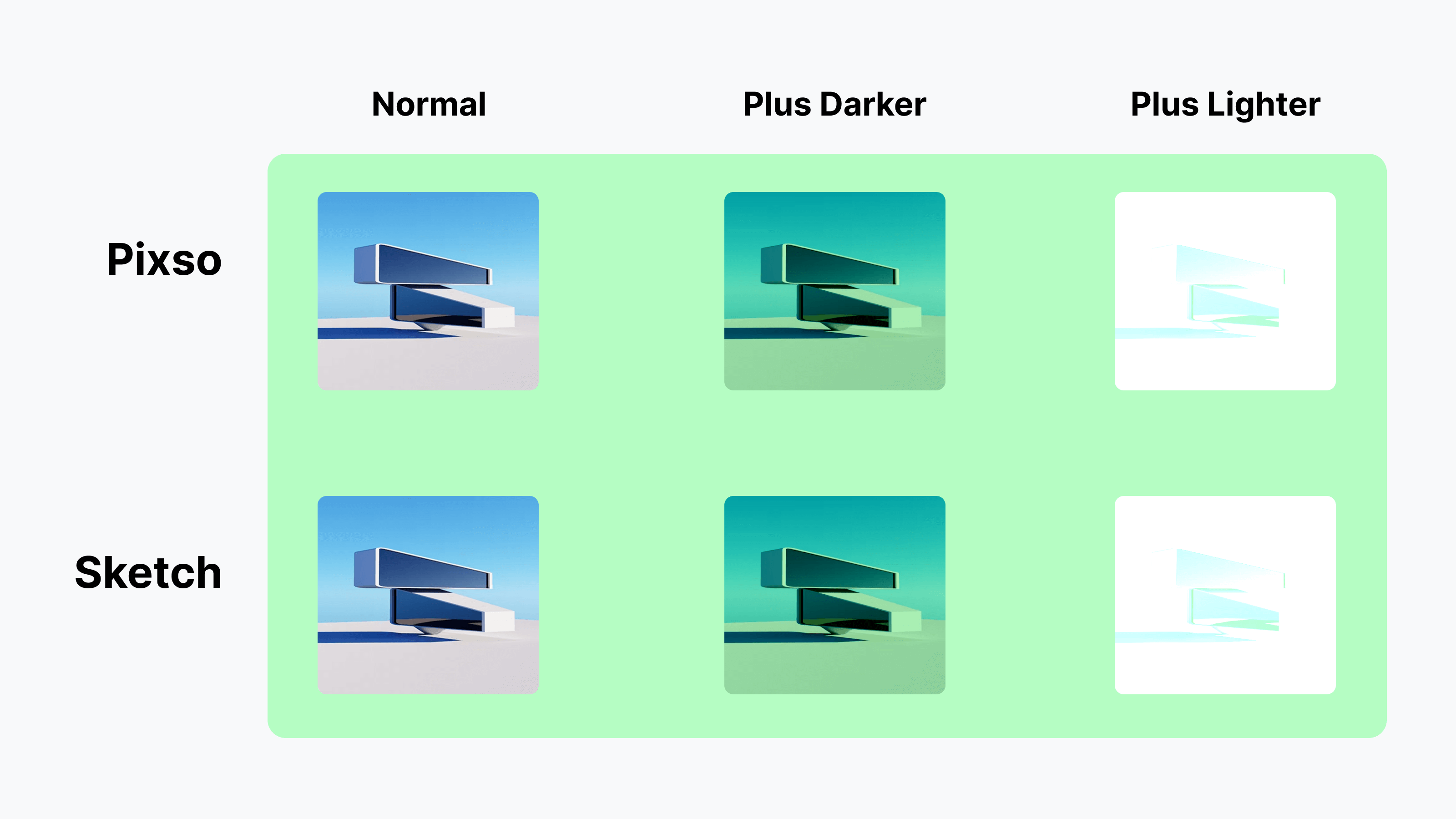
Use this side-by-side comparison to review Darken and Lighten:
• Start with a green background in both Sketch and Pixso. Add the same photo to both. Copy it twice, placing the copies side by side.
• In Sketch: Set the first copy to “Darken,” the second to “Lighten.”
• In Pixso: Do the same—first copy to “Darken,” second to “Lighten.”
Compare the resulting images, including overlapping colors and transparent areas. Adjust any differences before using the imported design.
How Do Advanced Sketch Effects Import into Pixso 2.0?
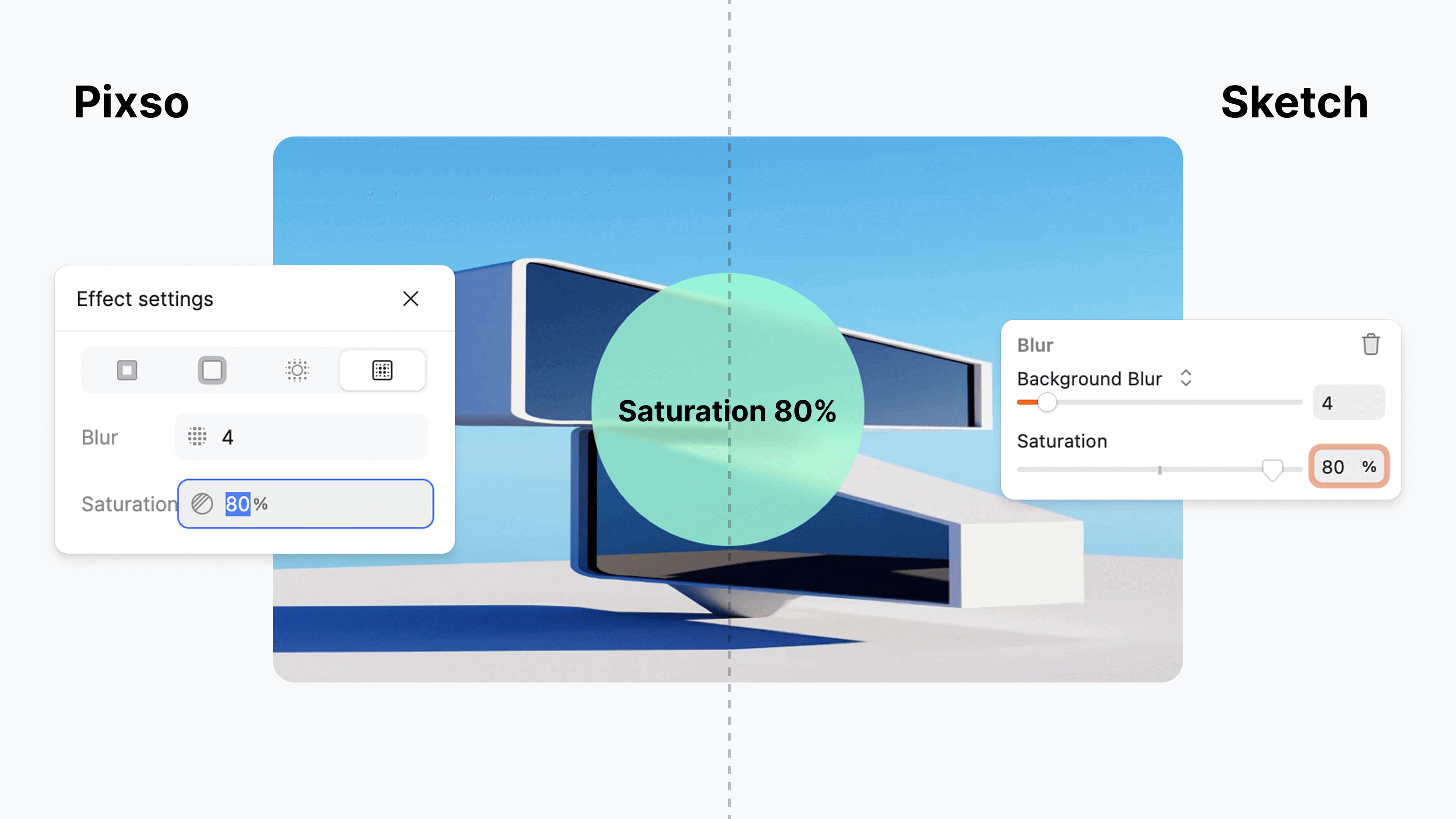
To boost Sketch compatibility, we added tools to tweak background blur and saturation. After importing, review background blur and saturation against the original Sketch file.
How Do Sketch Boolean Operations Import into Pixso 2.0?
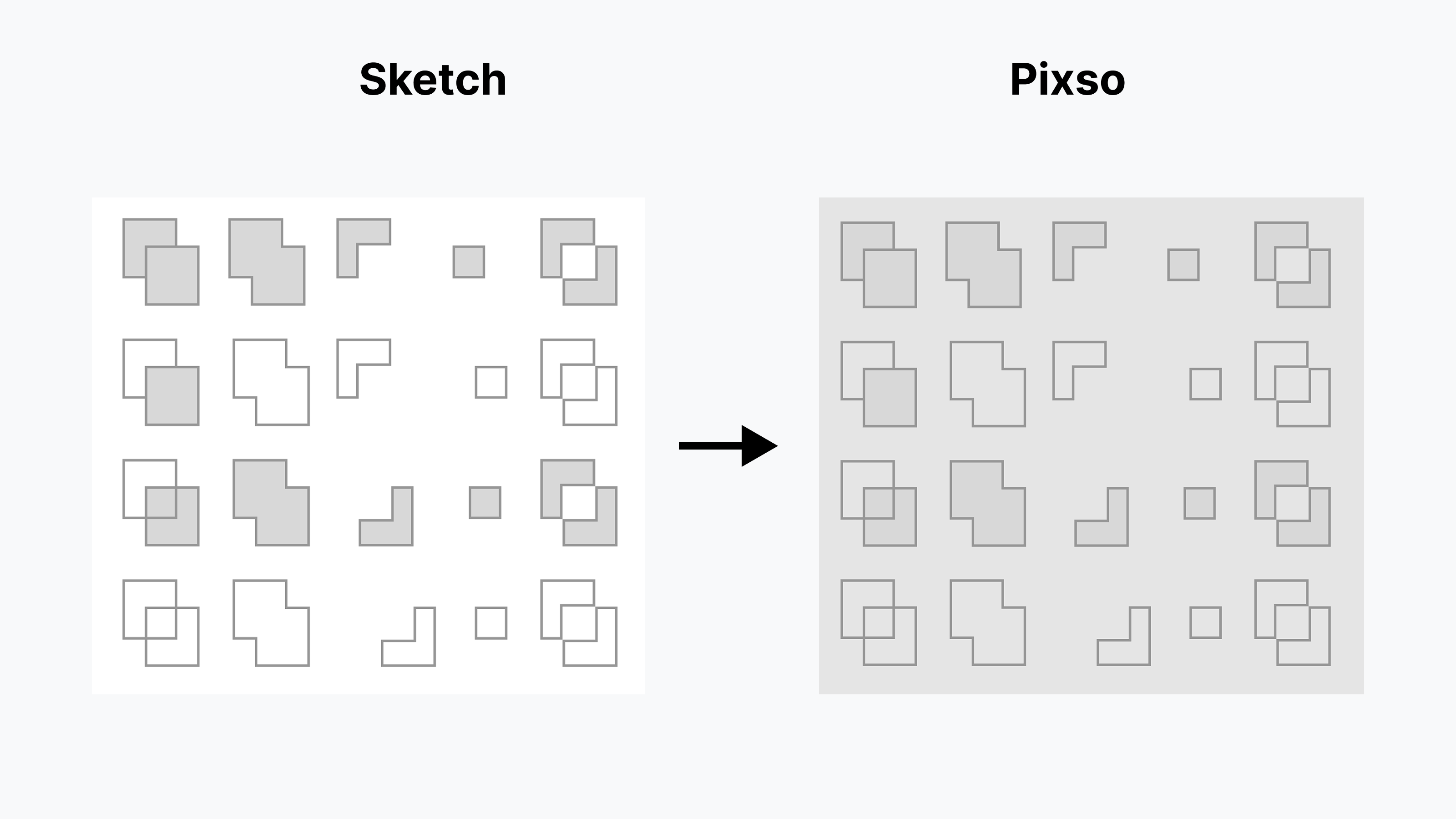
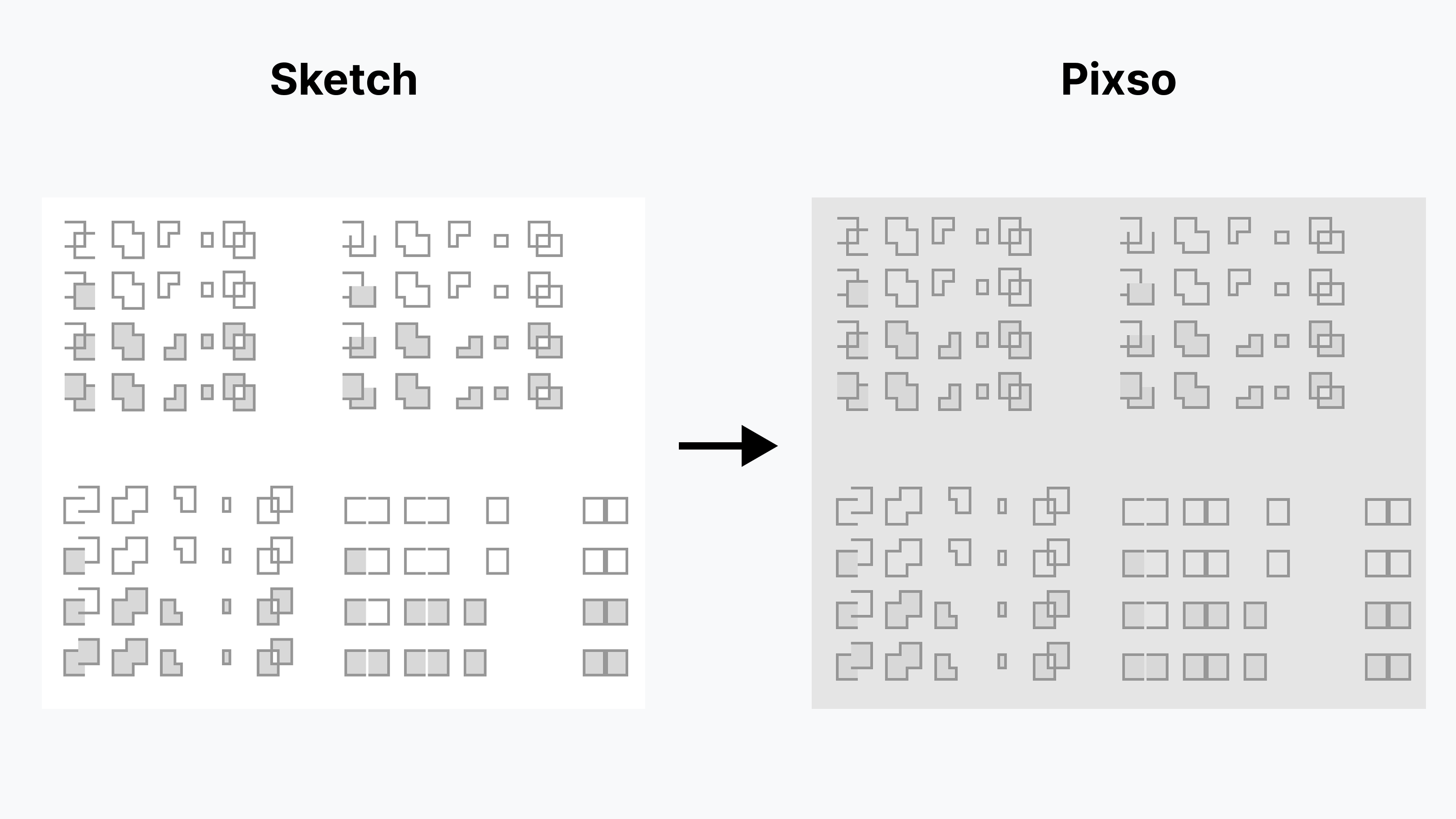
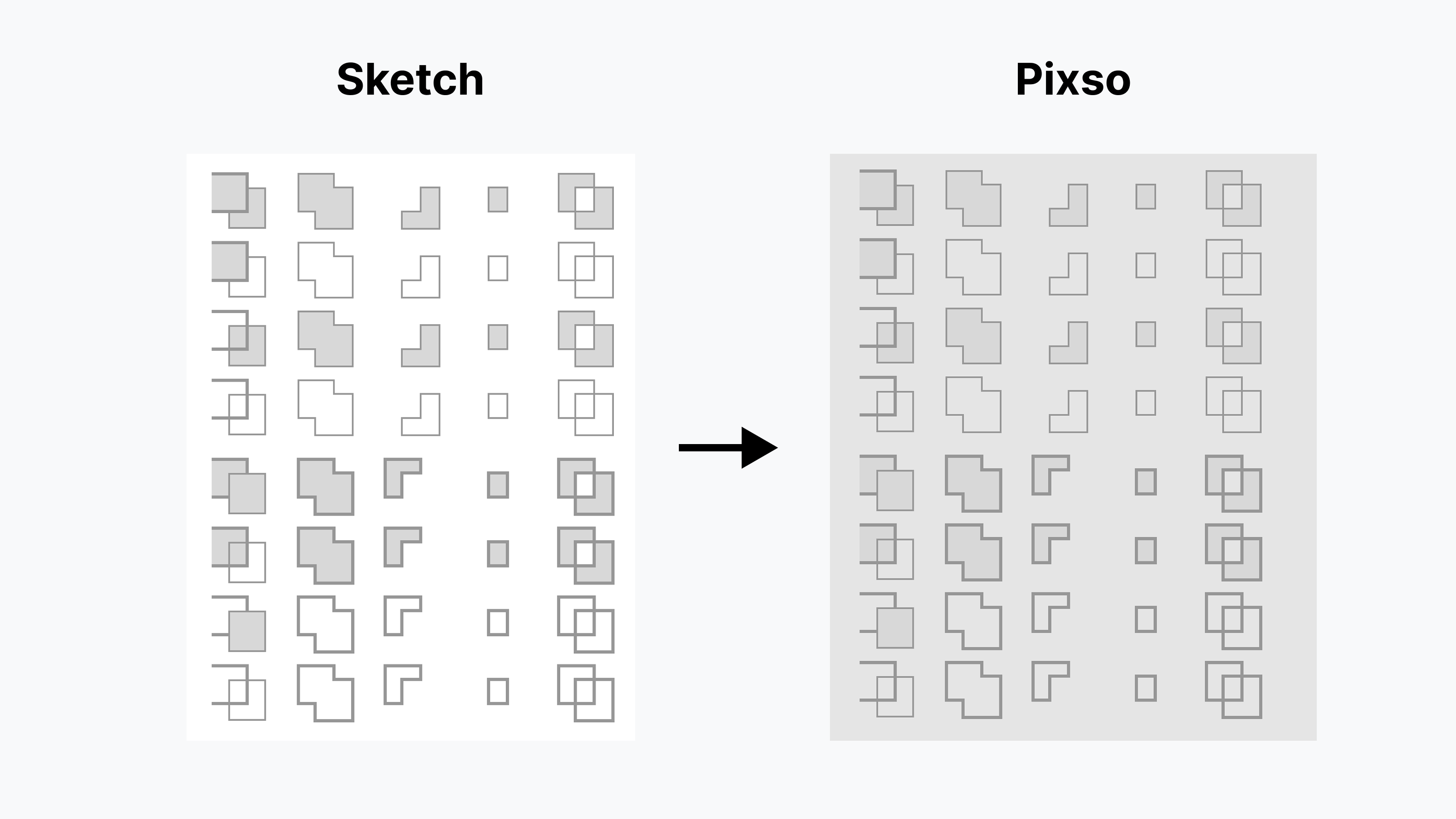
Blend modes aren’t the only properties that matter. Boolean operations (shaping vector paths) need to sync too. Pixso 2.0 steps up here: we’ve boosted how well it restores Sketch’s boolean shapes, covering more path types than ever. The update improves the import of closed paths, open paths, and combinations of both.
Closed Paths: Clean and Intact
Take a Sketch file with closed paths—like a logo made by merging circles and squares. Import it to Pixso 2.0, and the shape stays crisp. No messy edges, no missing parts. Compare the imported shape with the Sketch original, including its edges and overlaps.
Open Paths: Smooth and True
What about open paths? Import the file and review the open paths, curve shapes, and endpoints.
Mixed Paths: Perfect Together
Need to import a Sketch design with both closed and open paths? Pixso 2.0 keeps the mix tight. The closed circle stays solid, the open line stays fluid—exactly as you designed in Sketch.
Key Advantages of Supercharged Sketch Compatibility in Pixso 2.0
Pixso 2.0 amps up Sketch compatibility, nailing the restoration of blend modes, background blurs, and boolean operations. This upgrade doesn’t just make file moves easier—it turns migration into a smooth, fast process.