Scott
You might no longer need to build an application entirely from scratch. With a single prompt, a rough concept, or a brief text description, modern tools can directly generate user interfaces, interactive prototypes, and production ready code. This is no longer a concept, but an everyday reality driven by low code ai platforms that are gaining rapid adoption.
From UI design to front end code, and from product prototypes to runnable applications, these tools compress traditionally fragmented tasks across product, design, and engineering into a continuous automated workflow. Below is an overview of five mainstream tools that represent the forefront of software creation, helping you identify the best ai app generator for your specific workflow.
1. Pixso
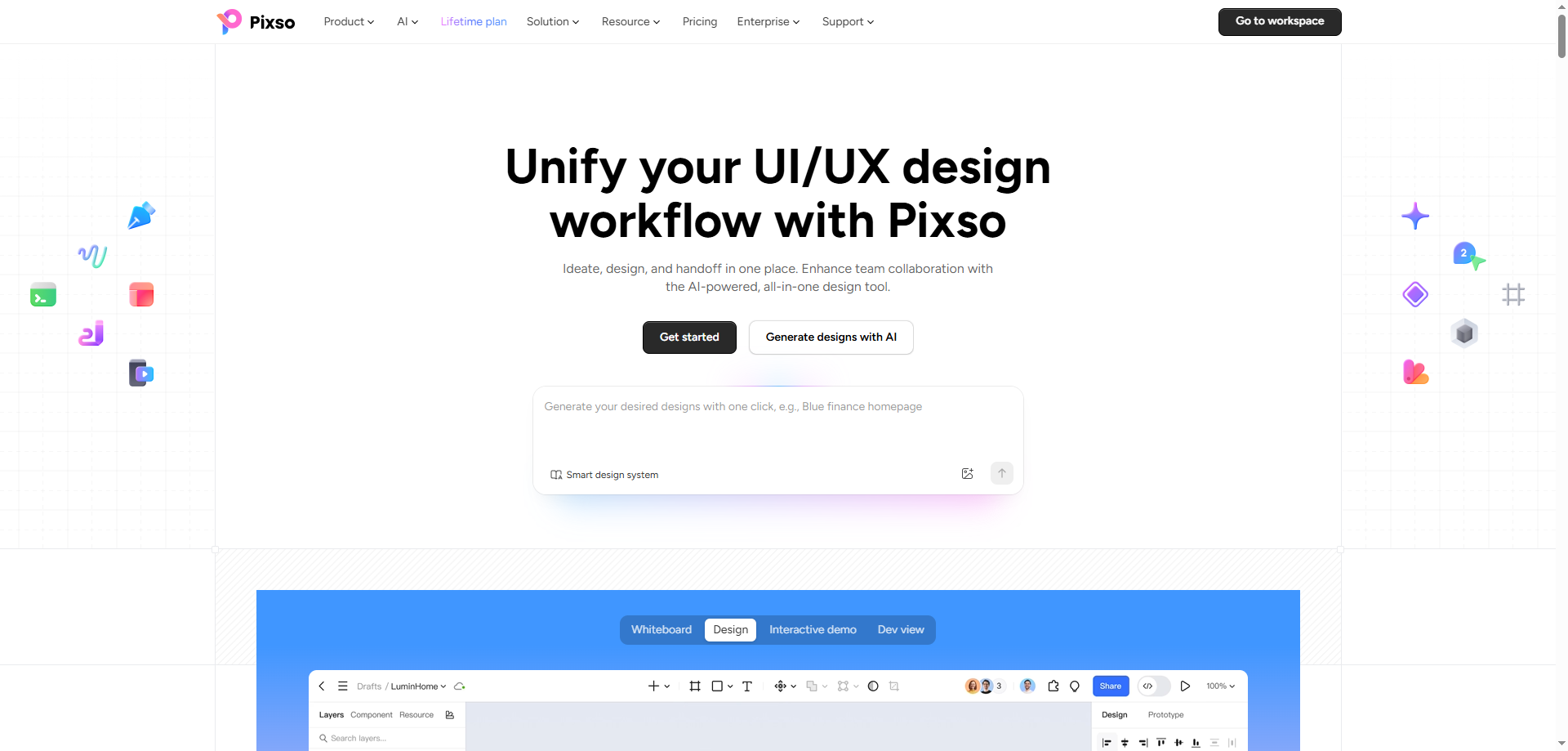
When designers think of Pixso, many recognize it as a leading collaborative design platform [1]. With integrated AI capabilities, Pixso AI extends its value directly into development execution. It generates visually polished UI layouts from text prompts and produces development compliant front end code. For teams needing interface designs that developers can immediately interpret and implement, Pixso serves as an effective efficiency driver.
Pixso AI reframes the starting point of digital product design. Beyond basic UI creation, it acts as an intelligent assistant embedded in real product workflows, turning the ai app generator concept into deliverable design productivity.
1.1 Core Features
1) One Prompt UI Generation
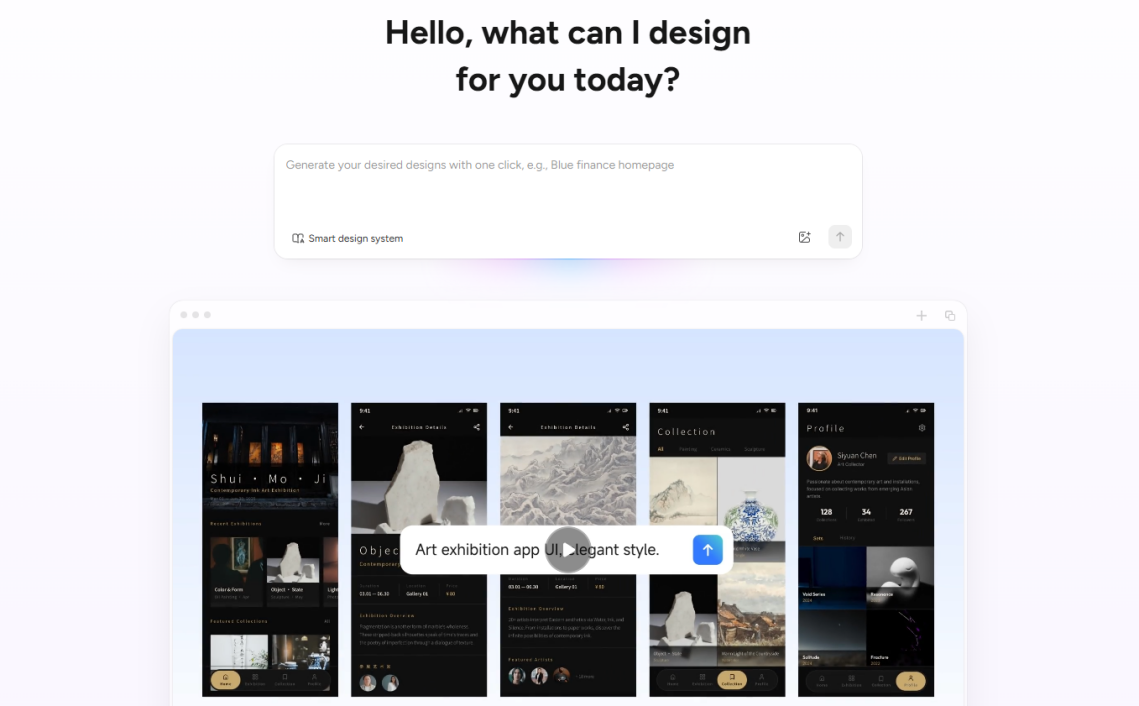
Pixso supports generating multi-page UI design drafts directly from a single natural language prompt. Upon receiving a product idea, the AI builds structured, multi-screen layouts with clear product logic rather than disconnected static images. The resulting interfaces maintain consistent visual design and follow standard layout principles, ready for design reviews or granular iteration.
2) Design System Alignment
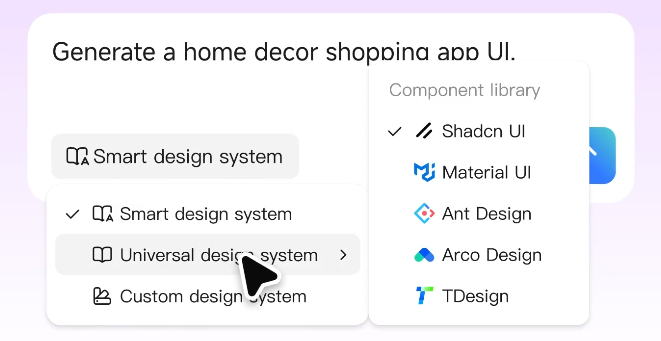
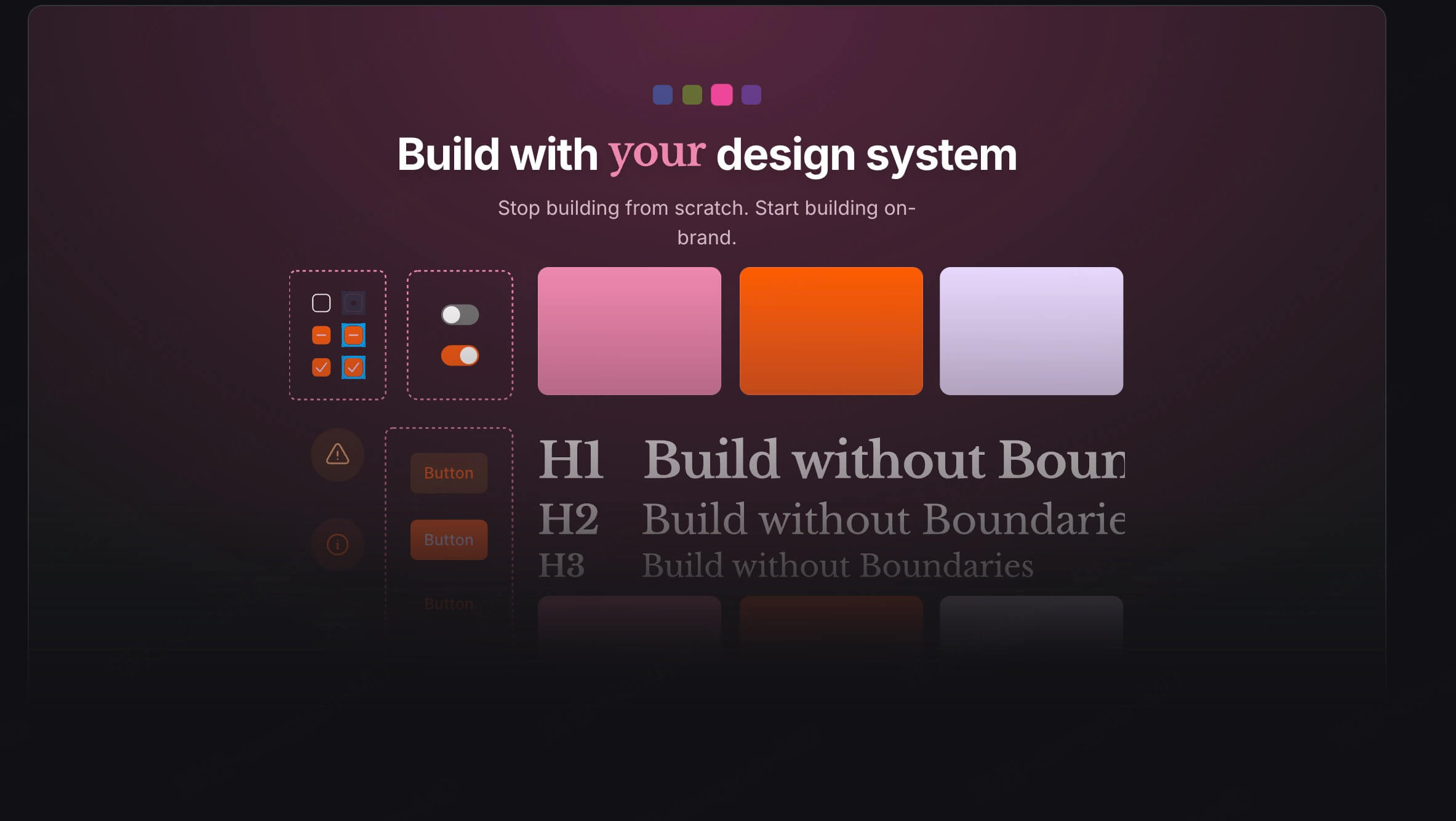
Pixso integrates with major design systems such as Ant Design, Material UI, and TDesign, while also supporting custom team component libraries. When generating interfaces, the AI automatically applies these design tokens and components. This ensures design outputs naturally conform to engineering specifications, reducing post-design rework.
3) Continuous Iteration and Canvas Editing
Pixso emphasizes sustainable design iteration over one off generation. Designers can modify existing design files directly on the canvas using natural language commands, such as adjusting layouts, adding screens, or modifying component hierarchies. The AI restructures the underlying layout while preserving visual context, enabling continuous refinement across low code platforms.
4) Automatic Light and Dark Mode Adaptation
In traditional design workflows, adapting layouts for dark mode requires extensive manual adjustments. Pixso automatically identifies color relationships and generates variable structures. Toggling between light and dark modes updates the entire interface instantly without manual color replacement.
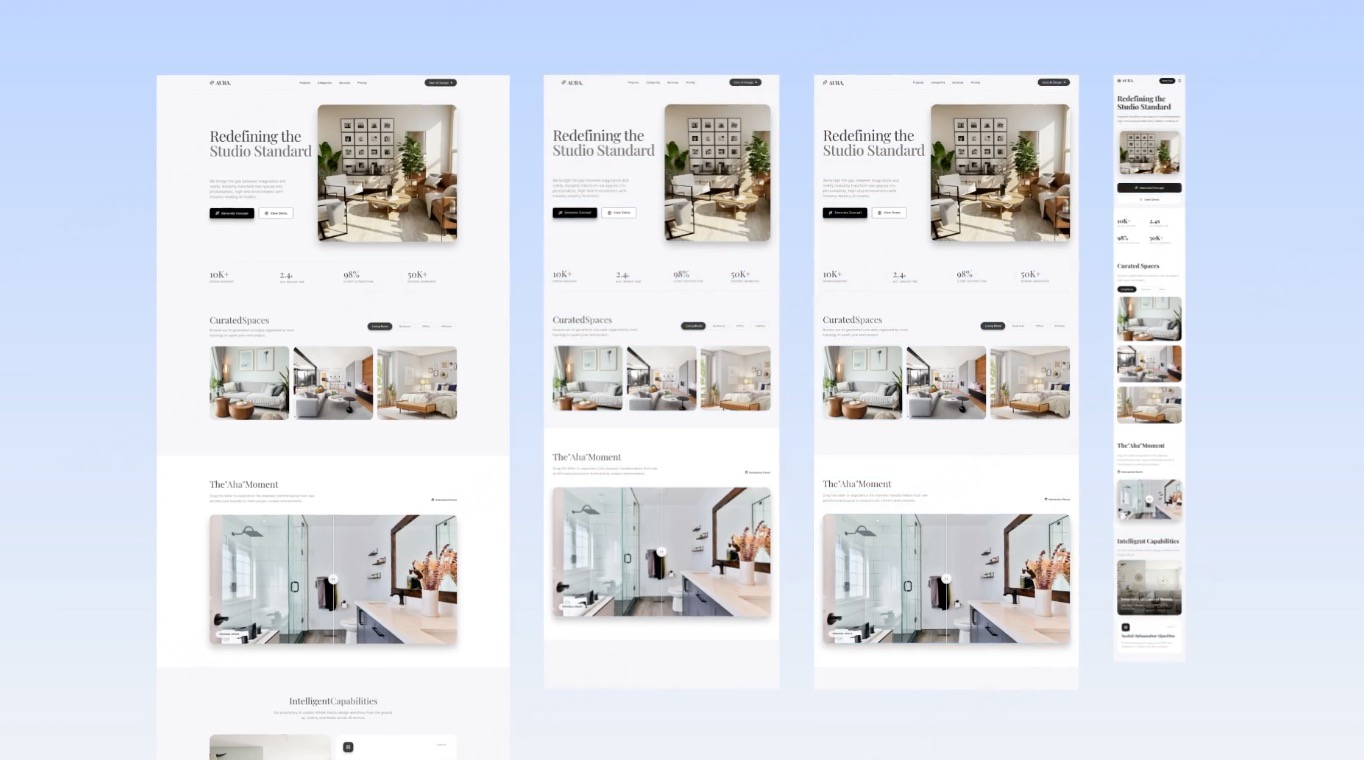
5) Multi Device Responsive Layouts
Adapting layouts across screens is essential for modern software design. Pixso automatically generates responsive layouts for web, tablet, and mobile devices from a single design file. The platform intelligently reorganizes layout structures, converting horizontal desktop grids into vertical mobile views and adjusting navigation components for mobile touch interactions.
1.2 Key Highlights
- Seamless Design to Code Connection: Generated designs are built on structured layers with clear hierarchy, allowing front end developers to extract reusable code directly and minimize design handoff loss.
- Granular Canvas Adjustments: Supports targeted AI prompt modifications on individual canvas elements without regenerating entire screens, significantly lowering revision costs.
2. FlutterFlow
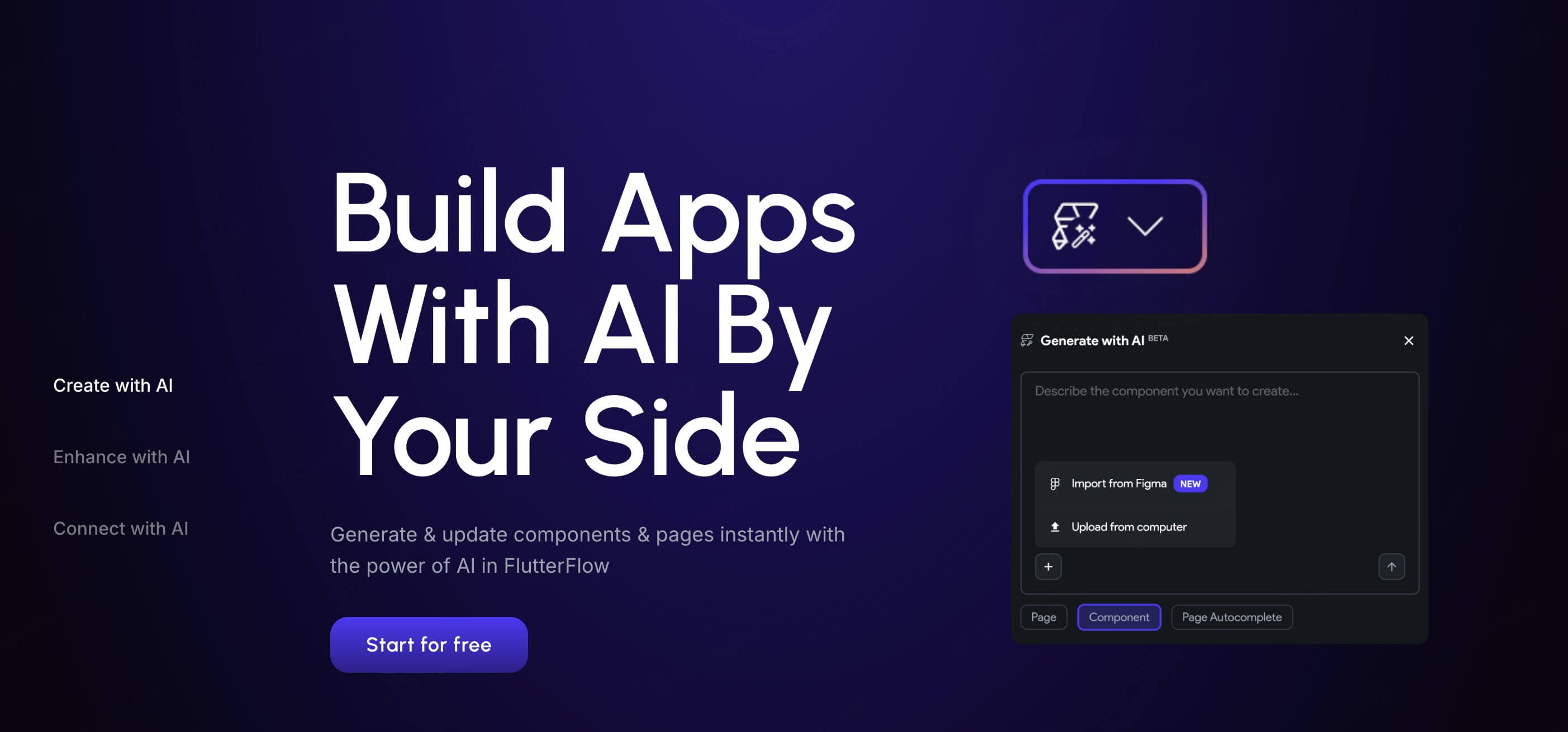
For building native mobile applications ready for store deployment, FlutterFlow is a widely adopted choice among overseas developers. It bypasses complex local development setup, combining intuitive AI interactions with visual drag and drop controls to export clean native code. It offers a practical balance between delivery speed and application runtime performance among low code ai platforms.
2.1 Core Features
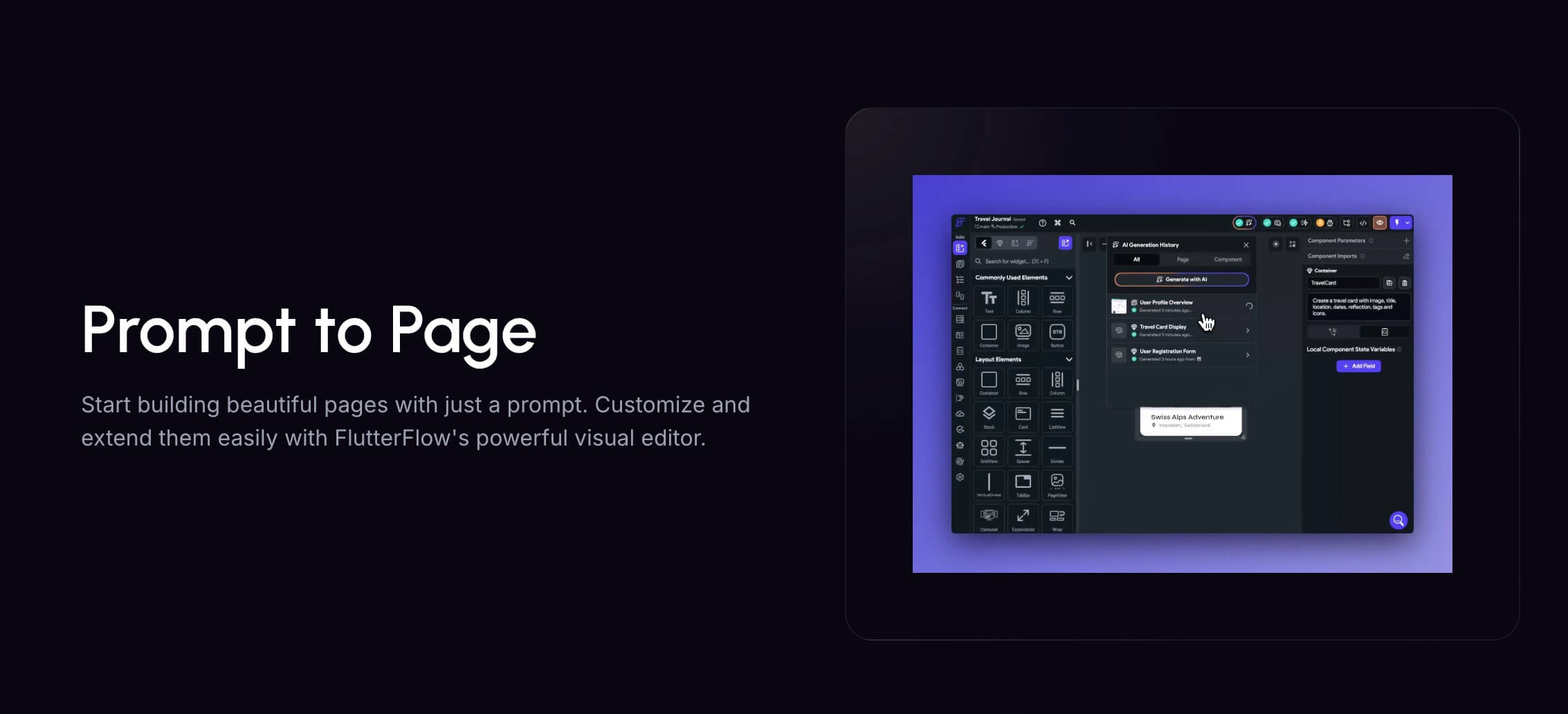
- AI Prompt UI Generation: Generate single page or multi screen mobile interfaces that follow Flutter guidelines using natural language prompts.
- Visual Back End Binding: Connect to popular databases like Firebase and Supabase without writing code, with AI support for database schema generation.
- Visual Logic Configuration: Utilize visual action panels alongside an AI assistant to generate custom Dart business logic through conversational commands.
- One Click Build and Publishing: Export clean Flutter source code or publish directly to the App Store and Google Play.
2.2 Key Highlights
- Native Performance: Built on the Flutter framework, generated applications offer smooth rendering and solid performance on iOS and Android.
- Full Code Ownership: Allows code export so developers can continue writing custom logic locally without platform lock in.
- Target Audience: Solo developers, technical leads at startups, and product managers seeking native performance with minimal coding overhead.
3. Mockitt AI
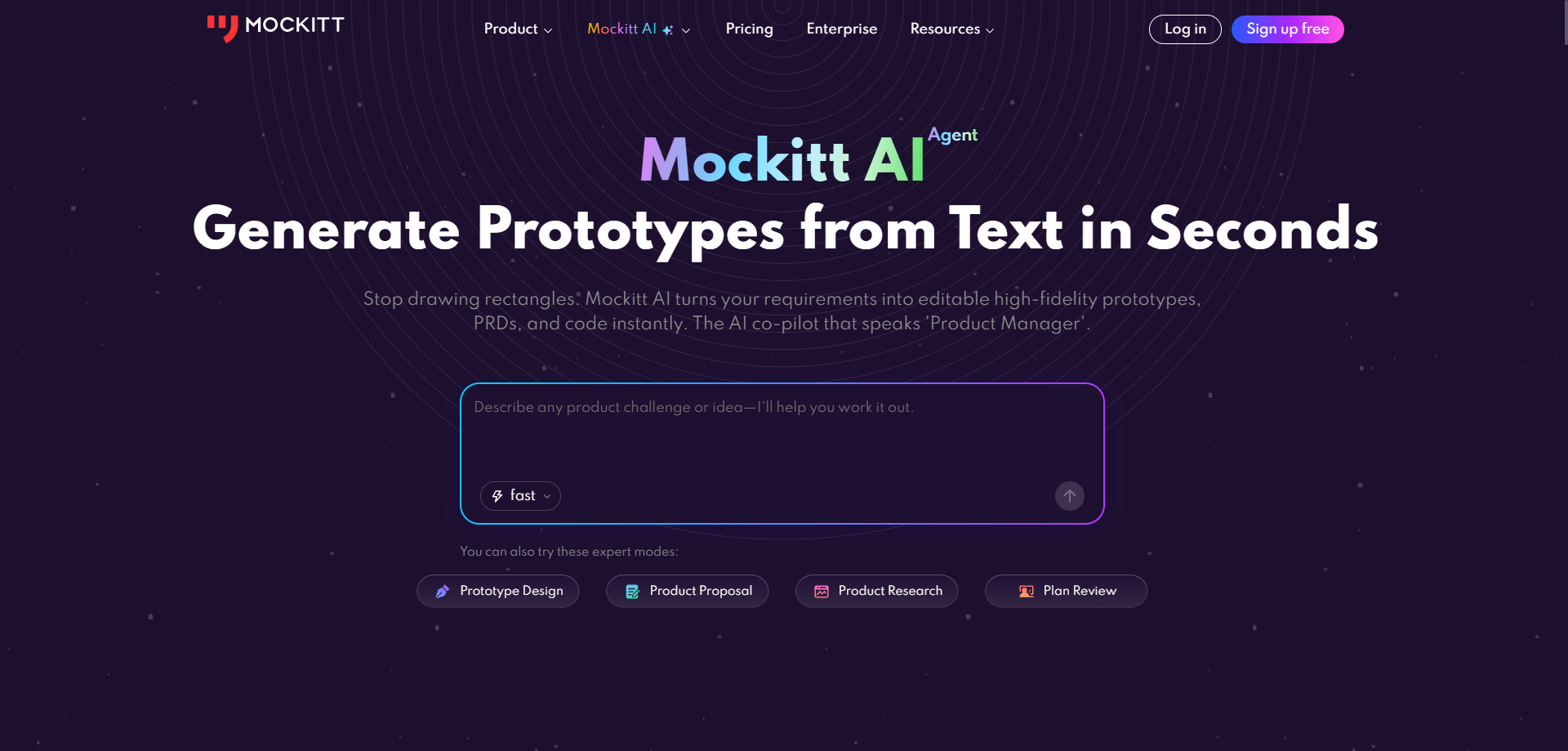
As an established prototyping solution, Mockitt AI focuses on accelerating early concept validation. When product managers conceive a new app idea, Mockitt AI generates interactive wireframes and demonstration prototypes within seconds, eliminating manual screen drafting.
3.1 Core Features
- One-Click AI Prototype Generation: Input a brief product concept, and the AI Prototype Generator creates multi-screen interactive prototypes complete with screen layouts, wireframes, user flow logic, and a structured PRD outline.
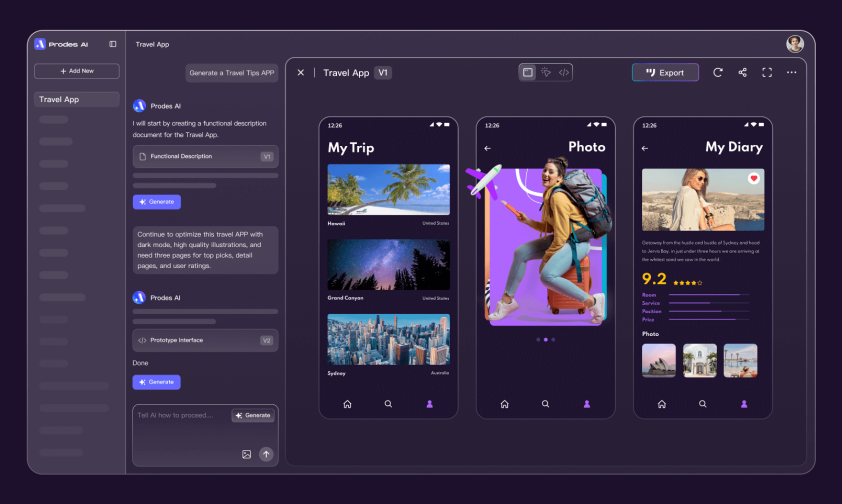
- Automated Product Documentation: Along with visual prototypes, the platform organizes requirement logic into structured PRD documentation covering feature modules, screen descriptions, and interactive behavior.
- Dual Mode Editing Workflow: Combines AI generation with manual fine tuning on a visual canvas, providing a flexible workflow that keeps fast prototyping efficient and controllable.
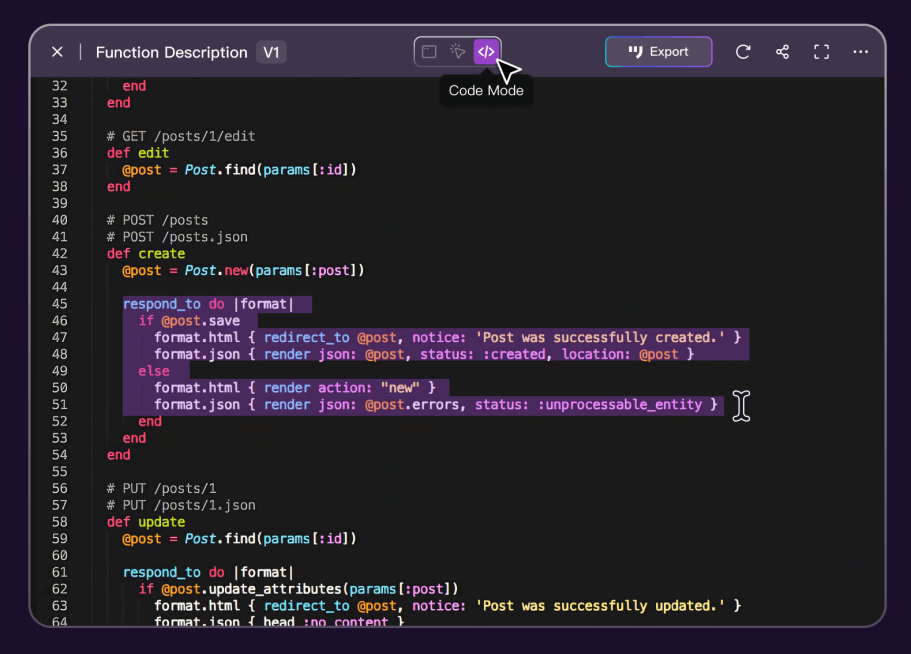
- Front End Code Export: Mockitt AI supports exporting visual layouts directly into front end code structures, narrowing the gap between product design and engineering handoff.
3.2 Key Highlights
- Rapid Concept Validation: Features a minimal learning curve that transforms early stage ideas into interactive visuals for rapid team feedback.
- Seamless Team Collaboration: Offers real time multi user co editing and cloud preview sharing for fast team alignment and design reviews.
- Target Audience: Product managers, business analysts, and product design teams performing rapid proof of concept validation.
4. Bolt.new
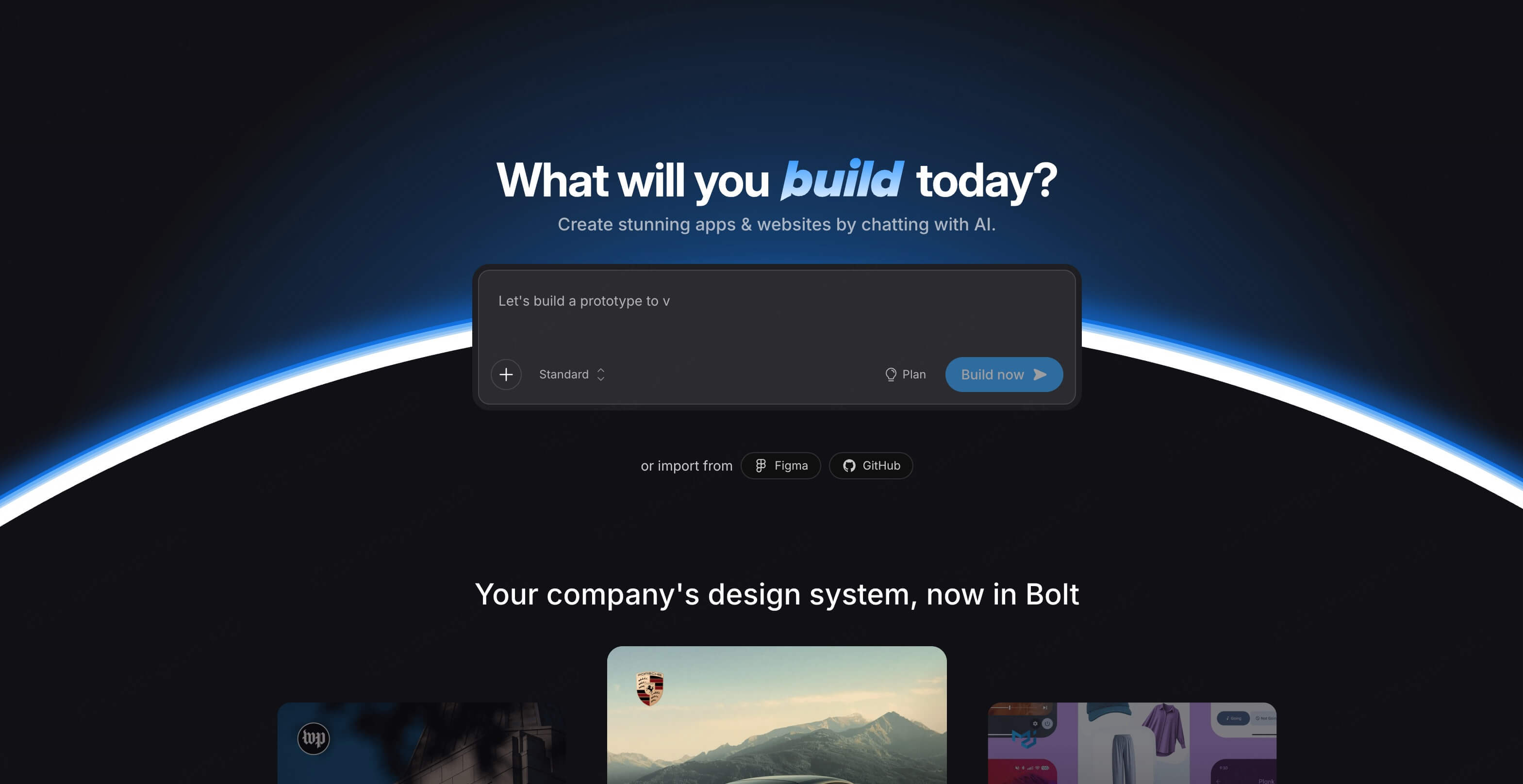
Bolt.new is a full stack web container platform designed for modern web application creation. Rather than setting up local development environments, users describe business requirements inside a browser chat interface. Bolt.new builds and executes front end, back end, and database setups entirely within the browser, while diagnosing and resolving bugs automatically.
4.1 Core Features
- Full Stack Prompt Generation: Describe business requirements, and the AI builds front end frameworks such as React or Vite alongside Node.js back ends and database configurations.
- In Browser Sandbox Execution: Powered by WebContainer technology, it installs dependencies and runs complete web services directly in the browser with live previews.
- Self Healing Code Diagnostics: When runtime errors occur, the AI captures console logs, rewrites buggy code, and fixes errors automatically, acting as a low code ai agent platform.
- One Click Cloud Deployment: Host full stack applications directly on cloud hosting platforms such as Netlify or Vercel.
4.2 Key Highlights
- End to End Execution: Requires no local environment configuration and writes, runs, and debugs code in real time.
- Developer Speed Acceleration: Replaces boilerplate setup and scaffolding tasks, speeding up technical prototype creation.
- Target Audience: Full stack engineers, indie developers, and technical founders prioritizing delivery speed.
5. Bubble
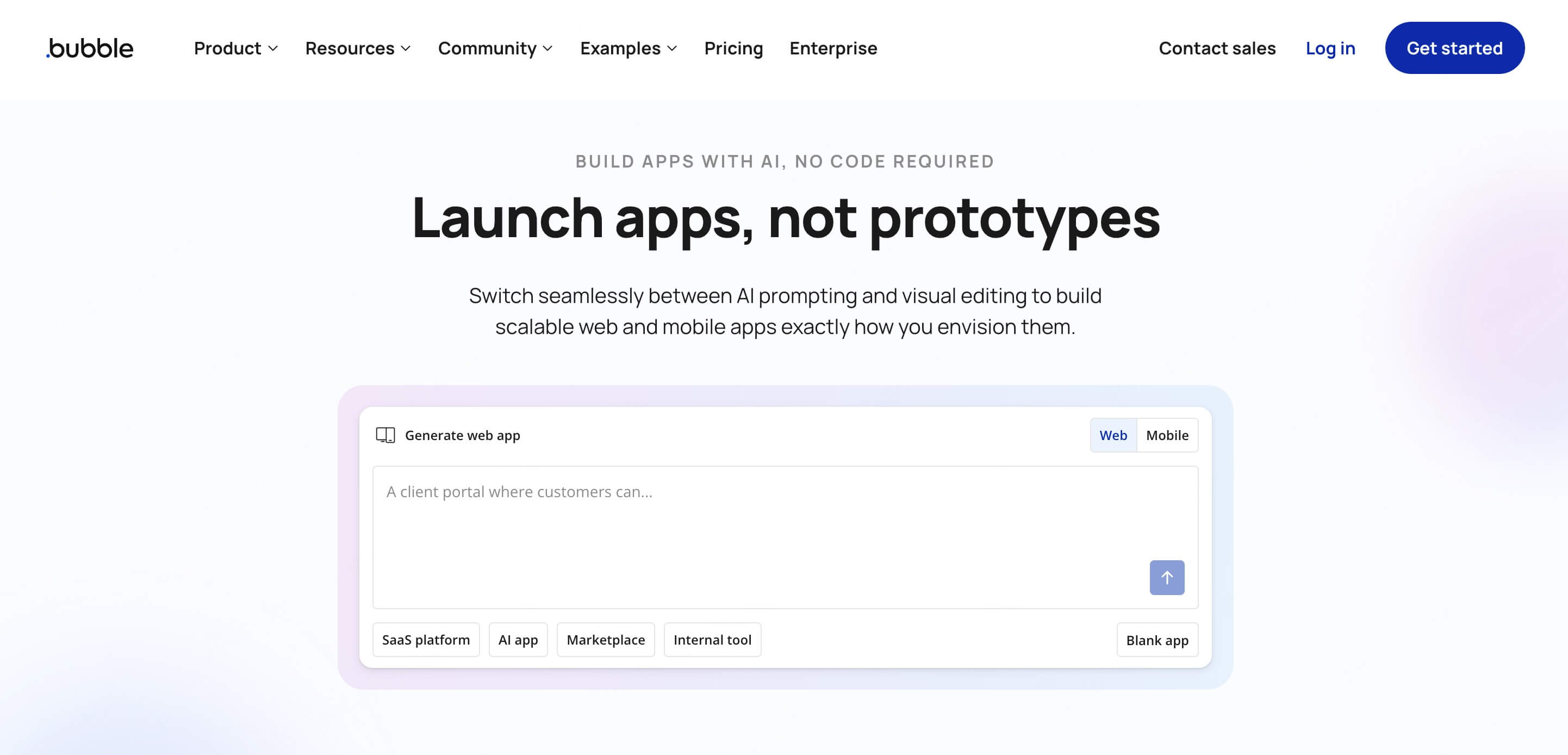
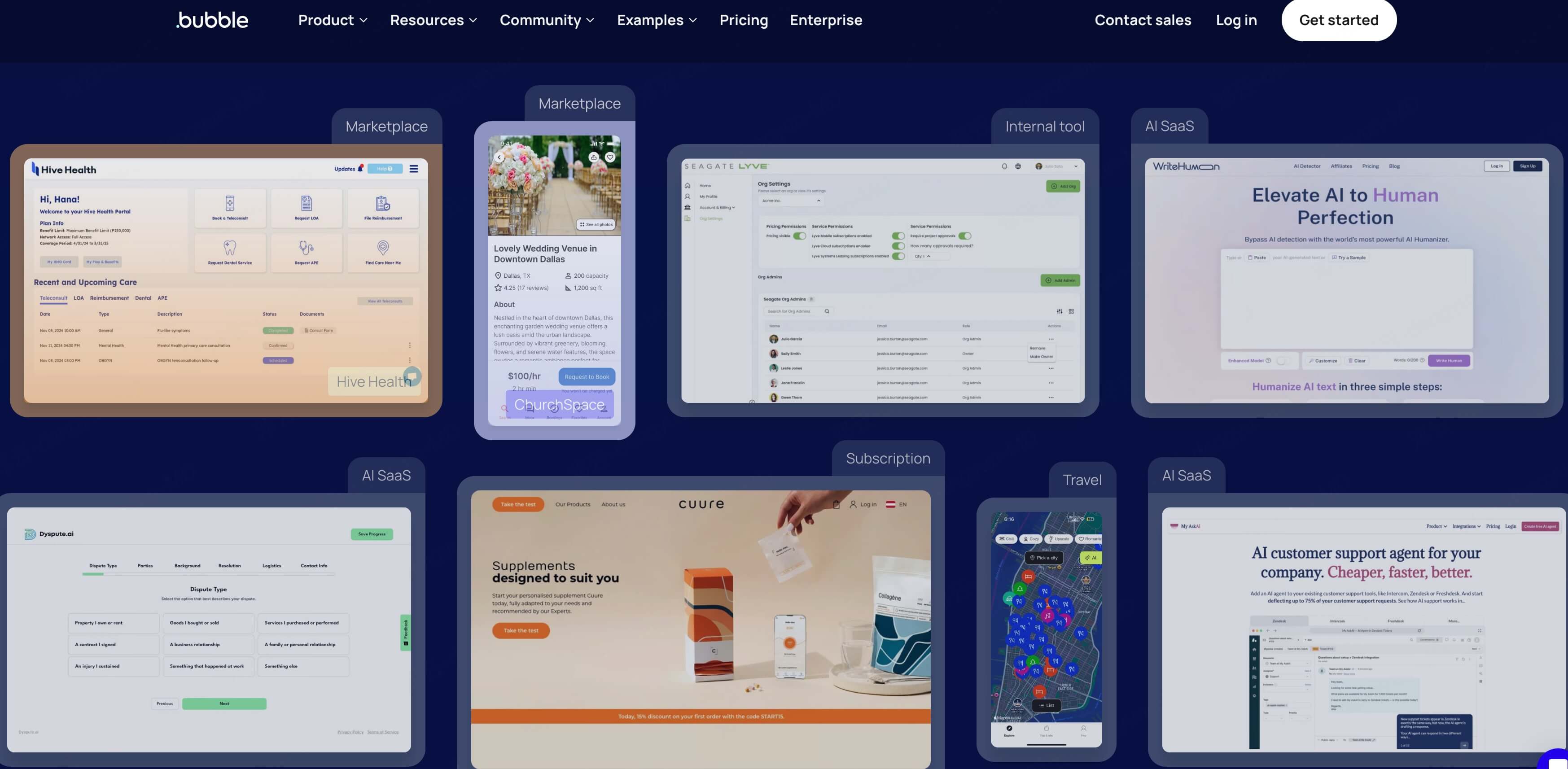
As a long standing visual app builder, Bubble incorporates AI capabilities to lower the entry barrier for building complex business applications. Beyond visual layout creation, it provides comprehensive tools for managing relational databases and back end logic workflows.
5.1 Core Features
- AI Assisted Database Modeling: Describe data entities in natural language, and the AI creates structured database tables and relationships.
- Robust Logic Workflow Engine: Configure complex business logic visual workflows, such as user payment processing, automated email triggers, and database updates.
- Extensive Plugin Ecosystem: Access hundreds of third party integrations covering payment solutions like Stripe and large language model APIs.
- Fully Managed Infrastructure: Bubble manages deployment, server scaling, and database maintenance without requiring cloud infrastructure configuration.
5.2 Key Highlights
- Strong Back End Capability: Handles complex multi user roles and permissions effectively, making it suitable for building scalable SaaS applications.
- High Customizability: A pixel accurate visual canvas combined with AI capabilities enables creators to build customized commercial products.
- Target Audience: Non technical founders, project managers, and entrepreneurs building complex minimum viable products.
Conclusion
Across UI design, application development, and product validation, AI app generators and low code platforms are unifying fragmented creation steps into a continuous workflow. In connecting design to engineering execution, Pixso AI serves as an effective starting point. Whether you are a product manager, designer, or front end developer looking to increase productivity, explore Pixso AI today to experience prompt driven interface design.
FAQs
Q1. Can AI app generators fully replace professional developers and UI designers?
AI app generators serve as efficiency multipliers rather than replacements for human design and engineering teams. They excel at automating repetitive scaffolding, generating initial UI layouts, and bridging design handoffs. However, human strategic direction remains essential for refining complex user experience logic, ensuring brand identity, and managing enterprise architecture.
Q2. Are applications created by low code AI platforms scalable for enterprise production?
Enterprise scalability depends on the output format of the chosen platform. Tools that generate production compliant code or export native frameworks seamlessly integrate into existing professional codebases. In contrast, fully managed visual builders excel at rapid validation, internal business tools, and early stage product MVPs.
Q3. How should product teams choose the right low code AI platform for their workflow?
Selection depends on team roles and the intended deliverable. If the priority is design system compliance, component library alignment, and clean developer handoff, UI focused design platforms offer the highest impact. If the goal is deploying native mobile applications or full stack web applications with database connections, technical execution platforms are better suited.
![[Full Review] Ant Design VS Material UI](https://pixso.net/assets/media/ant-design-vs-material-ui-e85acb360e96ca74.webp)