On this page

Scott
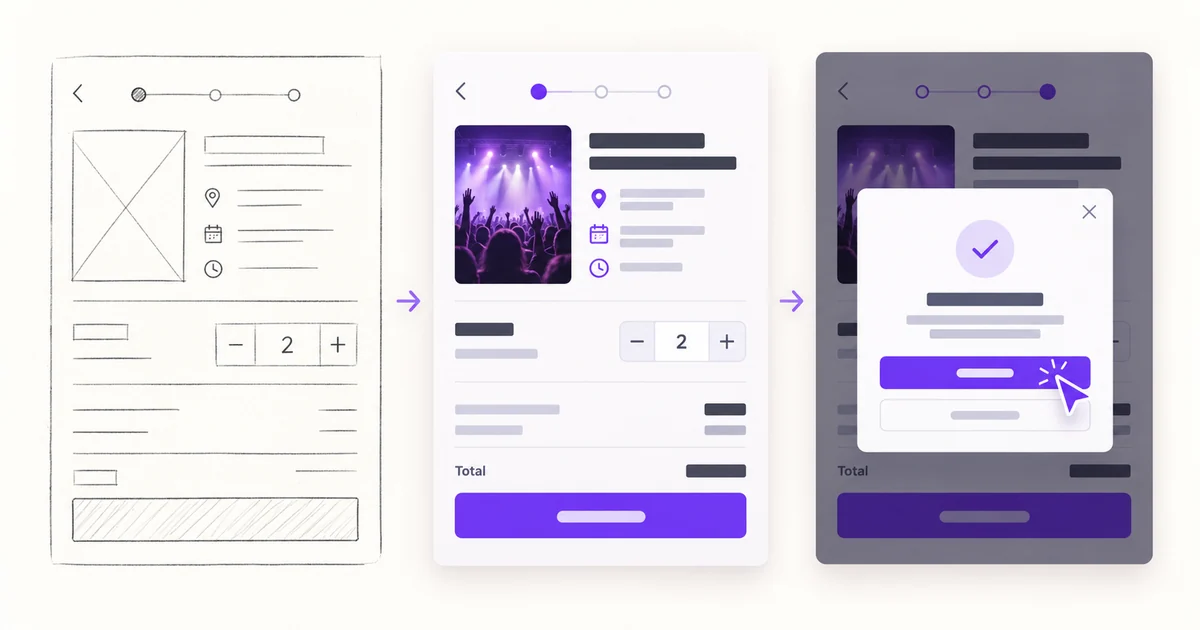
Short answer: The best app design tool is the one that keeps a mobile screen, its states, the prototype path, and the handoff context together. Use one representative flow to compare tools instead of relying on a generic list of features. Start by reviewing Pixso UI design and prototyping so the comparison stays connected to the actual design-to-review workflow.
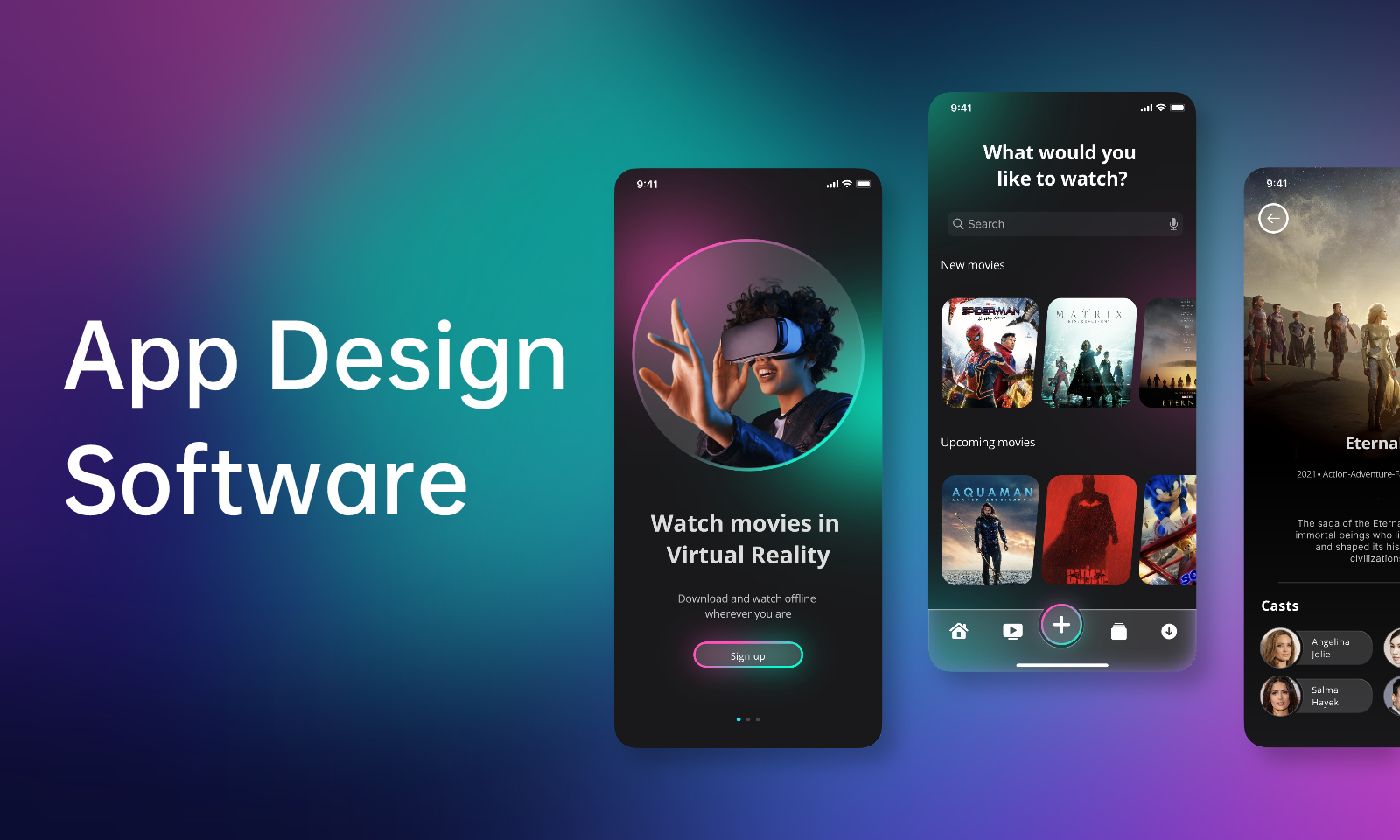
Choose app design software with one mobile flow: compare editing, states, review, and handoff evidence before committing to a tool.
| Task | Evidence | Decision |
|---|---|---|
| Screen structure | Frames, grids, constraints, and reusable components | Can a long label or small screen change without manual repair? |
| Interaction states | Links, overlays, loading, error, and success states | Can reviewers reach the important decision without a live explanation? |
| Developer handoff | Approved state, measurements, assets, and notes | Can a developer identify what is ready to build? |
How to use this comparison
- Choose one representative screen or flow with real content, not a blank canvas.
- Record what the tool lets you edit, reuse, review, and hand off without leaving the workflow.
- Separate a tool’s documented capability from what your team still needs to implement, test, or verify.
How to Choose the Right App Design Software
Selecting the right app design tool is the key to ensuring detailed, easy and full-fledged app design. Here are a few things you may need to consider before picking up any app design tool:
- The tool should have a straightforward user interface and a manageable learning curve. A beginner-friendly tool is commonly favored.
- For timely feedback and a seamless handoff to production, you should be able to safely share your work with your teammates.
- The development tool's pricing should be taken into consideration. Depending on your needs as a designer, the pricing of any app design software is a core factor for choosing.
- Ask yourself if the mobile app design tool fits all your requirements.
Top 6 App Design Software
Pixso
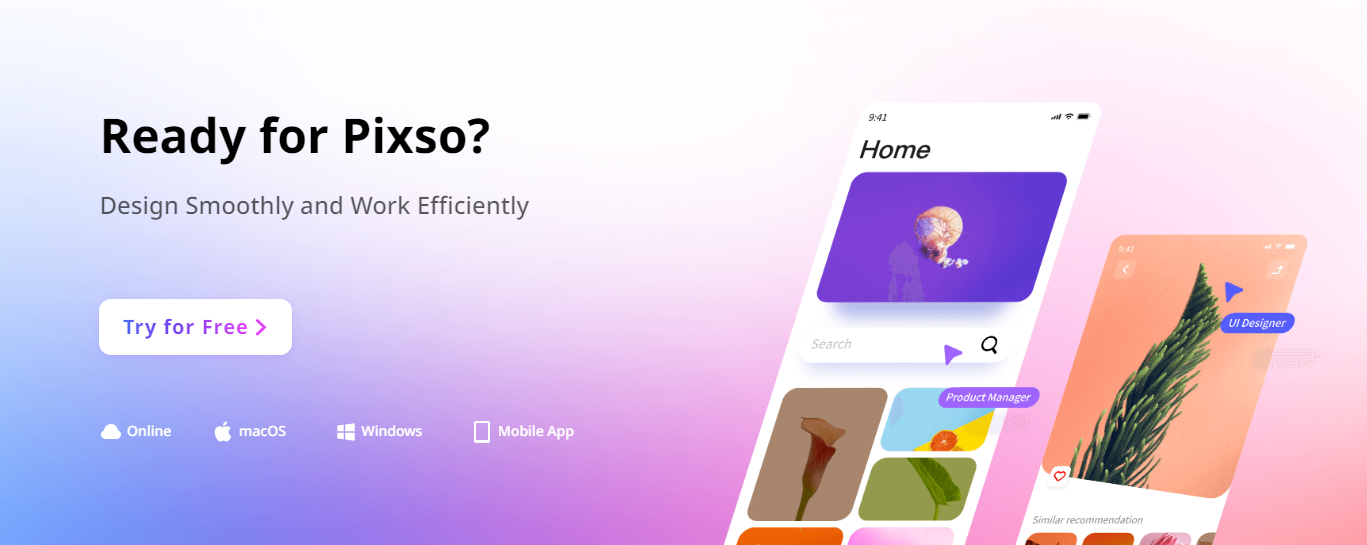
Pixso is a quick and simple-to-use app design tool for Android and iOS mobile and Web apps that comes with broad icon and component libraries. Pixso offers you a workflow for planning mobile screens and reviewing their states.
It brings interface design, prototyping, and developer handoff into one workspace. You can create the wireframe rapidly using these straightforward design and prototyping tools. Then, instantly design the UI interface using all its powerful features. After that, you can hand off the design file to developers.
In a word, you can finish the whole prototype-design-handoff workflow using Pixso.
Pricing: Verify the current vendor pricing, plan limits, and included collaboration features before making a decision.
InVision (historical reference; service ended)
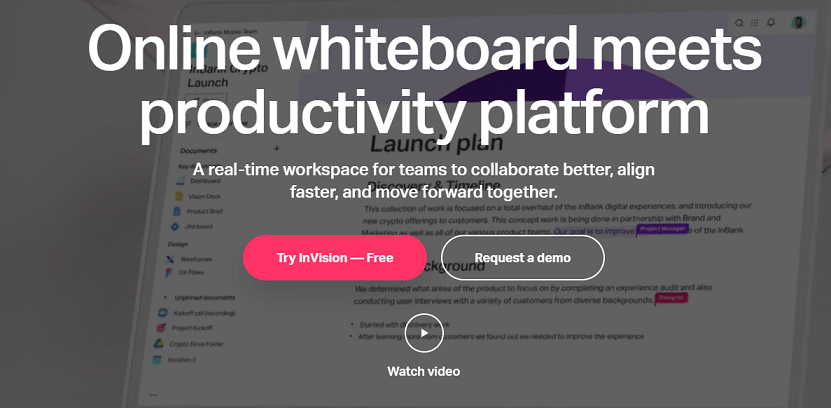
InVision was a platform for digital product collaboration. InVision services ended on December 31, 2024; treat this section as historical context and do not use it as a current tool recommendation.
Pricing: Verify the current vendor pricing, plan limits, and included collaboration features before making a decision.
Zeplin
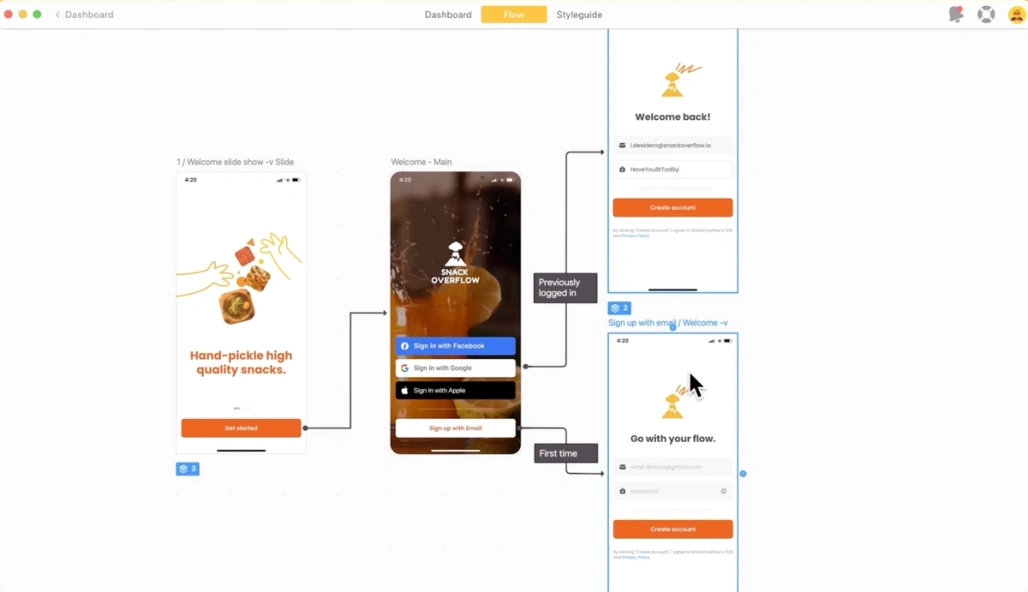
Zeplin is a design collaboration platform that enables organizations to develop websites and applications, share ideas, and organize projects across teams using digital workspaces. In addition, Zeplin helps designers construct global style guides, which allows users to organize, distribute, change and preserve design files, text styles, codes, and more in a centralized repository for future reference.
Pricing: Verify the current vendor pricing, plan limits, and included collaboration features before making a decision.
Avocode
Avocode is an app design tool for software firms for better collaboration, developer handoff, version control, screen flows, and feedback. It allows them to save substantial time while dealing with design files. Designers can effortlessly share the designs with developers, copywriters, and stakeholders. Managers can easily present, assess, and amend screen design flows on the web, collect comments, and track the design changes. Avocode also enables teams to design in Sketch, track changes, and settle issues.
Pricing: Verify the current vendor pricing, plan limits, and included collaboration features before making a decision.
Marvel
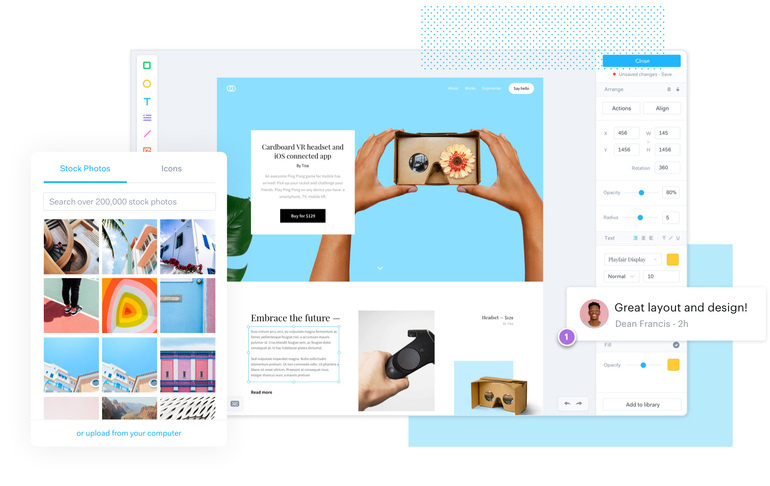
Marvel helps you to develop, prototype, and work with your team swiftly. You can view your potential users' engagement with your designs in real time. Even if you're a rookie in building Android/iOS apps, Marvel makes you feel like you're a professional. Teamwork is a vital component of Marvel's mobile app design software. It turns simple paper designs into tappable, interactive prototypes that enable you to exhibit and discuss your app ideas with others.
Pricing: Verify the current vendor pricing, plan limits, and included collaboration features before making a decision.
JustInMind
Justinmind is an app design and prototyping tool specifically created for people who want to actualize ideas but do not have the technical expertise to operate a sophisticated platform. It offers a drag-and-drop interface that lets users get started with the templates and customize them to match their requirements effortlessly. In addition, the platform comes with User Interface (UI) Kits, which allow users to develop beautiful interfaces and practical UI prototypes.
Pricing: Verify the current vendor pricing, plan limits, and included collaboration features before making a decision.