Scott
Whiteboards have evolved from physical office fixtures into essential digital workspaces for modern product teams, educators, and creators. In today’s fast paced environment, visual collaboration is critical for turning complex ideas into actionable roadmaps. Whether your team needs to run agile retrospectives, map user flows, or conduct live ideation sessions, choosing the right digital canvas is key.
In this guide, we evaluate the best online whiteboard tools available today to help you find the ideal platform for your product workflow.
1. Pixso Whiteboard
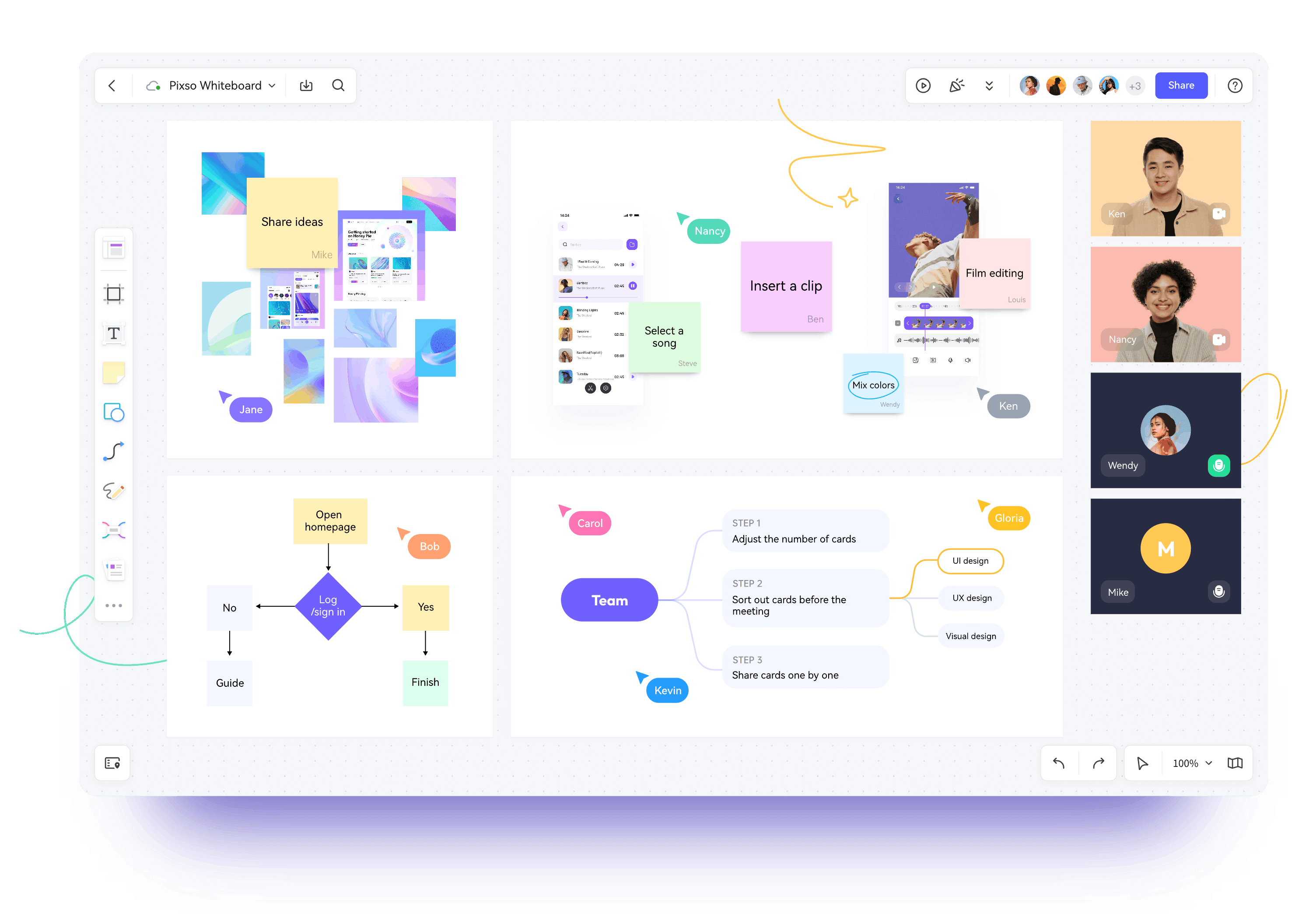
Pixso Whiteboard is a modern, collaborative online workspace tailored for agile teams, UI designers, and product managers. It bridges the gap between early brainstorming and UI design execution, providing an expansive environment for every stage of product development.
Here is how this versatile whiteboard tool powers each phase of product discovery and delivery:
- Information Gathering and Ideation: With an infinite digital canvas, teams can drop images, documents, spreadsheets, and sticky notes into a unified workspace. Pixso Whiteboard helps organize fragmented insights into clear visual structures during rapid brainstorming sessions.
- Strategic Product Planning: Teams can map the entire product lifecycle using built in templates such as business model canvases, vision boards, and product roadmaps to align feature development with strategic market opportunities.
- Requirements and User Analysis: Conducting remote stakeholder interviews and persona mapping is frictionless. The platform includes standard analytical frameworks like SWOT analysis, SMART goal setting, user journey maps, and empathy boards to guide data backed product decisions.
- Visual Architecture and Schematics: Advanced diagramming capabilities support flowcharts, concept maps, fishbone diagrams, organizational charts, and mind maps, ensuring that system logic and user flows are well structured before development begins.
- Design Exploration and Moodboards: Designers can collect visual references, build creative moodboards, annotate design rationales with sticky notes, and connect ideas with smart connectors.
- Iteration and Sprint Management: Visual task boards and chronological timelines keep cross functional teams aligned on agile sprints, task distribution, and milestone delivery.
👉 Try Pixso Whiteboard for free to elevate your visual collaboration workflow.
2. BoardMix
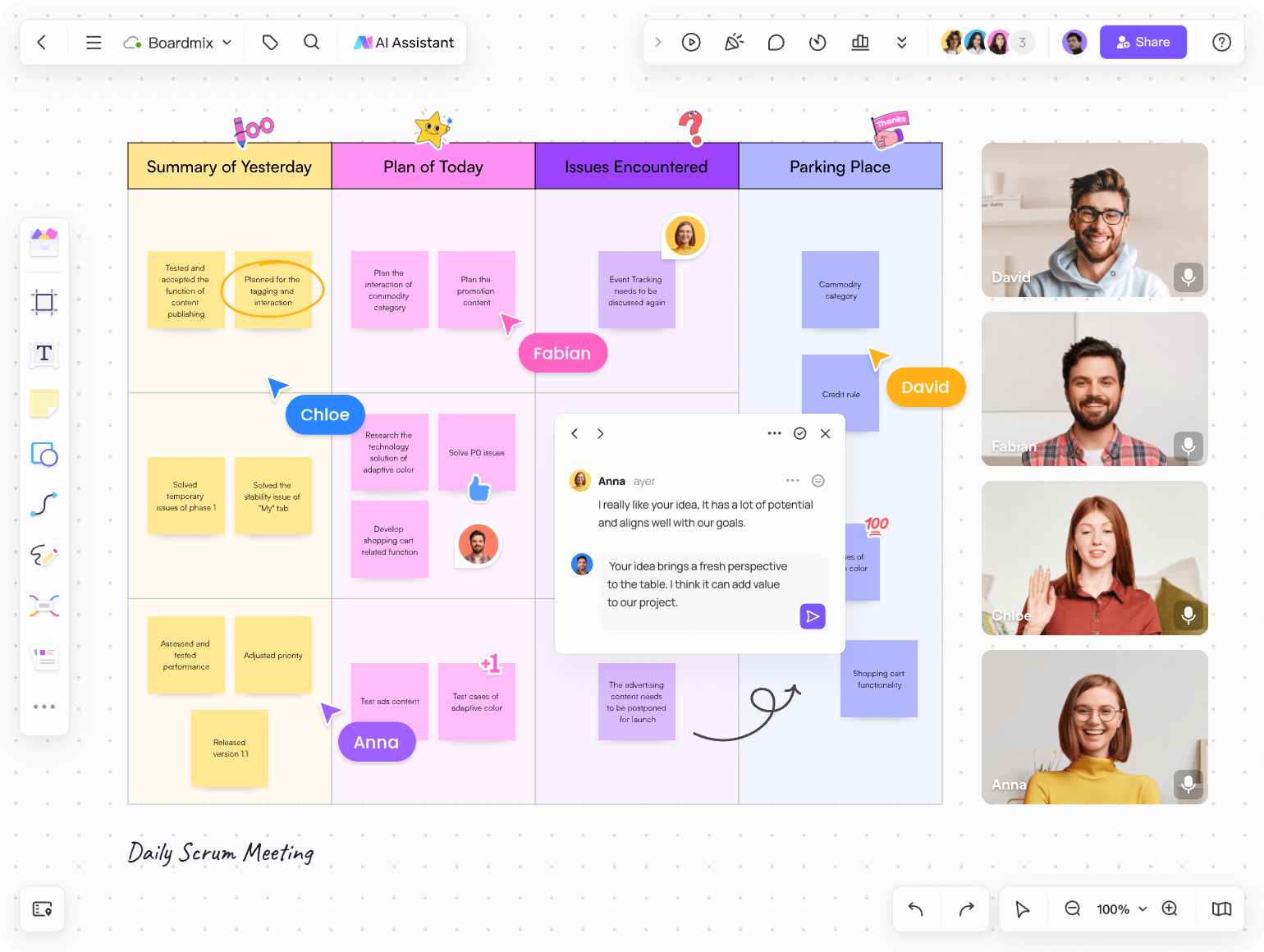
BoardMix is a visual collaboration canvas that brings together infinite layouts, drawing tools, sticky notes, multimedia embeds, and mind mapping. By centralizing cloud notes, hand drawn sketches, and structured diagrams within a single environment, BoardMix eliminates the friction of switching between multiple standalone apps.
3. Miro
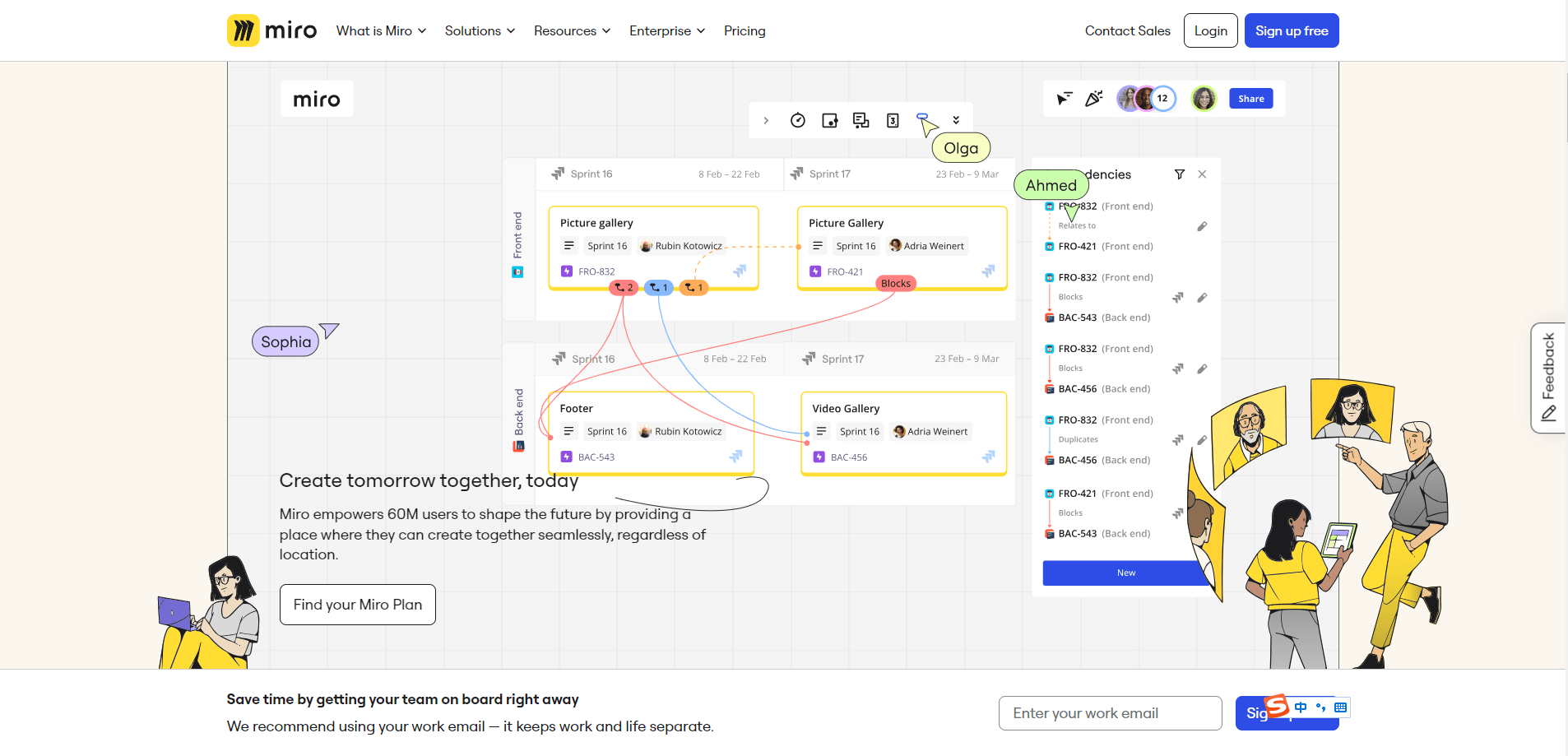
Miro is an enterprise grade visual collaboration platform widely used across global product organizations. It offers extensive template libraries for team workshops, system architecture mapping, and agile sprint planning, serving as an interactive digital surface for distributed teams.
4. Stormboard
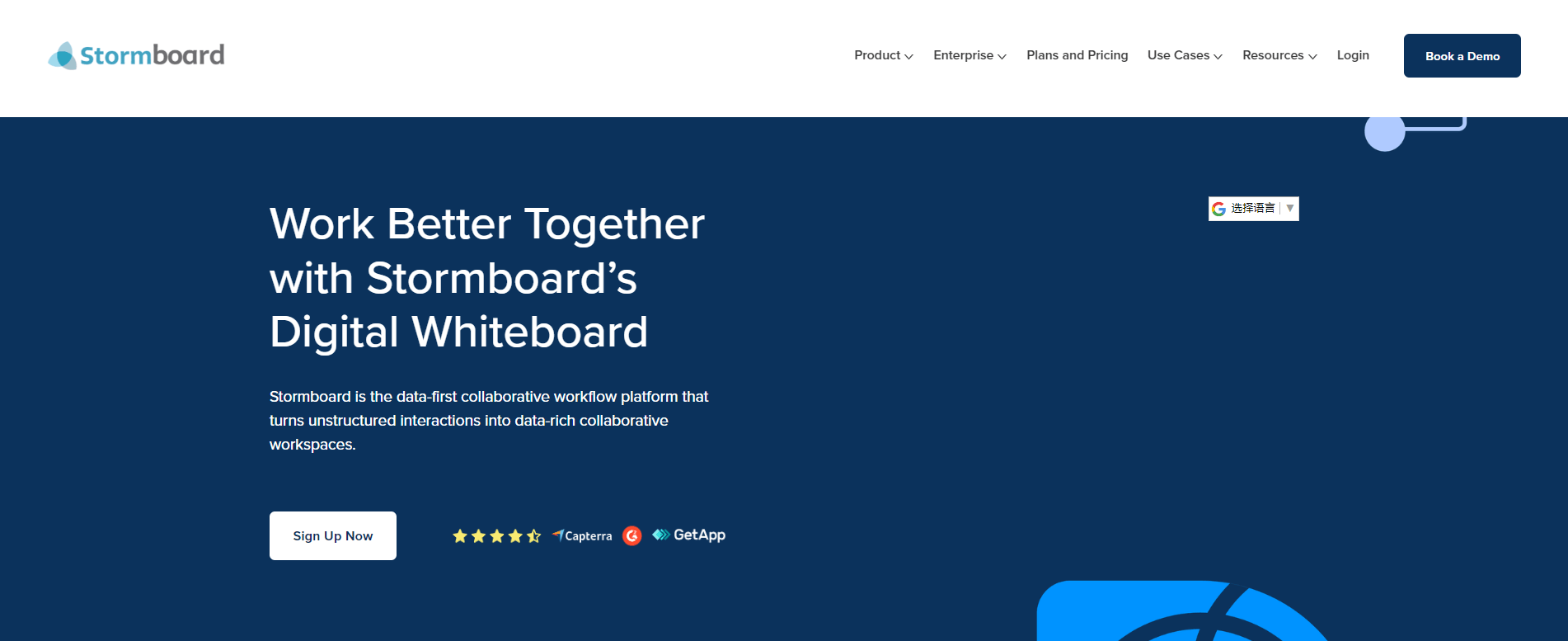
Stormboard approaches visual teamwork through structured index cards and sticky notes. Its template driven boards allow teams to organize ideas into dedicated sections, capture meeting discussions, and export detailed reporting logs for retrospective analysis.
5. MURAL
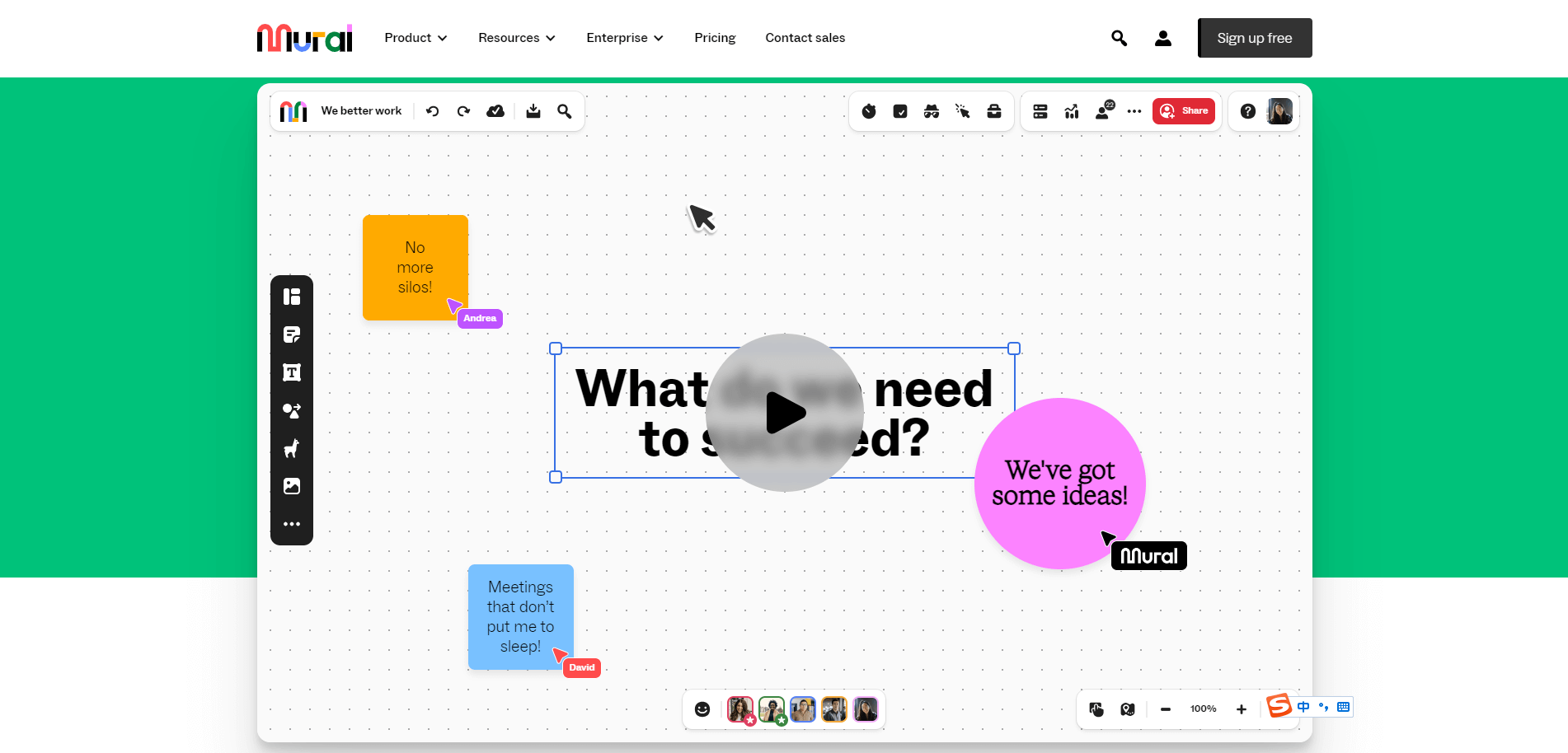
MURAL delivers an interactive digital workspace optimized for guided teamwork and design thinking workshops. Facilitation features like private breakout rooms, voting mechanisms, and custom permission settings make it a reliable choice for remote enterprise alignment.
6. Limnu
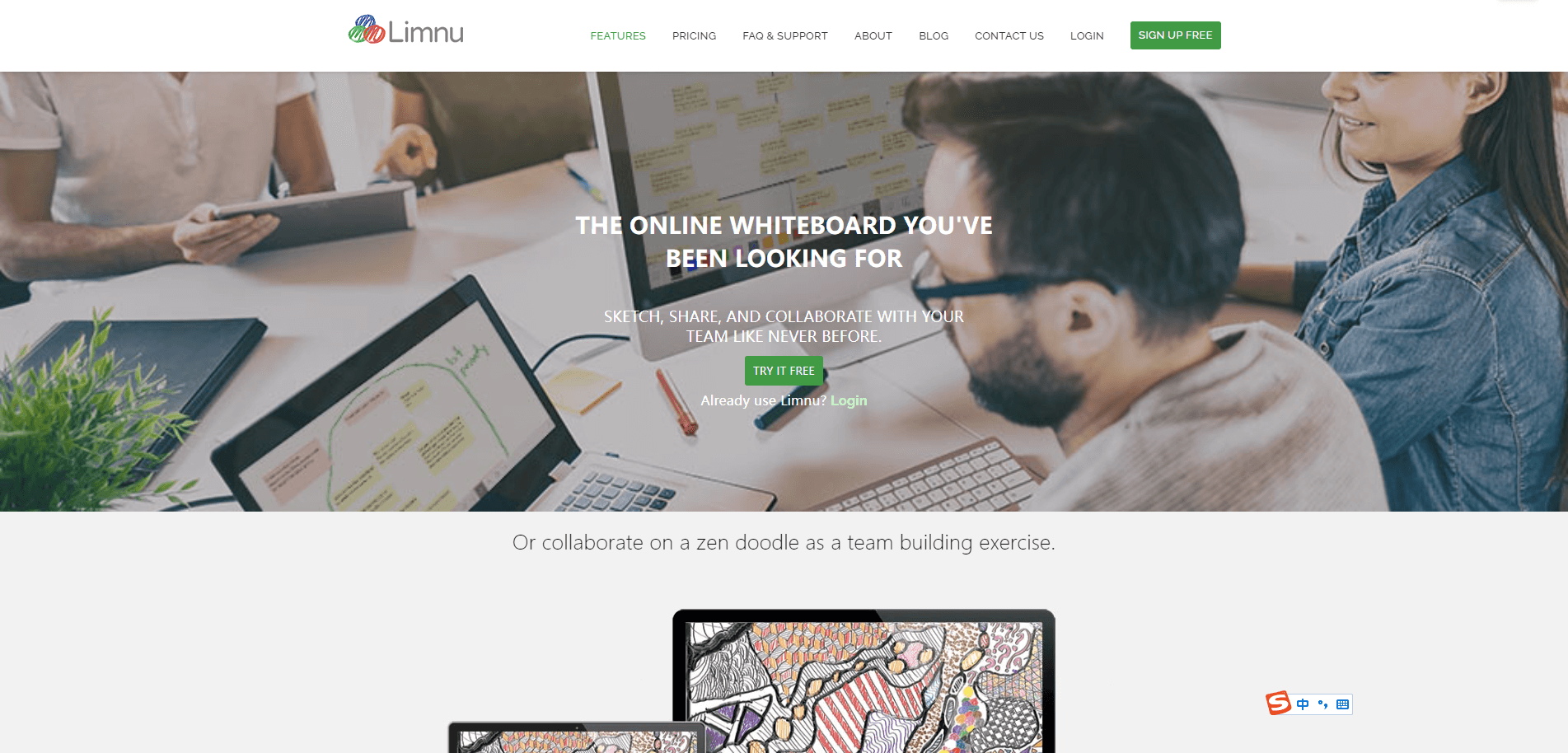
Limnu offers an authentic marker drawing feel with fast, responsive screen drawing. It is particularly popular among educators and remote trainers who require low latency sketching, straightforward link sharing, and simple view only access controls.
7. Visme
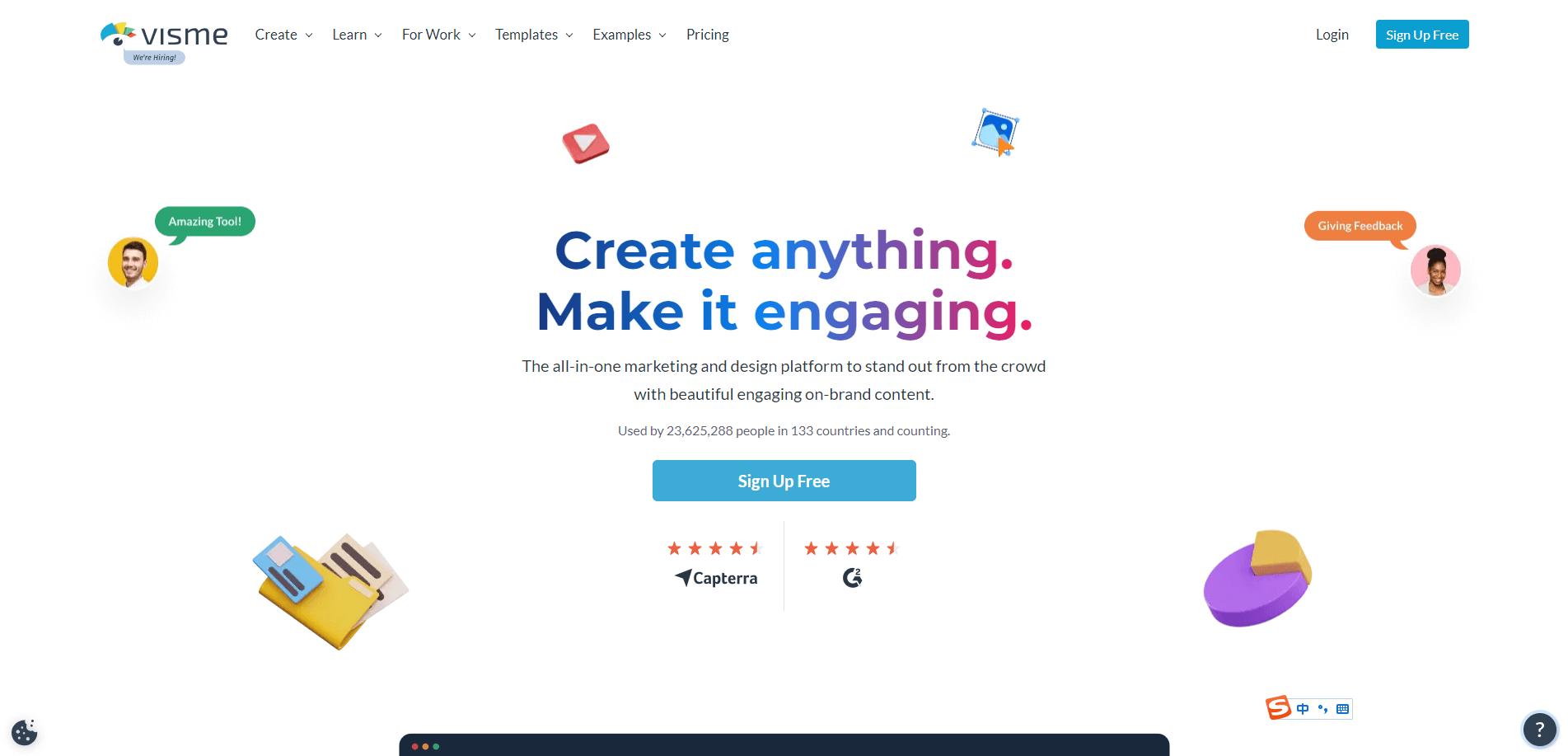
Visme combines digital whiteboard flexibility with interactive presentation and infographic creation. Built on modern web standards, Visme allows teams to transform basic diagrams into animated visual assets and dynamic reports.
8. Ziteboard
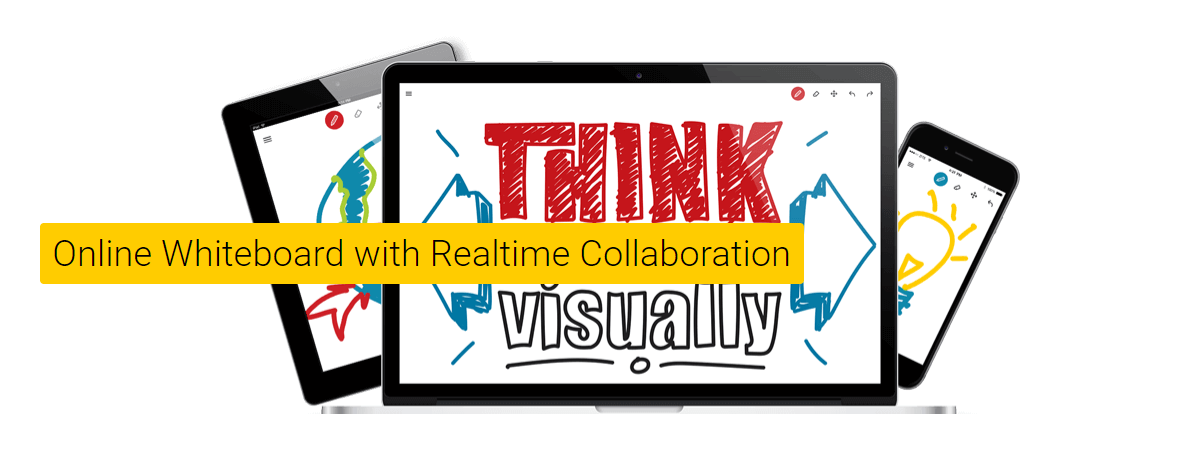
Ziteboard is a lightweight, zoomable canvas designed for quick wireframing, mathematical sketching, and client discussions. It runs smoothly across mobile tablets and desktop browsers, making it a great utility for live tutoring and ad hoc technical diagrams.
9. Whiteboard.fi
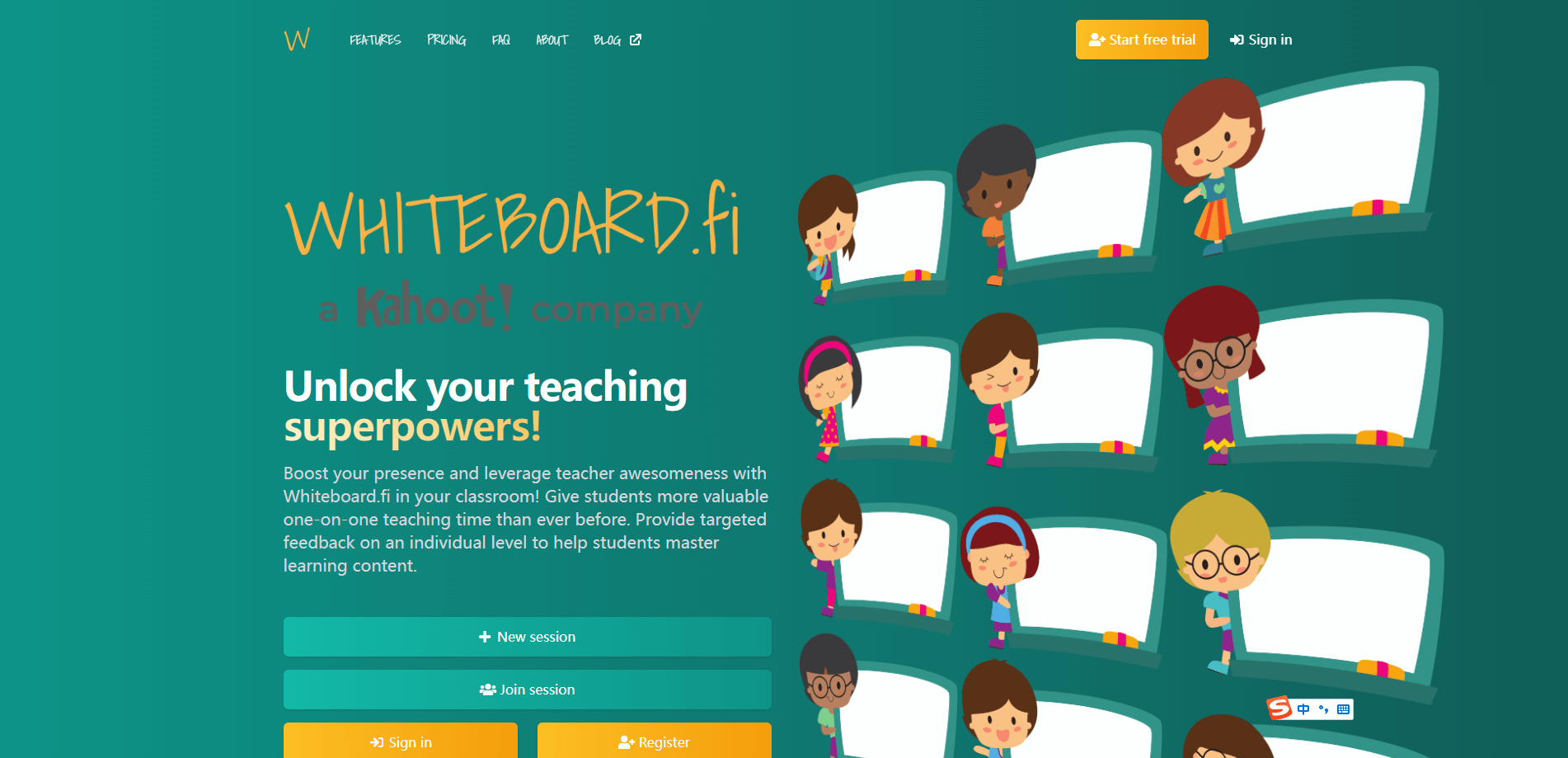
Whiteboard.fi is a specialized classroom tool built specifically for teachers and students. Teachers can create instant digital rooms via simple join codes, monitor individual student boards in live view, and provide immediate one on one feedback.
10. Microsoft Whiteboard
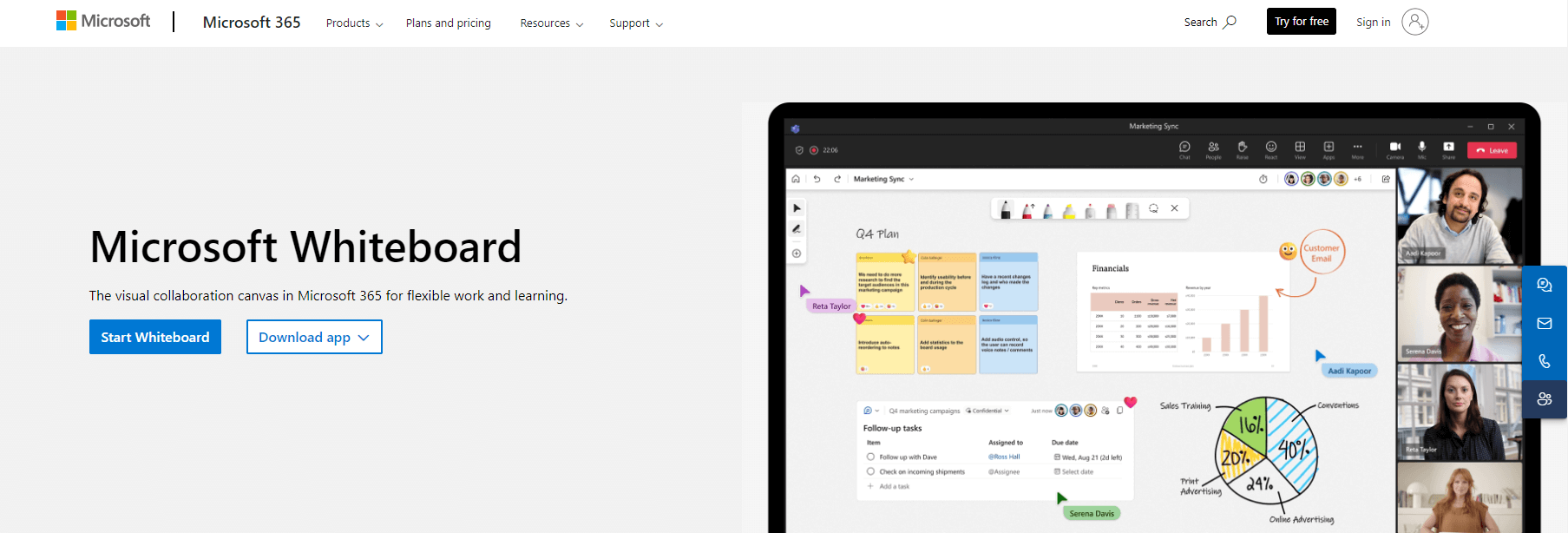
Deeply connected with the Microsoft 365 suite, Microsoft Whiteboard provides a cloud enabled intelligent canvas for teams working within Teams and Office applications. It supports freeform ink, sticky notes, and intelligent shape conversion.
11. Apple Freeform
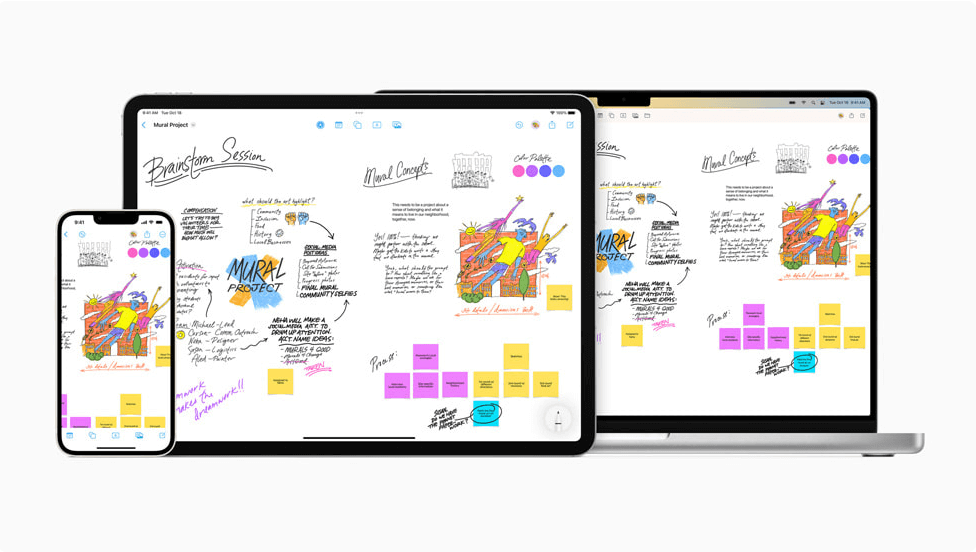
Freeform is Apple’s native infinite canvas application, built for seamless collaboration across iPad, Mac, and iPhone. Featuring full Apple Pencil support, it lets users assemble sketches, documents, web previews, and multimedia in a flexible visual workspace.
12. Muse
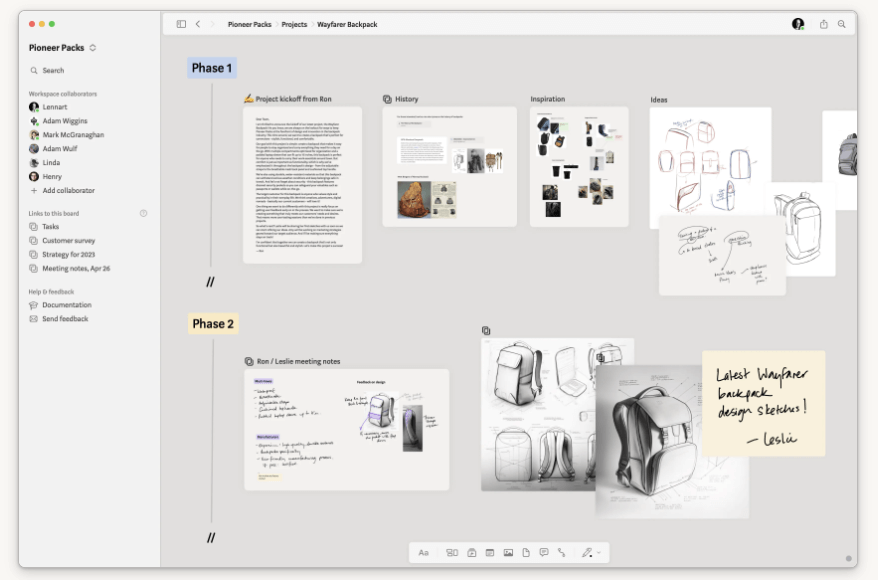
Muse is a spatial thinking and ideation canvas created for iPad and Mac. It features a minimalist aesthetic that lets researchers and thinkers organize nested boards, PDF reading notes, and reference cards in a tactile, focused environment.
13. Excalidraw
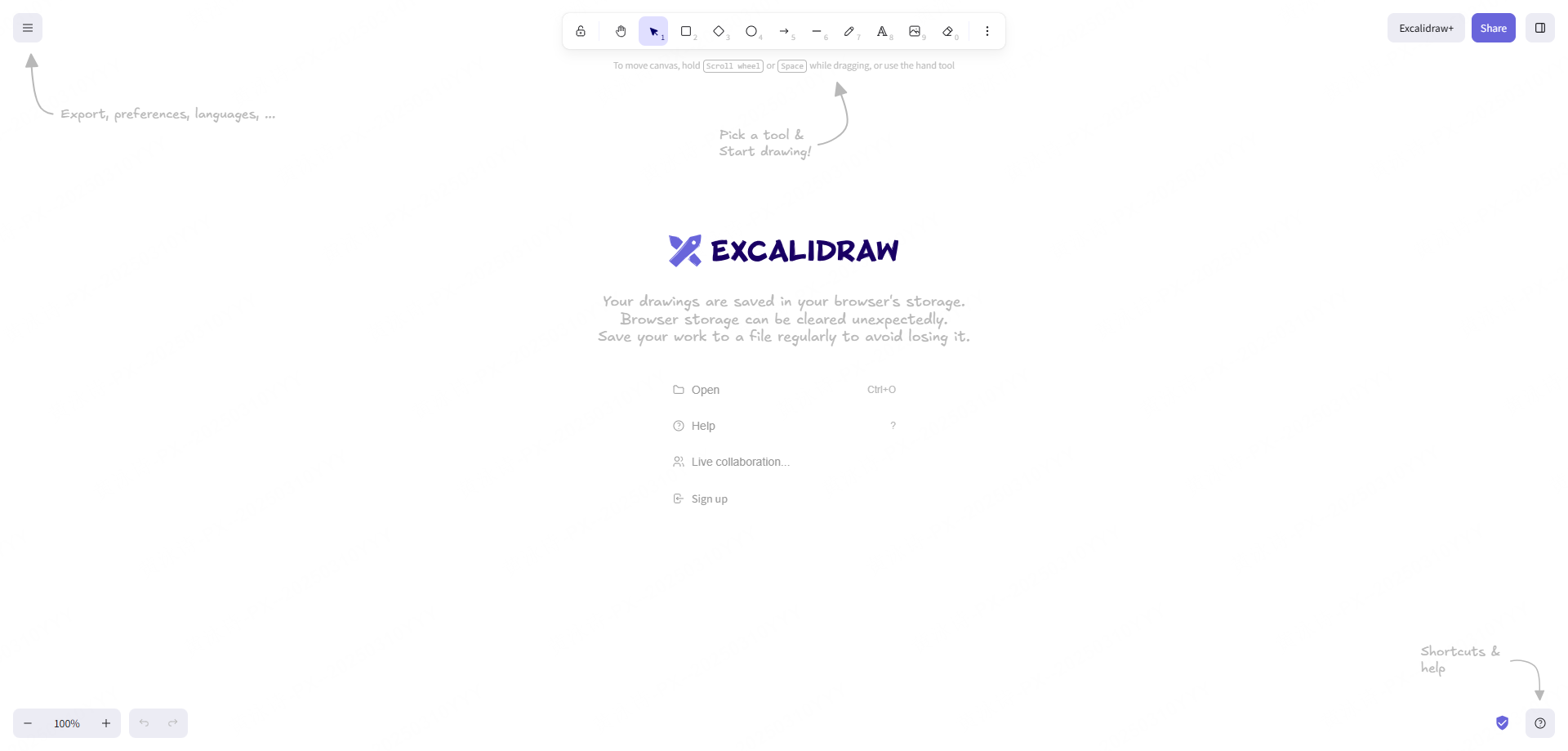
Excalidraw is a browser based whiteboard tool known for its hand drawn sketch aesthetic. It offers end to end encryption, client side storage, and a rich open library of community UI components, making it a favorite among software engineers and technical architects.
14. Witeboard
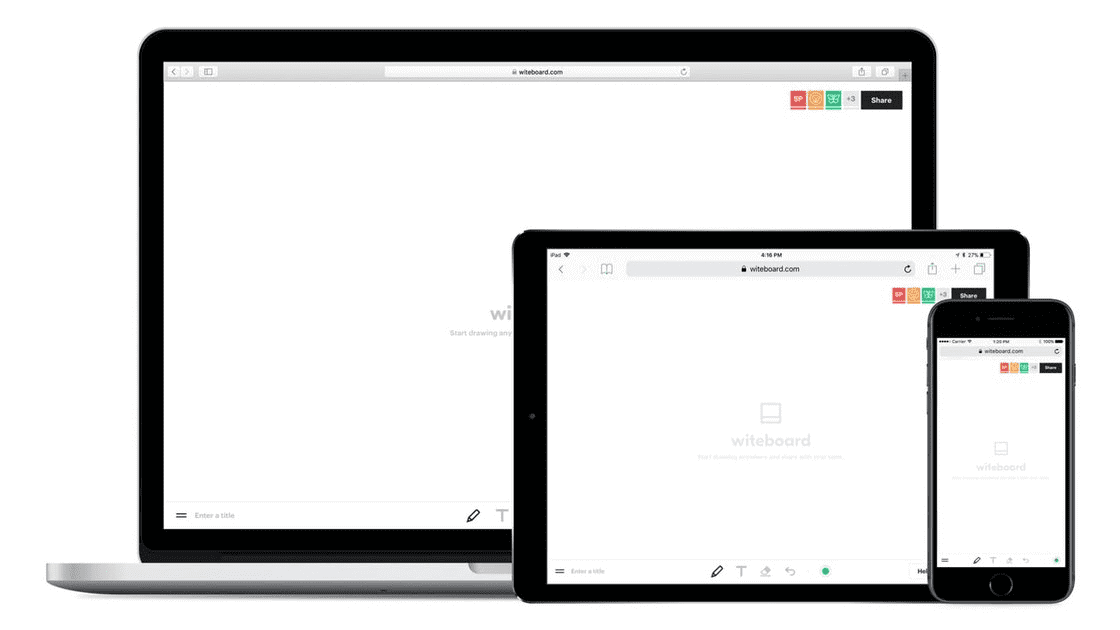
Witeboard delivers an instant sketchpad requiring zero initial setup or mandatory sign in. Users can open the browser page, share a link, and immediately collaborate on quick diagrams with automated shape detection.
15. FigJam
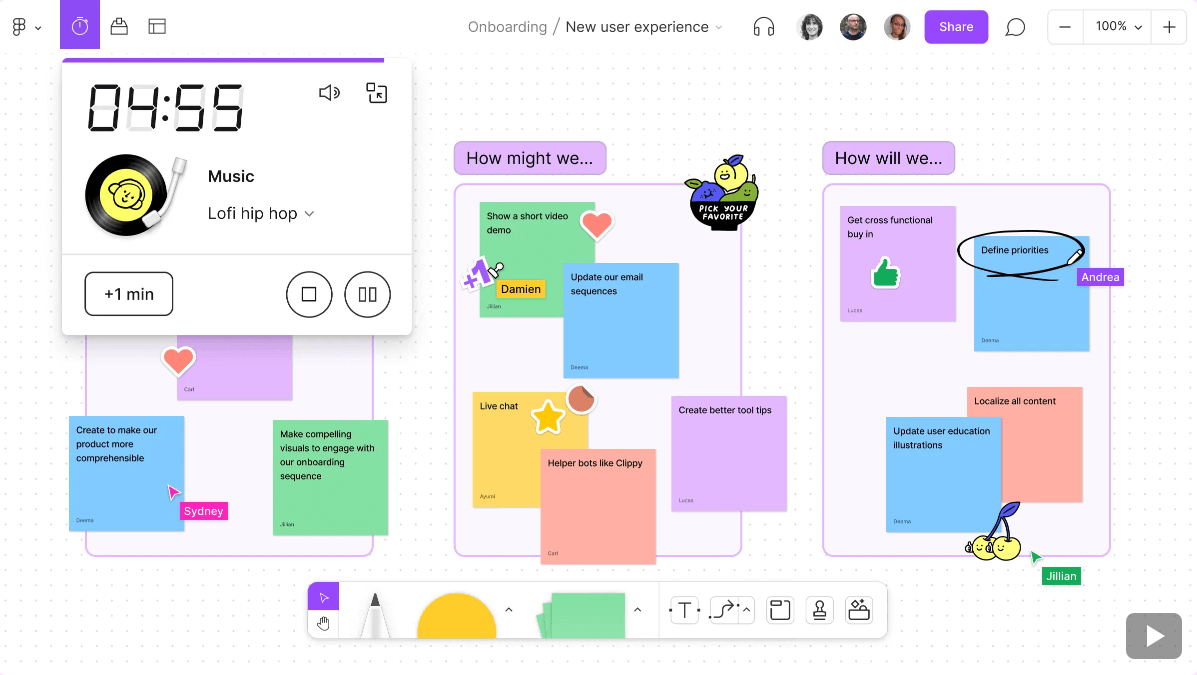
FigJam is the collaborative whiteboard product built by Figma. With native component integration into Figma design libraries, audio huddles, and interactive voting widgets, FigJam is tailored to product designers and developer handoff workflows.
16. Heptabase
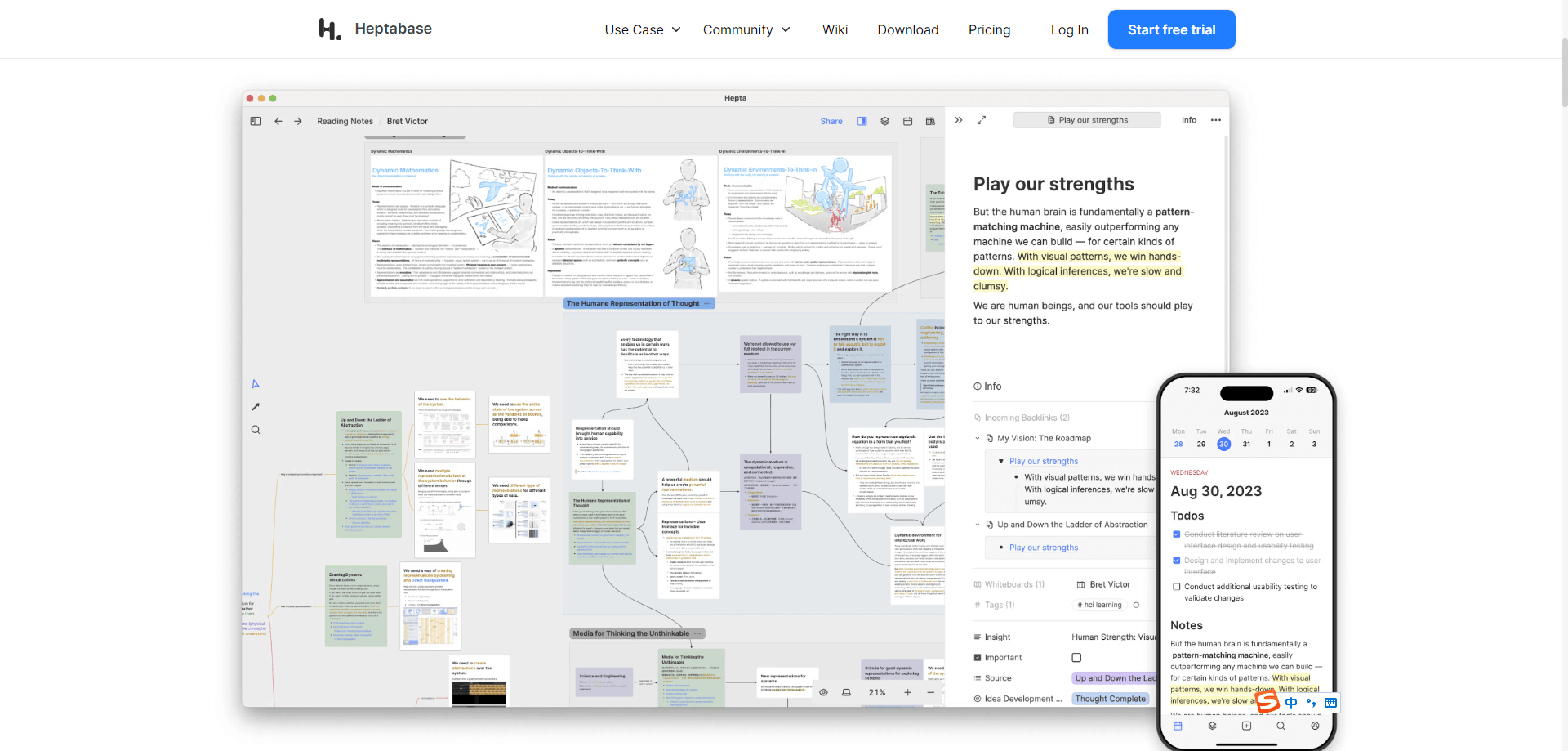
Heptabase blends visual canvas mapping with deep personal knowledge management. Users can convert complex research notes into modular visual cards, allowing thinkers to see both the broad structural overview and the fine details of their ideas.
17. ClickUp Whiteboards
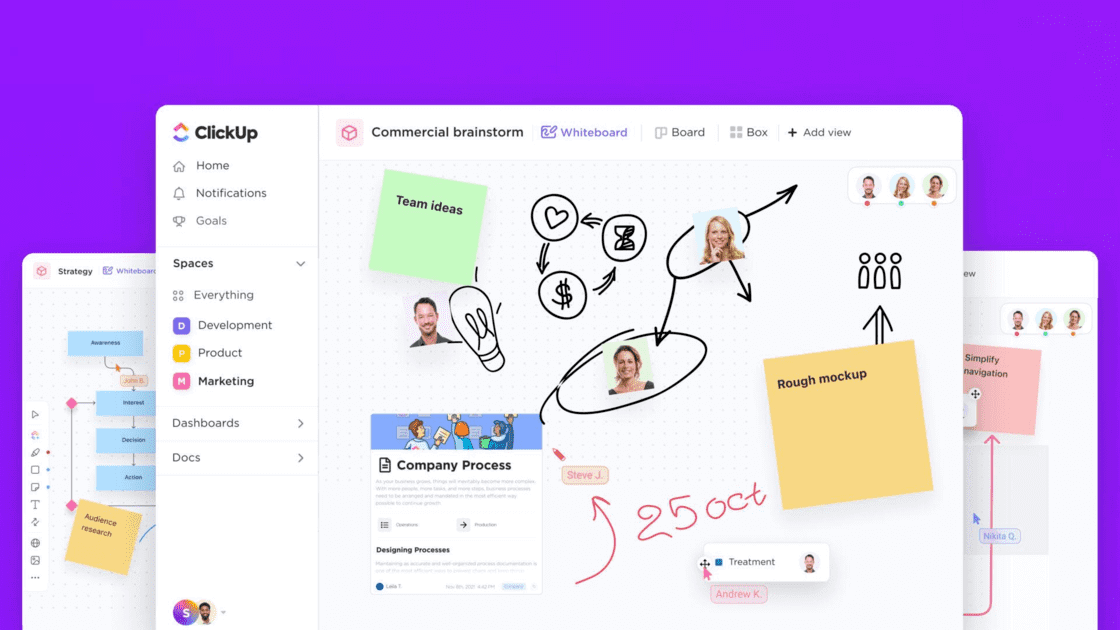
ClickUp integrates visual whiteboarding directly with its project management engine. Teams can draw process flows, brainstorm backlog ideas, and convert canvas shapes directly into trackable ClickUp tasks without leaving the board.
FAQ
Q1. How do modern online whiteboard tools ensure enterprise data security and compliance?
Leading visual collaboration platforms implement enterprise grade protections, including single sign on authentication, granular role based permissions, and encryption both at rest and in transit. Administrators can manage workspace access through strict link sharing rules, centralized domain controls, and audit logs to prevent unauthorized exposure of proprietary product roadmaps.
Q2. What is the benefit of connecting a whiteboard tool directly to a UI design workflow?
Bridging the infinite whiteboard canvas with a vector UI design environment eliminates the barrier between early discovery and interface production. Instead of exporting static images, designers can transfer wireframes, component sketches, and user flows directly into high fidelity layout workspaces, accelerating agile delivery and maintaining unified design systems.
Q3. How do digital whiteboards support asynchronous collaboration across global time zones?
Digital canvases maintain team momentum across distributed regions through persistent visual threads, embedded video walkthroughs, and asynchronous voting markers. Remote team members can review workshop boards, leave contextual comments on specific frames, and contribute ideas during their local business hours while detailed version history tracks every contribution.
Q4. Can a visual whiteboard tool replace dedicated sprint management software?
While an online whiteboard tool provides the ideal surface for sprint planning, story mapping, and agile retrospectives, complex development pipelines often still require dedicated issue tracking tools. The most efficient workflows use visual whiteboards for strategic alignment and concept validation before translating items into structured engineering backlogs.
Summary
The landscape of online whiteboard tools offers tailored solutions for every use case, from quick technical sketching to full scale enterprise agile planning.
For product managers, UX researchers, and UI designers looking for an end to end visual ecosystem, Pixso Whiteboard delivers an impressive balance of power, flexibility, and collaboration. With free access to core capabilities for individual creators, it stands out as a dependable choice to accelerate your entire product journey.

![[Full Guide] Tags UI Design](https://pixso.net/assets/editorial/20261007/tags-ui/hero-en-d9655843ddcdfd38.webp)