Scott
Before diving into high-fidelity UI design, choosing the right low-fidelity workspace sets the foundation for project speed and structural clarity. The right choice comes down to evaluating what your product team values most: seamless design asset synchronization, cross-functional team alignment, or structured workshop facilitation.
Part 1. Why Designers Need a Low-Fidelity Collaborative Workspace
Many designers instinctively open Pixso or Figma the moment they receive a product brief. Jumping directly into UI mockup tools carries hidden risks that can derail early-stage product thinking.
1.1 The Pitfalls of Launching UI Tools Too Early
When you jump into high-fidelity mockups prematurely, attention naturally shifts toward visual details and pixel alignment. You might spend valuable hours debating color contrast or corner radii instead of validating user stories and core navigation paths with product managers. Furthermore, complex UI design software creates a steep barrier for non-design stakeholders such as developers, product managers, and executives. Facing an intricate canvas full of layers can intimidate cross-functional partners and reduce collaborative momentum during brainstorming sessions.
1.2 The Core Value of a Low-Fidelity Workspace
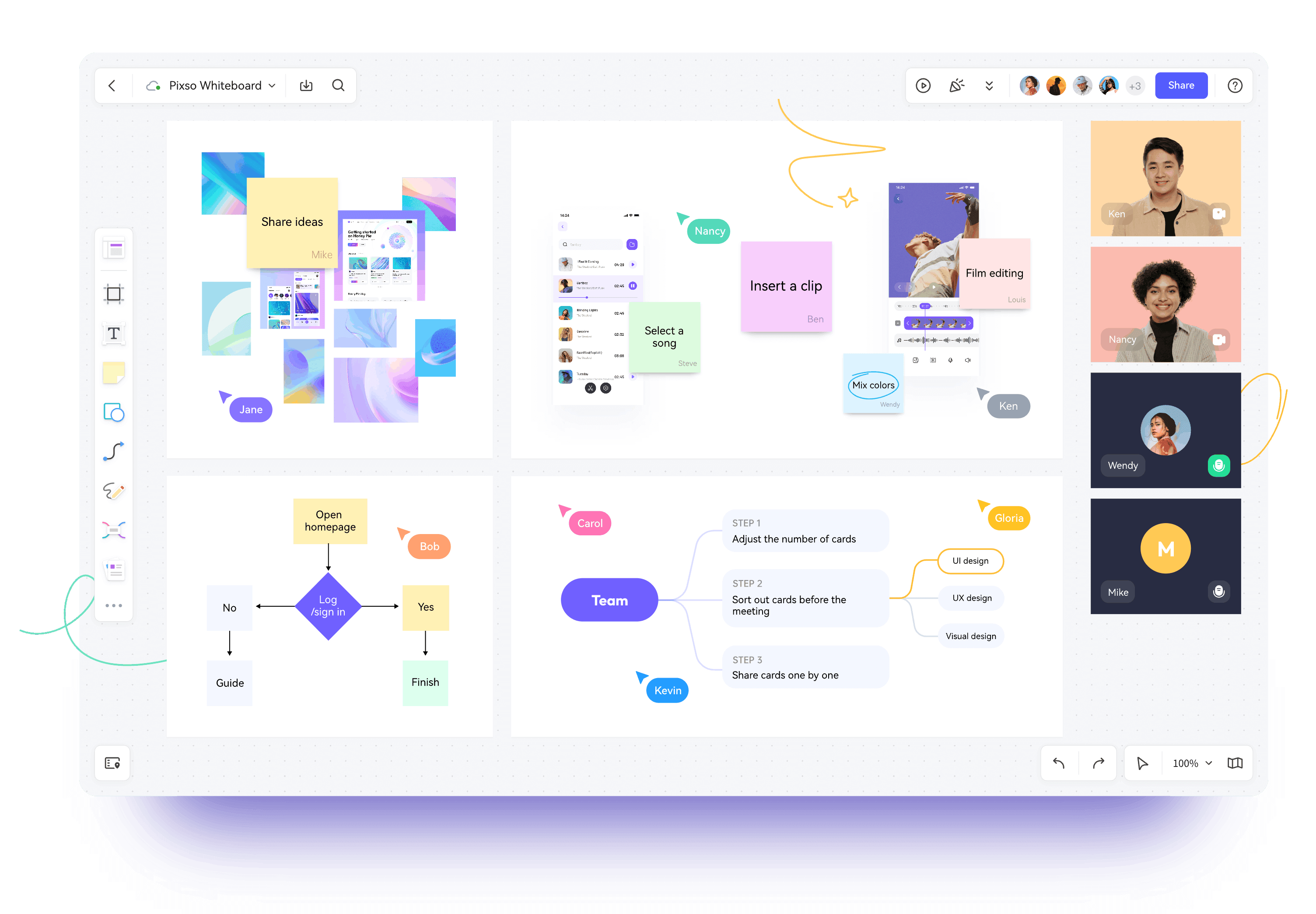
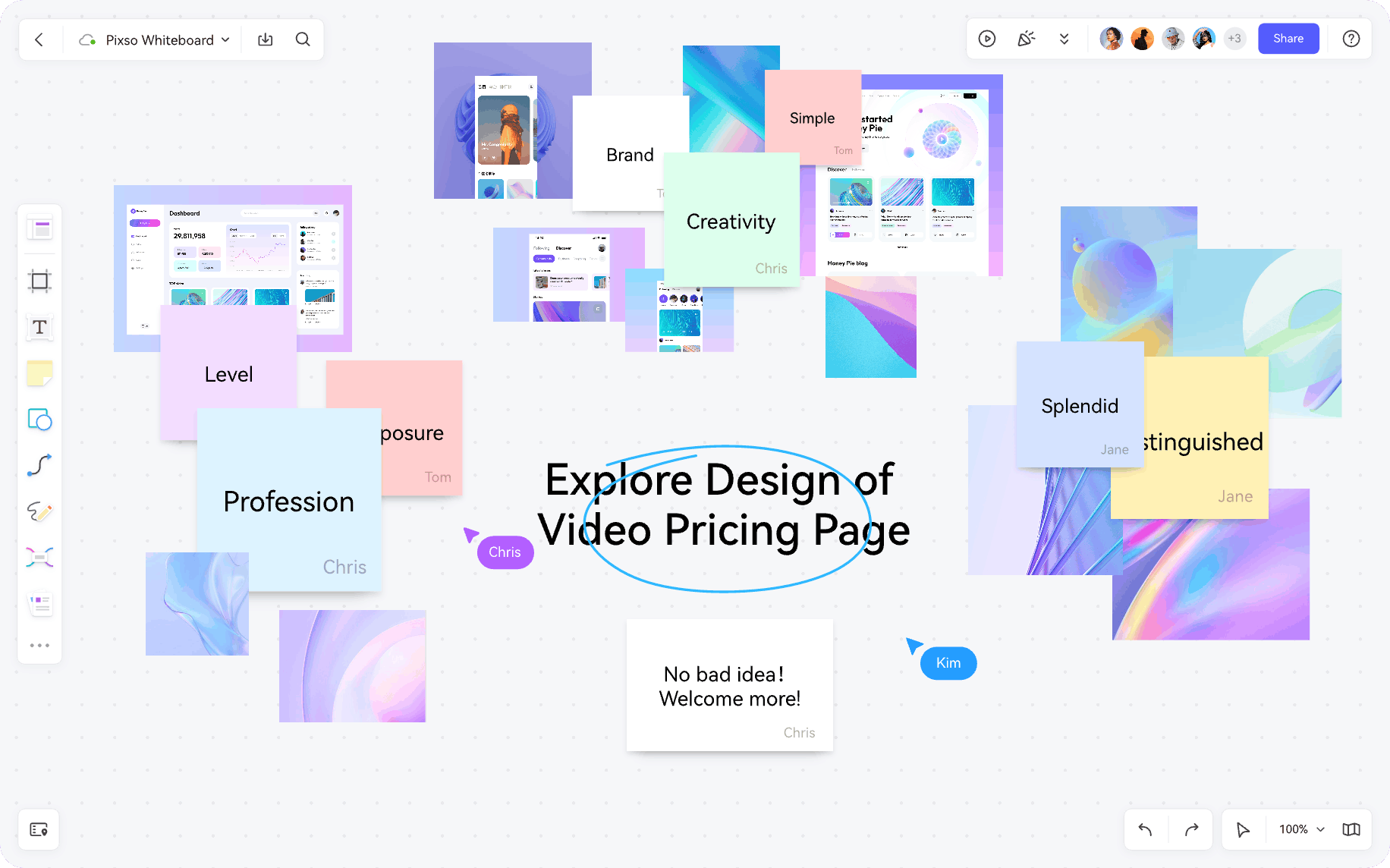
An online collaborative whiteboard provides an infinite, neutral, and low-pressure environment dedicated to structural alignment and rapid decision-making. It gives designers and cross-functional teams a shared space to:
- Map user stories and brainstorm conceptual directions to define project goals.
- Sketch user flows and draft information architecture diagrams rapidly.
- Curate mood boards and conduct competitive analysis to establish visual benchmarks.
Completing these foundational milestones on a collaborative whiteboard ensures alignment before moving into detailed production on Pixso or Figma.
Part 2. The Three Major Camps in the Whiteboard Market
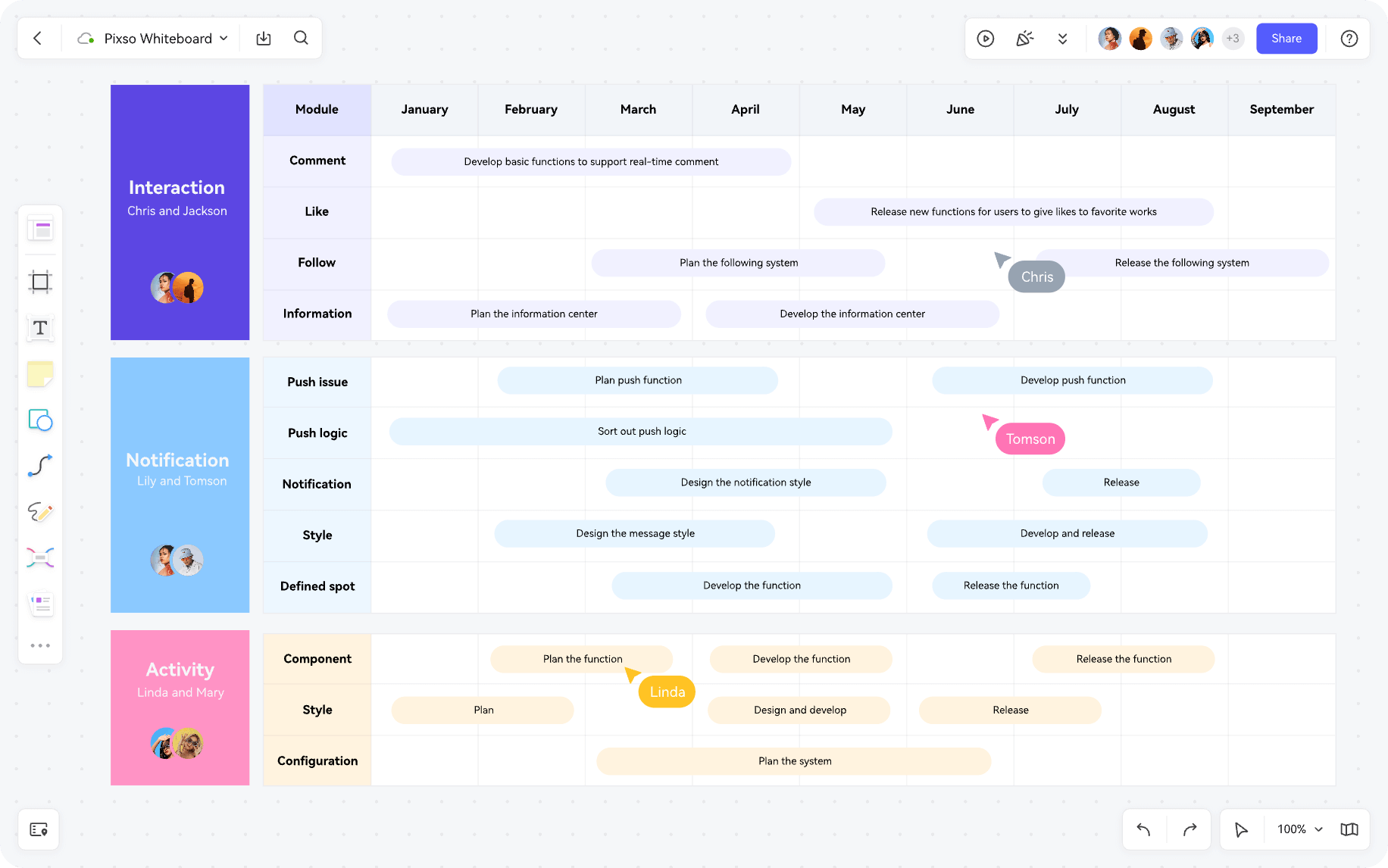
The modern whiteboard software market has evolved well beyond basic sketching canvases. For digital designers, mainstream tools fall into three distinct categories based on their core architecture and primary use cases.
2.1 Design-Ecosystem Native Platforms (Pixso Whiteboard / FigJam)
- Core Architecture: Built directly inside primary UI and UX design suites.
- Key Strengths: Unrivaled design asset continuity. Designers can seamlessly drag components and wireframes between the whiteboard and design canvases while sharing unified workspace permissions. FigJam and Pixso Whiteboard represent the benchmark in this category, offering a friction-free bridge between concept and execution.
- Limitations: These tools primarily focus on design ideation and creative brainstorming, offering fewer direct enterprise integrations with non-design platforms compared to standalone workspace suites.
2.2 All-in-One Visual Operating Systems (Miro / Boardmix)
- Core Architecture: Standalone visual collaboration hubs designed for entire organizations.
- Key Strengths: Massive infinite canvas capacity, deep integrations with enterprise SaaS toolchains such as Jira, Asana, and Notion, alongside automated visual workflows. They feature extensive template libraries covering agile planning, service design, and IT architecture.
- Best For: Large initiatives connecting design, product management, engineering, and marketing across complex organizational structures.
2.3 Structured Workshop and Facilitation Platforms (Mural / Lucidspark)
- Core Architecture: Specialized tools designed for structured meeting moderation and agile ceremonies.
- Key Strengths: Advanced facilitator controls, strict countdown timers, private voting sessions, and breakout canvas rooms. They excel at steering chaotic brainstorming sessions toward structured, actionable outcomes.
- Best For: Design sprint facilitators, agile coaches, and enterprise strategy teams conducting formal training and alignment workshops.
Part 3. Key Evaluation Criteria for Designers
When evaluating an online collaborative whiteboard platform, design teams should look beyond generic features and assess how well the tool accelerates asset continuity and design iteration.
3.1 Design System and Component Synchronization
This is the core strength of ecosystem-native tools. With Pixso Whiteboard, low-fidelity wireframes created during early ideation map directly to design system components in the main editor. This native asset link eliminates the need to rebuild wireframe components from scratch. In contrast, third-party whiteboards rely on plugins or static image exports, which introduces friction when moving into UI execution.
3.2 Real-Time Collaboration and Multiplayer Experience
A modern whiteboard must deliver responsive, low-latency multiplayer collaboration. While FigJam delivers a playful experience with audio huddles, cursor chat, and interactive stamps, Pixso Whiteboard operates smoothly within the broader Pixso ecosystem to ensure unified user management and notification tracking. Teams should evaluate whether they prioritize lightweight, social interactions or unified enterprise design system governance.
3.3 AI-Powered Workflow Automation
AI capabilities are reshaping how designers synthesize research. Leading tools now leverage AI to convert rough sketches into structured vector diagrams, cluster messy brainstorm sticky notes by topic, and generate preliminary journey maps automatically. These automated features free designers from repetitive diagramming tasks so they can focus on higher-level problem solving.
Part 4. Which Collaborative Workspace Fits Your Team?
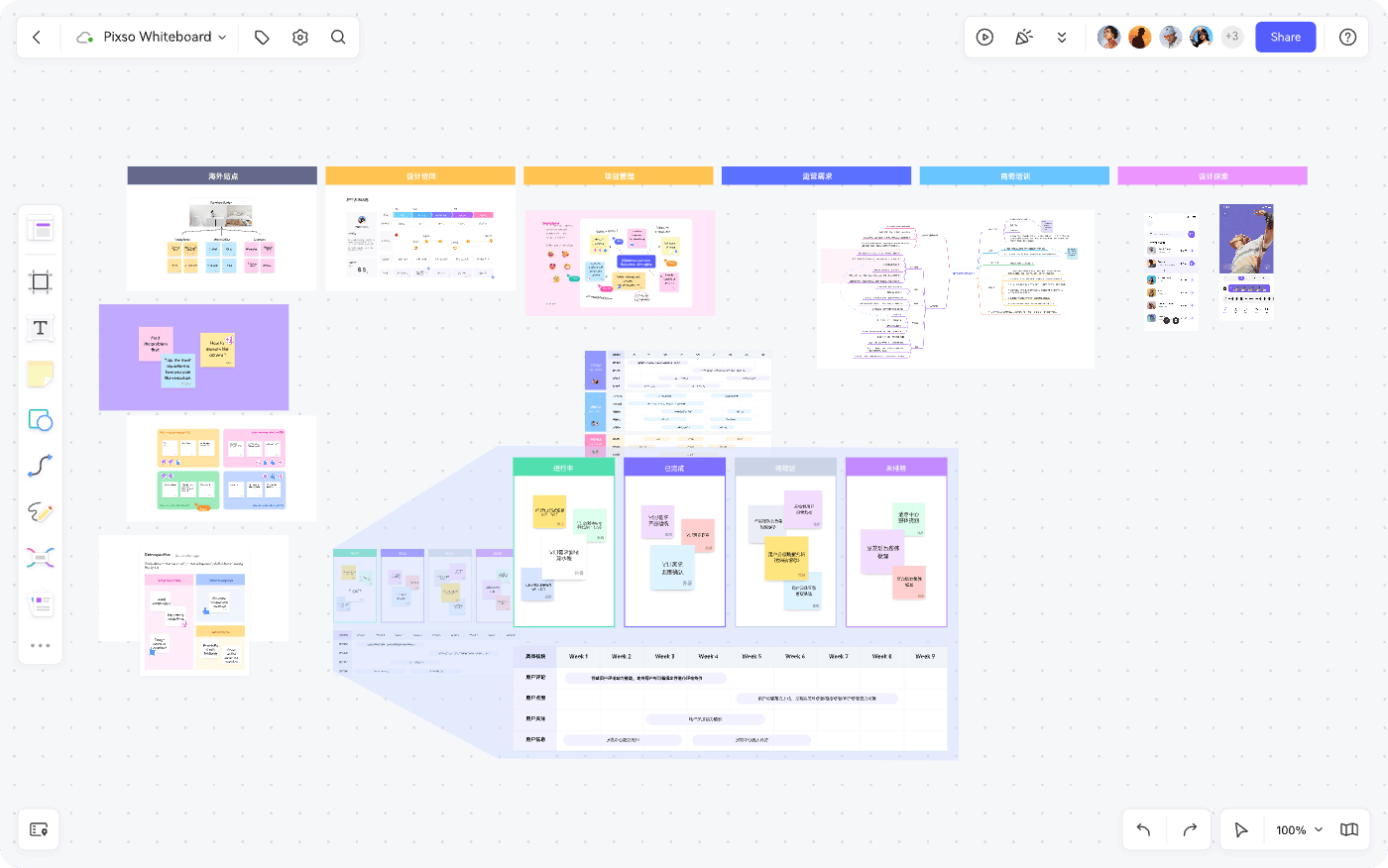
Choosing a free collaborative whiteboard is not about picking the tool with the most features, but finding the platform that integrates seamlessly into your team's daily workflow.
4.1 Teams with Core Assets in Pixso or Figma Ecosystems
If your team already uses Pixso as its primary UI design tool, choosing Pixso Whiteboard or FigJam provides the smoothest transition from low-fidelity ideation to production-ready design systems.
4.2 Cross-Functional Teams Requiring Deep Product & Engineering Integrations
When your visual diagrams need to sync directly with Jira user stories, Confluence documentation, or Notion databases, all-in-one platforms like Miro or Boardmix offer the broad ecosystem support required for cross-departmental alignment.
4.3 Teams Focused on Formal Workshop Facilitation and Agile Sprints
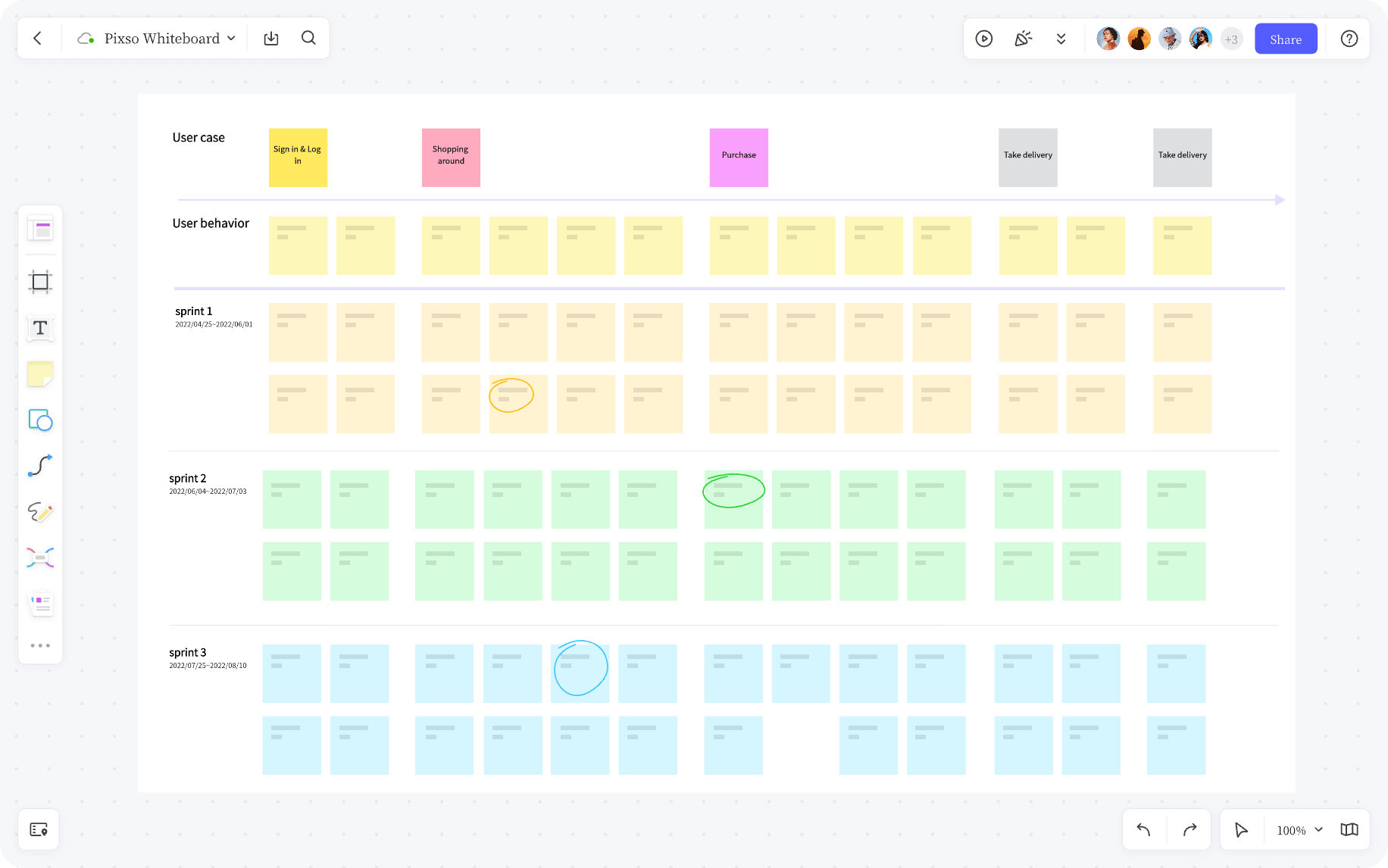
If your primary need involves running structured design sprints, user testing synthesis workshops, or executive retrospective sessions, specialized facilitation tools like Mural provide the governance controls necessary to keep meetings on track.
FAQ
Q1. What is the main difference between Pixso Whiteboard and FigJam?
Pixso Whiteboard provides tighter asset synchronization and design component mapping within the Pixso design ecosystem. FigJam emphasizes lightweight social interactions, playful collaboration widgets, and quick standalone ideation.
Q2. How do AI features assist designers on an online collaborative whiteboard platform?
AI assists designers by organizing brainstorm notes into thematic clusters, generating initial flowchart logic from text prompts, and converting rough sketches into clean wireframe diagrams, cutting down manual diagramming time.
Q3. Can low-fidelity assets created on a whiteboard be reused in high-fidelity design files?
Yes. Ecosystem-native whiteboards allow designers to copy low-fidelity wireframe components directly into design files or link them to existing design tokens, ensuring high asset reusability.
Q4. Which collaborative whiteboard platform is best for remote and hybrid design teams?
All leading modern whiteboards support remote teamwork. For distributed enterprise teams, the best choice is an online collaborative whiteboard that offers single sign-on, granular role-based access control, and low-latency global cloud performance.
Summary
An online collaborative whiteboard has become a foundational component of the modern product design stack, bridging the gap between raw brainstorming and refined UI execution. The right choice depends on whether your team prioritizes deep design asset synchronization, enterprise toolchain integrations, or structured workshop moderation.
👉 Experience the collaborative power of Pixso Whiteboard for free today!
![[2026] Mockplus Review: Features, Pricing, and Alternatives](https://pixso.net/assets/media/mockplus-review-30b26f256480befd.webp)