Scott
A design handoff is ready when a developer can understand the intended behavior without guessing. Use this checklist to connect the user goal, component rules, states, assets, and acceptance evidence in one build-ready file.
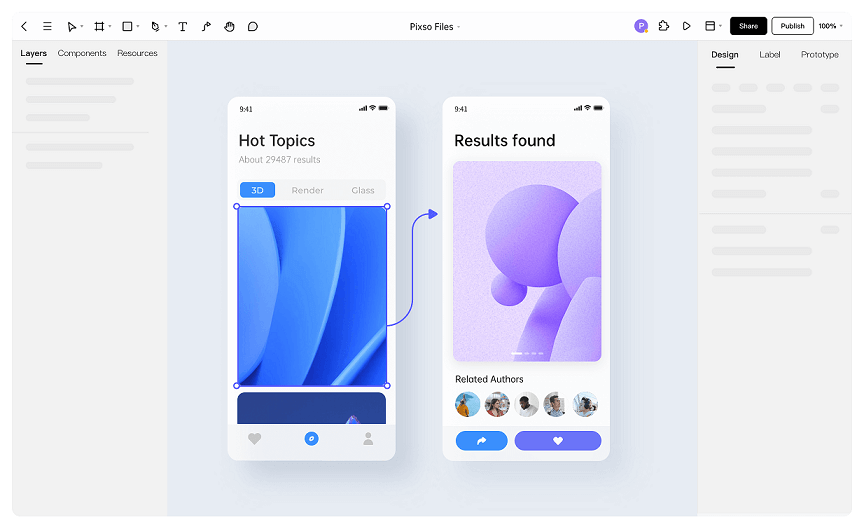
Start with a Pixso prototype that shows the critical path, then attach the decisions that explain what the prototype does not show.
1. Define the scope and user goal
Write the task the screen supports, the entry point, and the result that counts as success. Name what is out of scope as well. A short scope note prevents a polished mockup from being treated as a complete specification for every edge case.
2. Document component and variant rules
For each reusable component, record its purpose, required properties, allowed variants, and content limits. Show which values are defaults and which are intentionally selected. Include behavior for disabled, focused, selected, and permission-limited states so implementation does not rely on visual inference.
3. Show states, responsive behavior, and accessibility
Connect the main frame to loading, empty, error, success, and partial-result states. Note what happens when the viewport narrows, text wraps, or the user navigates with a keyboard. Keep representative content in the frames; placeholder strings often hide overflow and localization problems.
4. Prepare assets, tokens, and export guidance
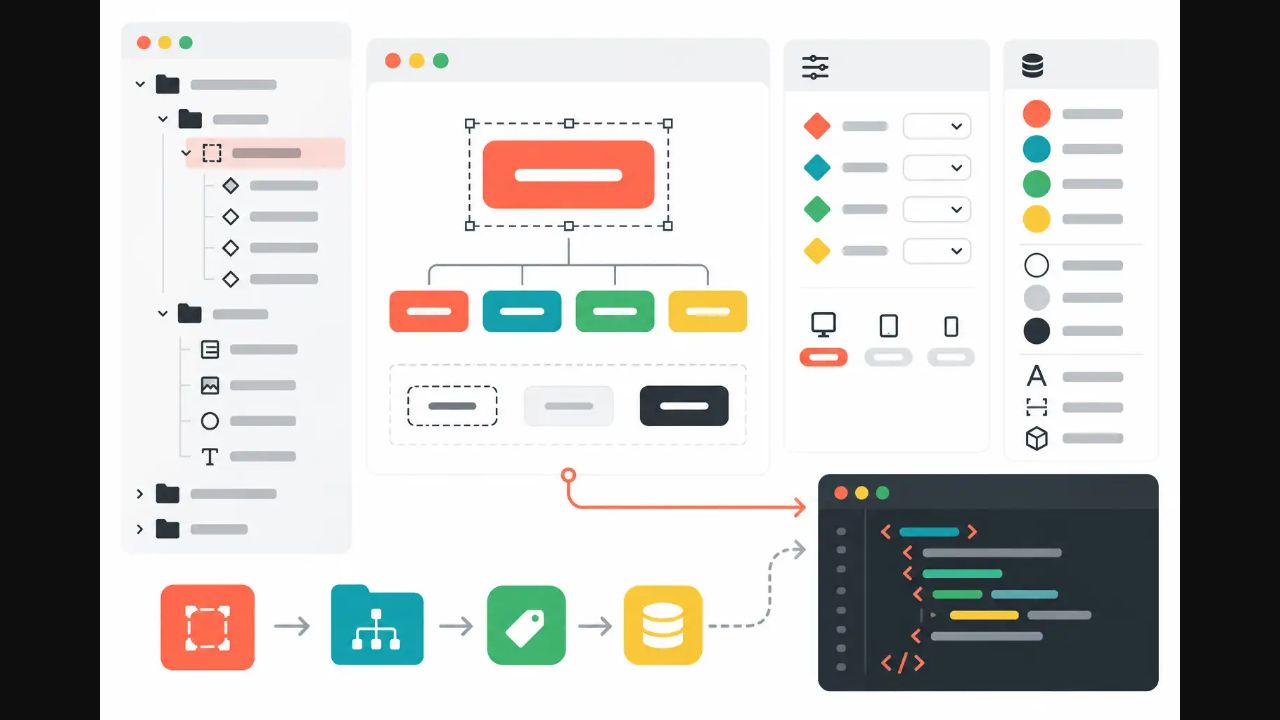
List the asset name, source, usage, and export format beside the frame that consumes it. Reference the color, type, spacing, and elevation tokens rather than repeating raw values. If an asset needs a crop, fallback, or dark-mode version, state that requirement explicitly.
5. Add acceptance evidence and ownership
Convert open questions into acceptance notes: the condition to verify, the expected result, and the person who can approve it. Link a decision to the exact frame or prototype transition it changes. When a rule is still an assumption, label it as such instead of presenting it as an approved requirement.
| Handoff item | Evidence to include | Owner or check |
|---|---|---|
| User task and scope | Entry, success result, and exclusions | Product and design |
| Component behavior | Properties, variants, and interaction states | Design system owner |
| Responsive and accessible behavior | Widths, focus order, text limits, and recovery | Design and engineering |
| Assets and tokens | Source, format, token reference, and fallback | Design and frontend |
| Acceptance notes | Condition, expected result, evidence, and approver | Feature owner |
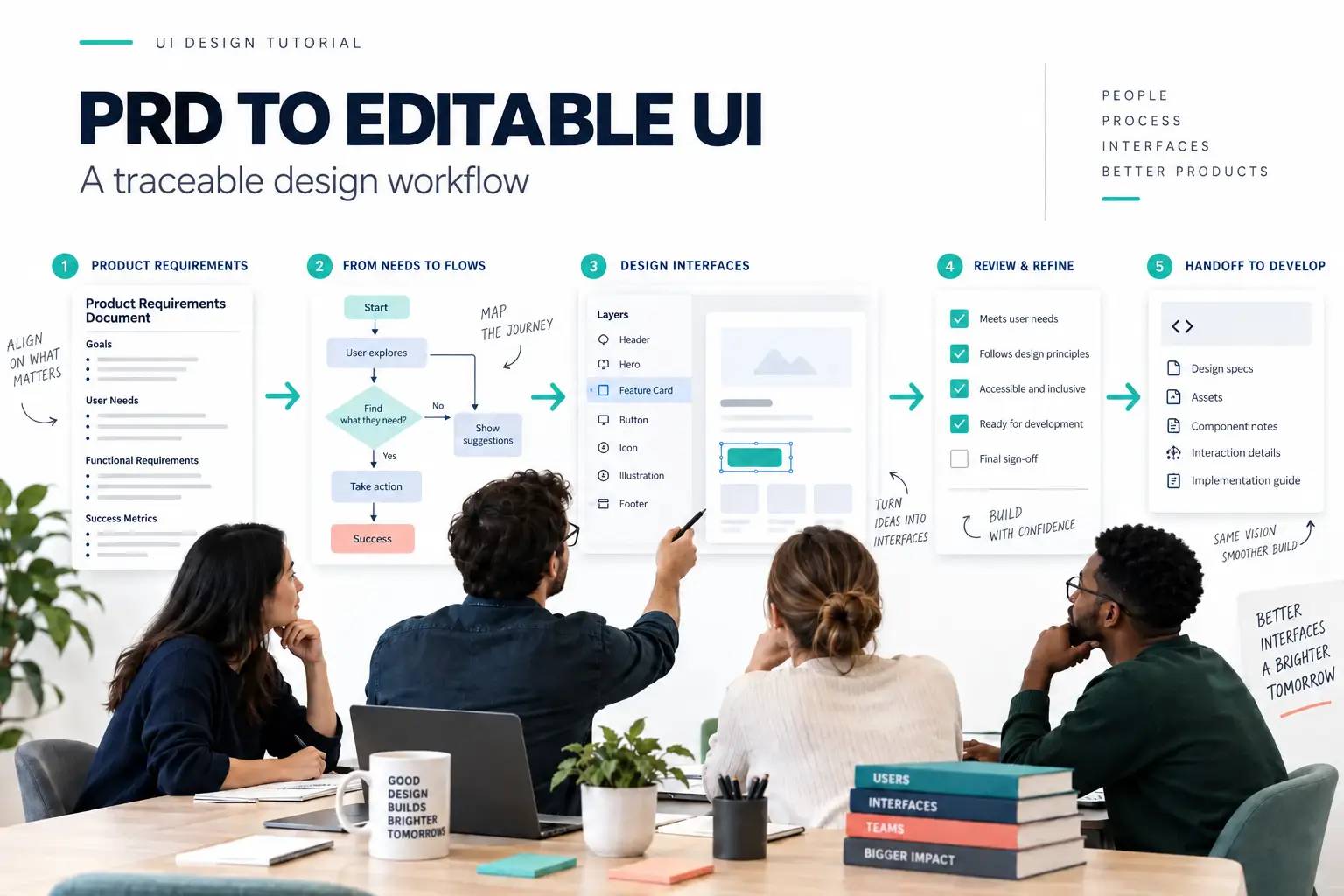
Make handoff a shared review, not a file drop
Before build starts, walk through the critical path with product and engineering. Resolve the highest-risk unknowns first, keep the decision record next to the affected frame, and update the checklist when the implementation changes the design.