On this page

Scott
Capturing design inspiration and structuring early creative concepts is foundational to digital product innovation. Pixso Whiteboard provides a versatile visual workspace where product designers, researchers, and cross functional teams can document, organize, and iterate on design ideas in real time.
Through intuitive sketching tools, visual annotations, structured templates, and multiplayer collaboration, the platform keeps creative thinking fluid while unlocking collective team intelligence to accelerate product delivery.
1. Infinite Canvas for Unconstrained Brainstorming
Pixso Whiteboard provides an infinite creative canvas tailored for open ended team ideation. Designers can leverage diverse digital pens, shapes, sticky notes, and connectors to sketch initial layouts and capture raw thoughts without feeling constrained by pixel level precision. This unconstrained spatial environment encourages lateral thinking, helping teams explore multiple design directions rapidly before committing to high fidelity wireframes.
👉 Click here to start brainstorming online
2. Centralized Mood Boarding and Visual Curation
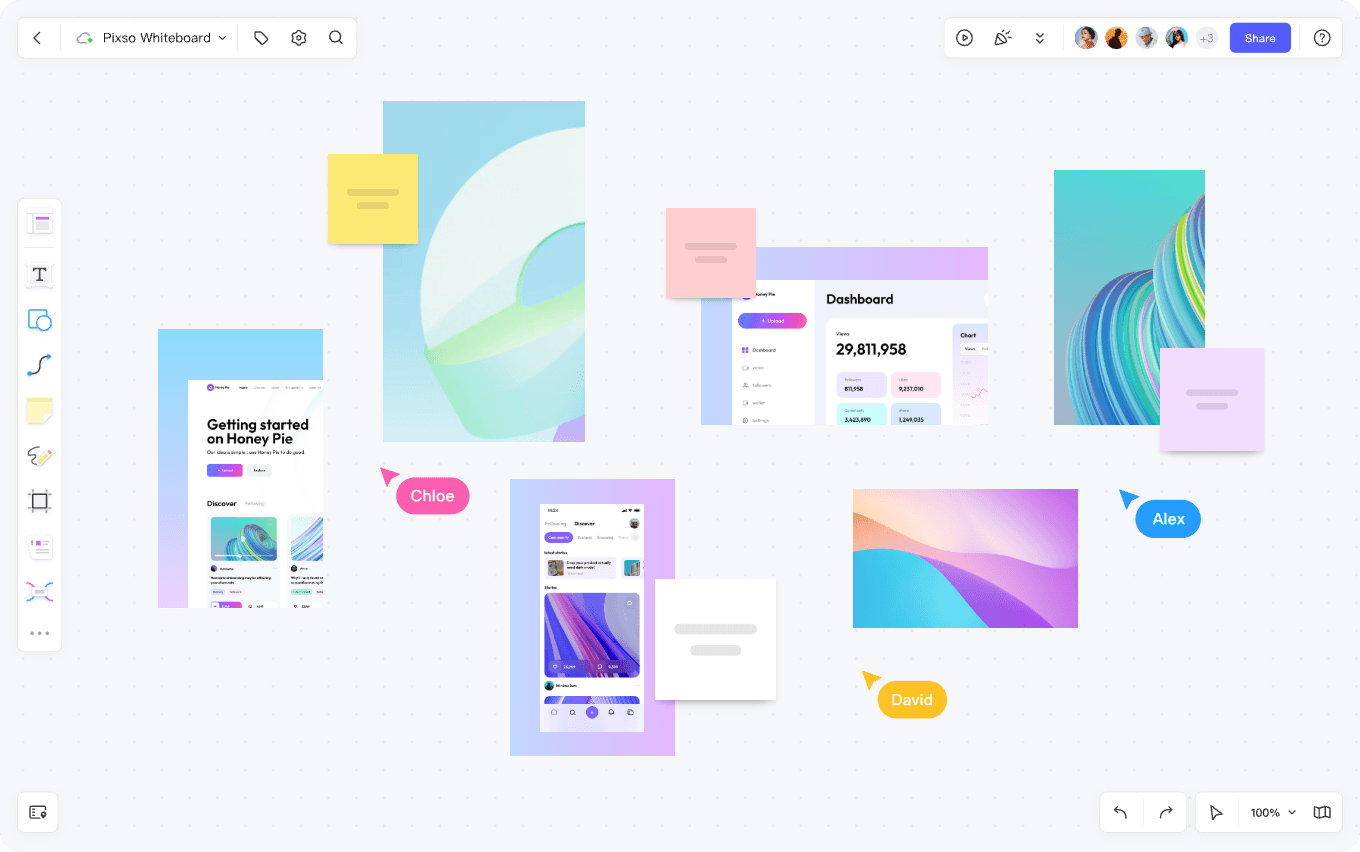
The platform allows creators to establish designated frames across a single board to collect different design themes and visual assets. Designers can drag and drop web screenshots, typography references, color palettes, and competitive UI samples onto the canvas to construct a unified visual hub. Having a centralized repository makes it easy to browse, categorize, and cross reference inspiration whenever new project requirements emerge.
👉 Click here to try Pixso Whiteboard for free
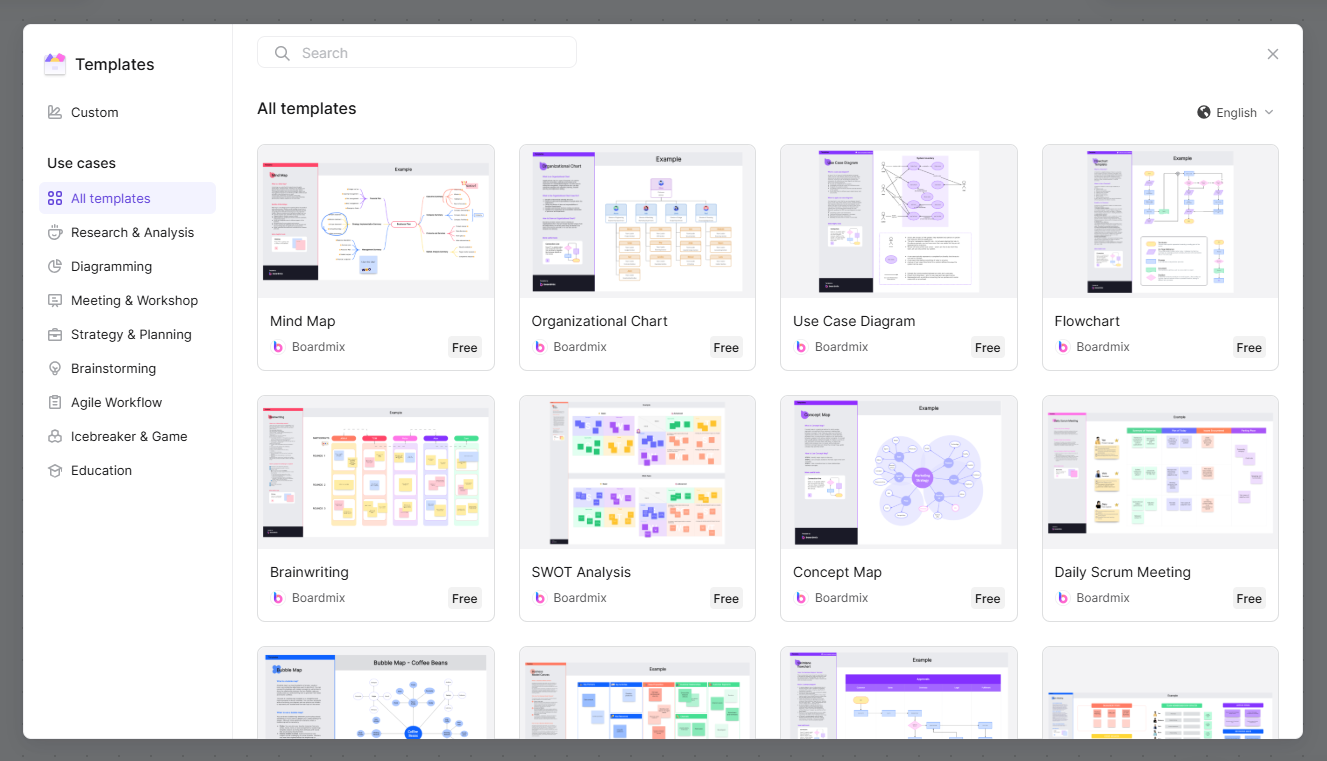
3. Structured Templates for Rapid Design Discovery
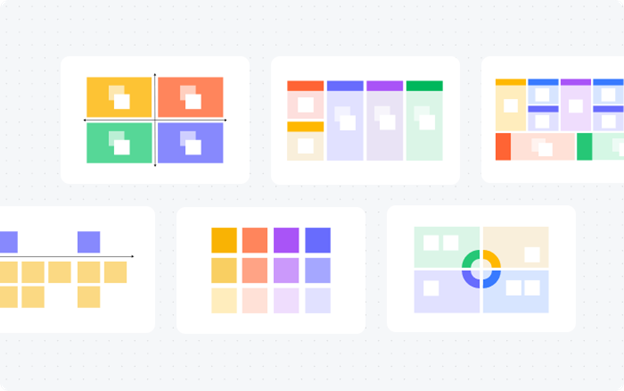
Pixso Whiteboard features an extensive library of pre built templates, covering user journey maps, interface wireframes, empathy diagrams, and agile retrospective matrices. Designers can choose ready made frameworks tailored to specific project needs, providing immediate structure for research synthesis and feature planning. These templates serve as reliable starting points that can be customized to match your product roadmap.
4. Flexible Design Exploration with Interactive Notes
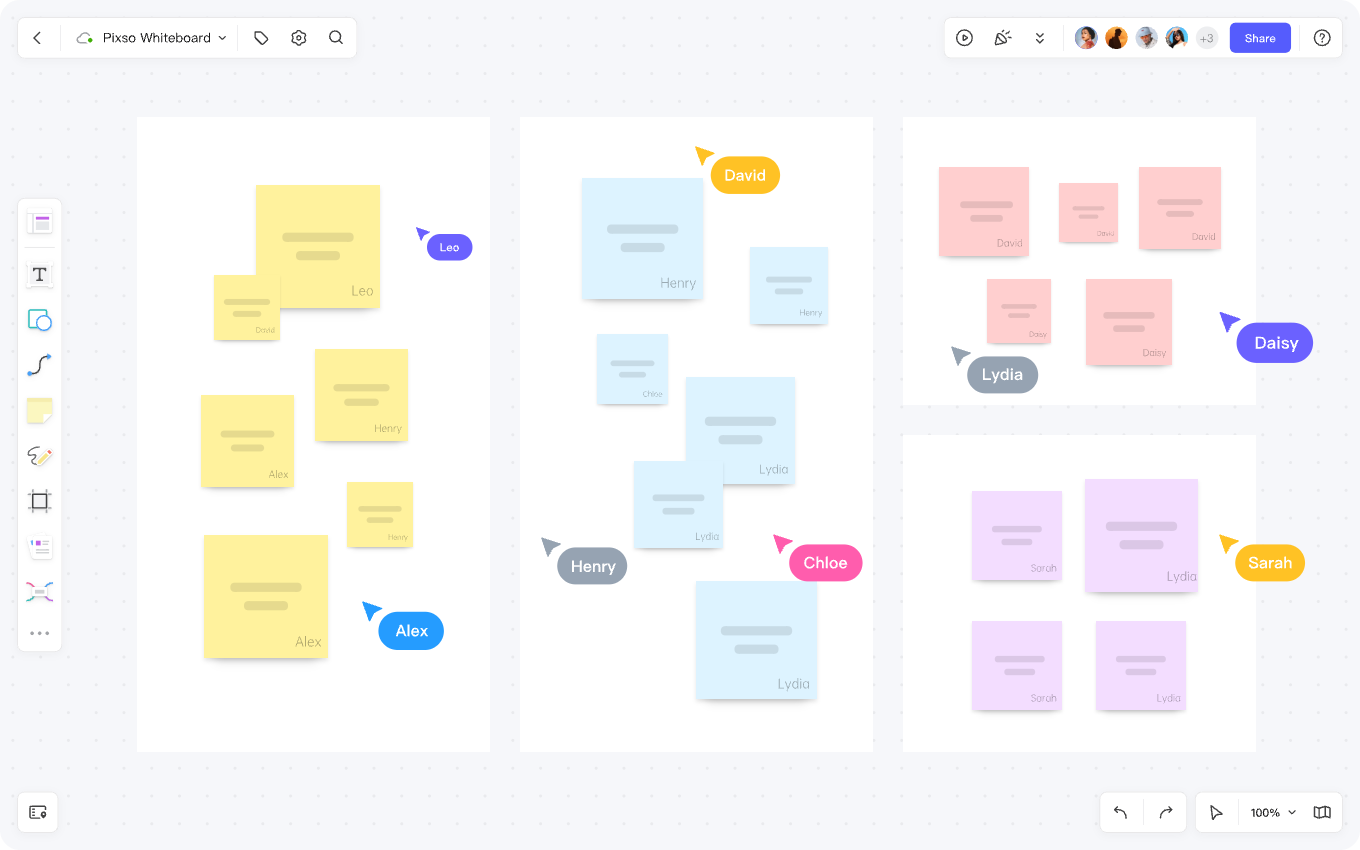
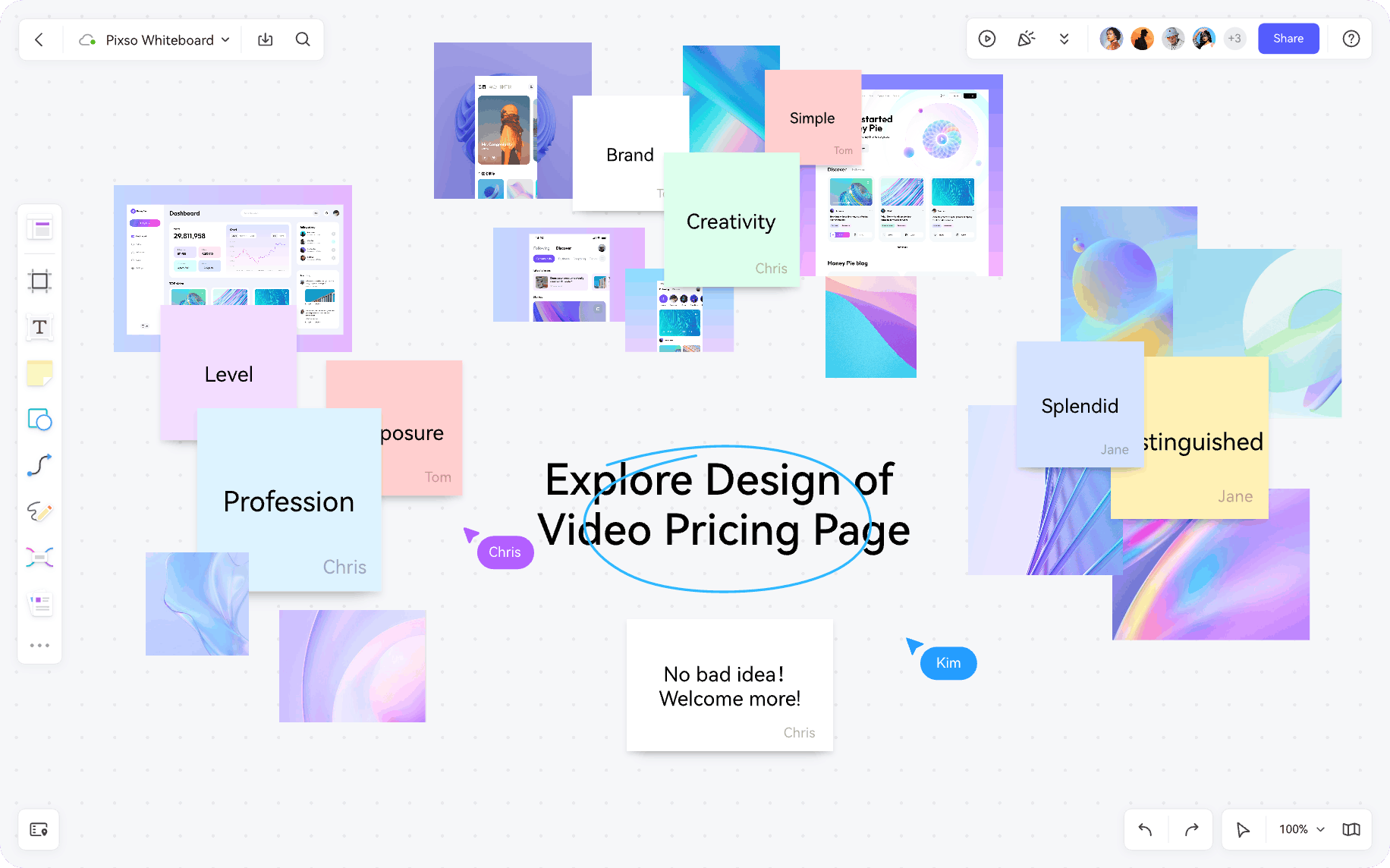
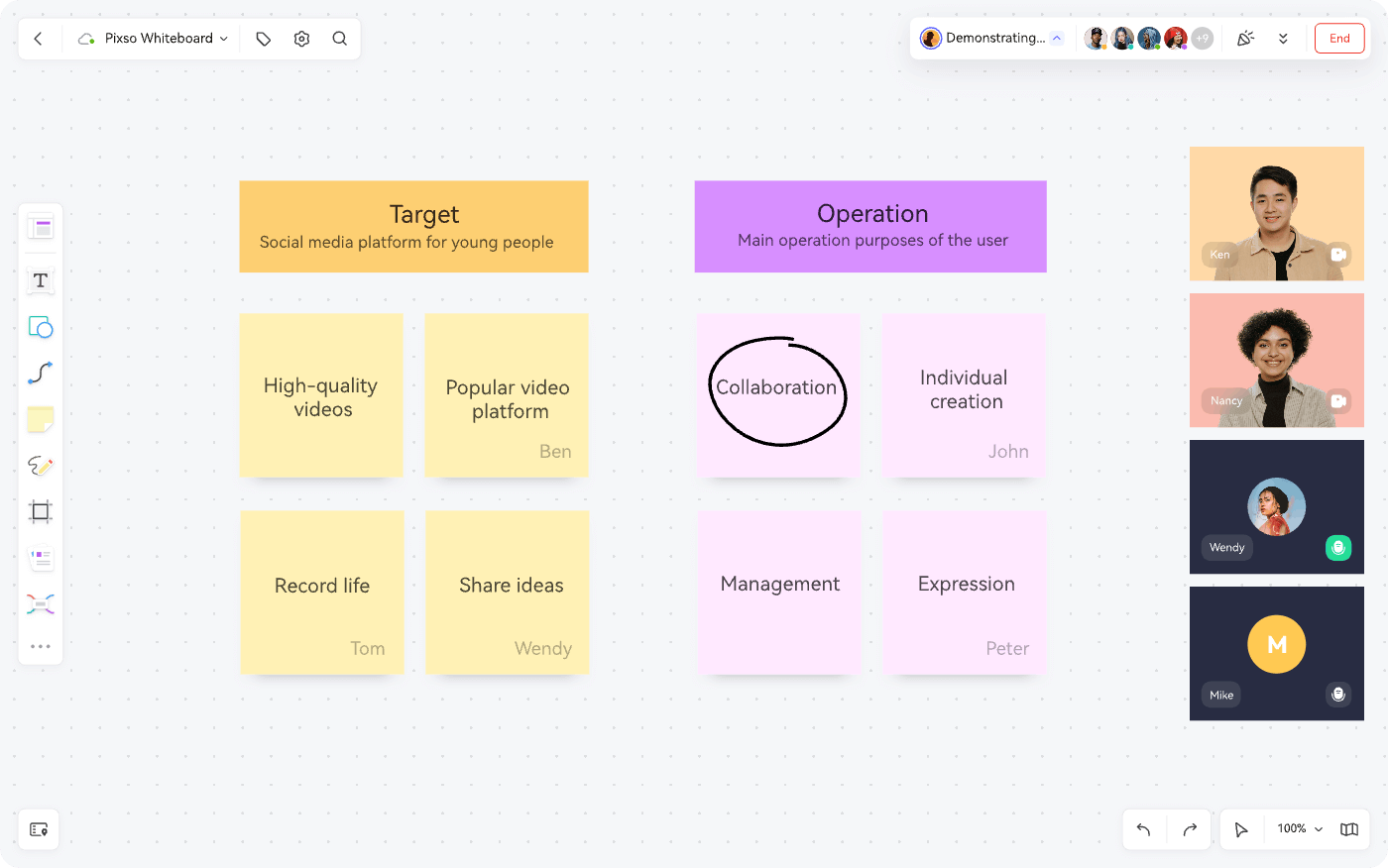
Digital sticky notes and interactive cards allow teams to dissect complex concepts into manageable pieces. Designers can jot down user stories, feature requirements, and technical constraints, then group and color code them spatially across the canvas. This modular approach allows teams to restructure information hierarchies fluidly, turning fragmented ideas into structured user flows.
5. Reusable UI Components and Design Consistency
With integrated component management, designers can build and organize reusable design elements directly on the board. You can establish standard UI components, buttons, and icons, then drag and drop them across different frames to test layout variations. Reusing verified components during early-stage ideation speeds up exploration while maintaining visual consistency with your broader design system.
6. Real Time Cloud Collaboration for Distributed Teams
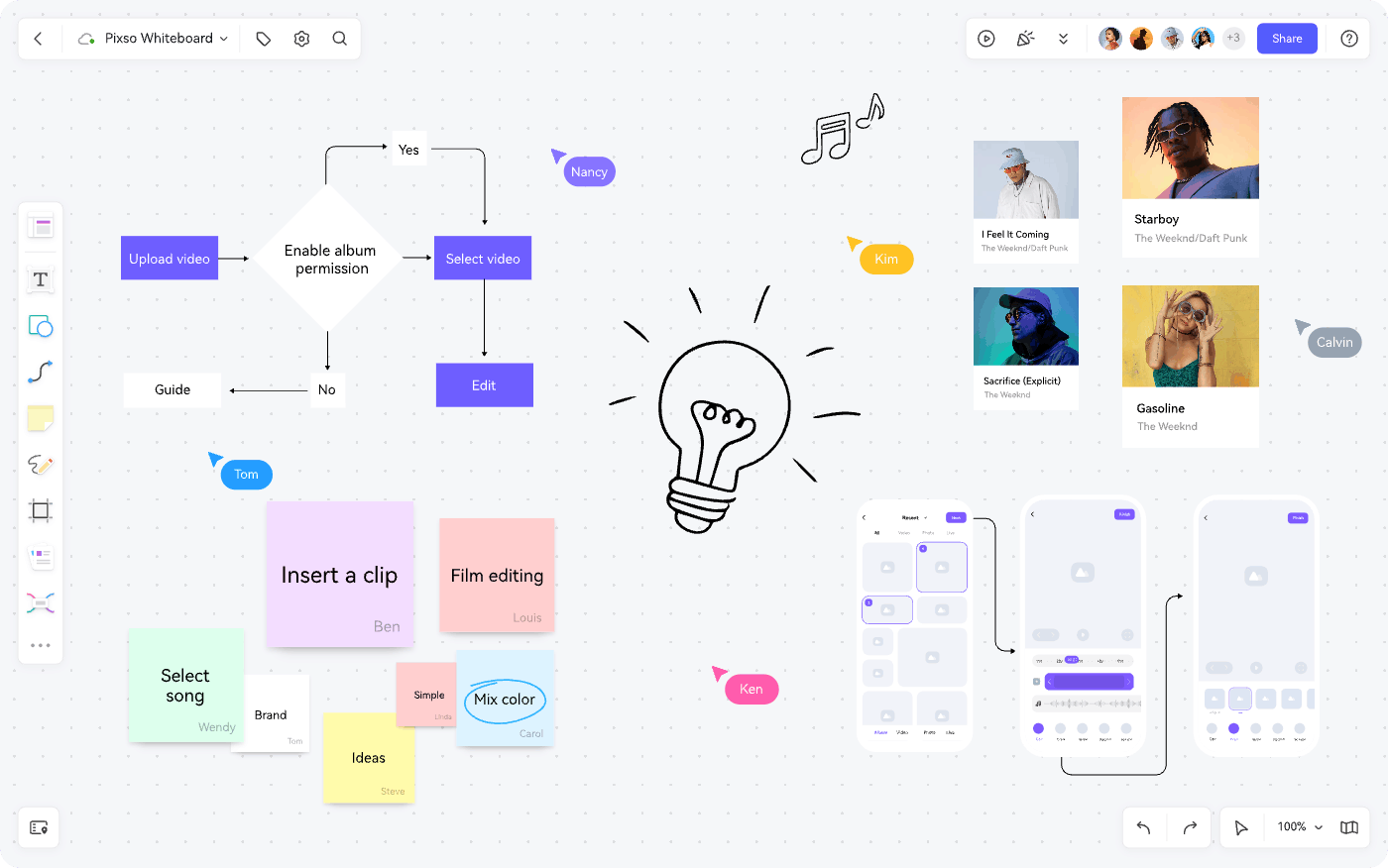
As a cloud native workspace, Pixso Whiteboard supports low latency multiplayer editing, shareable workspace links, and seamless third party integrations. Team members can co-edit the same board, leave contextual comments, and track collaborator cursors in real time. This frictionless environment brings designers, engineers, and product managers together to review concepts and refine design directions collaboratively.
FAQ
Q1. How does early visual ideation on a whiteboard accelerate high fidelity prototyping?
Starting on a low fidelity canvas lets teams validate information architecture, user journeys, and feature priorities without getting bogged down by visual styling details. Resolving structural questions early prevents costly rework once high fidelity UI mockups and component libraries are underway.
Q2. Can design assets curated on Pixso Whiteboard be transferred to production design files?
Yes. Because Pixso Whiteboard is natively integrated into the broader Pixso design ecosystem, teams can copy curated wireframes, vector assets, and design tokens directly into primary UI files without format conversion or fidelity loss.
Q3. How do modern whiteboards support asynchronous design critiques across time zones?
Distributed teams can organize design variations into clearly labeled review sections, record contextual video or audio walkthroughs, and use threaded comments with user mentions. Collaborators can review proposals, leave feedback, and vote on directions asynchronously during their local working hours.
Q4. What distinguishes Pixso Whiteboard among the best online whiteboards for product teams?
Unlike generic diagramming apps, Pixso Whiteboard combines visual brainstorming with native design system integration. Operating as a robust free collaborative whiteboard, it unifies early research, mood boarding, and developer handoff within a single cloud platform.
Summary
Pixso Whiteboard bridges the gap between raw creative ideation and polished digital execution. By combining infinite brainstorming canvases, structured templates, reusable UI elements, and real time multiplayer editing, the platform empowers teams to explore diverse design ideas and refine product concepts with speed and confidence.
👉 Start capturing your creative inspiration with Pixso Whiteboard today!