Scott
Figma Enterprise and Pixso Private Deployment solve different enterprise constraints. Figma Enterprise is a cloud enterprise platform with advanced administration, security, and optional governance capabilities. Pixso Private Deployment is designed for organizations that need a Pixso environment deployed for intranet, private-cloud, or related customer-controlled infrastructure scenarios. The decision begins with deployment and operating responsibility, then moves to workflow fit.
Compare enterprise costs using proposals for the same team size and deployment needs, including licensing, infrastructure, support and maintenance.
Part 1. Decide Whether Deployment Is a Hard Requirement
If the organization can use a vendor-operated cloud service, evaluate Figma Enterprise and Pixso's relevant cloud or enterprise options on product workflow, governance, integration, support, and cost. If policy or contract requires a customer-controlled private environment, compare that requirement against Pixso Private Deployment and other documented private options; do not assume a cloud data-residency feature is the same as customer-hosted software.
Write the requirement precisely:
- approved region for defined data types;
- customer-controlled infrastructure or cloud account;
- intranet-only access or restricted outbound network;
- customer-operated encryption keys;
- local logging, backup, and recovery; or
- vendor cloud with specified security and governance controls.
Without this precision, teams may compare features across architectures that cannot satisfy the same constraint.
Part 2. Compare Deployment and Data-Control Models
| Area | Figma Enterprise | Pixso Private Deployment |
|---|---|---|
| Primary model | Vendor-operated cloud enterprise platform | Vendor-supported private deployment for customer-approved infrastructure scenarios |
| Regional storage | Localized file hosting is documented for eligible Enterprise organizations and named regions; scope varies by data type | Primary location follows the agreed intranet, private-cloud, or public-cloud deployment architecture |
| Infrastructure operations | Figma operates the service; customer configures organization governance | Customer and Pixso must define responsibility for infrastructure, application, updates, backup, and support |
| Restricted network | Requires access to Figma's cloud service and approved endpoints | Intranet deployment is documented; exact external dependencies must be tested |
| Change cadence | Cloud service changes are operated by Figma | Release intake, testing, maintenance windows, and supported versions become part of the operating model |
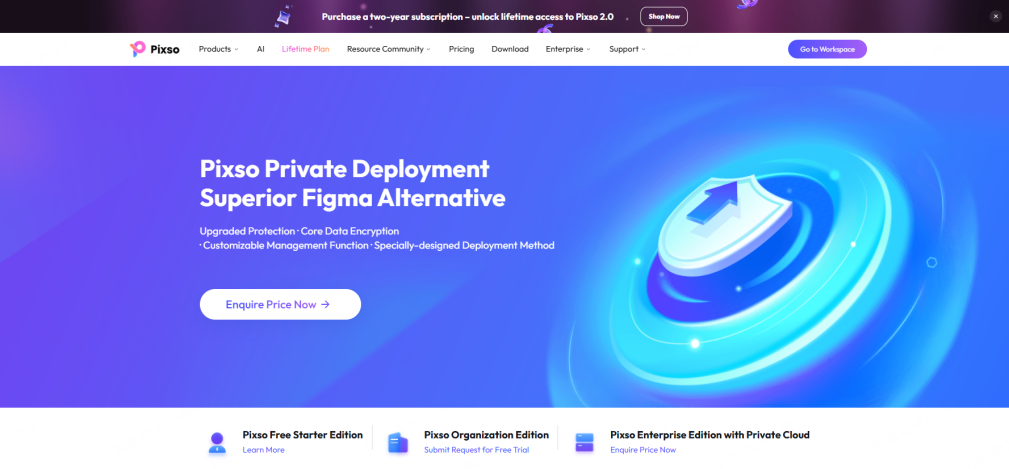
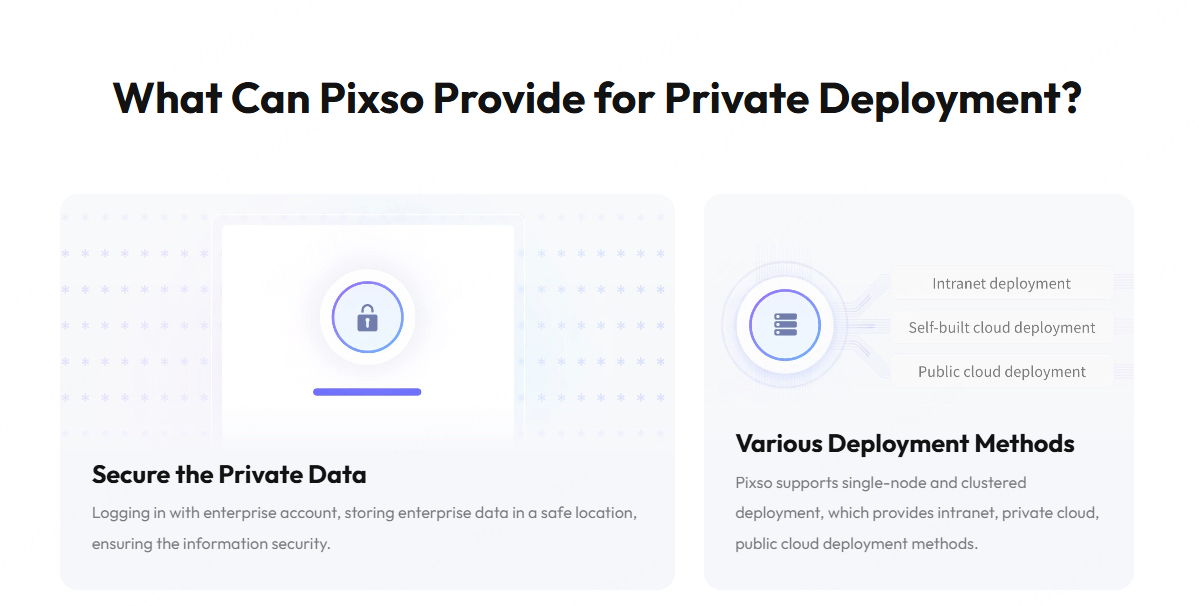
Figma's current localized file hosting documentation explains that supported file content and several metadata types have different localization scopes. Pixso's private-deployment page states that Pixso supports single-node and clustered deployment and intranet, private-cloud, and public-cloud methods. Ask both vendors for current documentation matched to the intended plan and region.
Part 3. Compare Product Design and Handoff Workflows
Figma Enterprise's current plan documentation covers Figma Design, FigJam, Slides, Draw, Sites, Buzz, Make, and Dev Mode, with enterprise capabilities such as scalable organization structures and design systems. The exact product suite and seat entitlements should be verified at purchase time.
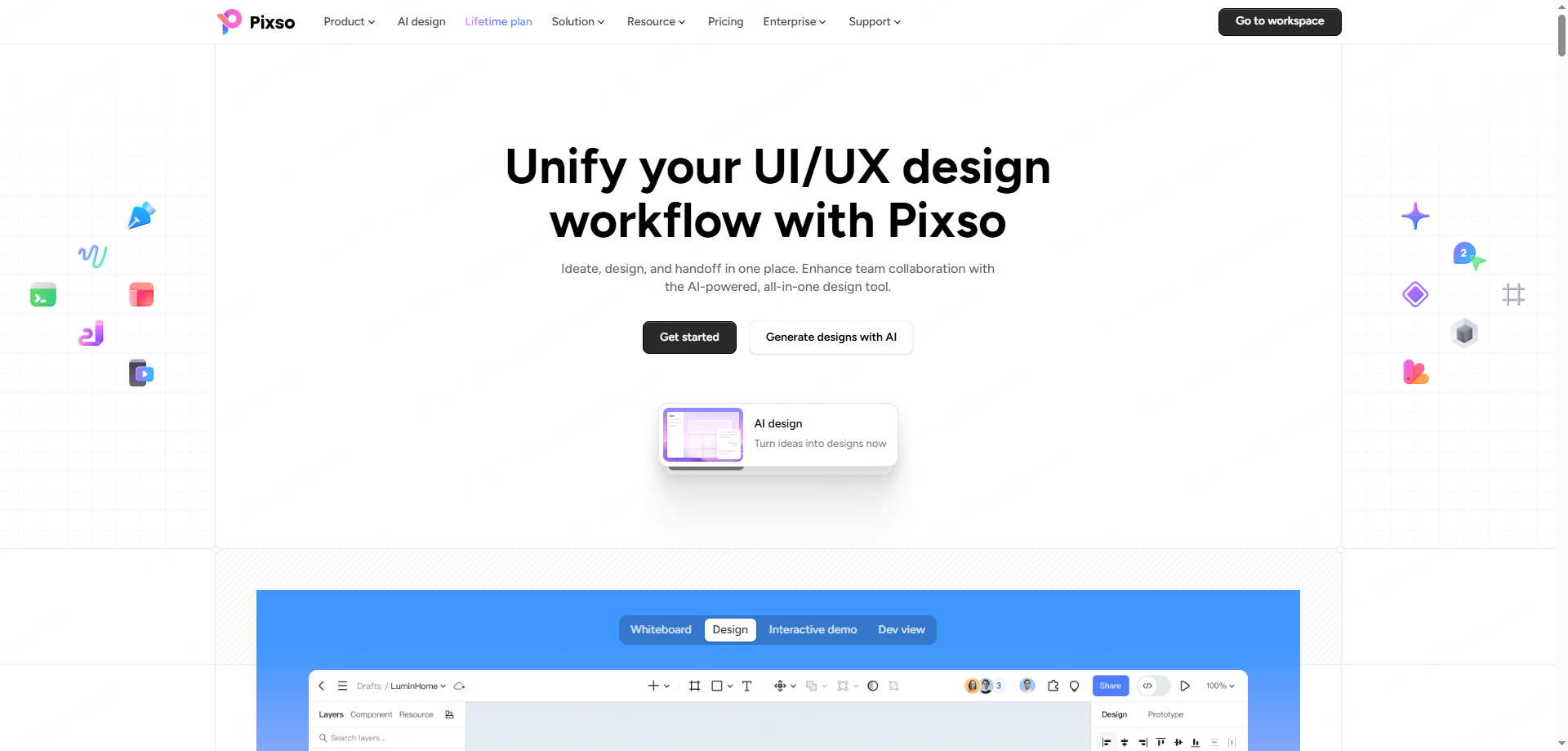
The Pixso platform covers product planning and whiteboarding, UI design, components and tokens, team libraries, interactive demonstrations, comments, version history, file management, Dev View, specifications, supported code, and asset export. It also advertises import support for common design formats. A private deployment should be tested against the exact workflow available in the proposed build.
Use one representative project in both environments. Compare import fidelity, component and variable behavior, responsive layout, comments, versions, permissions, interactive presentation, design-system publication, specifications, assets, and developer review. Generated code or snippets are implementation aids, not automatically production-ready output.
Design-system governance deserves a separate test. Measure how teams publish, discover, update, deprecate, and document components and tokens across projects. Verify permissions for library owners and consumers, change communication, version recovery, and the connection between design tokens and implementation. A visually successful file migration can still fail if the library operating model does not scale.
Part 4. Compare Governance, Identity, and Audit Evidence
Figma's current Enterprise plan overview documents SAML SSO, SCIM provisioning, workspaces, and enterprise administration. Figma also documents Governance+ as an Enterprise add-on for additional security and compliance controls. Confirm which controls are included in the proposed commercial package.
Pixso's private-deployment page lists permission management, member management, activity logs, data dashboards, enterprise resource libraries, asset handover, and an exclusive domain. Verify role granularity, identity integration, guest lifecycle, export and sharing controls, administrator separation, event coverage, retention, and log export in the proposed edition.
The customer retains responsibilities in both models. In Figma, the customer must govern organization structure, identities, sharing, plugins, AI use, and endpoint access. In a Pixso private deployment, the customer may also own infrastructure security, monitoring, backup, recovery, and upgrade operations. Document the split.
Part 5. Compare Migration and Operating Effort
A migration test should use more than one showcase file. Include a design-system library, components and variants, variables or tokens, auto-layout structures, images, fonts, comments, version expectations, prototype connections, and developer handoff. Record what imports directly, what is flattened or changed, what must be rebuilt, and what cannot be transferred.
Pixso currently states support for importing Figma and other common design formats. That makes a pilot possible, but import support is not proof of complete behavioral parity. Validate typography, layout constraints, nested components, interactions, permissions, libraries, and asset export. Keep the source environment read-only during acceptance until rollback is no longer needed.
Operating effort differs sharply. With Figma Enterprise, Figma operates the cloud application while the customer manages tenant governance and endpoints. With Pixso Private Deployment, define infrastructure, capacity, databases and storage, monitoring, backups, high availability, update intake, vulnerability response, support access, and custom-integration ownership.
Plan migration in waves. Start with a representative but non-critical product, then a shared library, then a cross-functional team. Keep acceptance criteria for file fidelity, collaboration, handoff, performance, training, and support. Use parallel read-only access for validation and establish a point after which changes must occur only in the new source of truth.
Part 6. Choose by Enterprise Scenario
| Scenario | Likely direction | Required validation |
|---|---|---|
| Cloud-first global team seeking a broad Figma ecosystem | Evaluate Figma Enterprise | Governance package, data scope, integrations, seats, and regional requirements |
| Organization requiring a customer-approved private or intranet deployment | Evaluate Pixso Private Deployment | Topology, external dependencies, operations, workflow parity, and support |
| Team needs regional hosting but not customer-operated infrastructure | Compare eligible cloud-region offerings | Data-type scope, backup region, support access, and legal review |
| Team has weak self-hosting operations | Do not select private deployment solely for perceived security | Staffing, patching, monitoring, recovery, and managed-service options |
| Existing Figma library with a private-deployment mandate | Run a Pixso migration POC | Import fidelity, library rebuild effort, handoff, training, and rollback |
Make the decision with dated evidence: architecture, data inventory, responsibility matrix, workflow POC, security tests, migration findings, three-year cost model, contract terms, unresolved gaps, and named risk acceptance. Avoid a universal "winner" statement.
The cost model should include more than seats. Compare implementation, migration, training, integrations, non-production environments, infrastructure, storage, backup, monitoring, upgrades, internal administration, vendor support, and exit. Use current proposals and explicit growth assumptions; do not infer enterprise cost from public starter plans.
Part 7. Figma Enterprise vs Pixso Private Deployment FAQ
Q1. Is Figma Enterprise an on-premise product?
The current Figma sources reviewed for this comparison describe a vendor-operated enterprise cloud service and localized file hosting. Buyers should ask Figma directly if they need an arrangement outside the documented offerings.
Q2. Is Figma data residency equivalent to Pixso private deployment?
No. Data residency localizes specified data in a vendor-operated cloud region. Private deployment changes where the application runs and transfers additional operating responsibilities to the customer.
Q3. Can Pixso import Figma files?
Pixso currently advertises Figma import. Test representative files and review components, variables, fonts, layout behavior, interactions, comments, libraries, and developer handoff before planning a migration.
Q4. Which option is more secure?
Security depends on the threat model, configuration, governance, supplier controls, and operating maturity. A cloud service and a private deployment carry different risks and responsibilities.
Q5. Which option is better for an intranet?
Pixso documents intranet private deployment. Validate the exact build under the intended network policy, including identity, licensing, updates, logs, backups, and support.
Q6. How should cost be compared?
Use a three-year model covering licenses, seats, infrastructure, storage, backup, monitoring, implementation, migration, customization, support, upgrades, training, internal staffing, and exit. Request current commercial proposals instead of relying on article prices.