On this page

Scott
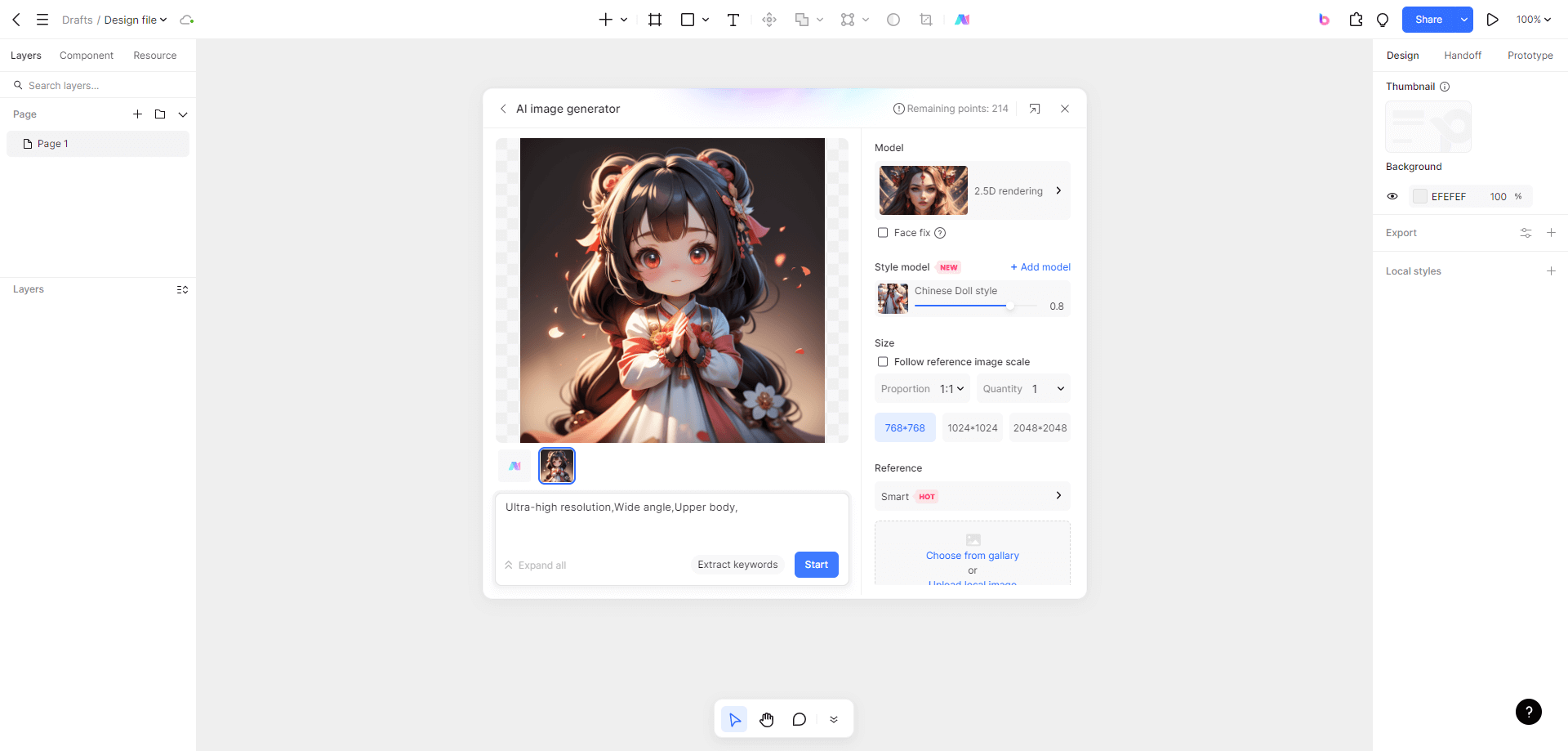
Choose an image-generation website by the job you need to complete: explore a visual direction, revise a source image or create an asset for a design file. Compare access and likely revision costs before choosing. Free access, trial credits and paid subscriptions are different offers. Screenshots show example interfaces and may differ from current controls.
1. Pixso AI: keep visual exploration beside your design
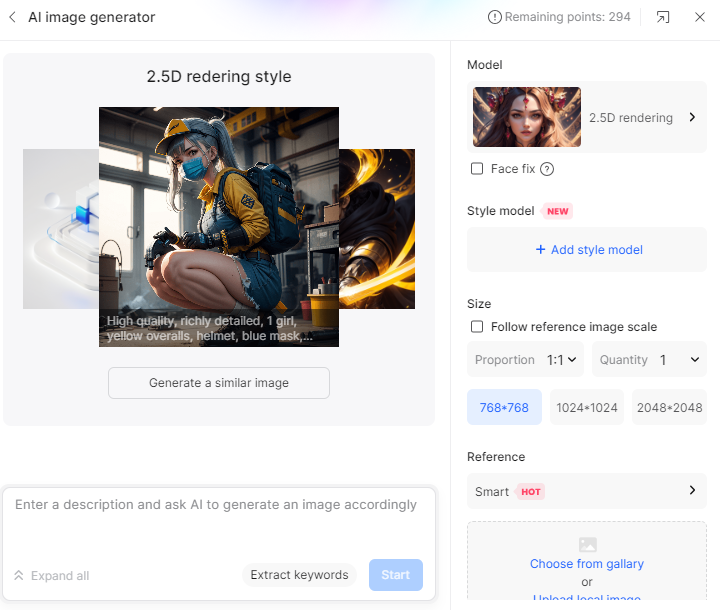

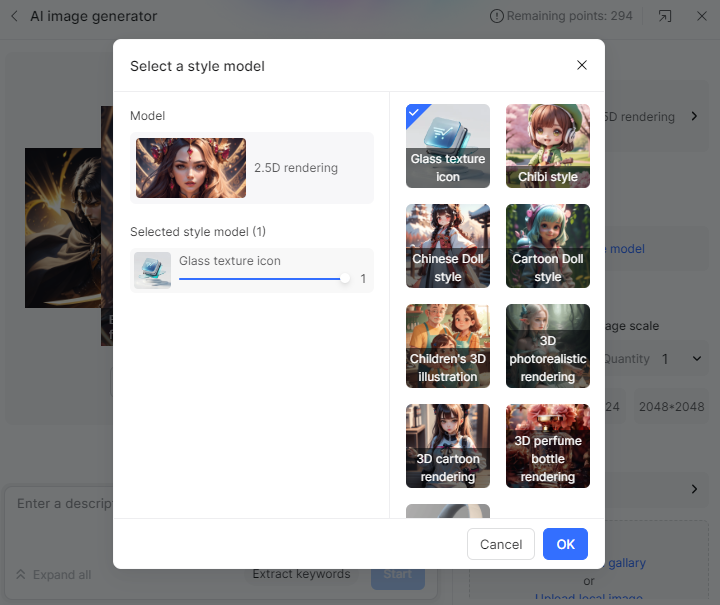
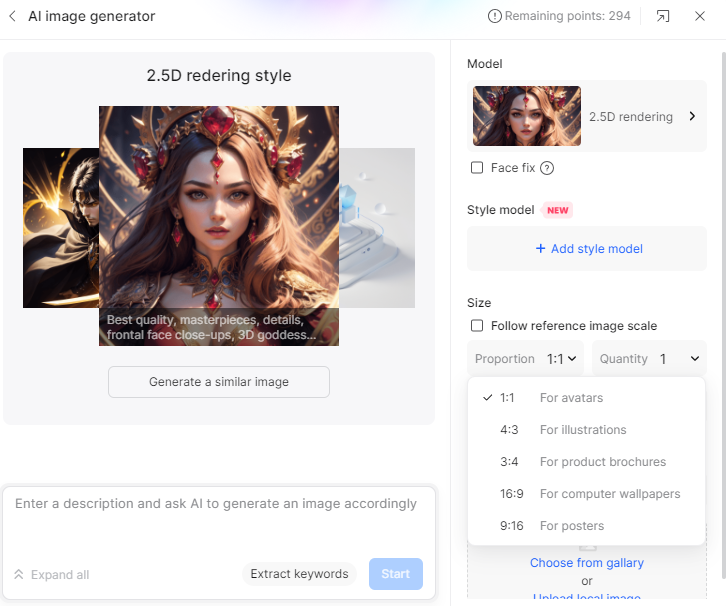
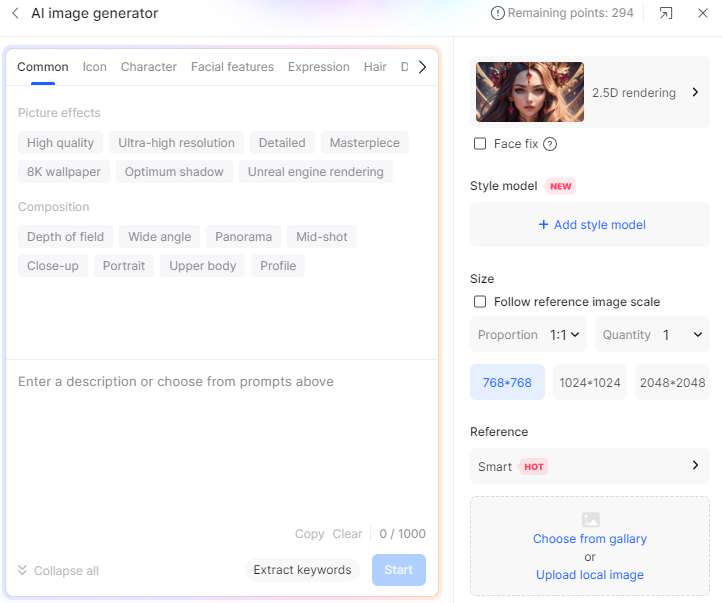
Pixso AI supports image-generation workflows within a collaborative design environment. Use a prompt or an authorized reference image to explore a direction, then assess the result in its intended layout. Check the current options in your account rather than relying on a fixed count of models or sizes in an older screenshot. Pixso plans and AI credit guidance : see how plan and seat access affect AI usage. Pixso and Paico credits are separate.
For a product illustration, specify the subject, composition, background and intended placement. Generate a draft, check whether the important shape remains legible at its final size, and record the prompt with the chosen image. Treat generated imagery as a design input, not a finished UI or production asset.
Using an image generator does not automatically resolve copyright, trademark, privacy or likeness concerns. Use inputs you are authorized to upload and review outputs for your intended use under the applicable service terms.
2. Deep Dream Generator: compare image transformation options
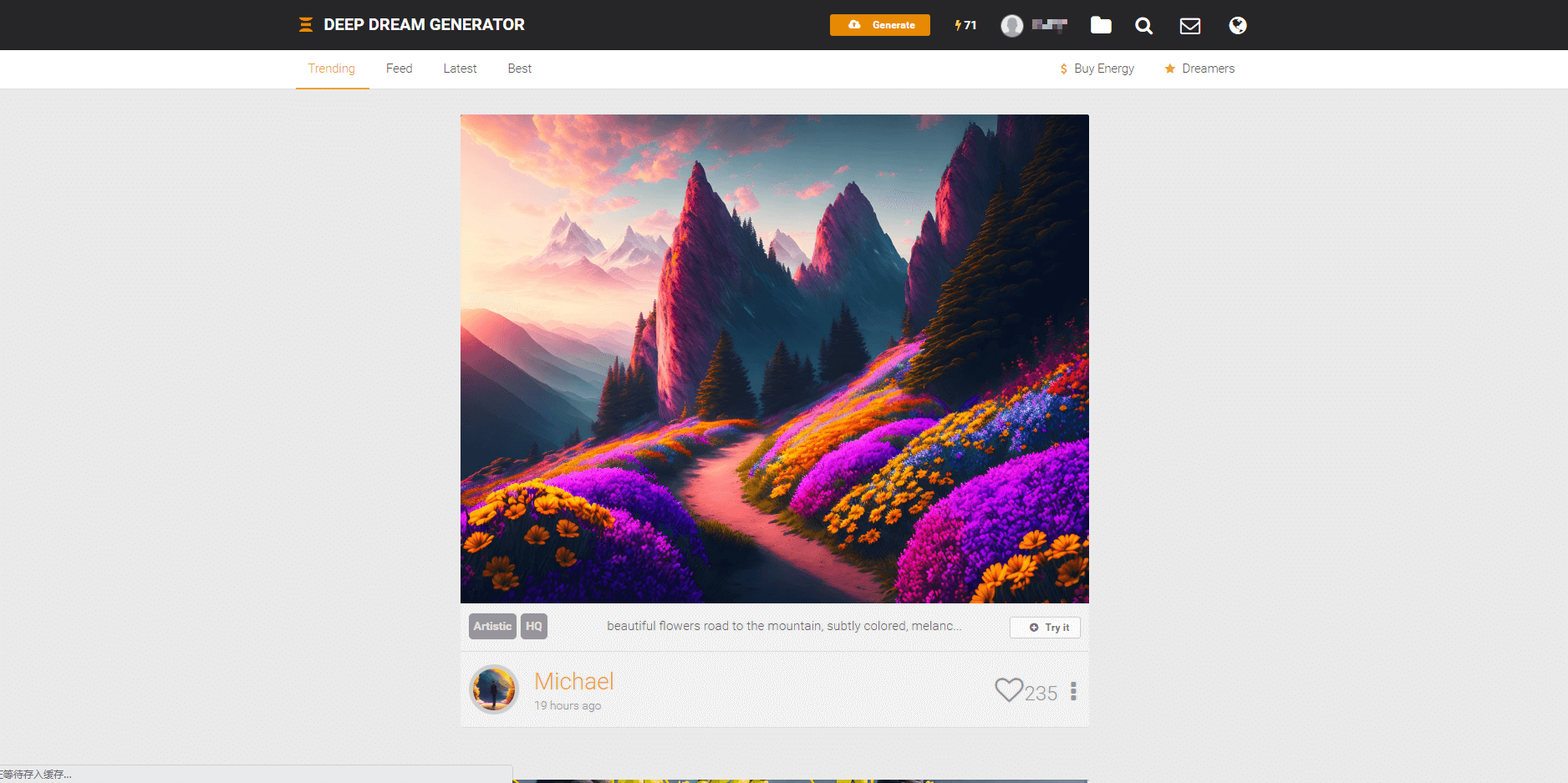
Deep Dream Generator offers image-creation and transformation workflows. The hosted service should not be described as a Google product simply because its name refers to DeepDream research. Choose the current workflow that fits your source image, and read the service’s access and usage terms.
For a style exploration, retain an unchanged reference and compare the output’s subject, edges and color treatment. A visually striking transformation may remove details needed for a product illustration; reject results that no longer communicate the intended object.
3. Midjourney: plan for a paid website or Discord workflow
Midjourney supports both its website and Discord. Its official free-trial guidance states that no free trial is available for the website or Discord; a limited niji mobile-app trial is a separate offering. Read current plan and usage information before subscribing.
Budget from the plan’s processing allowances and your expected iteration needs. Do not convert a historical plan price into a guaranteed number of images: models, modes and operations can use allowances differently. Check privacy and commercial-use conditions for the account and organization involved.
4. Brand Studio, formerly DreamStudio: recheck access and credits
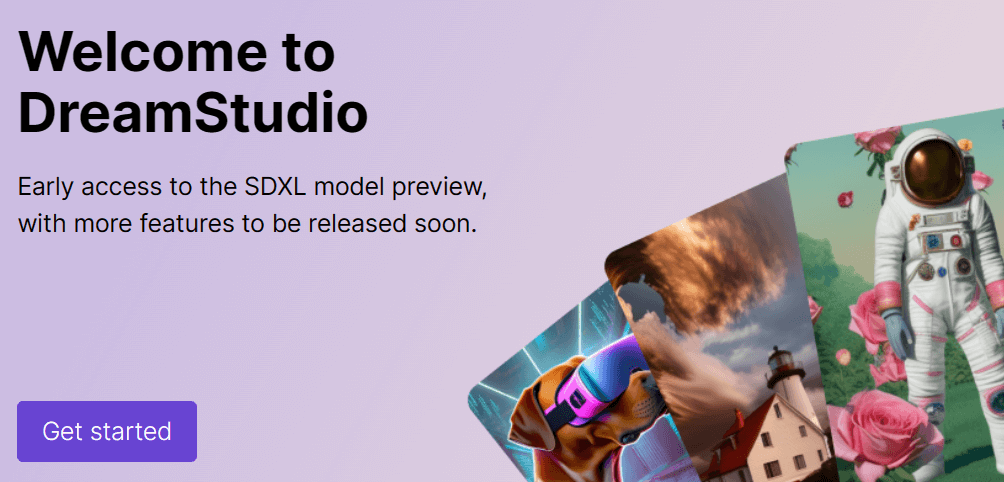
DreamStudio has transitioned to Brand Studio by Stability AI; the old DreamStudio address now redirects there. The screenshot above shows the earlier interface. Use the current Brand Studio plans and getting-started guide to confirm account access, supported operations and credits.
When comparing outputs, keep the prompt, aspect ratio and intended use consistent. Save the settings shown for each run and record how many attempts were useful. A fixed budget matters more than the size of a headline trial allowance.
A selection worksheet you can use before paying
- Write one task and output requirement: for example, a background illustration with room for a heading.
- Confirm whether the offer is free access, a one-time trial, recurring credits or a paid subscription.
- Check output size, watermark, download, privacy and usage terms.
- Estimate the budget for several revisions, not just one generation.
- Review the image at its actual display size; reject errors and unsupported brand or likeness content.
For a prompt-testing procedure, continue with the AI drawing comparison workflow. For transforming an existing image, use the image-to-image preparation guide.