Scott
As smartphone usage continues to dominate digital interactions worldwide, delivering an intuitive, engaging, and seamless user experience through mobile app ui design has become more critical than ever. However, coming up with fresh, innovative visual concepts for every new project is a constant challenge for digital product creators.
Whether you are a beginner looking to understand mobile app ui fundamentals or an experienced designer seeking cutting edge interaction trends, exploring curated visual archives is essential. In this guide, we present 7 top tier reference platforms favored by digital creators, alongside practical tips on using Pixso, a feature rich free design tool, to boost your product workflow efficiency.
Part 1. Top 7 Mobile App UI Reference Sites for Modern Designers
To create a competitive mobile app UI, study established visual patterns and real-world digital products. Here are seven leading sites to help you explore global trends, component behaviors, and complete user journeys.
1. Pinterest: An Unlimited Treasure Trove for Visual Ideation
Pinterest offers a vast global visual archive that spans design disciplines, photography, branding, and digital interfaces.
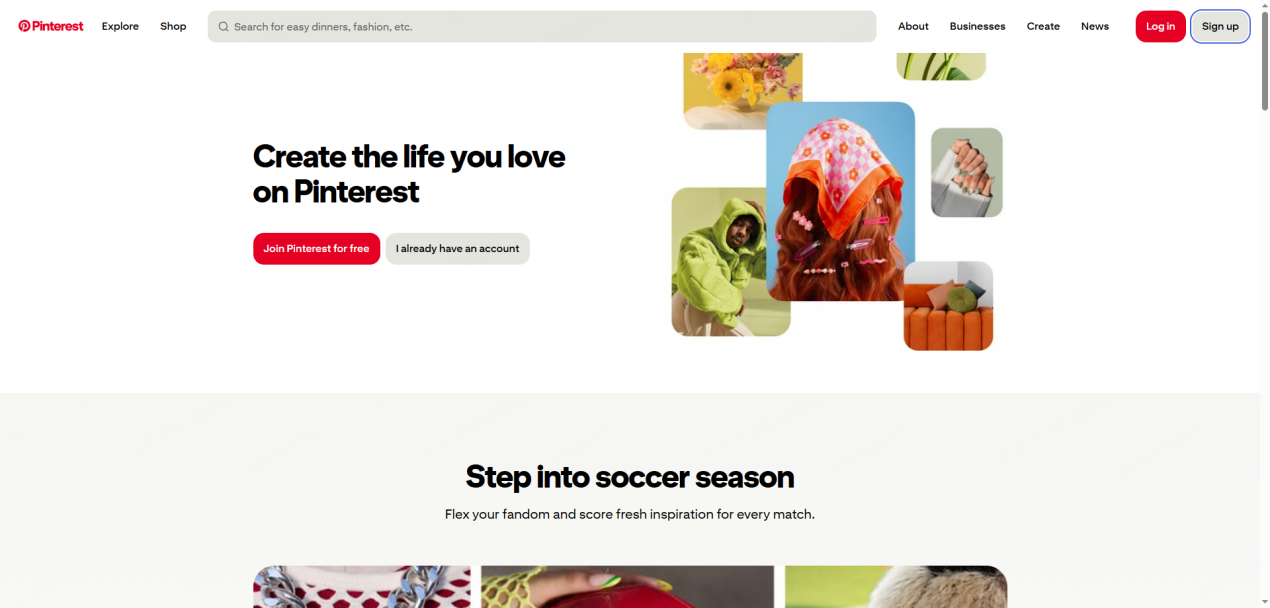
• ✅Pros: Unlimited visual exploration via keyword search, making it ideal for creating mood boards and establishing initial visual direction
• ❌Cons: Contains conceptual or non functional art renders that may be difficult to implement in real production code
• ⭐Ideal for: Designers in the early project phase looking for visual concepts, color palette ideas, and creative direction
2. Behance: Deep Project Case Studies and Process Breakdown
Operated by Adobe, Behance showcases complete design projects alongside strategic planning, wireframes, and production workflows.
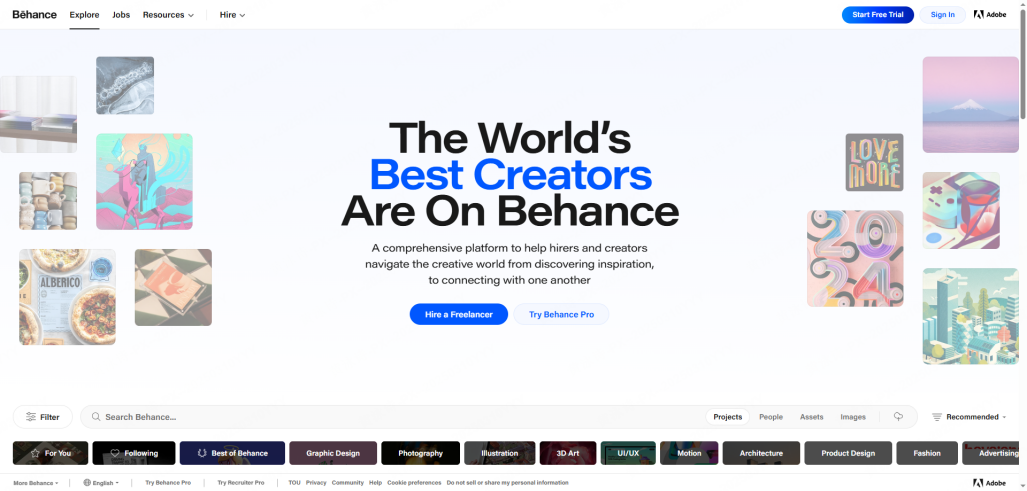
• ✅Pros: Features comprehensive high quality case studies that reveal the underlying UX logic, design systems, and brand identity strategies
• ❌Cons: Project files are dense and extensive, requiring more time to review compared to quick screen galleries
• ⭐Ideal for: Product managers and UI UX creators who want to study complete design workflows beyond standalone screens
3. Dribbble: The Pinnacle of Modern Visual Trends
Dribbble is a vibrant community where top global creators share single frame design shots, micro interactions, and motion prototypes.
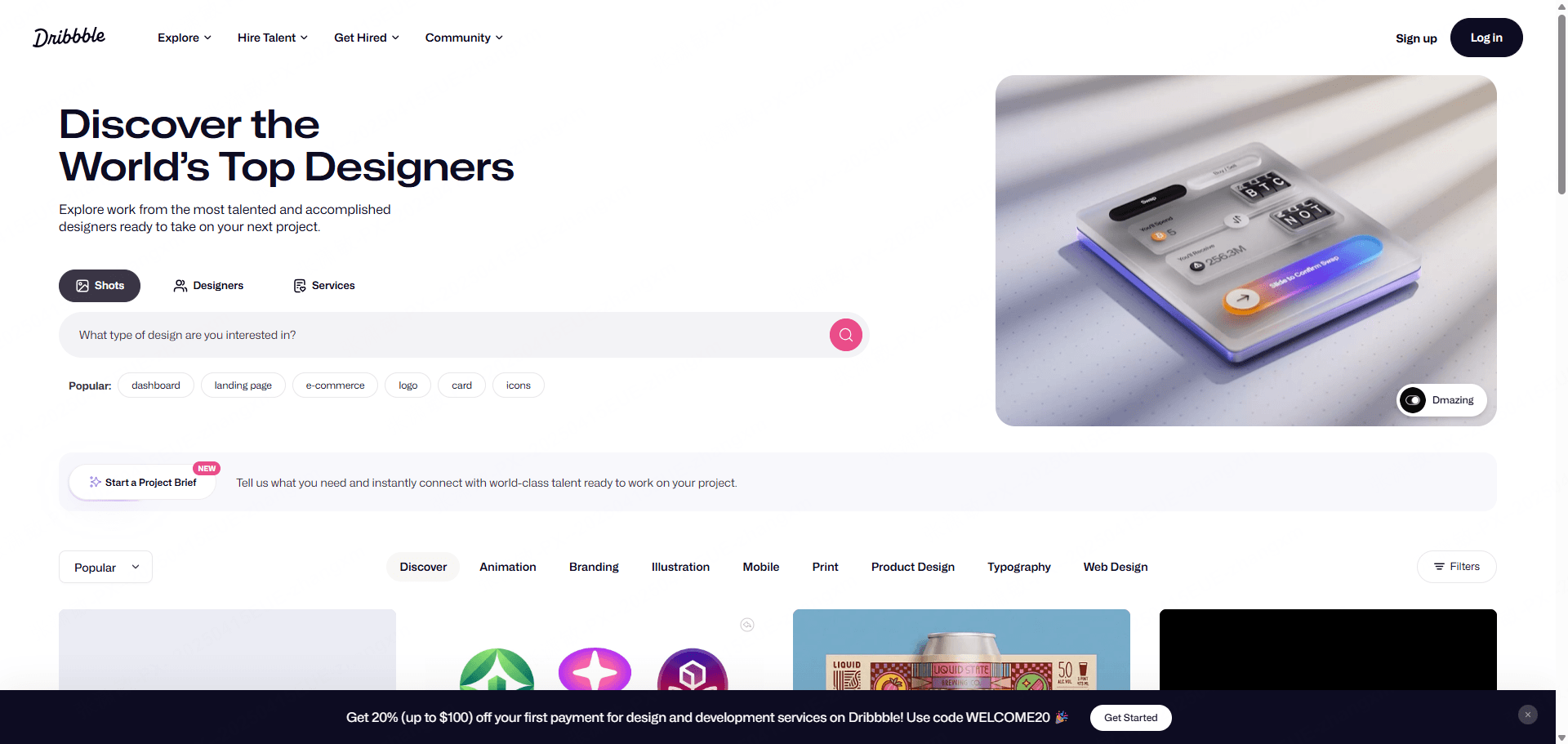
• ✅Pros: Excellent for discovering cutting edge graphic trends, custom illustrations, and dynamic animation behaviors
• ❌Cons: Often prioritizes aesthetic flair over actual development feasibility or complex usability constraints
• ⭐Ideal for: Creators aiming to elevate visual polish and stay updated on modern graphic UI trends
4. Mobbin: Real World Global App Interface Encyclopedia
Mobbin is a specialized library containing thousands of real screenshots from launched iOS and Android mobile applications.
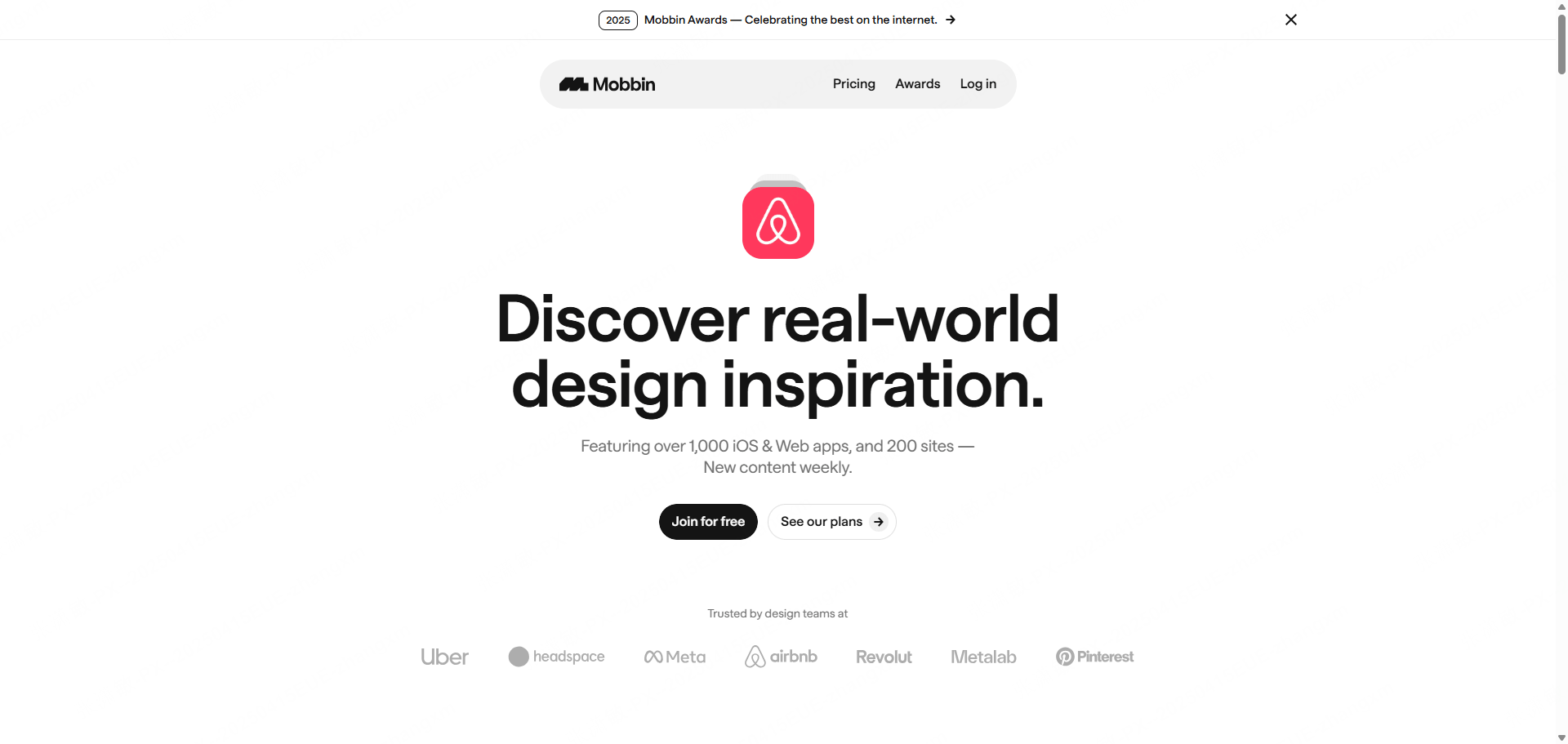
• ✅Pros: Enables designers to analyze continuous user flows without gaps, from onboarding and authentication to checkout and settings
• ❌Cons: Requires a paid membership subscription to unlock full search filters and unrestricted screen browsing
• ⭐Ideal for: Product designers conducting competitive UX research and studying standardized industry interaction patterns
5. Pttrns: Dedicated Library for Mobile Design Patterns
Pttrns organizes mobile interface screens strictly by functional category and UI component types.
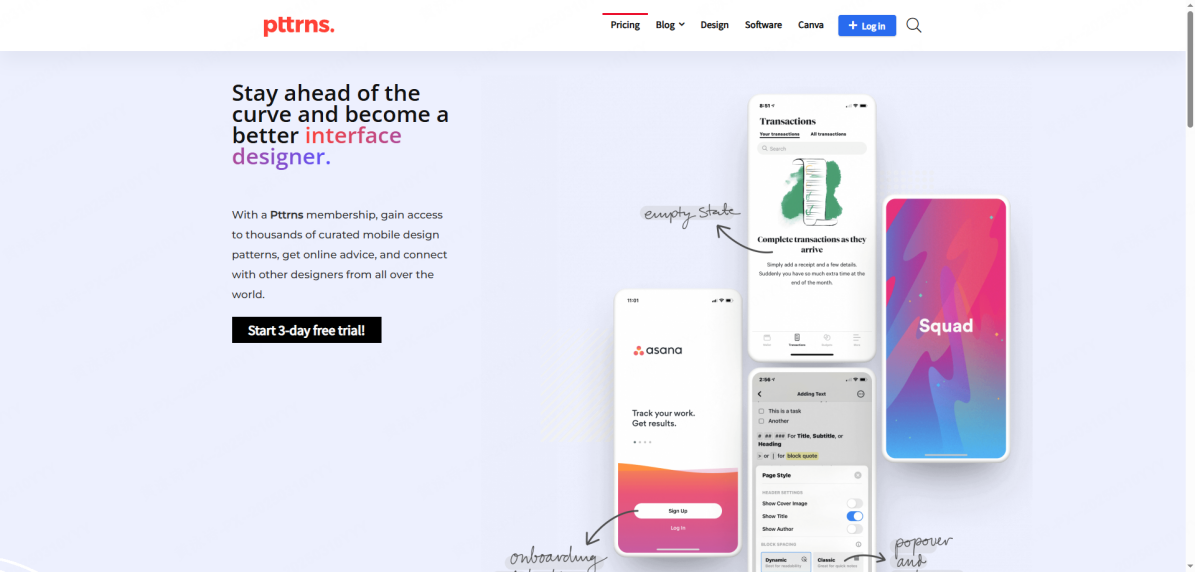
• ✅Pros: Allows creators to filter screens by specific interaction tasks such as profile setup, search filters, activity feeds, and payment screens
• ❌Cons: Updates occur less frequently compared to massive social visual platforms
• ⭐Ideal for: Designers looking to analyze specific screen structures and component layouts for targeted app features
6. Collect UI: Component Level Rapid Inspiration
Collect UI archives design submissions daily, categorized by specific screen elements and interface functions.
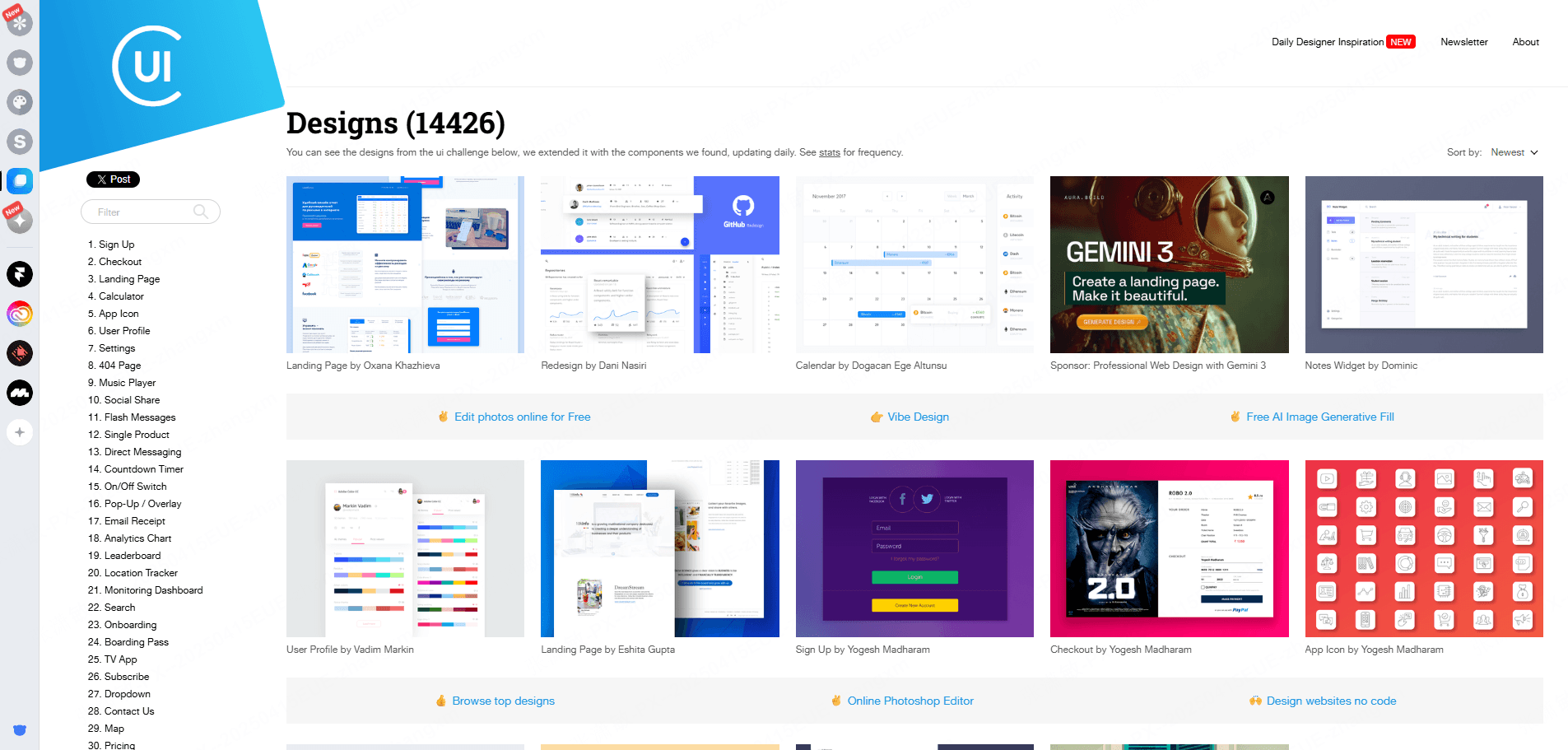
• ✅Pros: Ideal for solving specific layout bottlenecks quickly when working on standalone pages like login screens, settings, or user profiles
• ❌Cons: Focuses primarily on single screen shots rather than entire multi screen app ecosystems
• ⭐Ideal for: Designers seeking fast ideas for specific screen layouts or component arrangements
7. Screenlane: Curated Real World App User Flows
Screenlane focuses on capturing curated mobile screens and user flows from real applications across diverse digital industries.
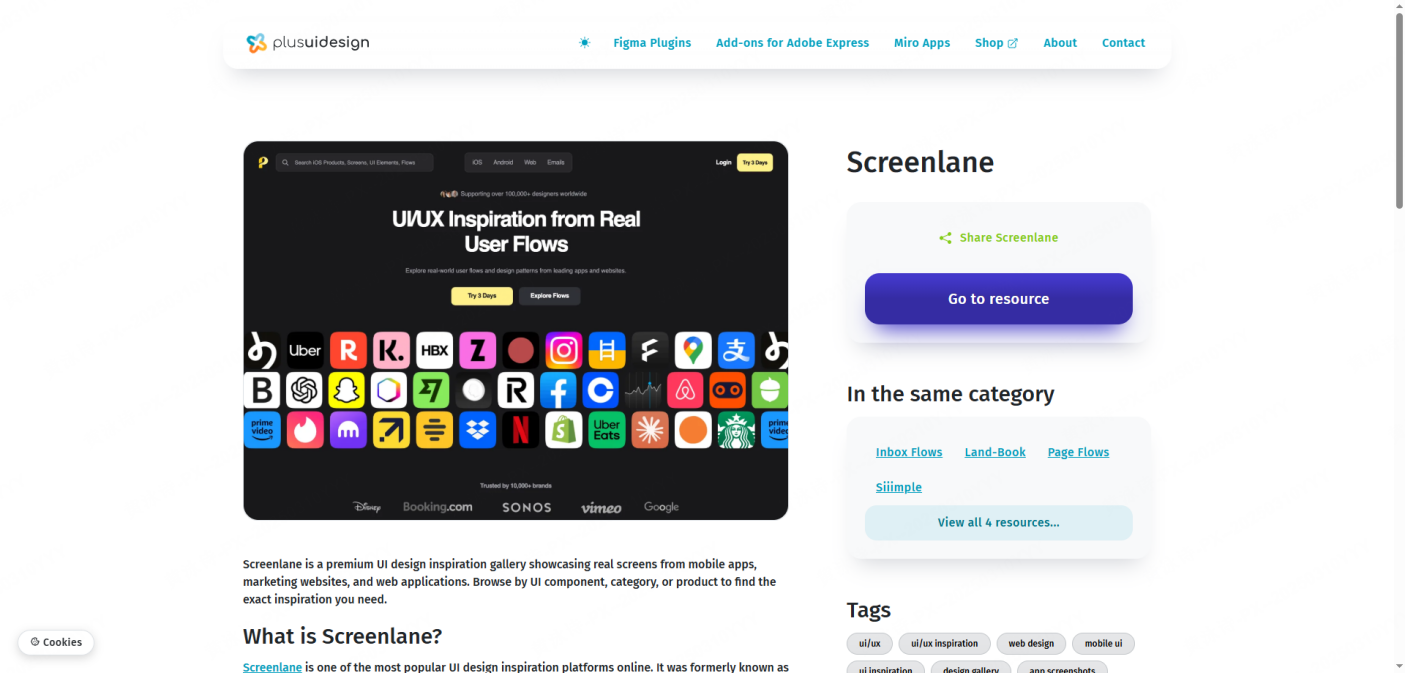
• ✅Pros: Provides clean video screen recordings and static screen sequences showing real user interaction flows
• ❌Cons: Library coverage focuses mostly on prominent consumer apps
• ⭐Ideal for: Teams looking for clean, real world inspirational references to benchmark onboarding and user retention flows
Part 2. How to Utilize Free App Design Templates in Pixso
Beyond exploring inspiration on a ui design website, leveraging prebuilt assets can dramatically shorten your production timeline. Pixso, a collaborative cloud based UI design tool, offers an extensive Community hub filled with thousands of high quality free app UI design templates created by professional designers.
Step by Step Guide to Using Pixso Community Resources:
Step 1: Register an Account and Access the Resource Community
Visit the official Pixso website and create a free account. Navigate to the top menu bar, select Resource Community, and click Design Materials to enter the asset library.
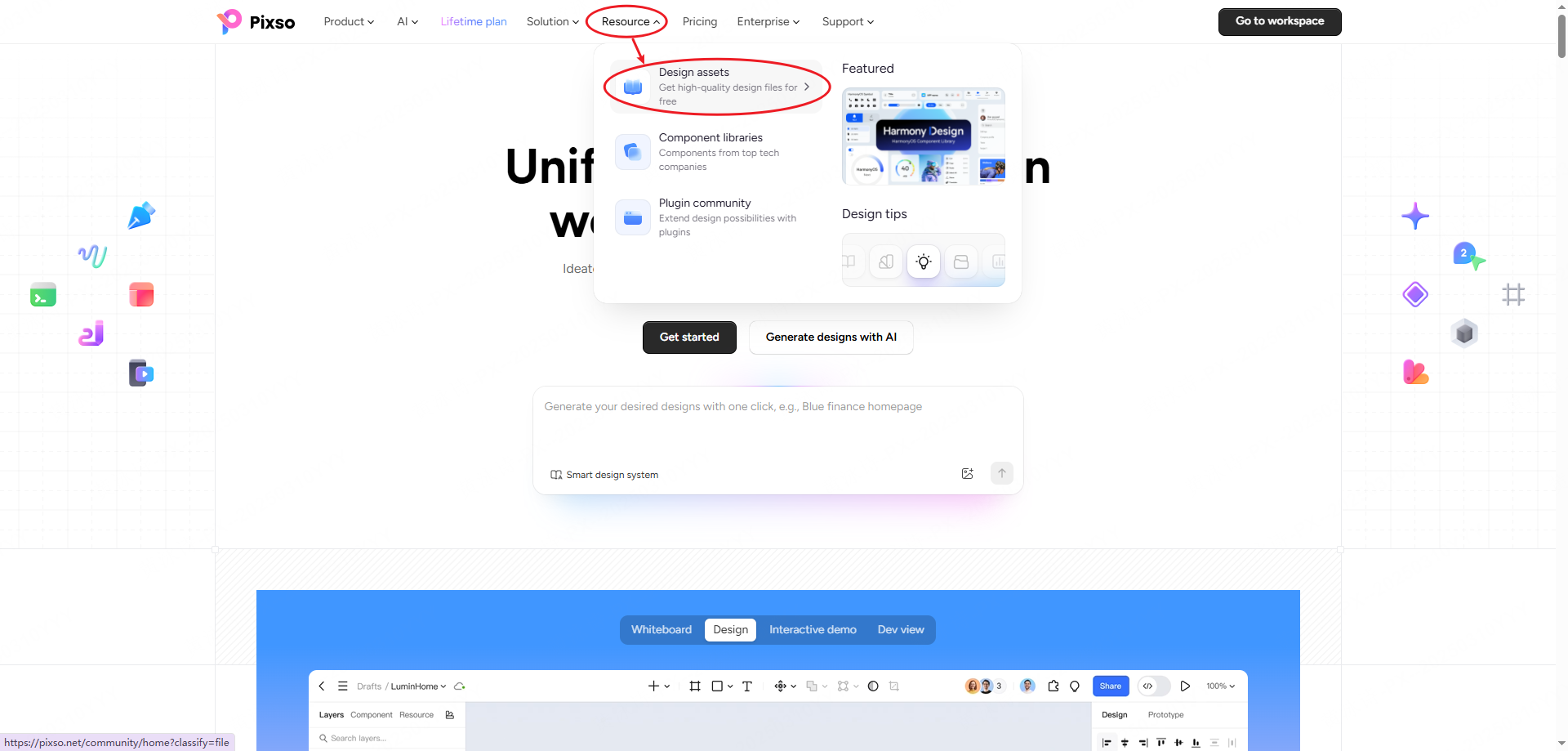
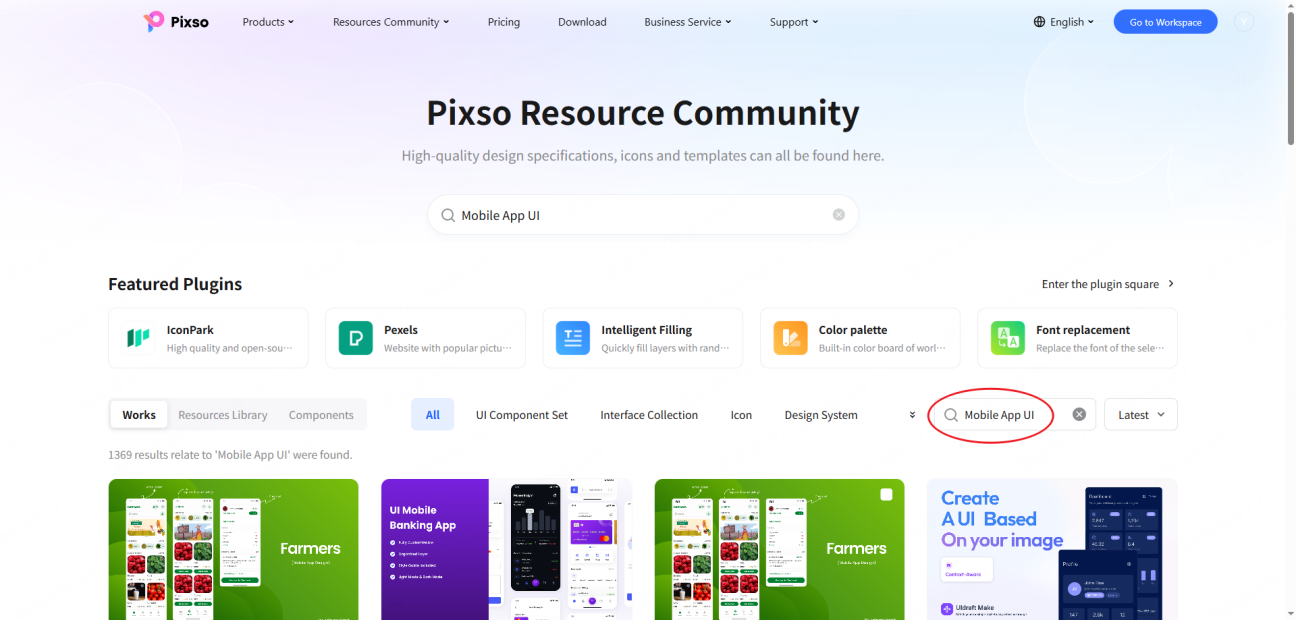
Step 2: Explore Extensive Free Design Assets
Inside the resource hub, you will find thousands of UI design components, iOS icon sets, ecommerce layouts, travel app templates, and AI assistant interfaces. Select a high quality template that aligns with your product goals.
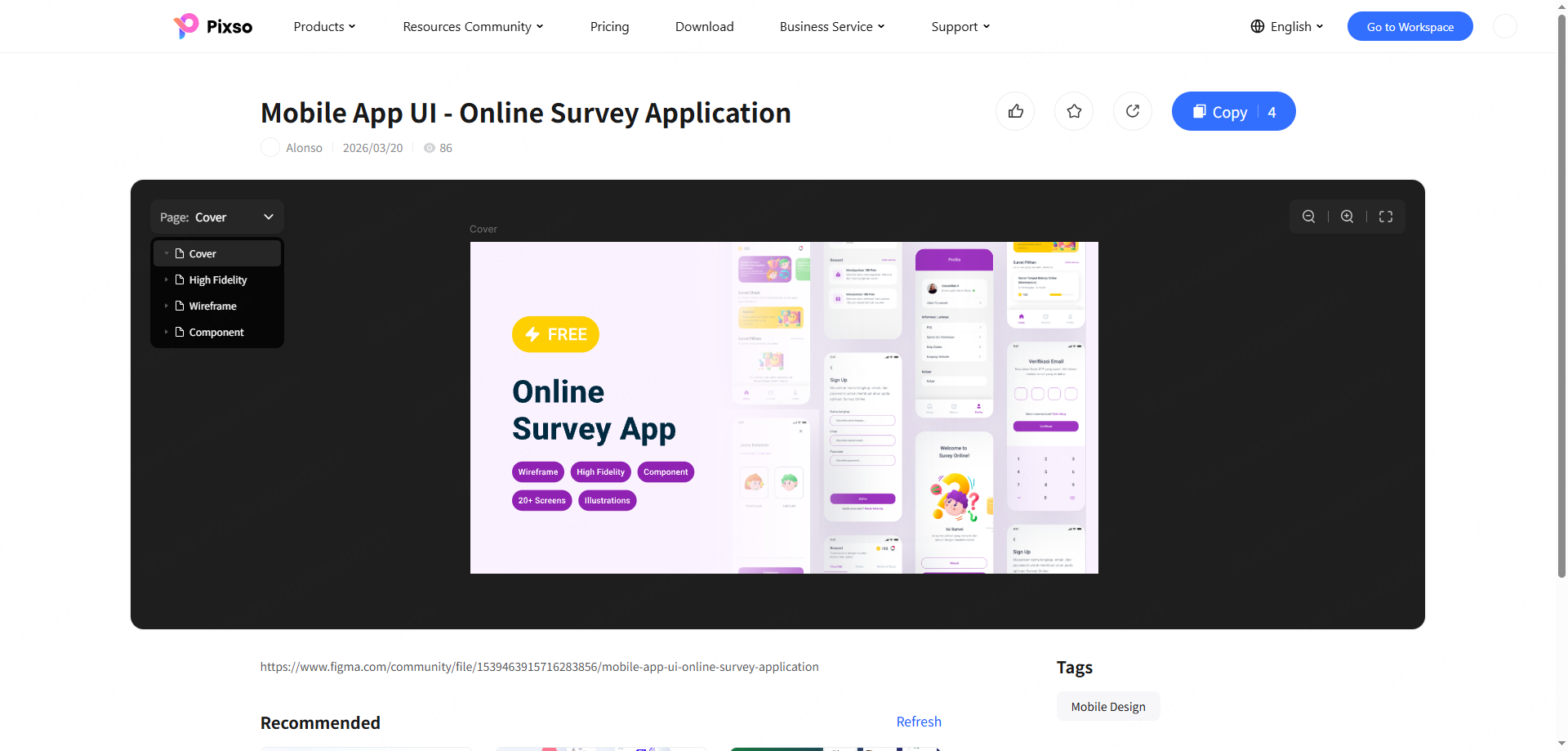
Step 3: Duplicate and Customize in Your Workspace
Click the Copy button on your chosen template. The entire design file, complete with well organized vector layers and auto layout rules, will save directly into your Pixso account under My Files. Open the canvas editor to customize colors, typography scales, components, and layout structures for your mobile app UI.
FAQ
Q1: How can beginner designers analyze mobile app ui inspiration effectively?
Instead of merely admiring visual aesthetics, break down the screen layout into structural elements. Analyze navigation hierarchies, touch target sizes, button placements, and typography contrast. Recreating effective screens from a reputable ui design website helps beginners build muscle memory for spatial spacing and visual hierarchy.
Q2: What is a recommended free collaborative UI design tool for team workflows?
Pixso is widely recognized as a powerful cloud based platform for modern teams. It offers real-time collaboration, Figma and Sketch file import, and Auto Layout tools. Its free plan has limits; choose a plan and seat access according to the work your team needs to do.
Q3: What should creators keep in mind when using free mobile app design templates?
Rather than using a template without modification, adapt the design system to reflect your unique brand identity. Update primary color tokens, typography scales, and custom icon styles. Pixso community templates let you modify components to create a customized mobile app UI.
Q4: How can designers balance aesthetic appeal with technical development feasibility?
Collaborate with development teams early in the design phase. Verify that visual micro interactions, custom fonts, and complex card layouts can be implemented efficiently within target native platforms like iOS and Android without causing performance bottlenecks.
Conclusion
In this guide, we explored seven top reference sites for mobile app ui design, along with practical techniques for visual research and component analysis. Exceptional digital design is not merely about eye-catching aesthetics; it relies on thoughtful, user-centered architecture that solves real customer problems.
To make your design workflow faster and smarter, leverage the feature rich free platform Pixso. With its vast array of community templates and real time collaboration capabilities, Pixso provides the shortest path to turning your creative vision into a polished digital reality.
Visit Pixso today and start crafting your next project!