On this page

Scott
A prototype is a model of a proposed experience that people can inspect or use before the final product exists. It might be a paper sketch, a sequence of wireframes, or a clickable set of detailed screens. What makes it a prototype is not visual polish: it is the question the team is trying to answer. “Can someone find the next step?” needs a different model from “Does this transition explain a complex change of state?”
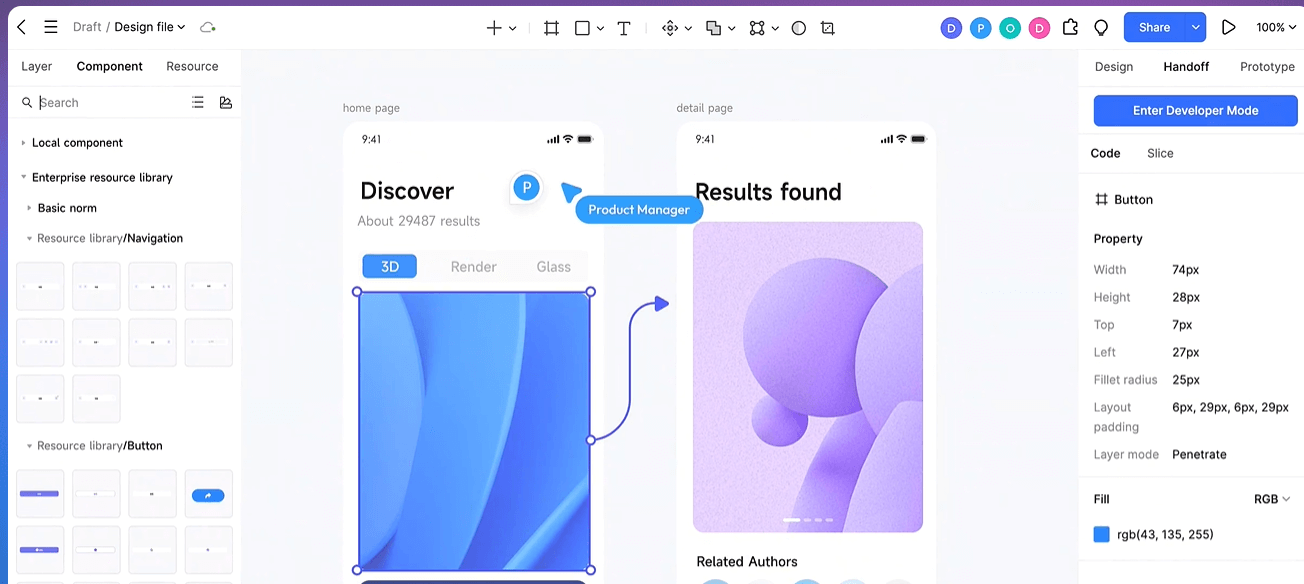
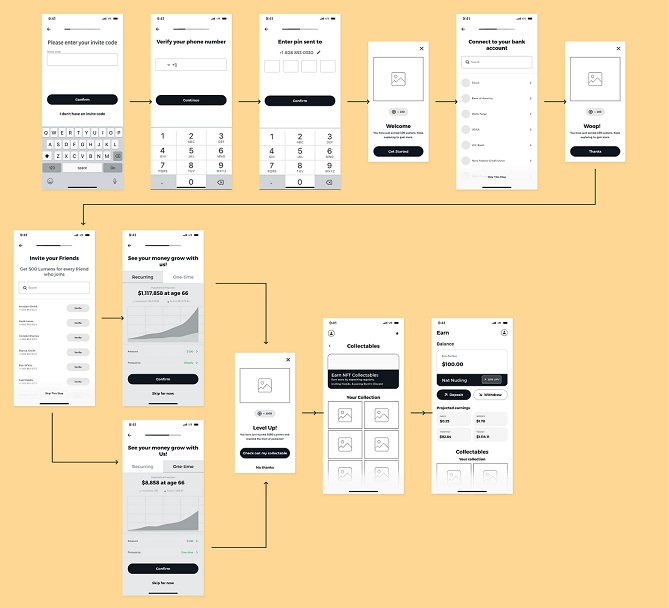
When the question is about an interface flow, Pixso's prototyping workspace can connect designed screens so a reviewer can move through a task. The connected screens can show behavior and gather feedback, but they do not implement the final service or prove that its back-end rules work. That distinction is important whenever a realistic prototype might be mistaken for a finished product.
Prototype meaning in product design
A prototype is a temporary representation used to test an assumption. It sits between an idea and an implementation, but it does not have to be a mandatory phase for every tiny change. A rough storyboard can answer a sequencing question; a more detailed interactive prototype can reveal whether labels, timing or feedback make sense. Neither is evidence of success until someone uses it for a relevant task and the team observes what happens.
Consider a booking service. The team wonders whether first-time visitors understand that choosing a time sends a request, rather than confirming an appointment immediately. A useful prototype shows the service choice, available time, review, submission and confirmation states. It also shows what happens if a time becomes unavailable. The team can ask a reviewer to book a consultation and observe which wording they trust or misread. The prototype cannot reserve a real calendar slot; it can test whether the proposed explanation is understandable.
Low fidelity and high fidelity answer different questions
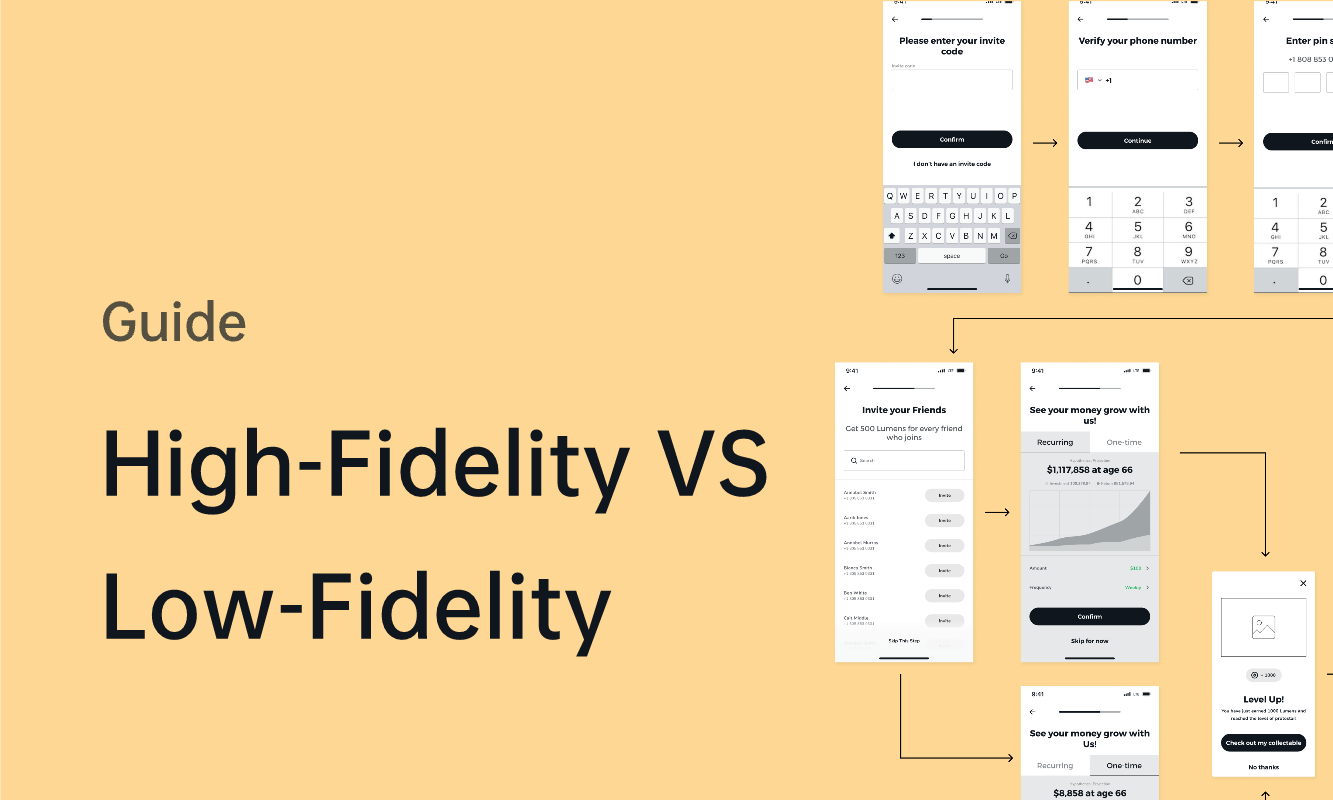
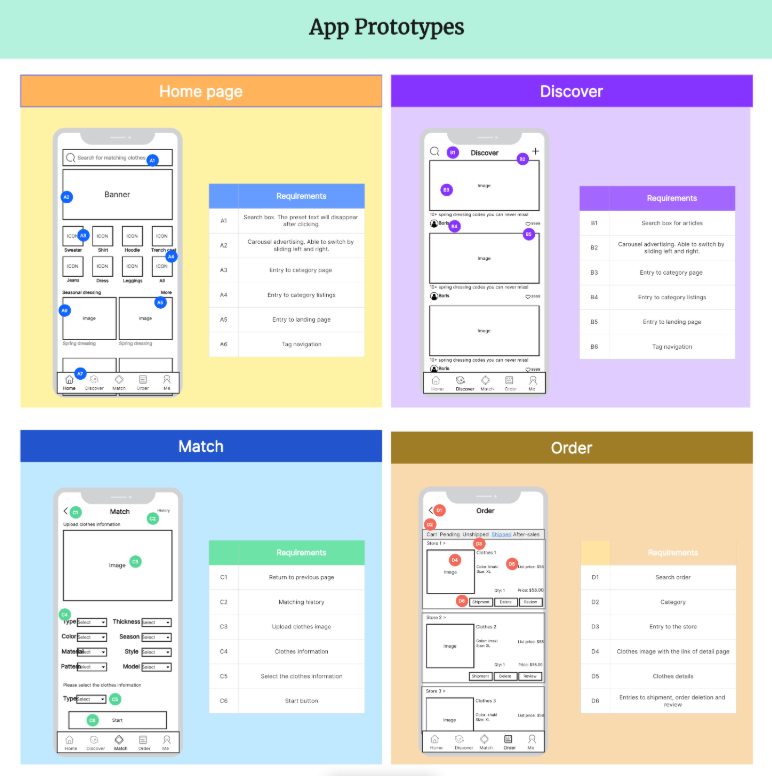
Low-fidelity prototypes simplify appearance so a team can examine structure, content order and navigation. They may use paper, basic shapes or grayscale wireframes. They are not “low quality”; they deliberately omit detail that the current question does not require.
High-fidelity prototypes use closer-to-final content, spacing, imagery and interaction states when those details affect the decision. A high-fidelity booking confirmation might reveal that a subtle success message is mistaken for a final reservation. The extra detail takes longer to make and can cause reviewers to focus on colors when the flow is still unresolved. Choose it only when the decision needs it.
A team can move between fidelities. Start with a rough flow to settle the page order, then add detailed copy to test whether “Request appointment” and “Appointment confirmed” are interpreted differently. There is no benefit in polishing every screen before the first navigation problem is understood.
Prototype, wireframe, mockup and MVP: what changes?
A wireframe focuses on structure and content priority. A mockup presents a visual design, often without the full interaction. A prototype makes a proposed experience inspectable or usable, even if some actions are simulated. An MVP is a working product released with a deliberately limited scope. These categories overlap in practice: a connected wireframe can be a prototype, while a detailed mockup can remain static. The difference is the job each artifact does, not the file format.
For the booking example, a wireframe might place the service summary above the time selector. A mockup might define typography and color. A prototype connects the steps and shows confirmation and error states. An MVP would need functioning availability checks, data storage and a reliable way to send or confirm requests. Showing a confirmation screen in a prototype does not supply those systems.
What a prototype can help you learn
- Navigation: can a person find the next relevant screen without being coached?
- Comprehension: do labels and feedback communicate what just happened?
- Edge cases: can someone recover from invalid input, unavailable options or a cancelled action?
- Team alignment: do design, content and development agree on the same states and transitions?
These are questions, not guaranteed outcomes. A single session can expose a problem, but it cannot establish a population-wide success rate. Record the task, what the reviewer actually did, what they said, and the team's interpretation separately. Then change one unclear part of the experience and run the same task again.
How much should you prototype?
Build the smallest set of screens and states that can answer the question. For the booking example, that may be a starting page, time selection, review, unavailable-time message and confirmation. You do not need an entire account area or every possible service unless the test depends on them. If the problem is content hierarchy, a static sketch may be enough. If it is transition feedback, connect the relevant screens and include the state change.
Before a review, write down what would make the team keep or change the proposed design. Afterwards, note what remains untested, especially rules that a prototype cannot execute. This keeps a persuasive demo from becoming a substitute for implementation evidence. For a practical sequence of screens, triggers and neutral user tasks, continue to the step-by-step prototype tutorial.