Scott
A useful usability-test task gives a participant a goal and enough context to act, while leaving the route to them. Write the expected outcome separately for the moderator. If the task names the menu, button, or sequence you hope to validate, you may be measuring instruction-following rather than whether the interface makes sense.
For a prototype you plan to test with users, prepare a small set of realistic tasks before polishing every screen. The examples below use an operations dashboard: a team member needs a weekly delivery report, an updated destination, and a way to resolve an unsuccessful export. Each task exposes a different design decision.
Separate the research question, task, and outcome
Start with the uncertainty. “Can people find the weekly report?” is narrower and more actionable than “Is the dashboard easy?” The participant's instruction should then describe why they need the information. Your outcome definition states what observable behavior would answer the research question.
| Layer | Worked example | Who sees it |
|---|---|---|
| Research question | Can a team member obtain last week's delivery totals without help? | Research team |
| Participant task | Your team is reviewing last week's deliveries. Find how many arrived late and save something you can share at the meeting. | Participant |
| Observable outcome | The correct period and late-delivery total are identified; a relevant shareable output is obtained or its availability understood. | Moderator |
The outcome intentionally does not require one preferred click path. If the interface offers a legitimate alternative route, record it. If the participant states the right total but exports the wrong period, do not quietly mark the entire task successful. Distinguish finding information from creating the intended output.
Nielsen Norman Group's task-writing guidance warns that interface words and prescribed steps can lead participants. Use that principle to review your draft, while retaining the ordinary terms a real customer would know. Removing every familiar word can turn a realistic task into a riddle.
Rewrite instructions that reveal the solution
Compare the task with the actual interface. Highlight matching labels and decide whether each is natural domain language or a clue to the route. “Delivery address” may be the customer's own term. “Shipment preferences manager,” if it exists only as your menu label, probably needs a more natural description.
| Leading or vague wording | A more useful task | What it reveals |
|---|---|---|
| Open Reports, choose Last week, and export the CSV. | Prepare last week's late-delivery figures for a team meeting. | Discovery, period interpretation, and output choice |
| Use the pencil icon to edit the destination. | The parcel should go to the warehouse instead of the office. Make that change for this delivery. | Whether the edit entry and scope are clear |
| Try the new export recovery feature. | The report you requested did not finish. Find out what happened and obtain it if you can. | Whether failure information supports recovery |
| Do you like the dashboard? | Which delivery needs attention first? Show what led you to that decision. | Interpretation and priority, rather than a preference alone |
Supply details that the participant cannot reasonably invent: the reporting period, a fictional destination, or the team role. Avoid elaborate stories that burden memory. Keep sensitive information synthetic, and do not ask people to enter their own financial or account credentials into a study prototype.
Make the starting state believable
A task can be well written and still fail because the prototype does not contain the evidence it asks someone to find. For the delivery report, include at least two plausible periods, distinguish late from on-time deliveries, and make the export correspond to the selected period. If every route leads to the same success frame, you cannot learn whether the person understood the choice.
Prepare a starting-state note for each task: role, current screen, existing data, what has already happened, and what is intentionally unavailable. An export-recovery task should start with a failed or interrupted request. Do not first make the participant succeed at the export and then ask them to imagine a failure hidden elsewhere.
Decide whether tasks are independent or form a continuous story. Reusing the same account saves setup but creates learning effects: the first task may teach a menu used by the second. If navigation discovery matters, vary task order across sessions when appropriate, or report that later tasks followed earlier exposure. Do not compare them as if their starting knowledge were identical.
Write the moderator notes before the session
For each task, define what counts as completion, partial completion, abandonment, and assistance. A participant who downloads the right report after the moderator points out Reports has a different result from someone who finds it independently. Record that help rather than hiding it inside a simple success label.
Prepare neutral prompts such as “What are you looking for now?” or “What would you do next?” Avoid rescuing the participant with “Have you tried the menu?” Decide when to end an unproductive struggle based on the study purpose and participant comfort. The moderator needs a consistent decision, not an arbitrary universal time limit.
Record observations separately from interpretations. “Opened Billing twice while looking for delivery totals” is evidence. “Reports belong under Billing” is a hypothesis. The next design might need a clearer Reports label, a contextual link, or a different grouping; one observed wrong turn does not identify the correct solution by itself.
Build the task flow in Pixso
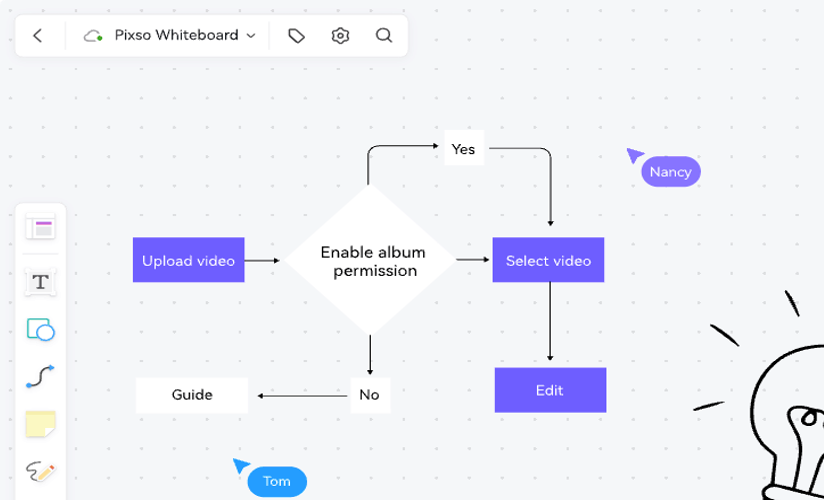
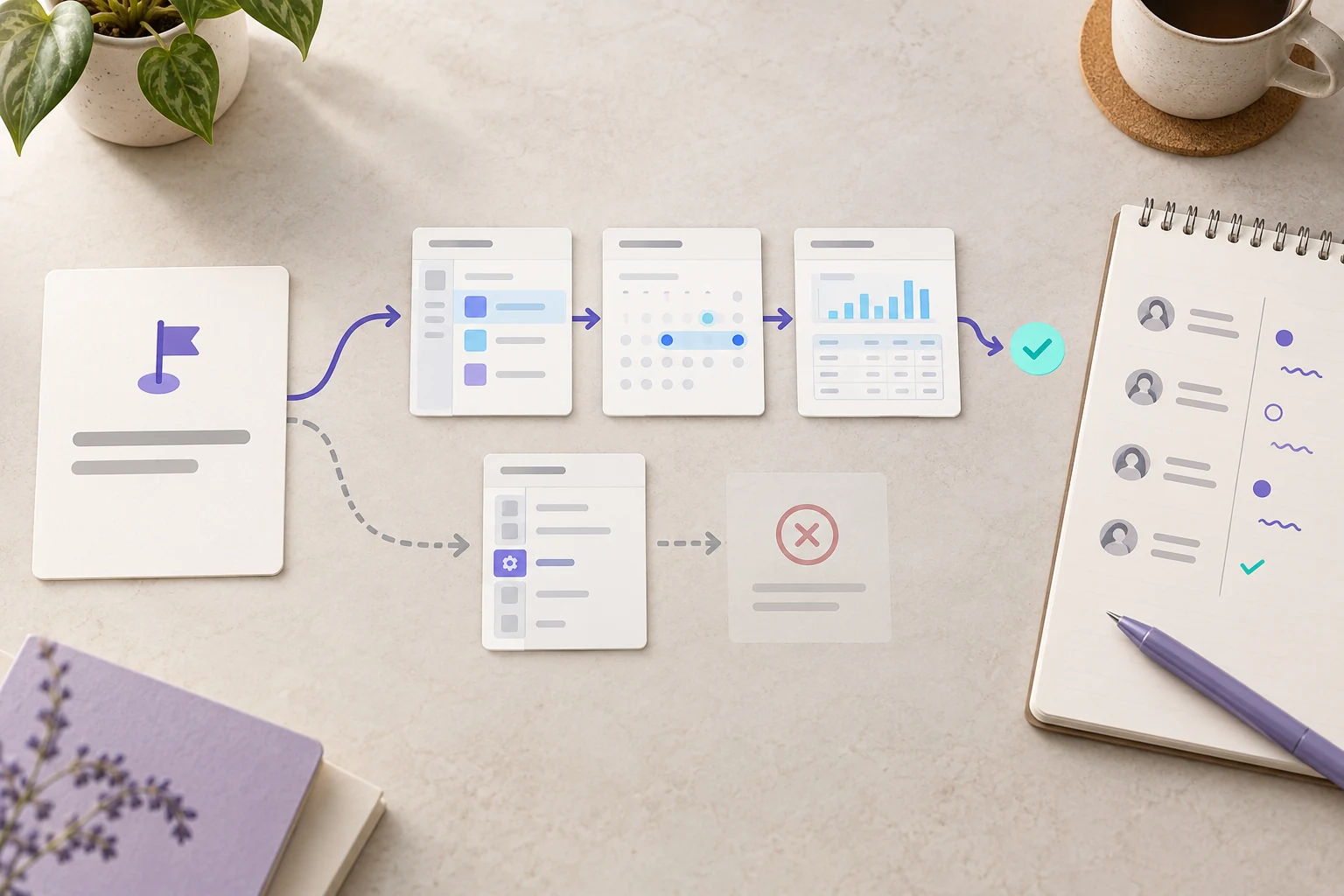
Use separate Pixso frames for the dashboard, report period selection, report preview, export failure, and completed output. Keep the period and delivery counts consistent. Connect the routes that a participant could reasonably take, including a way back from the wrong section. Annotate prototype limitations in the research notes rather than placing guidance on the participant's screens.
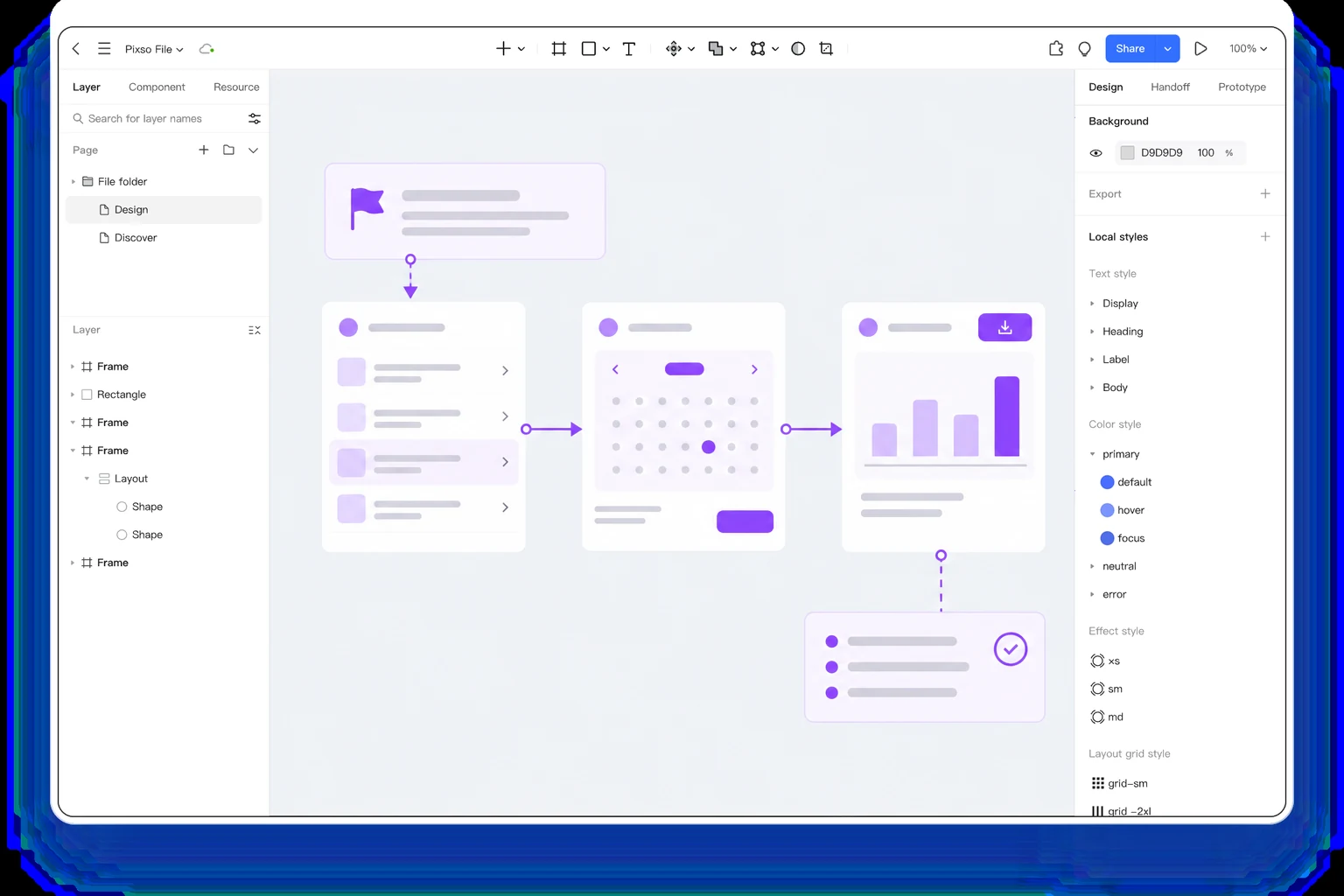
Walk through the prototype once with someone outside the design discussion. Ask them to read the task aloud and explain what they think they need to achieve before interacting. This pilot can reveal ambiguous dates, missing data, and broken links. Revise the task if its wording is the problem; revise the prototype if it cannot support the task. Do not smooth away a genuine interface difficulty by adding hints to the script.
Connect the result to a specific next design
Suppose participants find the report but cannot tell whether it covers the selected week. The next design question is about period visibility, not general dashboard aesthetics. Add the date range to the preview and exported-output confirmation, then test the same goal again. If participants understand the period but choose the wrong delivery category, investigate labels and definitions instead.
A practical record has five fields: task, observed behavior, point of difficulty, possible explanation, and proposed change. Preserve contradictory observations. Someone who succeeds by a different route may reveal a useful alternative rather than a deviation to remove. Use the research synthesis guide when several sessions need to be brought together into design priorities.
Write the next session's tasks from the same real goals, without teaching the new interface. That keeps the research connected to the customer's work as screens change. Build your task flow in Pixso.