Scott
Pixso and Penpot both support collaborative interface design, reusable components, shared design systems, and developer-facing inspection. The right choice depends less on a generic feature count than on your deployment model, file migration needs, design-to-code expectations, and the way design and engineering share standards.
Part 1. Pixso vs Penpot: the short answer
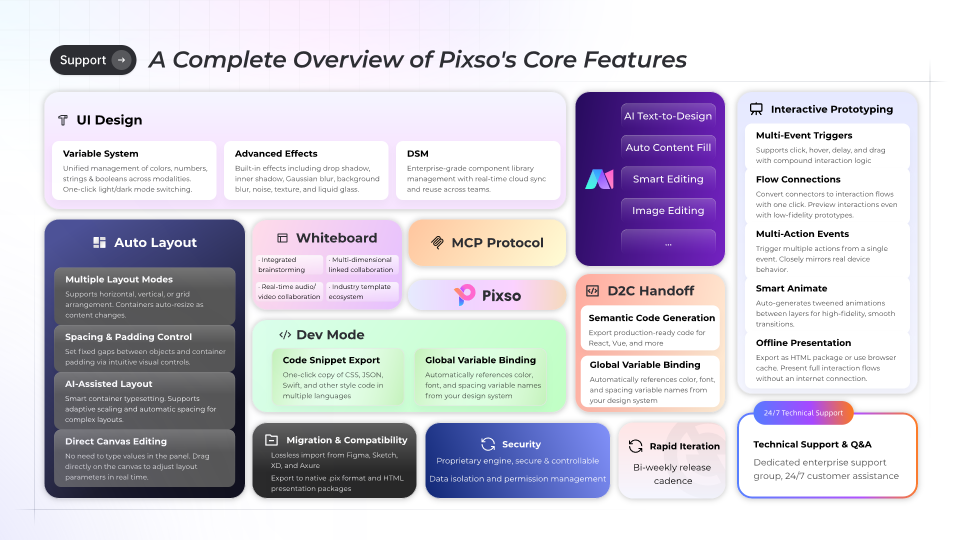
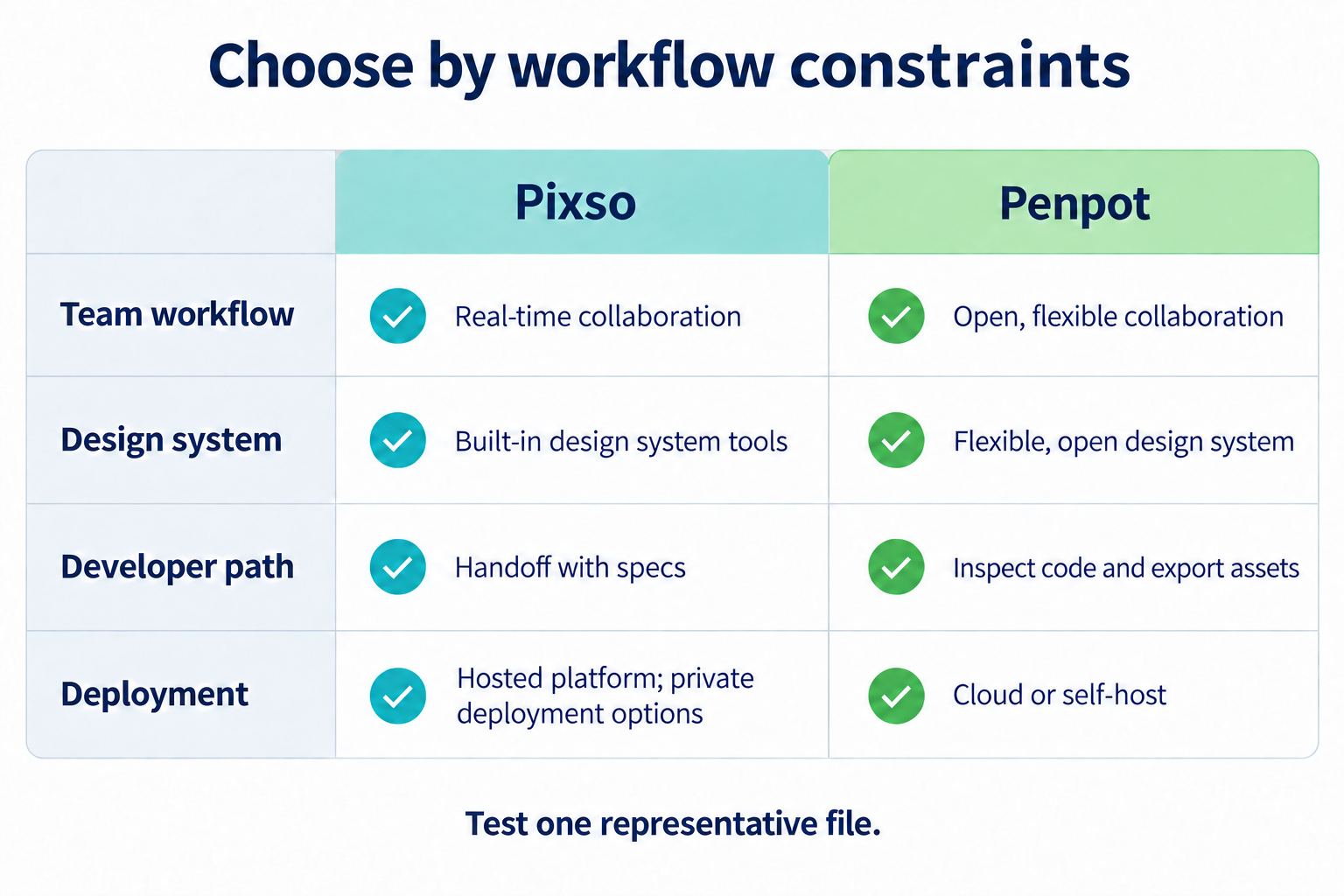
Choose Pixso when your team wants an integrated product-design workspace with UI design, whiteboarding, AI-assisted design tasks, shared review, design-system assets, and a D2C path that can produce React, Vue, HTML, ArkUI, or Flutter code for engineering refinement. Choose Penpot when open-source software, inspectable design data, CSS-oriented layout concepts, API extensibility, or a self-managed deployment is the primary constraint.
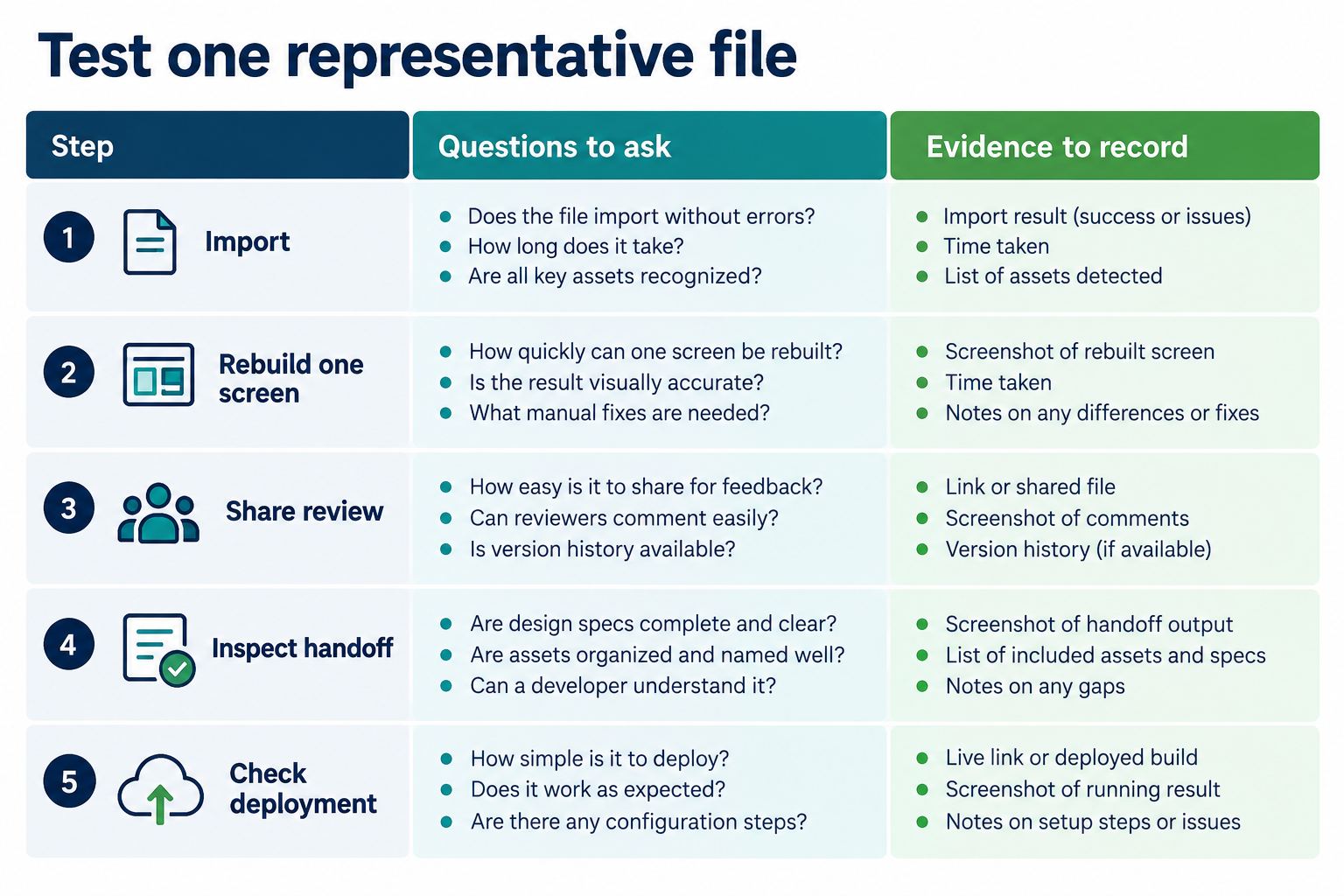
Neither choice removes validation work. Test one representative file, one shared component, one comment-and-approval flow, and one developer task before migrating a production team.
Part 2. How this comparison was evaluated
The comparison uses a realistic product-design task: create a responsive account-settings screen, build reusable field and button components, collect a design comment, and give a developer the information needed to implement the screen. The review dimensions are editor and layout, components and design systems, collaboration, developer path, deployment, migration, and AI support.
This Pixso vs Penpot method keeps the task, roles, and acceptance criteria the same for both products.
Official sources can describe availability, but they do not prove that a tool fits your content, fonts, permissions, network, or governance rules. Product behavior, plans, limits, and deployment terms can change. Recheck the Pixso product site, Pixso Help Center, and Penpot Help Center before a purchasing or migration decision.
Part 3. UI editing and layout systems
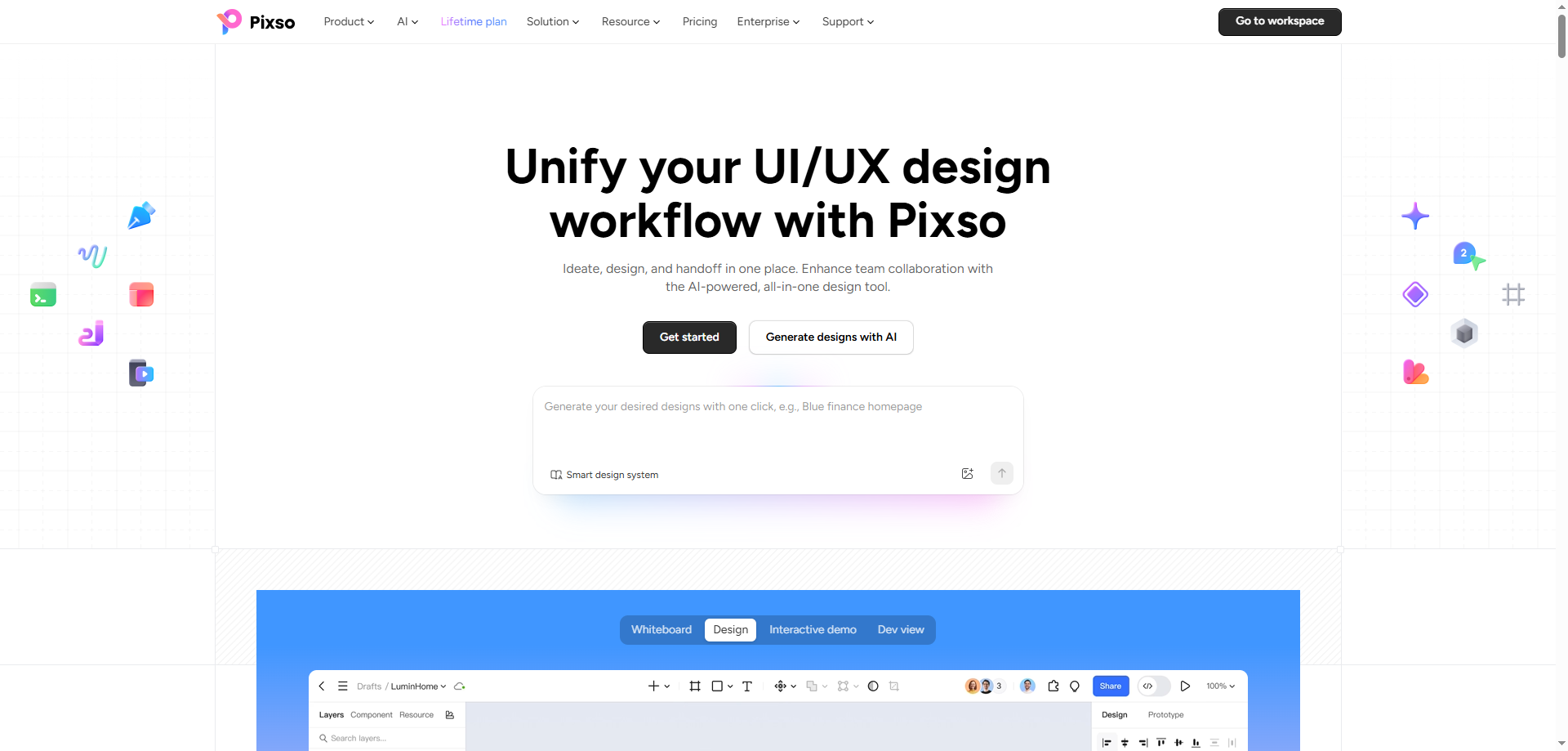
Pixso provides a collaborative design editor for frames, vector content, typography, reusable components, layout settings, styles, and variables. A product team can move from early whiteboard material to editable screens, maintain a shared design system, review work in context, and prepare assets or code-oriented handoff in the same broader platform.
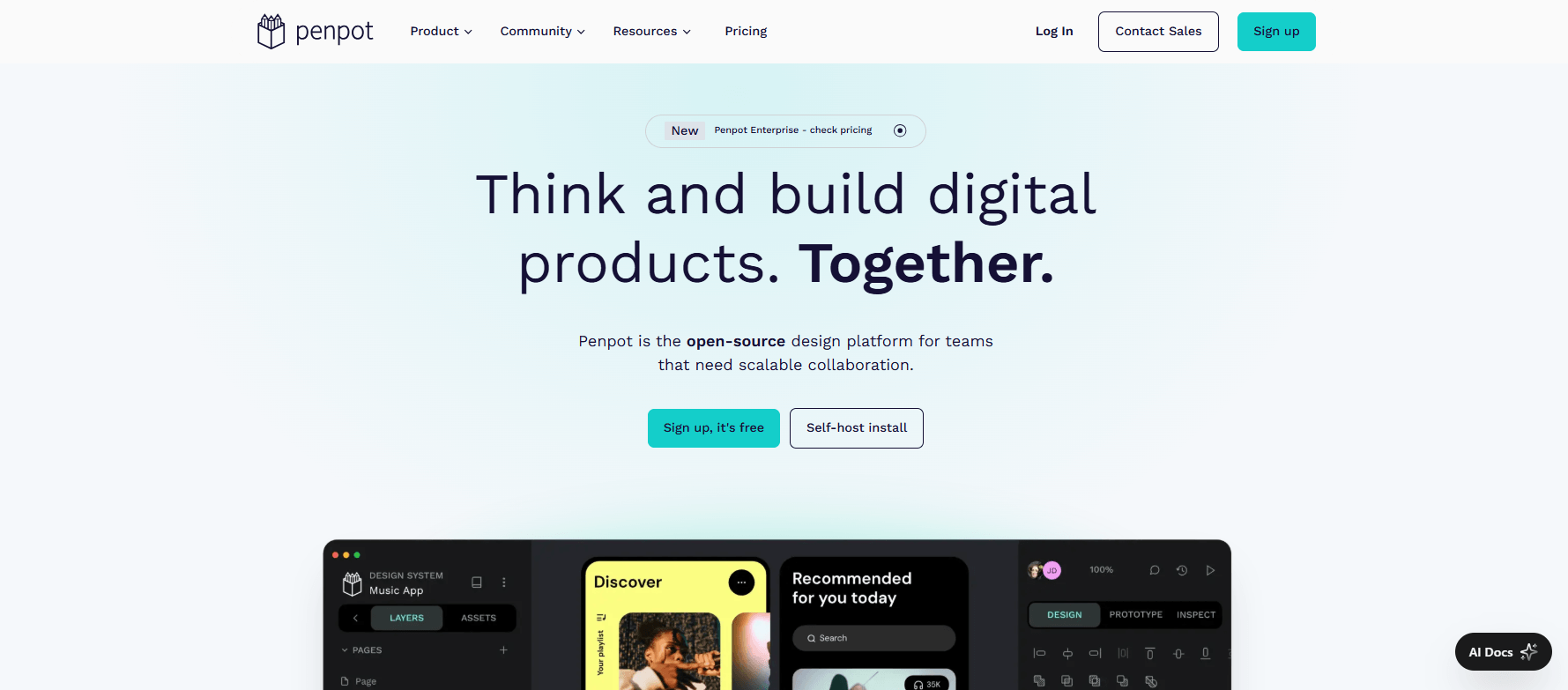
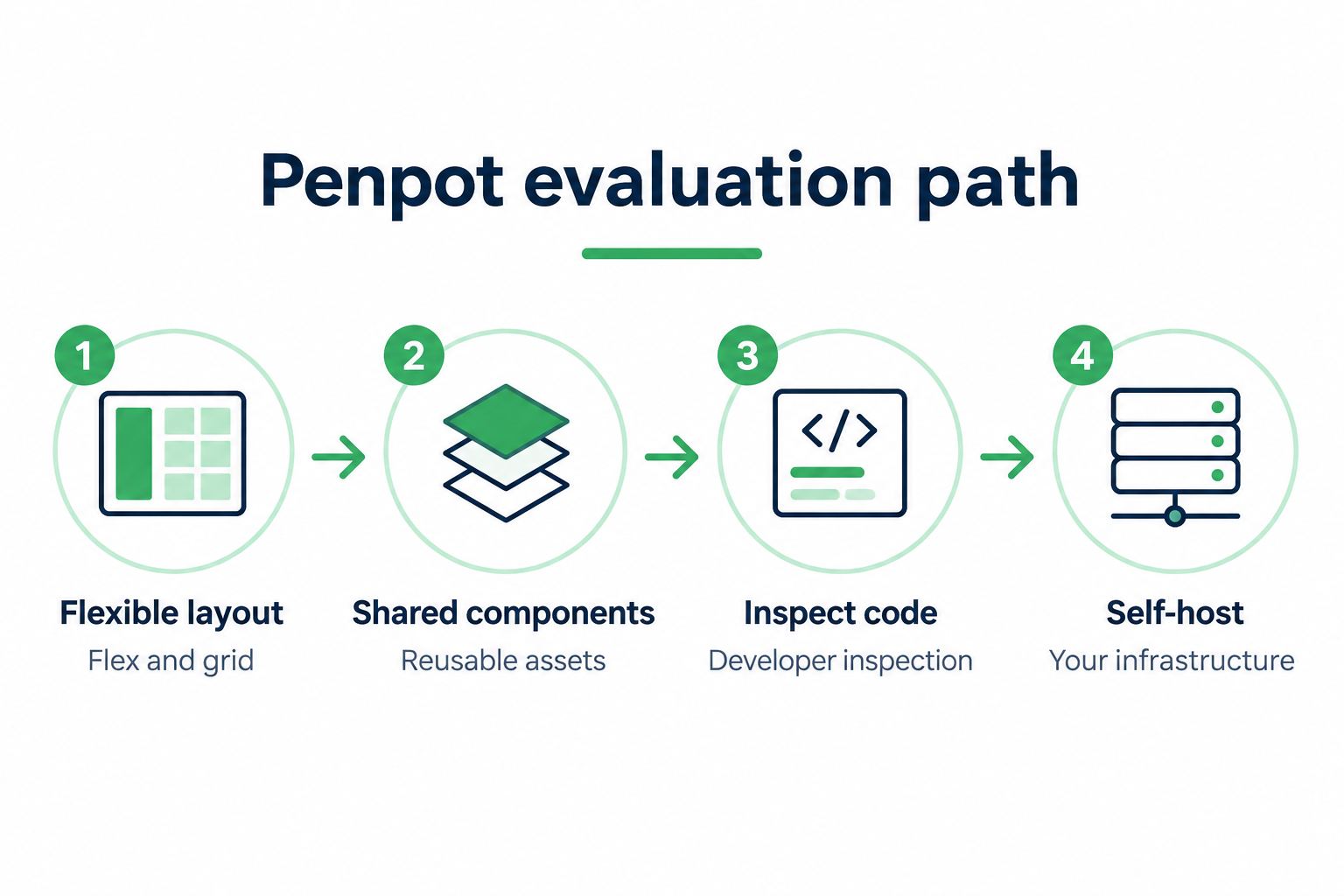
Penpot is a web-based open-source design tool. Its official documentation emphasizes Flex Layout and Grid Layout, positioning them close to web layout concepts. That can help teams discuss responsive behavior with terminology that developers already use. Penpot also provides vector editing, components, variants, libraries, styles, and native design tokens.
For the settings-screen test, build a two-column desktop frame and a stacked narrow frame. Check whether padding, gaps, wrapping, minimum widths, and nested groups remain understandable. Do not score only the final screenshot; record how many local exceptions were needed and whether another designer can safely edit the structure.
Part 4. Components and design systems
Both products support reusable design assets, but the useful question is how those assets behave in your system. In Pixso, teams can organize components, styles, variables, and shared libraries so approved patterns remain reusable across files. The Pixso design system overview describes the platform’s system-oriented workflow.
For a Pixso vs Penpot design-system test, compare the same component change and the same affected instances.
Penpot’s current documentation describes shared libraries, components, variants, design tokens, and templates. Its variant system groups related states under properties such as size, style, or state, and attempts to preserve compatible overrides when an instance switches variant.
| Check | What to test in Pixso | What to test in Penpot |
|---|---|---|
| Component states | Default, focus, error, disabled, and loading variants or properties | Variant properties, values, switching, and override preservation |
| Tokens and styles | Color, type, spacing, and variable organization used by the team | Native token sets, themes, and relationship to layouts |
| Library change | Update a source component and review affected instances | Update a library component and inspect dependent copies |
| Documentation | Usage notes, examples, comments, and source-of-truth ownership | Library conventions, annotations, and developer-readable values |
A successful component update is not one that propagates blindly. Review affected instances for broken text, obsolete overrides, and behavior that differs by context. Name who approves shared changes in either tool.
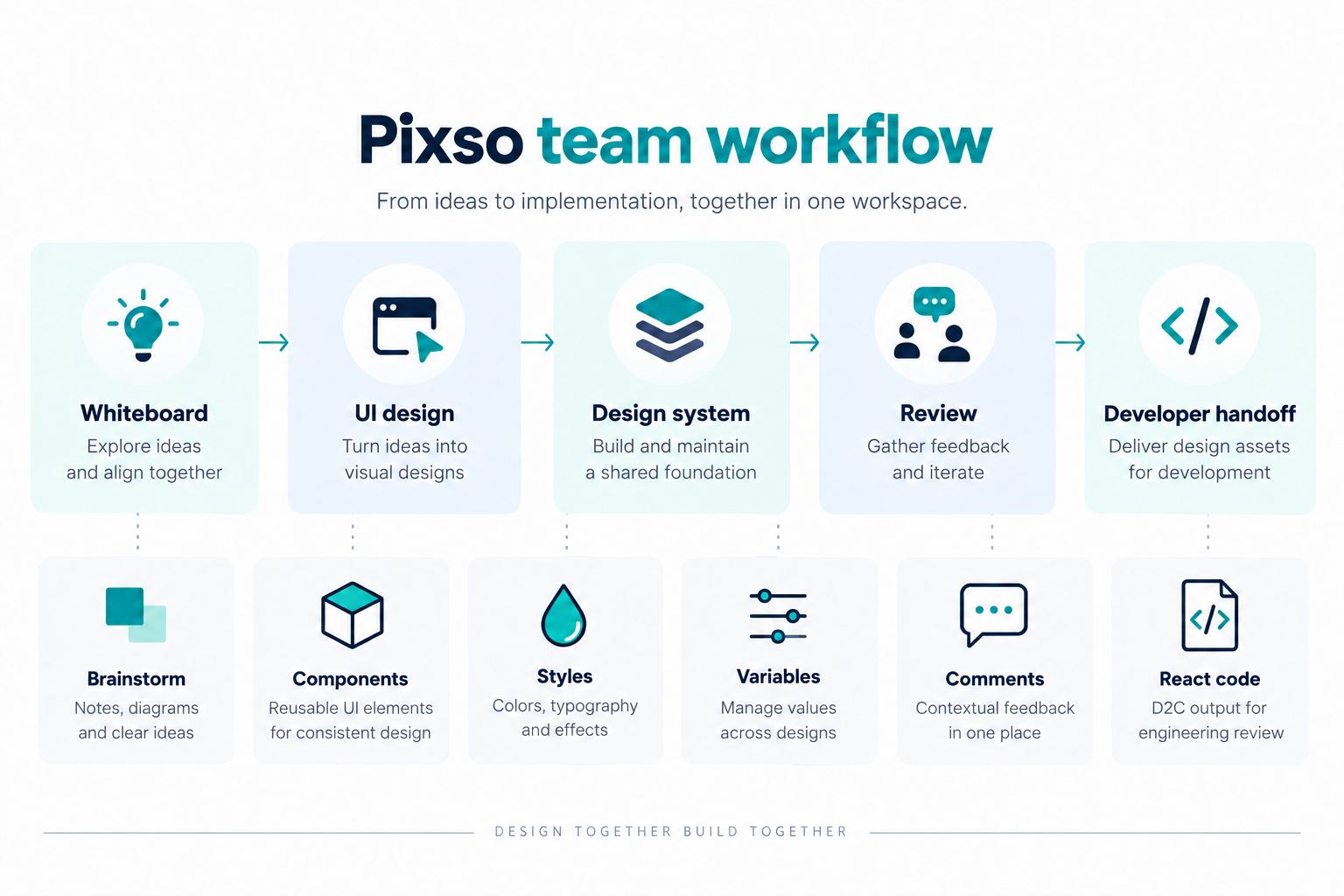
Part 5. Collaboration and review
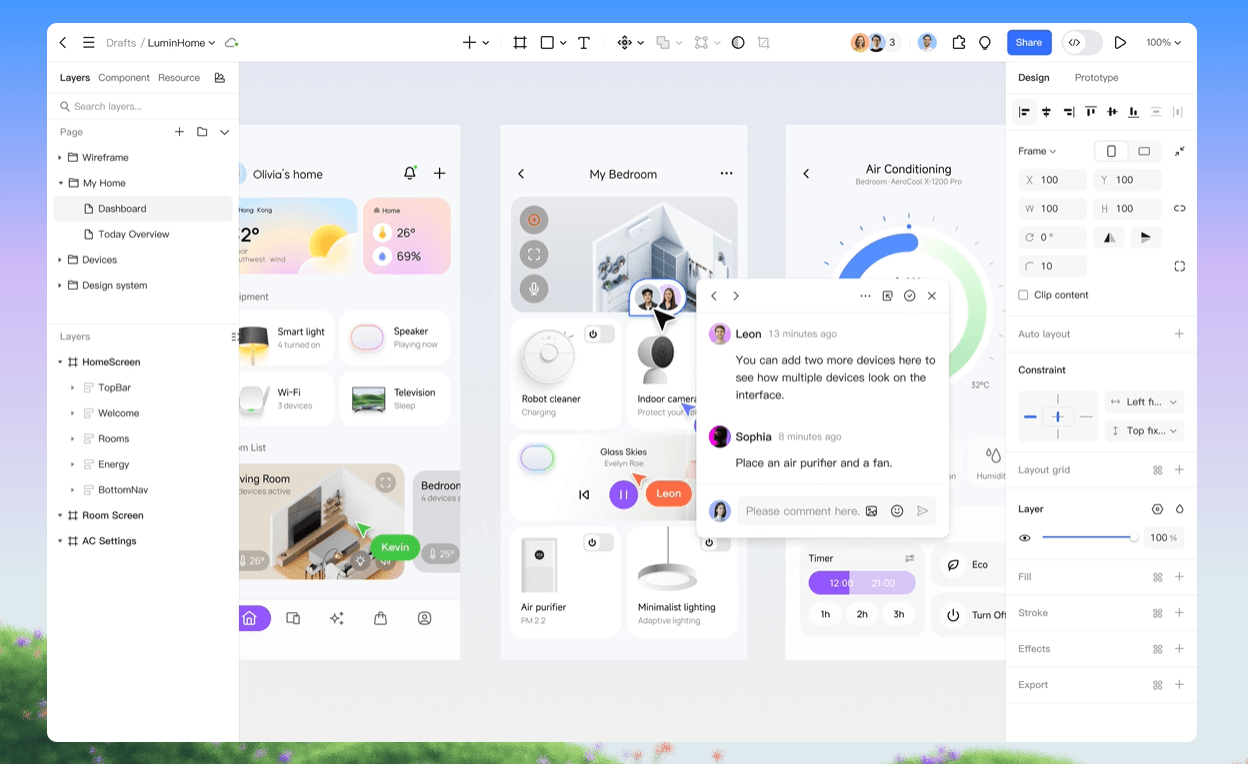
Pixso supports real-time collaborative editing, link sharing, comments, annotations, and shared review around the design file. For teams that use the prototype presentation module, presentation can also keep feedback near the preview, including an offline presentation mode for prepared weak-network or no-network situations. Confirm current entry points and preparation requirements in the product before relying on this for a meeting.
Penpot provides shared teams and projects, multiplayer editing, comments, shared presentations, roles, and permissions. Its public materials also emphasize collaboration across design and development roles. If self-hosting is involved, the team running the instance owns operational questions such as upgrades, backups, uptime, and support.
Run the same review in both tools: invite one designer, one product reviewer, and one developer; restrict each person to the intended access; place a comment on the field error state; resolve it; and confirm that the decision remains traceable to the reviewed version. Avoid using invitation count alone as a collaboration score.
Part 6. Developer inspection and code paths
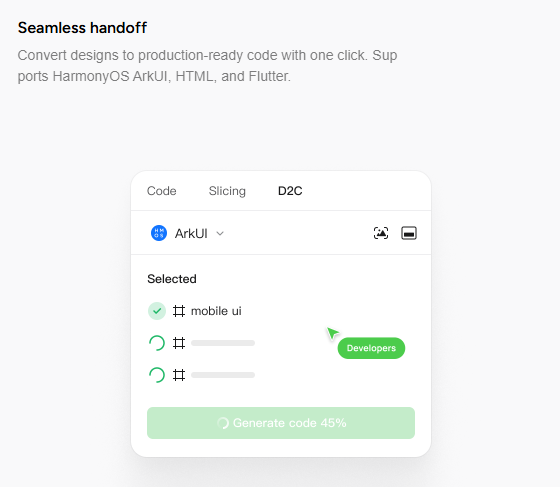
Pixso supports developer inspection and handoff. Its D2C workflow can generate React, Vue, HTML, ArkUI, or Flutter code from a design for download and engineering refinement. Generated code is a starting point: developers still need to integrate application logic, semantic HTML, accessibility, data handling, performance, tests, and the project’s component architecture. See the Pixso design-to-code guide for the current product path.
Penpot emphasizes inspectable properties and code standards. Its inspect capabilities expose measurements and properties, and its documentation describes HTML, CSS, and SVG-related code views. Penpot’s product positioning favors design structures that map to CSS flex and grid concepts. It does not mean a production application can be copied from a screen without engineering work.
For the settings screen, ask a developer to identify spacing, typography, token values, responsive rules, field states, and assets. Then implement one component in the target framework. Record every missing or misleading detail. This gives a better developer-path comparison than counting export buttons.
A Pixso vs Penpot developer review is complete only when the engineer can explain what still requires manual implementation.
Part 7. Cloud, self-hosting, and organizational control
Pixso offers a hosted collaborative platform and promotes private deployment for organizations that require a controlled environment. Deployment scope, support, integrations, authentication, storage, and maintenance responsibilities are commercial and technical details that must be confirmed for the intended arrangement.
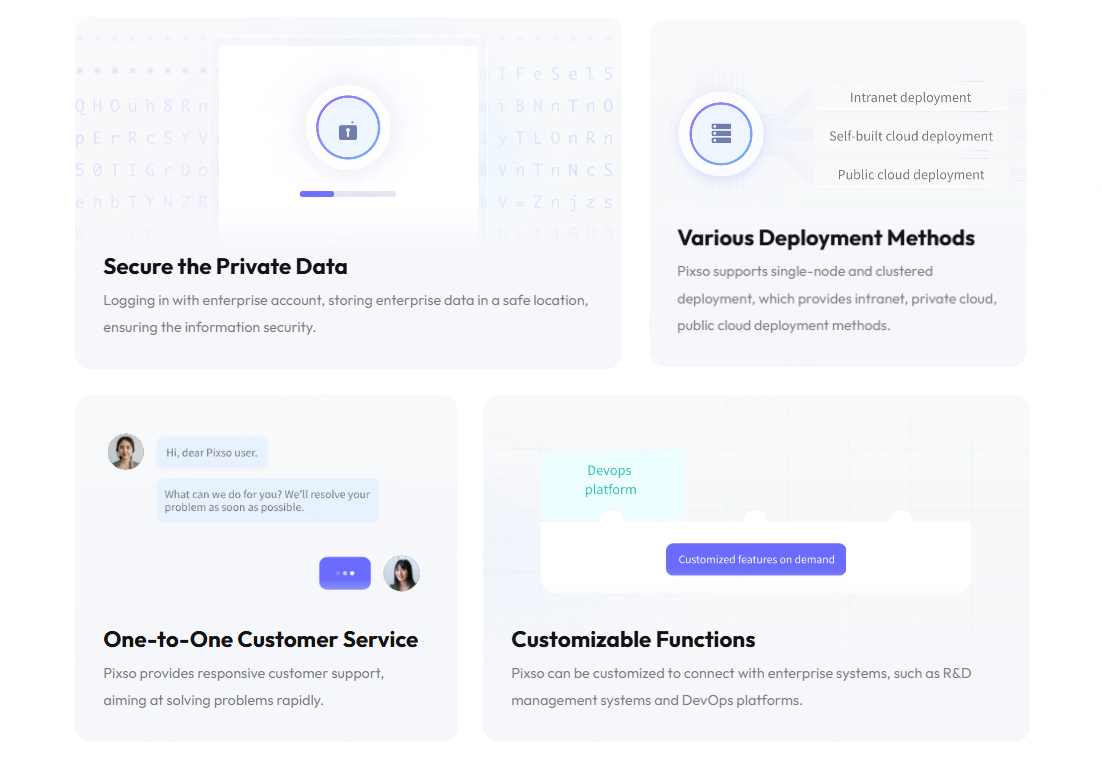
Penpot can be used as a hosted cloud service or installed on infrastructure the organization manages. The official self-host documentation describes Docker-based deployment, while enterprise material adds governance features and supported deployment options. Open source and self-hosting provide control, but they also create operational work: patching, monitoring, capacity, backup, identity integration, and incident response need owners.
If deployment is a decisive factor, involve security, legal, procurement, and operations before the design-team trial. Do not treat “self-hosted,” “private,” or “air-gapped” as proof of compliance by itself.
Part 8. Migration and file portability
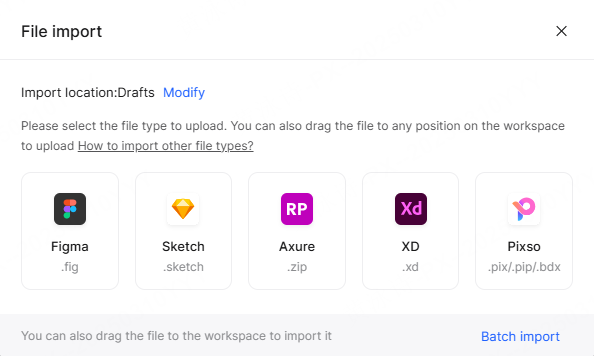
Pixso supports importing Figma, Sketch, and Axure files and importing Figma and Sketch component libraries. Import results depend on the file’s structure and features. Test text metrics, fonts, nested components, variables, vector effects, and interactions with a copy of a real project.
Penpot uses an open native file format whose current documentation describes a ZIP archive with JSON metadata and media. Open data can support inspection and tooling, but portability still depends on which features another destination understands. A readable file is not automatically a lossless migration path.
For either tool, keep the source file unchanged. Import or export a copy, compare representative pages, count manual corrections, and decide which artifacts must be rebuilt. Include rights for fonts, images, plugins, and community assets in the migration record.
Part 9. AI-assisted design
Pixso AI is integrated into the Pixso editor and supports tasks that include generating or editing editable design content, asset search, text-to-image, image editing, smart layout, smart rename, design-system generation, design checklists, and text assistance. Availability can depend on the seat, workspace permission, and credits. AI output requires review for product facts, permissions, accessibility, brand rules, privacy, and copyright.
Penpot’s public product pages describe AI workflows, an MCP server, APIs, webhooks, and plugins as extension paths. Teams evaluating those workflows should identify which capability is in the official product, which runs through an external model or agent, where data is sent, and who maintains the integration.
If AI matters to the decision, run one identical low-risk brief. Measure whether the output is editable, how quickly it can be aligned with the design system, what data leaves the approved environment, and how errors are reviewed. Do not compare a marketing demo in one product with a production workflow in the other.
Part 10. Which tool fits which constraint?
| Primary constraint | Likely starting point | Validation required |
|---|---|---|
| Integrated whiteboard-to-design collaboration and D2C options | Pixso | Exact workspace, review, framework output, and code-refinement path |
| Open-source stack and organization-managed installation | Penpot | Operations, governance, support, backup, and upgrade ownership |
| Migration from Figma, Sketch, or Axure | Pixso trial | Real-file fidelity and manual repair effort |
| CSS-oriented flex/grid design discussion | Penpot trial | Fit with the team’s actual front-end architecture |
| AI tools integrated into the design editor | Pixso trial | Availability, credits, data handling, editability, and human review |
Part 11. Run a five-step pilot
- Choose one representative file with responsive layout, component states, real content, and an exportable asset.
- Rebuild or import it in both tools without changing the acceptance criteria.
- Invite the same three roles and complete one comment-to-approval cycle.
- Ask a developer to implement one component from the available inspection or code path.
- Record migration repair, editing time, missing information, deployment work, and recurring plan or support requirements.
Conclusion
Pixso vs Penpot is a workflow decision, not a brand contest. Pixso is a strong fit for teams seeking an integrated collaborative product-design and delivery environment; Penpot is compelling when open design data and self-managed infrastructure shape the choice. Pilot both against the same screen, roles, and acceptance criteria, then choose the operational model your organization can support.