On this page
Elodia
A useful AI drawing comparison starts with the same task, not an unqualified “best” label. The seven tools below illustrate different ways to generate and refine images. Some offer limited free access; others require credits, local computing or subscriptions. Check the current account terms before a run.
1. Set up a repeatable prompt in Pixso AI
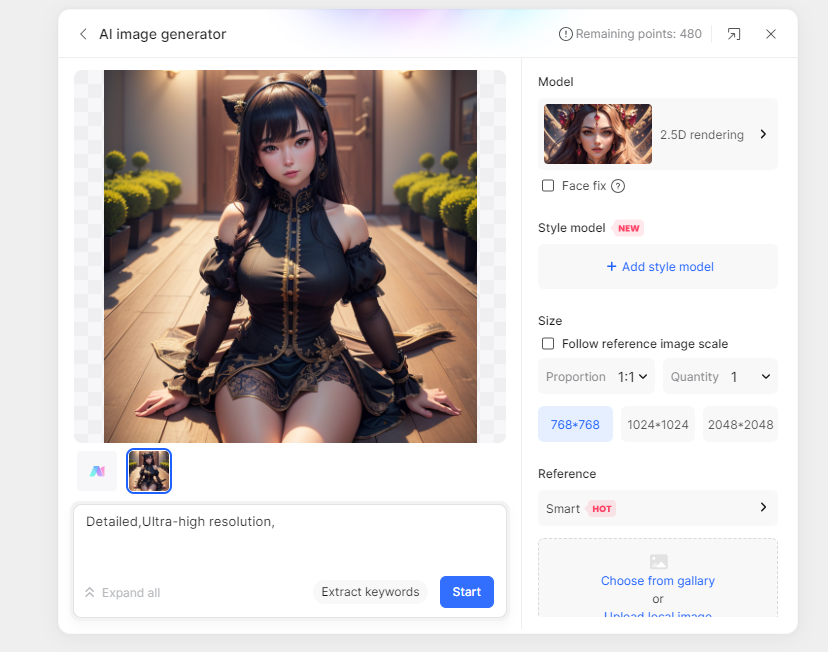

Pixso AI can support visual exploration alongside UI design. Start in a file where you have the appropriate permissions and check Pixso plans and AI credit guidance. Choose a subject and a target layout, then keep the same brief when trying another tool.
Example brief: A simple illustration of a desk lamp on a plain background, with clear space on the left for a heading. Request no words or logos. This is a suggested test prompt, not an example of a measured result.
Record the model or mode shown, dimensions, number of attempts and any credits consumed. Compare silhouette, empty space, consistency and unwanted details at the final display size.
2. NightCafe: record the model and allowance
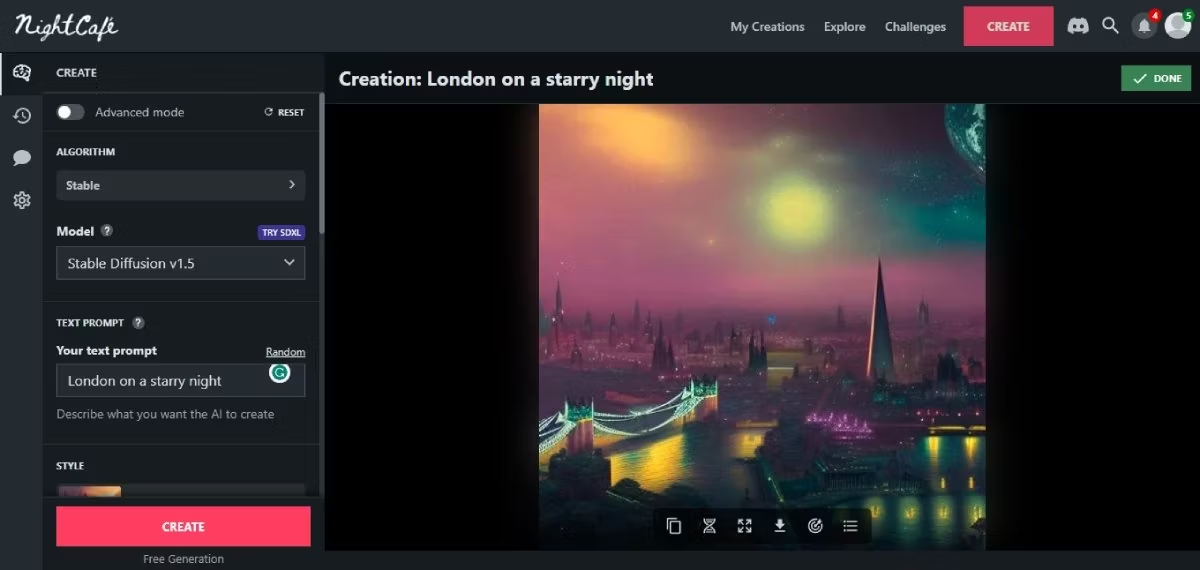
In NightCafe, record which creation mode and model you selected. Two outputs are not comparable merely because they used the same service name. Confirm the free or paid allowance currently attached to the operation.
Keep the prompt and output requirement unchanged for the first comparison. If a result needs substantial editing, record that effort as part of the decision instead of counting generation alone.
3. StarryAI: compare the controls you actually use
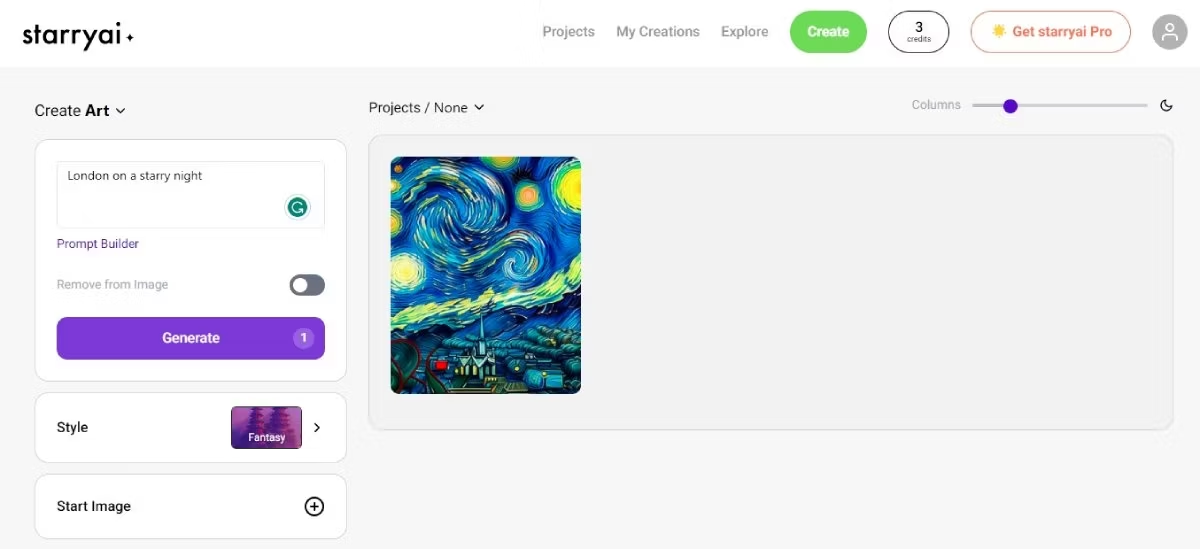
Check StarryAI for current creation modes, credits and output terms. Do not rely on a historical number of free images or assume all features are free.
Try the same brief, then change one control at a time. Keep notes on the intended composition and how much manual selection or correction is needed.
4. Craiyon: distinguish free access from unlimited use
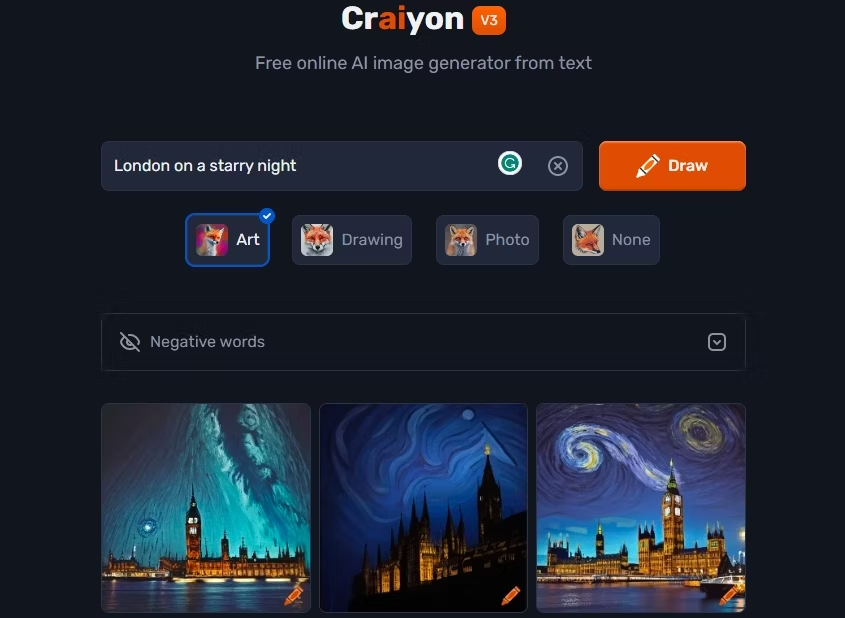
Craiyon grew from DALL·E mini, initially developed by Boris Dayma and collaborators; it is not OpenAI’s DALL·E or an official open-source edition of that product. See the original project and Craiyon’s current FAQ.
Craiyon offers free and paid tiers. Its FAQ describes the limits on free image numbers and functionality. Check watermark, resolution, waiting time and attribution conditions for the intended use.
5. Pixray: include setup and computing costs
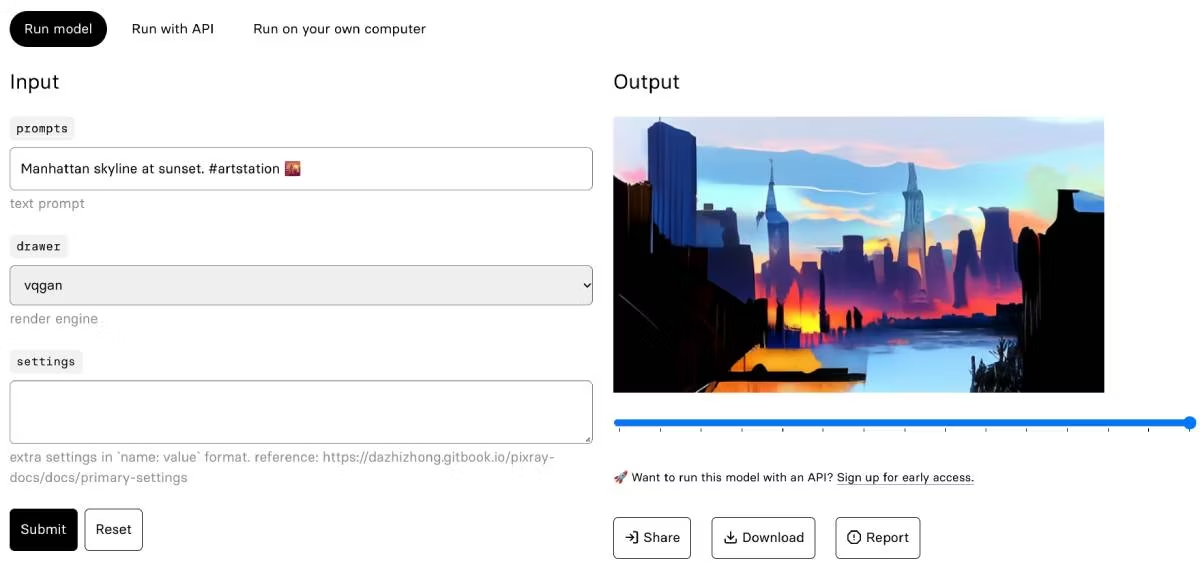
Pixray is an open-source image-generation project. A software license being free does not make every hosted service, API call or computing resource free. Check the chosen runtime and its requirements before using it.
Record installation or hosting effort separately from image quality. This route is more useful when configuration and reproducibility matter than when the only goal is a quick browser draft.
6. DeepAI: check the selected operation
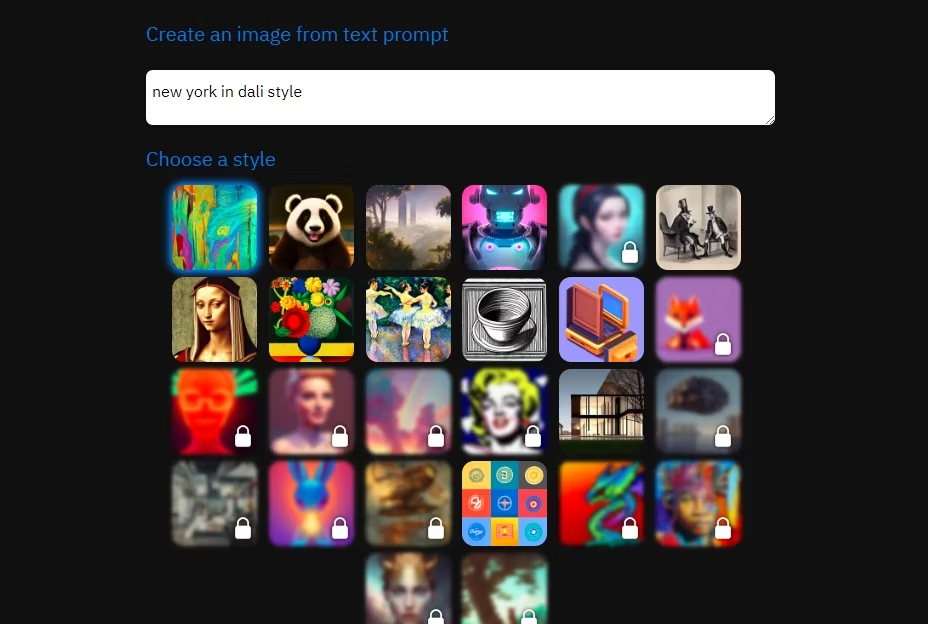
Use DeepAI to inspect the current image-generation and editing options. Confirm which model or operation you used, its allowance and the format of the exported result; do not assume every generated image is editable vector artwork.
For an icon-like result, zoom in and inspect edges. A vector-looking image can still be a raster image; verify the downloaded format before promising a scalable asset.
7. Canva: include the layout and export step
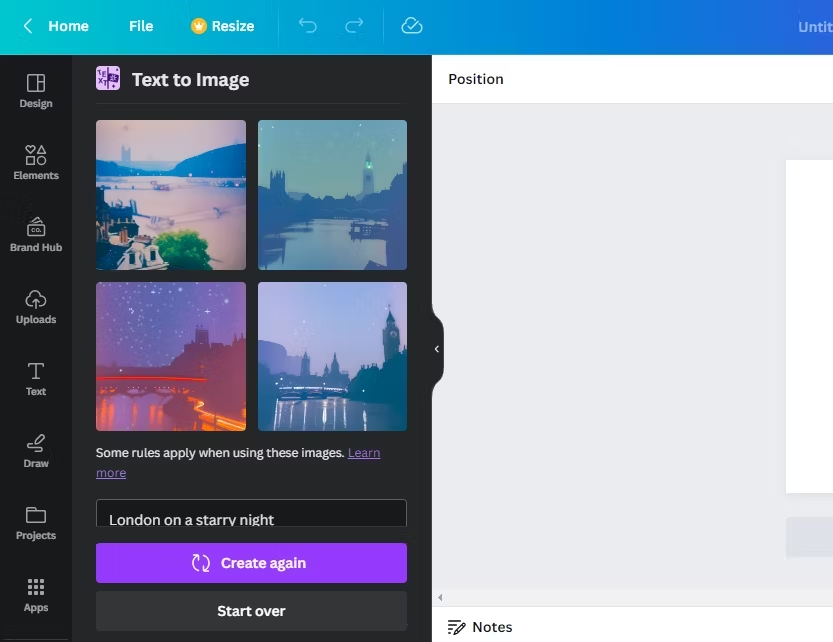
In Canva, compare the generated visual in the layout where it will be used. Check the current AI allowance and the license or plan conditions affecting templates, elements and downloads.
Place the image beside the actual heading, crop it for the intended screen and check contrast. An attractive image that cannot fit the composition is not a useful final choice.
Complete the comparison worksheet
- Tool, model or mode, account plan and date.
- Prompt, reference image if used, dimensions and intended placement.
- Number of attempts and recorded credits or cost.
- Composition, subject accuracy, visible artifacts and correction effort.
- Download format, watermark, privacy and usage conditions.
Pick the tool that fits the recorded task and constraints. For budgeting, use the website access and cost guide; for editing an existing image, use the reference-image workflow.