On this page

Scott
Start with an image you can use and one change you want to make, such as replacing the background or exploring a new style. Save the original and decide which details must stay unchanged before choosing an editing tool.
1. Pixso AI: define the reference and desired change
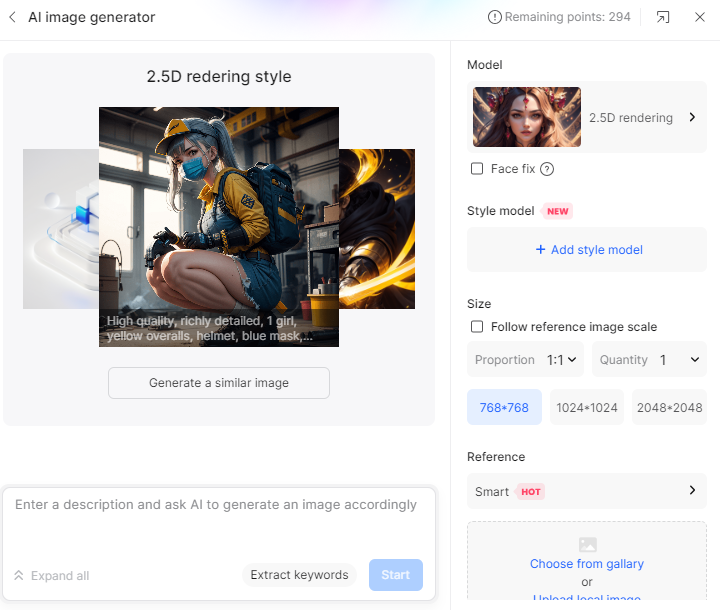

Pixso combines collaborative design with AI-assisted image workflows. Confirm which reference-image operations are available in the current editor and account. AI access uses plan- and seat-related credits. Review Pixso plans and AI credit guidance before starting.
- Duplicate the source and identify what must remain: subject, orientation, brand colors or empty space for text.
- Write a focused instruction, such as changing the background while retaining the product silhouette.
- Compare the result with the original at full size and at the size used in your design.
- Save the selected output and the prompt/settings that produced it; keep rejected results out of the final asset library.
2. Fotor: separate editing from new image generation
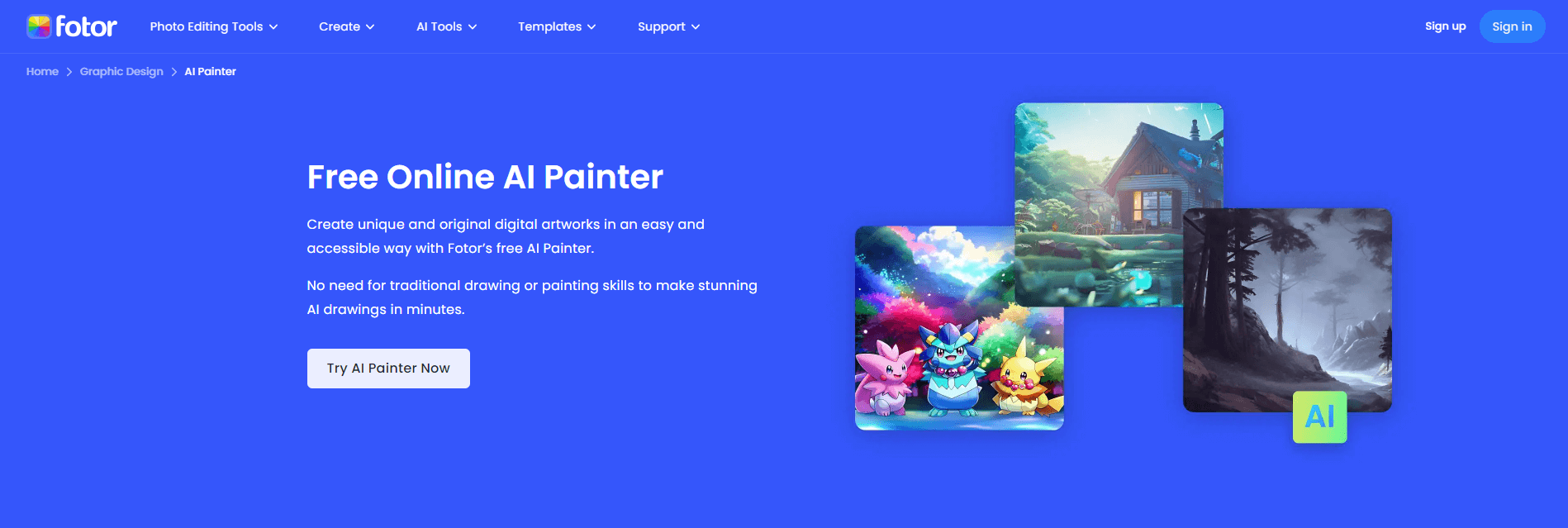
Fotor is the correct product name. Select an editing or image-generation workflow according to your task. If you only need a crop, background change or tonal adjustment, start with that operation rather than regenerate the entire image.
For any AI operation, inspect edges, hands, lettering, shadows and product details. Confirm the current download resolution, watermark and usage allowance before choosing it for a deliverable.
3. DeepArt.io: a historical style-transfer example
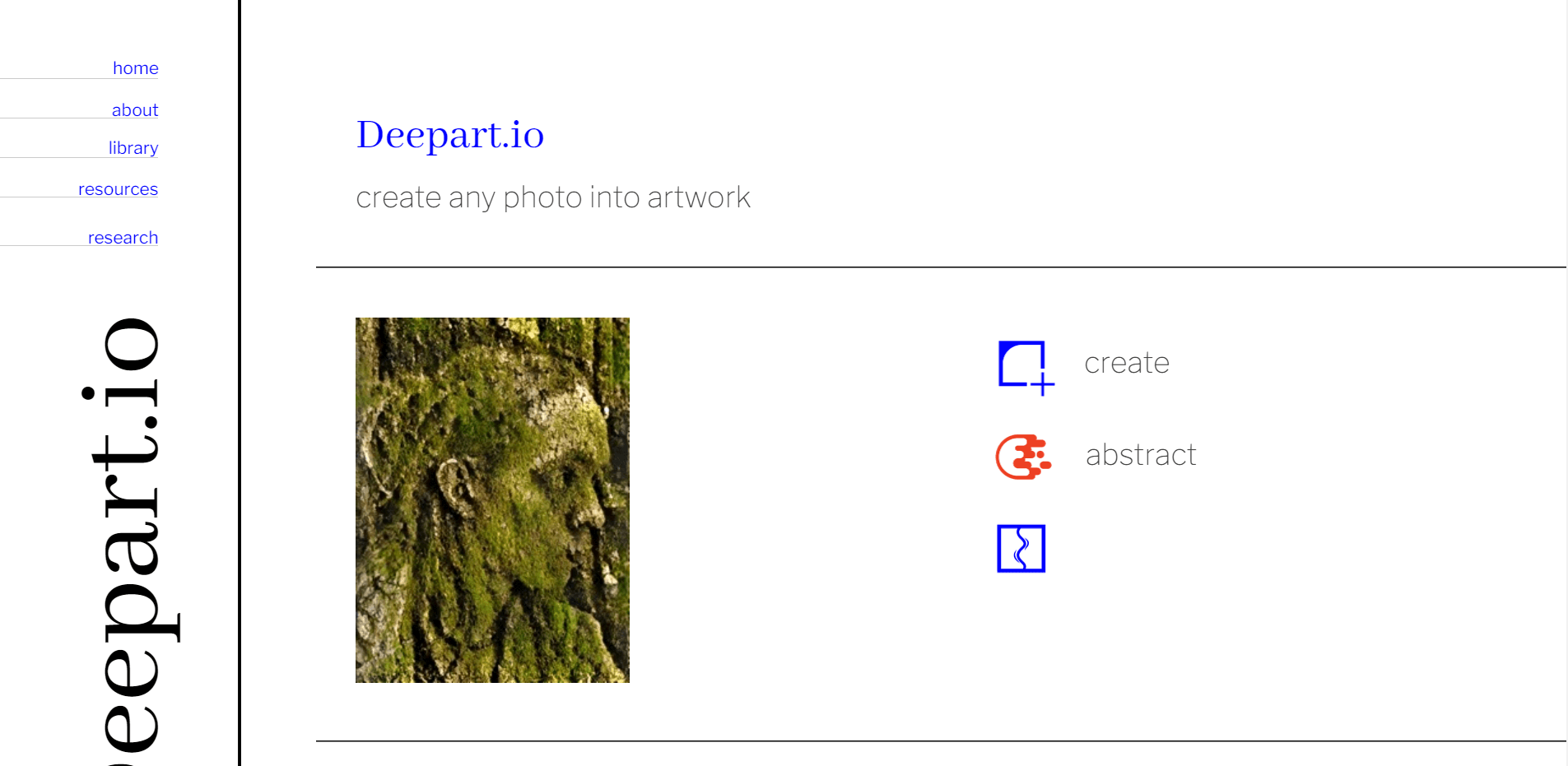
The original article included DeepArt.io as a style-transfer example. Its screenshot is retained as historical context, not a current availability or free-access recommendation. The useful principle is to compare the transformed image with the source: a style effect may alter details needed to identify a product or scene. Use a currently accessible service whose terms and output you can check.
4. Runway: decide whether you need still-image or video editing
Visit Runway to check the current editing tools and supported inputs. Define whether the deliverable is a still image or motion sequence before choosing a model or paying for processing.
A still image should pass detail and composition review. For motion, also check consistency across frames, unwanted movement and the intended duration. Account allowances and output options vary; confirm them in the active service.
5. Artbreeder: compare controlled variations
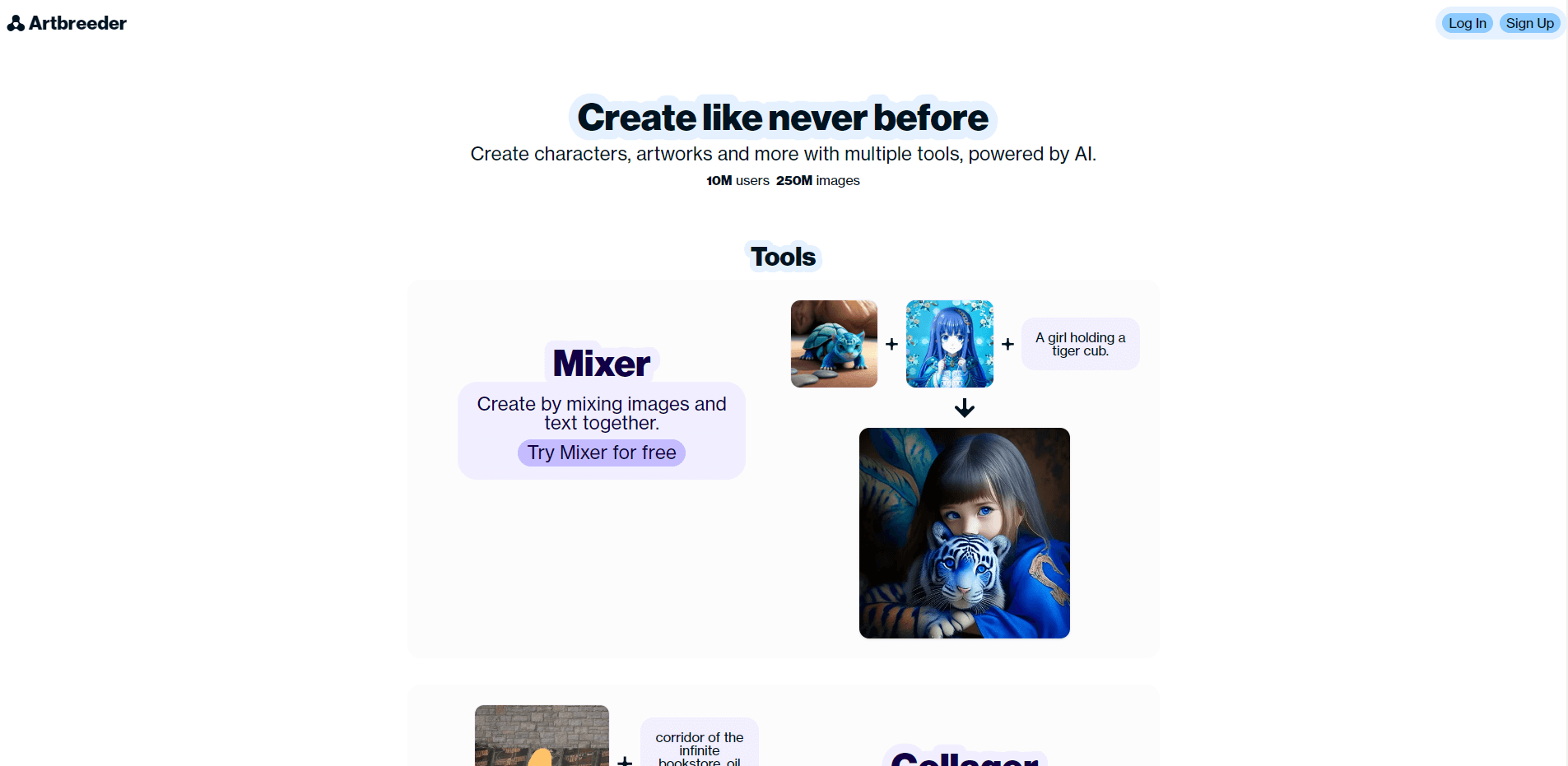
Artbreeder is a reference for exploring variations of image concepts. Keep one aspect fixed at a time when comparing candidates, and track which inputs and controls produced the selected direction.
Review whether an output still matches the brief rather than choosing only the most unusual variation. Check the applicable sharing and reuse conditions before using a generated asset in a client project.
6. Deep Dream Generator: assess the cost of a style change
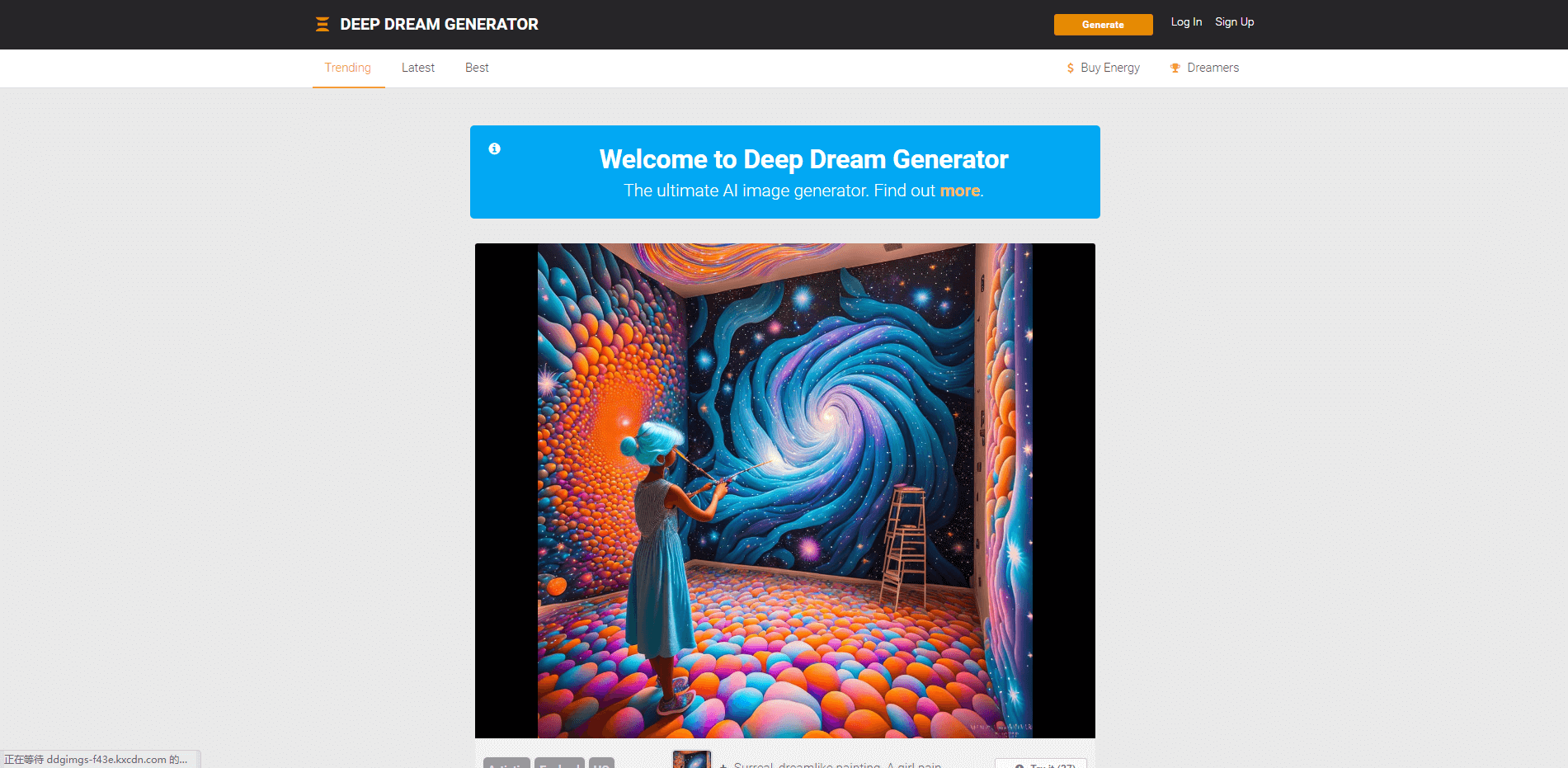
For an image transformation in Deep Dream Generator, compare recognizable subject details, color shifts and texture at the final display size. A stronger style effect can obscure information; keep an unmodified fallback.
Confirm current access, processing allowance and export settings. Do not assume that a high-resolution preview means that the required download or commercial use is included.
7. Artisto: retain the example, verify a current editing route
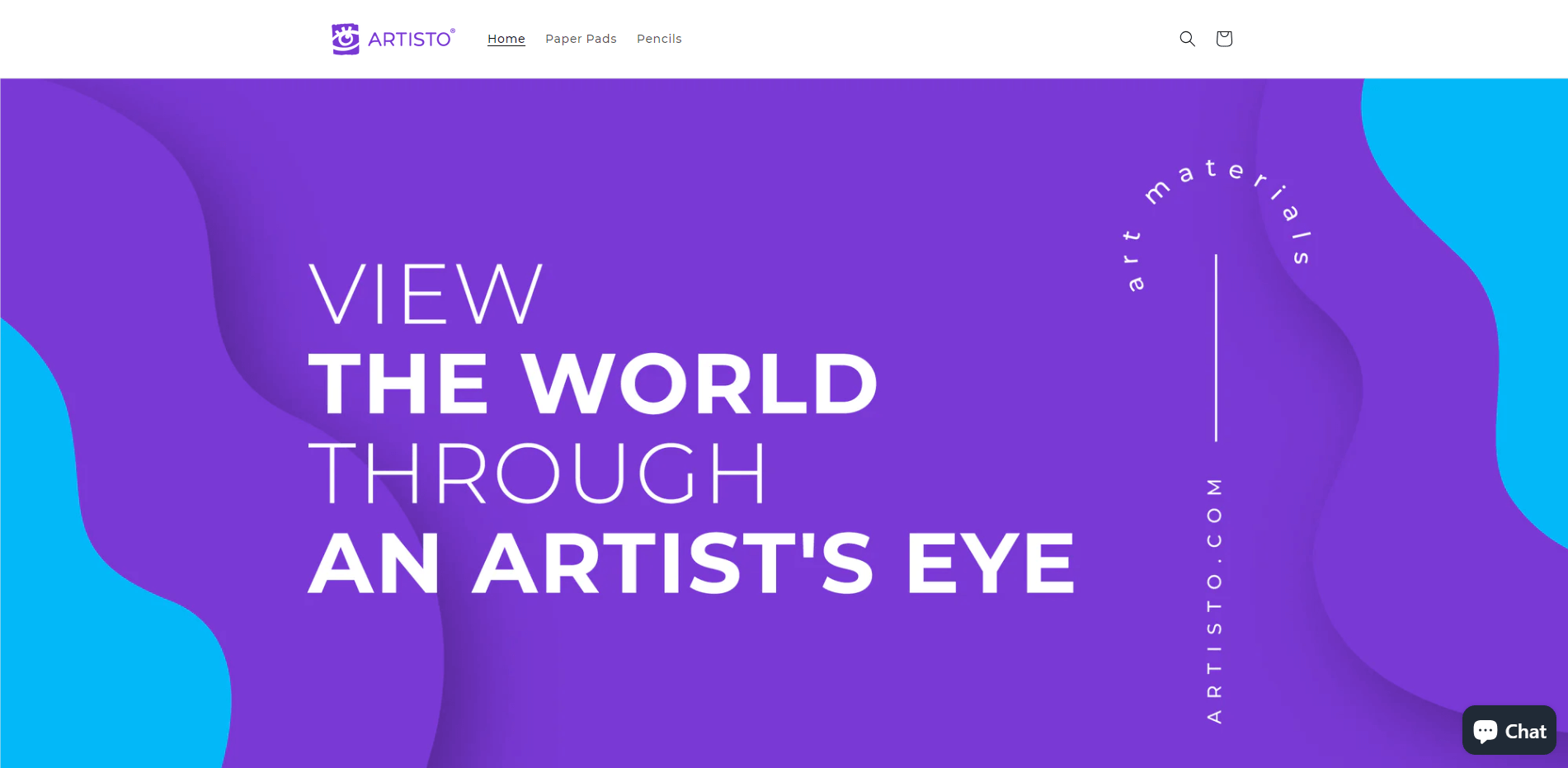
Artisto appeared in the original collection as an artistic-filter example. This historical screenshot is not evidence of current app availability or an unlimited free plan. For a live project, choose an accessible tool and complete the source/output checks above rather than depend on an old recommendation.
Review the result before it enters a design file
- Input: authorized source, suitable resolution and no unnecessary sensitive information.
- Output: correct subject, edges, text, proportions and usable space for the layout.
- Delivery: required format, resolution, transparency and documented usage conditions.
- Record: original, selected output, prompt and relevant settings kept together.
Need to compare access and costs first? Read the image-generation website selection guide. Need to create from a prompt instead of a source image? Use the prompt comparison worksheet.