Scott
As digital environments evolve at a rapid pace, user experience and interface design are undergoing a fundamental transformation. Design in 2026 has moved far beyond creating visually pleasing screens. Modern interfaces must deeply understand and respond to user emotions, behaviors, and contextual needs. The latest UI/UX design trends for 2026 span four major web design shifts and three core product design movements. Together, these seven trends define the digital landscape for designers today.
7 Key UX/UI Design Trends in 2026
Digital experiences are becoming more fluid, adaptive, and tactile. Interface design no longer relies solely on static visual rules; it now responds dynamically to human behavior and technological advancements. Below is a detailed breakdown of the four web design trends and three product design trends defining ui/ux design trends in 2026.
4 Web Design Trends in 2026
Trend 1. Liquid Glass Design
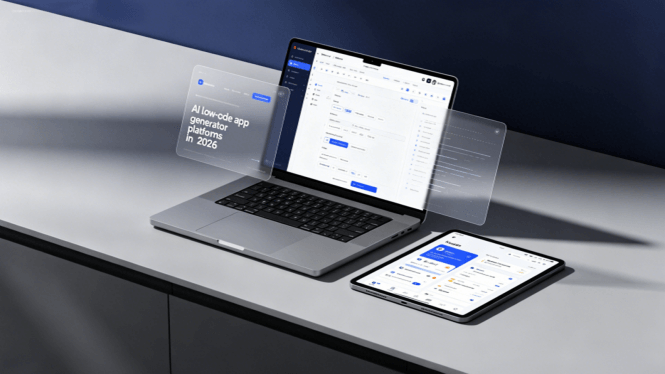
What is it? Leading the web design trends for 2026, Liquid Glass Design elevates traditional glassmorphism to a new level. By using translucent, refractive, and reflective UI elements, this style imparts physical depth and fluid tactile qualities to digital interfaces. Background imagery and colors softly distort, refract, and flow through UI components like liquid. Gaining widespread adoption across major operating systems, this aesthetic stands out as a hallmark of design trends for 2026.
Specific Implementations:
- Card Components: Floating cards featuring background blur and subtle light refraction effects.
- Navigation Bars: Semi-transparent glass textures applied to top or bottom tab bars.
- Modals and Popups: Overlay UIs where background content softly shines through distorted glass.
- Buttons: Micro-highlights and adaptive shadows that shift according to lighting angles.
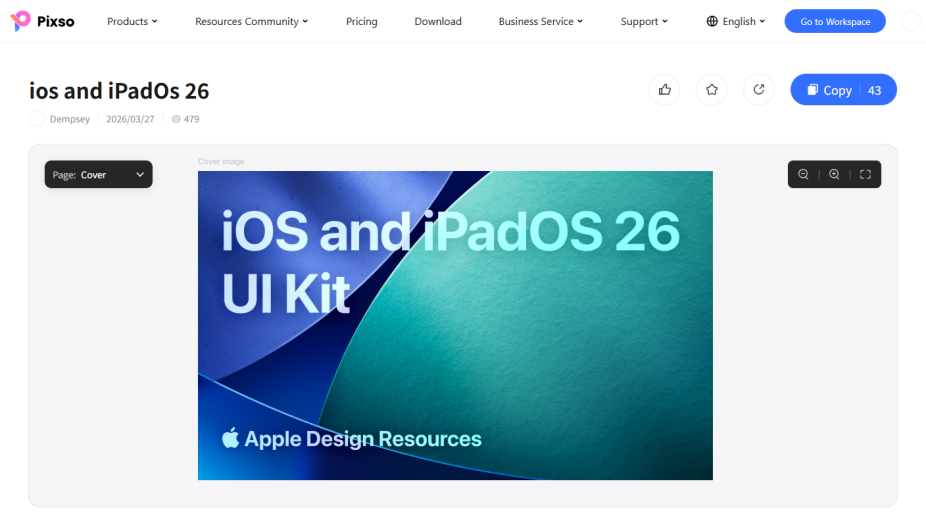
🔗More details about this resource
Trend 2. Bento Box Layouts
What is it? Inspired by the neat, compartmentalized structure of Japanese bento boxes, this layout arranges modular cards of varying sizes on a logical grid. After gaining momentum over recent years, Bento box layouts have established themselves as a standard structure for SaaS dashboards, landing pages, and portfolio sites in 2026. Their primary strength lies in intuitive visual hierarchy, enabling users to absorb complex information effortlessly at a glance.
Specific Implementations:
- Hero Bento Box: Prominent central message blocks surrounded by supporting secondary information blocks.
- Feature Bento Box: Modular product feature showcases pairing concise visual summaries with iconography.
- Dashboard Bento: Compartmentalized KPIs, live charts, and notifications organized for instant clarity.
- Portfolio Bento: Dynamic grids combining project thumbnails, live previews, and text blocks in a rhythmic flow.
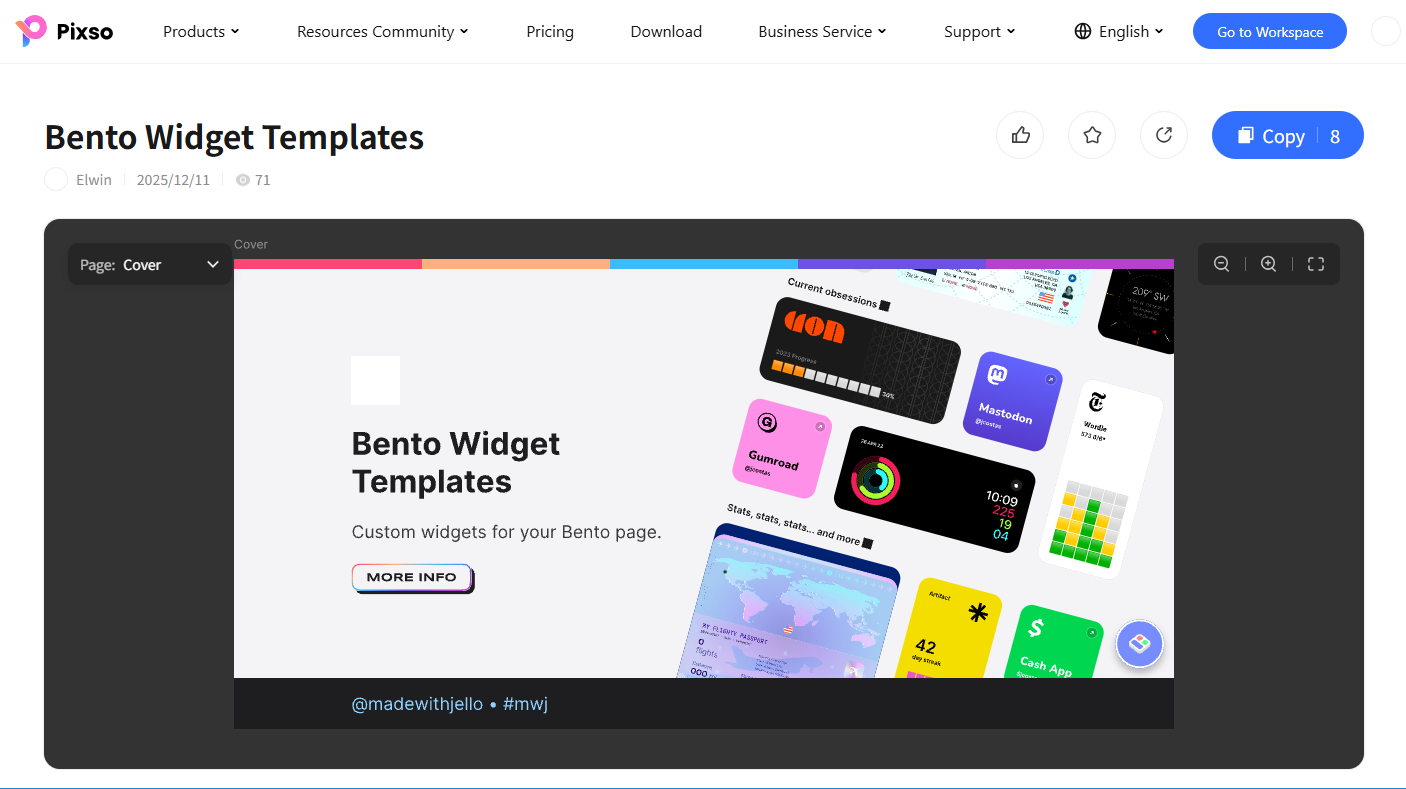
🔗More details about this resource
Trend 3. AI Ambient Personalization
What is it? Rather than relying on manual user configuration, AI ambient personalization analyzes real-time contextual data such as time of day, location, interaction speed, and usage habits to adjust interfaces dynamically. For instance, color palettes automatically soften at night, or high-priority feature cards surface based on user habits. As one of the most technologically advanced UI/UX design trends for 2026, it offers seamless, personalized experiences without feeling intrusive.
Specific Implementations:
- Dynamic Color Themes: Palette transitions triggered smoothly by time, season, or weather conditions.
- Context-Aware Navigation: Automatic menu reordering based on usage frequency and urgency.
- Emotion-Responsive Interfaces: Adaptive feedback strength adjusted according to user interaction pacing.
- Predictive Content Surfaces: Pre-populating relevant content cards based on anticipated user flows.
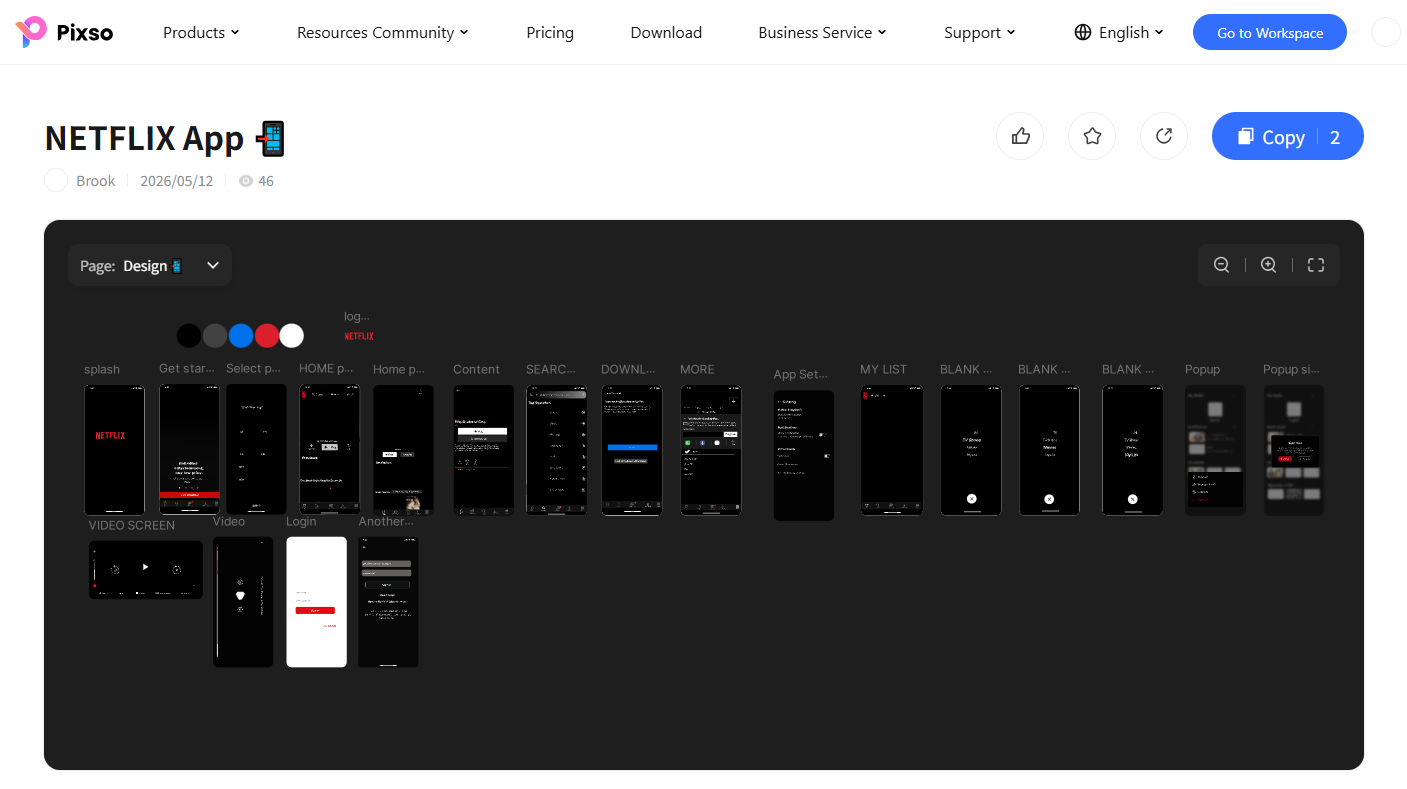
🔗More details about this resource
Trend 4. Immersive Parallax & Interactive Scroll
What is it? Parallax scrolling has evolved beyond a simple visual effect into a powerful storytelling medium in 2026. As users scroll, background and foreground layers move at varying speeds to build spatial depth. Interactive scroll triggers product assemblies, character animations, or step-by-step data reveals. It serves as one of the latest design trends for high-impact brand campaigns and landing pages.
Specific Implementations:
- Layered Parallax: Multi-depth velocity gaps separating background, midground, and foreground elements.
- Scroll-Triggered Animations: On-scroll transformations where objects assemble or morph as you move.
- Horizontal Scroll Journeys: Horizontal content progression offering unique narrative pathways.
- Pinned Section Scroll: Fixed focus screens where background narrative elements shift dynamically while key messaging stays pinned.
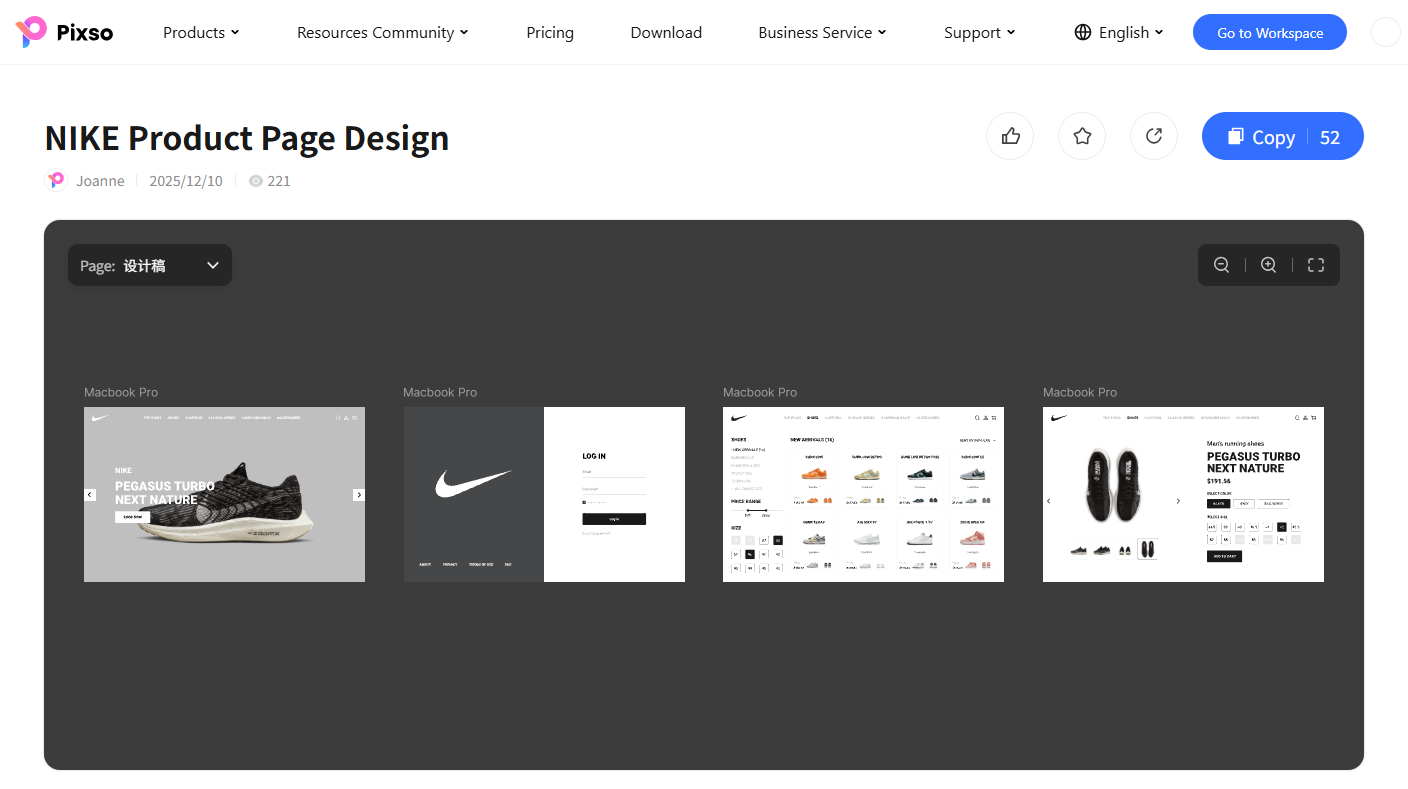
🔗More details about this resource
3 Product Design Trends in 2026
Trend 5. 3D Tactile & Material Design
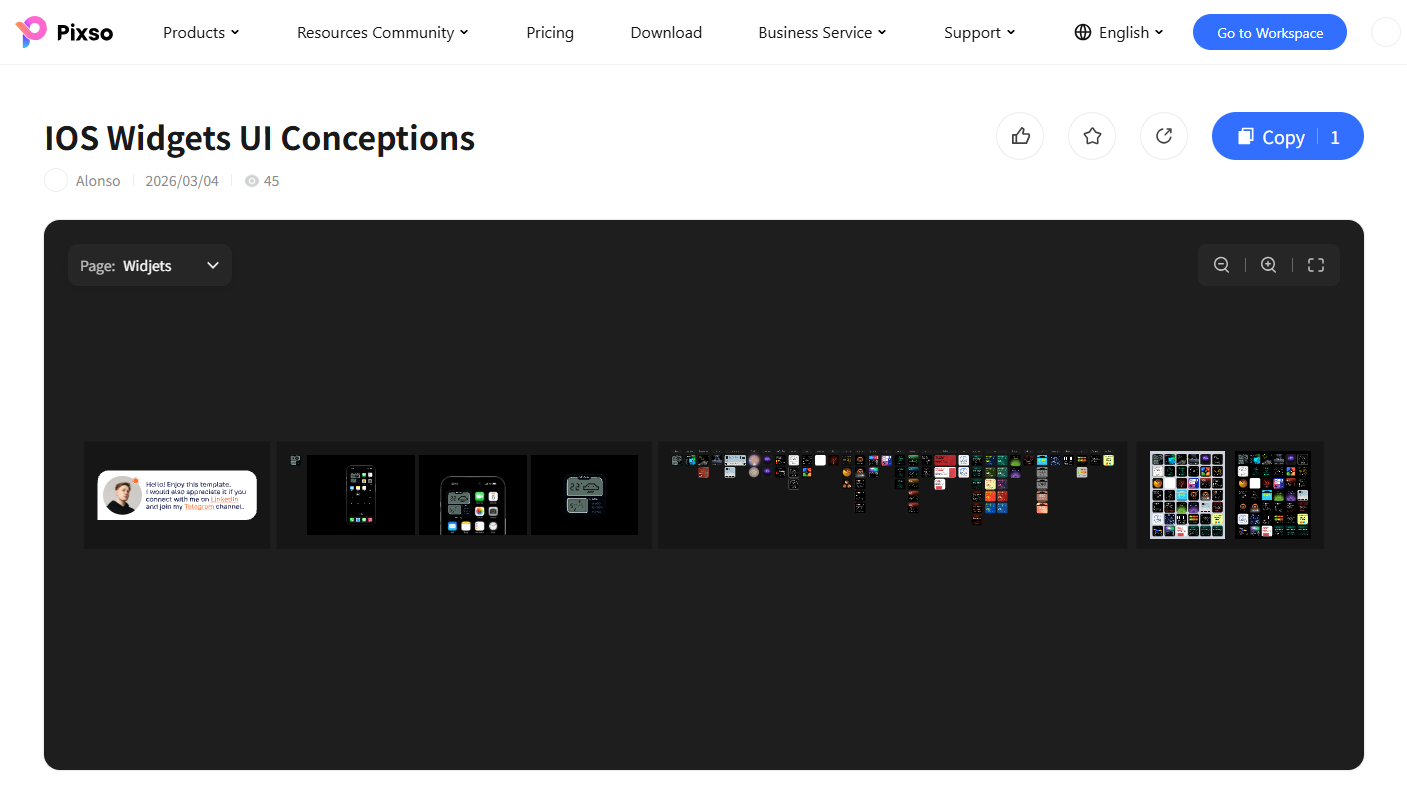
What is it? Accelerated by generative AI tools and accessible 3D rendering engines, 3D tactile design brings physical material textures like clay, metal, fabric, and rubber into digital interfaces. Moving away from flat aesthetics, this trend stimulates tactile imagination across mobile apps, web platforms, and digital products. It represents the emotional branding core among ui/ux design trends this year.
Specific Implementations:
- Claymorphism: Soft, malleable 3D clay textures applied to buttons, cards, and avatars.
- Metallic UI: High-end components featuring metallic sheens and edge reflections.
- Soft Sculpture Visuals: Curved, fabric-like background elements and illustrations.
- Hyper-Real Icons: Meticulously rendered 3D app icons resembling physical objects.
🔗More details about this resource
Trend 6. AI-Native Interfaces
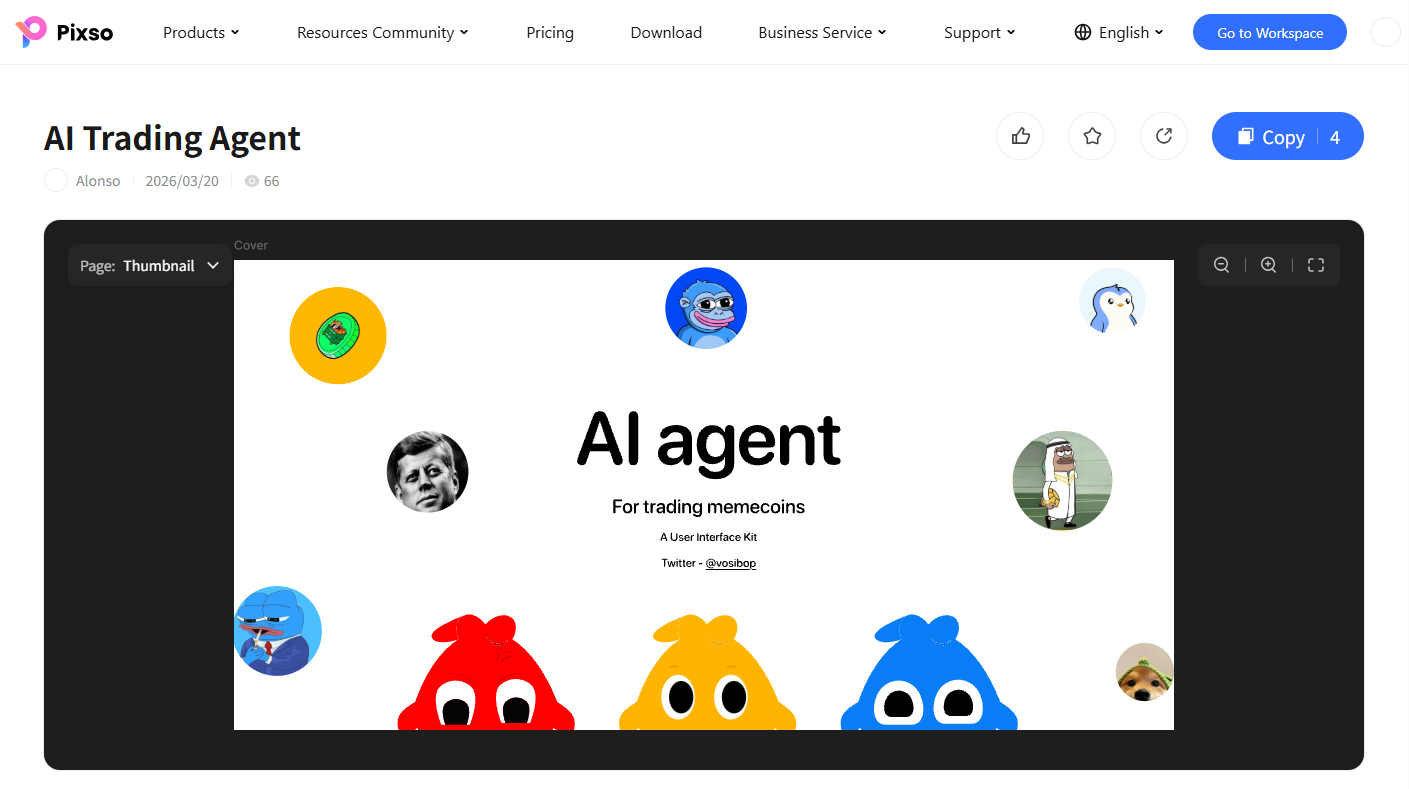
What is it? As generative AI models redefine software, natural language conversation has become a primary interaction model. AI-native interfaces abandon static button-and-menu layouts. Instead, AI interprets natural language prompts and dynamically generates or assembles optimal UI components, live charts, or workflows on the fly.
Specific Implementations:
- Conversational Generative UI: Real-time UI layout assembly driven by natural language prompts.
- Prompt-Driven Dashboards: Instant generation of custom charts and reports via conversational queries.
- Multimodal Inputs: Seamless combinations of text, voice, and image inputs within a single workflow.
- AI Copilot Panels: Persistent side assistants providing real-time suggestions and automated actions.
🔗More details about this resource
Trend 7. Accessibility-First Inclusive Design
What is it? With global regulations like the European Accessibility Act (EAA) and expanded digital compliance standards, accessibility has transformed from an optional feature into a non-negotiable core standard. Inclusive design ensures equal usability for people with visual, hearing, or motor impairments, as well as elderly users and non-native speakers. It stands out among the latest UI/UX design trends for 2026 as a bridge between social responsibility and business value.
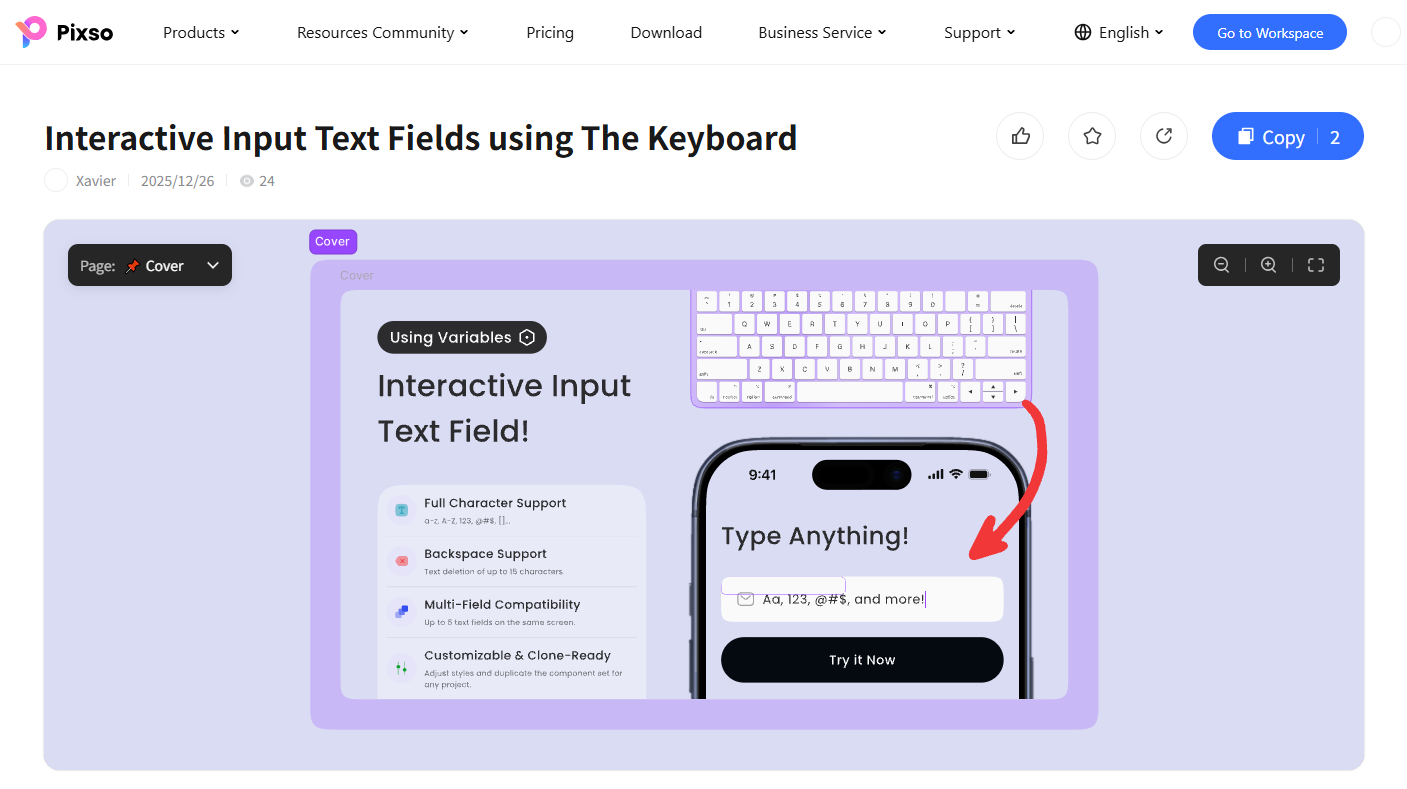
Specific Implementations:
- High-Contrast Color Modes: Palette choices satisfying WCAG AA and AAA standards.
- Adaptive Typography: Fluid text scaling respecting system-level font settings.
- Keyboard Navigation Optimization: Distinct focus indicators ensuring complete mouseless navigation.
- Screen Reader Compatibility: Semantic HTML and proper ARIA labeling for assistive technology compatibility.
🔗More details about this resource
Pro Tip: Designing 2026 UI/UX Trends with Pixso
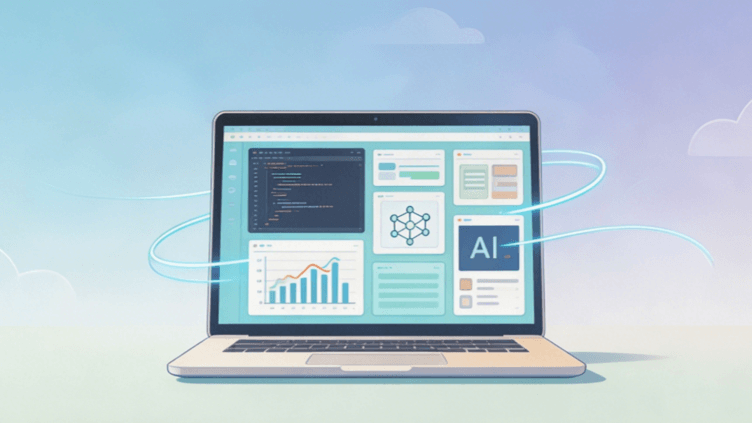
Bringing these seven design trends for 2026 to life can feel challenging, especially when dealing with complex techniques like liquid glass refraction, 3D material textures, or AI-native component generation. This is where Pixso serves as a powerful solution for modern design teams.
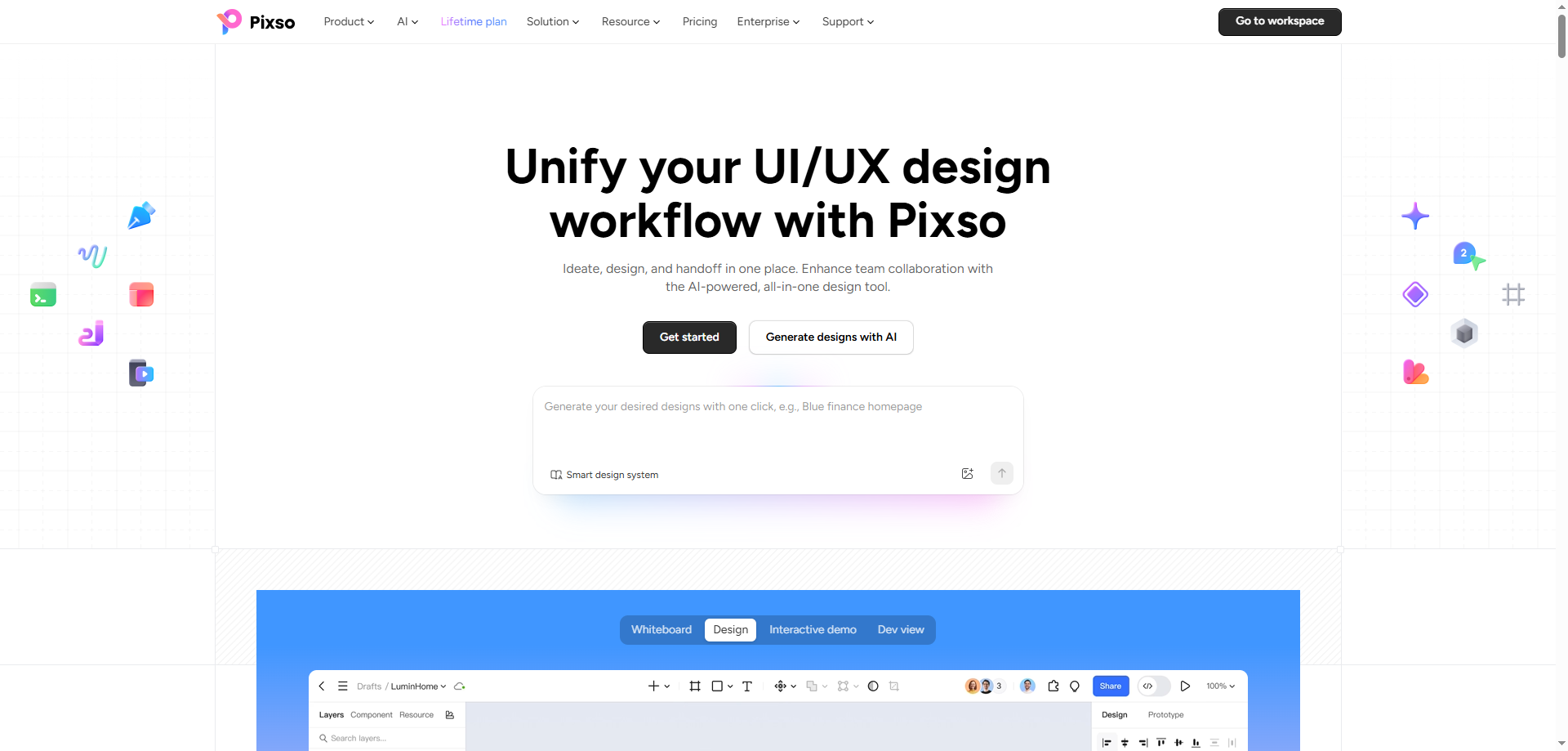
Pixso is a browser-based, collaborative UI/UX design tool equipped with AI-driven generation capabilities. It empowers designers to prototype modern interfaces rapidly without writing code or performing repetitive manual setups.
How Pixso accelerates your 2026 design workflow:
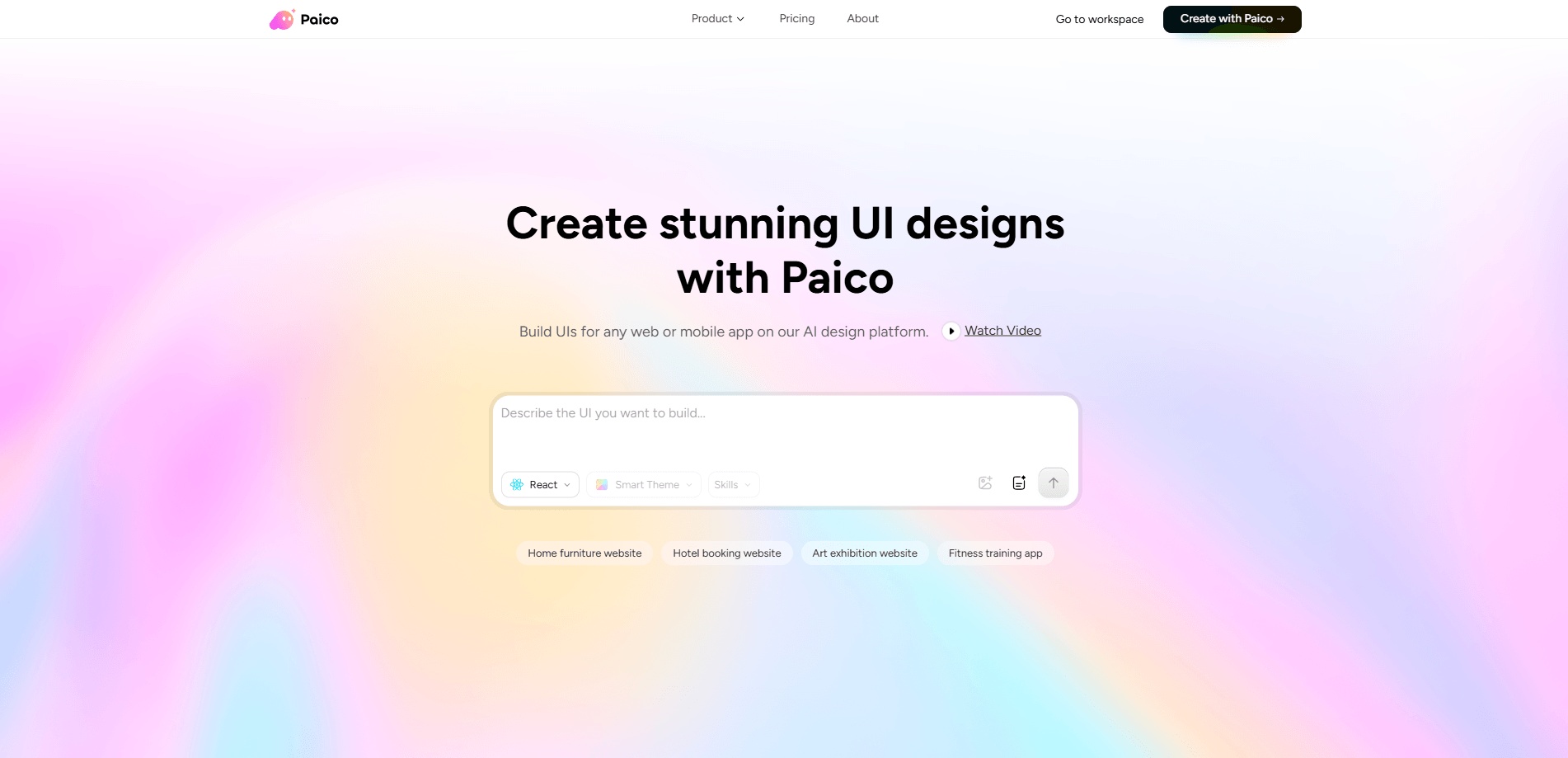
- Paico AI Assistant: Describe your design vision in natural language, and Paico generates matching UI components, layouts, and color palettes on the spot. Prompting "Create a 2026 Bento box SaaS landing page draft" places an editable layout directly onto your Pixso canvas.
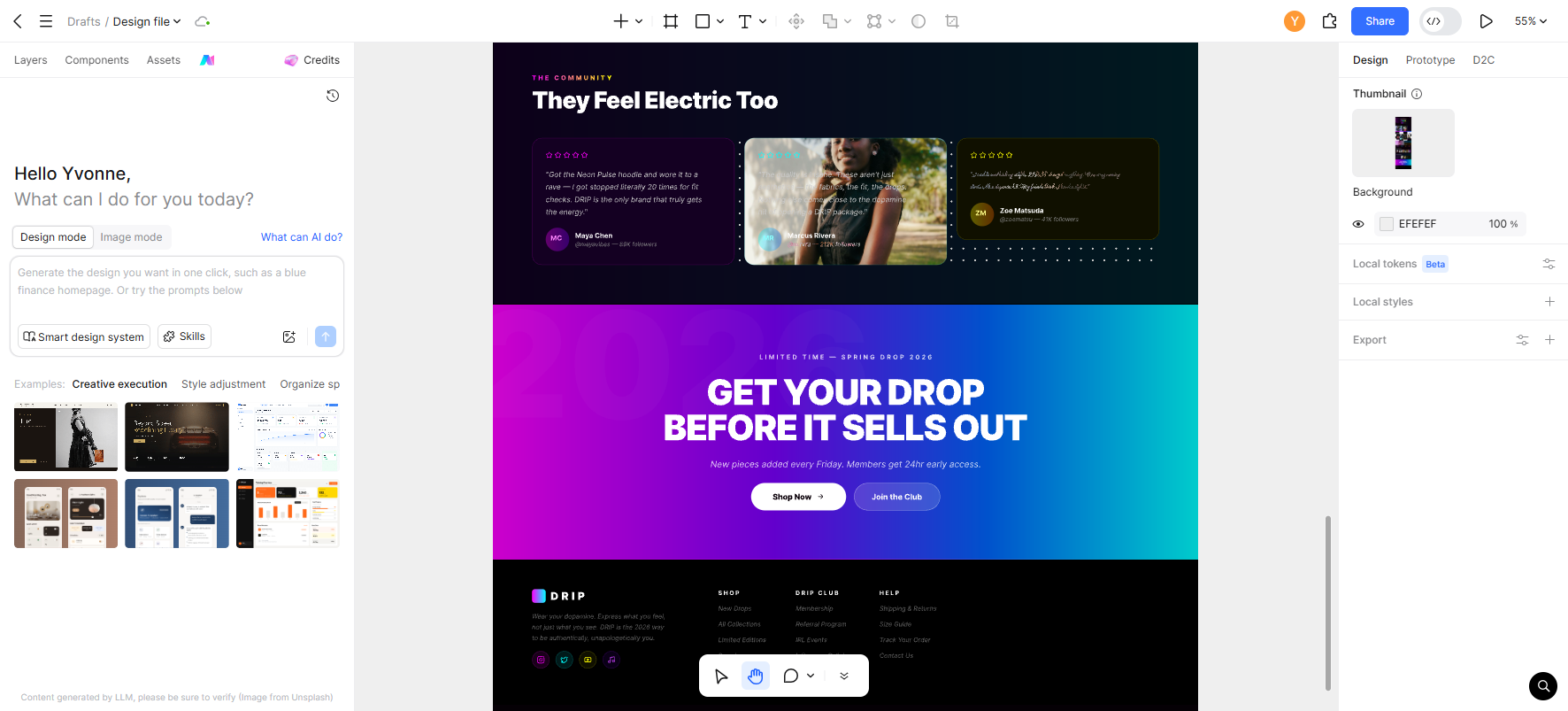
- In-Canvas AI Editing: Select any frame on your canvas and enter AI commands to adjust color schemes, swap components, or rebalance layouts automatically.
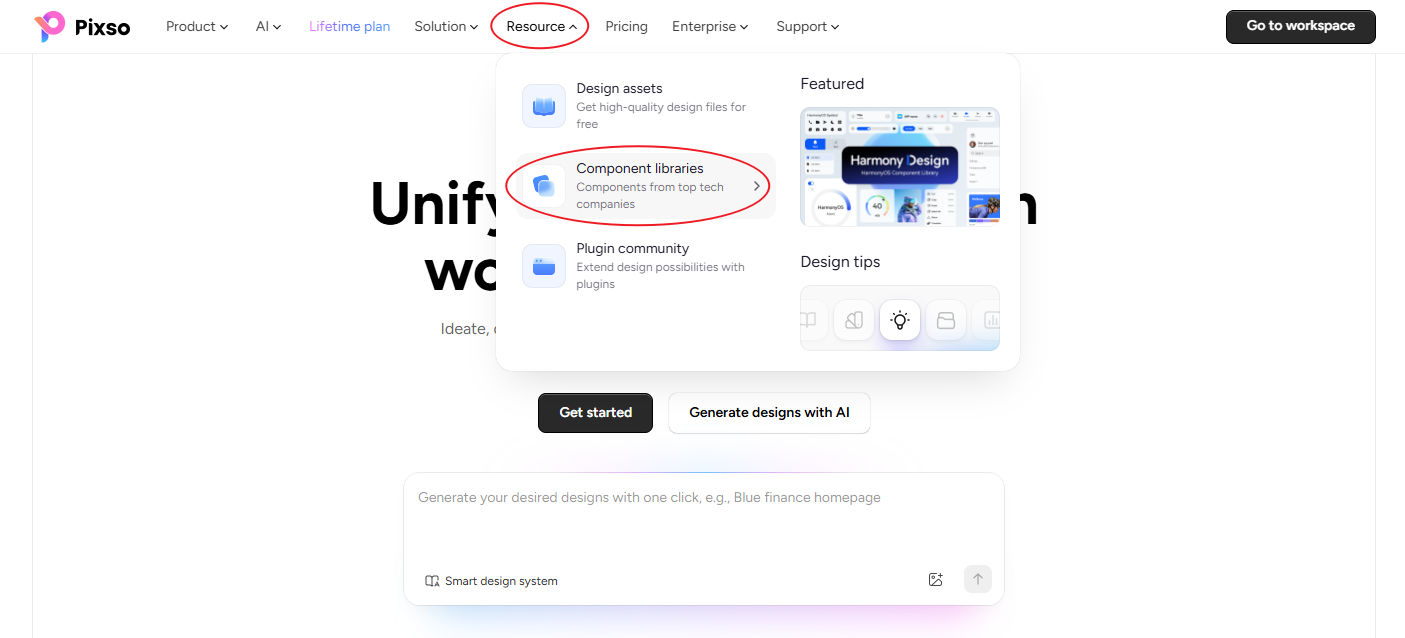
- Rich Trend Template Library: Access thousands of free, pre-built templates reflecting the latest design trends.
Whether you are an experienced design lead or an aspiring UI/UX practitioner, Pixso and its built-in AI tools make adopting the latest design trends intuitive and efficient.
Useful Resource: You can explore ready-to-use assets in the Pixso Community or follow step-by-step tutorials to master liquid glass and material effects in your UI workflows.
✅ Extra Tip
You can use the resources provided in the Pixso Community right away, or if you want to create the liquid glass effect yourself, check out the guide below.
🔗 Check out the practical tutorial on Liquid Glass Effect & UI Design
FAQ
Q1. Which 2026 UX/UI trend should beginners learn first?
Beginners should start with Bento box layouts and accessibility-first design. Bento box layouts teach fundamental grid systems and visual hierarchy, while accessibility design provides clear, rule-based WCAG guidelines. Both offer immediate practical utility and build a solid foundation for mastering advanced UI/UX design trends for 2026, such as liquid glass or AI-native interfaces.
Q2. What software can be used to design Liquid Glass effects?
Primary UI design tools like Pixso and Figma can create liquid glass effects using background blur, opacity controls, and gradient overlays. For web implementation, combining CSS backdrop-filter properties with SVG filters achieves detailed light refraction and fluid motion. Pixso offers preset styles and AI-driven style suggestions to speed up this process significantly.
Q3. Do these latest design trends actually improve conversion rates?
While trends alone do not guarantee higher conversions, applying them thoughtfully to meet user goals yields measurable results. For example, e-commerce platforms implementing AI ambient personalization report notable gains in click-through rates and session duration. Immersive scroll storytelling also increases scroll depth on brand campaign pages. Always validate trend implementations with user testing to ensure they enhance usability.
Conclusion
The ui/ux design trends of 2026 represent more than fleeting visual styles. They reflect the evolution of AI capabilities, stricter global accessibility standards, and shifting user expectations for emotional resonance. From the tactile elegance of liquid glass and the structural clarity of Bento boxes to AI-driven ambient personalization, 3D material depth, AI-native workflows, and inclusive design, mastering these seven shifts is essential for forward-thinking designers.
Pixso stands out as an ideal companion for transforming these concepts into reality. Through Paico AI, canvas editing features, and real-time collaboration, Pixso allows teams to prototype, test, and iterate efficiently in one platform. Explore Pixso today to bring the latest UI/UX design trends for 2026 into your next design project.