Scott
Bringing a react app from initial concept to live production typically involves multiple stages: requirement gathering, wireframing, UI/UX design, front-end development, and iterative testing. Product managers refine product requirement documents (PRDs), designers craft mockups, and front-end developers translate those visual designs into React code. Even when using low-code tools, teams still spend significant time manually configuring component structures and page logic.
As AI agents become more sophisticated, the application development workflow is undergoing a fundamental shift. Today, users can simply describe a product vision in natural language, and AI agents will analyze requirements, structure pages, generate UI interfaces, and output production-ready React code. For teams seeking to validate product ideas rapidly, this approach significantly shortens the time between concept and functional app prototype.
Using an enterprise project management platform as a real-world case study, this guide explores how to build a react app with Paico. From requirement input and adaptive layout design to conversational AI optimization and launch preparation, you can complete the entire build in three streamlined steps.
1. Why AI Agents Are Transforming the React App Development Workflow
In traditional software development, building an enterprise project management platform from scratch requires defining functional specs first: mapping out required pages, core business modules, and role-based permissions. Once specs are finalized, designers create wireframes and UI mockups, while front-end engineers write the corresponding React code. The key challenge with this approach is the long distance between a product concept and a working web application. Functional proposals often require extensive back-and-forth communication, and whenever requirements change, design files, codebase branches, and testing workflows must all be manually updated in sync.
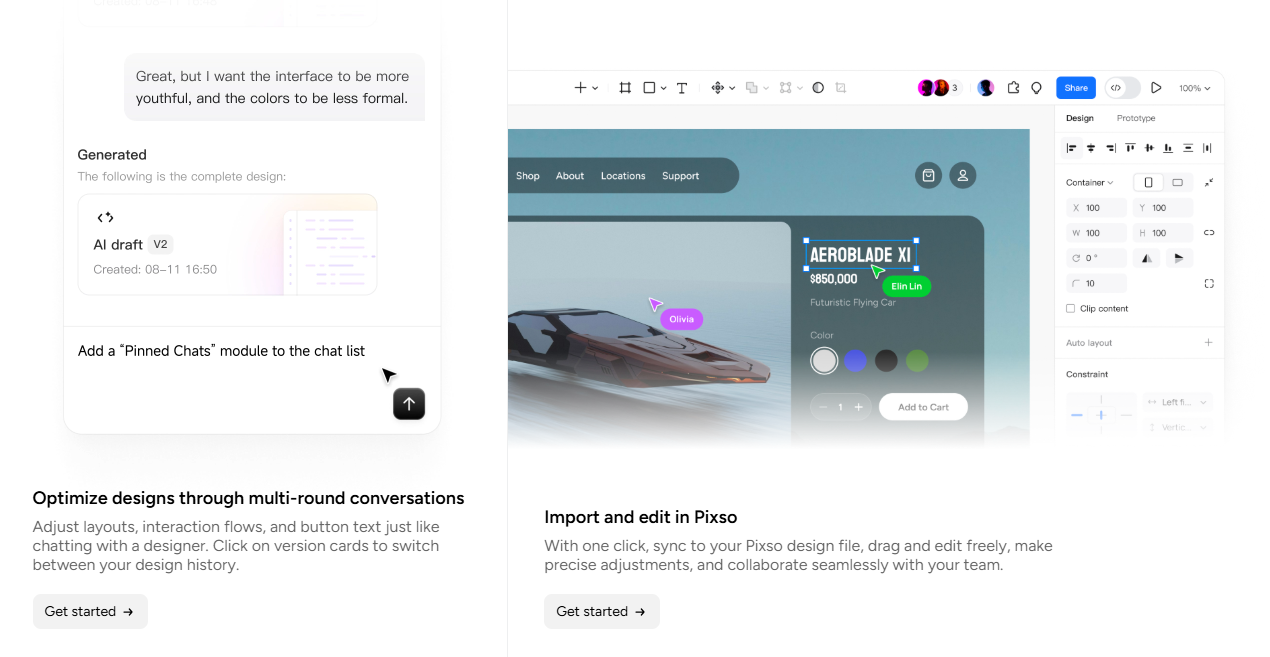
AI Agents transform this workflow completely. Instead of just generating static mockup images, AI agents understand business goals and translate natural language prompts into structural application architecture. For instance, when a user asks to "create an enterprise project management system featuring project lists, task assignments, team collaboration, and analytics dashboards," the AI agent breaks down the requirements systematically: a home dashboard summarizing project metrics, project pages for tracking status, task screens for creation and assignment, and analytics pages for team velocity.
This requirement-driven generation model changes how React apps are created, moving from sequential "design first, code later" workflows to an AI-assisted paradigm where design and development happen simultaneously.
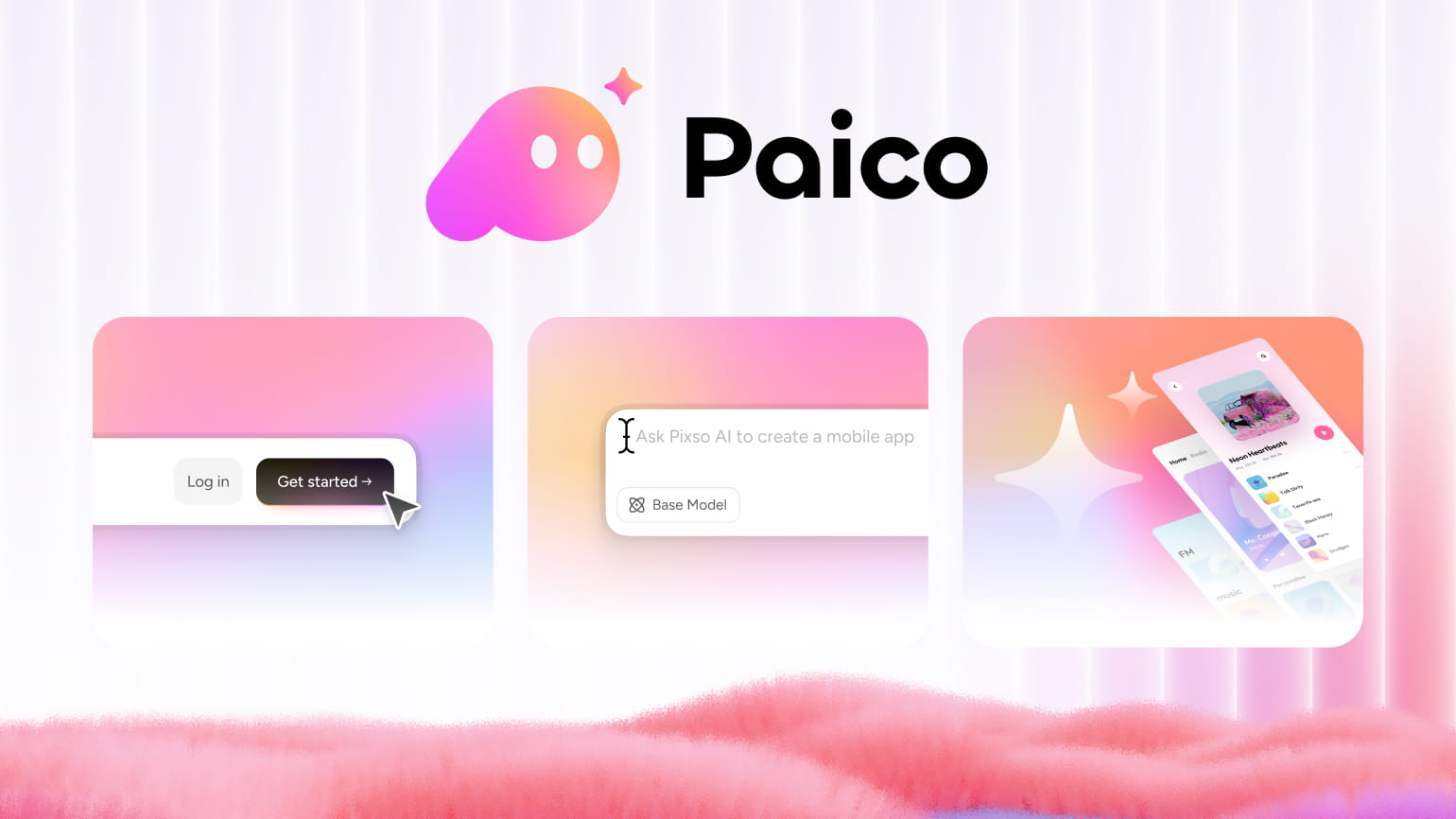
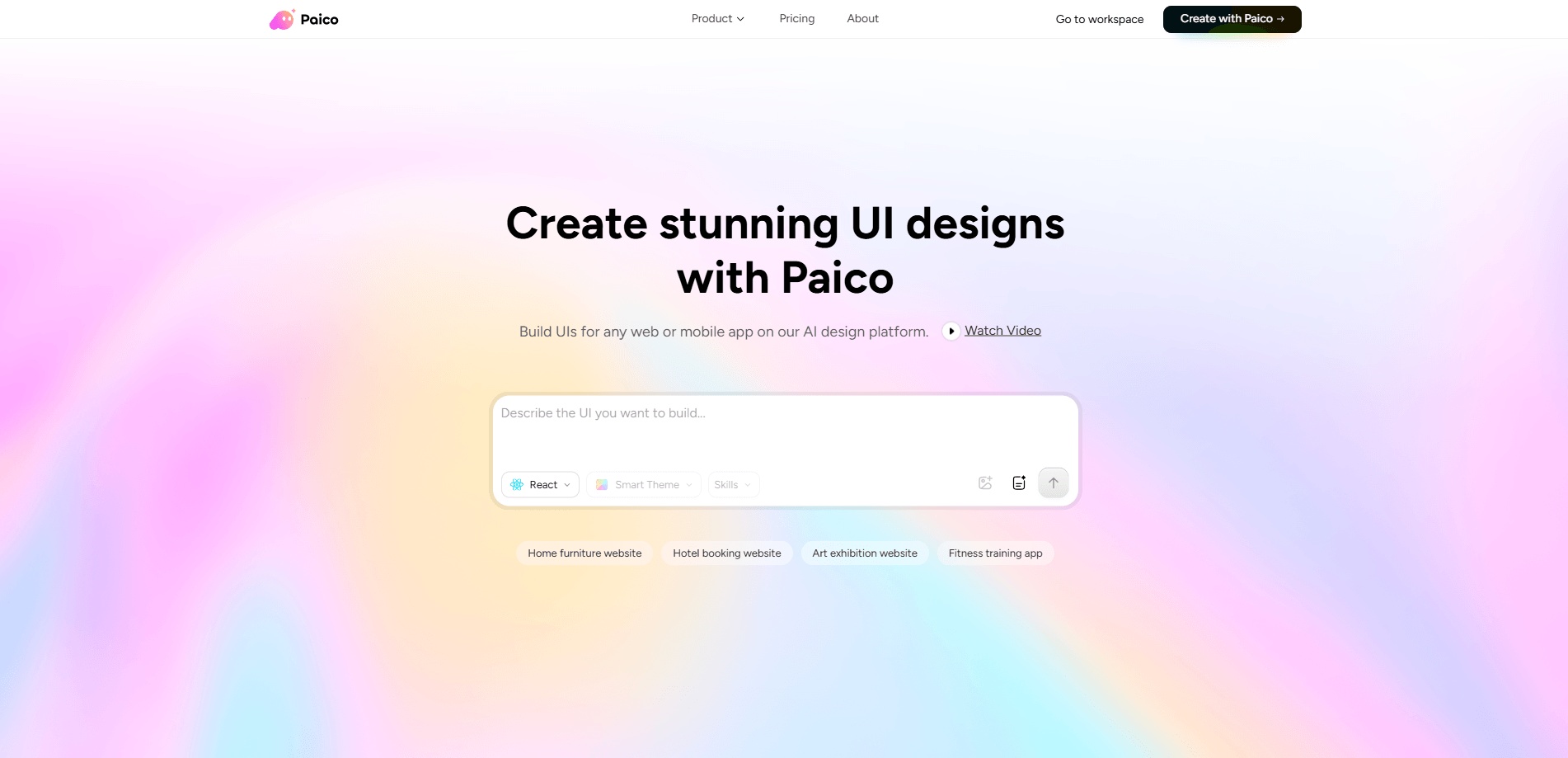
Paico is an AI app builder designed around this paradigm. Instead of assembling UI components on a blank canvas, users describe what they need and let ai agents handle the build process. For product managers, UI/UX designers, and startups, the real value lies in rapid product validation, seeing a functional, near-production app before committing engineering resources.
2. Input Product Ideas: Let AI Agents Auto-Generate React App Architectures
The first step to create react app projects is defining app goals and core feature sets. When building apps in Paico, users can type in natural language prompts to help the AI understand the business context.
For example, to build an enterprise project management platform, you might enter: "Create an enterprise project management system for team collaboration. The app should include a dashboard, task management, team member directory, and performance analytics, allowing employees to track project progress and task status."
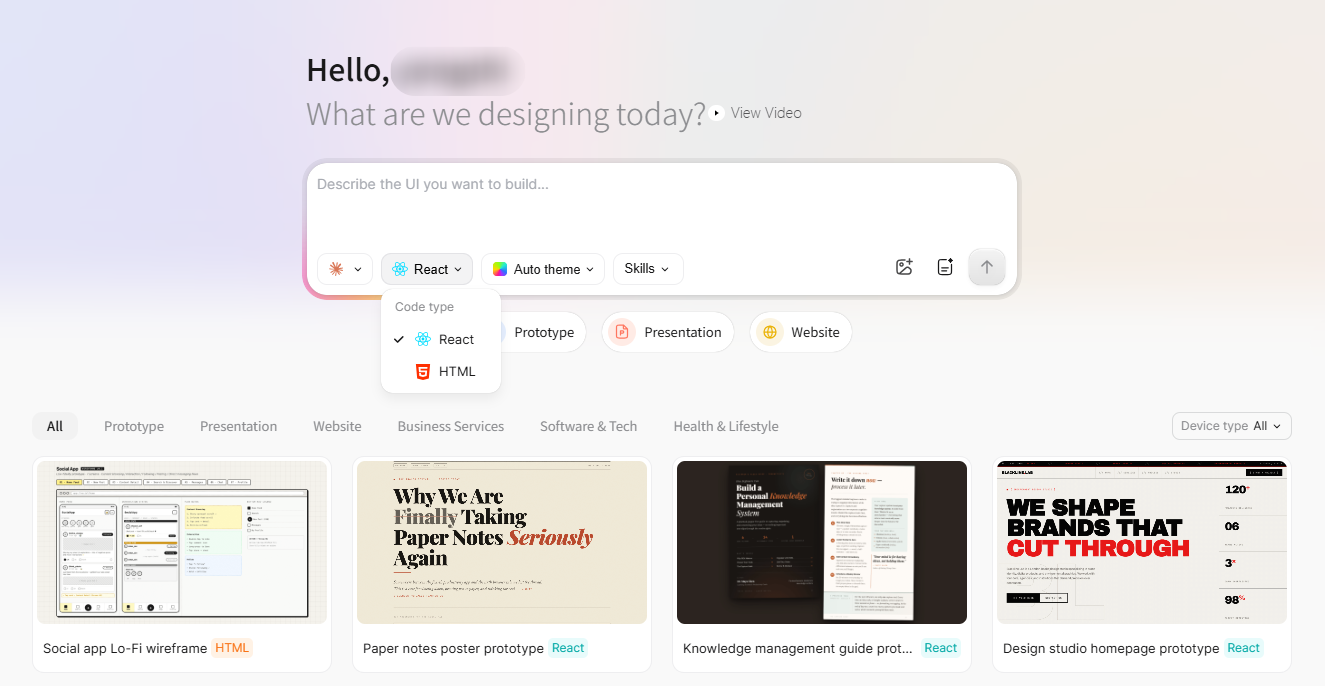
Based on this description, AI agents analyze the app architecture and generate a comprehensive page scheme:
- Sign-in Page: Authenticate team members into the platform.
- Dashboard Homepage: Display high-level metrics like total projects, task completion rates, and team bandwidth.
- Project Management Page: List active projects and track current statuses.
- Task Management Page: Enable task creation, assignee delegation, and progress tracking.
- Member Management Page: Manage team profiles and role permissions.
- Analytics Page: Visualize project velocity and team performance through interactive charts.
Compared to traditional ways to create a react app, this step eliminates tedious upfront planning. Users do not need to wireframe every page component or figure out complex technical implementations beforehand; they simply articulate business requirements clearly.
In an AI agent-driven workflow, AI acts as an intelligent product design co-pilot rather than a simple code generator. It fills in missing UI requirements and proposes complete solutions based on common design patterns.
If you want to experience how to create a react app from natural language prompts, sign up for Paico to test AI-driven app generation firsthand.
3. Auto-Generate Adaptive UI and Export Production-Ready React Code
Once the app architecture is defined, the next step is generating page interfaces. Modern applications must look great and adapt seamlessly across diverse screens. Traditionally, responsive layouts require front-end developers to write complex media queries and CSS rules for various viewports, multi-column layouts on desktop vs. single-column stacks, mobile drawers, and resized card grids on smartphones.
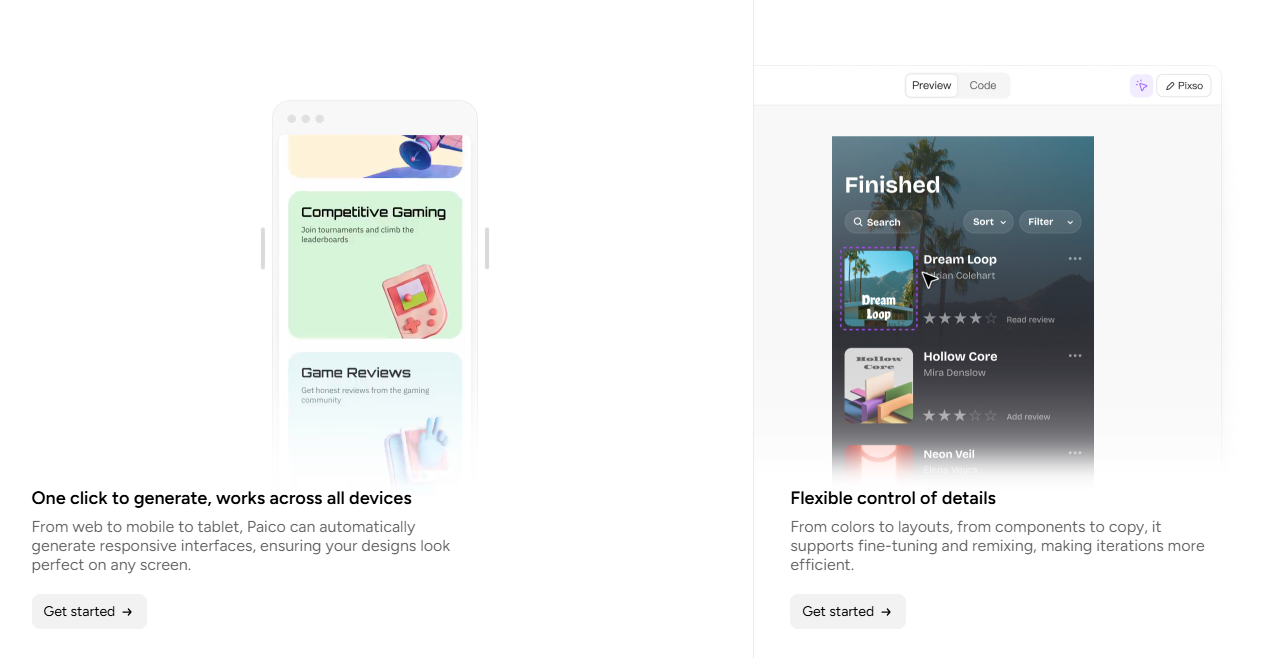
In an AI agent-driven workflow, adaptive layouts are generated automatically alongside UI pages. Taking our project management platform as an example, when generating the dashboard, Paico structures layout rules dynamically: on desktop, the dashboard presents a multi-column view with stats, trend charts, and status lists; on tablets, component ratios adjust to preserve visual hierarchy; on mobile devices, horizontal cards stack vertically and sidebar navigation transforms into a mobile-friendly menu drawer.
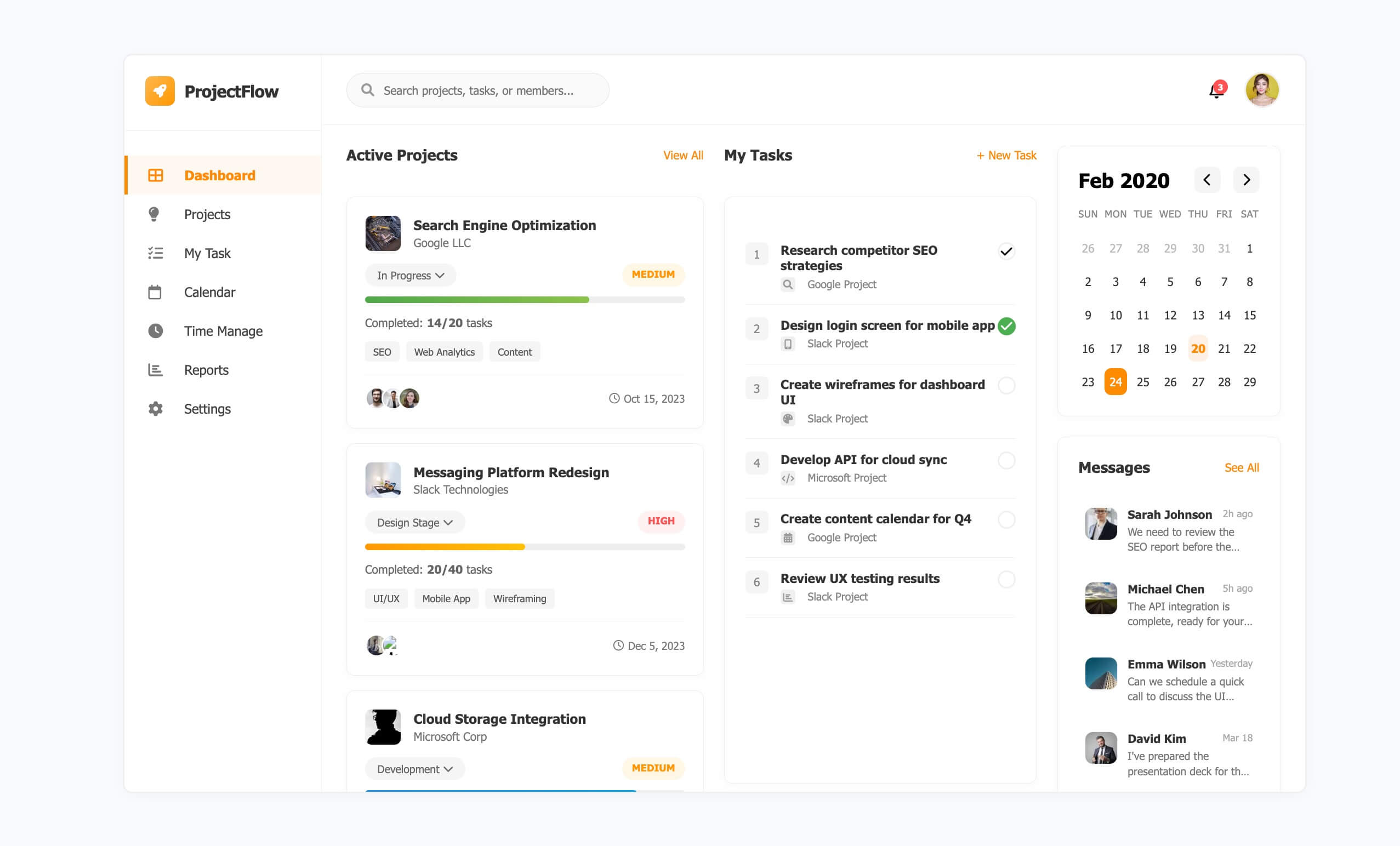
This built-in adaptive layout capability minimizes manual CSS tweaks for developers and brings the generated react app much closer to real-world production standards.
Beyond generating adaptive UI interfaces, Paico outputs clean React code simultaneously. Traditional design tools deliver visual mockups that developers must manually reconstruct in code. An AI-driven approach keeps design mockups and front-end code tightly synchronized. For teams building internal admin dashboards, SaaS tools, or enterprise platforms, simultaneous responsive layout and React code generation dramatically accelerates time-to-market.
4. Iterate via Conversational AI to Optimize and Launch Faster
Once an application is generated, it usually requires further refinement. In real-world product design, requirements are rarely fixed in stone; teams identify usability issues during testing and iterate.
In standard web development, modifying page structures means designers must update Figma or Sketch files before developers rewrite components in code. Paico's AI agent model lets you optimize your react app directly through natural language prompts. For example, you can give simple instructions like: "Switch the homepage to a dark-mode admin style, add a project risk alert widget, and refine the mobile view layout."
Paico interprets the intent and updates the existing app structure dynamically. This conversational interface makes building a react app remarkably flexible, allowing product teams to experiment with design iterations and validate ideas in minutes.
Beyond visual tweaks, AI conversations help refine page layouts, component styles, functional modules, and interactive user flows, saving startup teams, enterprise builders, and MVP creators countless hours of manual revisions.
FAQs: Building a React App with AI Agents
Q1. Can React apps generated by AI agents be used directly in commercial projects?
React apps generated by AI agents are ideal for building rapid prototypes, validating business models, and speeding up front-end development. The generated code serves as a solid foundation that developers can customize based on business logic. For full commercial launches, you can connect the generated front-end code to back-end services, databases, authentication APIs, and security permissions.
Q2. Can non-coders create a react app using AI agents?
Yes. A key advantage of using ai agents is lowering the barrier to software creation. Users do not need deep technical experience or expertise in complex React workflows—simply describe the desired functionality, and the AI agent handles page layout design, component structure, and code generation.
Q3. Does the AI-generated react app support mobile and desktop responsive layouts?
Yes. Modern web apps must run seamlessly across different devices, making adaptive layouts essential when you build a react app. Paico automatically adjusts element positioning and visual hierarchies for web, tablet, and mobile viewports during layout generation.
Q4. Do I need to regenerate the entire app if my requirements change?
No. AI agents maintain contextual awareness. You can request changes conversationally—such as adjusting color schemes, adding new feature modules, or tweaking layout structures—and the AI updates the existing codebase incrementally. This is significantly faster than re-designing and re-coding from scratch in traditional workflows.
Q5. How do AI agents differ from traditional low-code tools?
Traditional low-code platforms rely on manual drag-and-drop component configuration, requiring users to understand visual page trees and property bindings. In contrast, ai agents use natural language prompts to understand business goals, auto-layout UI pages, export clean React code, and handle conversational edits. For teams looking for the fastest way to create a React app, AI agents provide a far more flexible, intelligent workflow.
Conclusion
From initial concept to pre-launch validation, ai agents are drastically shortening the gap between design and development. By integrating requirement analysis, UI generation, adaptive layout execution, and code export, app creation is no longer bound to slow, sequential workflows. Paico brings conversational AI agents into React app creation, empowering product managers, designers, and developers to transform ideas into functional app prototypes effortlessly. If you are building SaaS tools, enterprise management systems, or custom web platforms, register for Paico today and experience the future of AI-driven app development.
![[Full Guide] Tags UI Design](https://pixso.net/assets/editorial/20261007/tags-ui/hero-en-d9655843ddcdfd38.webp)